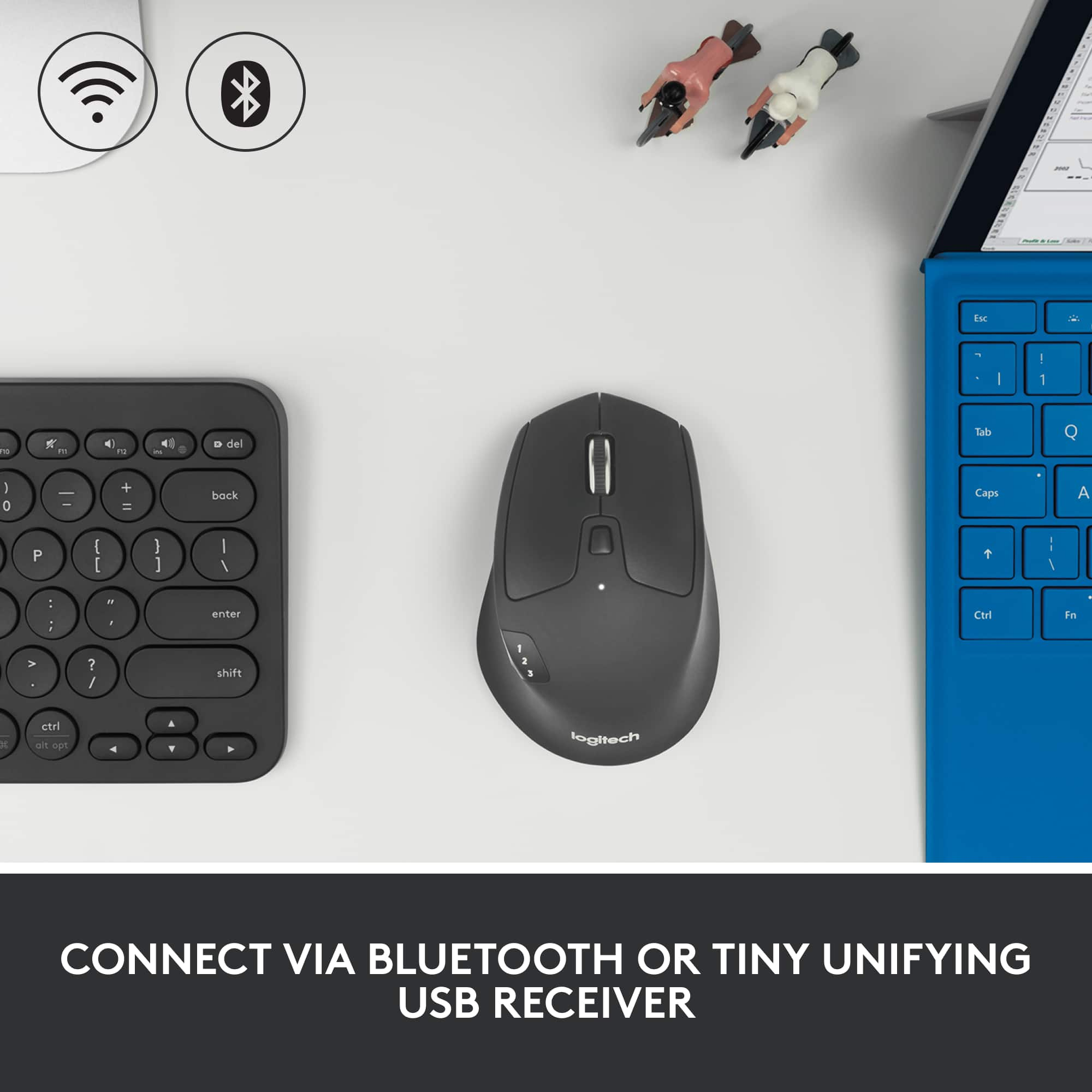
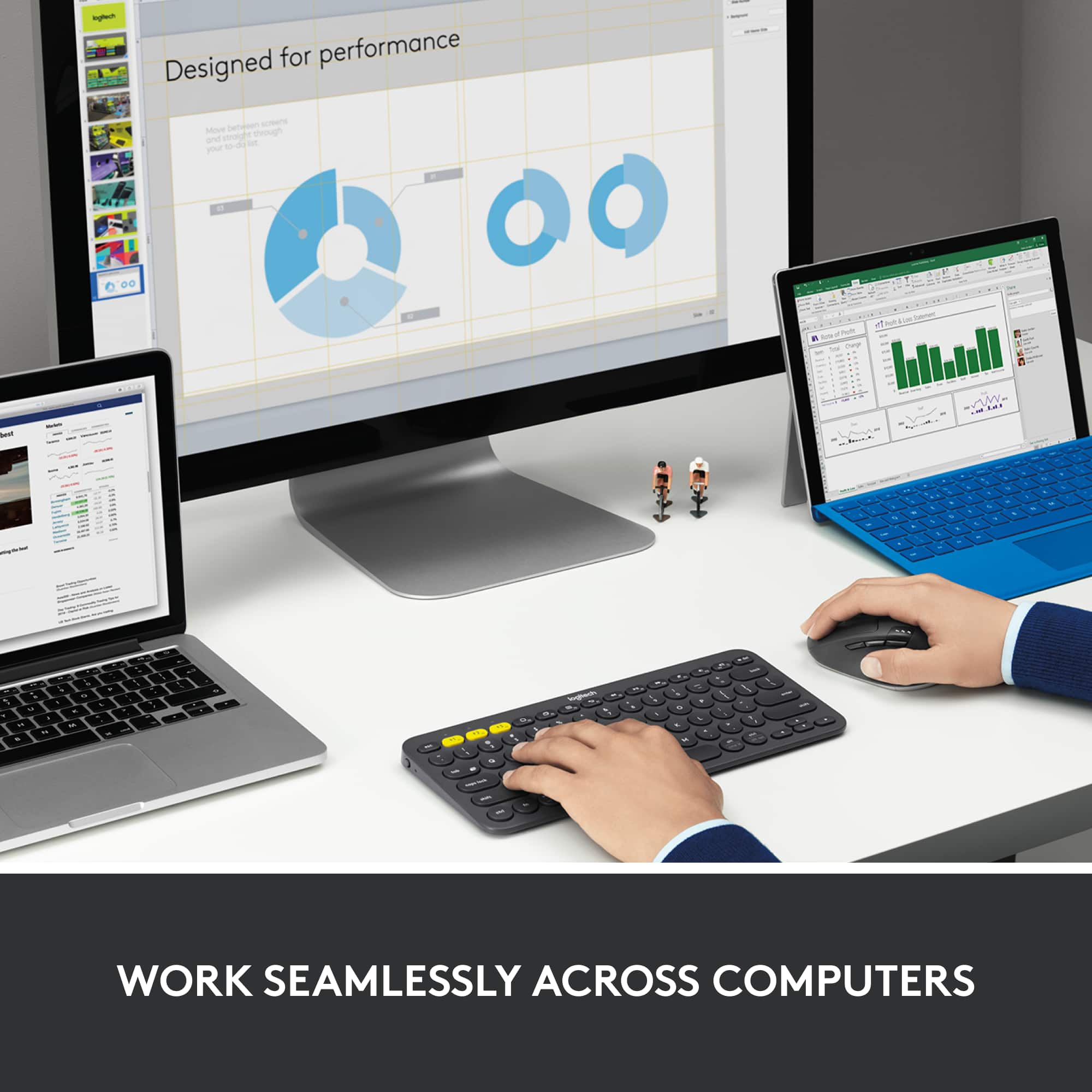
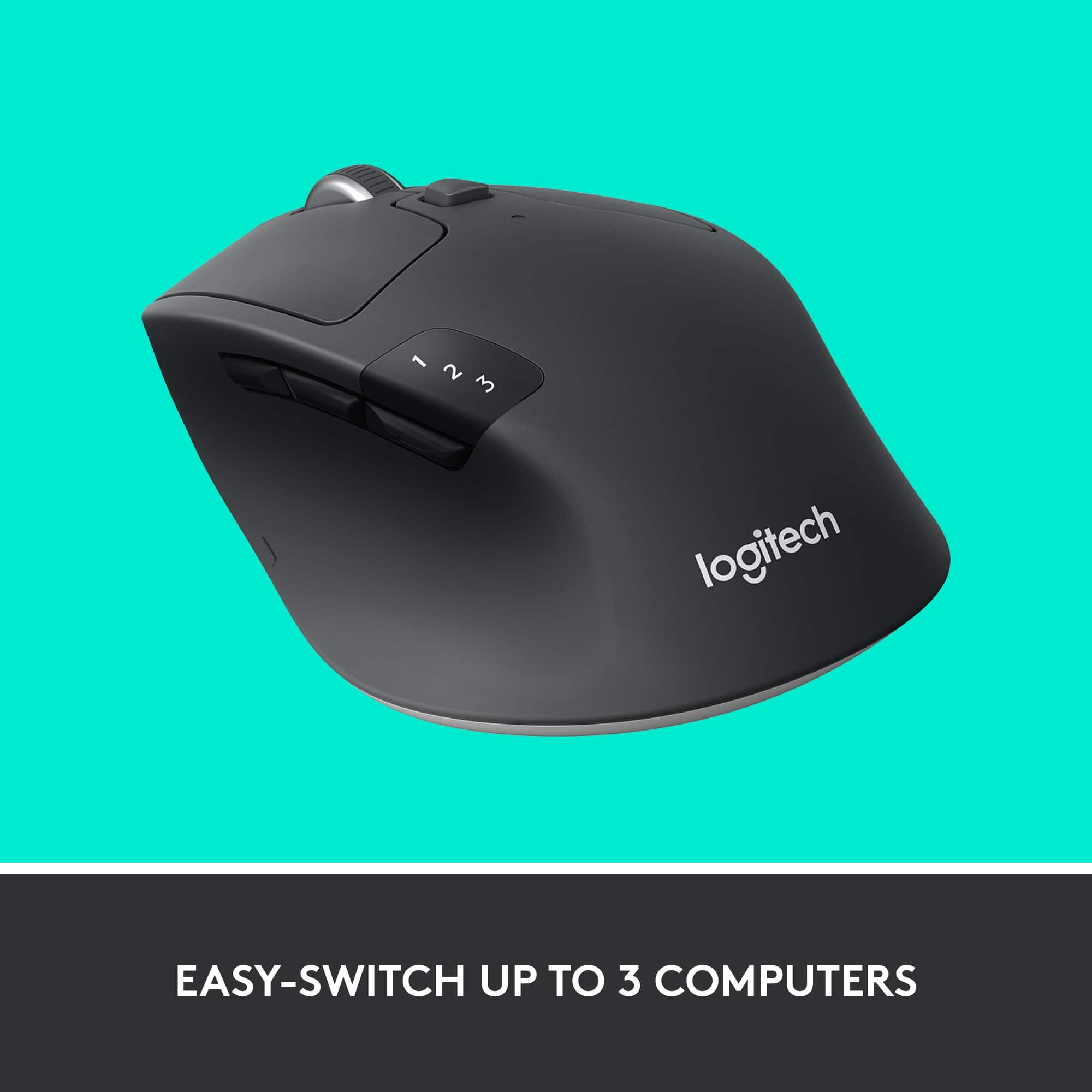
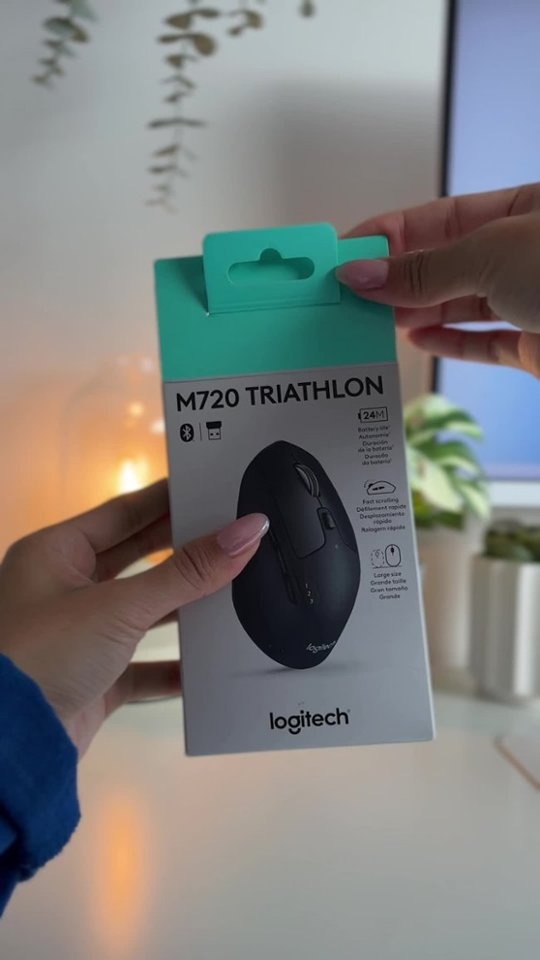
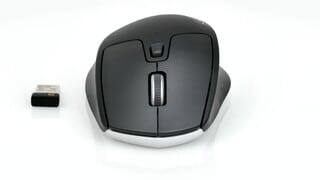
A:AnswerYes, they are sold as a combo as well as individually set so you can add the mouse to it as long as the keyboard has a unified receiver. The mouse also works on Bluetooth.
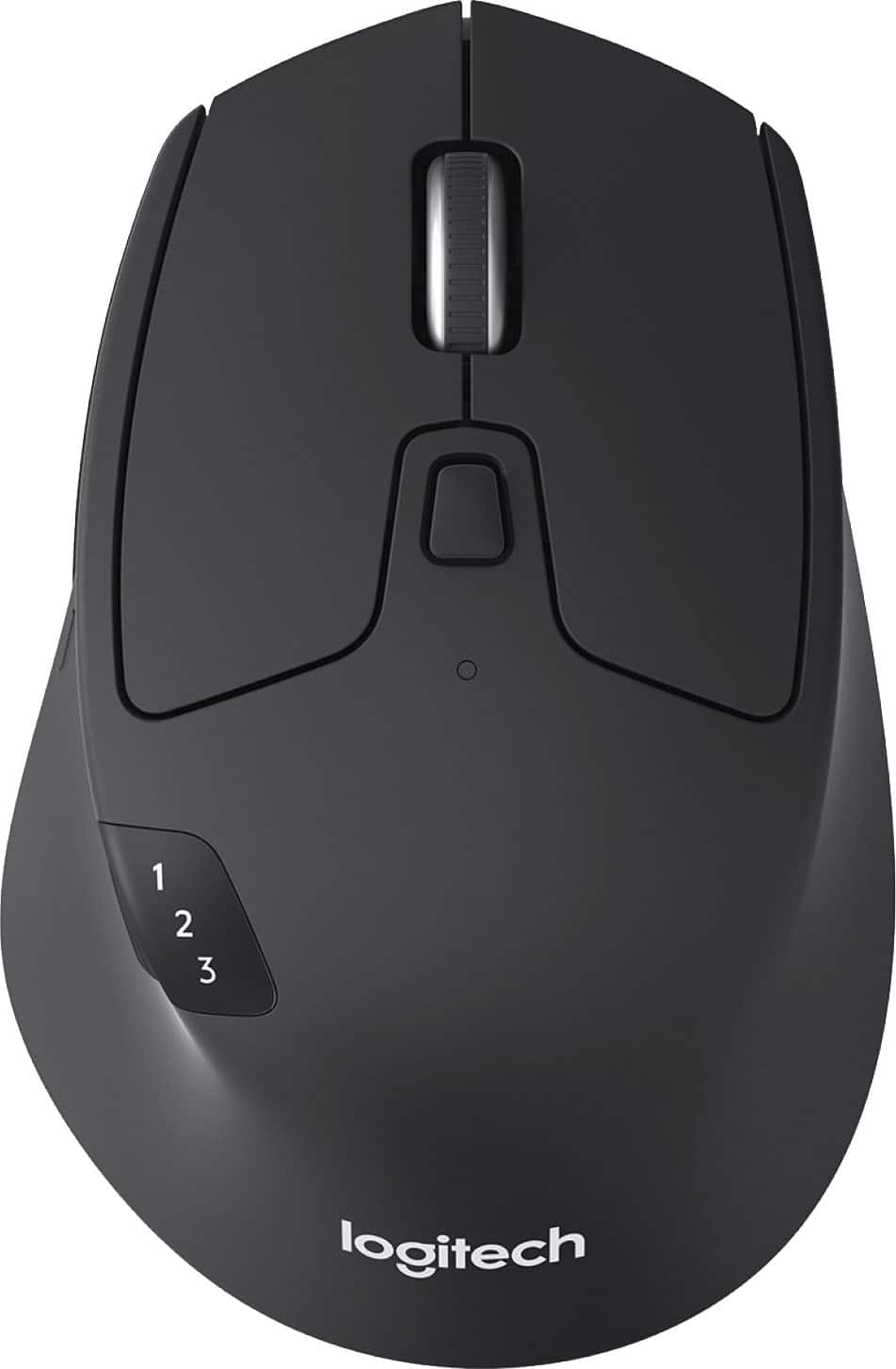
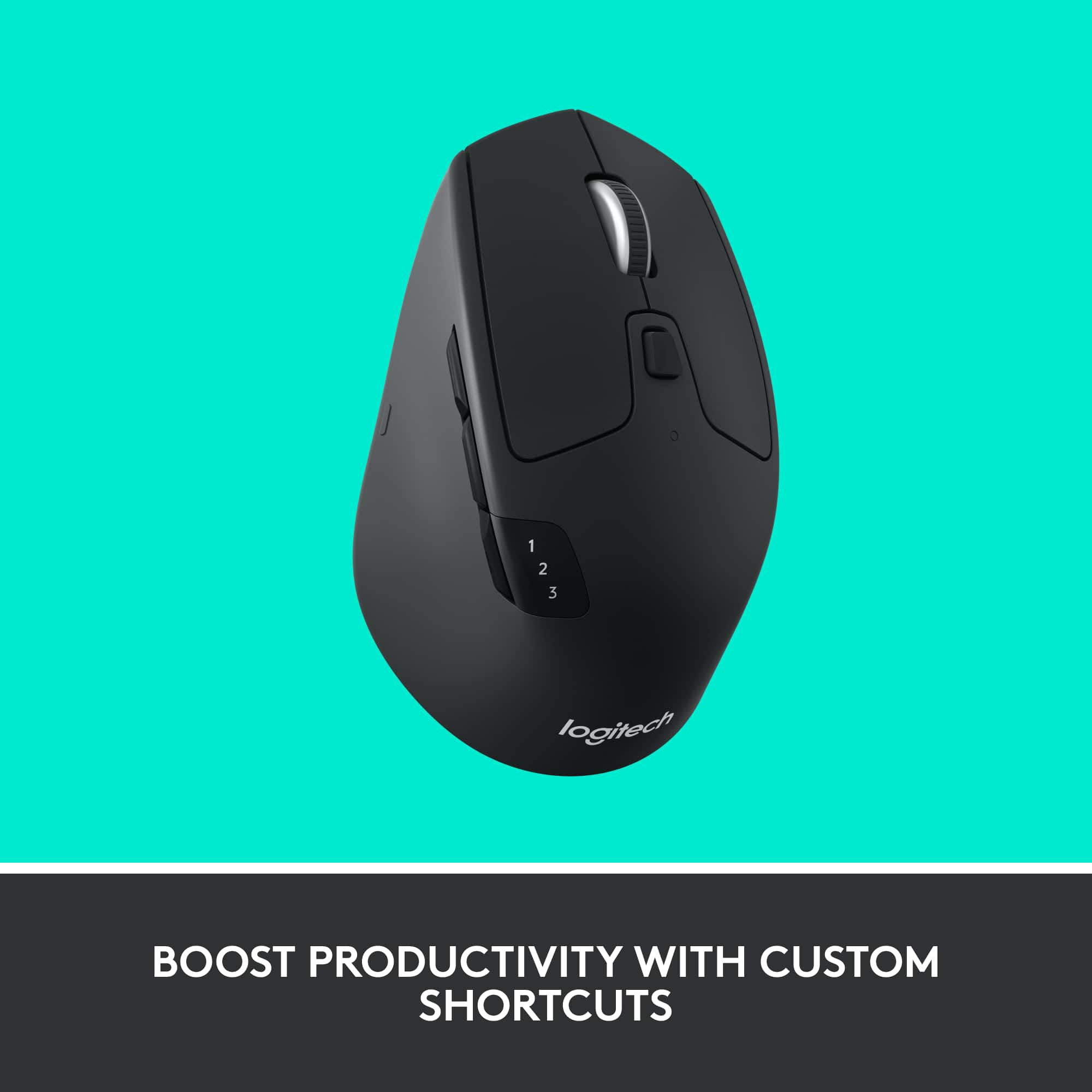
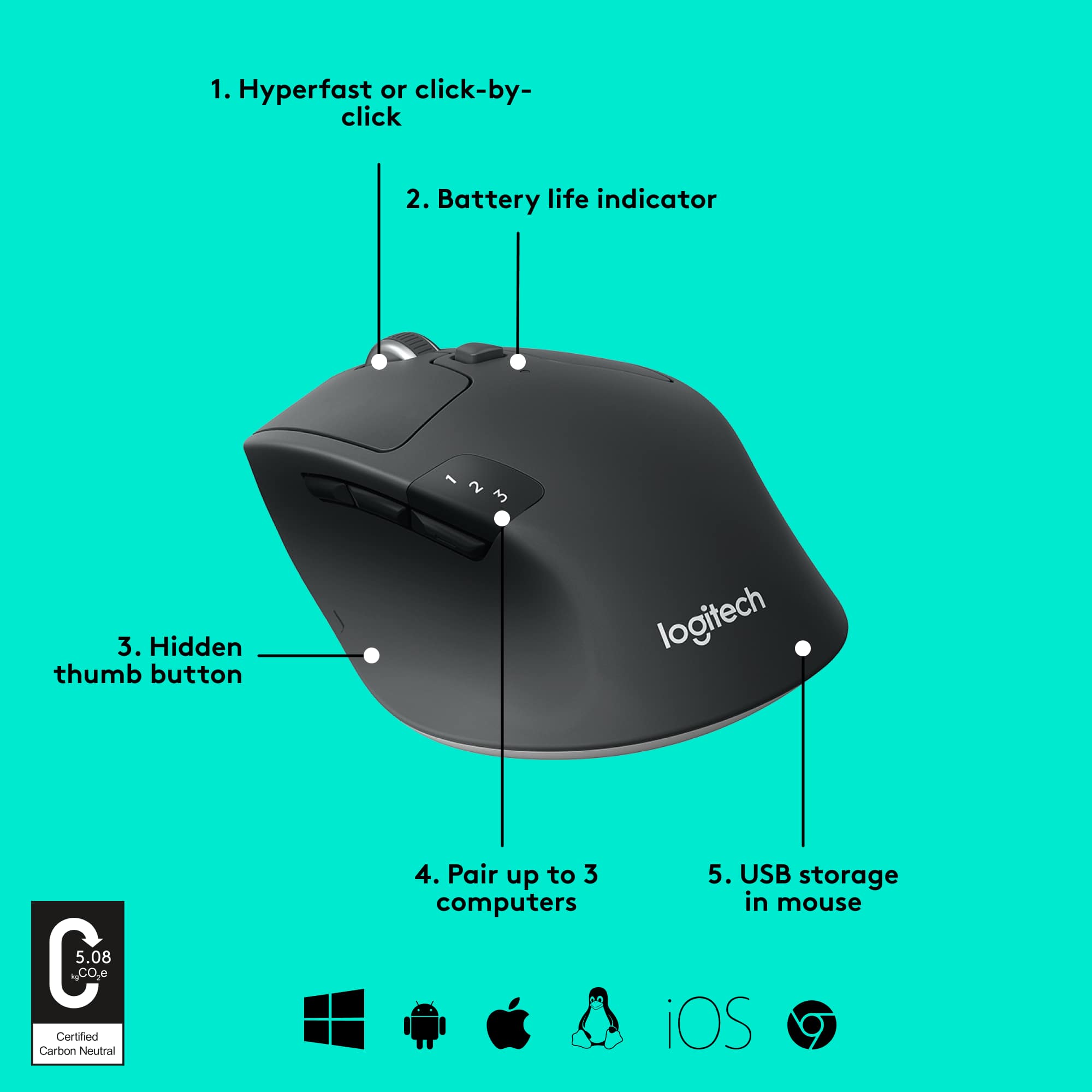
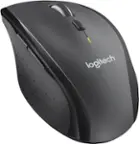
A:AnswerYes, the M720 Triathlon mouse has a left and right tilt, scrolling-wheel with customizable button controls with the "Logitech Options" software. Which you can use to copy and paste from the mouse.
A:AnswerIf your talking about the wheel and scrolling, it has two settings. One is quiet and makes no noise and the other setting clicks but not very loud. You have to push the button directly below the wheel.
A:AnswerIf your 4 year old computer is running Windows 7 like mine is, you won't be able to get the mouse to work using Bluetooth. It still works with the receiver.
A:AnswerHello, the M720 is compatible with these OS via USB receiver and also Bluetooth.
Windows | Mac®| Chrome™ OS | Linux® | iPadOS® | Works with Surface™
It should work with you Samsung Flex.
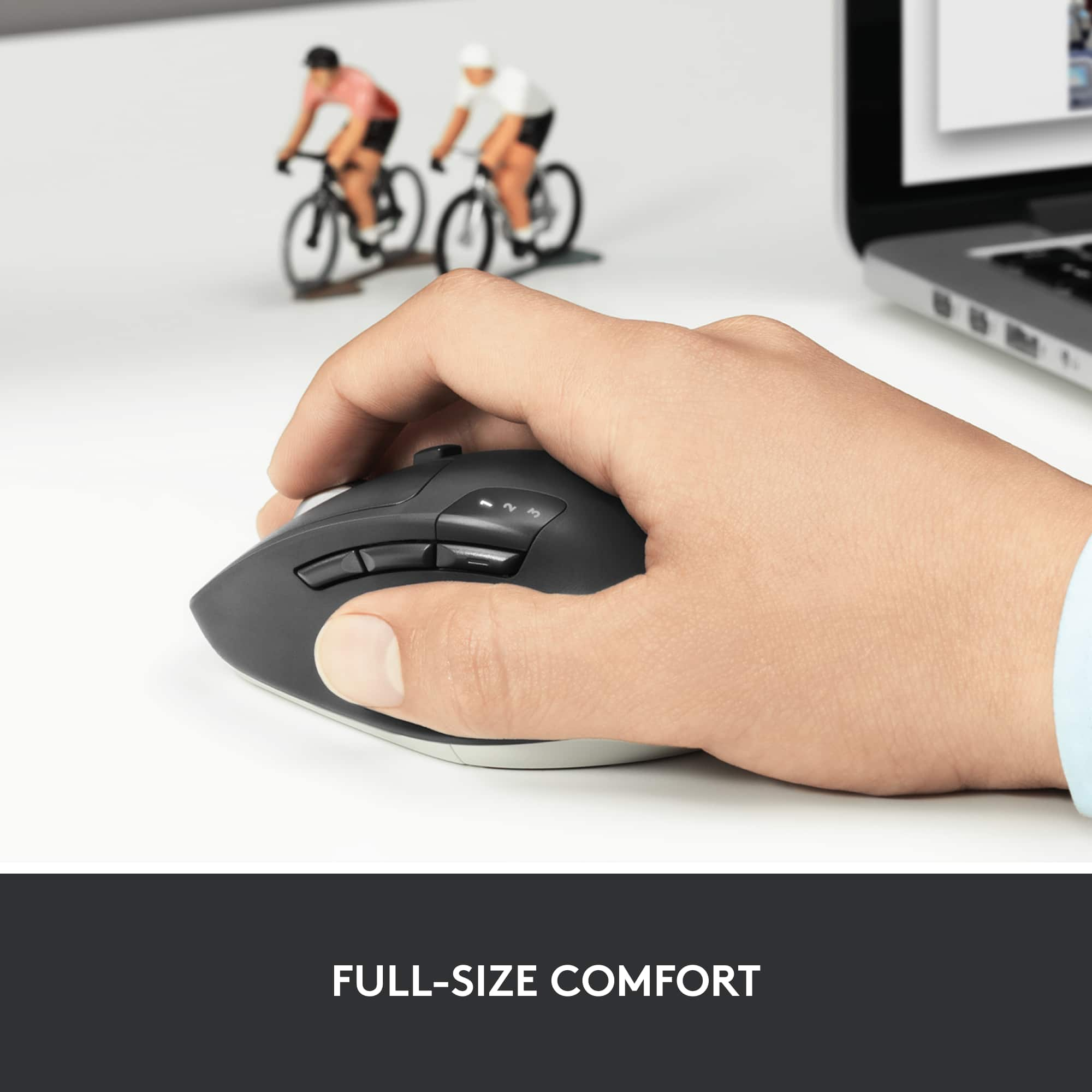
A:AnswerOne can program their mouse to do a lot of things like that. It would be best if you get the manual & read, step by step, on how to. If ya still can't figure it out, talk to Logitech themselves. But, I didn't have any problems w/it's programing either. & yes, I use one of the side buttons to go forward & one to go back. Hope this helps. (The manual helps a lot in understanding this mouse). Have a great day! (Sorry no pics)