Questions & Answers
- Model:
- 910-006928
- |
- SKU:
- 6539506
Highly rated by customers for: Ease of use, Battery Life, Size
$89.99$89.99
Page Showing 21-31 of 31 questions
Q: QuestionDoes this work with levono yoga 7.1 or 2
Asked by Darlene.
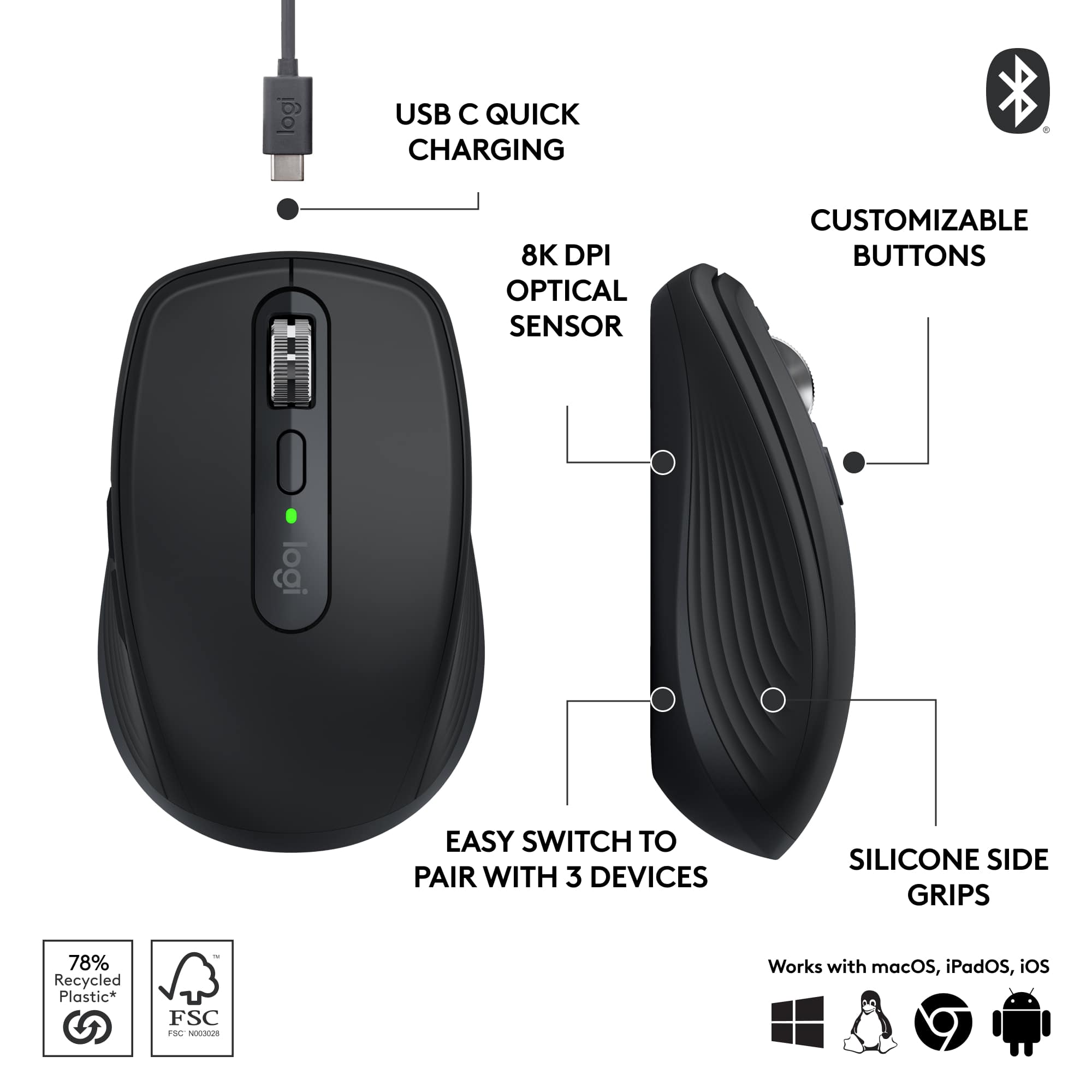
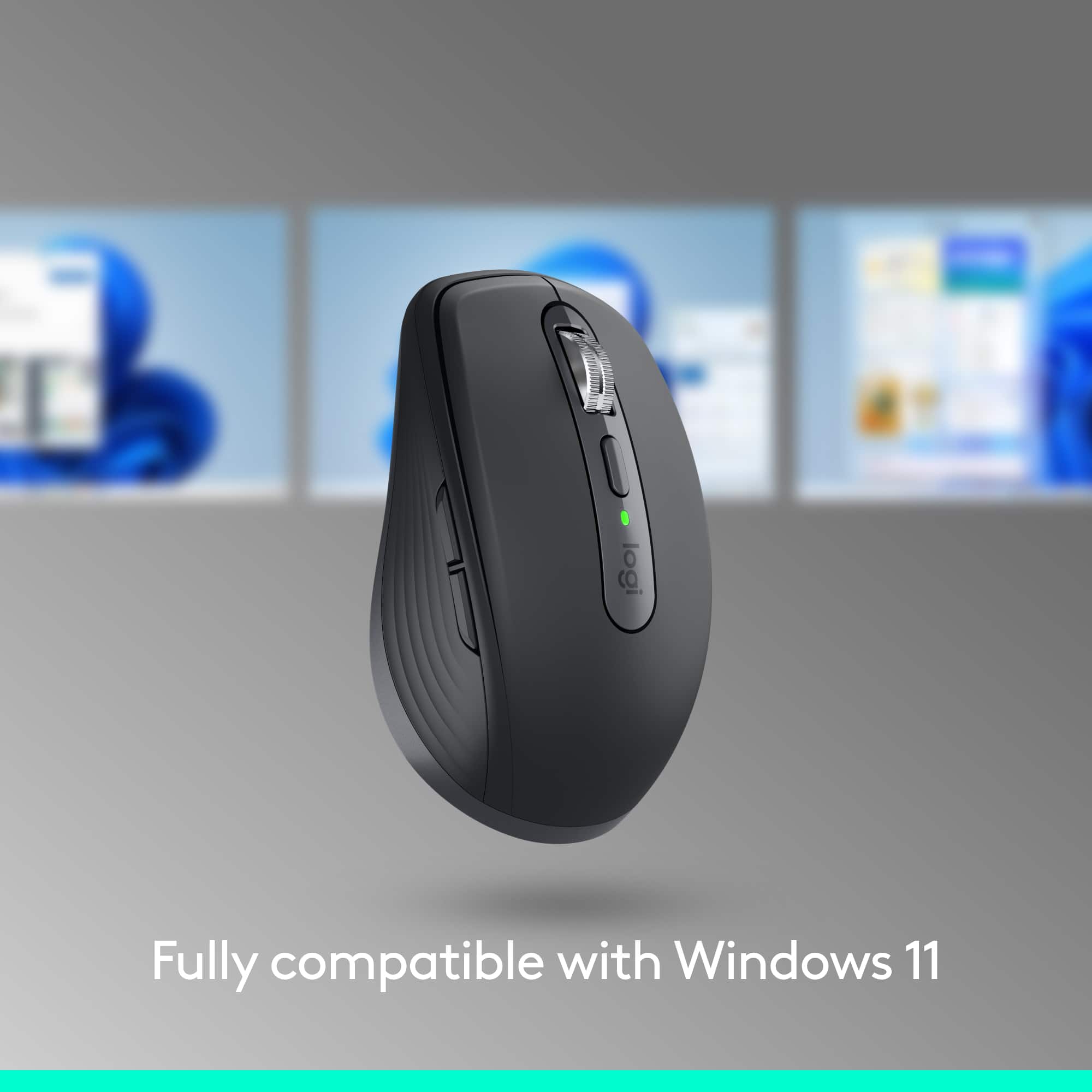
- A:Answer The system requirements for Mx Anywhere 3S are Requires Bluetooth Low Energy Technology Engineered for Intel® Evo™ Laptops Windows® 10, 11 or later macOS 10.15 or later Linux® ? ChromeOS™ ? iPadOS 14 or later Android™ ? 8.0 or later.
Answered by Logitech
Q: QuestionWill it side scroll with the top roller button?
Asked by mightymouse.
- A:Answer Yes, you cal click down on the scroll wheele and it turns into an arrow, then move the mouse to go up or down your page. Nicely integrated.
Answered by AmyO
Q: Questioncan anyone explain how to program the 2 side buttons on a MacBook? everything works fine but there is no way to program the two side buttons by the thumb they default as an left click action button. no option to configure side buttons in bluetoothsetting
Asked by Will.
- A:Answer You need the MX anywhere software the mouse documentation guides you to. Once installed it is quick and easy to change them.
Answered by ST3M
Q: QuestionCan this be unified with my MX Keys S keyboard? If not can you recommend a mouse keyboard combo that can run off the same bluetooth?
Asked by MAW100.
- A:Answer Hey! Yes, this device can be connected to one Logi Bolt receiver and will work with Mx Keys S.
Answered by Logitech
Q: QuestionDoes this mouse have a button to switch between computers?
Asked by M.
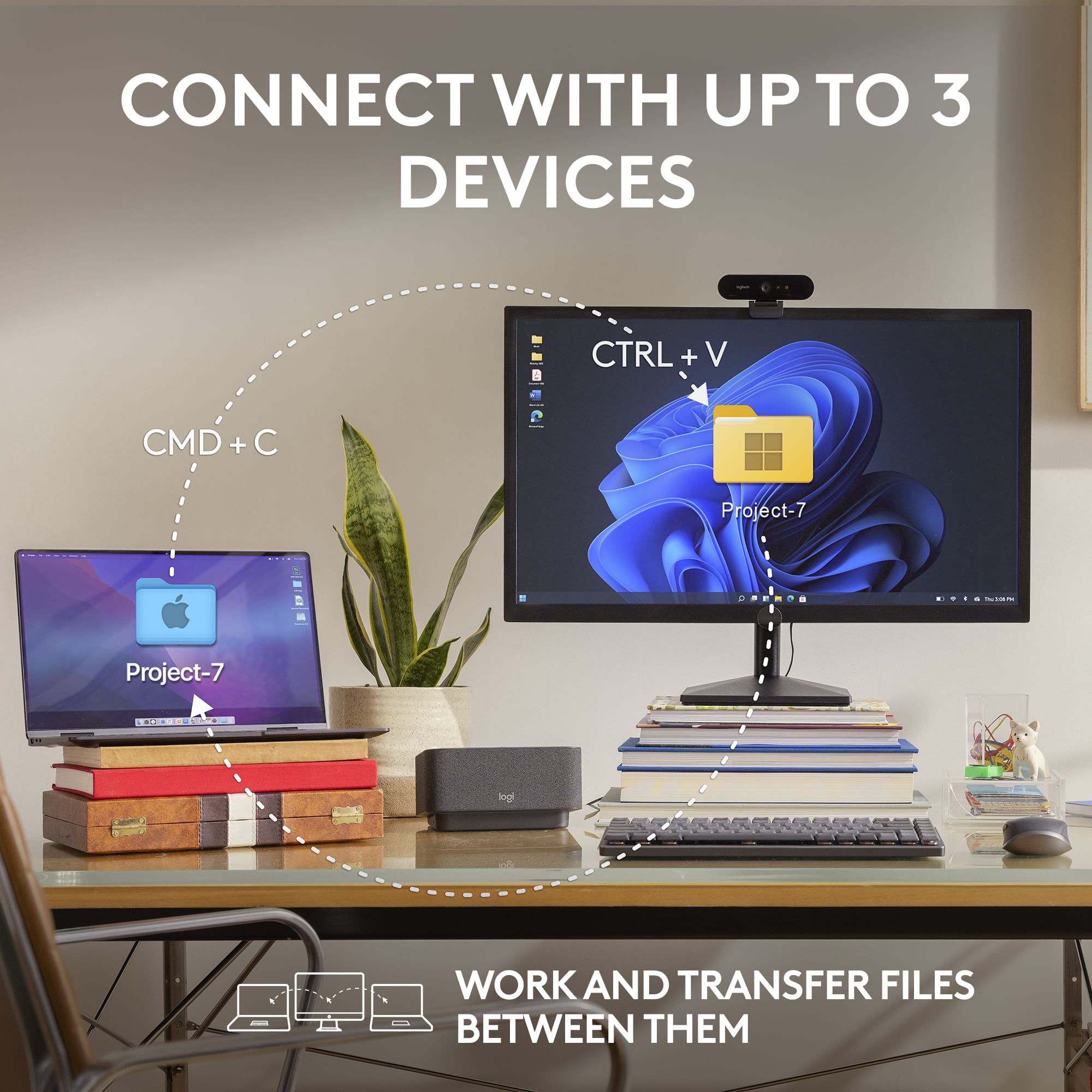
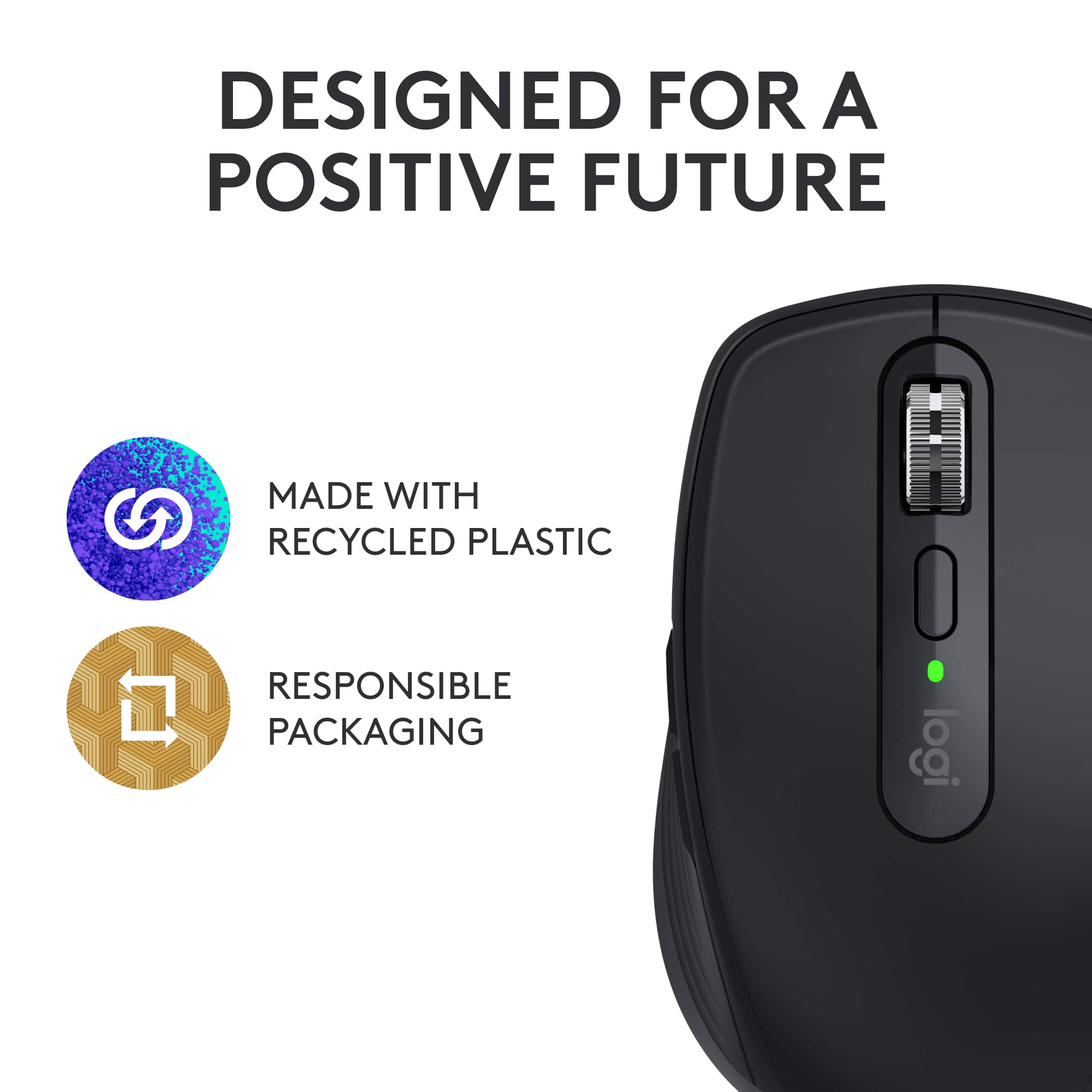
- A:Answer It is actually a 3 way switch to switch between 3 different devices easily.
Answered by ST3M
Q: QuestionI have a new Imac running Sonoma 14.0. My current Logitech mouse is jumpy and gets stuck. Does this mouse work seemlessley with this operating system? I have the M310.
Asked by Adam.
- A:Answer 4/11/25 have the latest and most current Mac OS installed and having no jumpy / jittery issues.
Answered by ST3M
Q: QuestionWhat is the length of this mouse?
Asked by Anonymous.
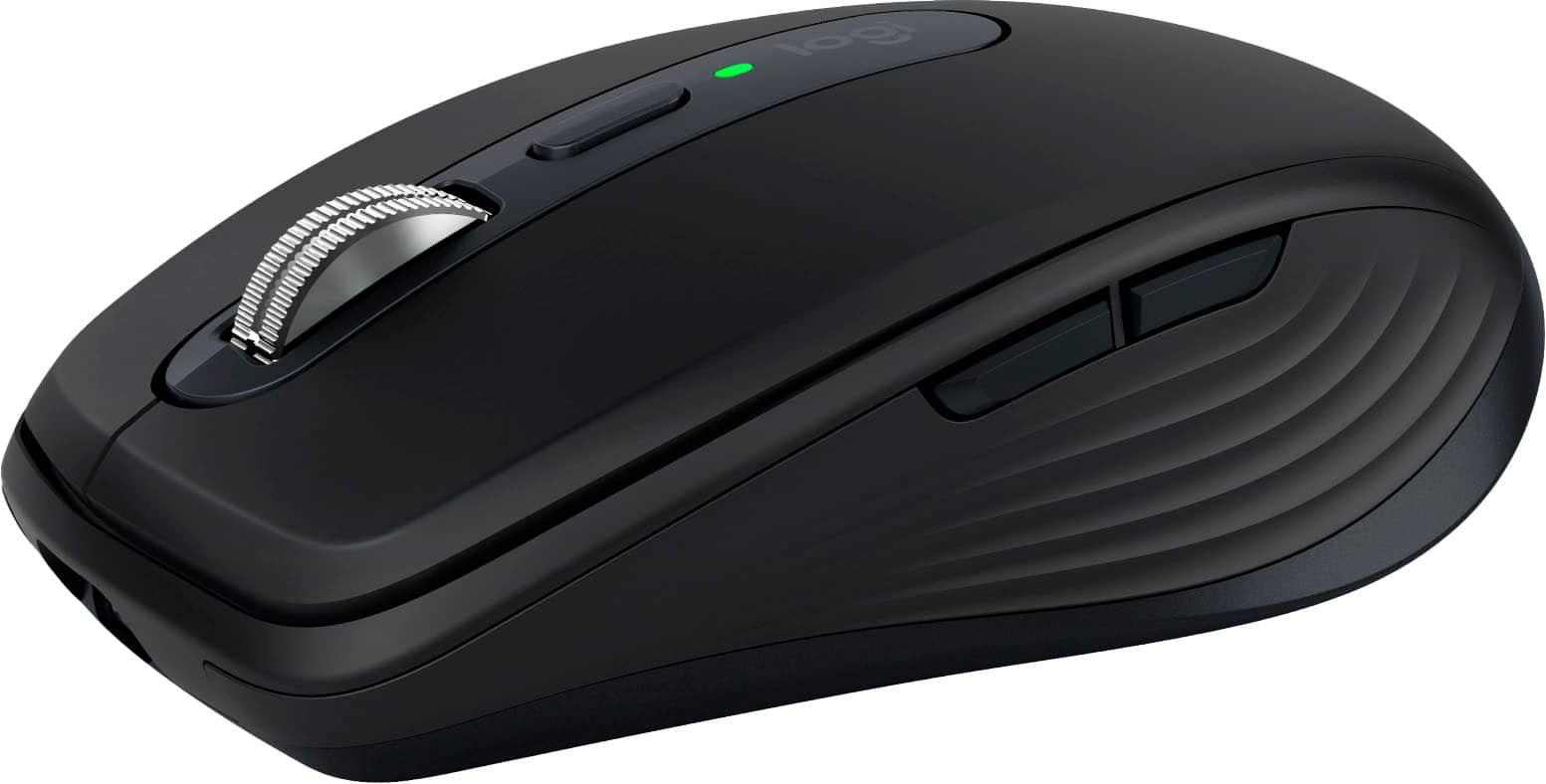
- A:Answer 3 and 7/8 inches by 2 and 1/2 inches at the widest part. It's a nice compact mouse.
Answered by AmyO
Q: Questiondoes this model use a dongle
Asked by jimbo.
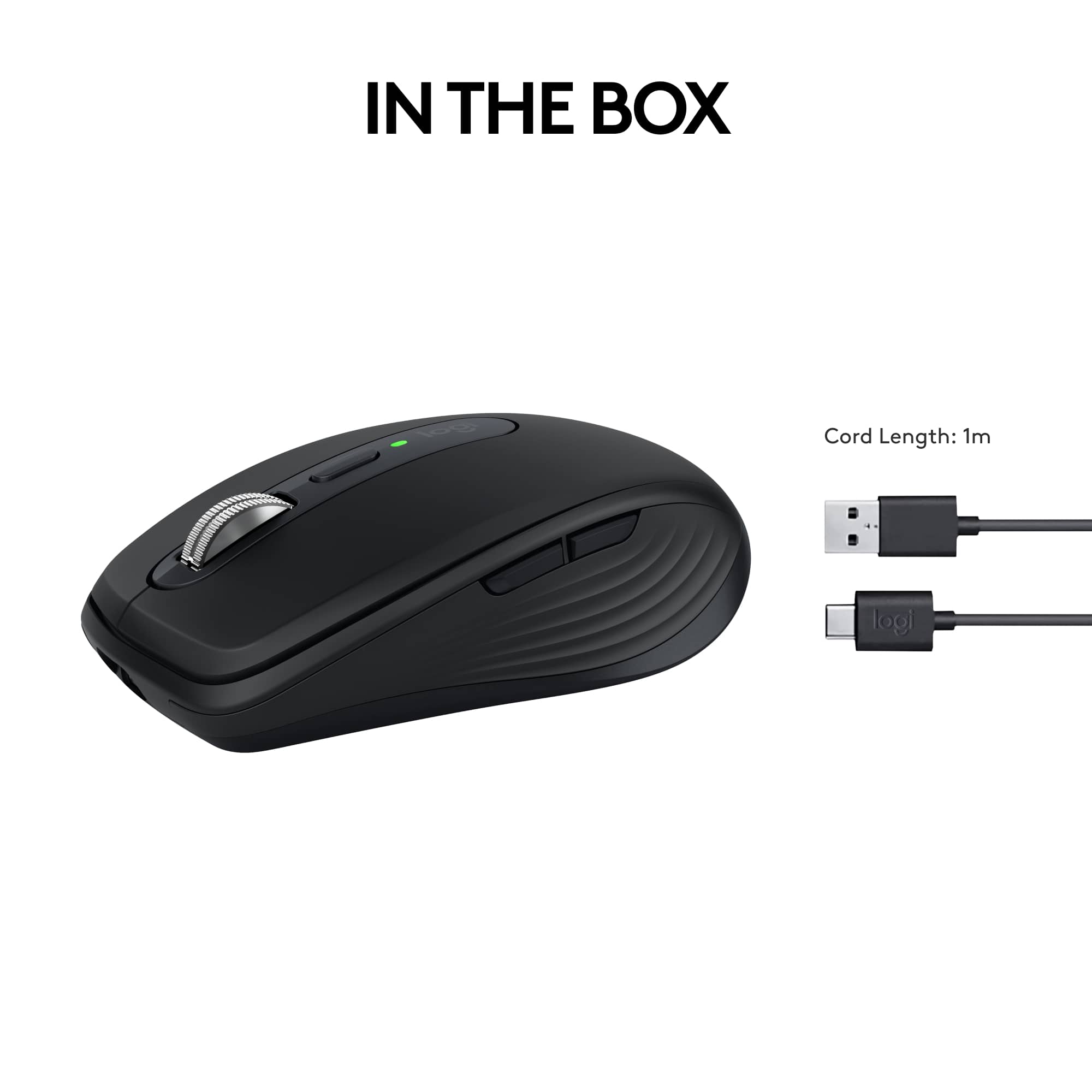
- A:Answer No, there's no dongle. The mouse connects using your computer's existing bluetooth. It was very easy to set up.
Answered by AmyO
Q: QuestionDoes this work with a new 2023 Mac PowerBook m3 Pro, that has no USB port?
Asked by DavidW.
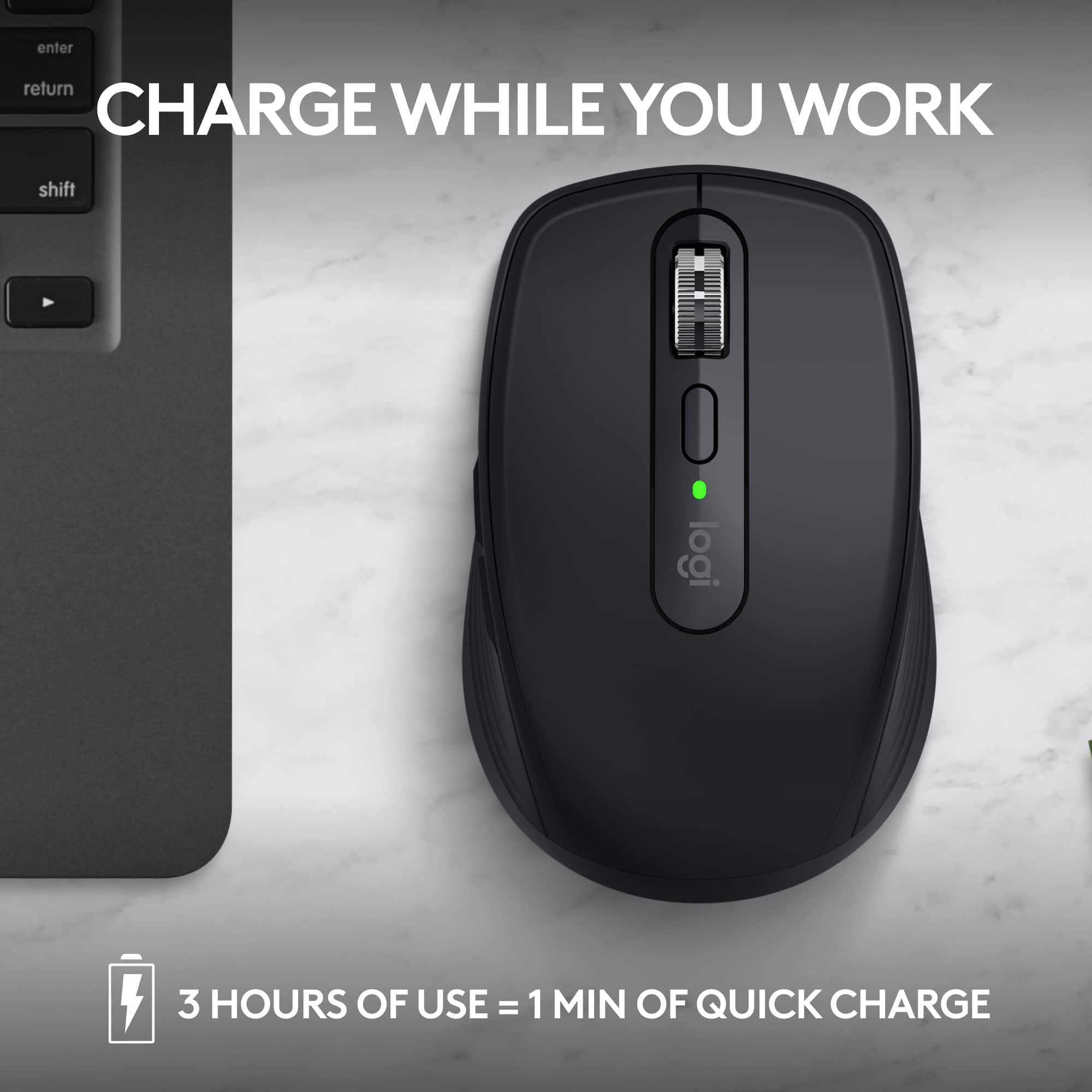
- A:Answer This mouse uses bluetooth so there is no need for a USB port. You will need to charge it, only comes with the cable to plug into a USB port.
Answered by carlostampa
Q: QuestionWhat are the sides of the MX Anywhere 3s mouse made out of.
Asked by MCHK.
- A:Answer It's plastic, but the sides where one holds the mouse have a rubbery grip, but not too grippy.
Answered by Kaato
Q: QuestionA receiver is NOT included with this mouse!? I have purchased three other MX Anywhere and they all came with a receiver! In addition, this mouse is not compatible with the receivers I already have, that I use with the MX Anywhere 3?
Asked by CHMN.
- A:Answer The older MX Anywhere mice you've purchased came with a Unifying receiver, while the MX Anywhere 3S uses the newer Logi Bolt receiver. Unfortunately, these two types of receivers are not intercompatible. The MX Anywhere 3S is designed to work with Bluetooth, so you can use it wirelessly without a receiver. However, if you'd prefer to use a receiver, you'll need to purchase a separate Logi Bolt receiver, as that's the type that's compatible with this model.
Answered by Logitech
Page 2, Showing 21-31 of 31 questions
Top Rated
- $34.99$34.99The price was $44.99
- $18.99$18.99The price was $22.99