

Questions & Answers
- Model:
- 910-007500
- |
- SKU:
- 6633199
Highly rated by customers for: Ergonomics, Button Functionality, Overall Performance
$89.99Your price for this item is $89.99
Comp. Value: $99.99
The comparable value price is $99.99
Page Showing 1-8 of 8 questions
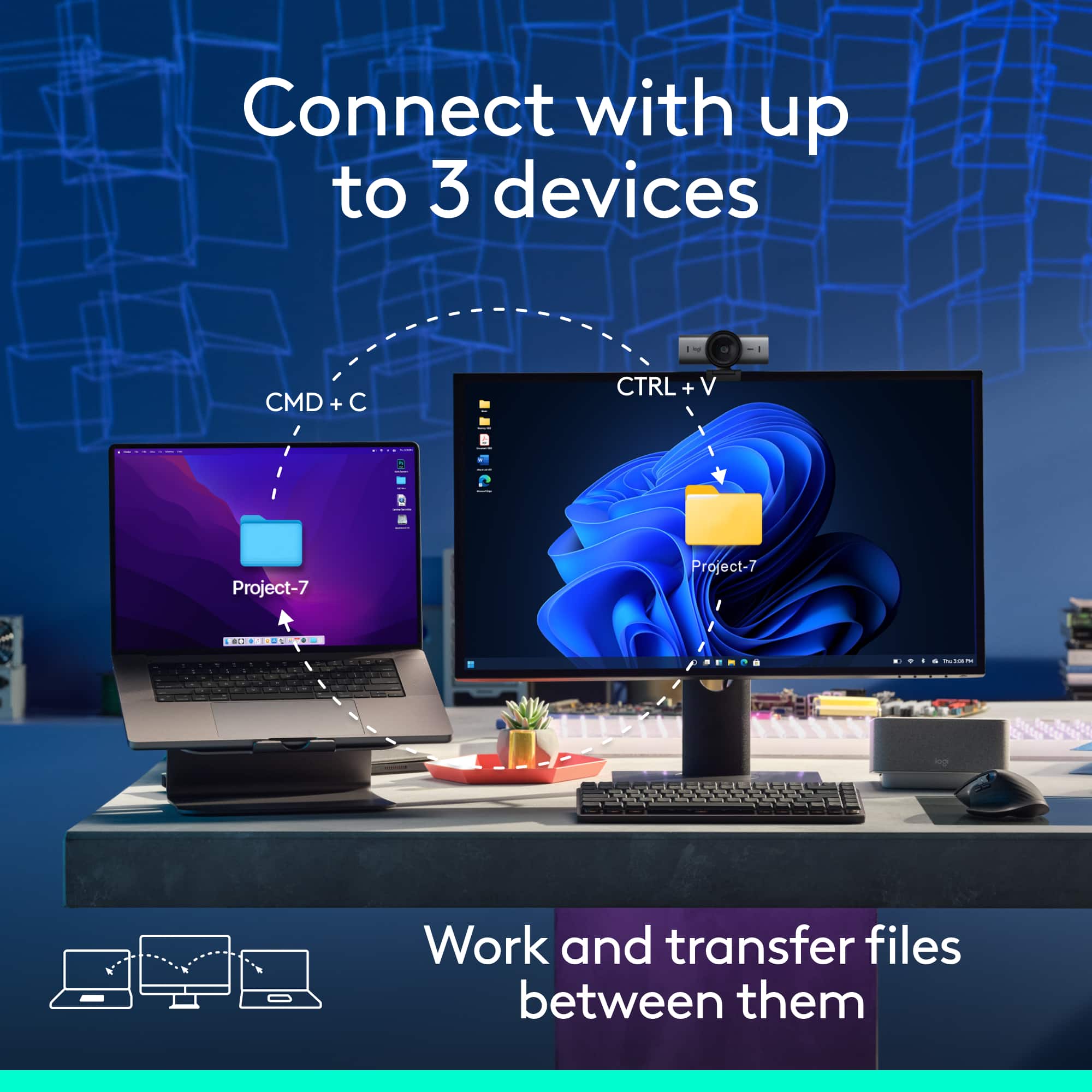
Q: QuestionWill this mouse work with the Bolt receiver? I assume the main difference the bluetooth MX Master 3S and the full price model is the exclusion of the receiver? I already have the Bolt receiver from a keyboard and want a mouse that can use it too.
Asked by Boonis.
- A:Answer Yes, the Logitech MX Master 3S is fully compatible with the Logi Bolt receiver—so you're in luck! You can pair it with the Bolt receiver you already have from your keyboard, which makes setup seamless and avoids the need for Bluetooth if you prefer a more stable connection.
Answered by Logitech
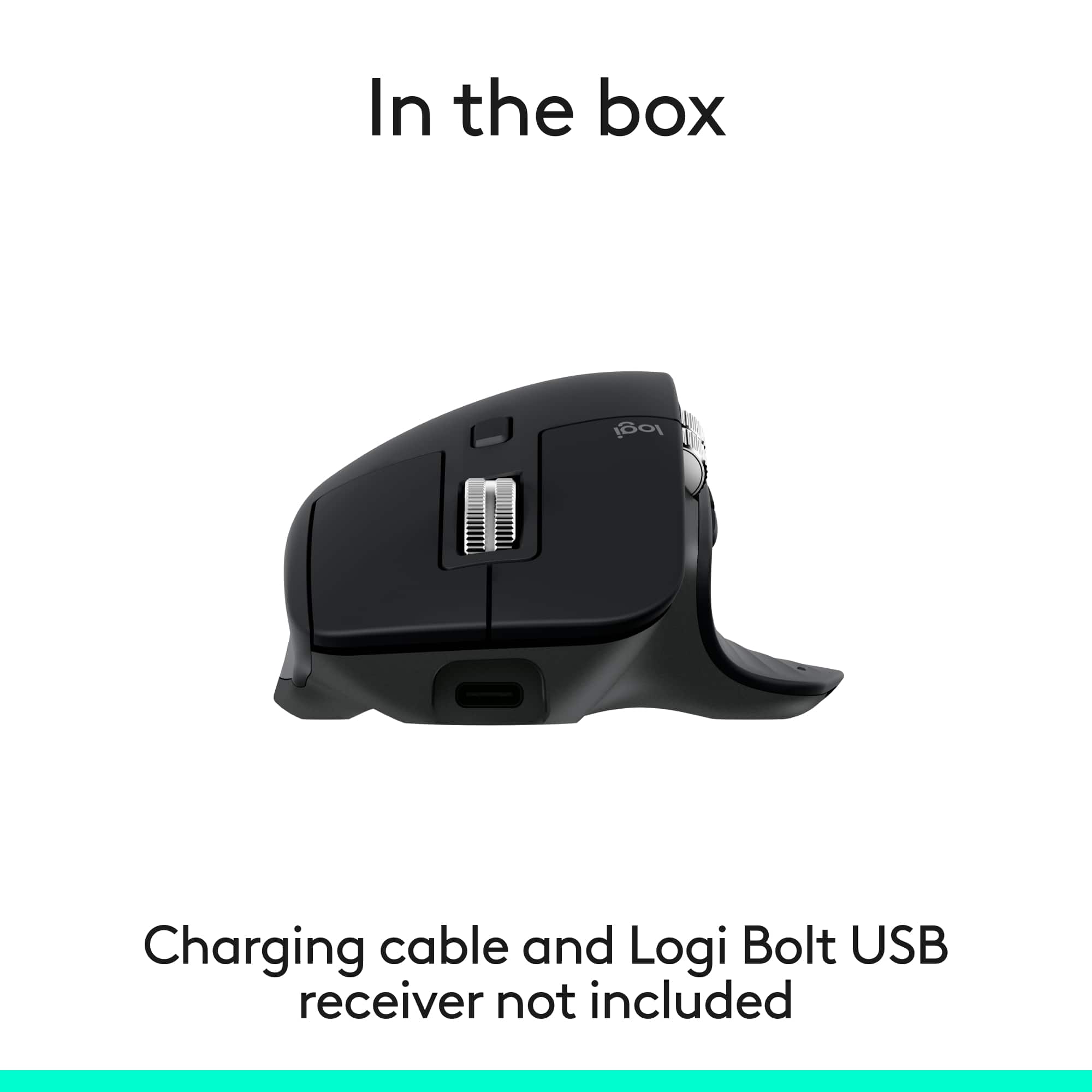
Q: QuestionIs a USB to USB-C cord supposed to be included in the box with this mouse?
Asked by Luv2Row.
- A:Answer It says it's not included.
Answered by SteveS
Q: QuestionIs the thumb wheel also used to scroll through the pages?
Asked by Charlie.
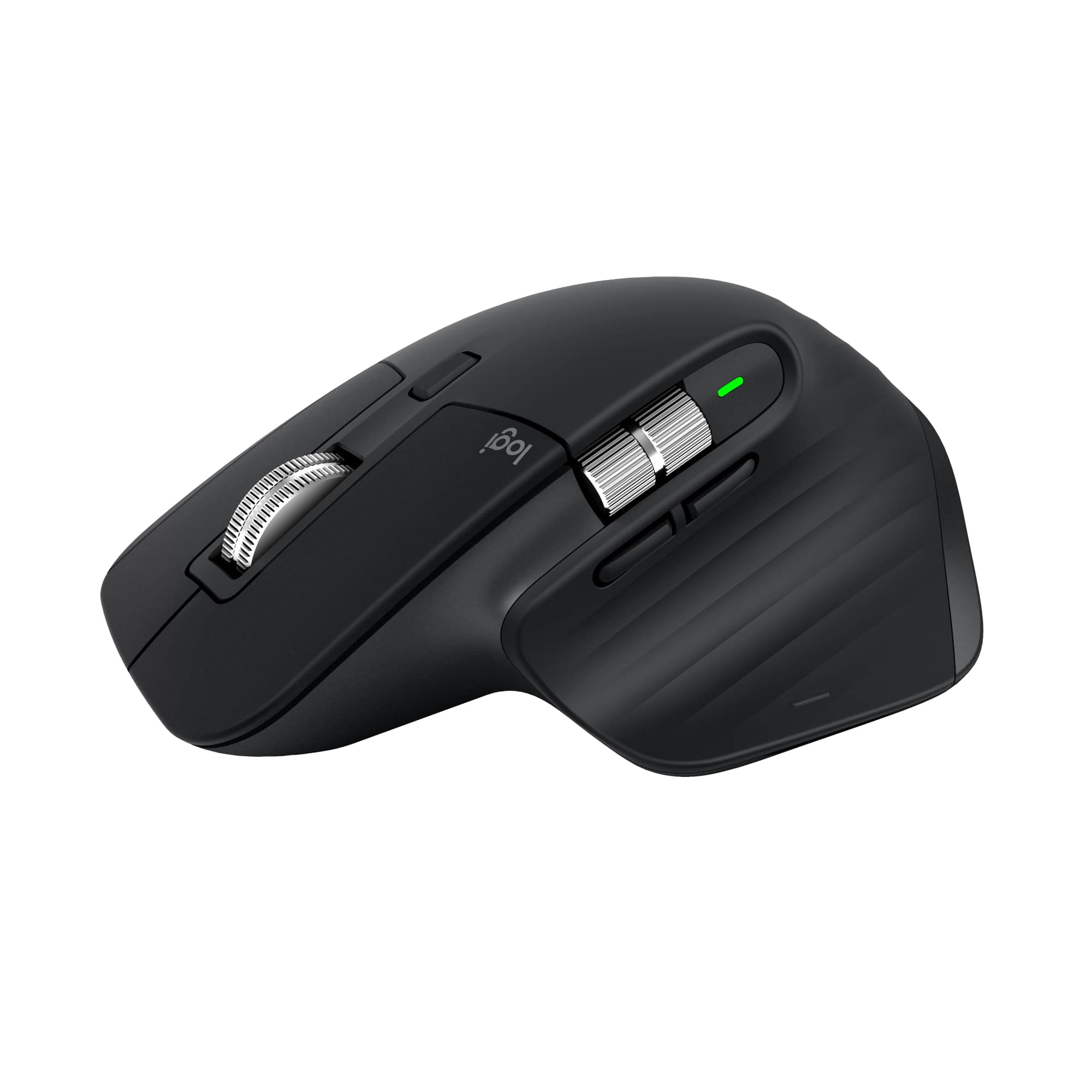
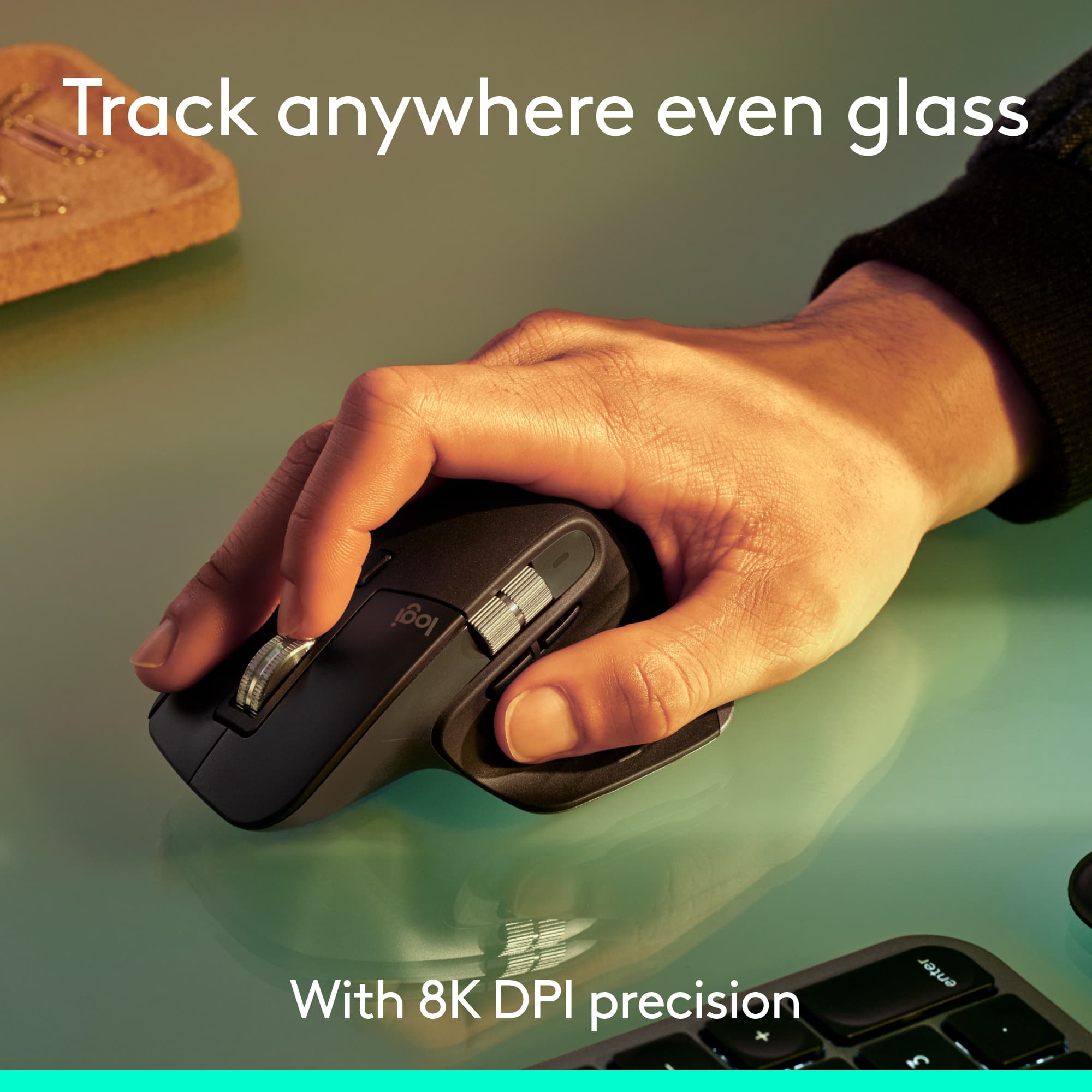
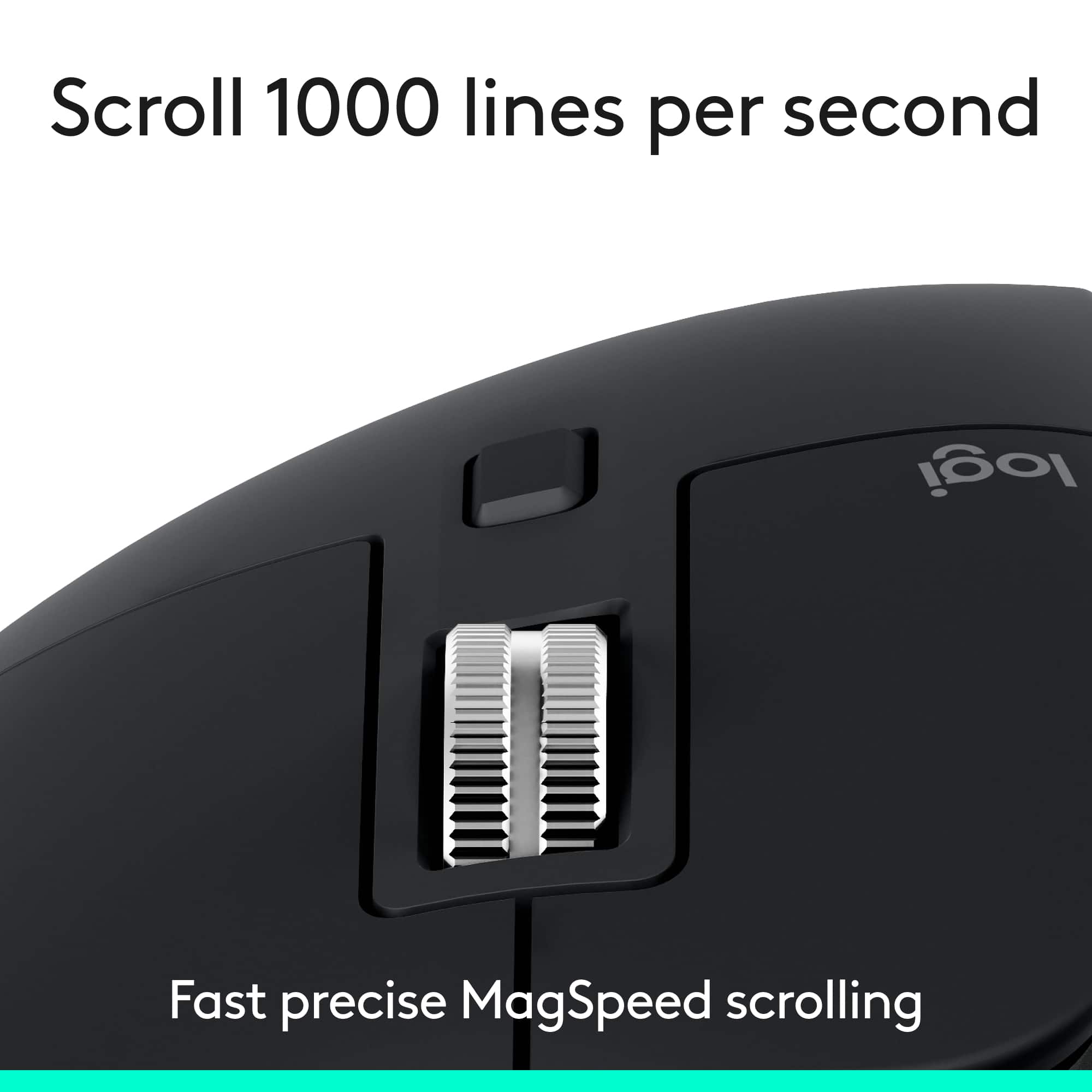
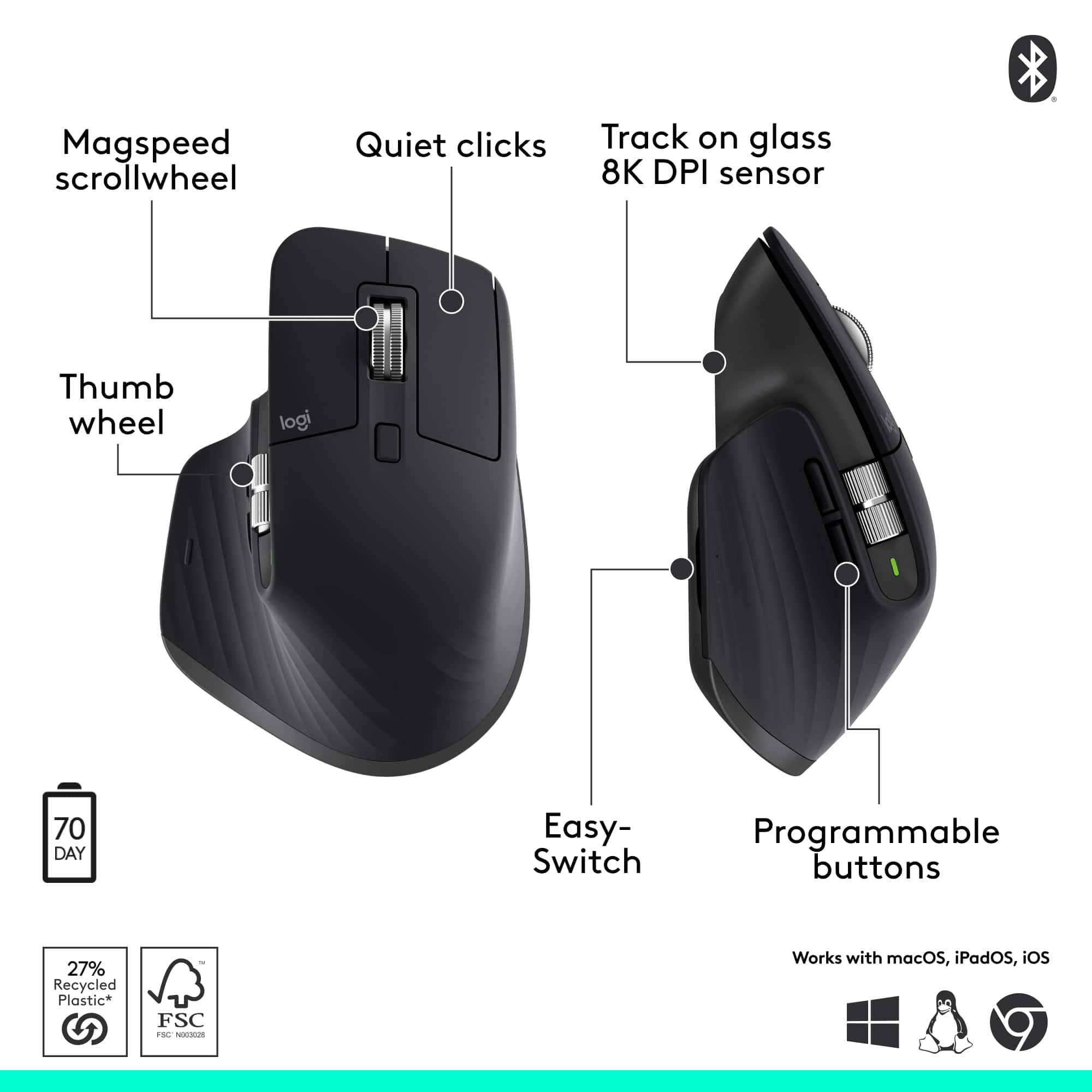
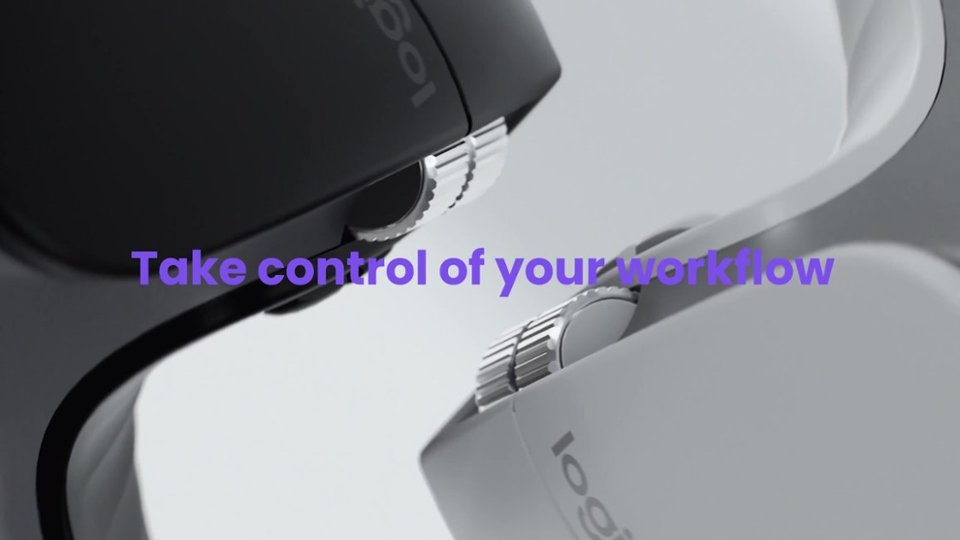
- A:Answer Yes, the thumb wheel (side scroll wheel) is designed for horizontal scrolling, which can be used to scroll through pages horizontally.
Answered by Logitech
Q: QuestionDo I need to purchase a Logi Bolt USB dongle receiver in order to use this mouse? I don't know what a Logi Bolt receiver is.
Asked by Anonymous.
- A:Answer No. It does not include a dongle. You connect it to your computer, iPad, or whatever using Bluetooth.
Answered by MarkW
Q: QuestionWill this go with a gaming laptop
Asked by Tristen.
- A:Answer I don't think so. It's large and a bit on the heavy side and would likely lack the agility you need for gaming.
Answered by MarkW
Q: QuestionIs the mouse compatible with Mac?
Asked by Doug.
- A:Answer Yes. You are connecting it to your Mac with Bluetooth. I'm using it with my MacBook Air M3.
Answered by MarkW
Q: Questionis it USB C or USB A charger
Asked by peter.
- A:Answer The input is USB-C. It doesn't matter what the other end is plugged into, whether USB-A or USB-C. Personally, I charge it with a 65W brick with USB-C on both ends.
Answered by MarkW
Page 1, Showing 1-8 of 8 questions
Best-selling mice
- $12.99Your price for this item is $12.99$16.99The comparable value for this item is $16.99
- $99.99Your price for this item is $99.99
- $14.99Your price for this item is $14.99$17.99The comparable value for this item is $17.99
- $24.99Your price for this item is $24.99$29.99The comparable value for this item is $29.99
- $39.99Your price for this item is $39.99$44.99The comparable value for this item is $44.99
- $39.99Your price for this item is $39.99
- $19.99Your price for this item is $19.99
- $29.99Your price for this item is $29.99
- $39.99Your price for this item is $39.99
- $84.99Your price for this item is $84.99$89.99The comparable value for this item is $89.99
- $9.99Your price for this item is $9.99
- $17.99Your price for this item is $17.99$22.99The comparable value for this item is $22.99
- $119.99Your price for this item is $119.99
- $24.99Your price for this item is $24.99$29.99The comparable value for this item is $29.99
- $129.99Your price for this item is $129.99
- $119.99Your price for this item is $119.99
- $72.83Your price for this item is $72.83$79.99The comparable value for this item is $79.99