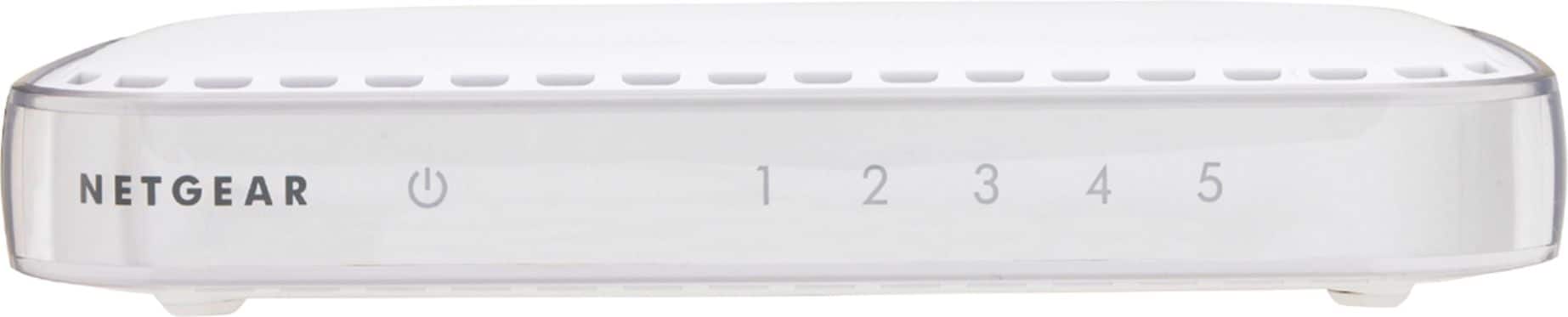
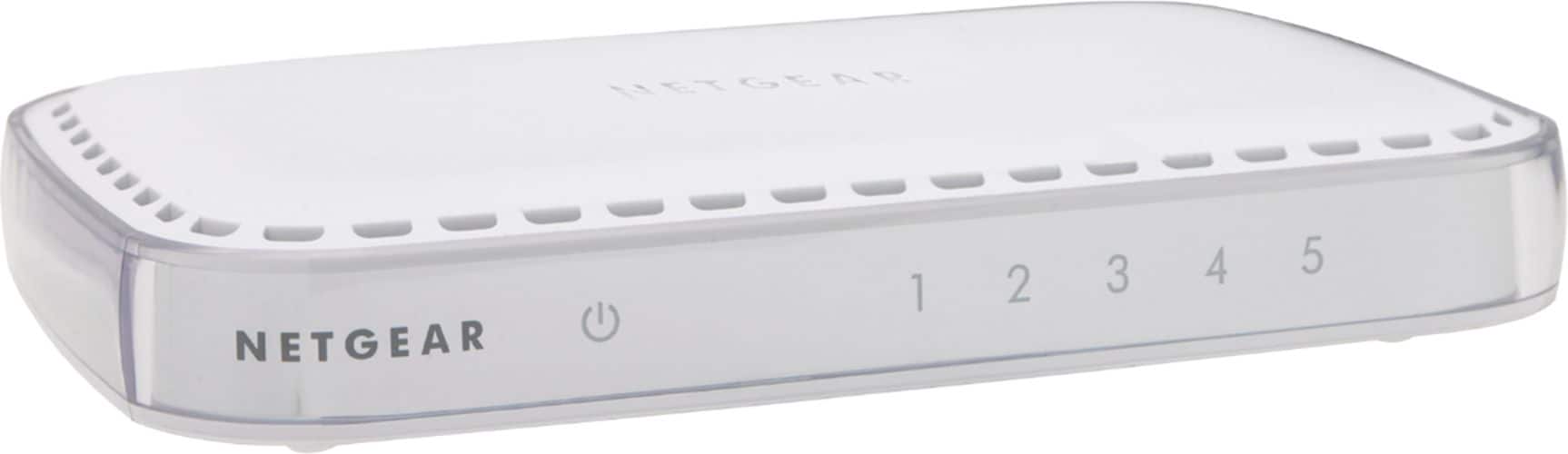
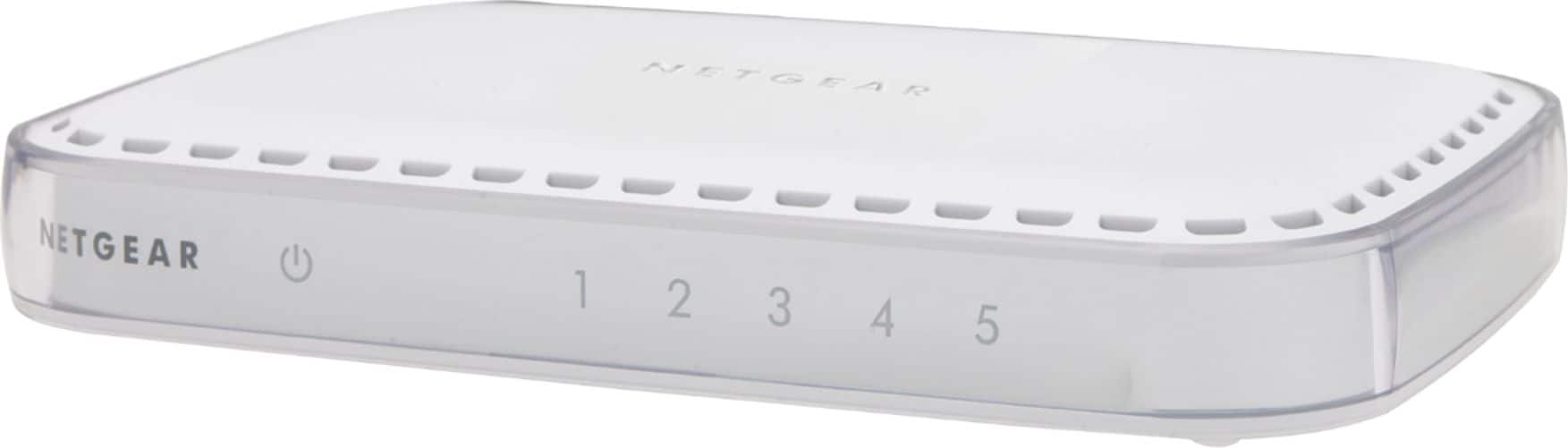
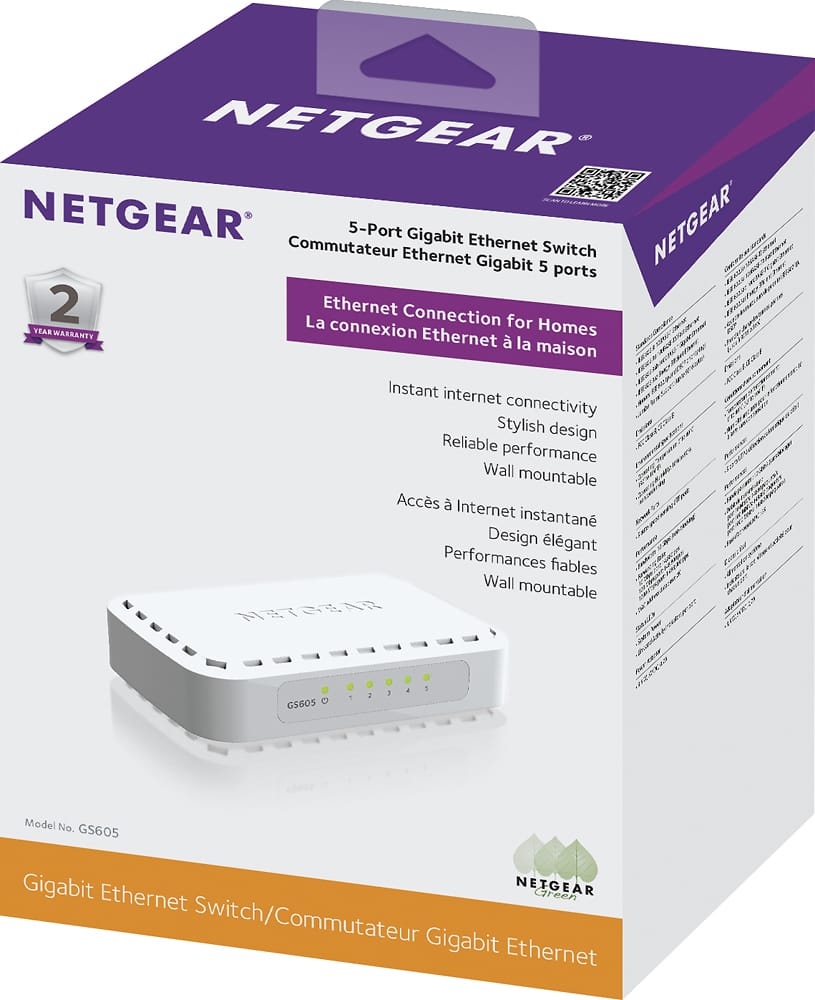
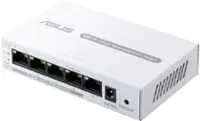
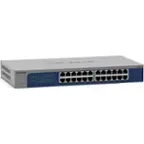
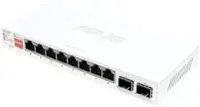
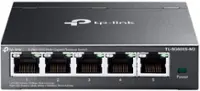
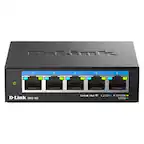
A:AnswerYes you will. This device is essentially only used to extend the amount of Network ports you can use. One port needs to be plugged into your router, (Or into another switch that is already plugged into the router.) so that the router can Direct traffic and assign IP addresses to the devices that connected to the switch.
A:AnswerThis product is a piece of hardware only. It will allow yo expand one Ethernet connection into many. Internet service must be acquired separately. Yes need an internet provider if you want internet access. If PS4 uses standard Ethernet 10/100/100, it should work fine with this switch. Make sure the ISP provides the sufficient number of IP addresses (they usually supply only 1) or use a router to provide NAT addresses for all of your devices.
A:AnswerNo. This devices is not a modem and is only used to extend the amount of Ethernet ports that can be used on your network. Centurylink uses a proprietary signal and you will need to find a modem that is either provided by them, or one that is labeled as working with Centurylink. Using the modem that they provide will be the best and easiest route to go as far as a modem.