A:AnswerI called customer service because mine was not connecting to the router. They got me connected in a matter of 30 minutes. I did find out that you may have 2 passwords, 1 for the router 2.4 ghz and 1 for the 5 ghz. The extender works great once it is connected. I hope this helps you get it connected.
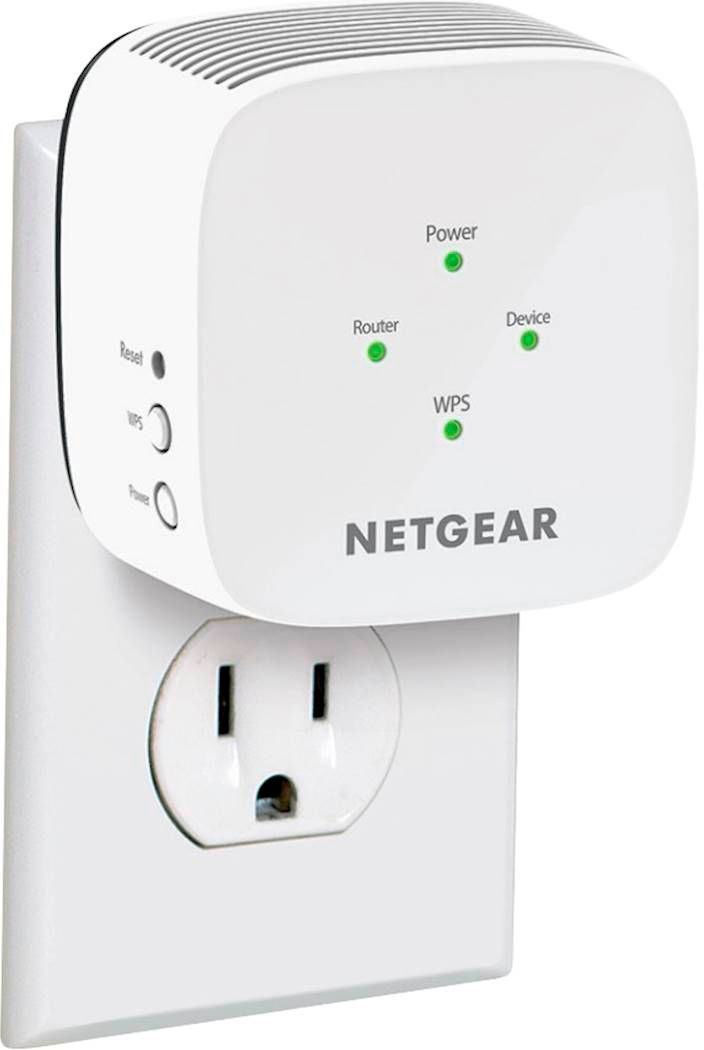
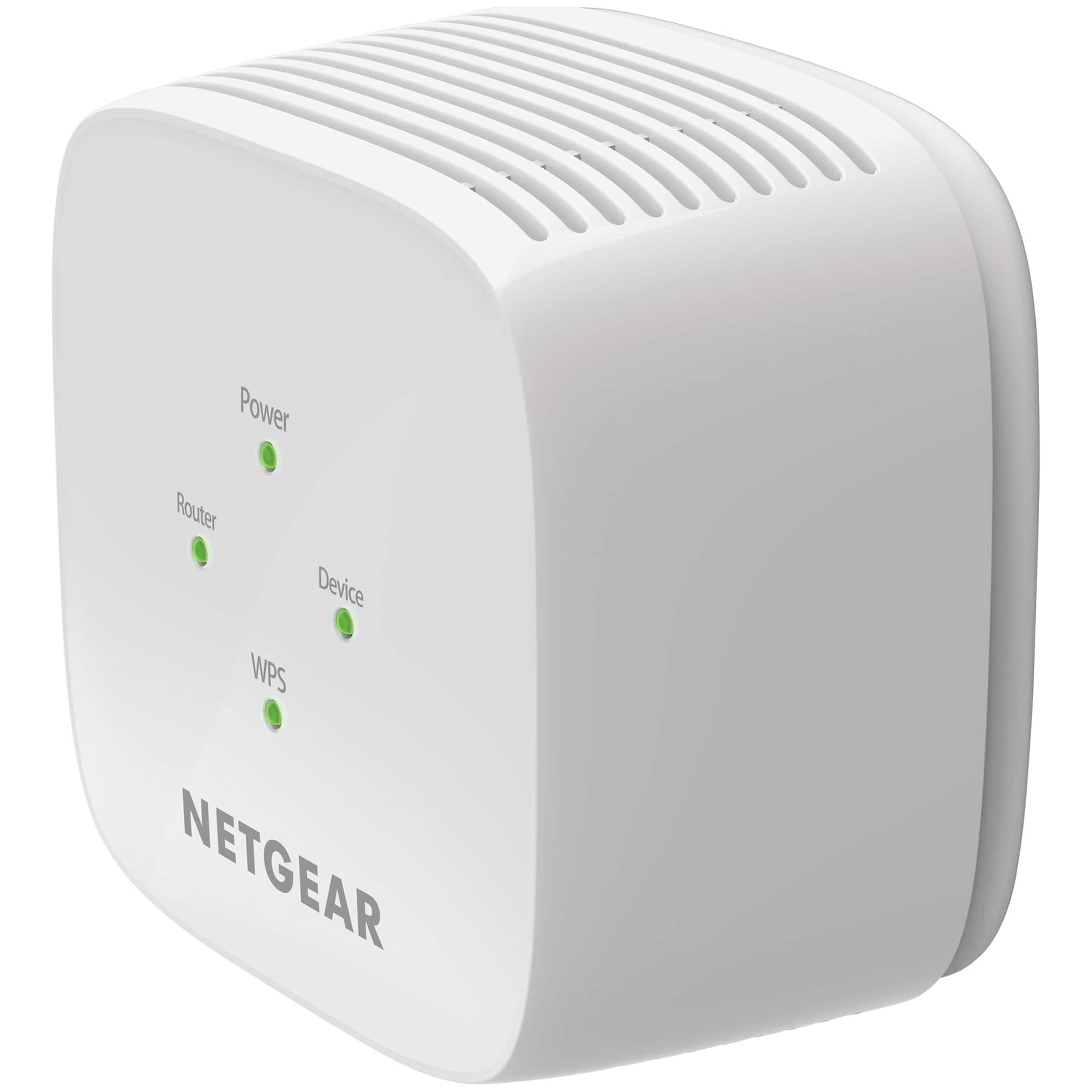
A:AnswerAll lights will be on once a device is connected to it. You will know it’s working when you see the name of your network_2G EXT as an option on a device.
A:AnswerDuring the initial setup you shiyou’d be setting the WiFi extender in the area of your current WiFi…it will create its own WiFi name with the name of the WiFi you are using but with an _EXT on the end (example: if your WiFi name is Roger123, the WiFi extender would create a new WiFi name called Roger123_EXT)
That’s the wifi name you would connect to Instead of the original WiFi name Roger123.
I hope I was able to help you out
A:AnswerDon"t forget to connect with your computer to the new WiFi connection it will be the one with 2Gext or 5Gext that is the correct connect not the old connect you used be for. It is the same password you use for the old connection.
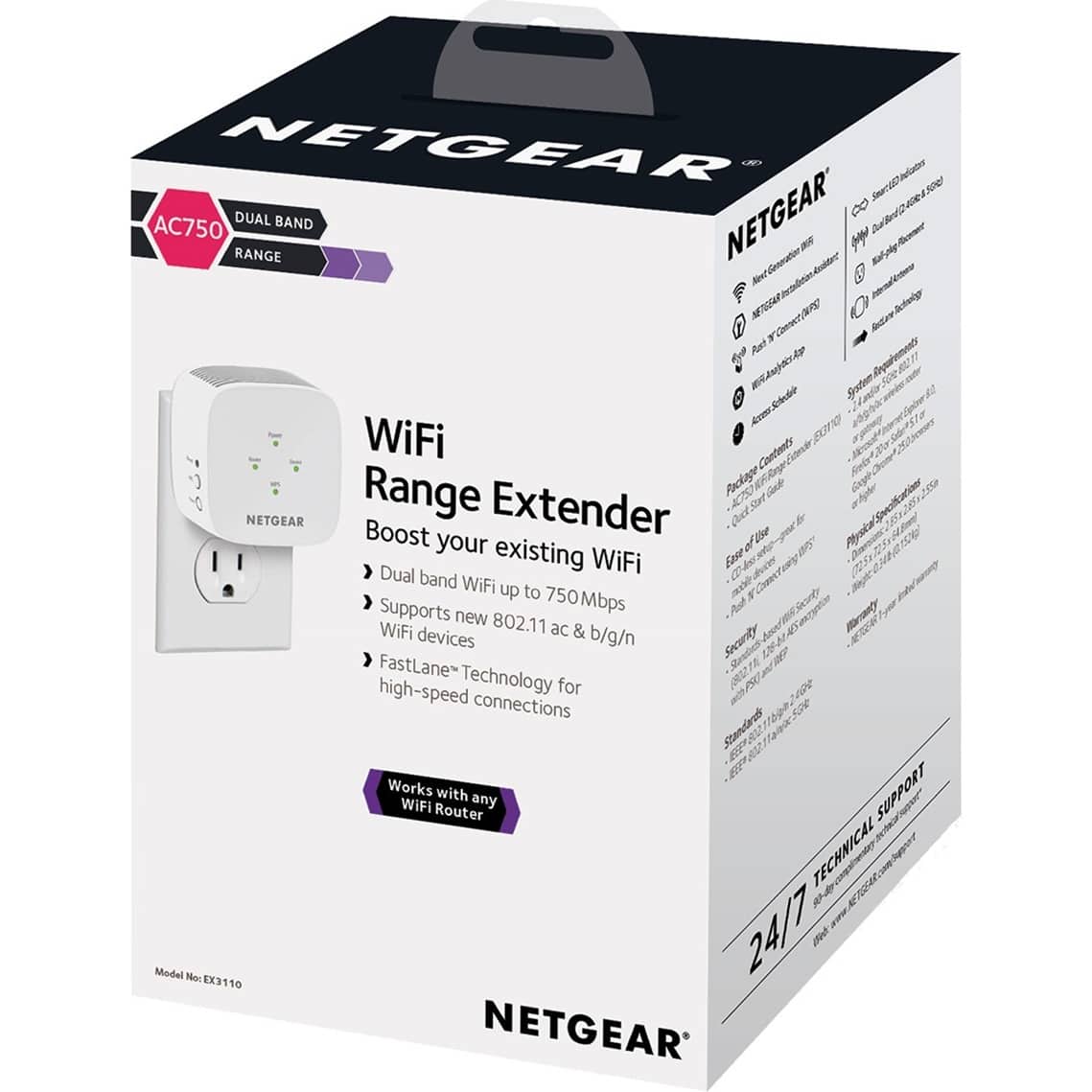
A:AnswerWe bought a Netgear AC 750 last year.
Left it on the side of our unheated cabin, protected by a thin plastic box all this past winter. Working just fine when we restarted it.
So if it can handle not being plugged in for months, going below zero, i'm sure it can handle being used in those conditions.
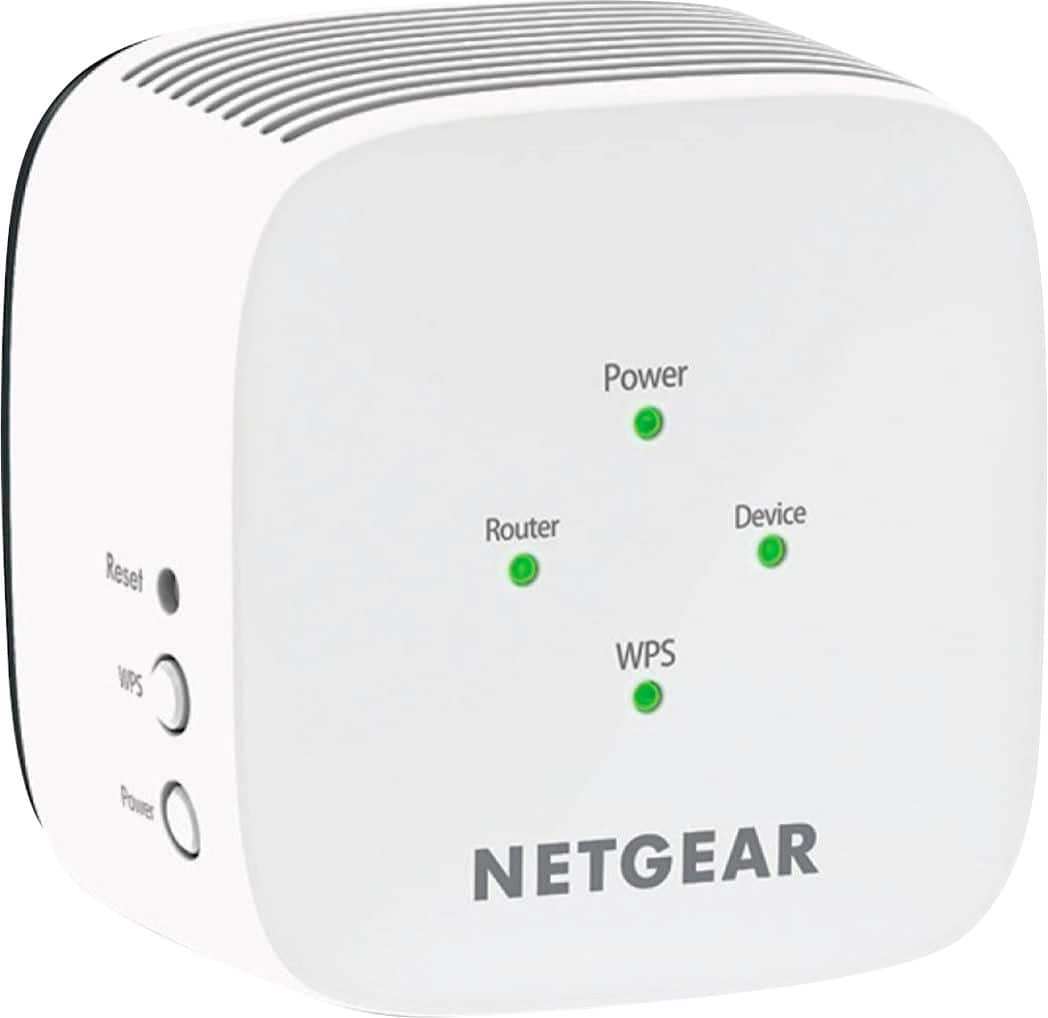
A:AnswerYes i have a camera in the back of my house so i bought the extender....it took a day to adjust but my wifi signal to my back camera has 3 bars instead of one now. So yes it definitely works. Worth every penny.