Black Friday is hereShop new DoorbustersShop now

Main Content

Questions & Answers

Your price for this item is $199.99
Page Showing 1-7 of 7 questions
  • QuestionWhat is the viewing angle of this monitor?

    • Answer This monitor has a viewing angle of 178°/178°, offering a great viewing experience from various angles.
    This question and answer was generated by AI based on customer and product data.
  • QuestionHow bright is this monitor?

    • Answer This monitor has a brightness of 250 candela per square meter.
    This question and answer was generated by AI based on customer and product data.

  • QuestionWhat is the contrast ratio of this Philips monitor?

    • Answer This Philips monitor has a contrast ratio of 50,000,000:1.
    This question and answer was generated by AI based on customer and product data.

  • QuestionWhat is the response time on this monitor?

    • Answer This monitor has a response time of 4 milliseconds.
    This question and answer was generated by AI based on customer and product data.

  • QuestionIs this monitor VESA compatible?

    • Answer Yes, this monitor is VESA compatible, allowing you to mount it on a wall or stand.
    This question and answer was generated by AI based on customer and product data.

  • QuestionDoes this monitor have built-in speakers?

    • Answer No, this monitor does not have built-in speakers.
    This question and answer was generated by AI based on customer and product data.
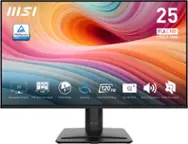
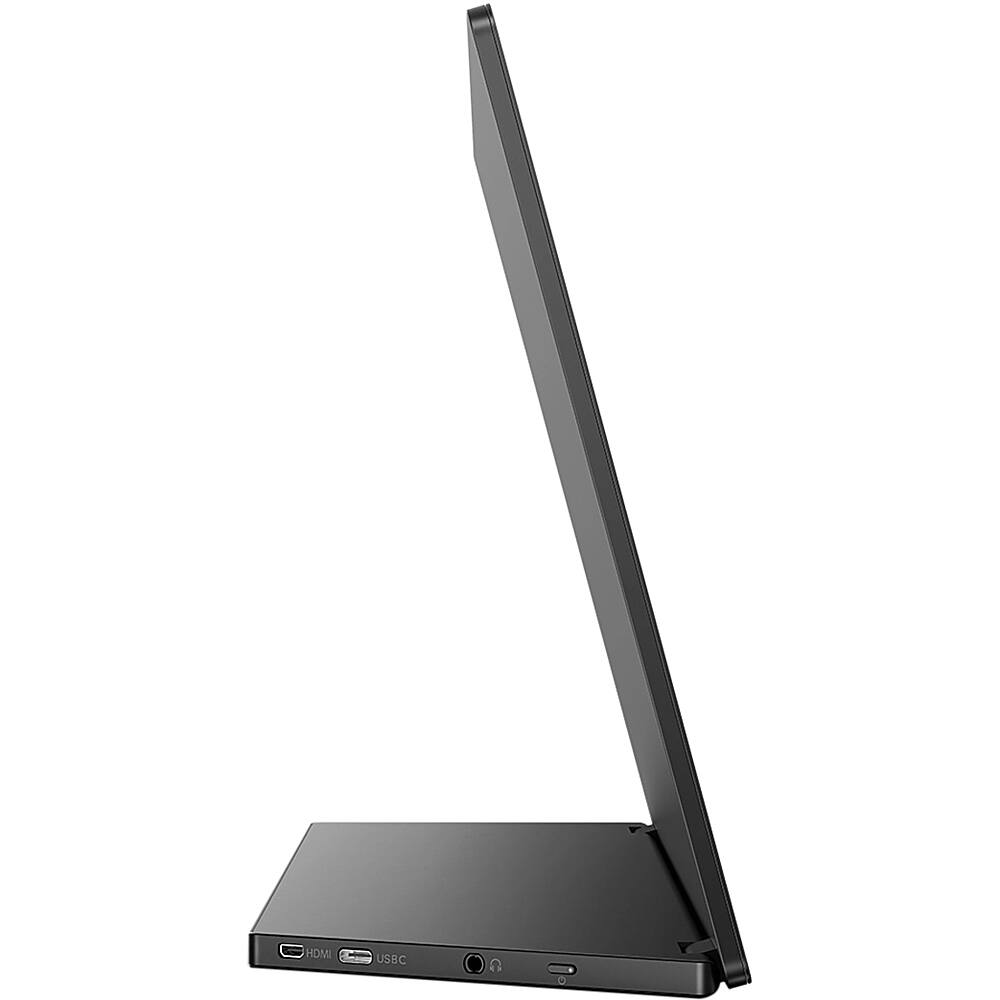
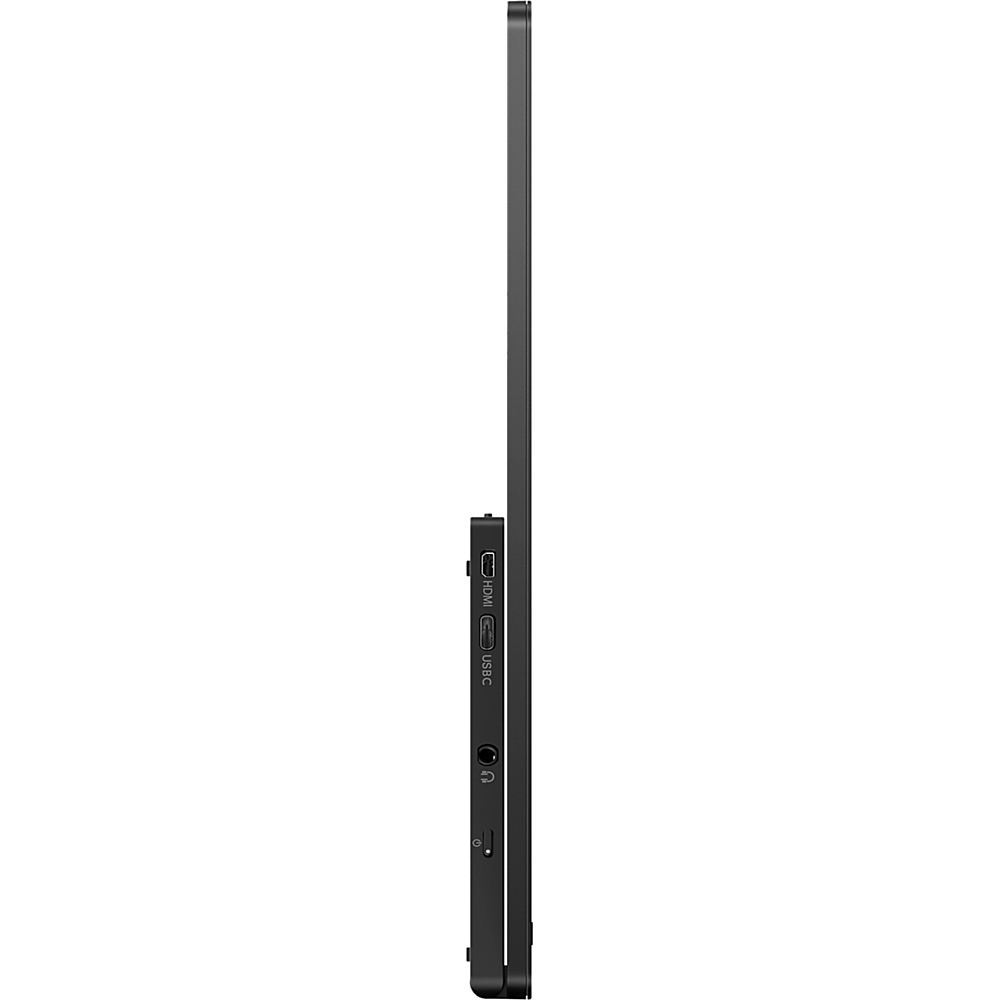
  • QuestionDoes this have power exchange through the USB-C or does it need its own power cable when connected to a laptop?

    Asked by May.

    • Answer Thank you for posting a question. Yes, the power charging function is through the USB-C. For the connection and power delivery to work properly please see the following statements on the website: -For Video transmission via USB-C, your Notebook/device must support USB-C DP Alt mode -For USB-C power and charging function, your Notebook/device must support USB-C standard Power Delivery specifications. Please check with your Notebook user manual or manufacturer for more details.

      Answered by Answered by Philips