A:Answer Hi Lone Wolf,
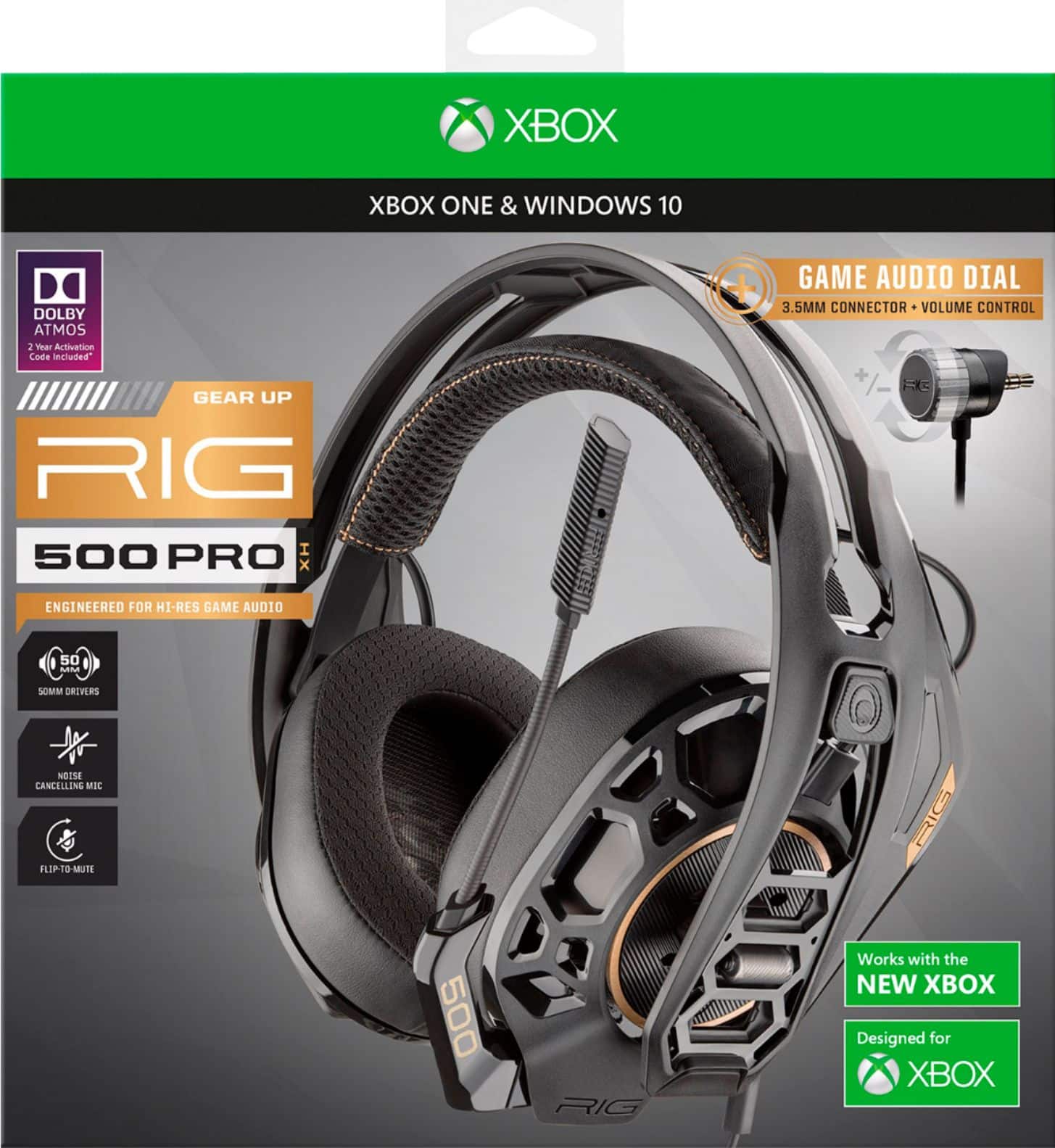
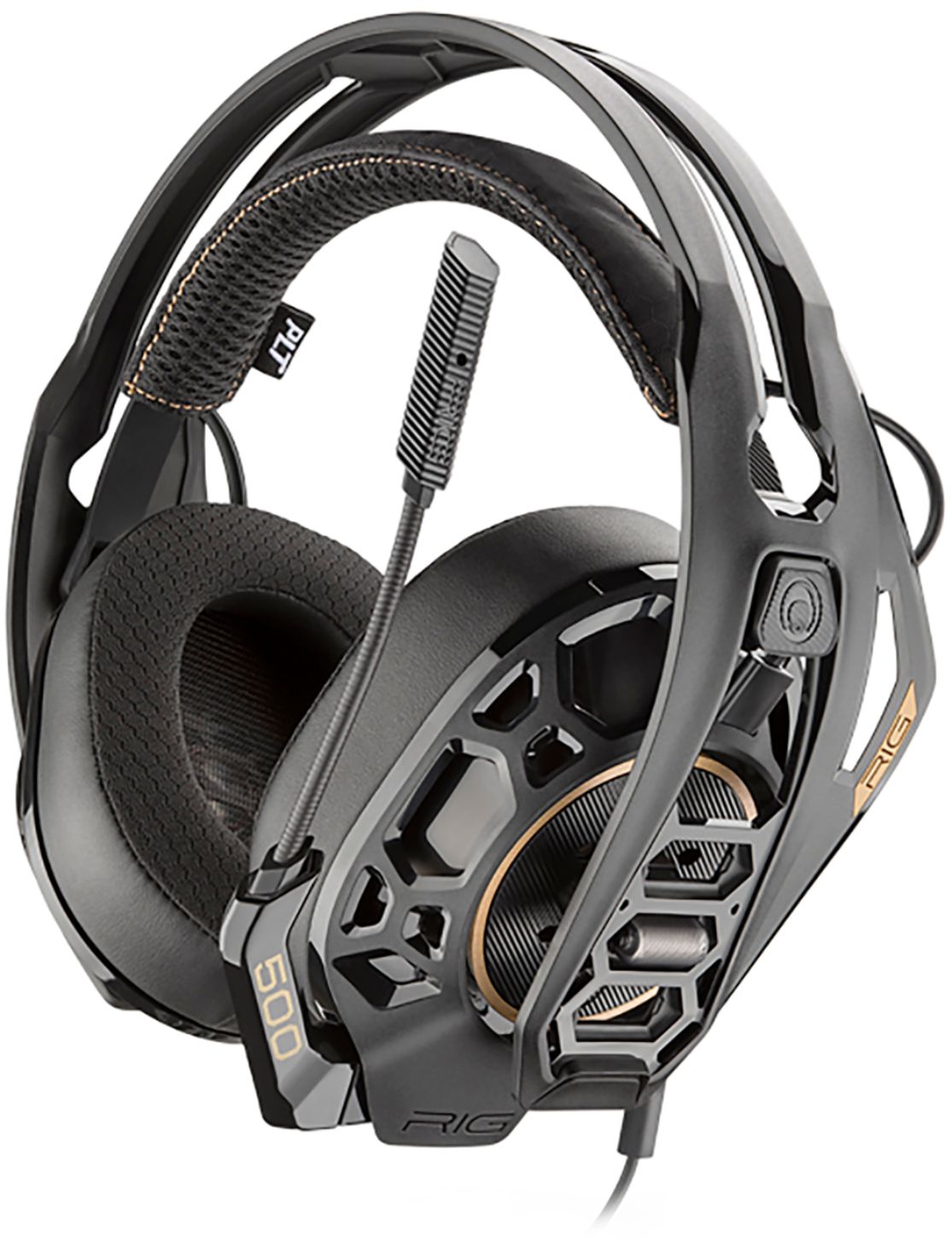
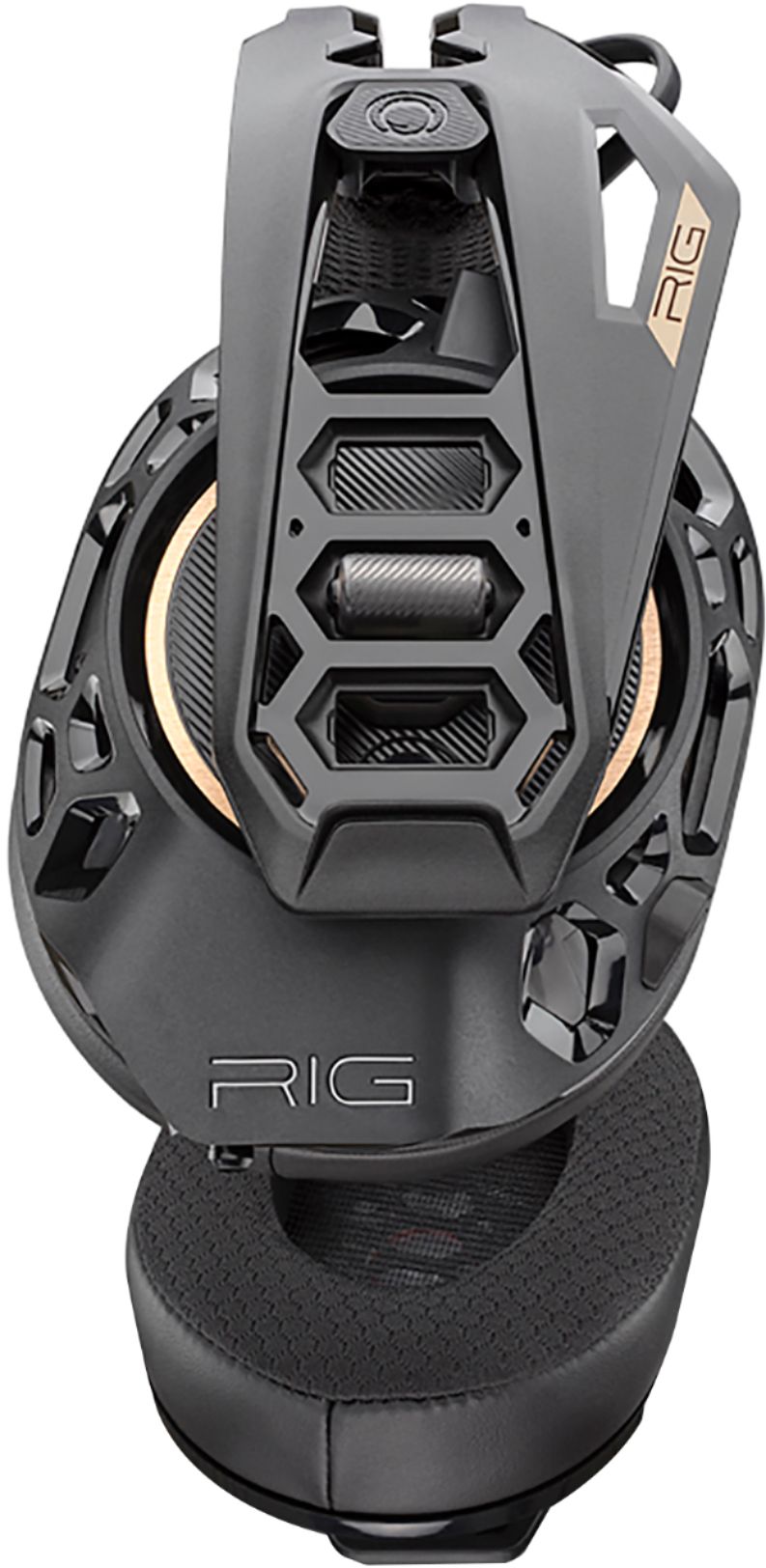
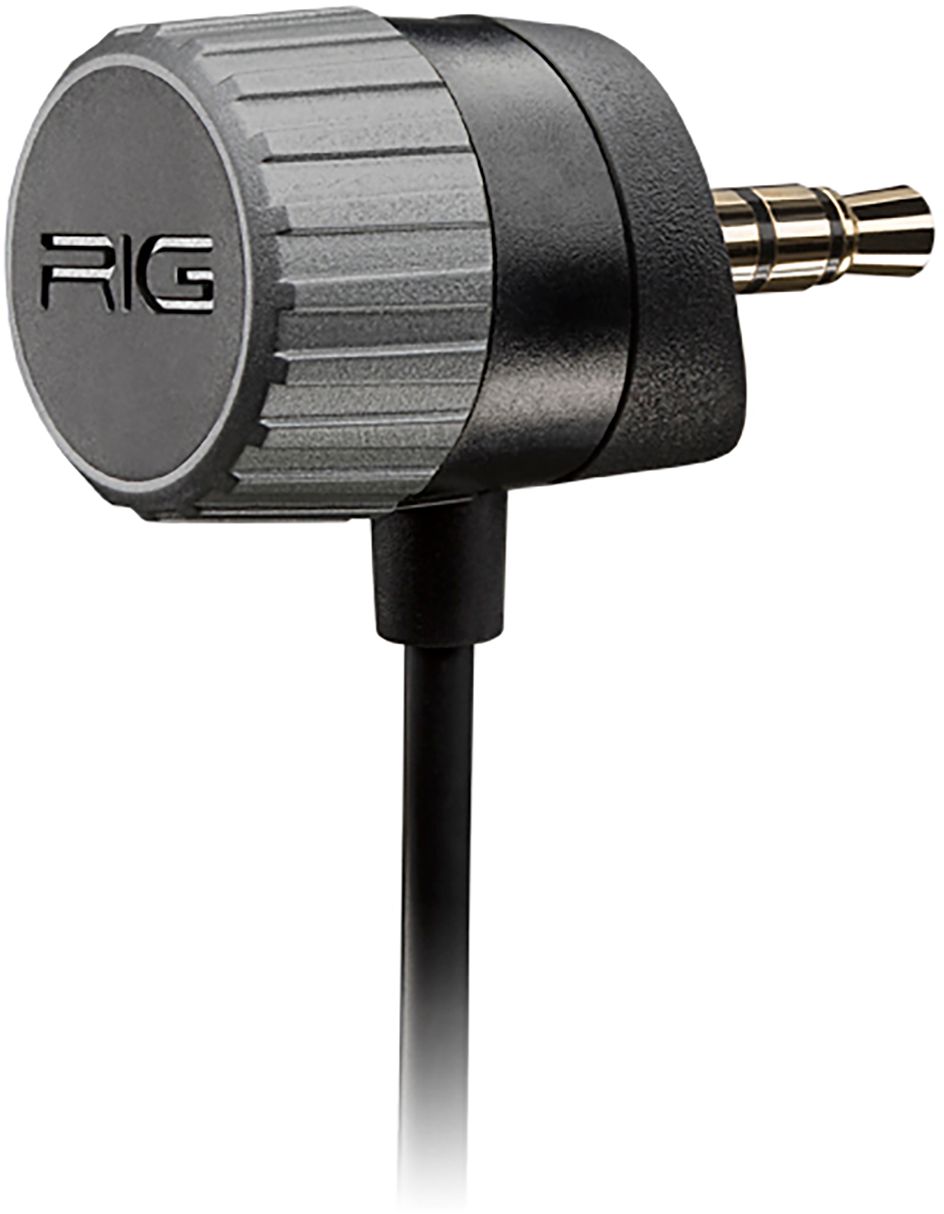
There are a few things you can check. First off, make sure you are using the RIG audio dial plug sleeve for the PS4. Since you purchased the Xbox packaged version, the Xbox sleeve came pre-attached. But in the box was the PS adapter for the plug tip. Make sure that is correct first. And then push the 3.5mm plug all the way into the controller to make sure all the pins on the plug are connecting properly. Next, make sure it is being worn with the microphone on the left side of your head. And finally, there is a known issue for the PS4 and a reverse audio issue. You will find it on many online blogs. How to fix reversed PS4 headphone audio: 1.
Connect your RIG 500 PRO to the DualShock 4 controller via the 3.5mm audio jack making sure the mute is not on (microphone boom is down since 500 PRO has a flip-up-to-mute function) ; 2. Perform a hard system reset by pressing and holding the PS4 power button. We hope that helps and you can start enjoying your new RIG headset. Thank you... RIG Gaming