Black Friday is hereShop new DoorbustersShop now

Main Content

Questions & Answers

Your price for this item is $24.99
The comparable value price is $34.99
Page Showing 1-20 of 65 questions
  • QuestionCan I temporarily silence the alerts on the Ring Chime?

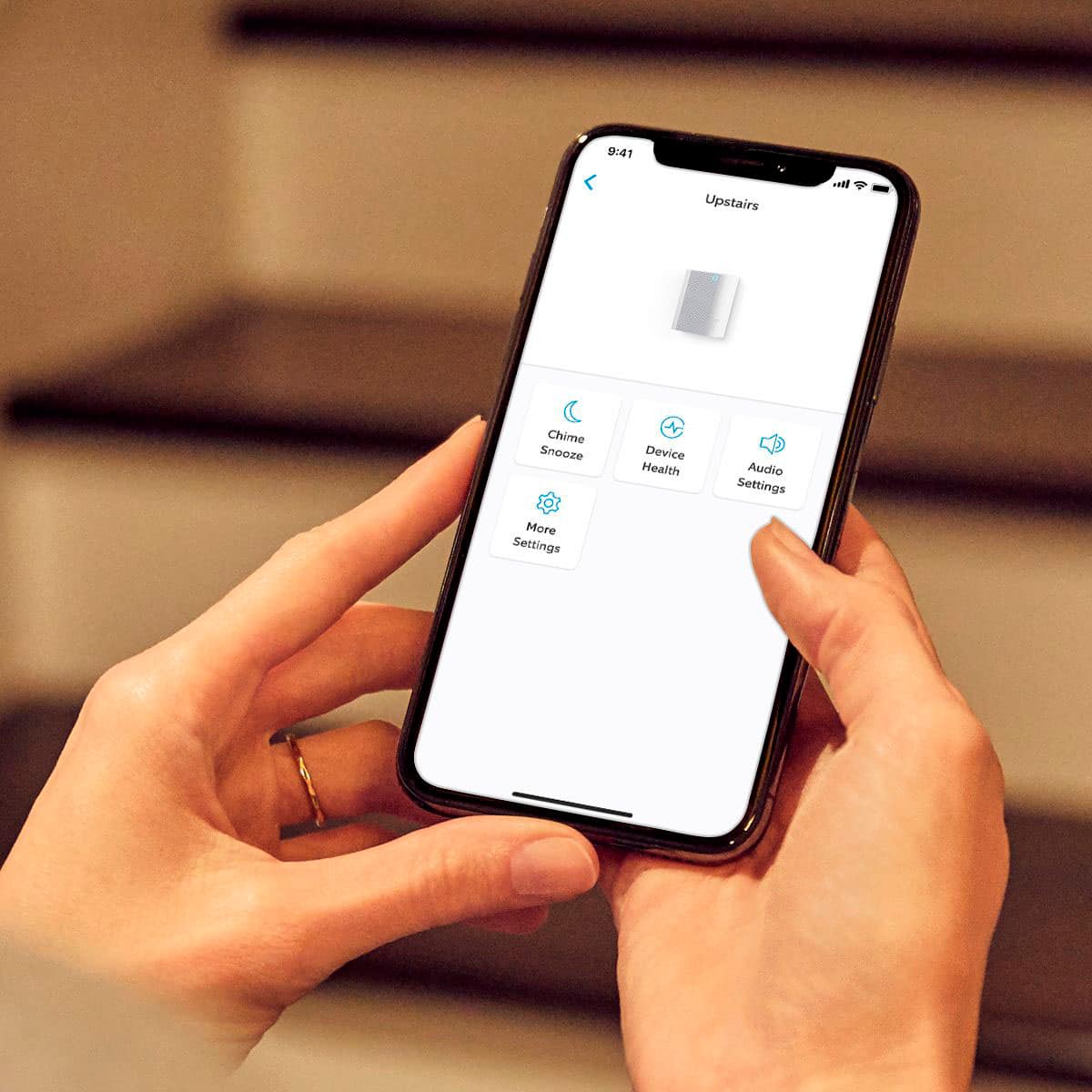
    • Answer Yes, you can disable alerts anytime by using the snooze function.
    This question and answer was generated by AI based on customer and product data.
  • QuestionWhat type of internet connection does the Ring Chime require?

    • Answer The Ring Chime requires a Wi-Fi connection of 2.4GHz.
    This question and answer was generated by AI based on customer and product data.

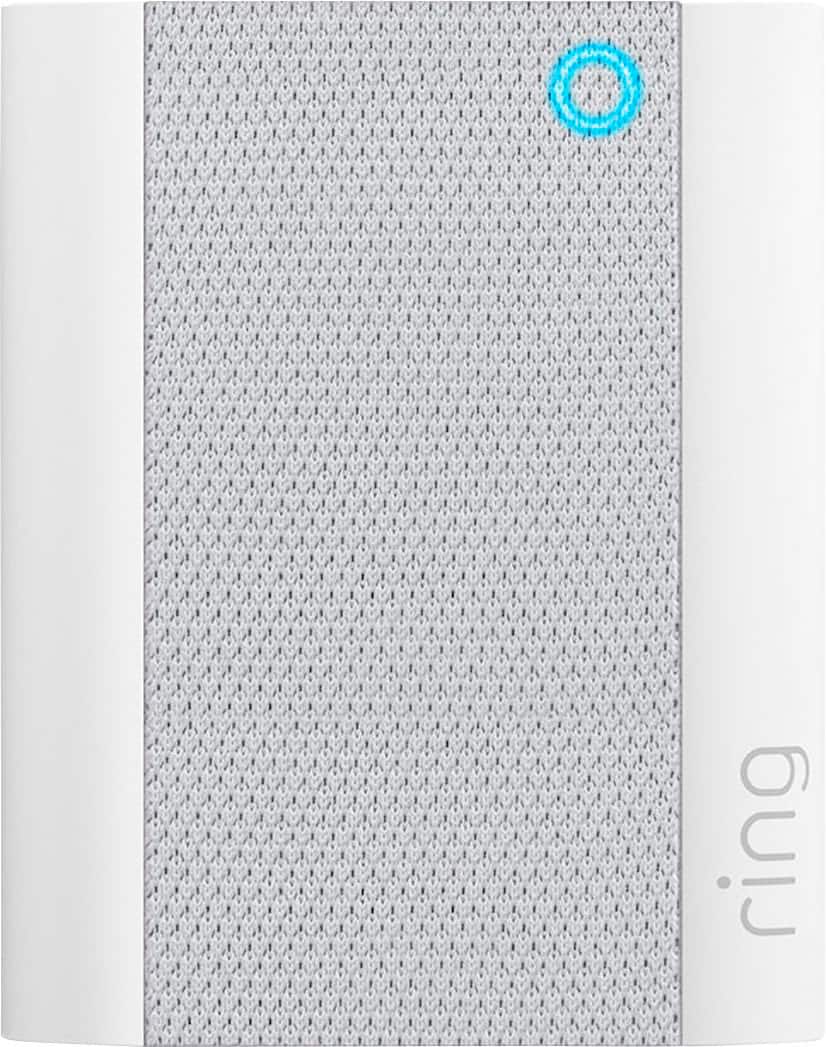
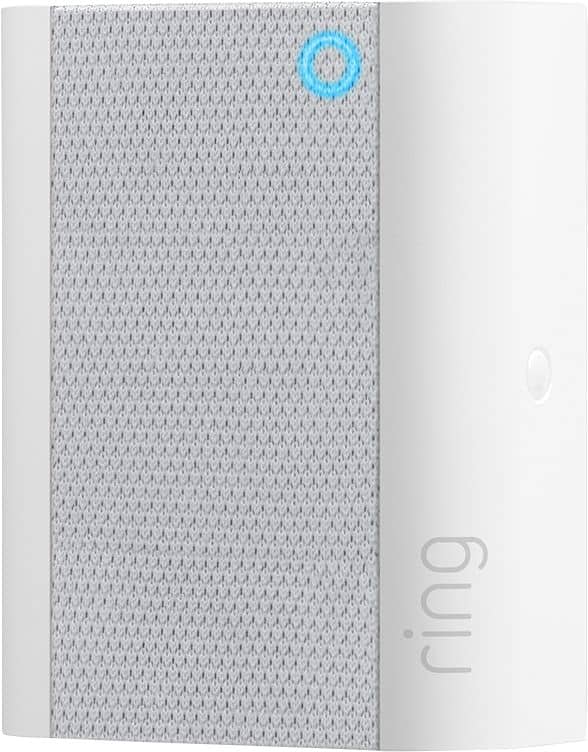
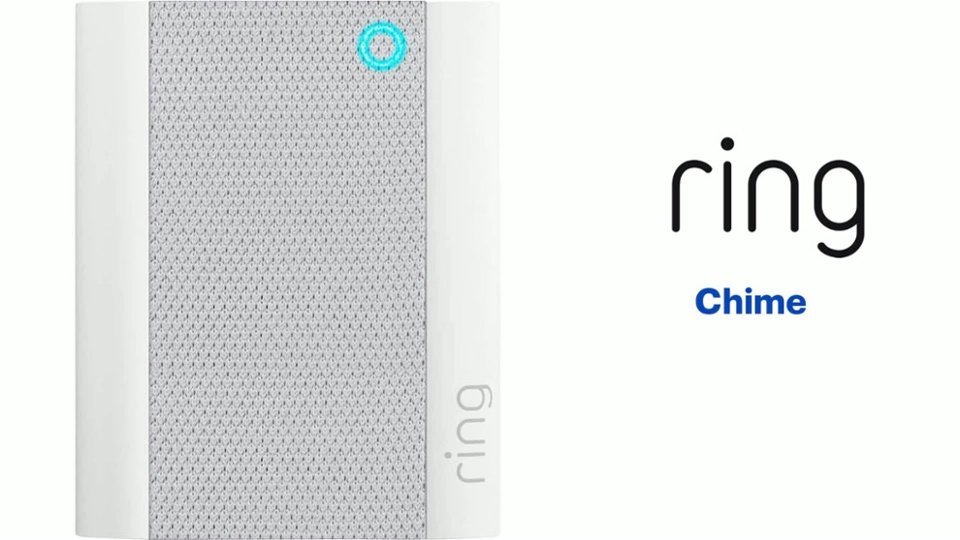
  • QuestionWhat is the main function of the Ring Chime?

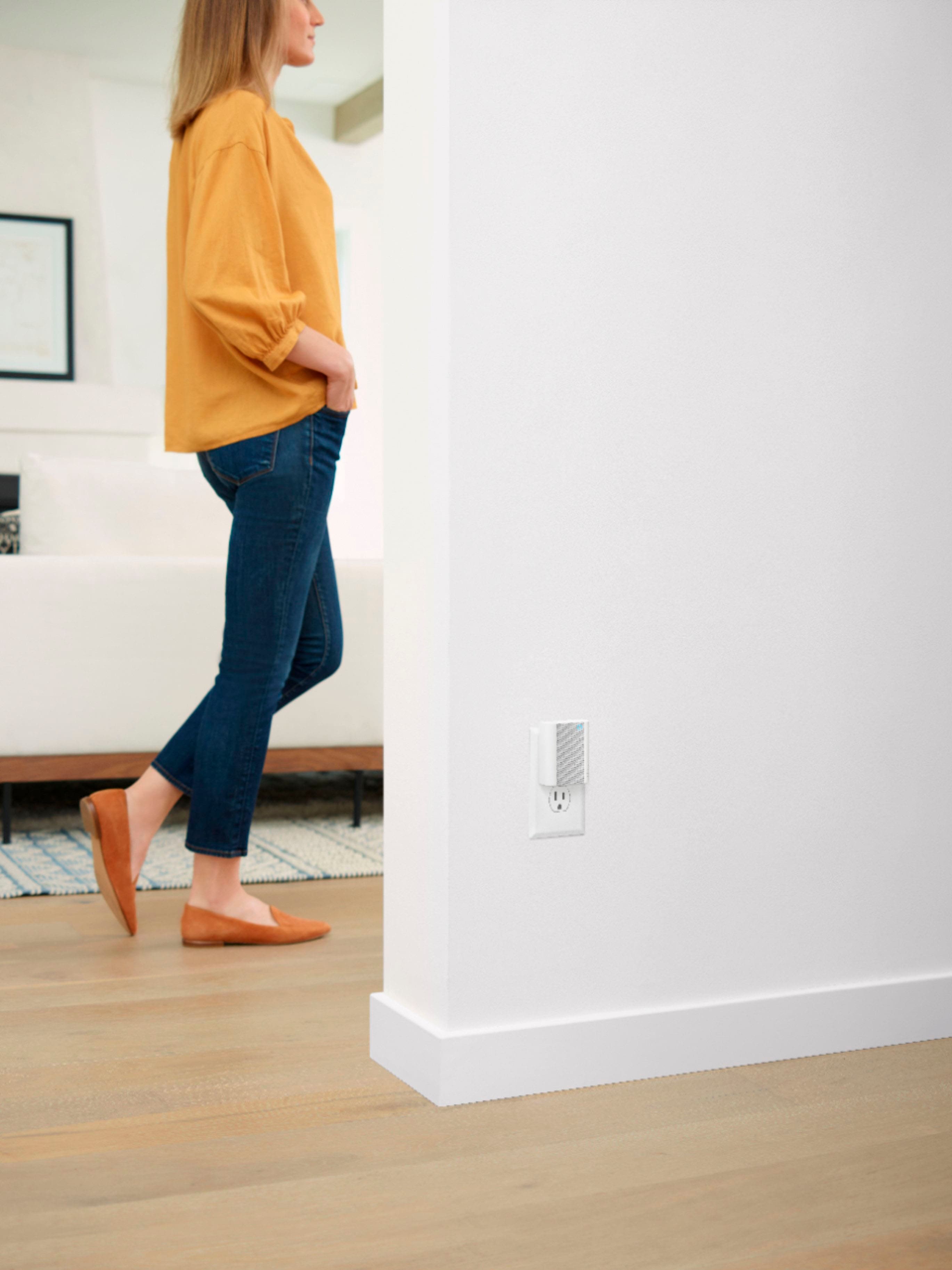
    • Answer The Ring Chime allows you to hear notifications anywhere in your home when someone presses your doorbell or if motion is detected.
    This question and answer was generated by AI based on customer and product data.

  • QuestionHow easy is it to set up the Ring Chime?

    • Answer The Ring Chime is super easy to set up and can be connected to your Ring devices in minutes.
    This question and answer was generated by AI based on customer and product data.

  • QuestionCan I adjust the volume on the Ring Chime?

    • Answer Yes, you can adjust the volume directly from the free Ring App.
    This question and answer was generated by AI based on customer and product data.

  • QuestionHow is the Ring Chime powered?

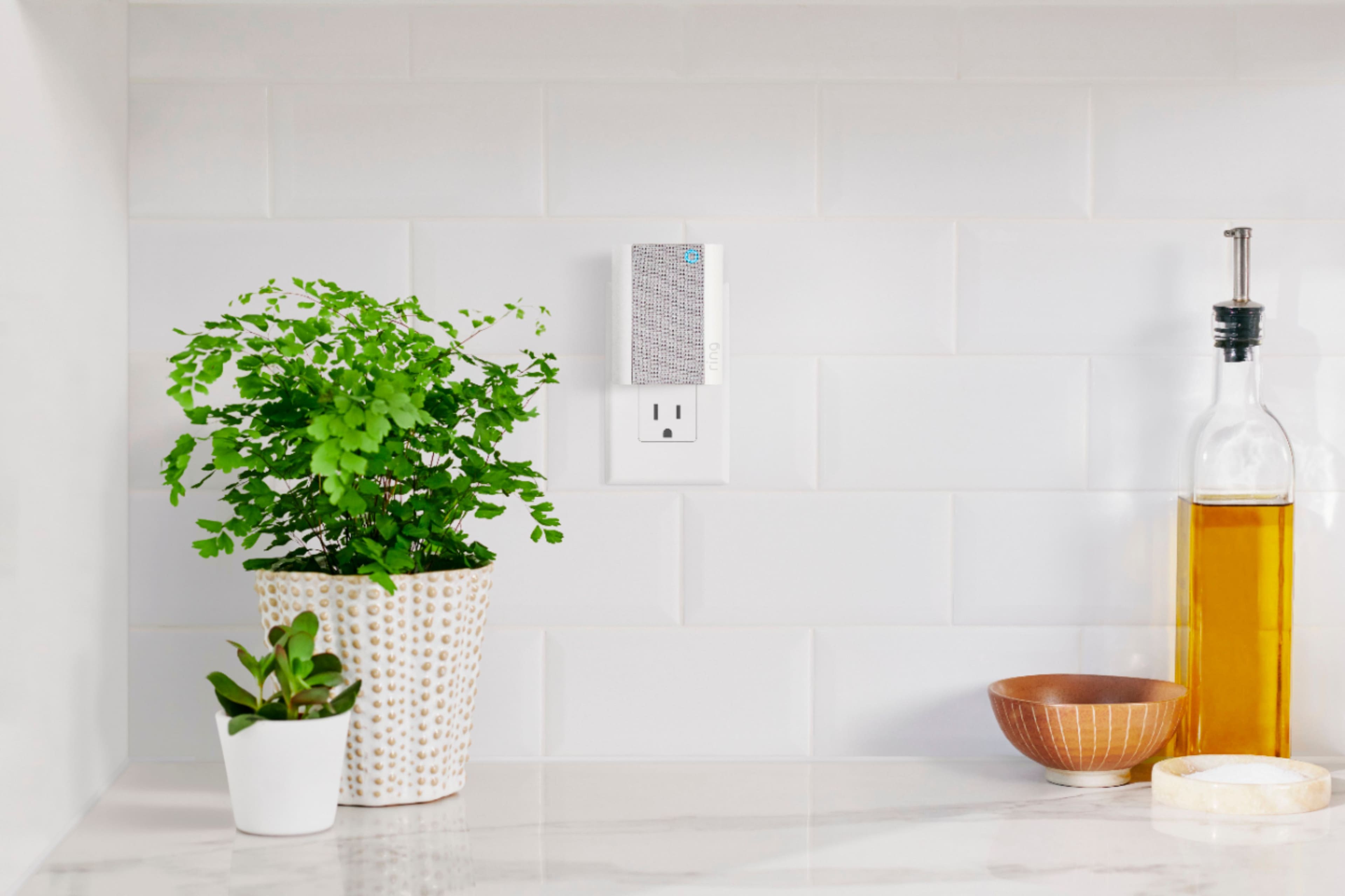
    • Answer The Ring Chime plugs into any standard wall outlet.
    This question and answer was generated by AI based on customer and product data.
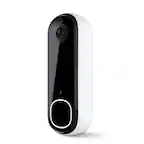
  • QuestionDoes the Ring Chime work with all Ring devices?

    • Answer The Ring Chime is compatible with Ring Video Doorbells and Cameras.
    This question and answer was generated by AI based on customer and product data.
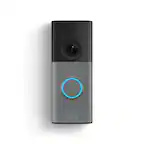
  • QuestionWill this work with my battery operated ring door bell? It is a ring doorbell 2 I

    Asked by Pixie.

    • Answer Hi Pixie. Thanks for asking! Yes, the Ring Chime will work with all models of the Ring Video Doorbell. Simply plug it into a wall socket, connect it through the Ring app, and you'll be able to get real-time Ring device notifications anywhere in your home, even if you're not near your phone. Visit our support center for additional information. We invite you to reach out to our Community if any additional information is needed regarding your question. The Ring Community is our first peer-to-peer community forum, giving our customers the ability to help one another by sharing their feedback and experiences with each other. All the best, Nicole from Ring.

      Answered by Ring

  • QuestionDo I need a subscription (monthly fee) to be able to use it?

    Asked by Mo.

    • Answer Its my understanding that you dont. We could just pair it with a our doorbell via our wifi and not have a subscription. I do have the subscription for the extra support in case we're on a trip and out of range to our system

      Answered by microscandisk

  • QuestionIf I have more then one ring door bell will both doorbells work only using one chime?

    Asked by Smith.

    • Answer Yes you can. I have a Ring a Video Doorbell at my front door and one at the garage door leading into my residence. The Agent was able to tie the one chime to each of the Ring Doorbells.

      Answered by WandaT50

  • QuestionWill it work with wifi6

    Asked by Anonymous.

    • Answer Hi Neighbor. Thank you for your question. No, at this time, the Ring Chime is only compatible with 802.11 b/g/n wifi connection @ 2.4GHz only. We invite you to reach out to our community if any additional information is needed regarding your question. The Ring Community is our first peer-to-peer community forum, giving our customers the ability to help one another by sharing their feedback and experiences with each other. Thank you, Melissa from Ring.

      Answered by Ring

  • QuestionYes just received my ring chime. So far it is ok. But i do have one question? on the ring chimes can you make them a little louder? or do i need to order one more so i can hear it in another room? Thanks

    Asked by TBates.

    • Answer Yes, you can Up the volume of your time. Go to your Ring app and tap on the three bars in the left-hand corner. Pick devices and then pick chime. Click on audio settings and you will see or you can turn the sound up and down. Also, you can set what type ringtone you want. Hope this helps. Steve

      Answered by Steve

  • QuestionIs this compatible with the Pro 2 wired?

    Asked by T33Bone.

    • Answer Hi T33Bone. Good question. Yes, the Ring Chime (2nd Gen) will work with any Ring video doorbell or security camera product. We recommend setting up your Ring device (video doorbell or security camera) first, then setting up the Ring Chime. After the device and the Chime are active and on the wifi network, use the Ring app to associate the Ring Chime with the Ring device. We invite you to reach out to our Community if any additional information is needed regarding your question. The Ring Community is our first peer-to-peer community forum, giving our customers the ability to help one another by sharing their feedback and experiences with each other. All the best, Nicole from Ring.

      Answered by Ring

  • QuestionCan this be used in place of the hardwire installation?

    Asked by JDB2374.

    • Answer No. This is merely a plug in device that works WITH a Ring device. It allows you to give it the feel of having one of the old time doorbells that would make a noise for everyone to hear when somebody would push the button whenever they visited you. It is a companion device, not a replacement device. I like mine because I wanted something audible inside my house (where I usually am anyway) since I hate all the notifications constantly alerting me on my cell. So I got this & turned off my cell notifications.

      Answered by Headset

  • QuestionIs a Ring Chime 2 compatible with a Ring doorbell 3+?

    Asked by cjj5504.

    • Answer Hi cjj5504. Good question! Yes, the Ring Chime (2nd Generation) is compatible with the Ring Video Doorbell 3+. It is designed to provide you with notifications from any and all of your Ring devices. Simply plug it into a wall socket, connect it through the Ring app, and you'll be able to get real-time Ring device notifications anywhere in your home, even if you're not near your phone. We invite you to reach out to our Community if any additional information is needed regarding your question. The Ring Community is our first peer-to-peer community forum, giving our customers the ability to help one another by sharing their feedback and experiences with each other. All the best, Nicole from Ring.

      Answered by Ring

  • QuestionCan I program multiple chimes to my Ring?

    Asked by Renee.

    • Answer Hello Renee, Yes, you can connect multiple Ring Chimes to one or multiple Ring devices. The Ring Chime (2nd Generation) is an updated version of the Ring Chime (1st Generation). In addition to a stylish new design Ring Chime's 2.4 GHz wifi connectivity will help you get notification for any and all of your Ring devices. Also, Ring Community was launched to help deliver the most current news and educational information to our neighbors. This online forum is divided into four categories: Product Boards, Ring Updates, Tips + Tricks, and a Moderators’ Corner. The Product Boards are where you can begin new topics with your questions or feedback; there is also a search option that helps you find topics that have already been posted by other neighbors. We invite you to visit our site at https://community.ring.com/ today! Thank you, Antonio from Ring

      Answered by Ring

  • QuestionIs this chime compatible with nest 1st gen?

    Asked by Crad.

    • Answer Yes

      Answered by Kels

  • QuestionCan it hear anyone conversation?

    Asked by Beau2027.

    • Answer Hi Beau2027. Thank you for reaching out to us with your question. No, the Ring Chime allows you to hear notifications anywhere in your home when someone presses your doorbell or motion is detected. The Ring Chime is compatible with all Ring doorbells and cameras. If any additional information is needed regarding your question, please reach out to our community. Ring Community is our first peer-to-peer community forum, giving our customers the ability to help one another and share their feedback and experiences directly with Ring. Join the Ring Community today! Thank you, Amilia from Ring.

      Answered by Ring

  • QuestionThe range of chime in house is how far?

    Asked by Owllady.

    • Answer Over 3000sq feet it covers

      Answered by Kels

  • QuestionDoes the chime have a microphone?

    Asked by Buyer23.

    • Answer NO

      Answered by Alireza