Questions & Answers
- Model:
- B0CZVXB3XT
- |
- SKU:
- 6590450
Highly rated by customers for: Video Quality, Overall Performance, Ease of use
$79.99Your price for this item is $79.99
Comp. Value: $139.99
The comparable value price is $139.99
Page Showing 1-20 of 47 questions
Q: QuestionIs a subscription required for all features of the Starter Set?
- A:Answer A subscription, while optional, is not required for the Starter Set.
This question and answer was generated by AI based on customer and product data.Q: QuestionWhat kind of alerts does the Battery Doorbell send?
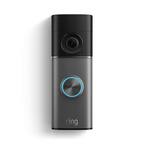
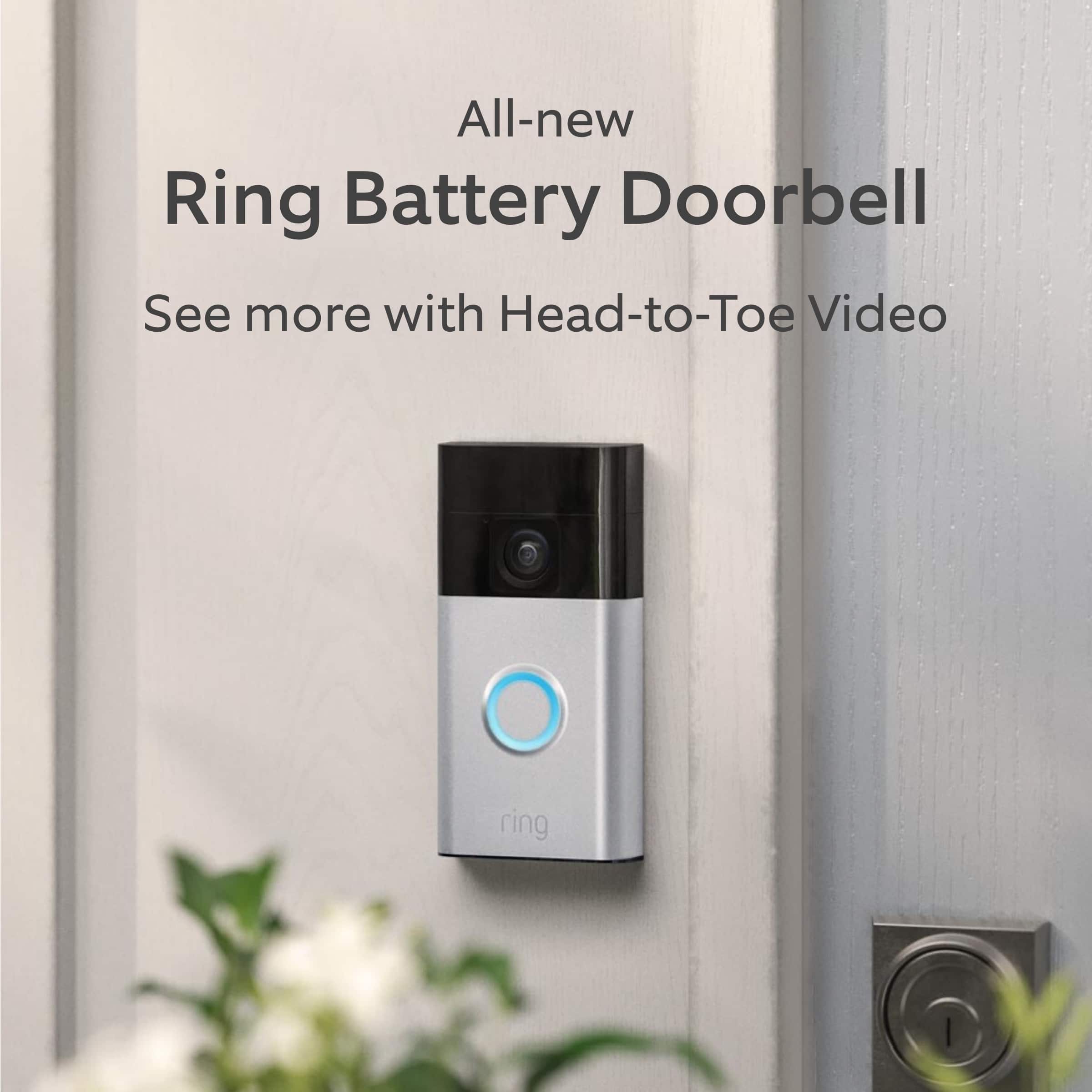
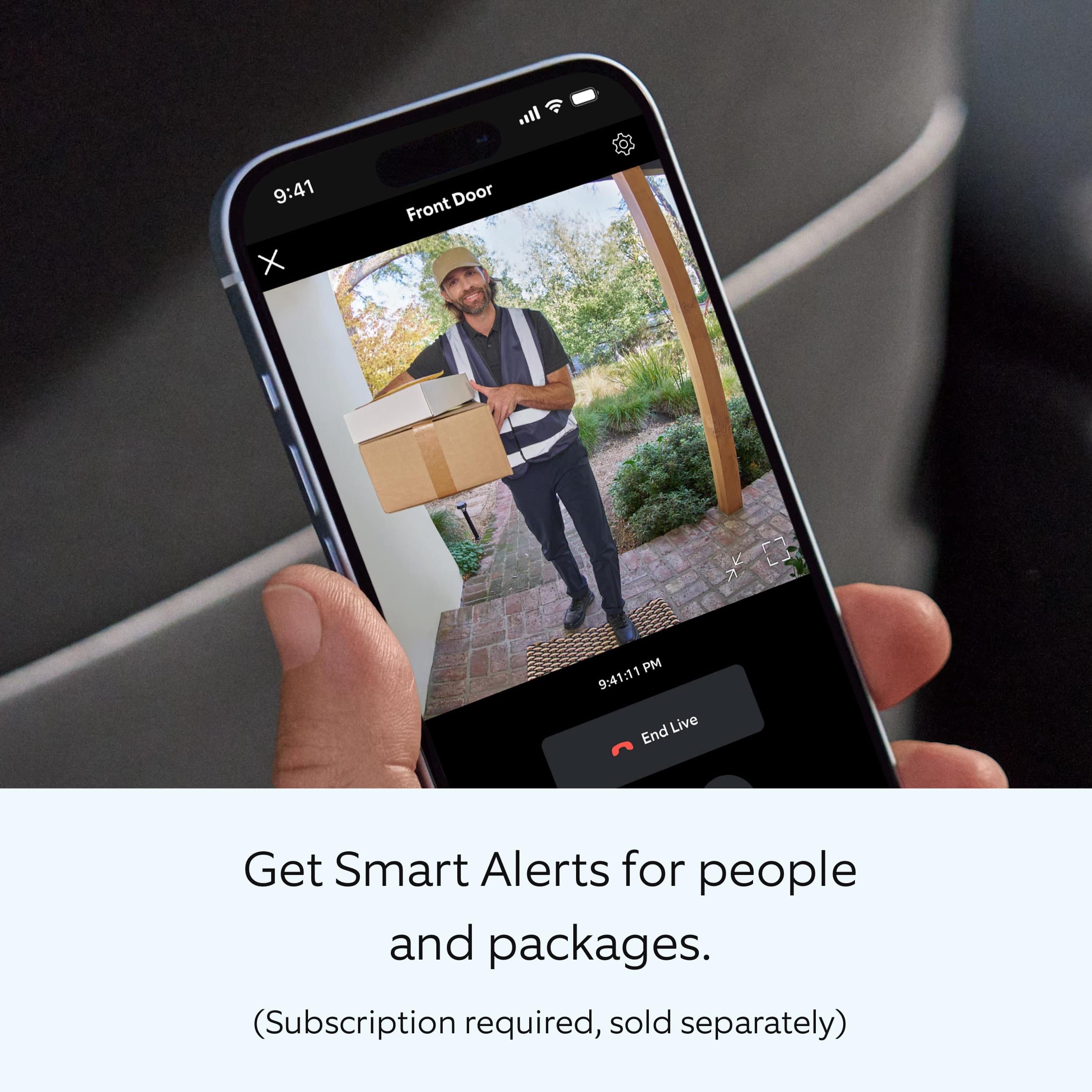
- A:Answer The Ring Battery Doorbell has Smart Alerts that can recognize both people and packages.
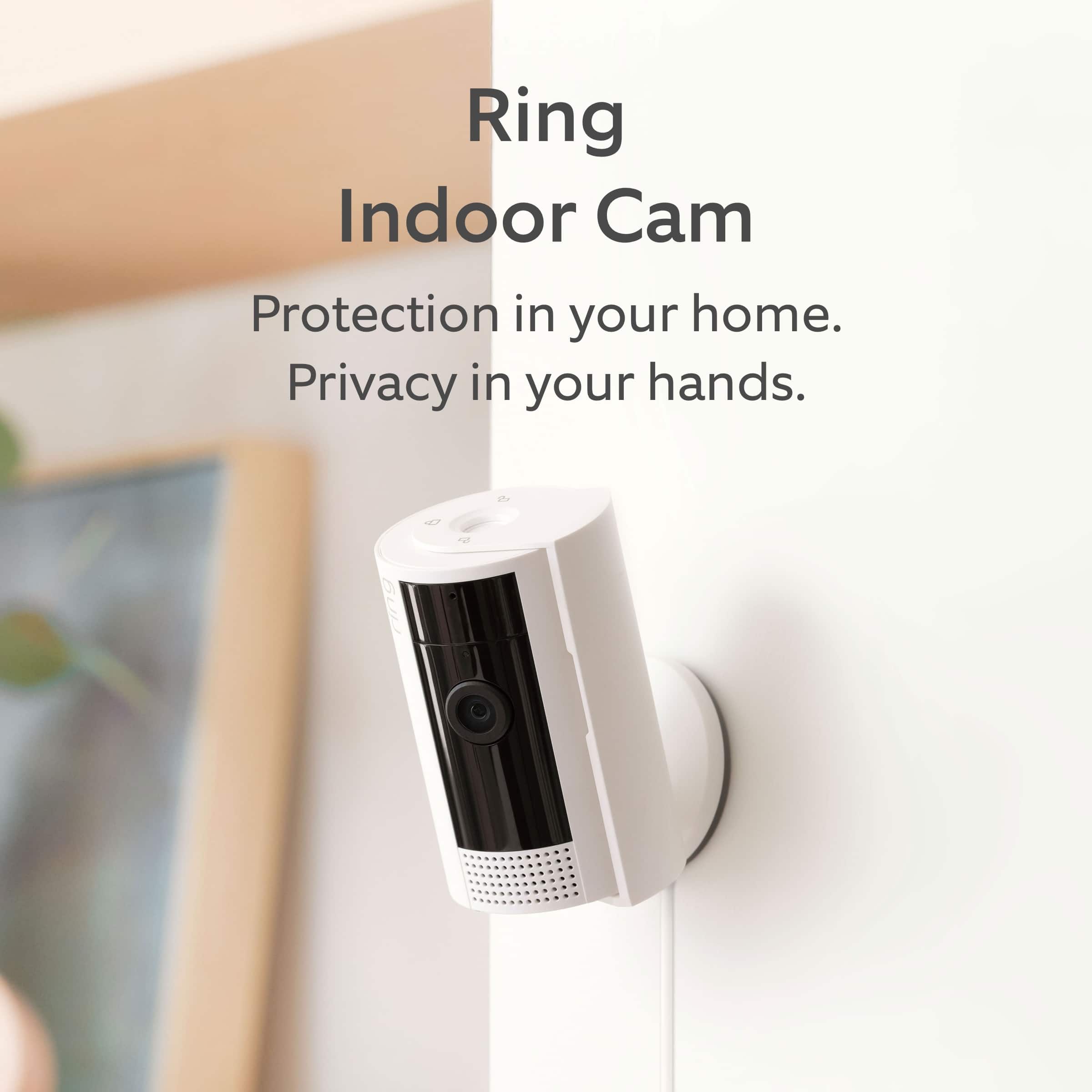
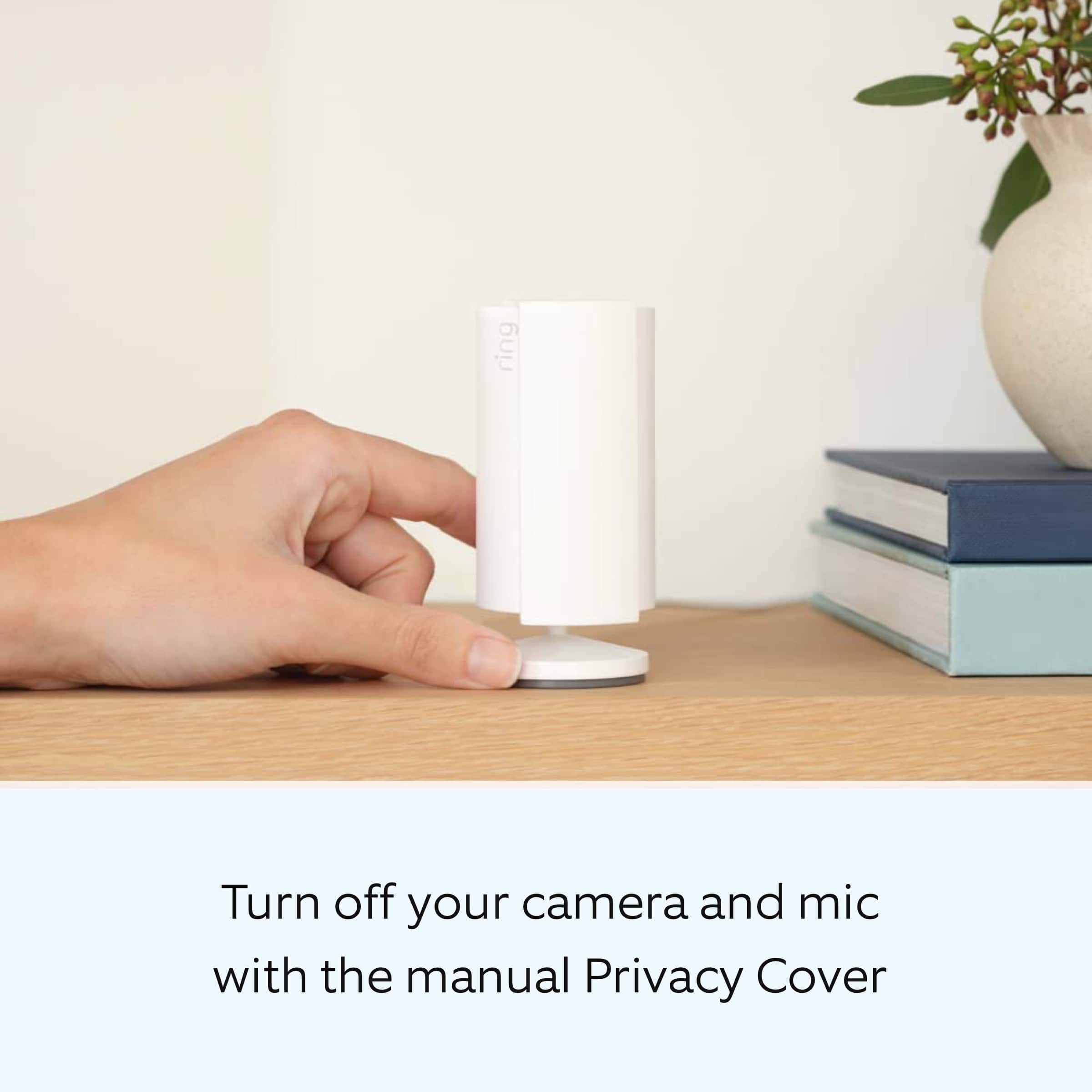
This question and answer was generated by AI based on customer and product data.Q: QuestionWhy does the Indoor Cam have a removable Privacy Cover?
- A:Answer The Indoor Cam has a removable Privacy Cover so you can turn off the audio and video with a simple swivel.
This question and answer was generated by AI based on customer and product data.Q: QuestionWhat is the maximum operating temperature for the Starter Set?
- A:Answer The maximum operating temperature for the Starter Set is 120 degrees Fahrenheit.
This question and answer was generated by AI based on customer and product data.Q: QuestionDoes the Indoor Cam have night vision?
- A:Answer The Indoor Cam provides a clear image at night with its Color Night Vision feature.
This question and answer was generated by AI based on customer and product data.Q: QuestionCan u add another ring door bell to another door or do I need to buy an entire 2nd kit?
Asked by Franny.
- A:Answer Hi Franny. Thank you for taking the time to ask us your question. Yes, you can purchase an additional Ring doorbell separately and add it to your home. Once you download the Ring app and set up your Ring account, you can add devices to your location. Hi Neighbor. Thank you for your question. Yes, the Ring Chime is very easy to set up. Simply plug the Ring Chime into a standard wall outlet and follow the steps in the Ring app to finish the setup. Once the Ring Chime is on your Ring account, you can connect it to your Ring devices and receive alerts. We invite you to reach out to our community if any additional information is needed regarding your question. The Ring Community is our first peer-to-peer community forum, giving our customers the ability to help one another by sharing their feedback and experiences with each other. Thank you, Melissa from Ring.
Answered by Ring

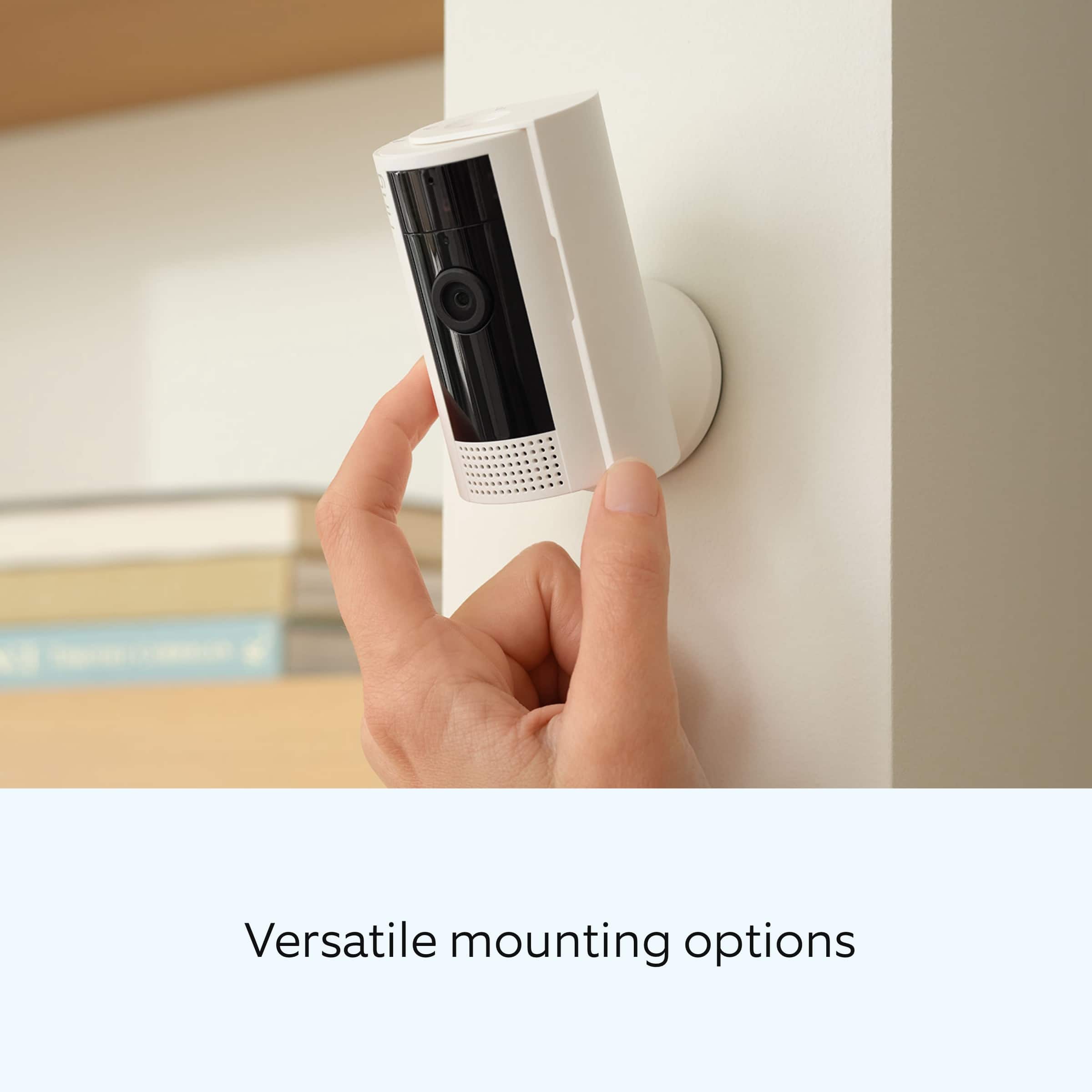
Q: QuestionIs it easy to mount it on the wall- are wires involved & screws
Asked by Lacheeks.
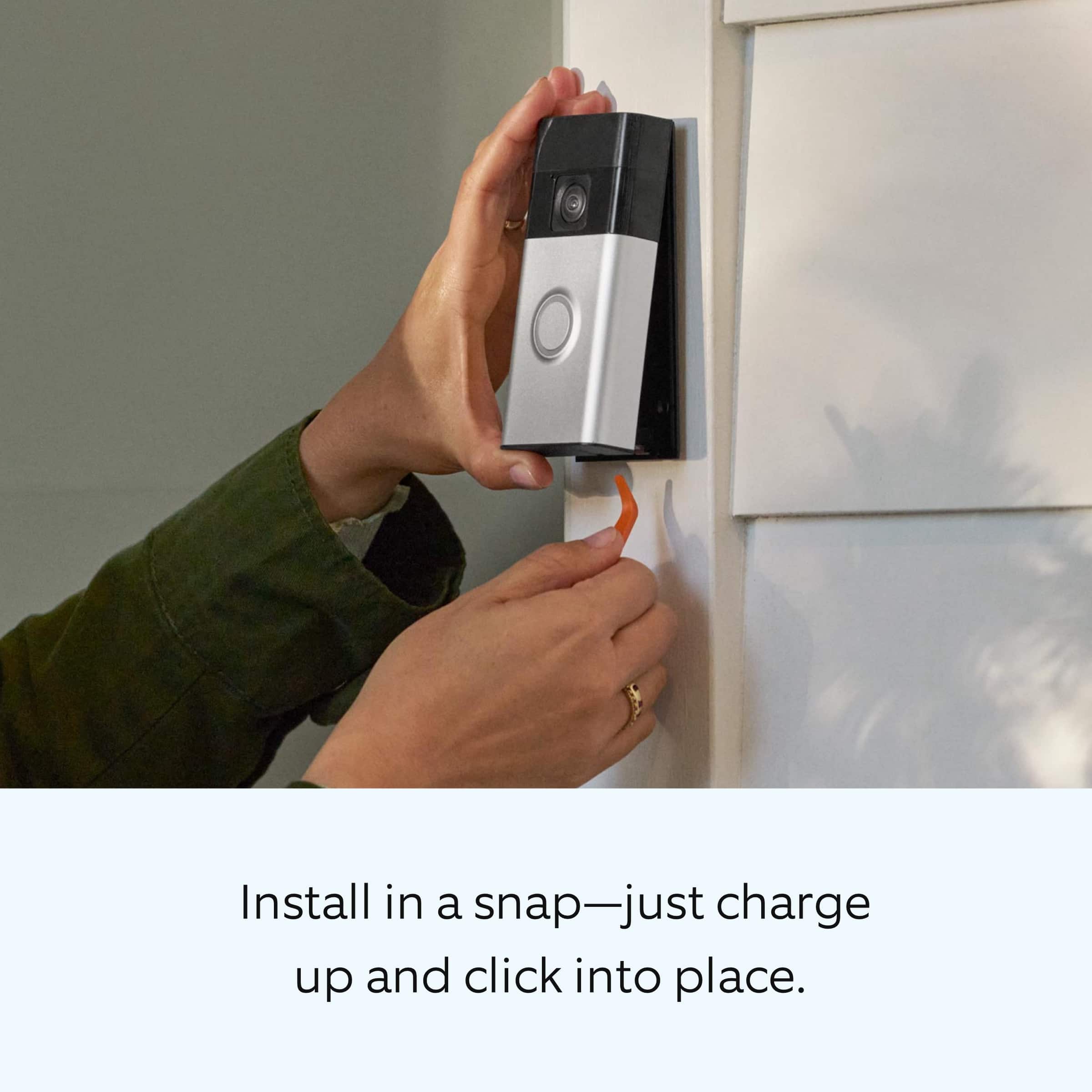
- A:Answer Hi Lacheeks. Thank you for taking the time to ask this question. Yes, the Ring Battery Doorbell is designed to be a DIY home security solution. Connecting the Ring Battery Doorbell to an existing doorbell system for continuous charging is optional. The installation does require screws to attach it to the surface you are mounting it to. However, we do have a Ring No-Drill Mount (sold separately). The Ring No-Drill Mount uses a strong non-damaging adhesive to keep your doorbell securely attached to the wall. If any additional information is needed regarding your question, please reach out to our community. Ring Community is our first peer-to-peer community forum, giving our customers the ability to help one another and share their feedback and experiences directly with Ring. Join the Ring Community today! Thank you, Amilia from Ring.
Answered by Ring

Q: QuestionHi, is the battery inside the Ring door bell removable or I can only charge it by connecting the doorbell to the USB charger?
Asked by Cheng.
- A:Answer Hi Cheng. Thank you for taking the time to ask this question. Yes, the Ring Battery Doorbell has a built-in, rechargeable battery. It can also be hardwired to an existing doorbell system or transformer for continuous charging (8-24 VAC, 40VA max, 50/60Hz). Charge your Ring battery-powered doorbell using the USB cable included in your device's packaging. Connect the cable to any USB power source to begin charging. The battery can take up to 10 hours to fully charge. Follow these steps to charge the Ring Battery Doorbell: 1. Use the remove tool to pop the doorbell off the mounting bracket. 2. Connect the charging cable to the devices charging port. The circular LED light on the doorbell's front will illuminate fully when the battery reaches full charge. 3. Place the device back on the bracket and then reinsert the security screws. If any additional information is needed regarding your question, please reach out to our community. Ring Community is our first peer-to-peer community forum, giving our customers the ability to help one another and share their feedback and experiences directly with Ring. Join the Ring Community today! Thank you, Amilia from Ring.
Answered by Ring
Q: QuestionCan a solar charger be added to this device
Asked by cstaff.
- A:Answer Hi carm. We appreciate the time you have taken to ask this question. Yes, the Ring Battery Doorbell can connect to a Ring Solar Charger. The device's battery level may vary based on the amount of direct sunlight the solar charger receives. It is important to ensure that your Ring Solar Charger is installed correctly and that it is receiving enough direct sunlight to operate as intended. We invite you to reach out to our community if any additional information is needed regarding your question. The Ring Community is our first peer-to-peer community forum, giving our customers the ability to help one another by sharing their feedback and experiences with each other. Thank you, Amilia from Ring.
Answered by Ring

Q: QuestionCan the indoor camera be placed on a screened porch
Asked by LC.
- A:Answer Hi LC. Thank you for reaching out to us with your question. No, the Ring Indoor Cam and its accessories are for indoor use only. The Ring Stick Up Cam is a versatile camera that goes almost anywhere, indoors or out. Plus, it's weather-resistant and comes in 4 different power options: battery, plug-in, solar, and Power over Ethernet. If any additional information is needed regarding your question, please reach out to our community. Ring Community is our first peer-to-peer community forum, giving our customers the ability to help one another and share their feedback and experiences directly with Ring. Join the Ring Community today! Thank you, Amilia from Ring.
Answered by Ring

Q: QuestionHow many people can use the aplication at home
Asked by Chucha.
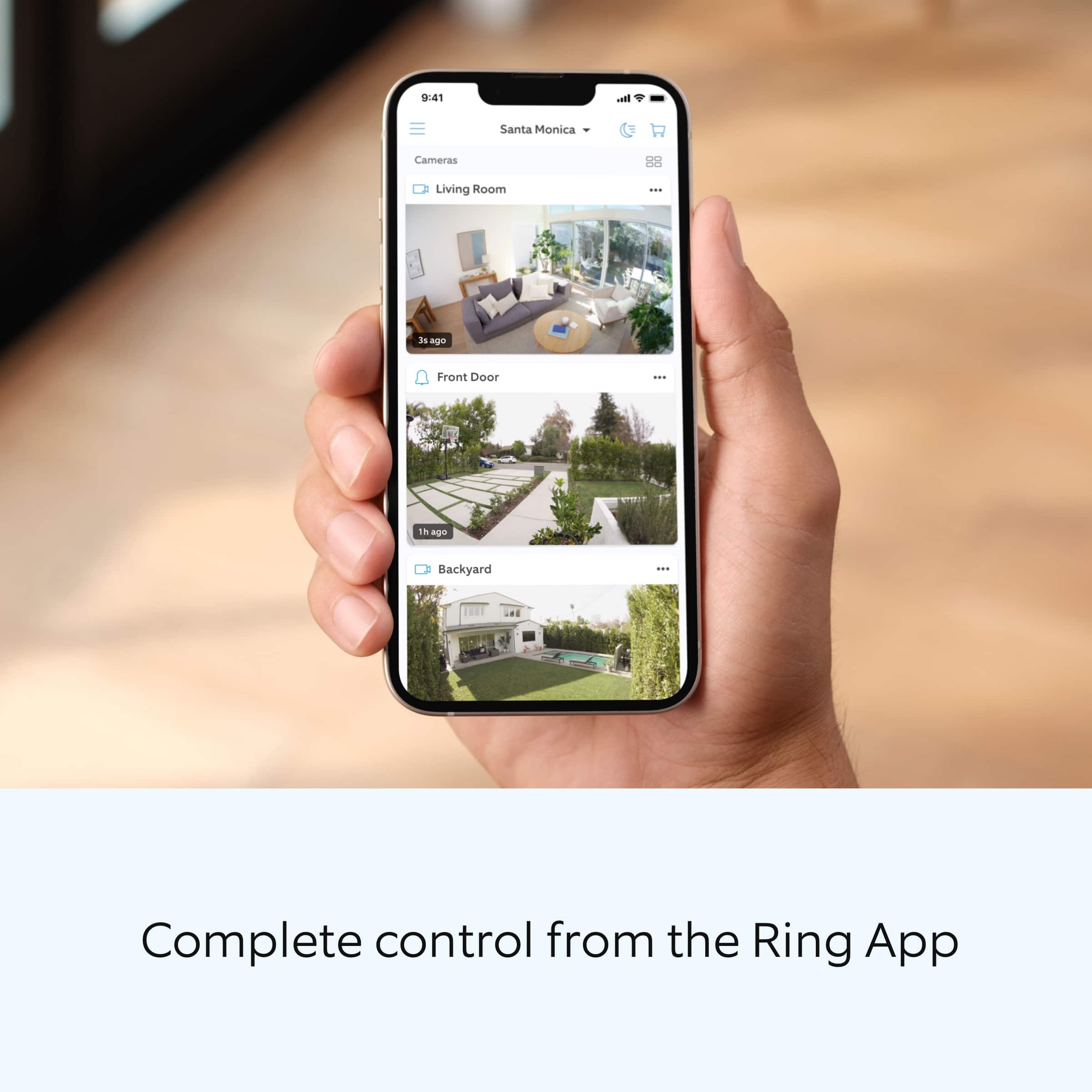
- A:Answer Hello Chucha. Thank you for taking the time to reach out to us with your question. You have the option to share one or more Ring devices with as many shared users as you like. A shared user cannot change system settings or account information but can view cameras and view and share videos. Access to particular cameras can be granted or taken away by the owner. If you have a Ring Alarm system, the shared user can also arm and disarm the Ring Alarm system and unlock any lock they've been given access to by the owner. If any additional information is needed regarding your question, please reach out to our community. Ring Community is our first peer-to-peer community forum, giving our customers the ability to help one another and share their feedback and experiences directly with Ring. Join the Ring Community today! Thank you, Amilia from Ring.
Answered by Ring

Q: QuestionDoes this work with a dual band router?
Asked by Anonymous.
- A:Answer It should
Answered by RR2018
Q: QuestionHow much is an optional Ring plan?
Asked by Nancy.
- A:Answer Hi Nancy. Thank you for your question today! We have listed the pricing for the optional Ring Home Plans here: The Ring Home Basic Plan includes video recording for one Ring doorbell or home camera, person and package alerts, video preview alerts, and 10% off select Ring site purchases. The cost of the Ring Home Basic Plan is $4.99/month or $49.99/year. The Ring Home Standard Plan covers all home devices at one location, includes everything in the Ring Home Basic Plan, doorbell calls, extended live view, alarm cellular backup, and more. The cost of the Ring Home Standard Plan is $9.99/month or $99.99/year. The Ring Home Premium Plan covers all home devices at one location, includes everything in the Ring Home Standard Plan, smart video search, 24/7 recording, SOS emergency response, and more. The cost of the Ring Home Premium Plan is $19.99/month or $199.99/year. We invite you to reach out to our community if any additional information is needed regarding your question. The Ring Community is our first peer-to-peer community forum, giving our customers the ability to help one another by sharing their feedback and experiences with each other. Thank you, Miyuki from Ring.
Answered by Ring
Q: QuestionDoes it have ring a 6+ where you can call and get technical support for free for years
Asked by Jona.
- A:Answer Hi Jona. Thank you for your question today! While Ring does offers optional services like Ring Assist Plus which provides instant access to our Community Support Team and Lifetime Tool Replacement, please note that standard customer support (phone and chat) is available at no additional cost for all Ring customers. We invite you to reach out to our community if any additional information is needed regarding your question. The Ring Community is our first peer-to-peer community forum, giving our customers the ability to help one another by sharing their feedback and experiences with each other. Thank you, Miyuki from Ring.
Answered by Ring
Q: QuestionHow much are the basic subscriptions for a month? Are the least expensive monthly charge or yearly charge that can record and keep the recording for some days
Asked by Jona.
- A:Answer Hi Jona. Thank you for your question today! We have listed the pricing for the optional Ring Home Plans here: The Ring Home Basic Plan includes video recording for one Ring doorbell or home camera, person and package alerts, video preview alerts, and 10% off select Ring site purchases. The cost of the Ring Home Basic Plan is $4.99/month or $49.99/year. The Ring Home Standard Plan covers all home devices at one location, includes everything in the Ring Home Basic Plan, doorbell calls, extended live view, alarm cellular backup, and more. The cost of the Ring Home Standard Plan is $9.99/month or $99.99/year. The Ring Home Premium Plan covers all home devices at one location, includes everything in the Ring Home Standard Plan, smart video search, 24/7 recording, SOS emergency response, and more. The cost of the Ring Home Premium Plan is $19.99/month or $199.99/year. We invite you to reach out to our community if any additional information is needed regarding your question. The Ring Community is our first peer-to-peer community forum, giving our customers the ability to help one another by sharing their feedback and experiences with each other. Thank you, Miyuki from Ring.
Answered by Ring
Q: Questiondoes springfield illinois store hav e ring door bell battery B15169 in stock
Asked by Anonymous.
Q: QuestionThis use usb c port?
Asked by Pujo.
- A:Answer Hi Pujo. Thank you for reaching out to us with your question. Yes, the Ring Battery Doorbell comes with a USB-C charging cable. The Ring Indoor Cam uses a 6.5 foot micro USB power cable and power adapter. If any additional information is needed regarding your question, please reach out to our community. Ring Community is our first peer-to-peer community forum, giving our customers the ability to help one another and share their feedback and experiences directly with Ring. Join the Ring Community today! Thank you, Amilia from Ring.
Answered by Ring
Q: QuestionIs this a two-way talking ring doorbell?
Asked by Vanessa.
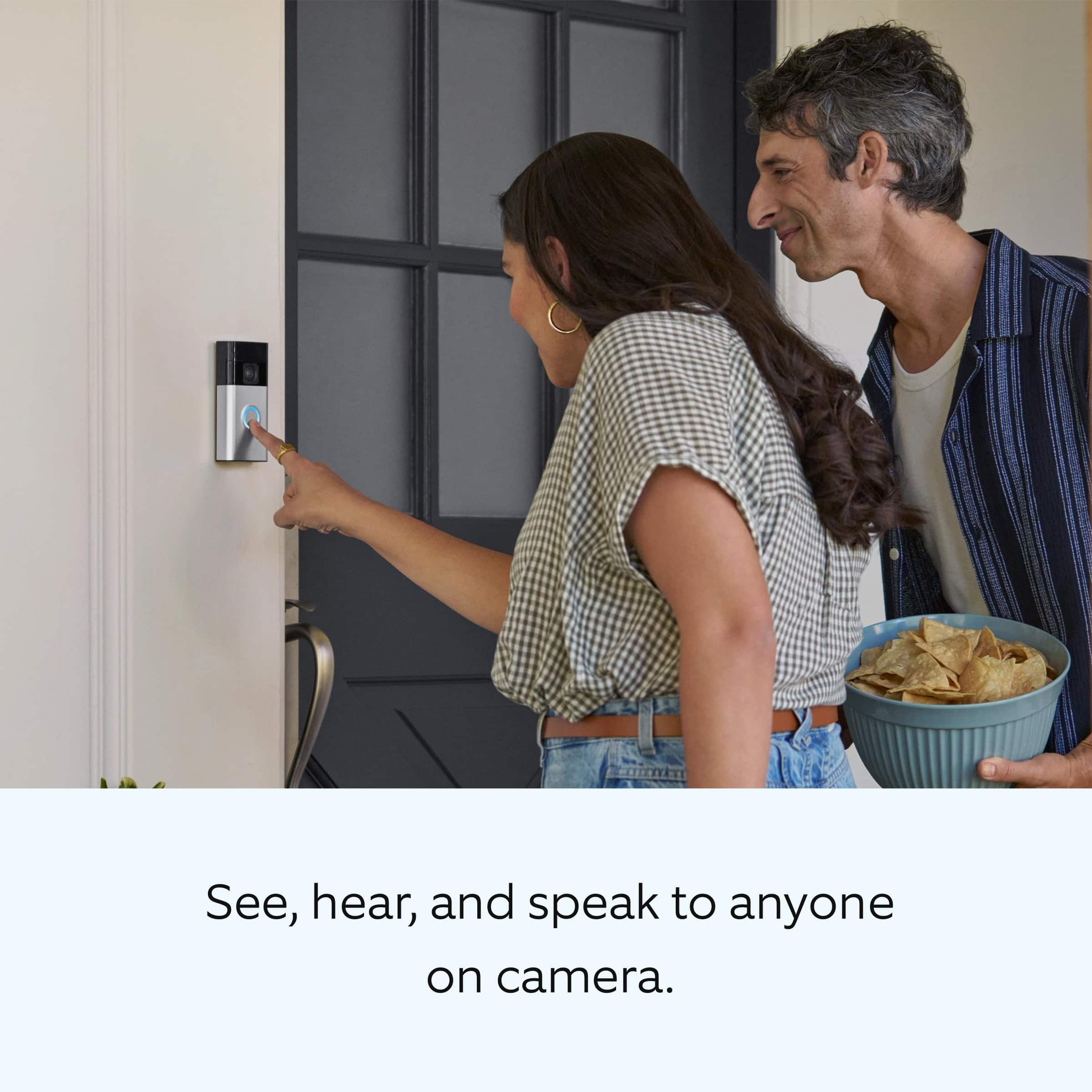
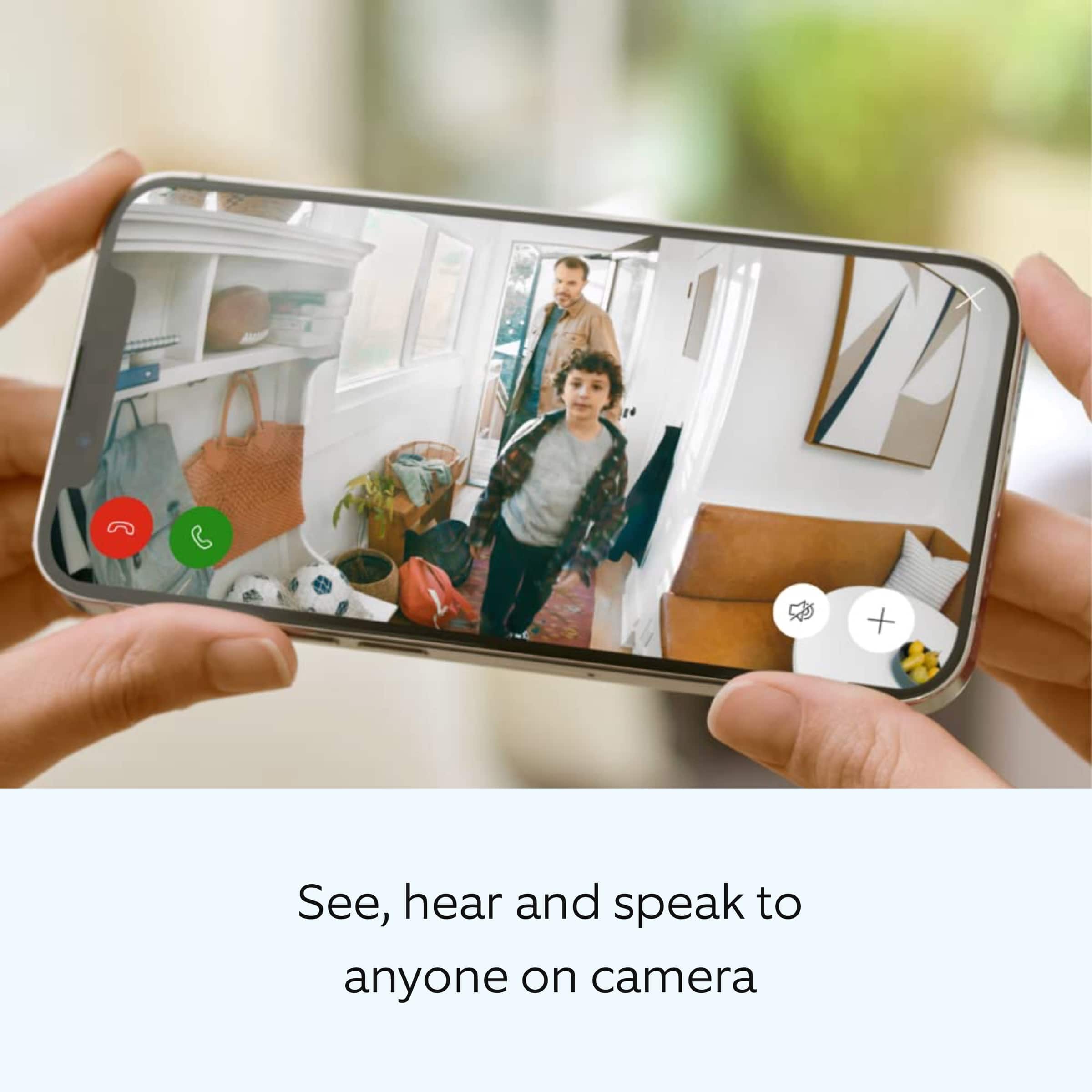
- A:Answer This is a two way talking ring doorbell.
Answered by TeeresinaP
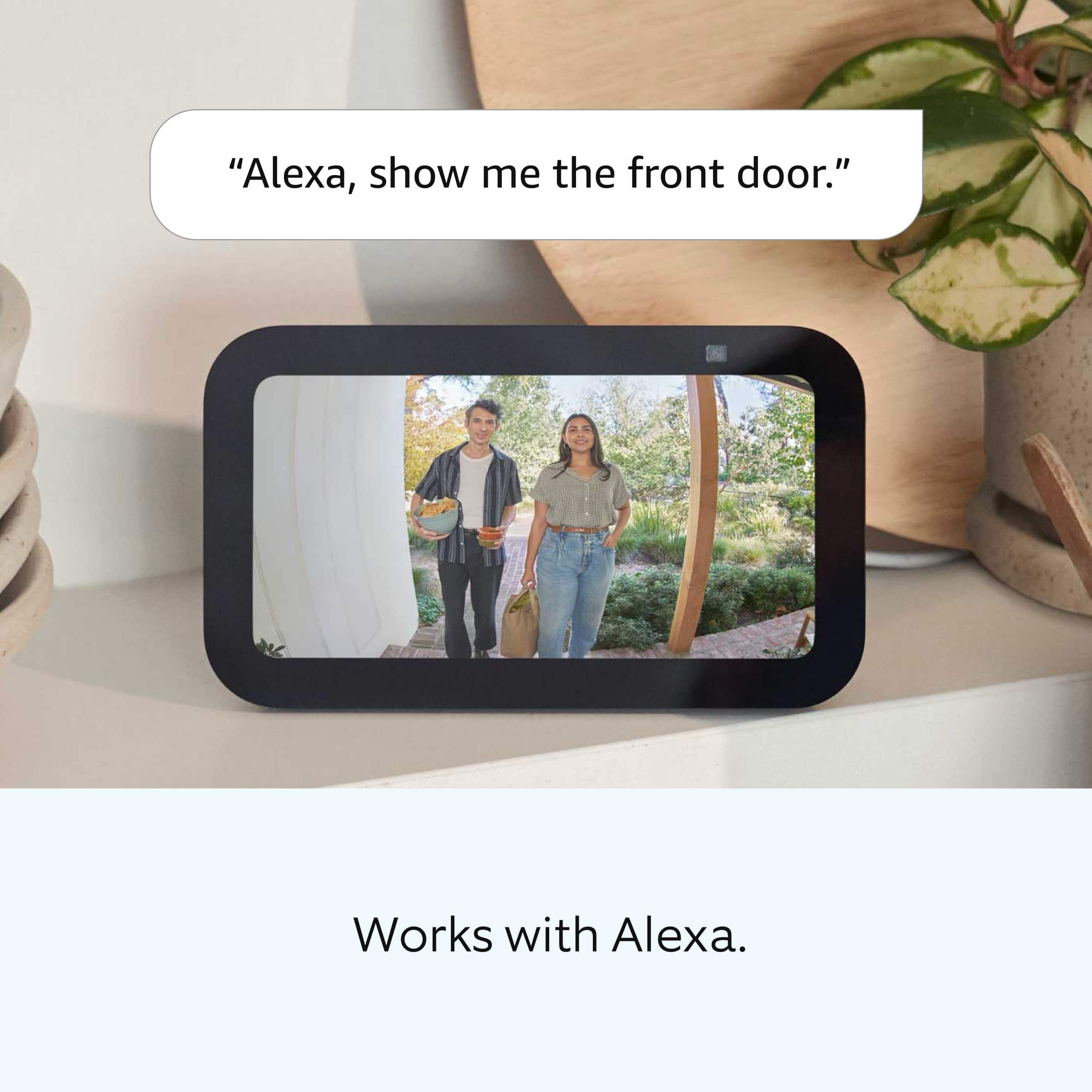
Q: QuestionCan you receive updates on your phone and indoor cam?
Asked by KC.
- A:Answer Yes I can receive updated on my phone.
Answered by TeeresinaP
Q: QuestionIs this a 5gz?
Asked by TaterEater.
- A:Answer Hi TaterEater. Thank you for taking the time to ask this question. No, the Ring Battery Doorbell and Ring Indoor Cam are not compatible with a 5GHz wifi connection. Theses devices require an 802.11 b/g/n wifi connection at 2.4GHz and a minimum upload speed of 2 Mbps for optimal performance. If any additional information is needed regarding your question, please reach out to our community. Ring Community is our first peer-to-peer community forum, giving our customers the ability to help one another and share their feedback and experiences directly with Ring. Join the Ring Community today! Thank you, Amilia from Ring.
Answered by Ring
Page 1, Showing 1-20 of 47 questions
Best-selling wireless doorbell cameras
- $59.99Your price for this item is $59.99$99.99The comparable value for this item is $99.99
- $94.99Your price for this item is $94.99$149.99The comparable value for this item is $149.99
- $59.99Your price for this item is $59.99$129.99The comparable value for this item is $129.99
- $39.99Your price for this item is $39.99$49.99The comparable value for this item is $49.99
- $34.99Your price for this item is $34.99
- $199.99Your price for this item is $199.99
- $59.99Your price for this item is $59.99
- $179.99Your price for this item is $179.99
- $35.99Your price for this item is $35.99$69.99The comparable value for this item is $69.99
- $34.99Your price for this item is $34.99$49.99The comparable value for this item is $49.99
- $69.99Your price for this item is $69.99$99.99The comparable value for this item is $99.99
- $99.99Your price for this item is $99.99$179.99The comparable value for this item is $179.99
- $60.00Your price for this item is $60.00
- $179.99Your price for this item is $179.99
- $169.99Your price for this item is $169.99
- $149.99Your price for this item is $149.99
- $79.99Your price for this item is $79.99
- $189.99Your price for this item is $189.99$229.99The comparable value for this item is $229.99