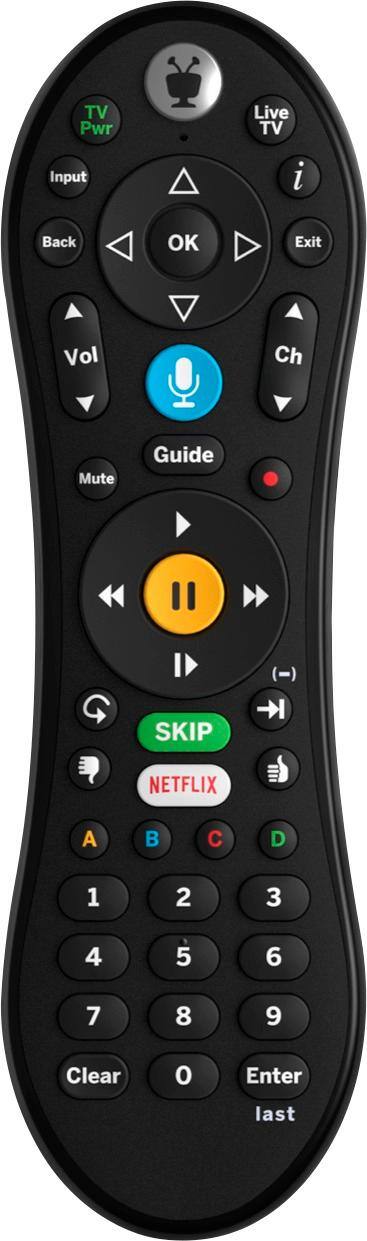
A:Answer I believe that the storage format is proprietary and not accessible by either direct network connection or taking the drive out (which might void your warranty). In fact, the Tivo manual says that if you add storage via the USB port (only Tivo approved devices, the manual says, will work) and then remove that storage at a later date, you may lose recordings on both internal and external storage. However, it is possible to move stored programs across a network by installing TivoDesktop2.8.2.exe on a Windows (I think XP or later) computer connected to the same network; this will allow you to view transferred video files in Windows Media Player or VLC Media Player (VLC Media Player is freeware readily available on the internet). Tivo, I believe, no longer maintains TivoDesktop, so you will have to find it on an internet search. You are on your own as far as any copyright issues are concerned. I am sure Tivo would be pleased if you bought Tivo Mini, which allows you to view videos stored on your Tivo Roamio when both are connected on the same wired network. Tivos have wireless capacity, but they won't talk to each other over a wireless network. If you don't have a wired network in your home, look into powerline ethernet (you will still need some kind of router, unless you are willing to experiment with an ad-hoc network).