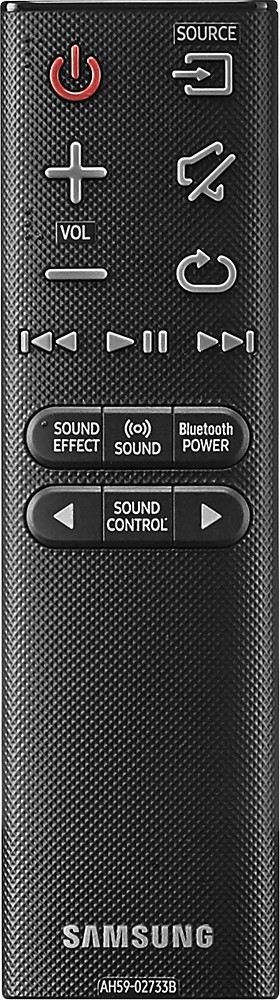
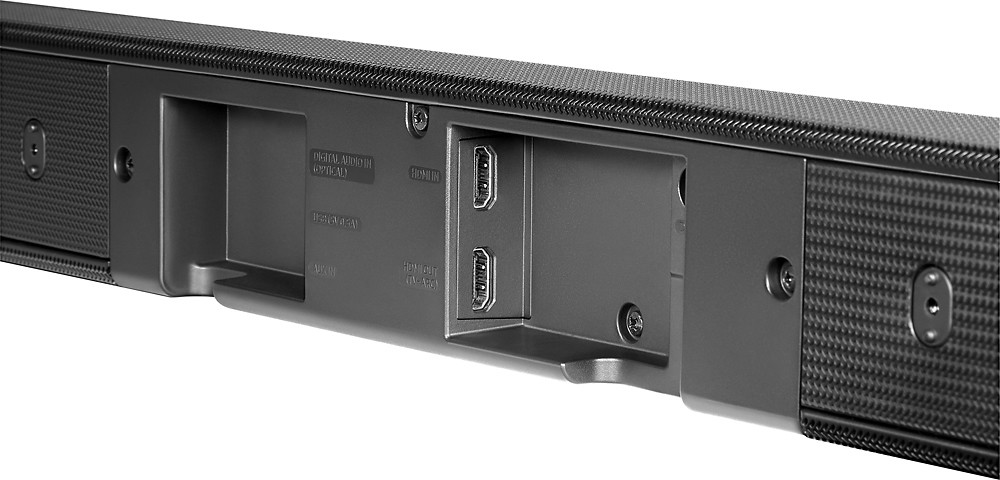
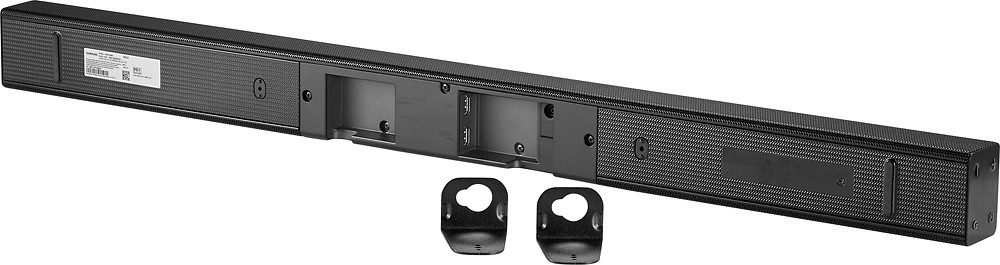
A:Answer I have a Sony 4k tv as well (xbr65810c), and all I did was plug in an hdmi cable into the port labeled "HDMI ARC" on the TV (it was the fourth hdmi slot on this tv) and plugged in the other end into the bottom of the soundbar in the slot that says "HDMI ARC OUT". Then go into your TV settings and go to external inputs and look for Bravia sync. Click it and hit enable. The TV will search and see that the TV is connected to the soundbar through the hdmi cable and automatically connect. Now your main remote for the TV (or satellite, as I have dish so I use the dish remote) should control the volume and power of the soundbar. If the TV doesn't find the soundbar when enabling bravia sync, try a different hdmi cable. At first I tried using an hdmi cable with a gold tip and it didn't work, but when I switched to a cable with a silver tip it did. As far as I know, there isn't a difference between the two.