Questions & Answers
- Model:
- LS32BM702UNXGO
- |
- SKU:
- 6504337
Highly rated by customers for: Picture Quality, USB-C, Ease of use
$319.99Your price for this item is $319.99
Clearance
Comp. Value: $399.99
The comparable value price is $399.99
Page Showing 41-60 of 75 questions
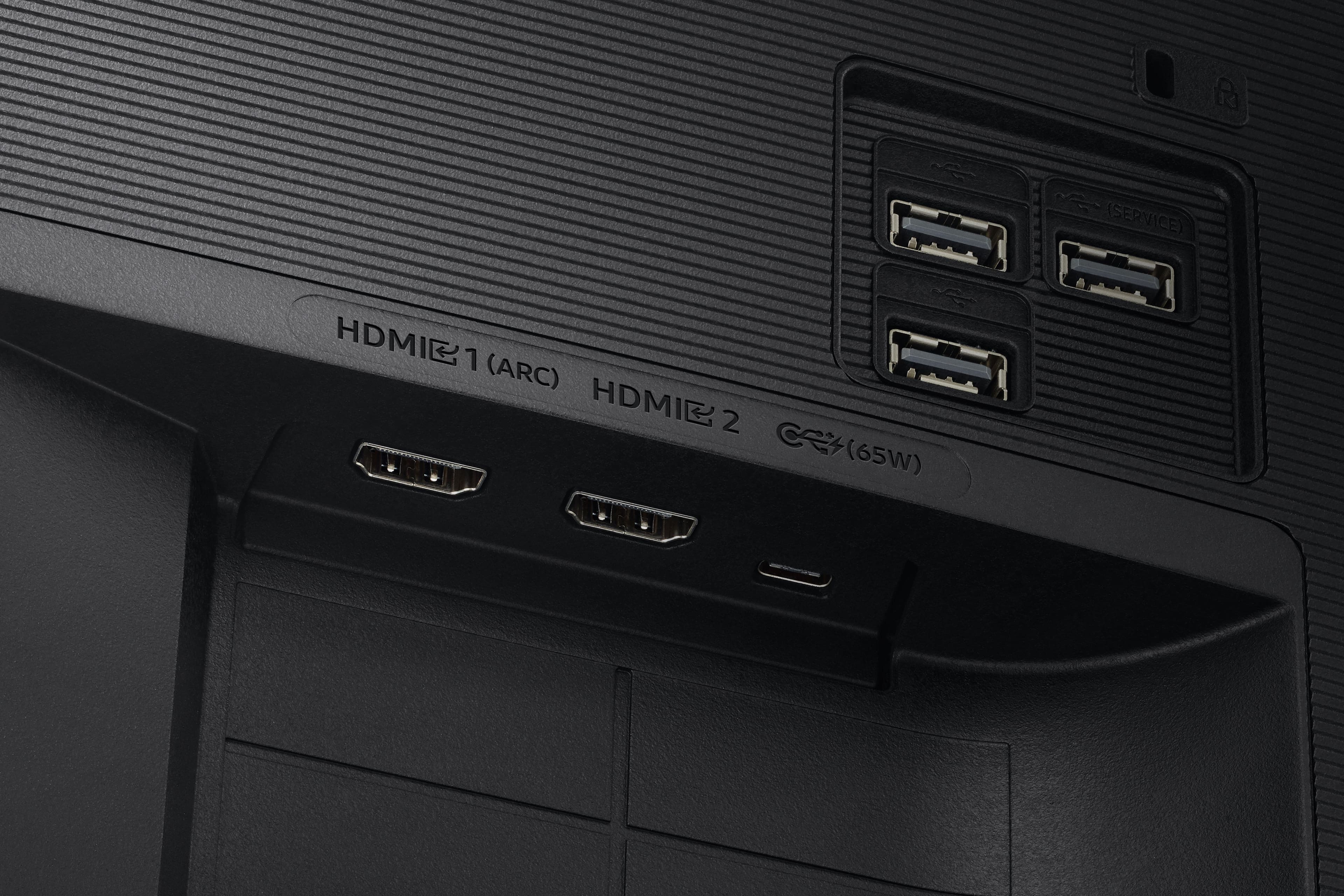
Q: QuestionCan I use the USB C to just send audio to another system?
Asked by Jones.
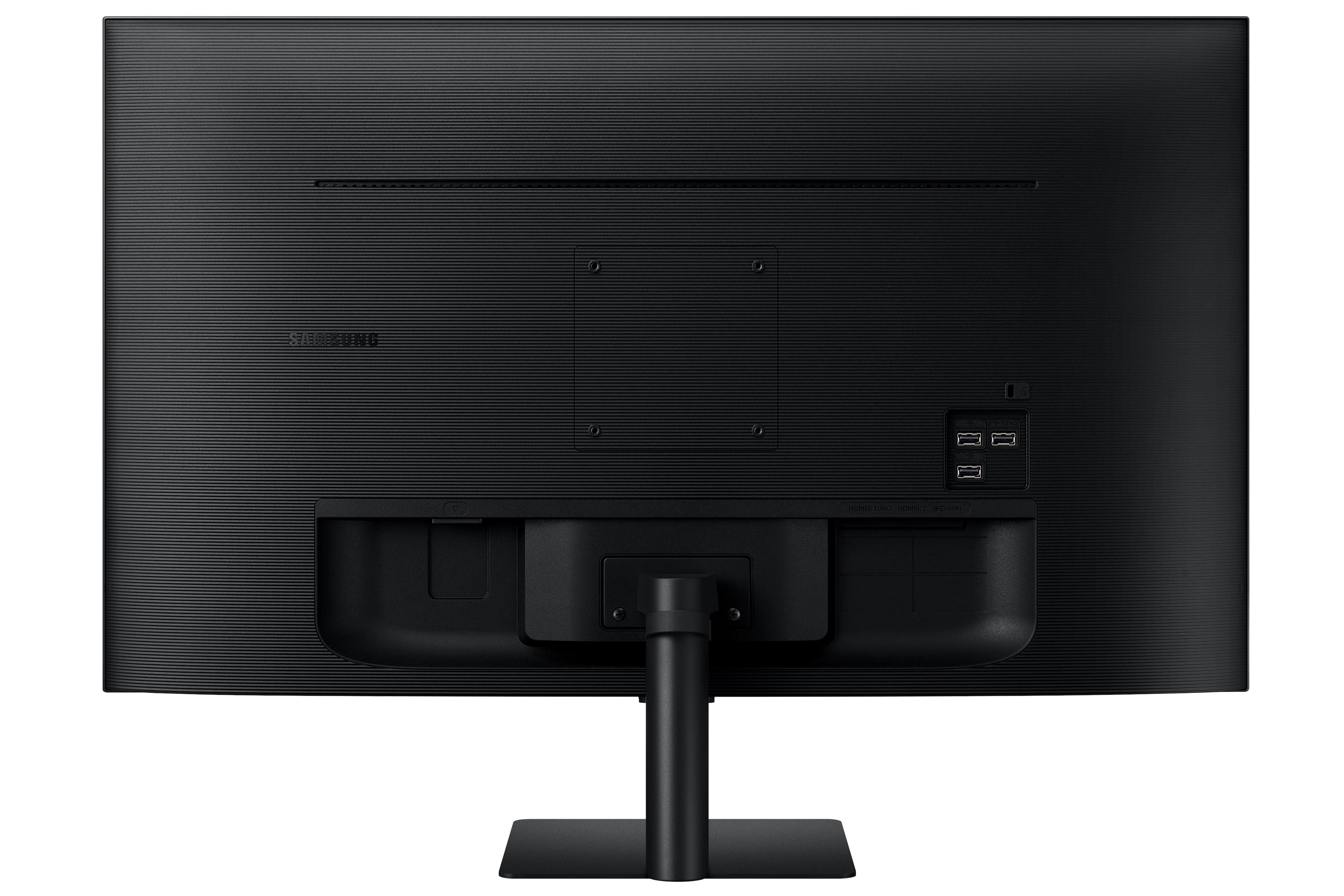
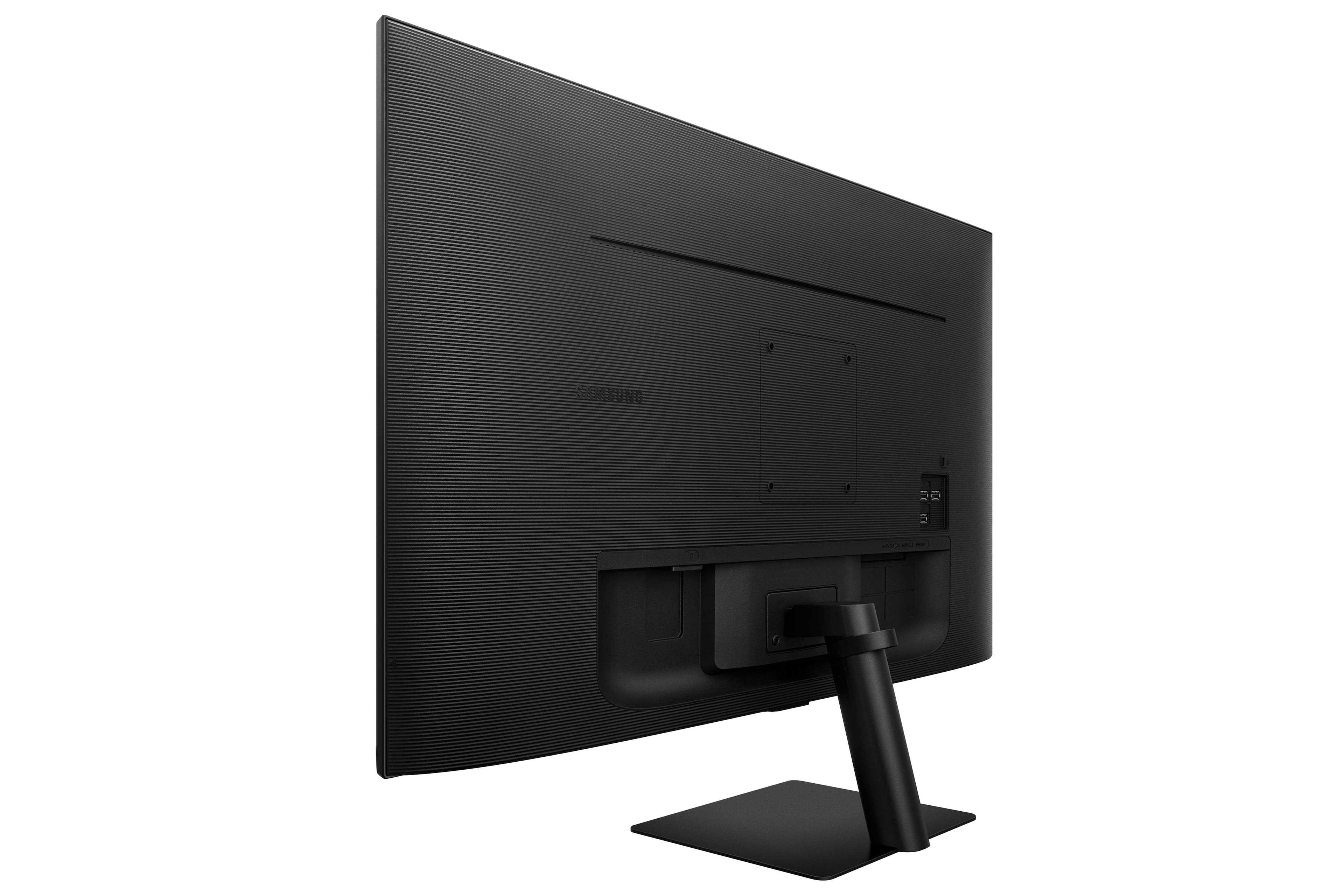
- A:Answer Thank you for your question! No, the USB-C is an 'input' source, not an 'output' source. Because of this you will be unable to send audio to another system.
Answered by Samsung

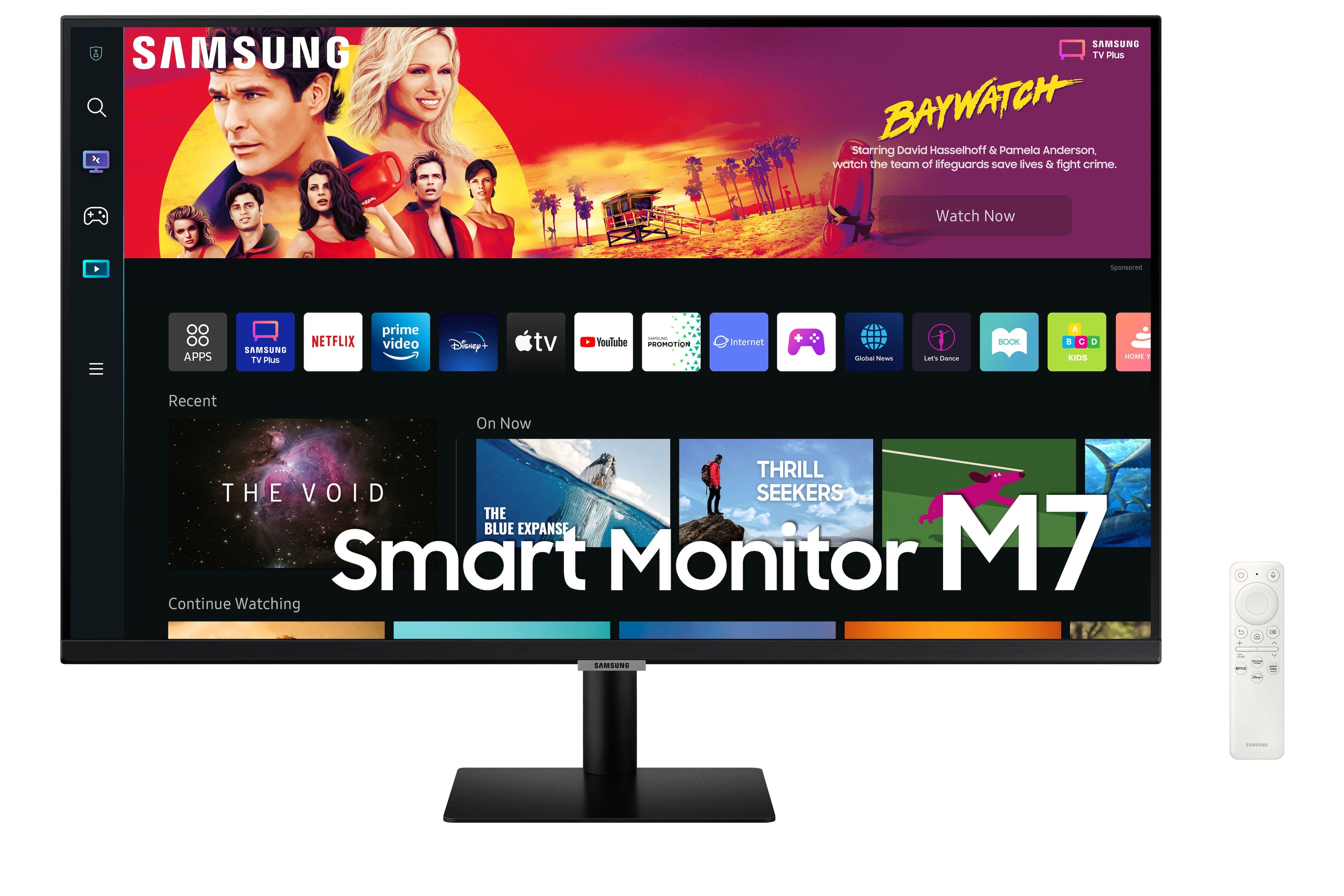
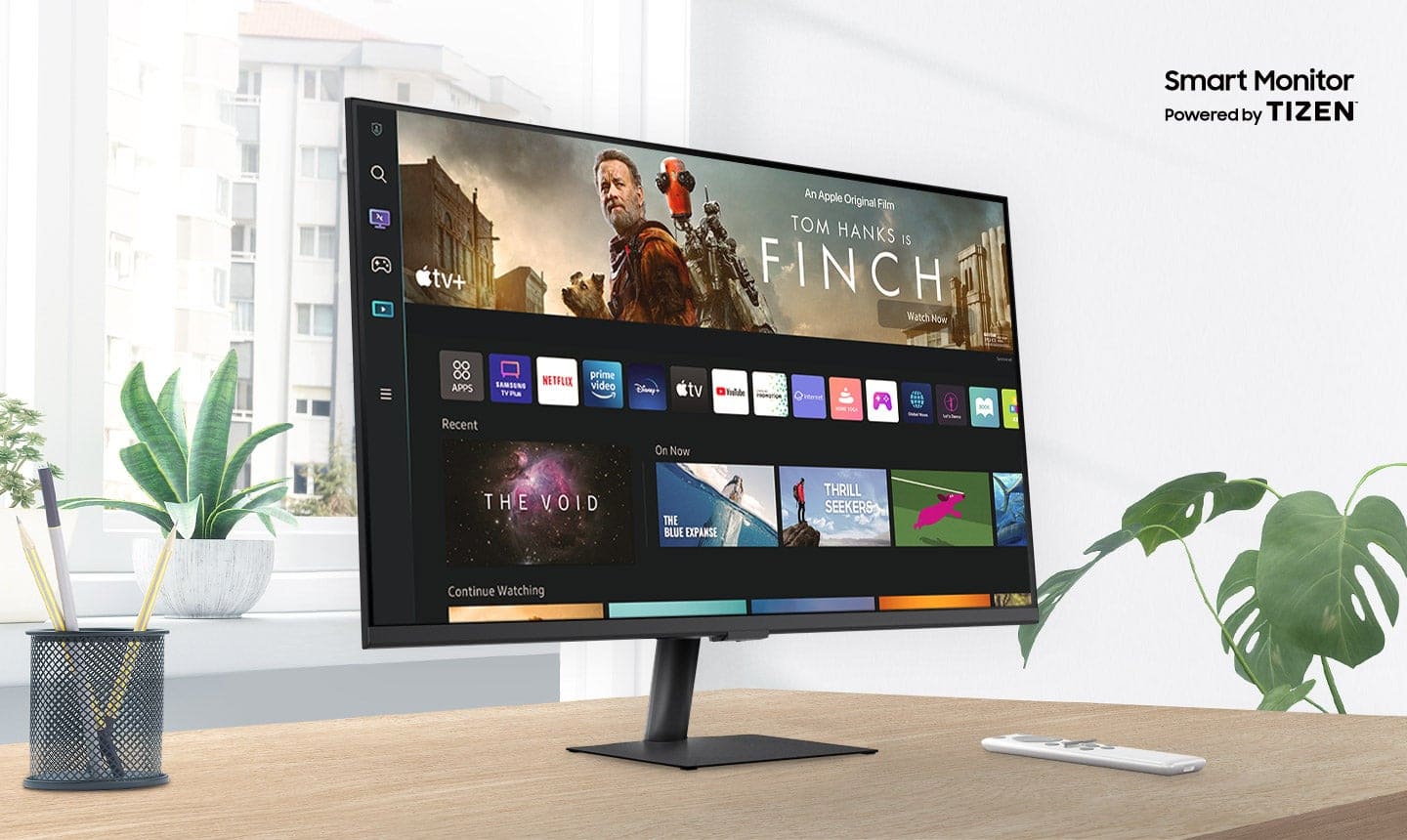
Q: QuestionCan I connect an Apple TV? Will that Apple tv turn the monitor on/off when it powers up and powers down?
Asked by gregh.
- A:Answer Thank you for your question! Connecting HDMI with Apple TV will follow the same process as connecting with a regular TV.
Answered by Samsung

Q: QuestionAre both hdmi ports capable of 60 FPS at 60GHZ?
Asked by gregh.
- A:Answer Thank you for your question! This product supports 4K at 60hz on both HDMI ports. Please check to see if your PC/laptop supports HDMI 2.0.
Answered by Samsung

Q: QuestionDoes this monitor have blue light protective display.
Asked by Vinnie.
- A:Answer Yes, the Samsung - 32" BM702 UHD Smart Monitor has a blue light protective display. This means that it has a filter that reduces the amount of blue light emitted from the display. Blue light is a type of light that can cause eye strain and fatigue. The blue light filter on the Samsung - 32" BM702 UHD Smart Monitor can help to reduce these problems and make it more comfortable to use the monitor for long periods of time. To enable the blue light filter on the Samsung - 32" BM702 UHD Smart Monitor, you can follow these steps: Press the Menu button on the remote control. Select "Picture". Select "Eye Comfort". Select "Blue Light Filter". Select the level of blue light reduction that you want. You can also enable the blue light filter automatically by setting the "Eye Comfort" mode to "On". This will automatically adjust the blue light emission based on the time of day.
Answered by NicoR
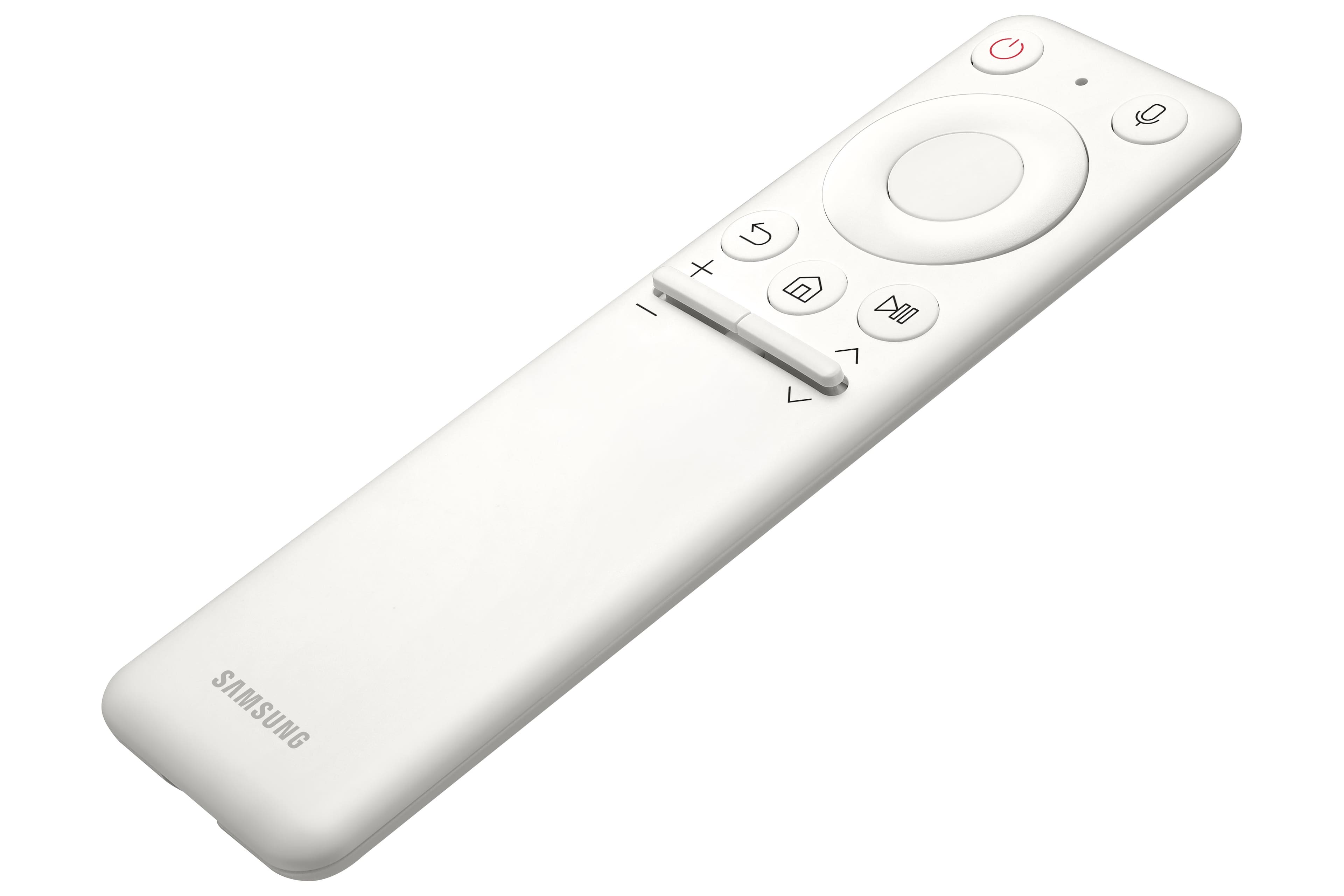
Q: QuestionWhat is remote model number?
Asked by Nick.
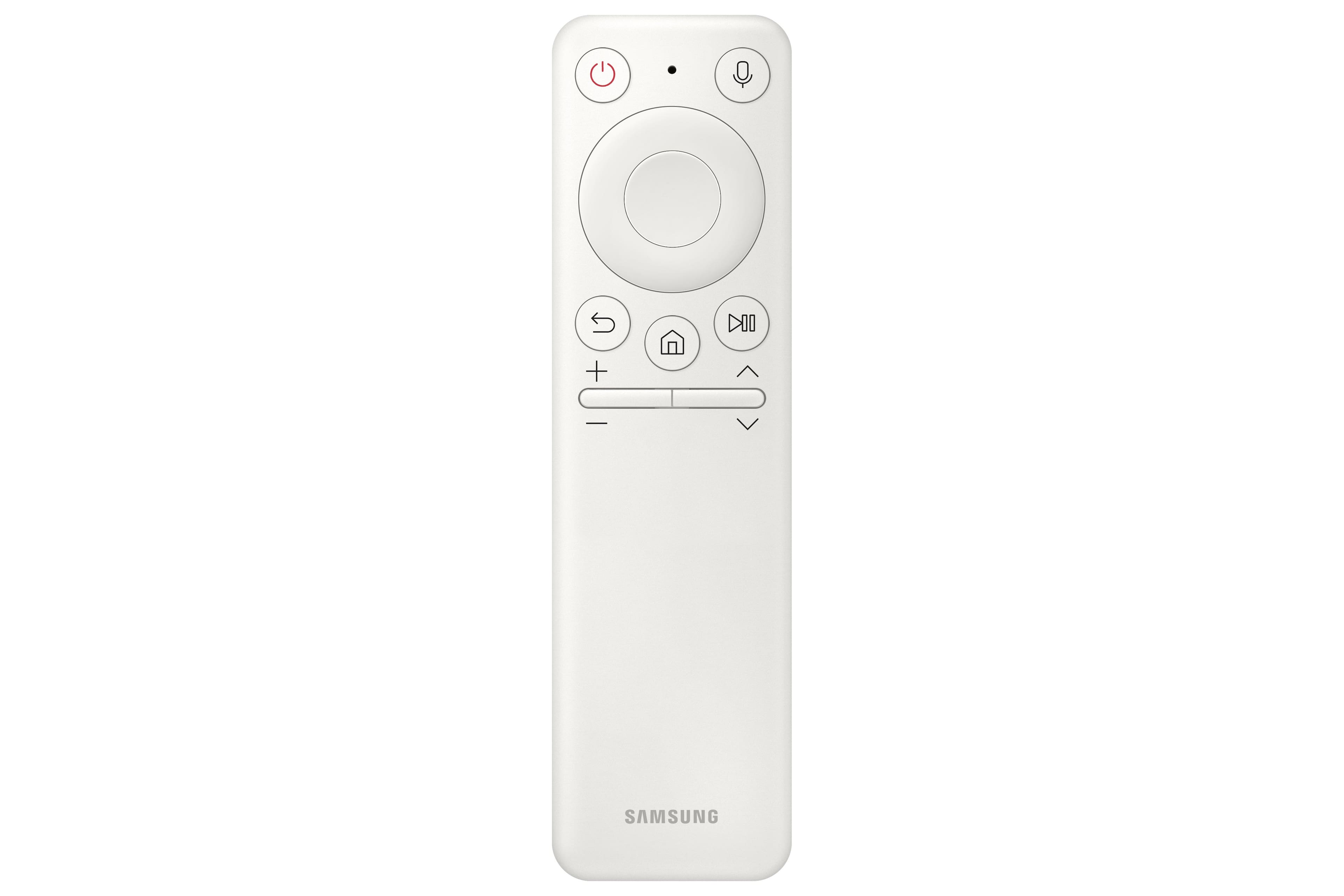
- A:Answer The remote model number for the Samsung M7 Series 32 Tizen 4K with built-in speakers is BN59-01312A. This is the same remote control that is used for other Samsung 4K smart TVs released in 2022 and 2023. If you have lost or damaged your remote control, you can purchase a replacement remote from Samsung or from a third-party retailer. You can also use a universal remote control to control your TV. However, universal remote controls may not have all of the same features as the original remote control. To program a universal remote control to work with your TV, you will need the TV's remote control code. The remote control code for the Samsung M7 Series 32 Tizen 4K with built-in speakers is 00186. To program a universal remote control, consult the remote control's manual for instructions. Once the remote control is programmed, you will be able to use it to control your TV, including turning it on and off, changing the volume, and switching channels.
Answered by NicoR
Q: QuestionCan this monitor be daisy chained?
Asked by Anonymous.
- A:Answer The Samsung M7 Series 32 Tizen 4K with built-in speakers does not have a daisy chain feature. This means that you cannot connect multiple monitors together using a single port on your computer. To connect multiple monitors to your computer, you will need to use a separate port for each monitor. If your computer does not have enough ports, you can use a USB-C hub or a docking station to add more ports. Here are some alternative ways to connect multiple monitors to your computer: Use a display adapter. A display adapter is a device that allows you to connect multiple monitors to your computer using a single port. Display adapters are available in a variety of types, including USB-C to HDMI, DisplayPort to HDMI, and HDMI to VGA. Use a docking station. A docking station is a device that allows you to connect multiple monitors, peripherals, and other devices to your computer using a single cable. Docking stations are typically used with laptops, but they can also be used with desktop computers. Use a KVM switch. A KVM switch is a device that allows you to control multiple computers using a single keyboard, mouse, and monitor. KVM switches are typically used in office and data center environments, but they can also be used for personal use.
Answered by NicoR
Q: QuestionCan you daisy chain two of these and connect the 2nd monitor to your laptop?
Asked by Anonymous.
- A:Answer its a monitor!! first..tv second..all or most computer monitors can daisy chain...designed that way.
Answered by Addylee
Q: QuestionIs it possible to watch free over the air local channels with this tv?
Asked by Dhow.
- A:Answer No, It does not have a TV tuner. However, media apps like Netflix and YouTube work GREAT.
Answered by TomI
Q: QuestionAre you able to stream content like Netflix and computer content at the same time? Basically picture in picture...
Asked by Rober.
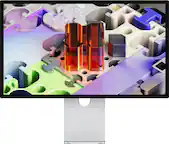
- A:Answer Yes, the Samsung M7 Series 32 Tizen 4K with built-in speakers supports picture-in-picture (PIP). This means that you can stream content from two different sources at the same time, with one source displayed in a smaller window over the other source. To use PIP on the Samsung M7 Series 32 Tizen 4K with built-in speakers, follow these steps: Open the source that you want to display in the PIP window. Press the PIP button on the remote control. Select the source that you want to display in the main window. Adjust the size and position of the PIP window using the remote control. You can also use PIP to display a computer screen on your TV. To do this, you will need to connect your computer to the TV using an HDMI cable. Once the computer is connected, follow the steps above to use PIP. PIP is a useful feature for multitasking or for watching two different things at the same time. For example, you could use PIP to watch a TV show while working on your computer, or to watch a sports game while browsing the internet. Here are some tips for using PIP on the Samsung M7 Series 32 Tizen 4K with built-in speakers: Use a wireless keyboard and mouse to make it easier to interact with the PIP window. Use the voice control feature to search for content in the PIP window. Adjust the size and position of the PIP window so that it does not block your view of the main window. Experiment with different sources to see what works best for you.
Answered by NicoR
Q: QuestionIs it wi-fi only or does it also offer connection via ethernet cable?
Asked by msudawg.
- A:Answer wifi only
Answered by ratrunner
Q: QuestionHow to I cancel the remote function for this smart monitor when I have another Samsung TV in the room? Using either remote causes both products to react. I don't need the remote active on this Smart Monitor. Or do I have to return this product to Best?
Asked by JMCSac.
- A:Answer I had the same issue, but with a little research and trial and error I found that covering the end of each remote with a piece of opaque tape allows the controllers to be paired and used for each device independently. Without the tape the range of the infrared signal sent by the remote is too wide and causes the displays to both react. When tape is applied to the remotes the infrared beams turn vertical allowing them to be used independently.
Answered by Jeffa
Q: QuestionIs the Spectrum streaming App available on this device?
Asked by Kat.
- A:Answer Yes
Answered by Anthony
Q: QuestionIf I hook up an Apple TV to this monitor, can I control the volume with the Apple TV remote?
Asked by DLeo.
- A:Answer YEs, works fine for me,.
Answered by floridayjay
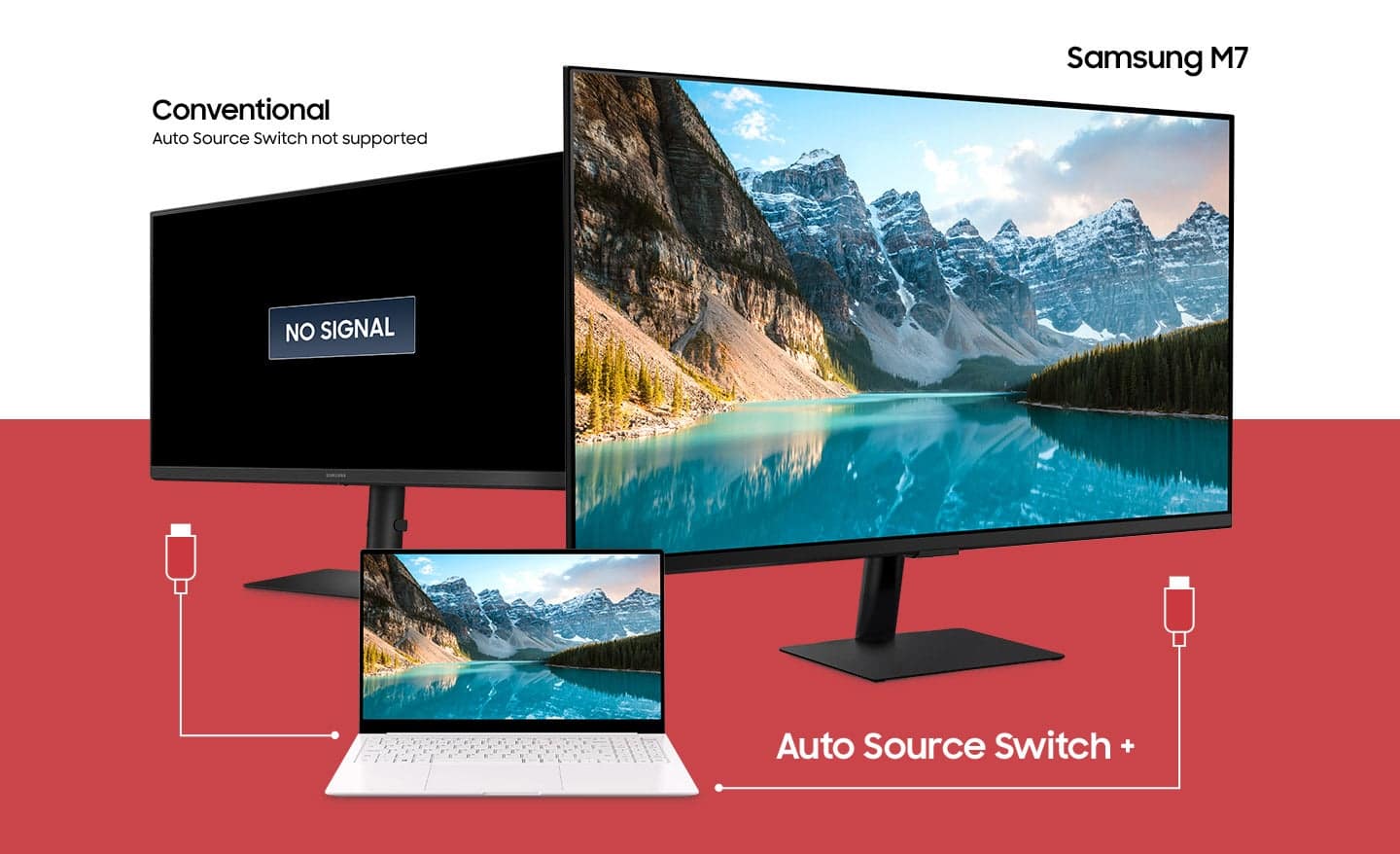
Q: QuestionCan I hook up a desktop and laptop to this monitor and use both simultaneously?
Asked by Joe.
- A:Answer No, one input at a time
Answered by DerekG
Q: QuestionCan you connect a MacBook?
Asked by Kevin.
- A:Answer Yes, while not as crisp as most MacBooks, the screen connects without issue
Answered by AaronH
Q: QuestionAnyone using with a Playstation 5 or Xbox Series X/S? Is it good for these consoles? I'm a casual gamer, but want something decent without breaking the bank. Thanks!
Asked by JJakaJayJay.
- A:Answer Absolutely use for ps5 all the time. Remote can work the ps5 too wich i thought was awesome
Answered by JoeyE
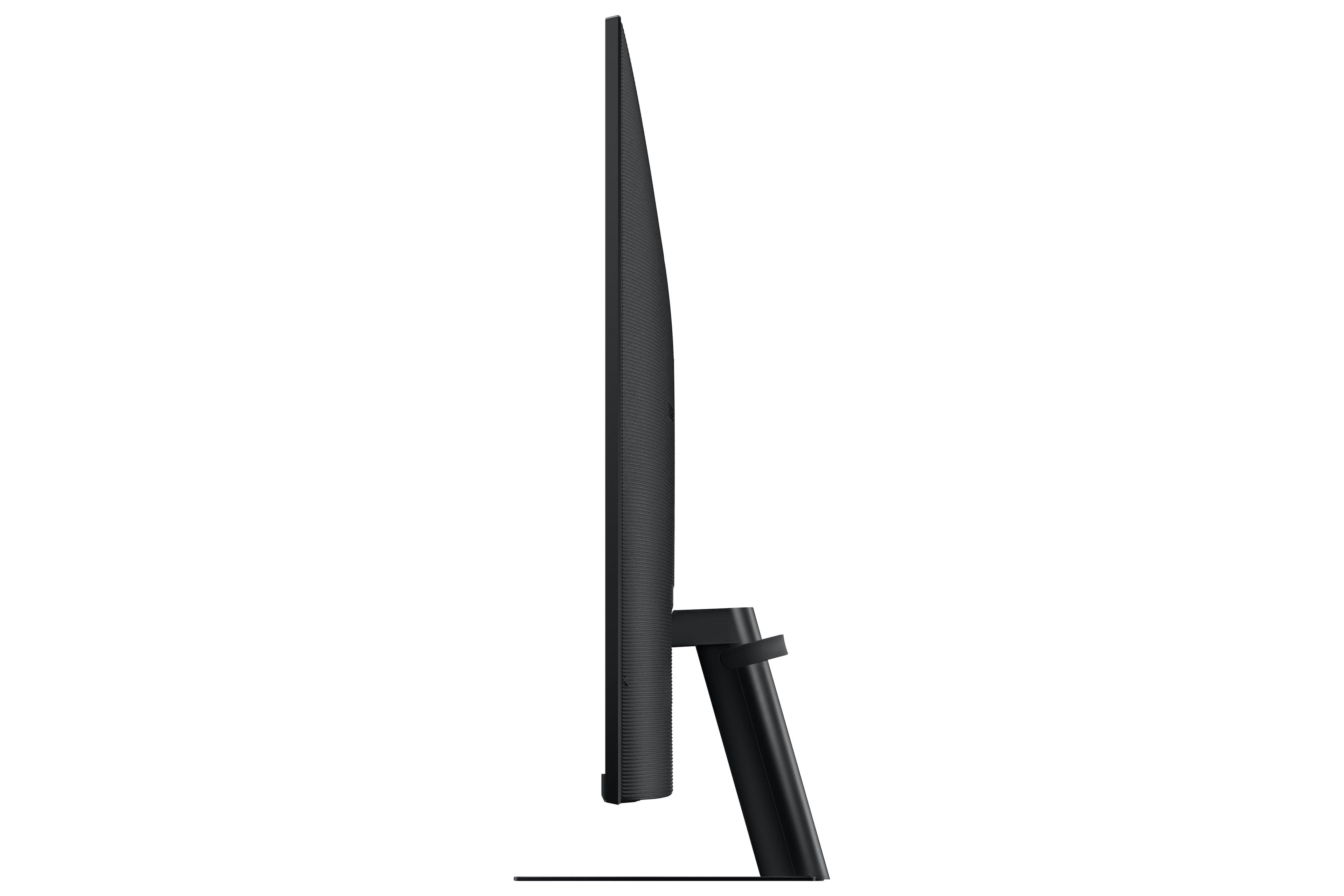
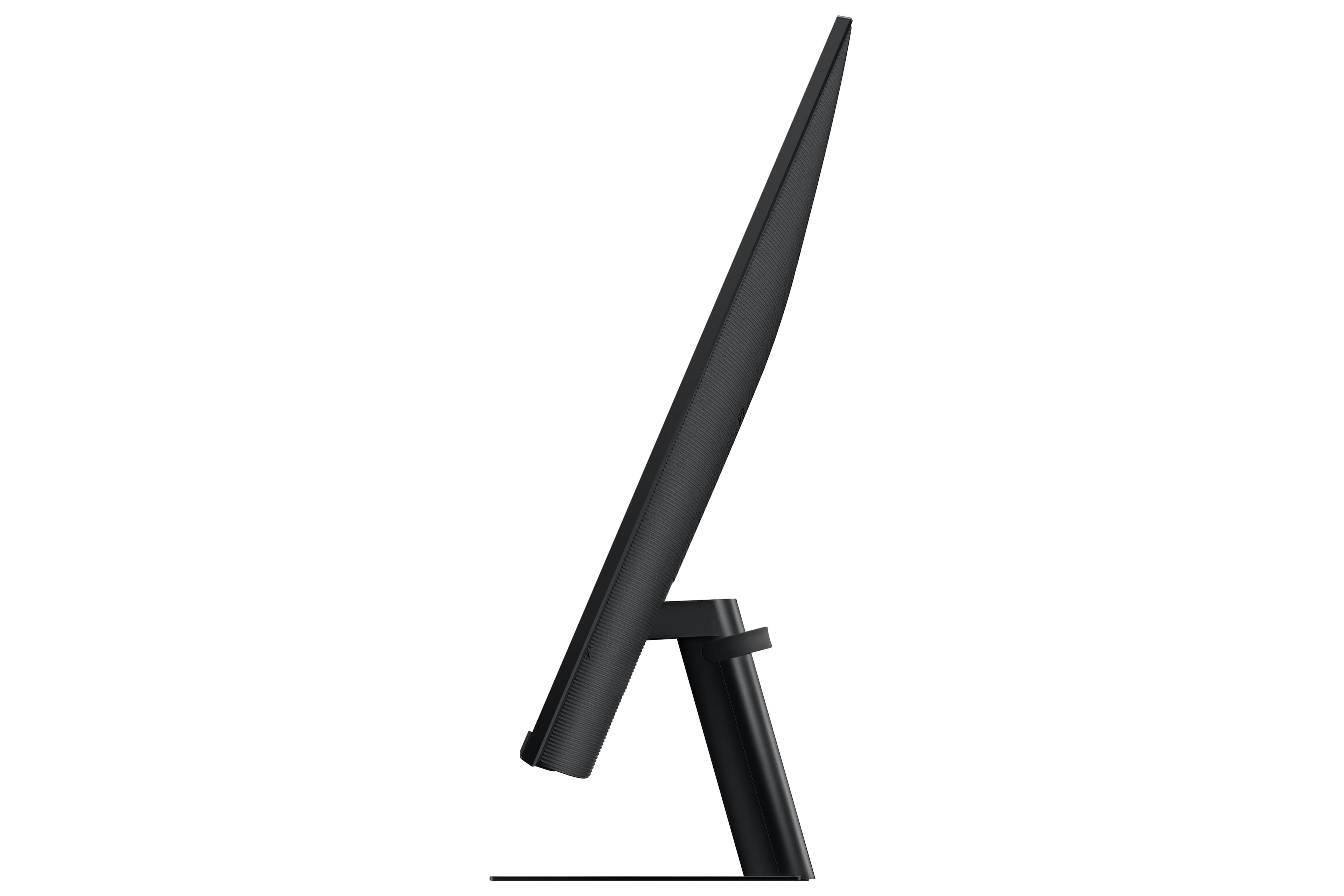
Q: QuestionIf the base is pushed against the wall is the depth from the wall to the screen? Thank you :D
Asked by Diane.
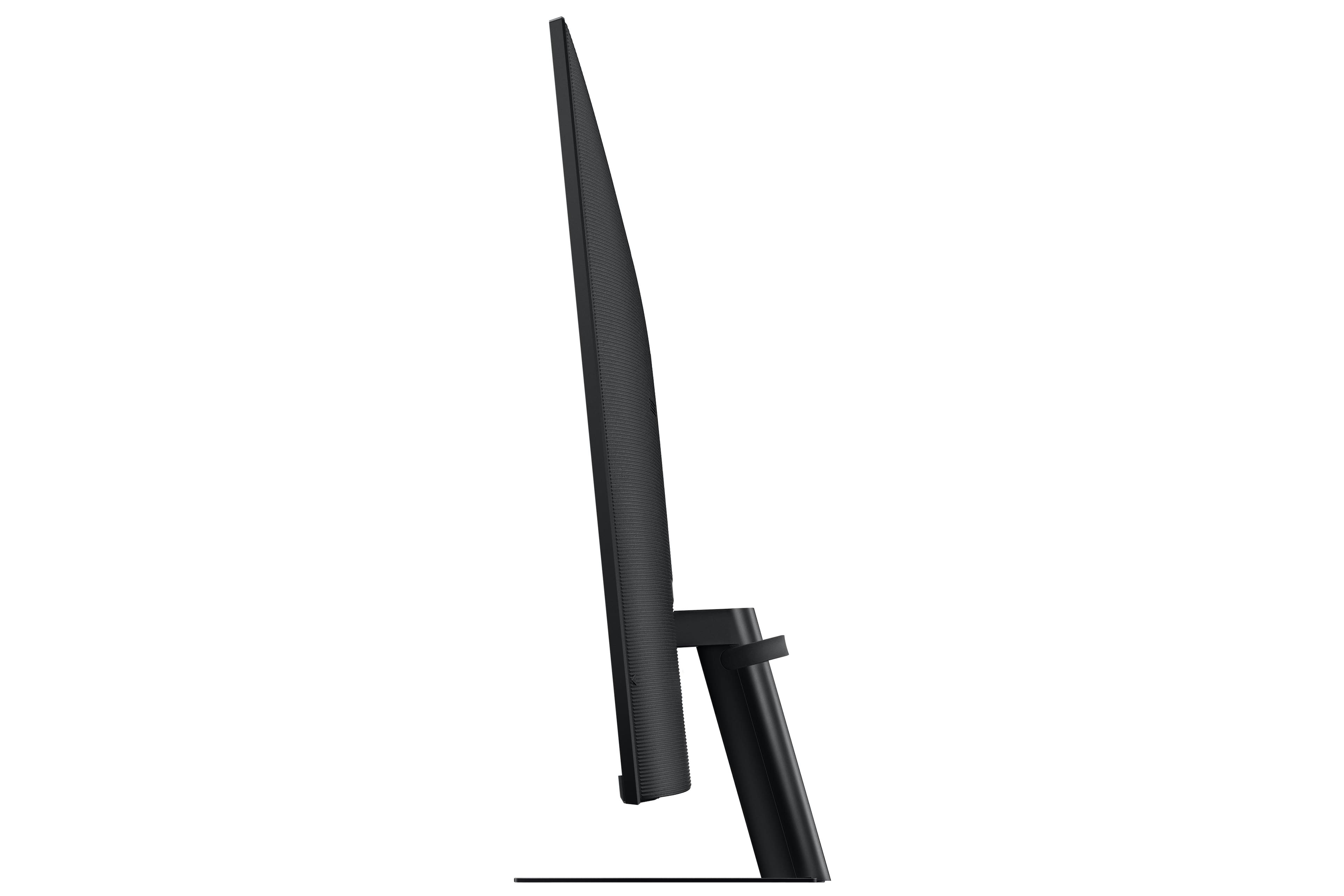
- A:Answer It's 4" from the wall to the back of the actual display.
Answered by MrDirector
Q: Questionwhat is the actual height of this monitor with the stand?
Asked by Anonymous.
- A:Answer The monitor stands at 20.5" tall.
Answered by MrDirector
Best-selling monitors
- Black Friday Deal$86.99Your price for this item is $86.99
- Black Friday Deal$104.99Your price for this item is $104.99
- Black Friday Deal$89.99Your price for this item is $89.99
- Black Friday Deal$99.99Your price for this item is $99.99
- Black Friday Deal$79.99Your price for this item is $79.99
- Black Friday Deal$159.99Your price for this item is $159.99
- Black Friday Deal$279.99Your price for this item is $279.99
- Black Friday Deal$129.99Your price for this item is $129.99
- Black Friday Deal$259.99Your price for this item is $259.99
- Black Friday Deal$219.99Your price for this item is $219.99
- Black Friday Deal$179.99Your price for this item is $179.99
- Black Friday Deal$114.99Your price for this item is $114.99
- Black Friday Deal$149.99Your price for this item is $149.99
- Black Friday Deal$99.99Your price for this item is $99.99
- $134.99Your price for this item is $134.99
- $69.99Your price for this item is $69.99$159.99The comparable value for this item is $159.99
- $169.99Your price for this item is $169.99
- Black Friday Deal$129.99Your price for this item is $129.99
- Black Friday Deal$209.99Your price for this item is $209.99
- Black Friday Deal$99.99Your price for this item is $99.99