Questions & Answers


- Model:
- 152UEBA
- SKU:
- 6665550
$299.99
Page
QuestionHow much built-in storage does the calendar have?
This question and answer was generated by AI based on customer and product data.QuestionWhat type of display does this calendar have?
This question and answer was generated by AI based on customer and product data.QuestionIs there a touchscreen on this digital calendar?
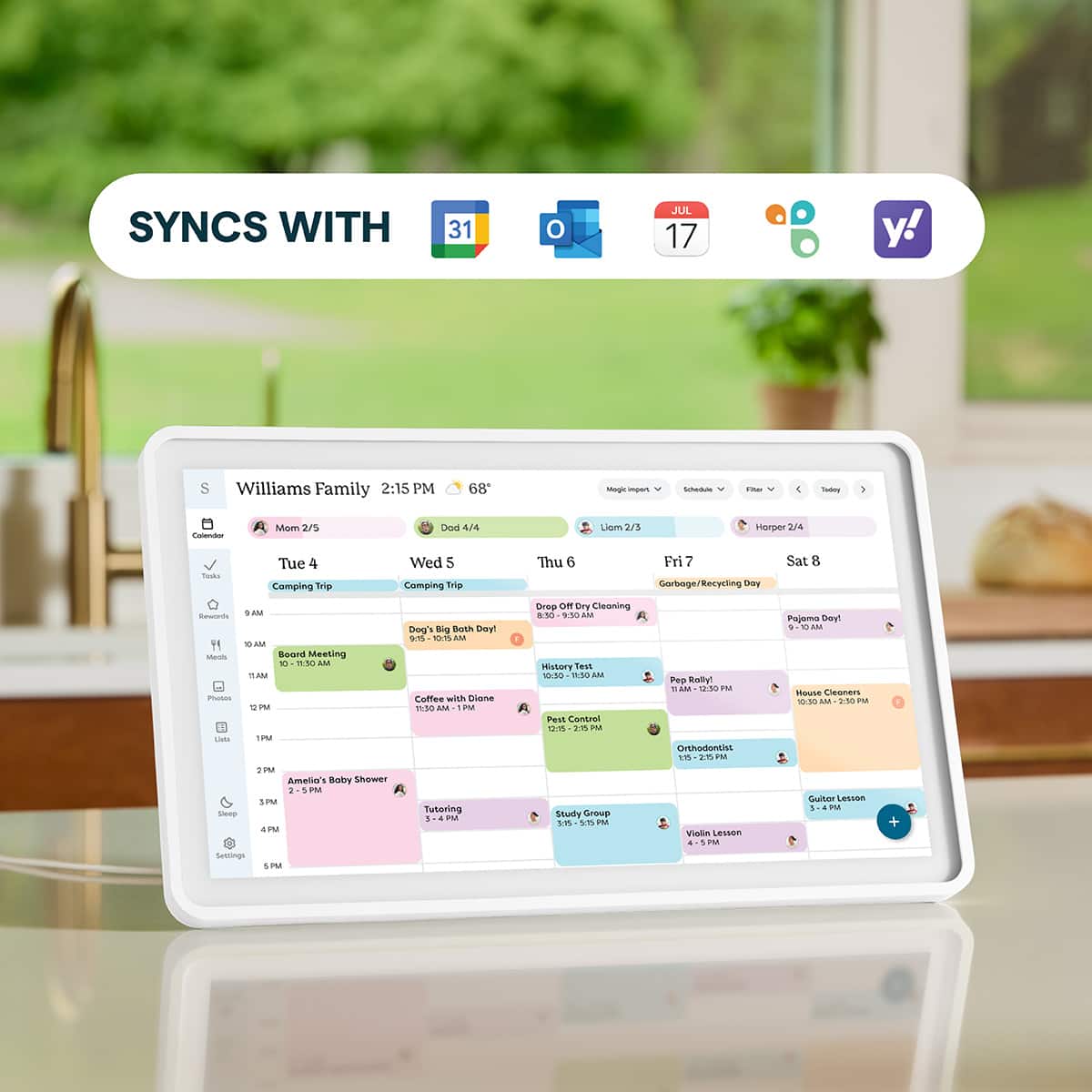
This question and answer was generated by AI based on customer and product data.QuestionDoes this calendar sync with Google Calendar?
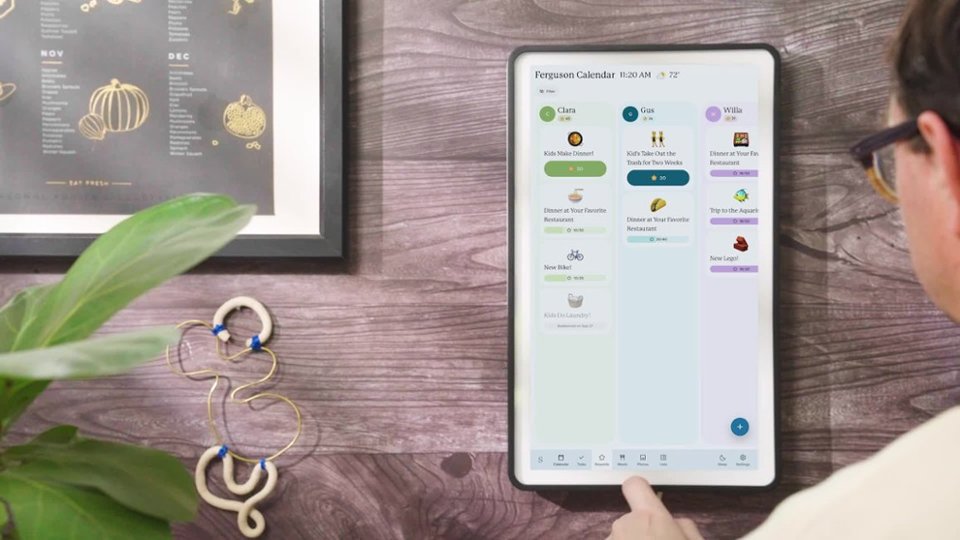
This question and answer was generated by AI based on customer and product data.QuestionCan I mount this calendar on the wall?
This question and answer was generated by AI based on customer and product data.QuestionDoes this calendar have wireless connectivity?
This question and answer was generated by AI based on customer and product data.QuestionWhat is the image resolution of the display?
This question and answer was generated by AI based on customer and product data.QuestionDoes this calendar sync with Google Calendar?
This question and answer was generated by AI based on customer and product data.QuestionHow does this calendar connect to the internet?
This question and answer was generated by AI based on customer and product data.QuestionIs this calendar a touchscreen device?
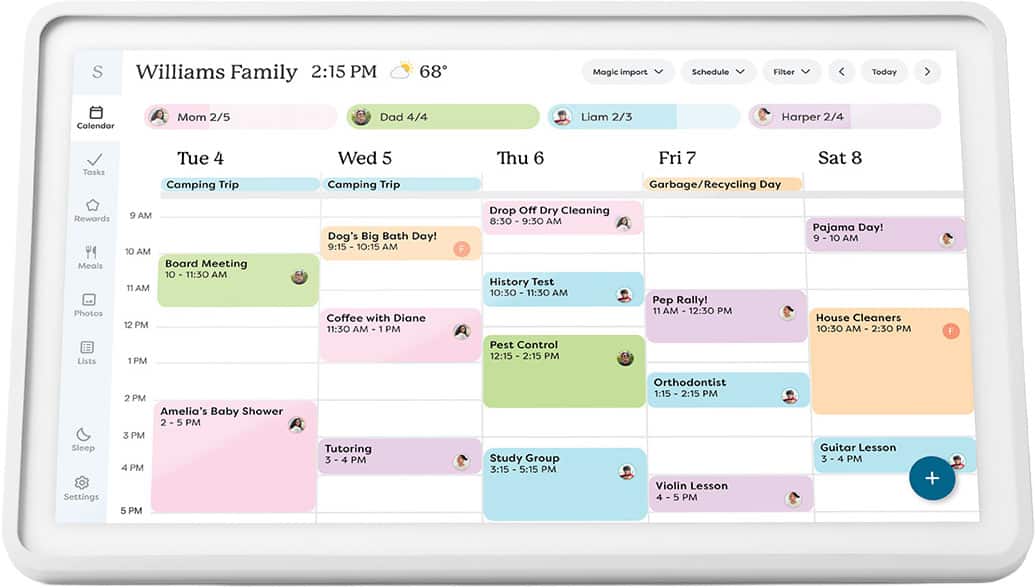
This question and answer was generated by AI based on customer and product data.QuestionCan I add events directly on the device?
This question and answer was generated by AI based on customer and product data.QuestionDoes this calendar have built-in storage?
This question and answer was generated by AI based on customer and product data.QuestionWhat is the display resolution of this calendar?
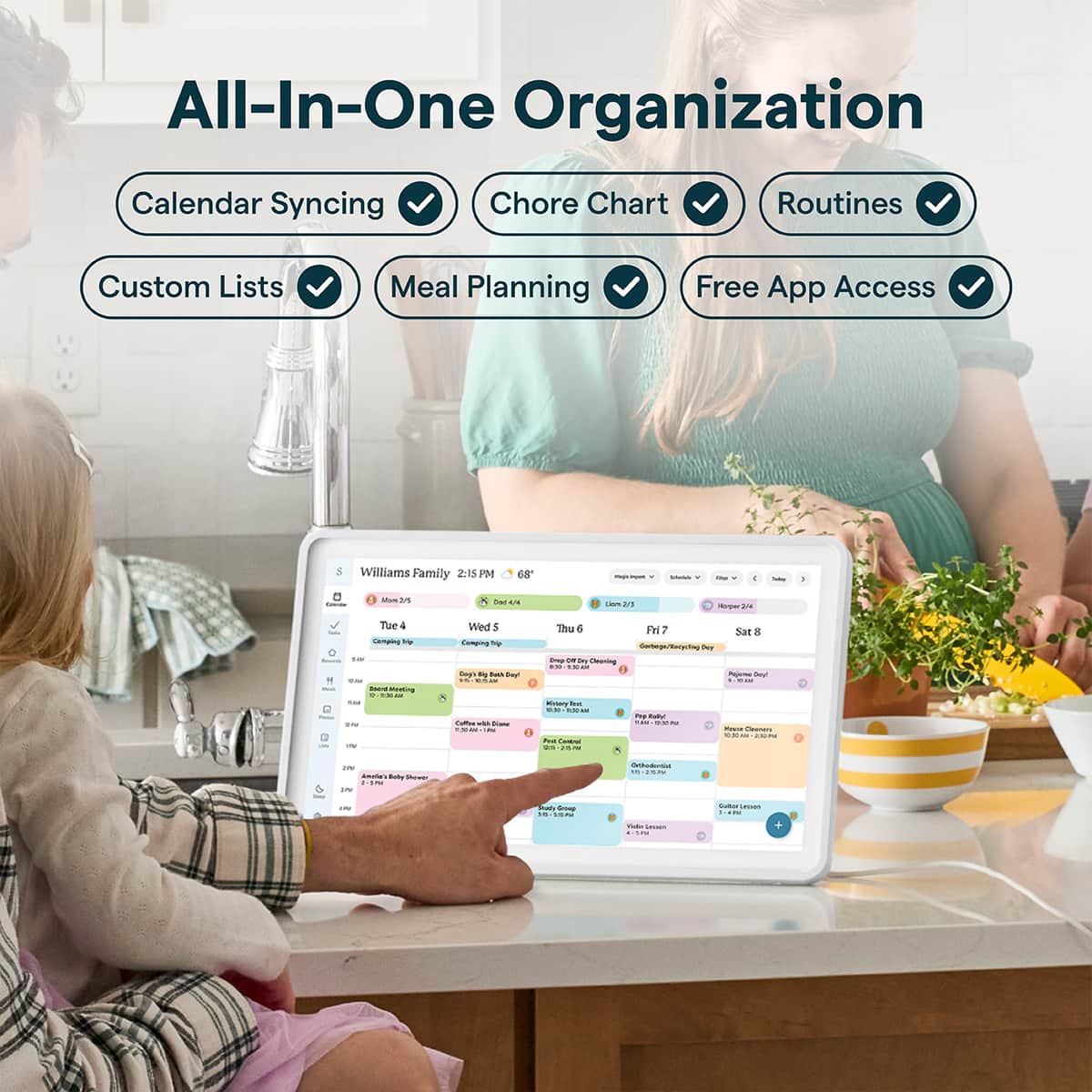
This question and answer was generated by AI based on customer and product data.QuestionAre meal plans available on this device?
This question and answer was generated by AI based on customer and product data.