A:AnswerHi Zach,
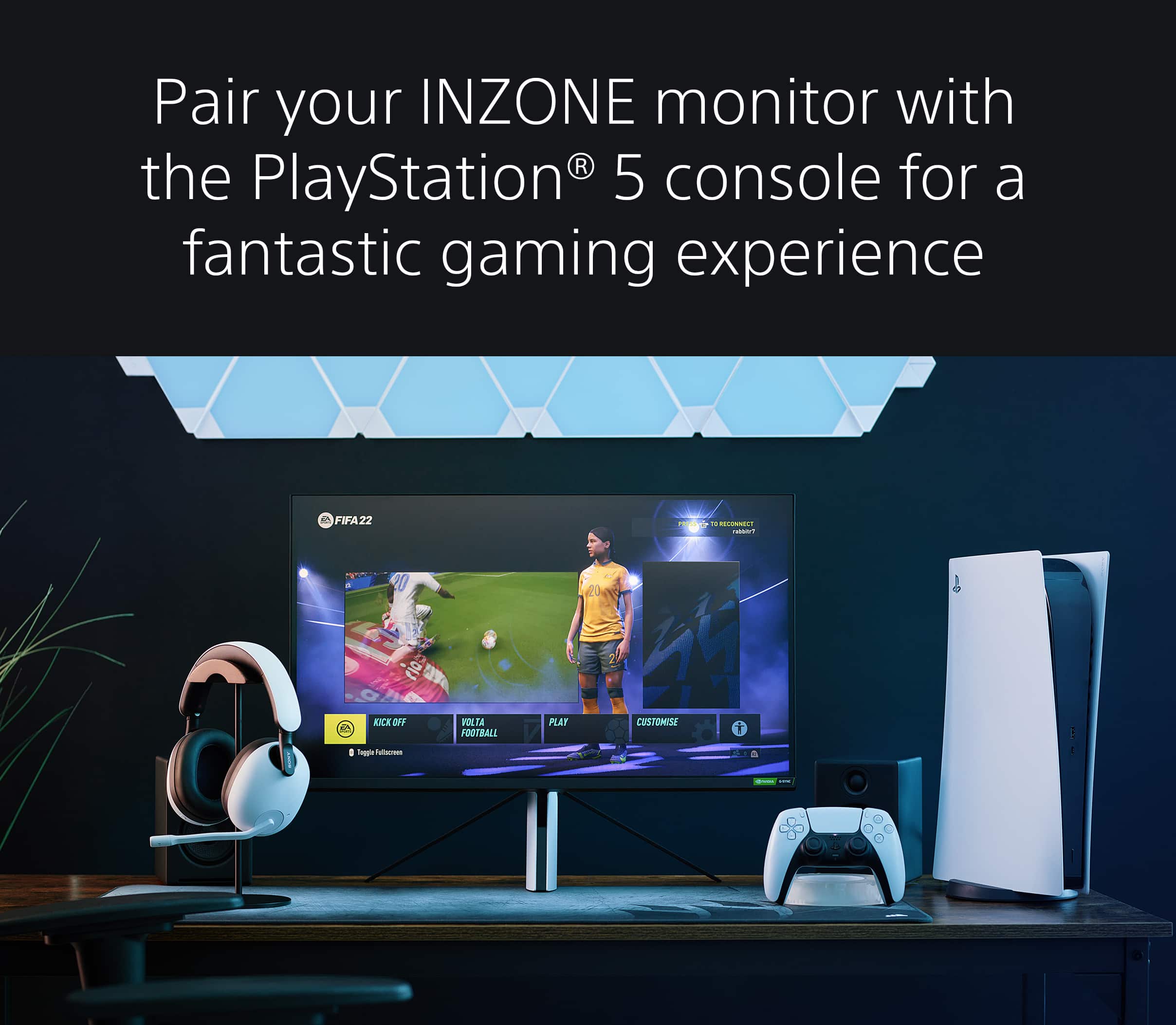
Please double-check your game title to ensure that it can run at both 4K and 120Hz on the PS5 console.
Other troubleshooting:
1. Make sure to use HDMI 2.1 cable
2. Set the proper screen resolution on the PS5 (4K)
3. Turn on 120Hz output to enable 120Hz video output for your games that support 120Hz frame rate
Should you need further assistance, please contact us. Unfortunately, due to the current Best Buy phishing protocol for your protection, we cannot provide a direct email or phone number for customer support as of now. Please find Sony Electronics' Support information: Go to our support website > click on “Support” > scroll down click on “Contact Support” > click on "(select your product type)" and from there you'll see different ways to contact us.
Thank you for your inquiry and I hope this helps!
-Vincent
A:AnswerYes, and the monitor itself is the best that I have ever owned. I am thinking making about grabbing another one if they drop in price. These were made to be a high end monitor for ps5 or high end computer.
A:AnswerHi switch,
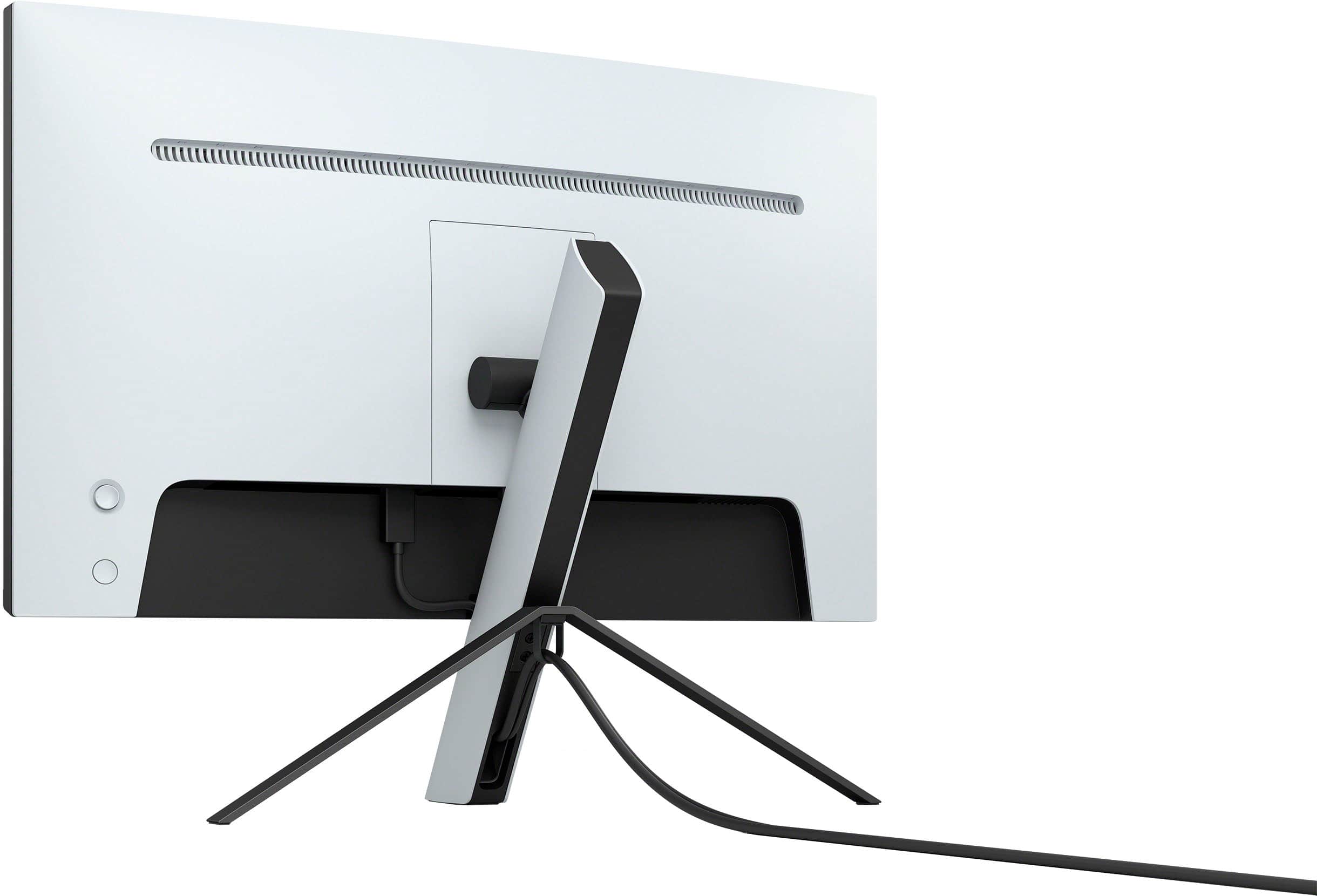
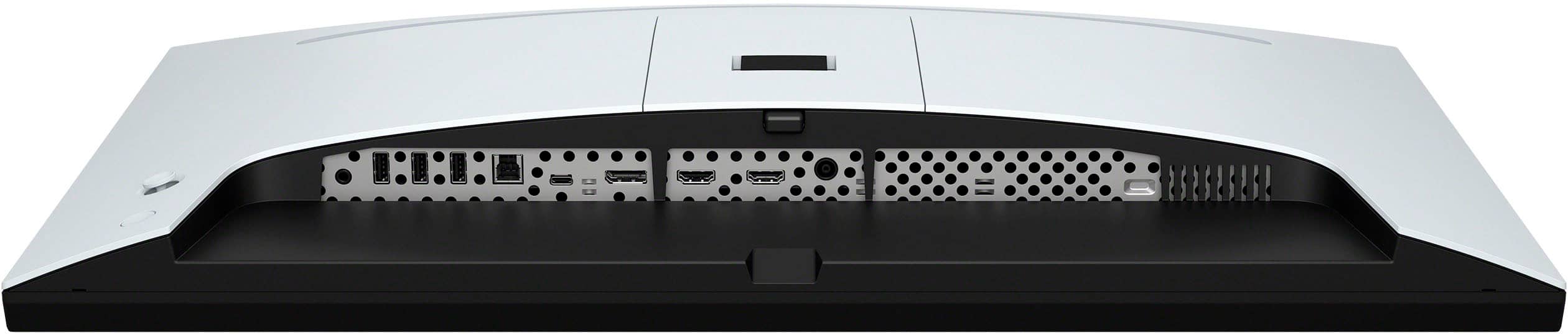
Thank you for your question. A computer can be connected to the monitor either via DisplayPort, USB-C, or HDMI. Please check the specifications of the computer. For more information, please refer to model's help guide.
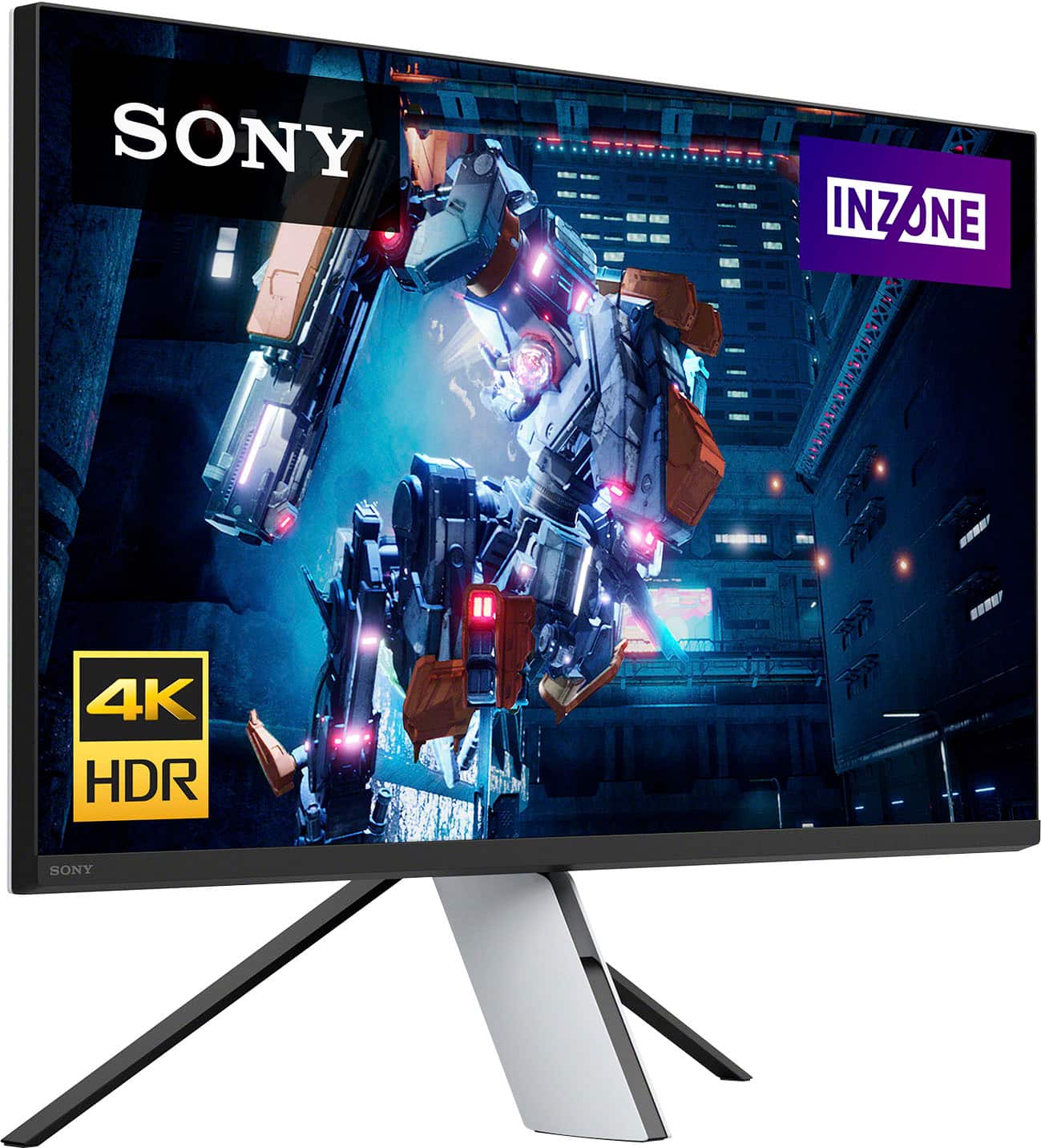
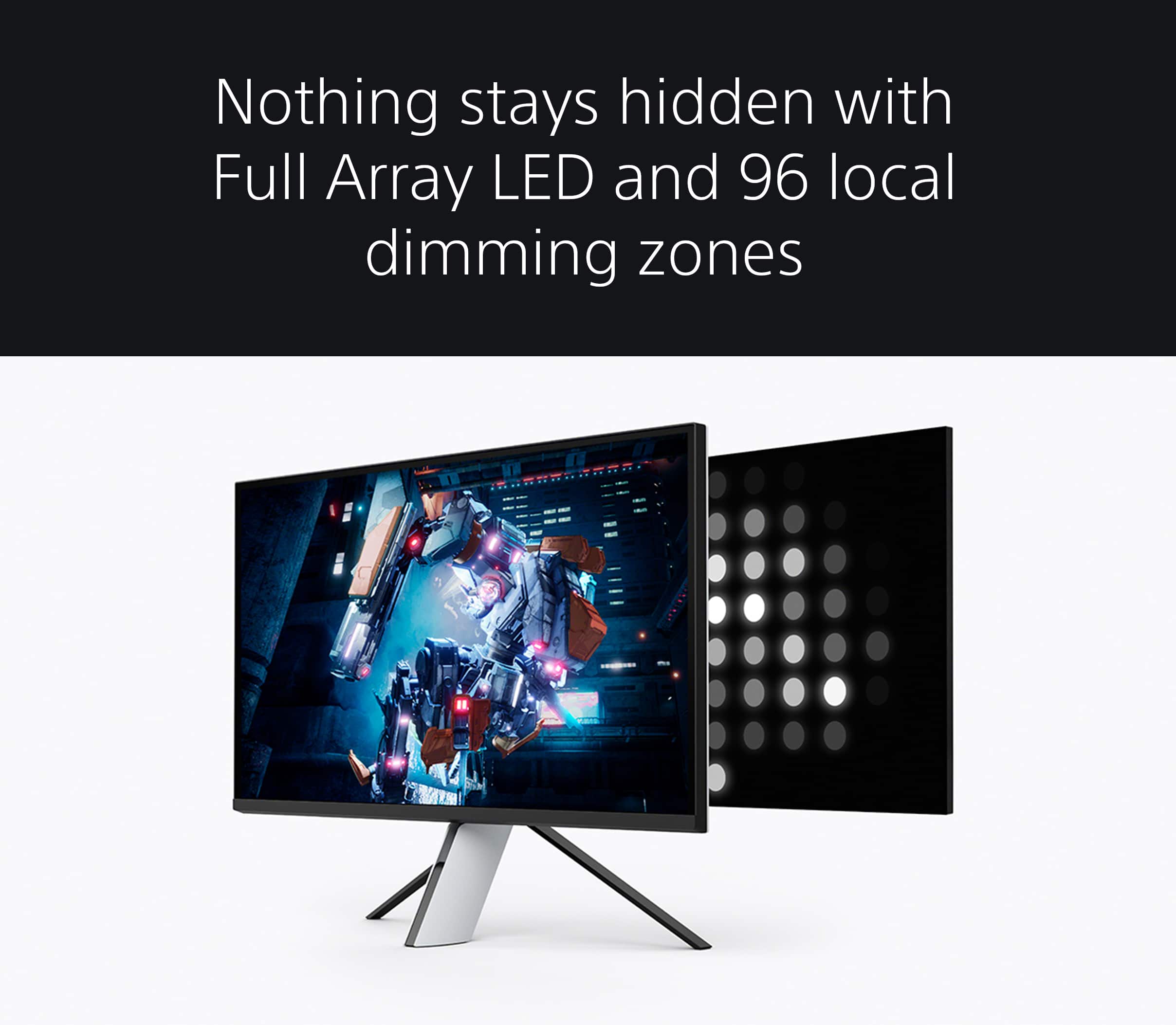
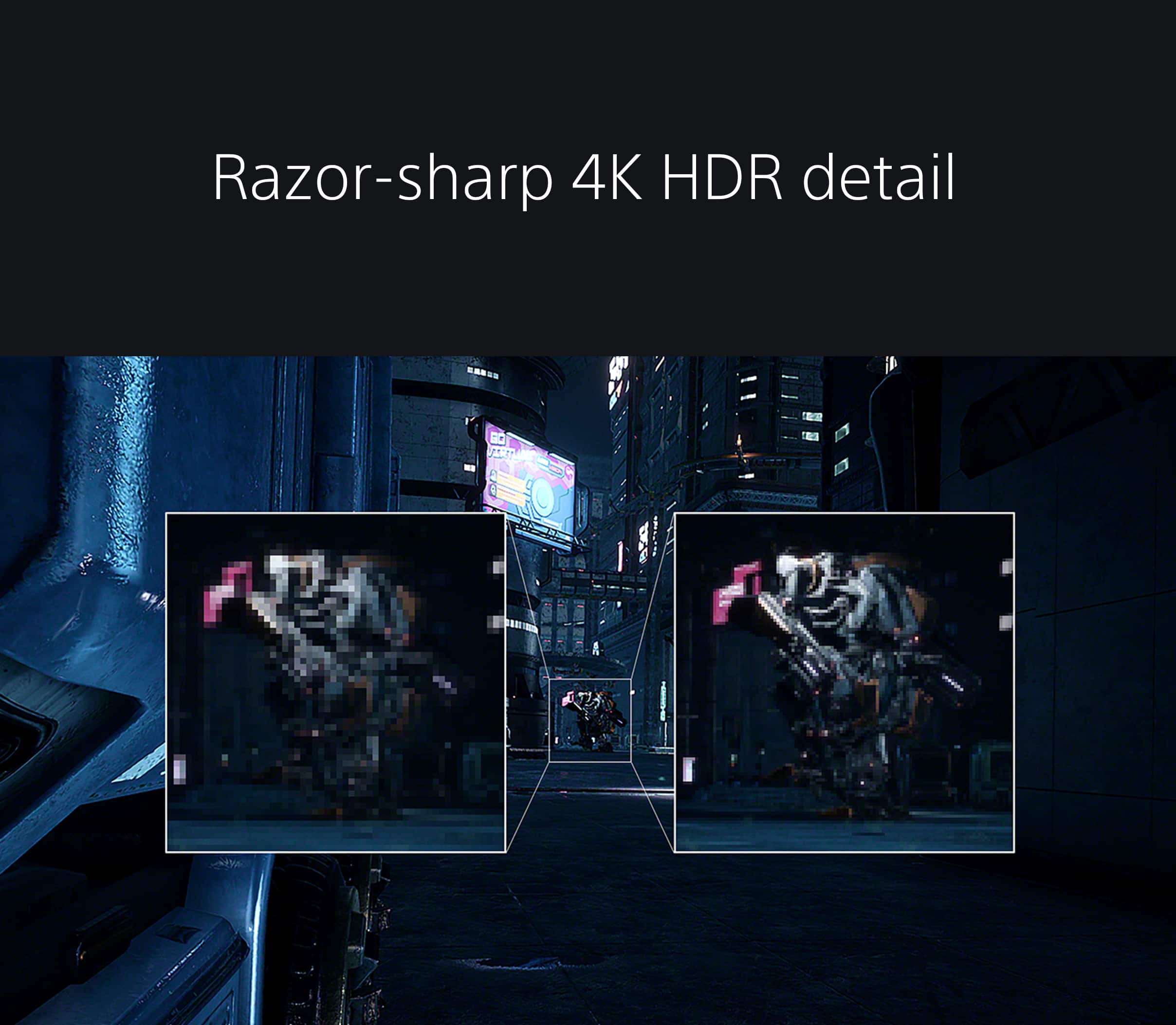
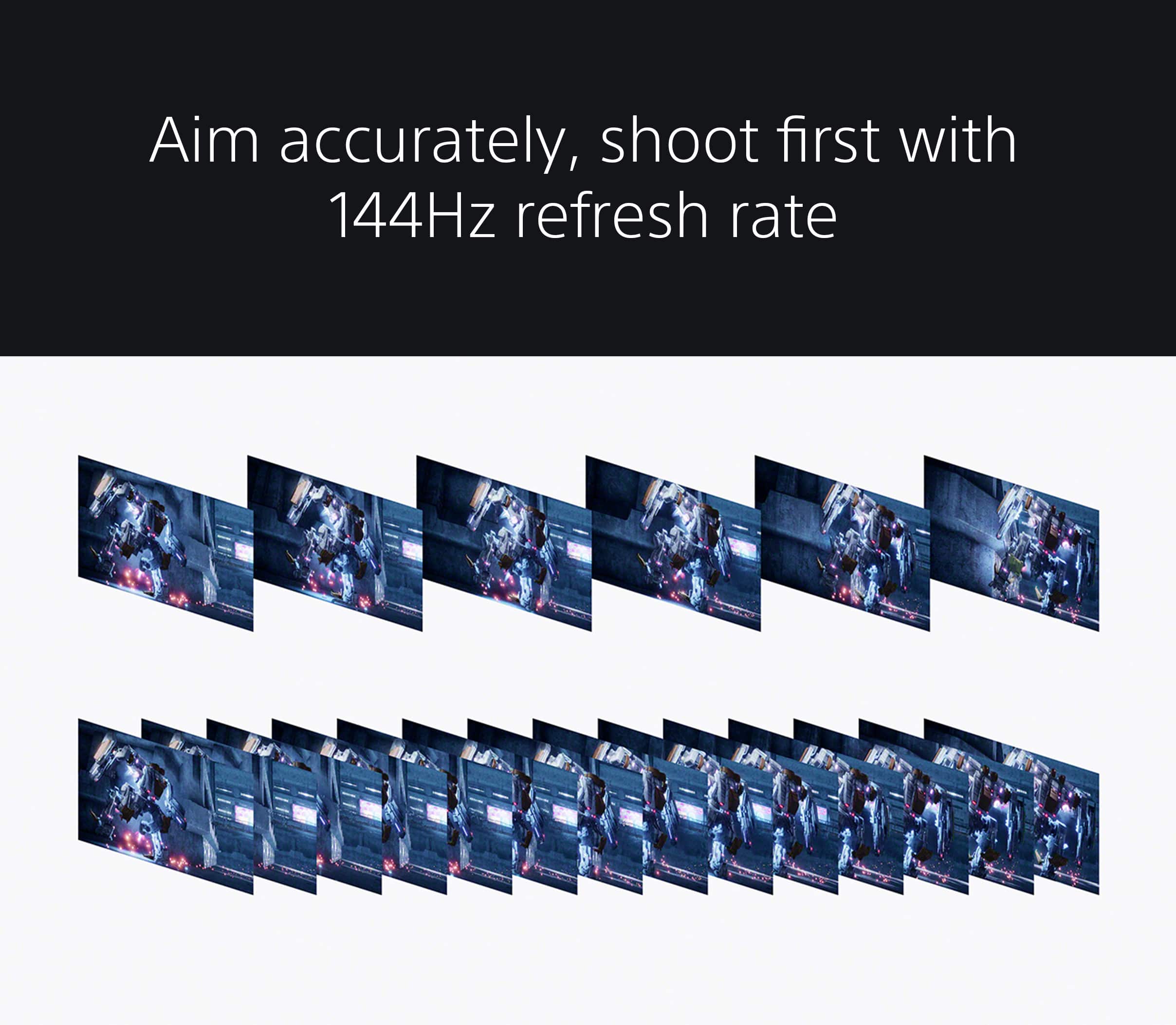
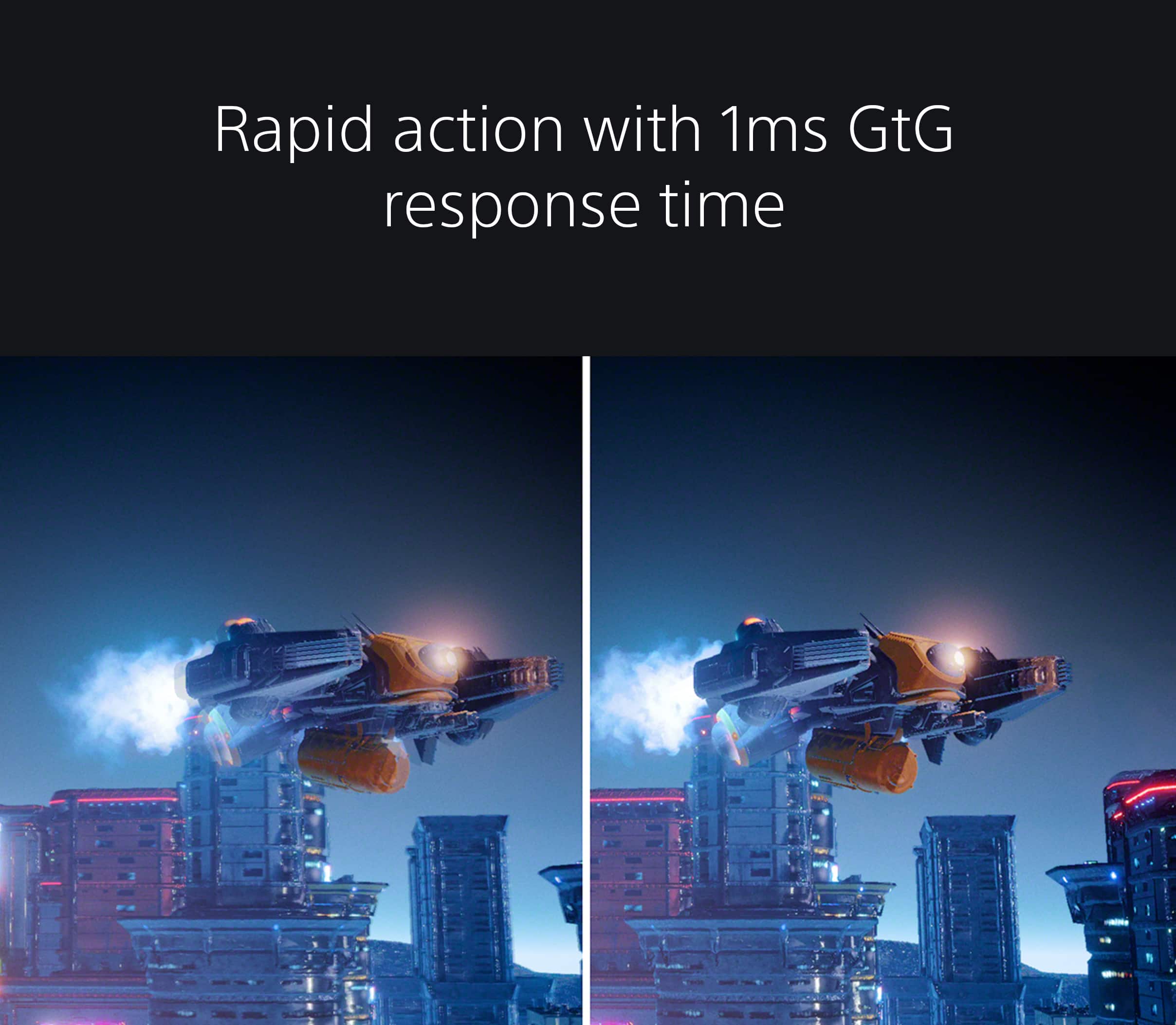
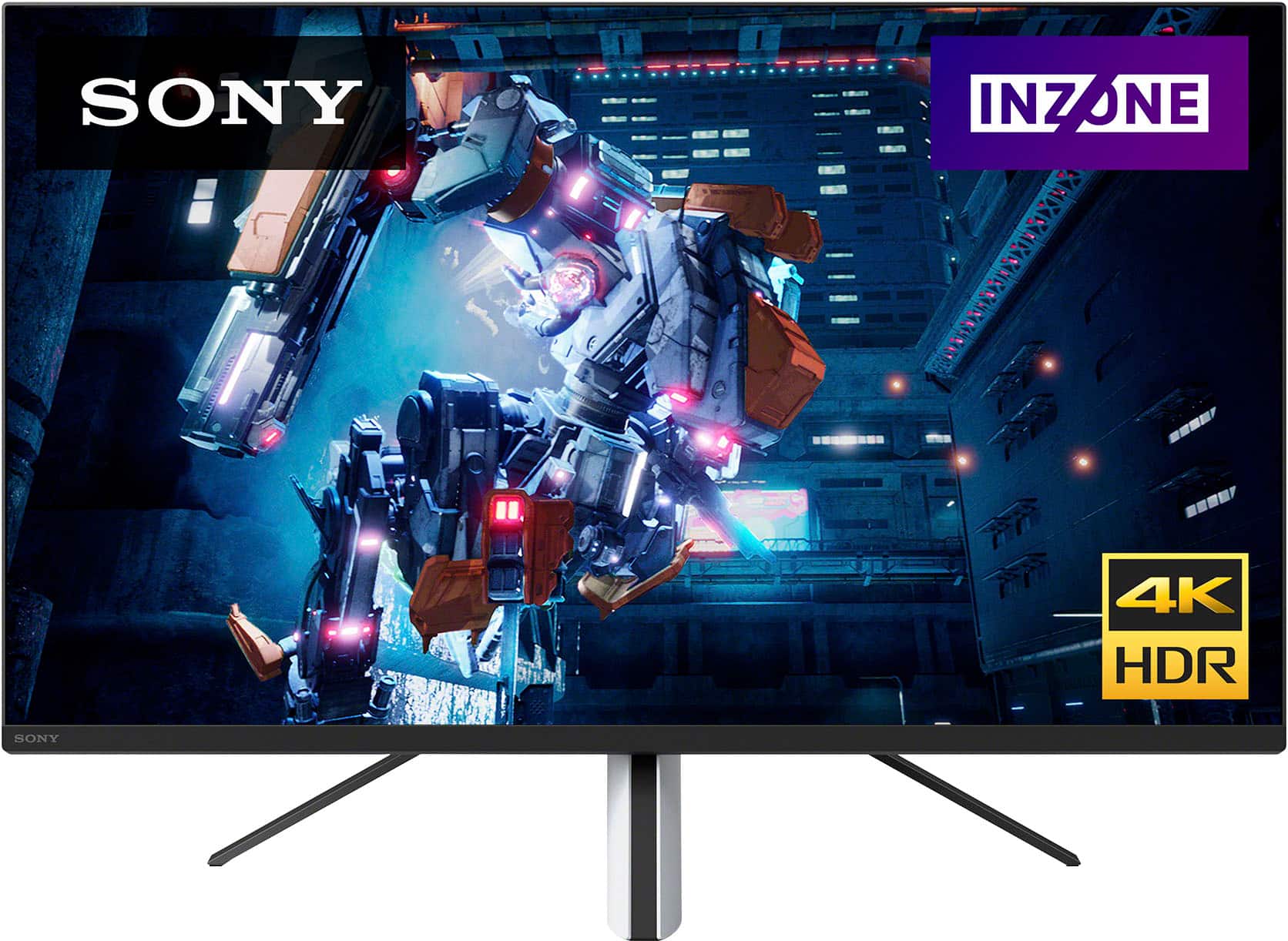
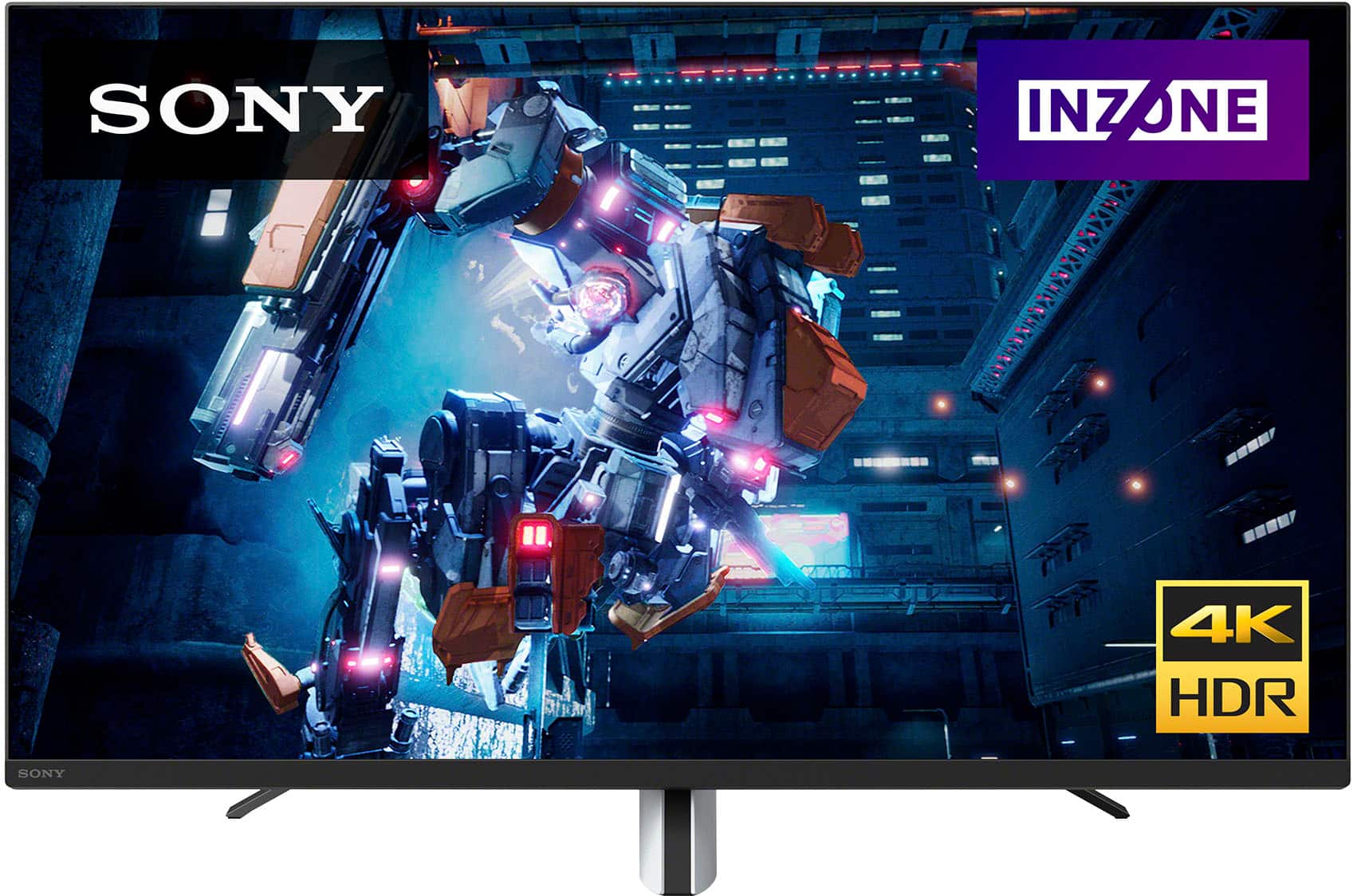
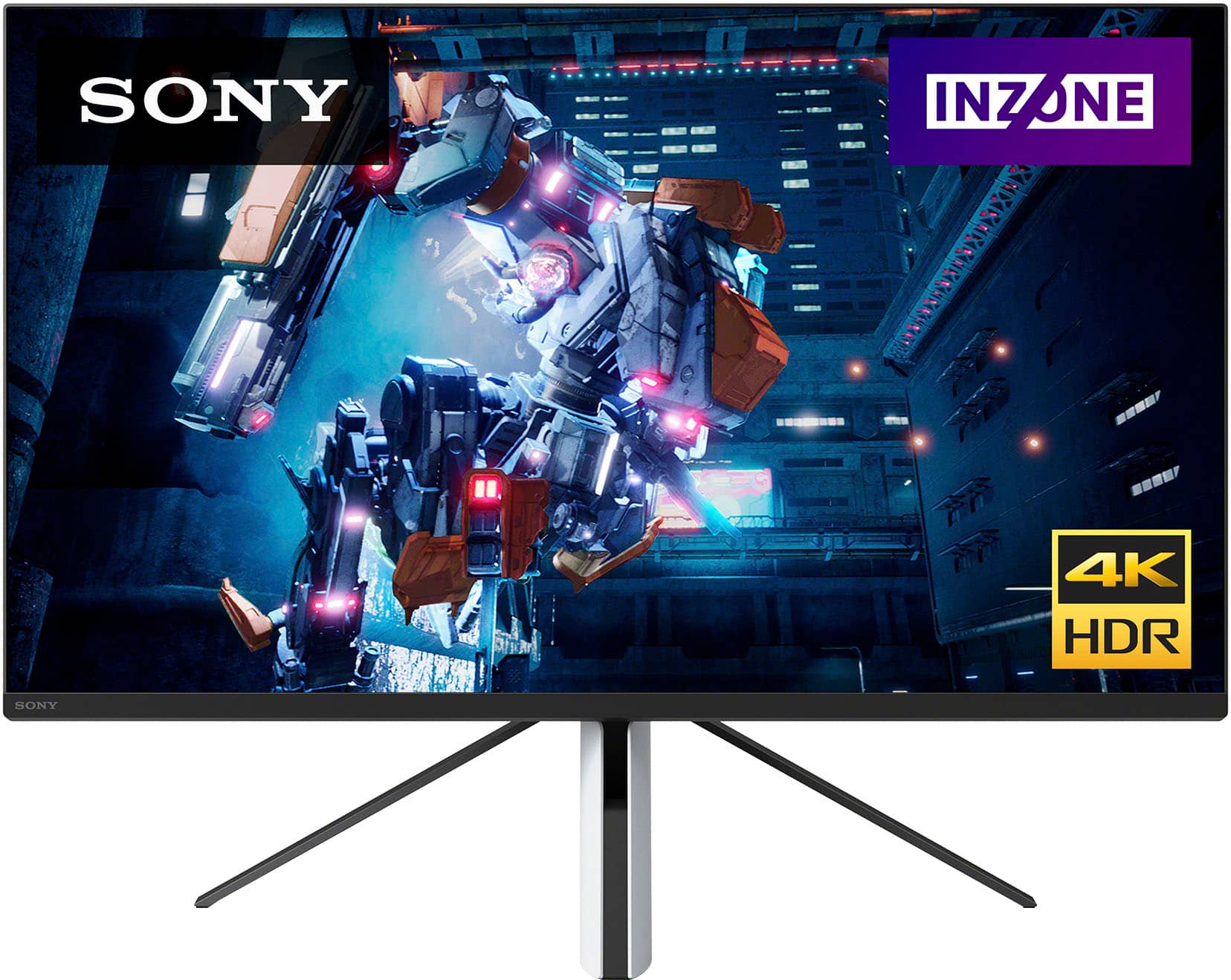
Explore gaming worlds full of brilliant depth and detail. Our 27" INZONE M9 gaming monitor with 4K HDR, Full Array Local Dimming, IPS and over 95% DCI-P3 coverage fills scenes with supreme contrast and color. You’ll react faster too with a 144 Hz refresh rate and IPS 1 ms GtG.
-Ralph
A:AnswerHi RICH,
Thank you for your question. Yes, you can use HDMI if your video card supports HDMI. There is also a display port you can use which your video card should support also. Keep in mind display port is only for video not audio.
-Ralph
A:AnswerActually my old Asua PG27u had issues with SDR. In windows 11 with the Sony, I can turn on HDR, then using Win11, you can adjust SDR brightness. As long as you did the HDR calibration in Win11, it looks fine.
A:AnswerThis appears to be a bug in this monitor, which still a year later has not been fixed. Thankfully I was able to return this.
If youre still stuck with this monitor, you can probably get it to come back if you turn the monitor off for a minute or so while its unplugged from power before reconnecting and turning it back on
A:AnswerHi Facehead,
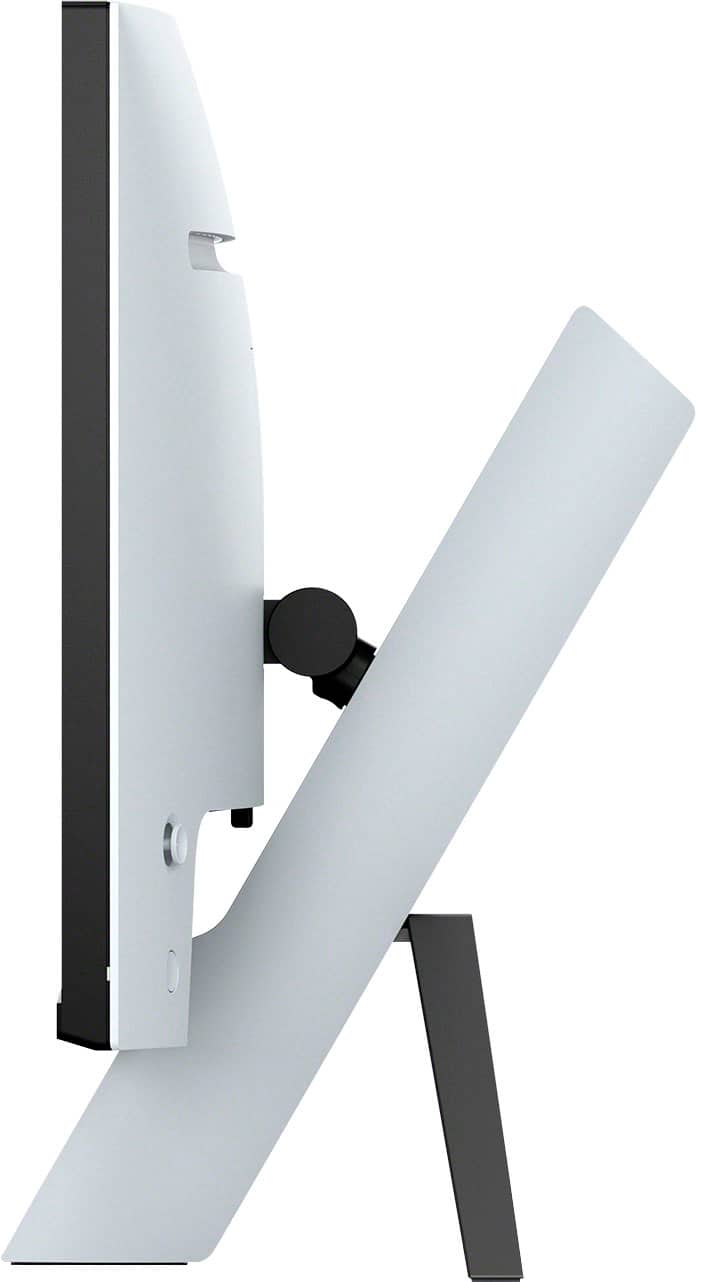
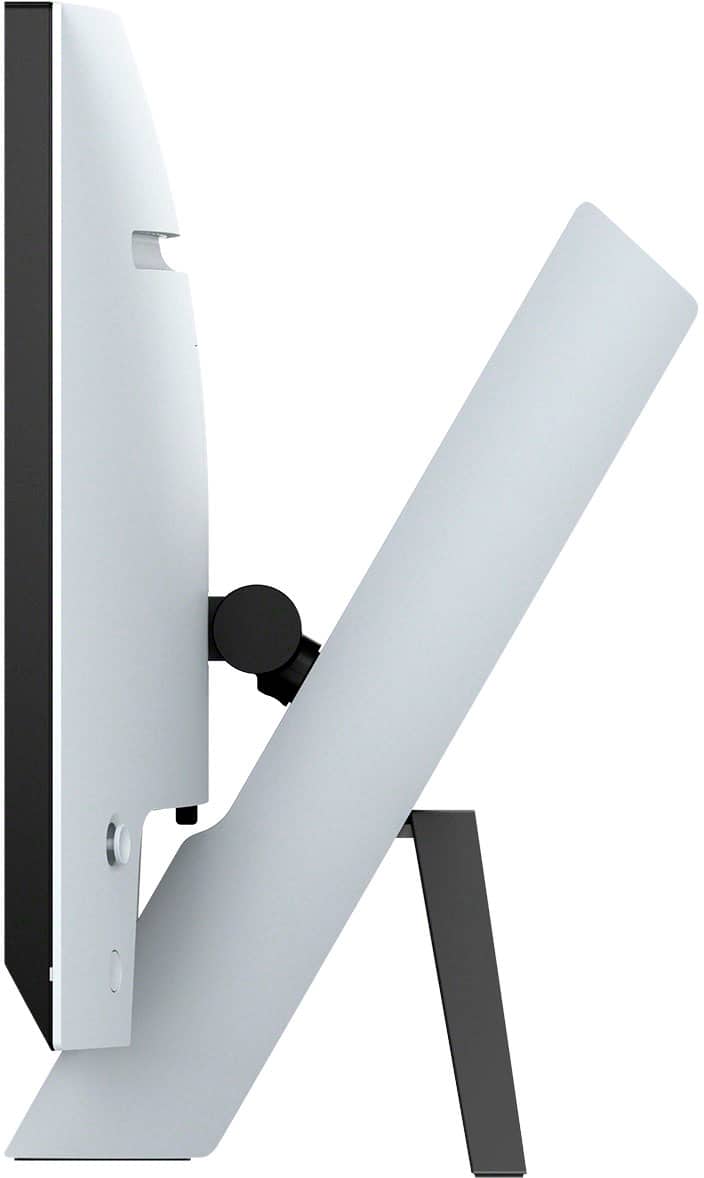
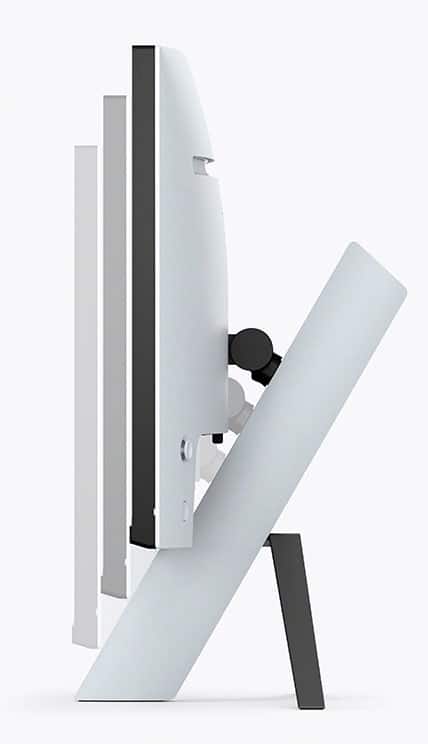
Thank you for your inquiry! Yes, it is. The INZONE M9 gaming monitor is wall-mountable using a standard VESA mounting. The VESA pattern on the back of the monitor is 100 x 100 mm.
Get into the zone and explore worlds of brilliant detail. Our INZONE M9 gaming monitor with 4K HDR, Full Array Local Dimming, IPS and over 95% DCI-P3 coverage fills scenes with supreme contrast and color. You’ll react faster too with a 144Hz refresh rate and IPS 1ms GtG (Grey to Grey). For more information about our gaming monitors, please visit our Sony Support Site. Hope this helps! - Kris
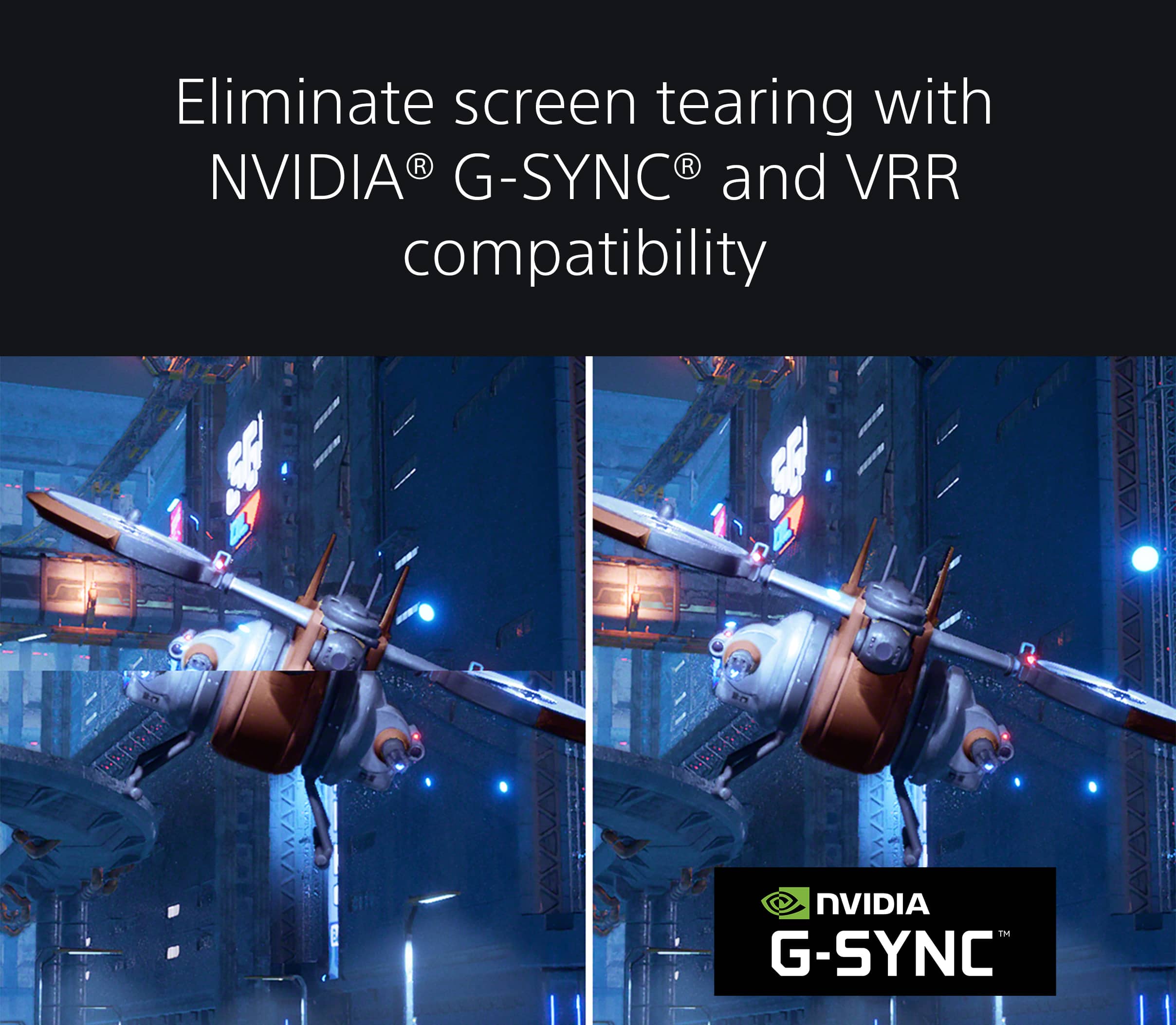
A:AnswerThe monitor supports vrr and allm!
It automatically enables them with the ps5.
One thing is if playing call of duty mwII, you have to go to settings in the game to enable 120hz.
A:AnswerI believe this happens because the monitor is switching display modes. It would most likely happen every time you change the refresh rate. Most normal monitors do something to that effect.