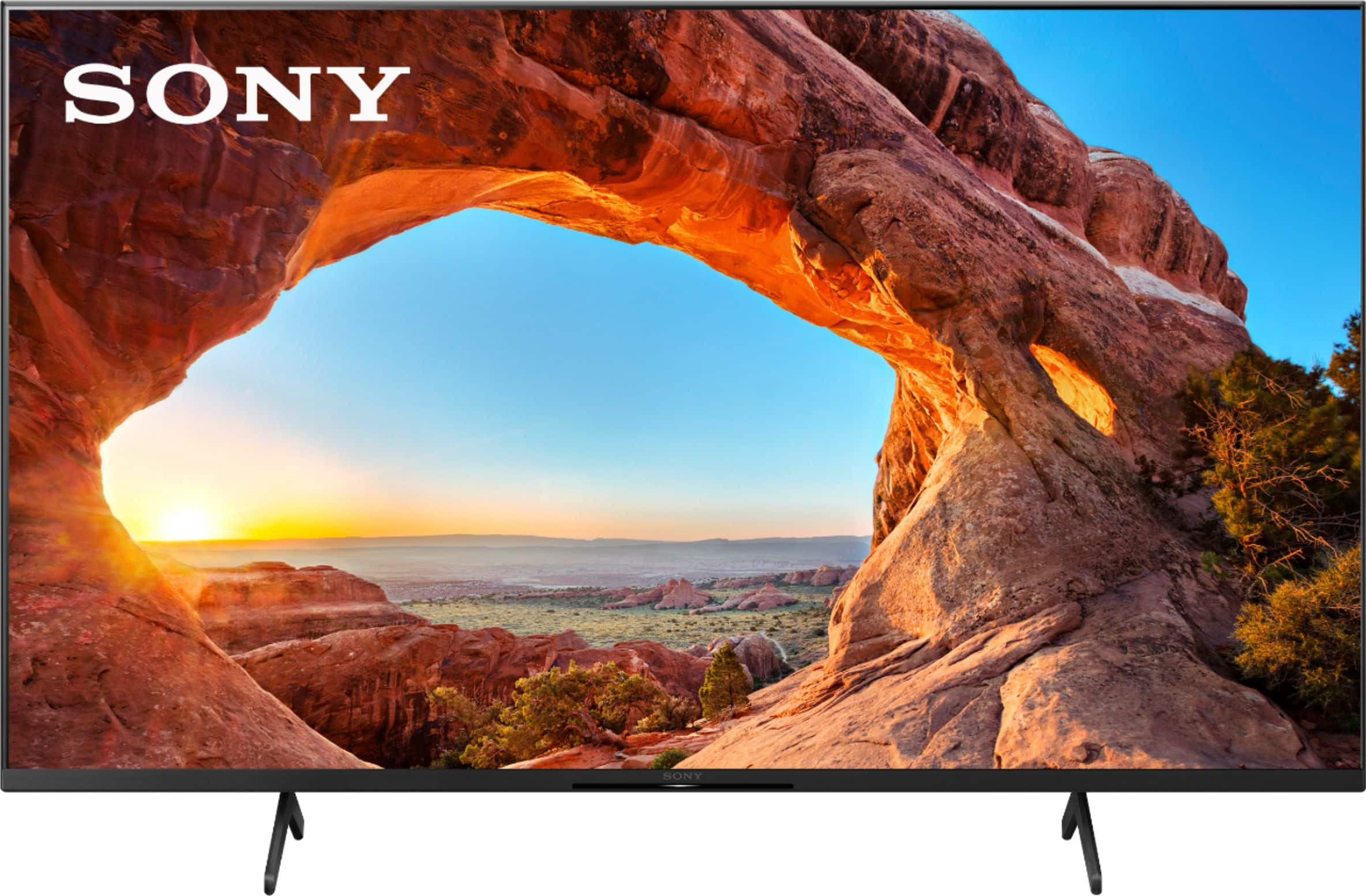
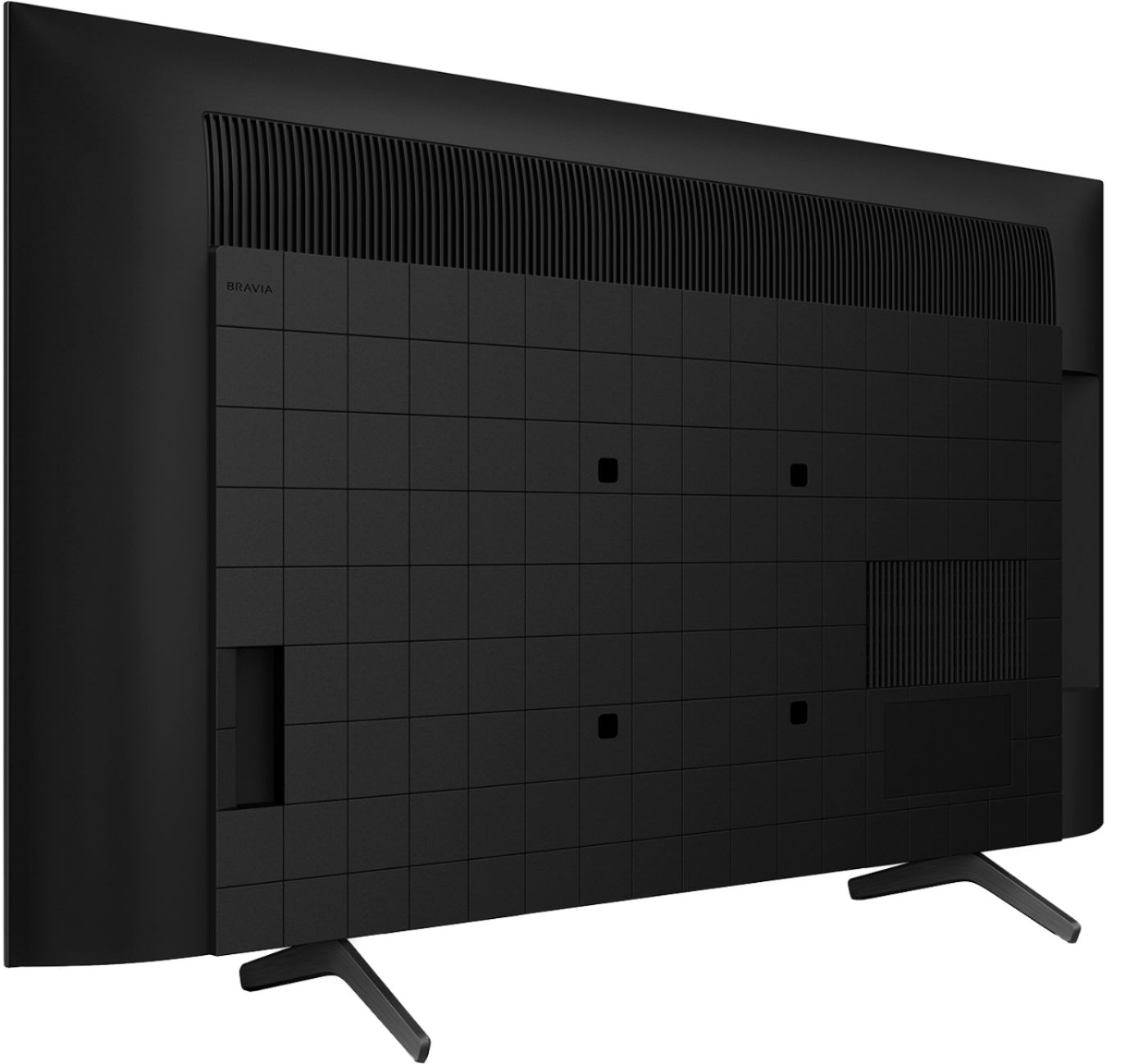
A:Answer Hi James, Thank you for the inquiry. The motion enhancer of this TV is Motionflow™ XR 960 (Native 120 Hz), Auto mode. The KD43X85J supports the features specified in HDMI 2.1 like the 4K120, eARC/ARC, ALLM, and VRR(VRR will be available via a future firmware update). To set the TV HDMI® signal format to Enhanced format for your source device to recognize the 4K 120Hz capability of the TV. Make sure your device is connected to the HDMI 3 or HDMI 4 input on the TV using the supplied Certified Premium HDMI cable.
1. Select Settings → Watching TV → External inputs → HDMI signal format.
2. Select the input the device is connected to (either HDMI 3 or HDMI 4), and then change the setting to Enhanced format.
I hope this helps! Jay