










Black Friday is hereShop new DoorbustersShop now

Skip to content
Gift Ideas
26 Cypress St
Williston, VT 05495
Open until 10 pm
Find Another Store
Main Content

Questions & Answers

Your price for this item is $1,499.99
The comparable value price is $2,299.99
Page Showing 1-20 of 102 questions
  • QuestionWhat comes included with this Sony TV?

    • Answer This Sony TV comes with an AC power cable.
    This question and answer was generated by AI based on customer and product data.

  • QuestionDoes this TV support Dolby Vision?

    • Answer Yes, this TV supports Dolby Vision for a cinematic viewing experience.
    This question and answer was generated by AI based on customer and product data.

  • QuestionWhat is the screen size of this Sony TV?

    • Answer This Sony TV has a screen size of 64.5 inches.
    This question and answer was generated by AI based on customer and product data.
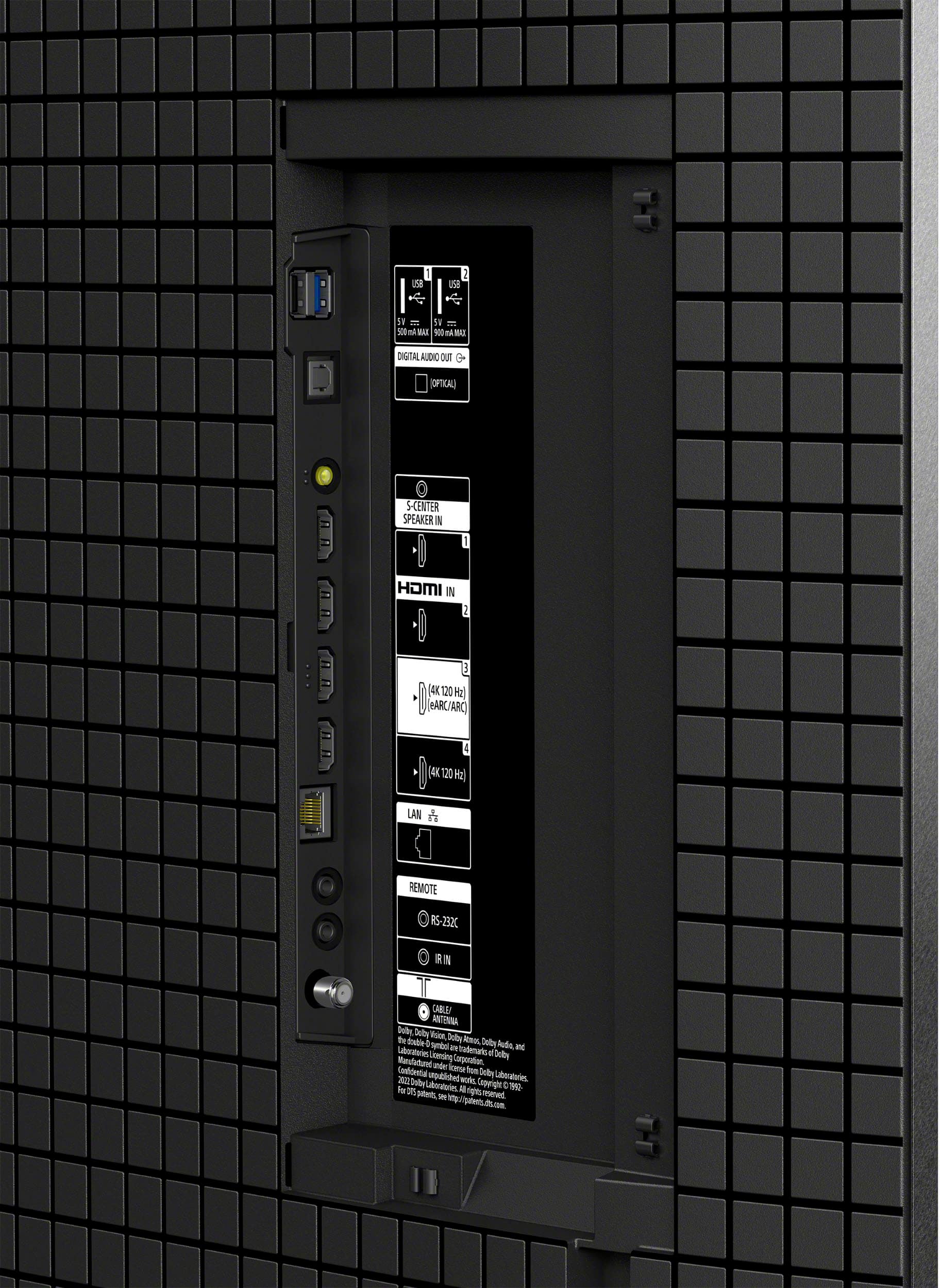
  • QuestionHow many HDMI ports does this TV have?

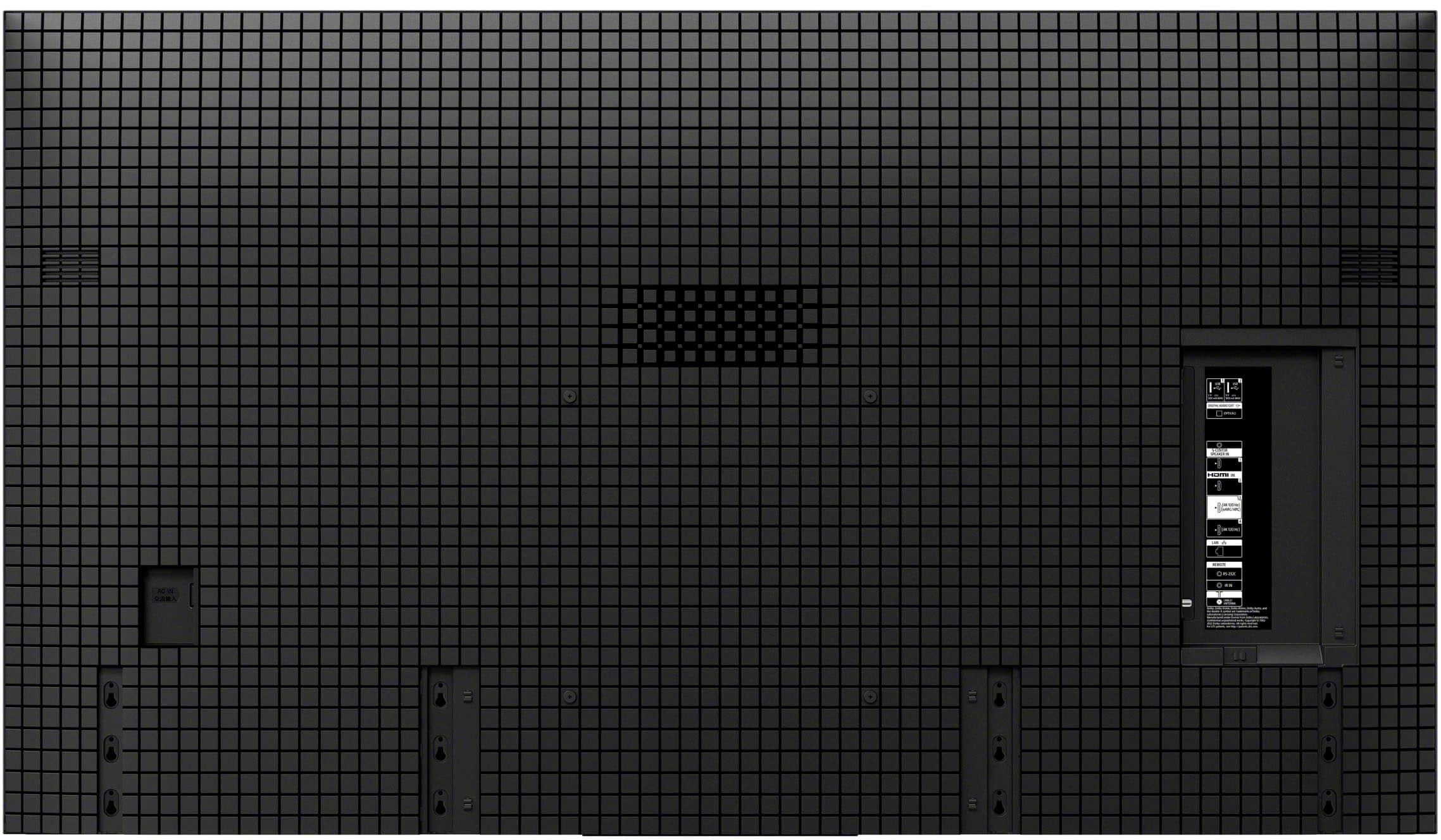
    • Answer This TV is equipped with 4 HDMI ports.
    This question and answer was generated by AI based on customer and product data.

  • QuestionCan I control this TV with my voice?

    • Answer Yes, this TV has Google Assistant built-in, allowing you to control it with your voice.
    This question and answer was generated by AI based on customer and product data.
  • QuestionDoes this Sony TV come with built-in speakers?

    • Answer Yes, this Sony TV has built-in front firing speakers.
    This question and answer was generated by AI based on customer and product data.

  • QuestionIs this Sony TV compatible with a soundbar?

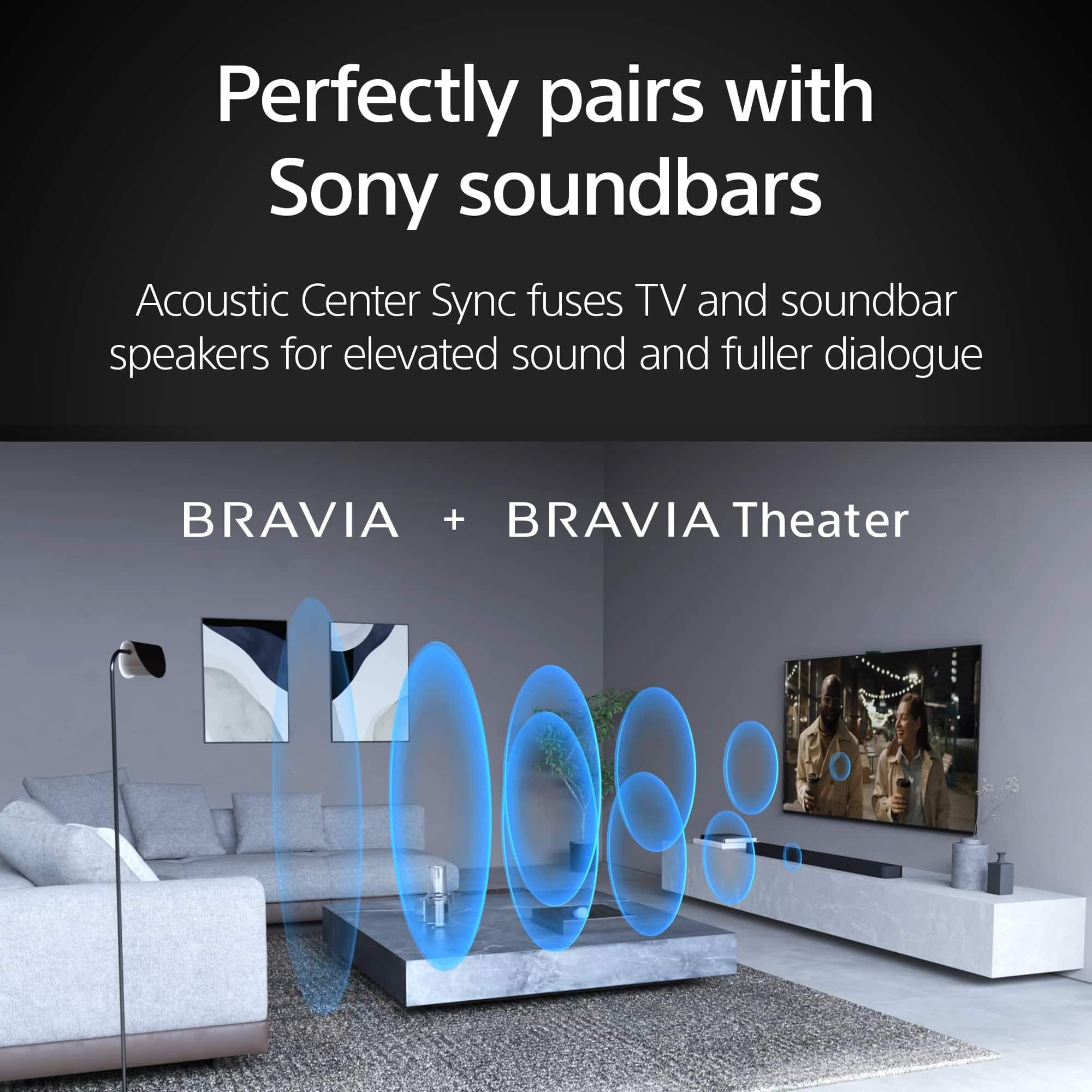
    • Answer Yes, this Sony TV can be paired with a compatible Sony soundbar using Acoustic Center Sync.
    This question and answer was generated by AI based on customer and product data.
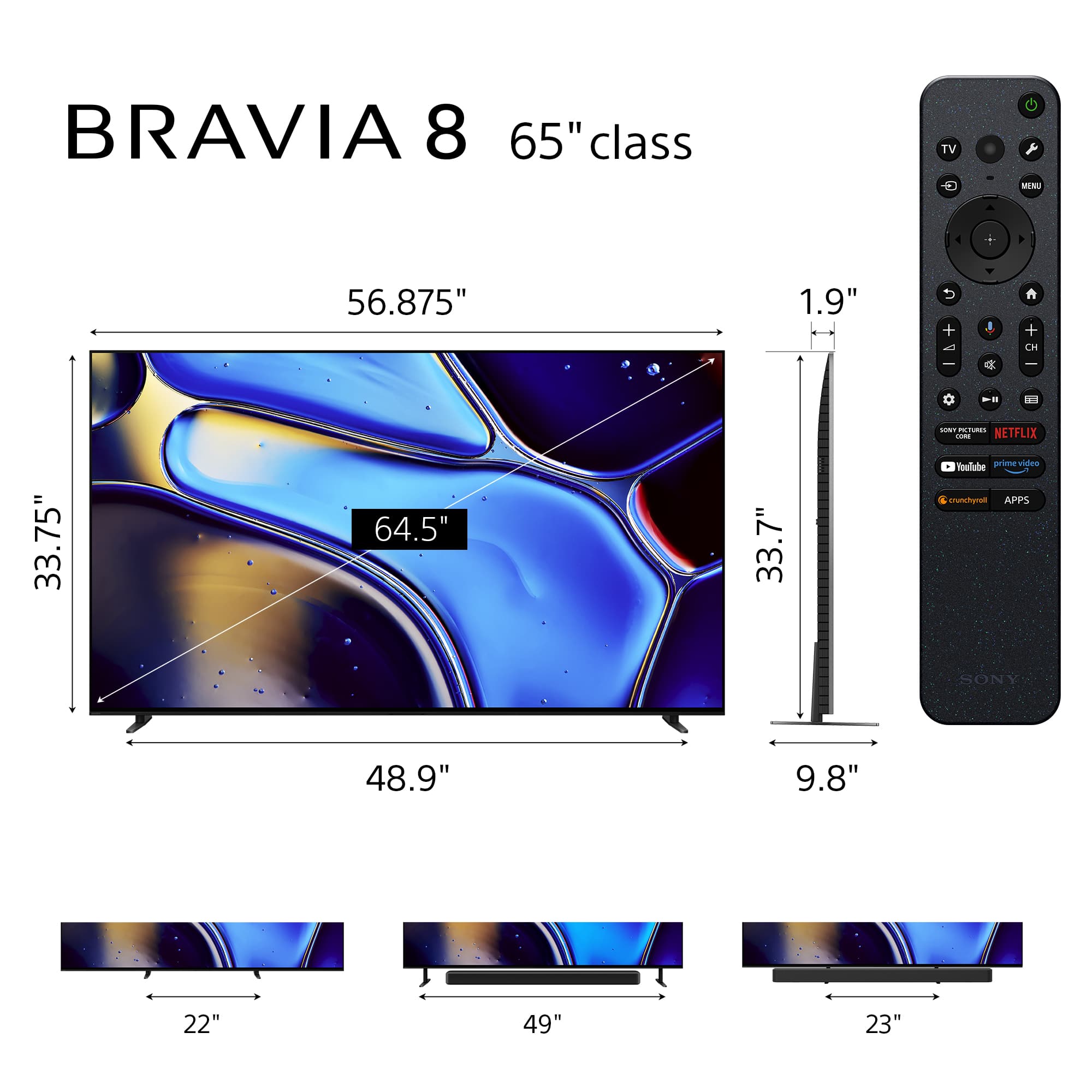
  • QuestionRe: the tabletop stand that comes with the Bravia 8 TV (65" model): Is it adjustable in terms of how wide apart the legs are? For example, can it be set to be 20" apart instead of 50" apart, for example?

    Asked by Mike.

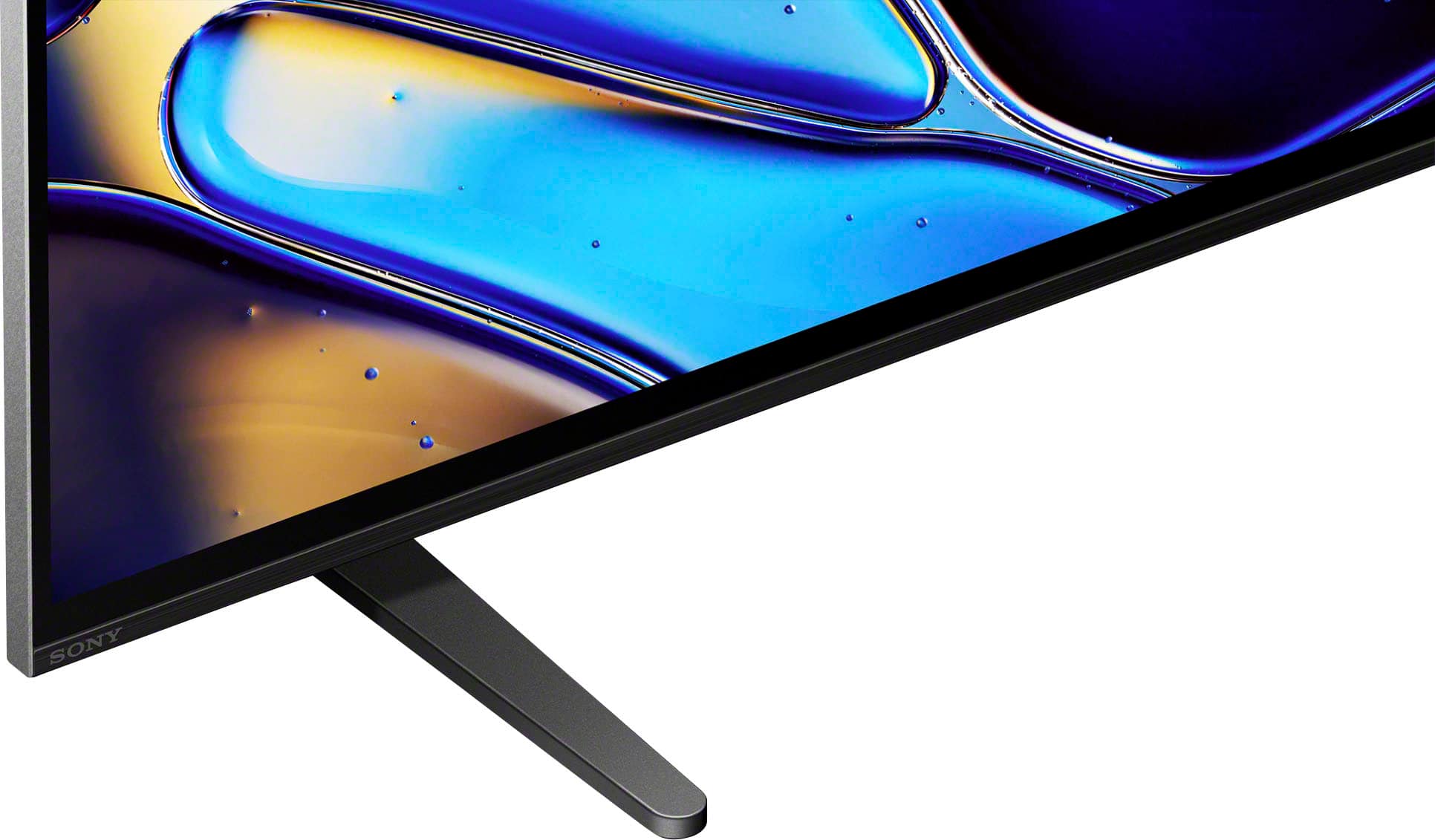
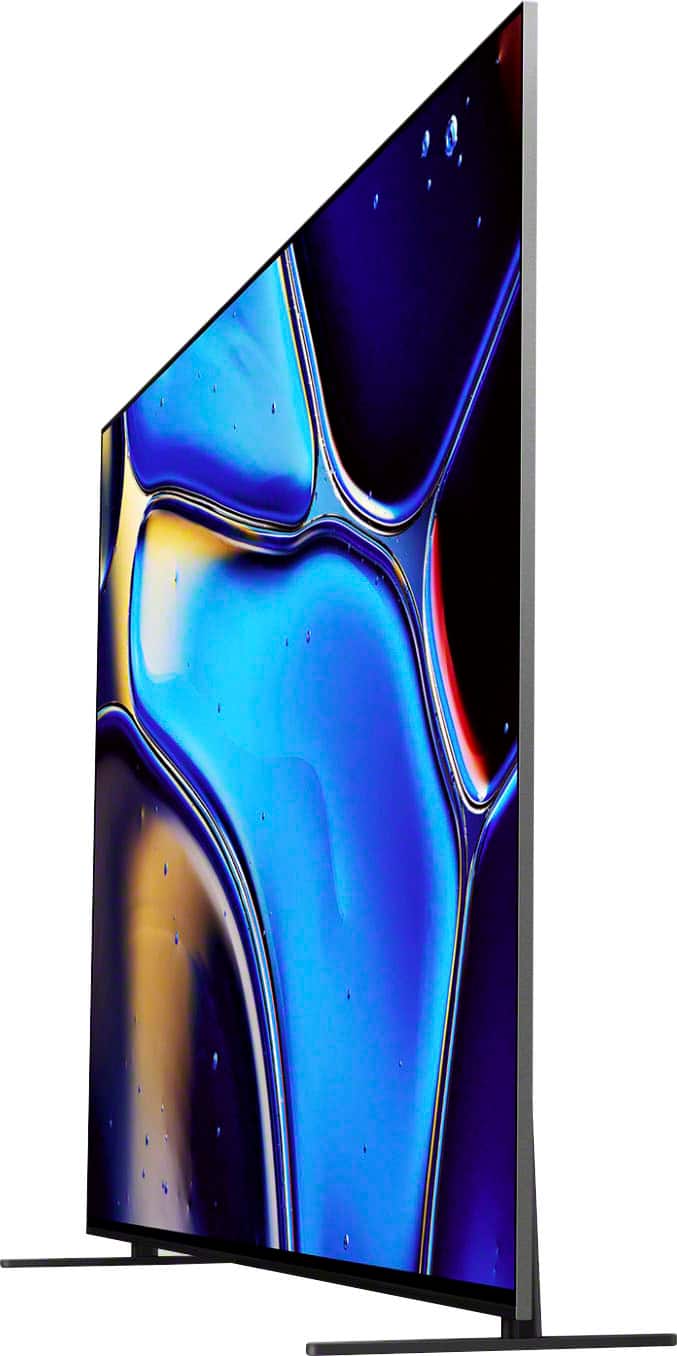
    • Answer Hi Mike, Thanks for the question! You change the height and position of the table-top stand for the K65XR80 (BRAVIA 8). This TV has multiple or 3-way stand position with options for a wide mount(standard position), narrow mount(inner position), and tall mount(soundbar position). The tall mount provides room for a soundbar. STAND WIDTH (STANDARD POSITION) 49"(1,244 mm) STAND WIDTH (NARROW POSITION) 23" (584 mm) STAND WIDTH (SOUNDBAR POSITION) 49"(1,244 mm) Additional information: The sleek design and cinematic audio and visuals make BRAVIA 8 the perfect centerpiece for your living space. Pure OLED black and vibrant color brings out vibrant textures and astonishing realism in everything you watch. The screen is the speaker, delivering a totally unique and immersive theater-like sound that keeps you on the edge of your seat. Hope this information helps! - Kris

      Answered by SonyListens

  • QuestionWhat are the dimensions of the box the TV comes in?

    Asked by Anonymous.

    • Answer Hi, Thanks for the question! Below are the dimensions of the K65XR80(BRAVIA 8) box: Dimension of Package Carton (W x H x D) 63.13 x 37.75 x 7.25" (1,603 x 958 x 184 mm) Weight of Package Carton (Gross) 31 kg (68.3 lb) Additional information: The sleek design and cinematic audio and visuals make BRAVIA 8 the perfect centerpiece for your living space. Pure OLED black and vibrant color brings out vibrant textures and astonishing realism in everything you watch. The screen is the speaker, delivering a totally unique and immersive theater-like sound that keeps you on the edge of your seat. Hope this information helps! - Kris

      Answered by SonyListens

  • QuestionEvery 3-4 days I have to unplug the tv to get the lips to sync with the audio. Tried various fixes online, nothing syncs

    Asked by Sillygrin4.

    • Answer A friend had that issue with a Sony center channel. Works perfect with Bose. The

      Answered by TimothyF

  • QuestionCan I use this with my YOUTUBE TV subscription and remote?

    Asked by tgirl.

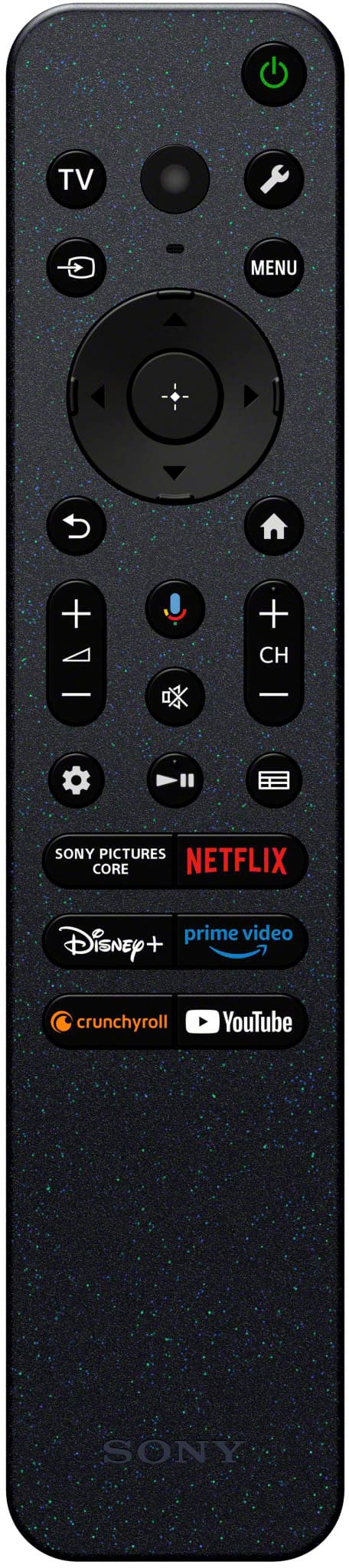
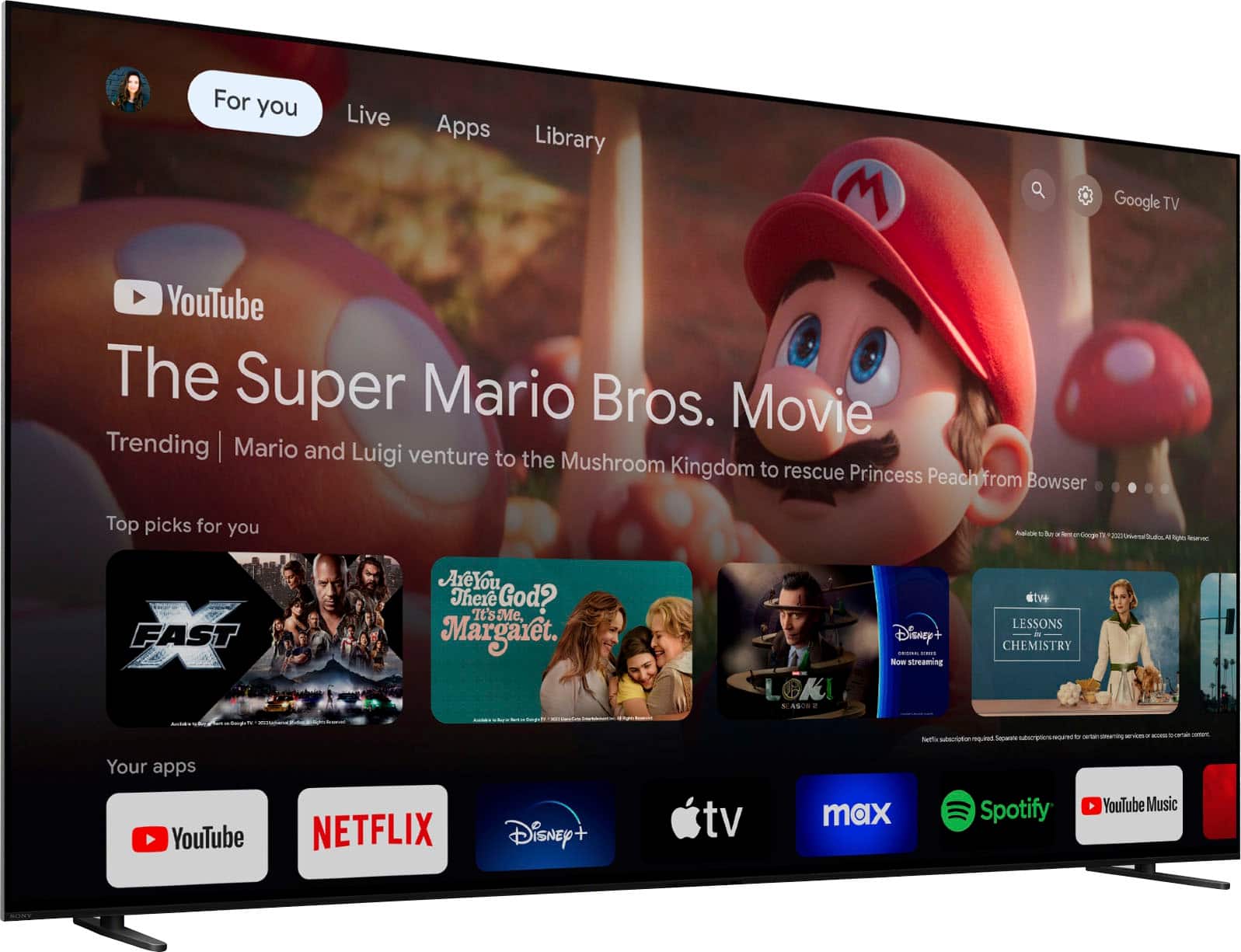
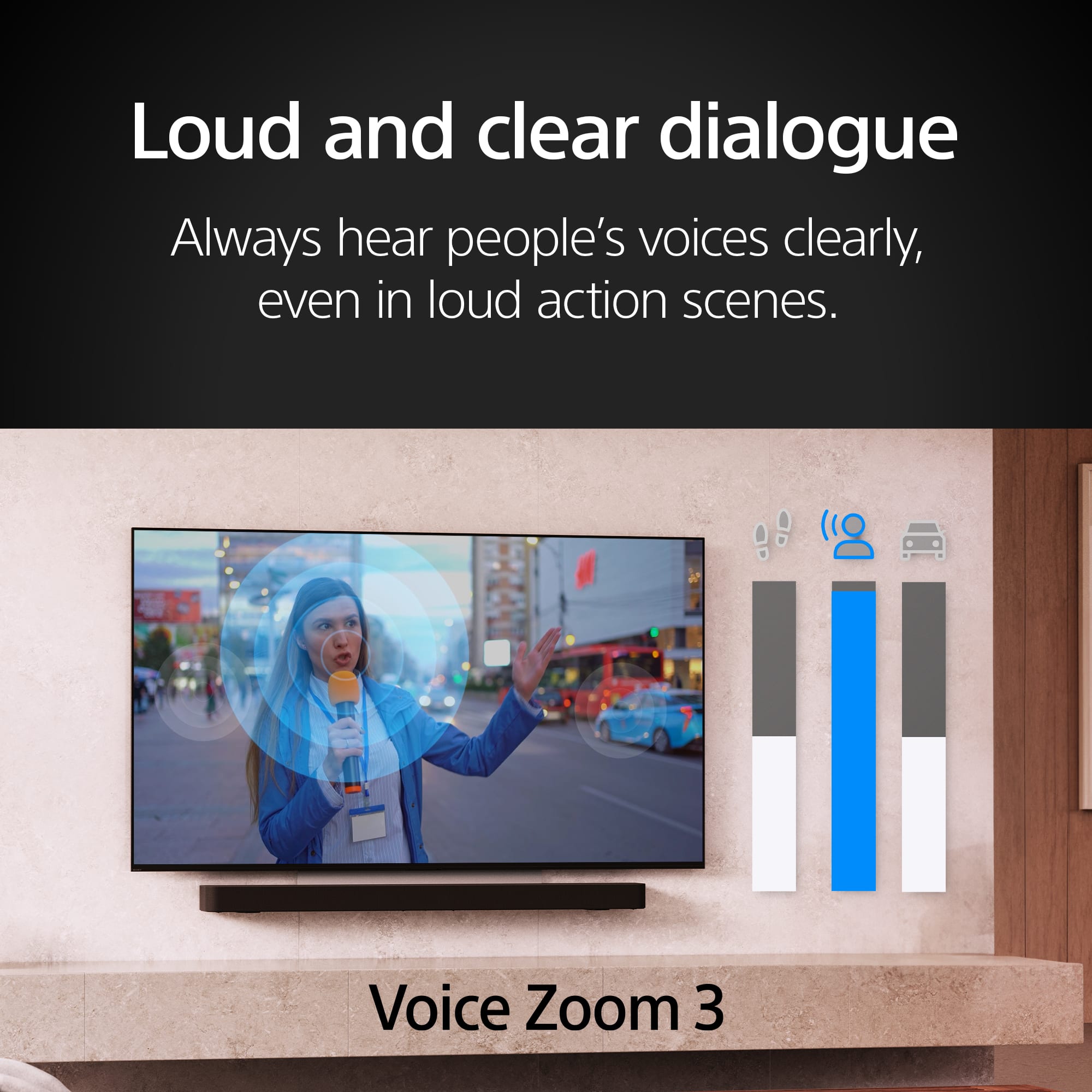
    • Answer Hi tgirl, Thank you for your interest with Sony BRAVIA 8! Yes, with the BRAVIA 8 Smart Google TV, you can enjoy watching Youtube TV and other streaming apps like Netflix, Prime Video, Apple TV, Disney Plus and many more. Additionally, you can easily navigate through your viewing experience using the bundled remote control (RMFTX820U). Hope this information helps! With Acoustic Surface Audio+, actuators behind the TV panel turn the entire screen into a speaker producing a wider, elevated soundstage, enabling audio to follow the action on screen. Voice Zoom 3 intelligently controls dialogue so that every word in a scene is always loud and clear. With support for Dolby Atmos, DTS:X, and 3D Surround Upscaling, everything you watch gets the surround sound treatment. Best regards, Maria

      Answered by SonyListens

  • QuestionI purchased the TV this week and it's due to arrive today. I am wondering about upgrading the remote control. With my last Sony, I upgraded the remote to SONY RMF-TX621U SMART BACKLIT TV VOICE REMOTE CONTROL. Would this work with this TV?

    Asked by CreateSF.

    • Answer Yes, you can. I purchased the Blacklite remote from the 95L and it works perfectly, just pair it to the TV from the settings guide. The Sony rep answer is from a set response not from real hands-on knowledge so the answer is not correct. I worked for Sony for 20-plus years so I know a thing or 2 about tvs.

      Answered by PhillyB

  • QuestionWhat are the outsize dimensions of this tv? Sony - 65" Class BRAVIA 8 OLED 4K UHD Smart Google TV (2024)

    Asked by Vinnypug.

    • Answer Hi Vinnypug, Thanks for the question! Below are the dimensions of the K65XR80(BRAVIA 8) TV: Dimension of TV without Stand (W x H x D) 56.88 x 32.75 x 1.5" (1,442 x 829 x 37 mm) DIMENSION OF TV WITH STAND (STANDARD POSITION) (W x H x D) 56.88 x 33.75 x 9.88" (1,442 x 855 x 248 mm) STAND WIDTH (BACK POSITION STYLE) 23" (584 mm) TV WITH STAND (BACK POSITION STYLE) (W X H X D) 56.88 x 35.88 x 9.88" (1,442 x 909 x 248 mm) STAND WIDTH (STANDARD POSITION) 49"(1,244 mm) DIMENSION OF TV WITH STAND (SOUNDBAR POSITION) (W x H x D) 56.88 x 35.88 x 9.88" (1,442 x 909 x 248 mm) STAND WIDTH (SOUNDBAR POSITION) 49"(1,244 mm) DIMENSION OF TV WITH STAND (NARROW POSITION) (W x H x D) 56.88 x 33.75 x 9.88" (1,442 x 855 x 248 mm) STAND WIDTH (NARROW POSITION) 23" (584 mm) Weight of TV with Stand 51.2 lb (23.2 kg) Weight of TV without Stand 49.2 lb (22.3 kg) You may find the dimensions of our Sony TVs on the Sony Support Site. The website has a page for each TV model where you can find the dimensions in the specification sections. Additional information: The sleek design and cinematic audio and visuals make BRAVIA 8 the perfect centerpiece for your living space. Pure OLED black and vibrant color brings out vibrant textures and astonishing realism in everything you watch. The screen is the speaker, delivering a totally unique and immersive theater-like sound that keeps you on the edge of your seat. Hope this information helps! - Kris

      Answered by SonyListens

  • QuestionDoes this Sony - 65" Class Bravia 8 OLED 4k UHD Smart Google TV (2024) have the option that allows you to listen to audio through both the TV speakers and a connected Bluetooth or wired audio device at the same time?

    Asked by Jesus.

    • Answer Hi Jesus, thanks for your question! Yes, the Sony Bravia 8 does allow you to listen to the TV speakers and an external audio system device or headphones connected via Bluetooth at the same time. And if you'd like to get the TV speakers and a wired audio device to work at the same time, you need to connect the wired audio device via Optical Connection. You can check more details on how to do it via the following link: https://www.sony.com/electronics/support/articles/00049501?utm_source=glean Thanks for considering Sony! Regards, -Dominick

      Answered by SonyListens

  • QuestionDoes the built in Google TV support 4k or do you need to add a separate Google TV 4k dongle.

    Asked by Bart.

    • Answer Supports 4k

      Answered by DonnaH

  • QuestionI have a Sony TV I bought 8 years ago whioch is still working great Model #XBR65x900E looking a t a new sony 65 inch Is this model have a great backgrounds like my old Tc for black or dark backgrounds? Is there another model otherwise?

    Asked by John.

    • Answer Hi John, Thank you for your interest in our products. The BRAVIA 8 (K-65XR80) OLED offers a significant upgrade over the XBR65X900E, delivering perfect blacks thanks to OLED technology, making it particularly well-suited for viewing dark scenes. If you’re considering alternatives: BRAVIA 9 QLED: Provides impressive brightness but not OLED's deep blacks. A95L OLED: Offers premium performance with QD-OLED technology, resulting in exceptional contrast and vibrant colors. A80L OLED: Delivers remarkable contrast and every single detail, even in dazzling light or deep shadow. When making your selection, consider your viewing environment, the significance of black levels, and your budget. Sony offers a range of OLED, LED, and Mini LED TVs that deliver stunning picture quality and immersive experiences. Explore our collection to find the perfect TV for your home. You can find all the details you need here: https://electronics.sony.com/how-to-select-tv Regards, Jess

      Answered by SonyListens

  • QuestionIs XR Clear Image and XR OLED Motion a setting that needs to be turned on or is it simply a process that's done automatically without turning on a particular setting?

    Asked by MrDB.

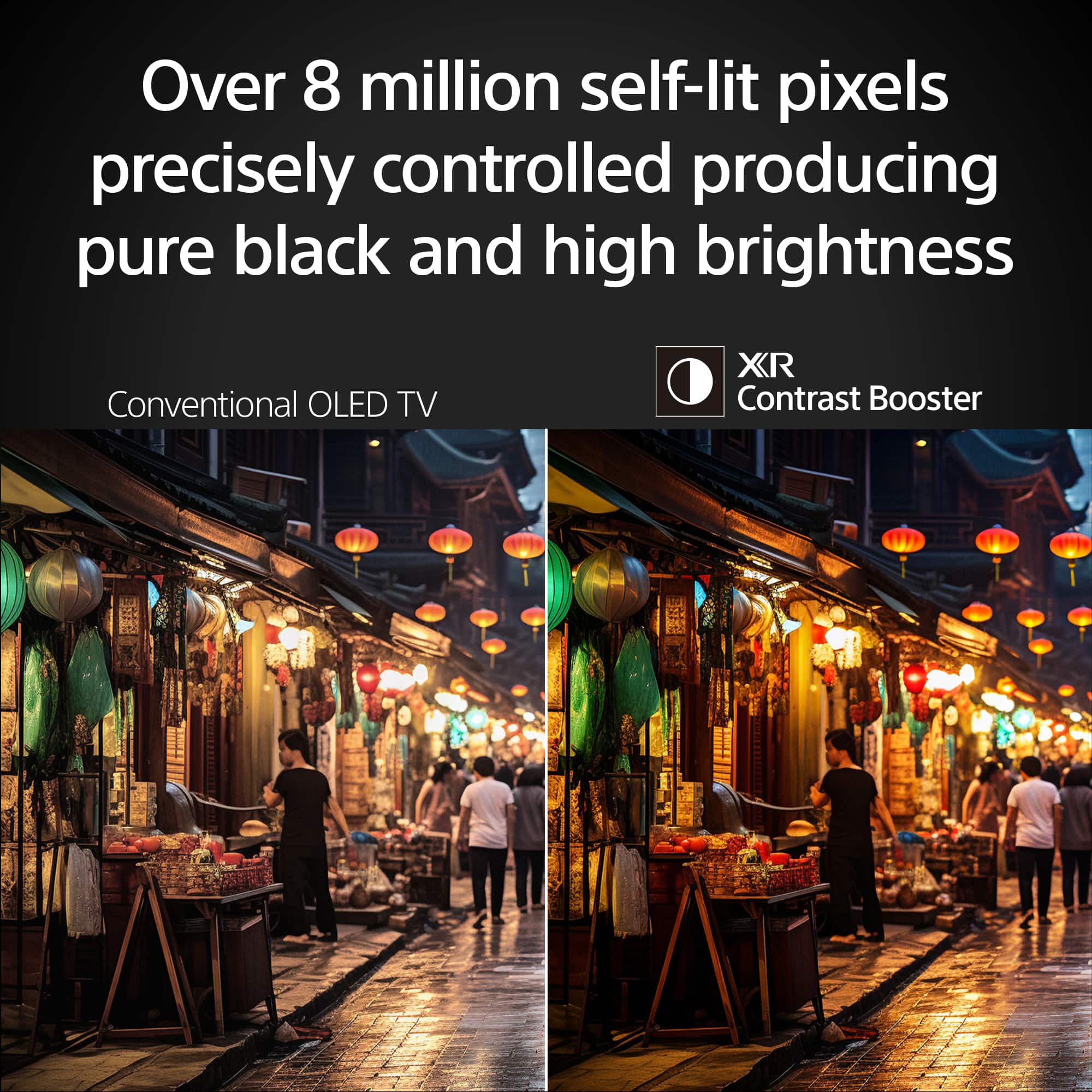
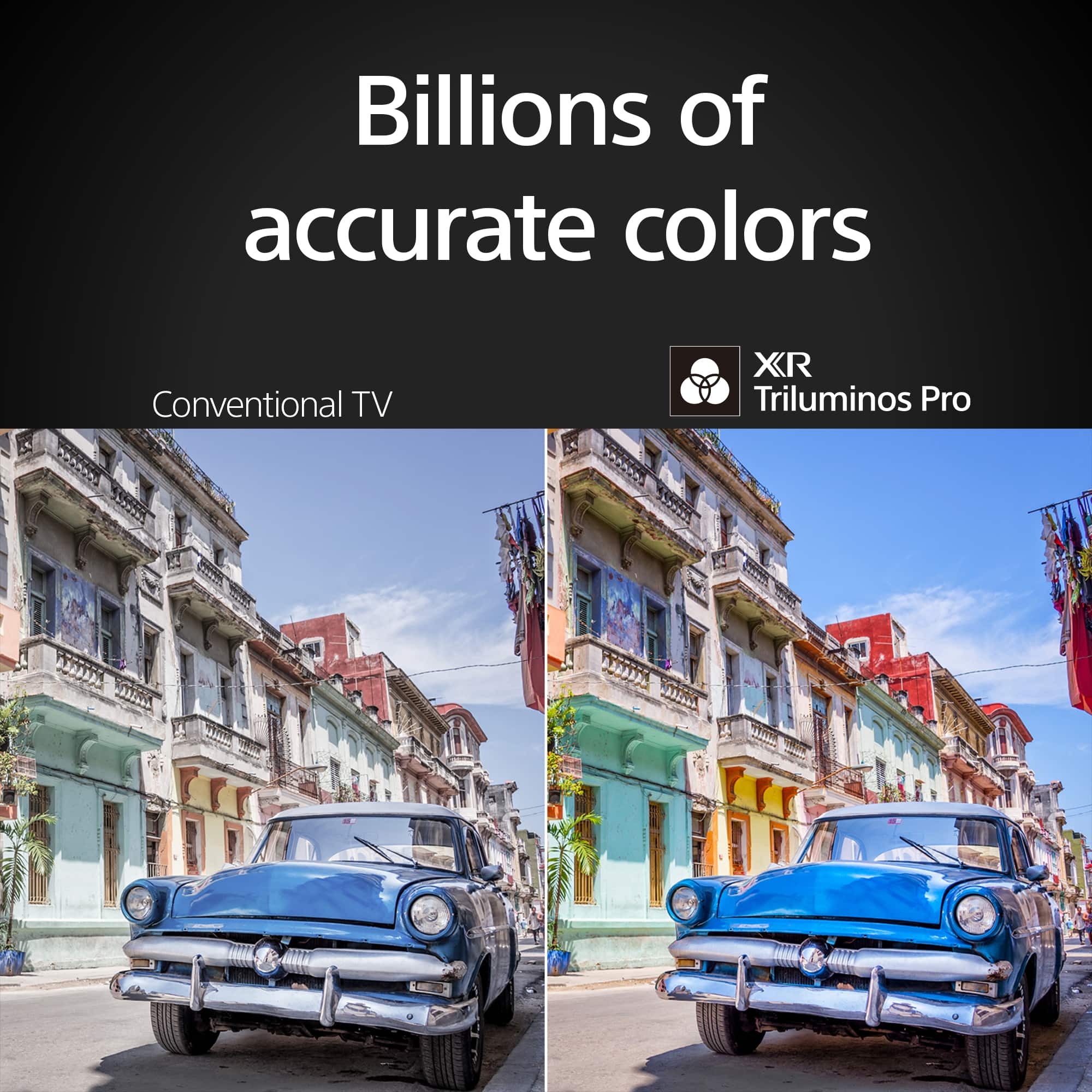
    • Answer Hi D, Thank you for your question. XR Clear Image and XR OLED Motion are features that enhance the picture quality on Sony TVs. XR Clear Image: This feature is designed to upscale HD and digital content, bringing back lost detail. It is a clarity enhancement feature that works automatically to improve the picture quality. XR OLED Motion: This feature ensures blur-free picture quality in fast-moving sports and action-packed movies. It is a motion enhancer that operates automatically to provide a smooth viewing experience. These features are typically enabled by default and do not require manual activation through specific settings. However, you can adjust various picture settings, including motion and clarity, through the TV's settings menu if you wish to customize your viewing experience further. For detailed adjustments, you can refer to the picture settings options on your TV model. Hope this information helps! With a sleek design, cinematic audio, and stunning visuals, the Sony BRAVIA 8 K65XR80 65" 4K HDR Smart OLED TV makes the perfect centerpiece for your main TV viewing area. An incredibly accurate picture is created by millions of self-lit pixels, precisely controlled to produce pure black, with high brightness, and billions of shades of color. Best regards, Maria

      Answered by SonyListens

  • Questionhow much air space is required around the tv?

    Asked by Rick.

    • Answer Hi Rick, Thanks for the question with our BRAVIA 8! The TV is designed with slots and openings for necessary ventilation. To ensure reliable operation and to protect it from overheating, these slots and openings must never be blocked or covered. As a general guideline, the rear of the TV should be 2 to 6 inches away from the wall and the sides of the TV should have about 4 inches of ventilation space. Additional information: The sleek design and cinematic audio and visuals make BRAVIA 8 the perfect centerpiece for your living space. Pure OLED black and vibrant color brings out vibrant textures and astonishing realism in everything you watch. The screen is the speaker, delivering a totally unique and immersive theater-like sound that keeps you on the edge of your seat. Hope this information helps! - Kris

      Answered by SonyListens

  • QuestionHow fast is the UI interface? I currently have a 4K Sony Bravia XBR-65X900E with great picture quality, but when pushing the remote buttons, there's a 1/2 to 2-3 second lag before the interface catches up. Has that been improved in newer models?

    Asked by barefootmatthew.

    • Answer We used to have that exact same model, so I'm aware of what you're talking about. We recently purchased the 65" Sony BRAVIA OLED 4K and it is very fast, with no lag at all. It is also much faster than our other Sony Smart TV.

      Answered by BluDragon

  • QuestionWill this TV function at all if I do not allow it to have access to a cell phone app, internet access, or other means of 'phoning home'? Use case: I want an entertainment monitor for a completely off-grid location.

    Asked by Hammerlane.

    • Answer Hi Hammerlane, Thank you for your question. The Sony BRAVIA 8 TV can function as a basic display in an off-grid setting, allowing you to enjoy your favorite shows and channels without the need for an internet connection or app access. You can connect it to your cable TV service or any external devices, such as cable boxes, Blu-ray players, or gaming consoles via HDMI. Additionally, it can receive over-the-air TV signals using an antenna. However, please note that you will not have access to streaming apps, firmware updates, or smart controls since these require internet. During the setup process, you can skip the internet-related steps and still utilize the TV for basic entertainment. When setting up your Google TV for the first time, you can choose the "Basic TV" option. Only pre-installed apps on your TV are available and you can't install other apps. Essentially, it will work as a monitor, but without any smart features. I hope this helps. Regards, Jess

      Answered by SonyListens








