A:AnswerHi there,
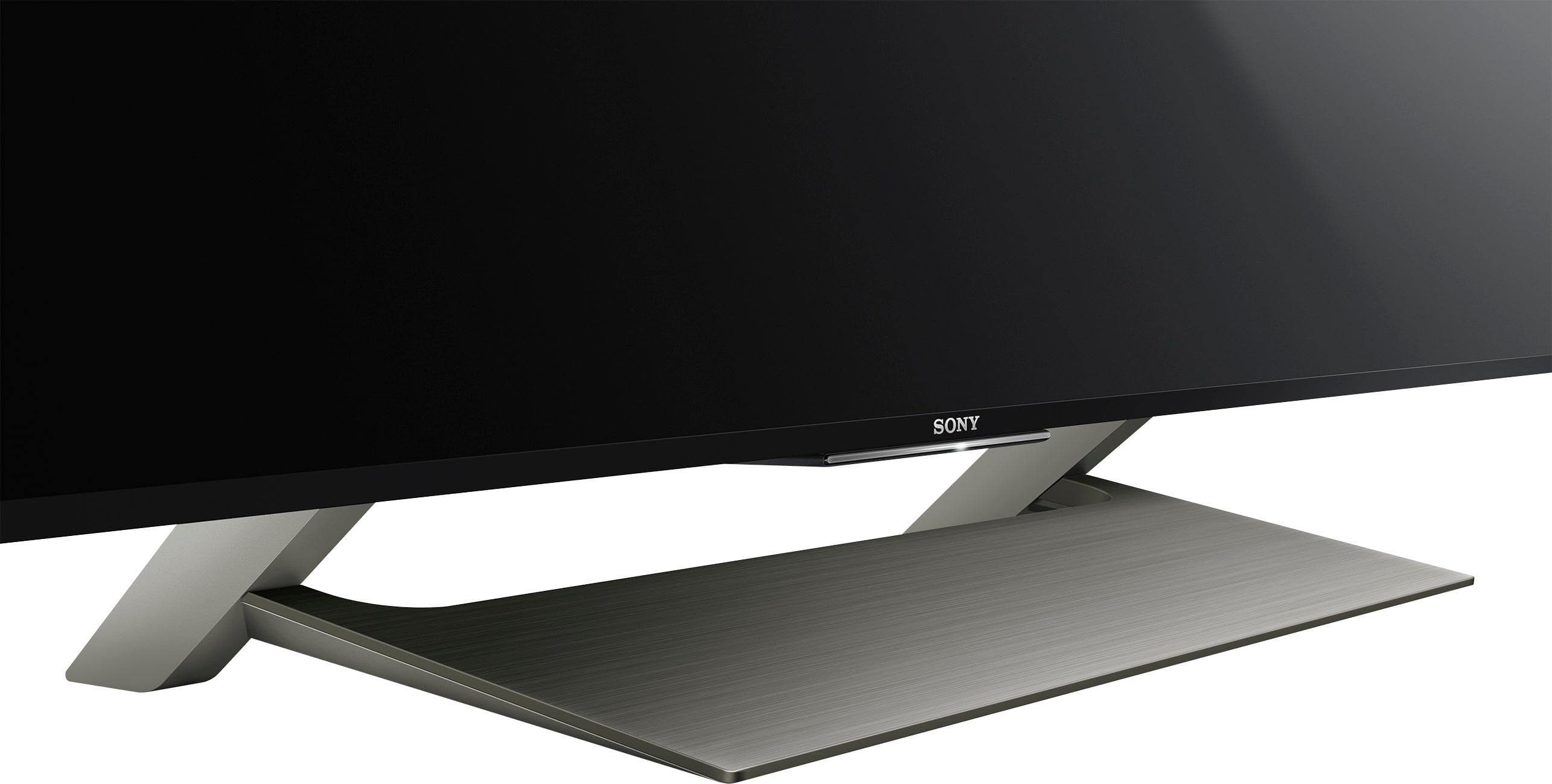
Assemble the stand first (see my review)
2 people to carefully lift TV and install on the stand (if installing on a stand)
Get the TV into position, centered on your stand
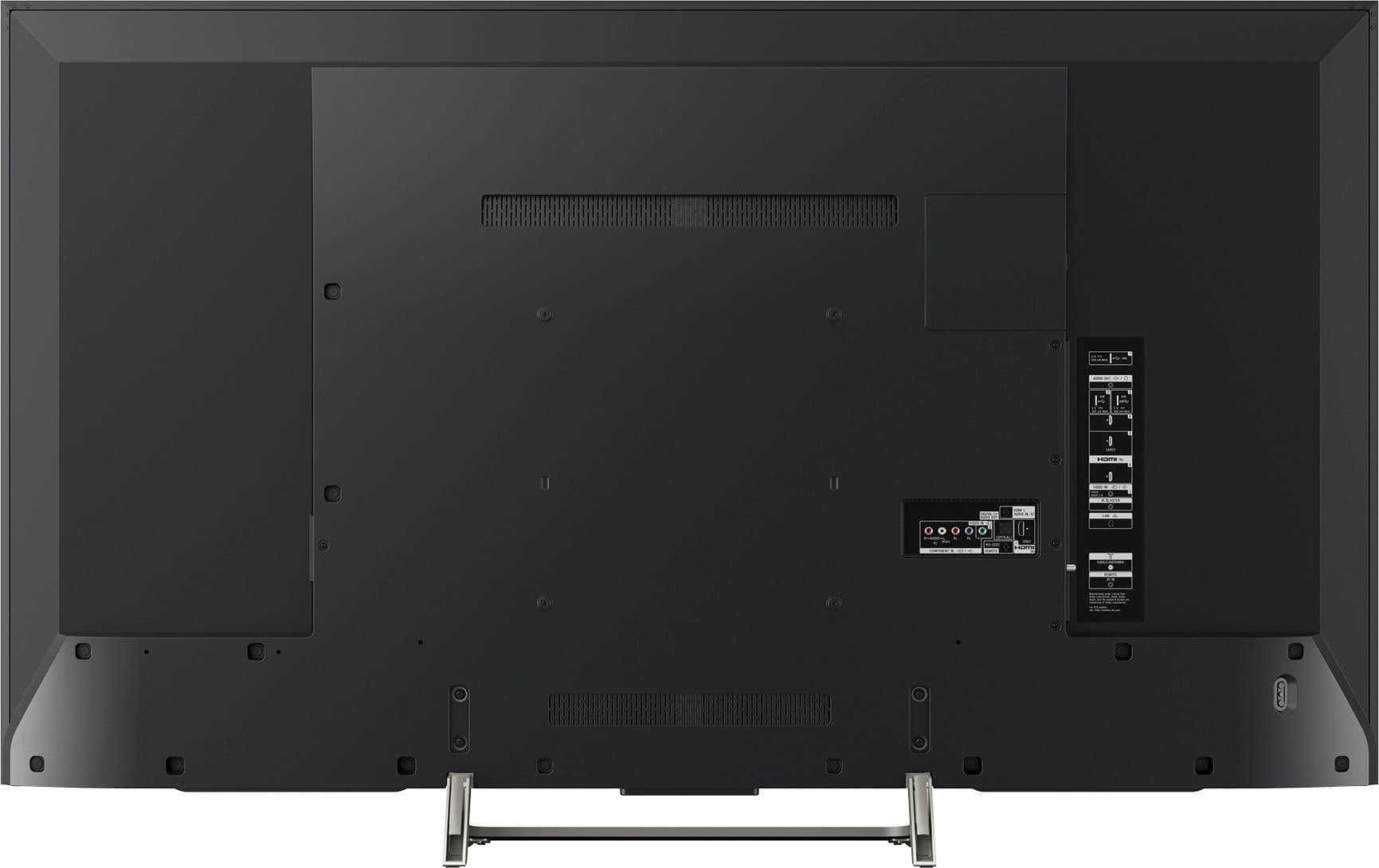
Get the Power Brick assembled and plugged into TV (right side of TV from the front view)
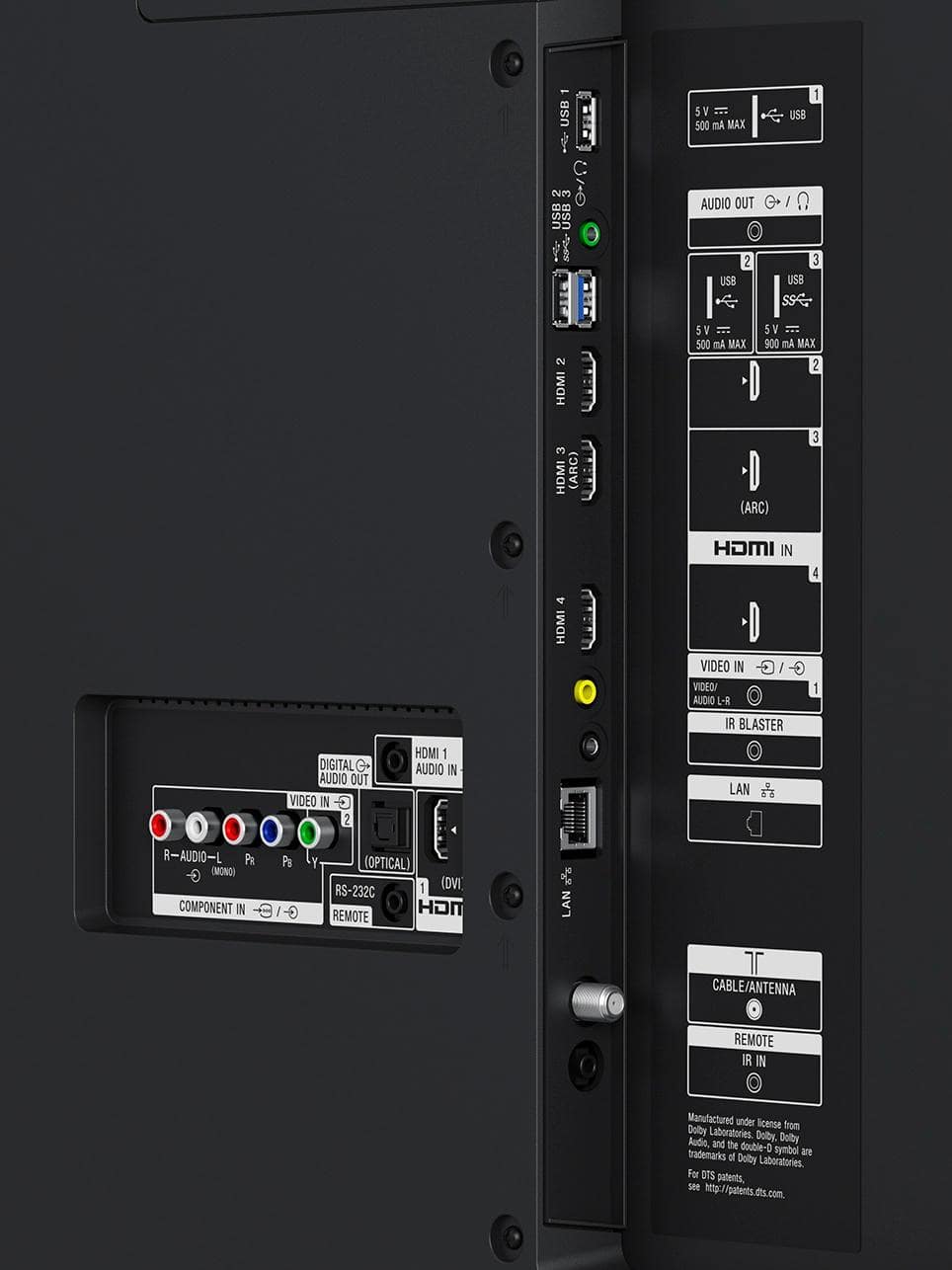
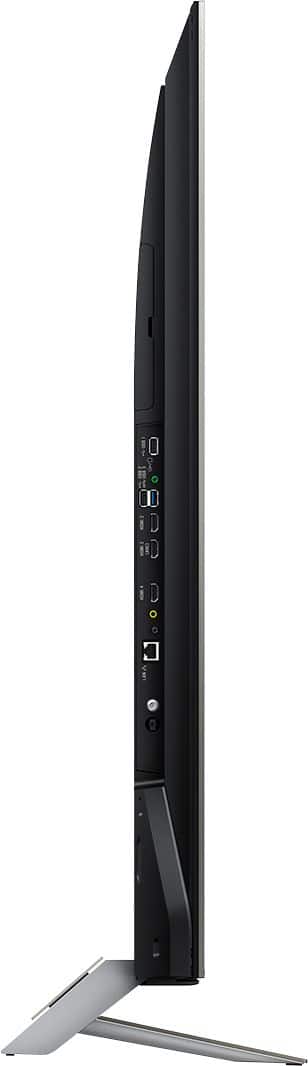
Install the latest HDMI cable (nothing very special , just a newer HDMI cable) from your cable box into HDMI port 2 or 3 for full, best 4k at 60 hz
Get remote prepared (install batteries that are supplied)
Plug in Ethernet cable if you have one
Plug black IR blaster connection into the back of the TV (small black connection at bottom right of TV--below the yellow video jack input
NOW plug in the power to a wall outlet
Now hit the power button on the remote
TV boots up-you will see the Android screen loading the operating system
Follow the prompts (log into google if you have an account)
It will find your cable box
Setup IR blaster when prompted--see my review below
Use input on remote to find your set top box and click on it
You should now see TV shows
Hope this helps.
Great TV with one concern
I hadn't seen this mentioned anywhere before and I looked at a lot of reviews.
Potential Concern: My TV turned on by itself in the early morning even though I had both timers turned to OFF (at bottom of GUI beside the main setting button).
However there is another setting you need to be aware of: You have to into settings and find the Bravia Sync settings.
Here you find the option to sync your devices to the Sony TV. You can have it turn on or turn off other HDMI attached devices.
I believe what happened in my case was an automatic firmware update on my TV cable box by my Rogers cable provider
and this recycled the power on the box which in turn powered on my TV. OR, a power glitch--although no indication of disruptions on other appliances. I'm just happy that I was not watching the fireplace channel before I turned the TV off because it comes up with the last channel viewed when the TV was powered off!
You can choose want you want to happen or choose NOT to sync at all. For now , I chose to not sync a power on with my TV and external HDMI devices.
With that out of the way:
Another potential gotcha: According to Sony support, the IR blaster only controls one device --either your cable box or receiver. You MUST (although I can say only one seems to work for me) use both sensors in front of your cable box to get it to work (not just one hanging unused). Does not work with my Denon 1912 receiver. I set my sound to TV speakers, use an optical connection to my receiver and set it to a preferred level and tweak the volume on my TV through the remote. In other words I use both internal and external speaker simultaneously.
My installation and setup experience:
Shipping: My original shipment was late and no appointment was made as I expected
Packaging: Was very good and drivers opened box for me to do a visual inspection (no problems)
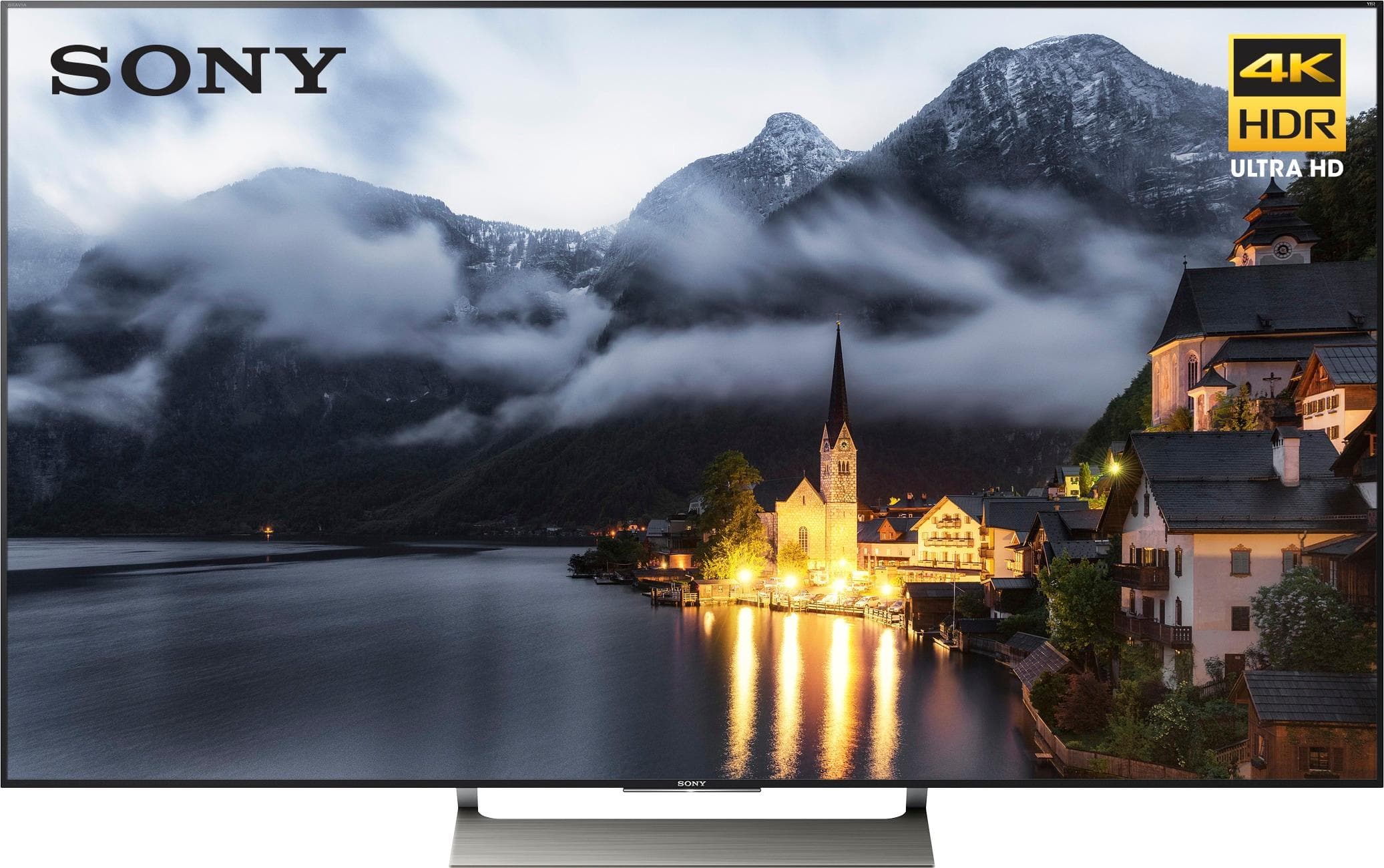
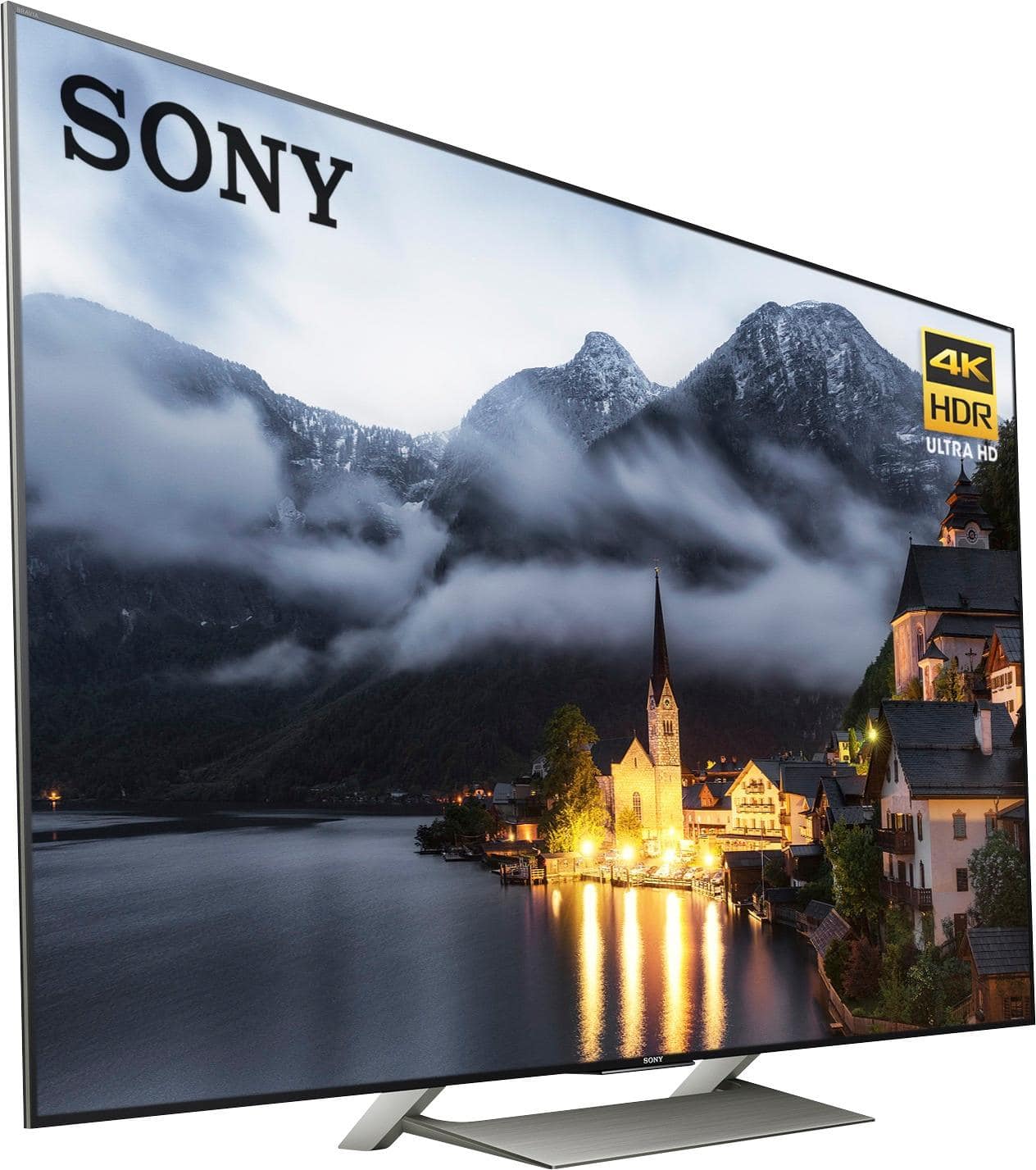
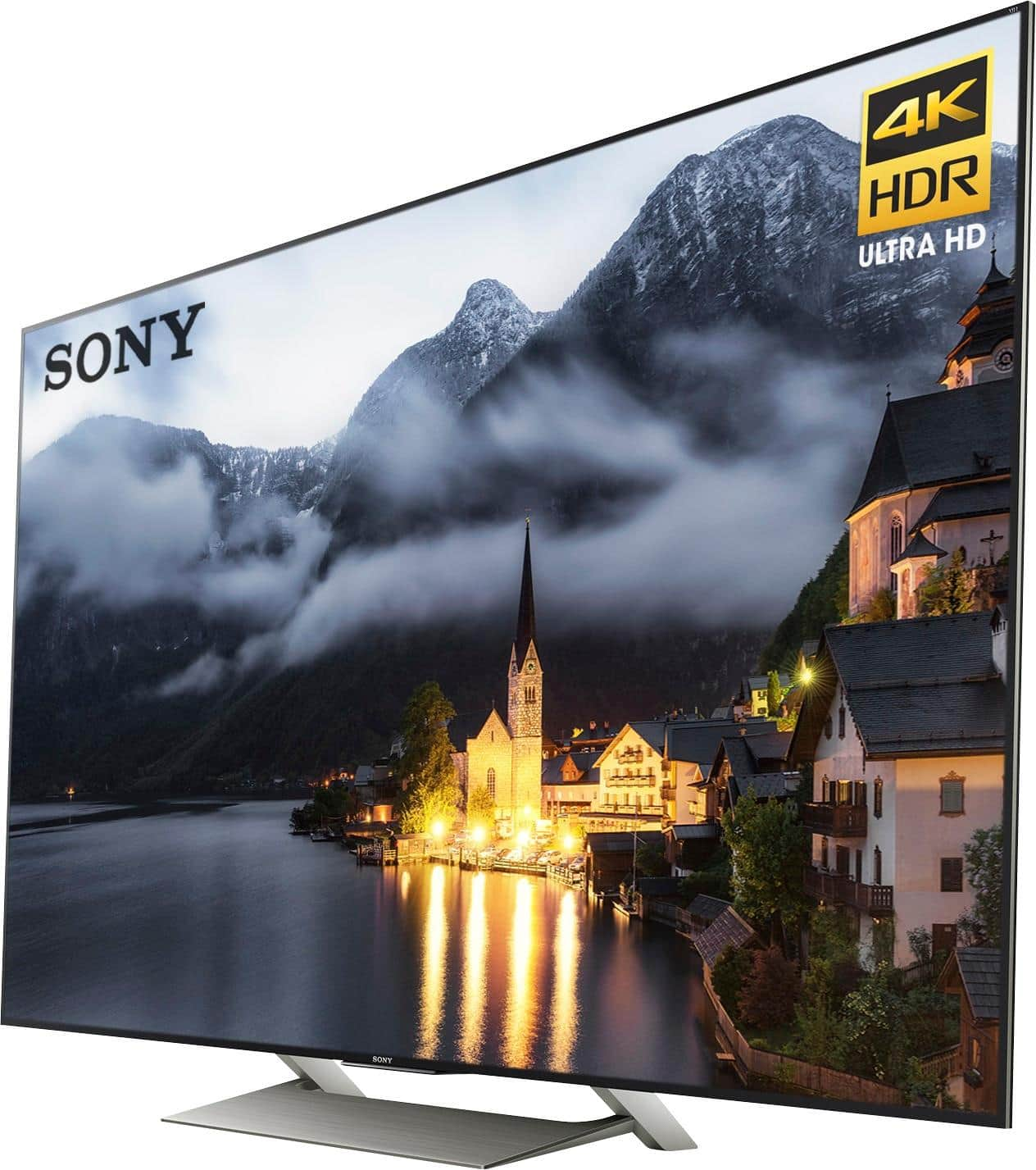
Stand Setup: Easy--4 chrome screws to attach back plate to stand (4 screws were already preinstalled to hold plate securely as well) and 4 black screws to attach to back of TV.
Initial TV setup: Easy to follow MUST use all capitals for postal code in Canada! Used wired connection for firmware update.
Connectivity: Wired and wireless are very good for me but my router is in the same room which makes a difference. I also have a very fast connection speed--100 mb/s from provider
Android: I love Android and have several devices, so I know how to navigate the OS.
I also connected a fast SSD to the USB 3 port and migrated my apps to it. I believe it made the navigation of the OS even quicker.
I also have an Android based Nvidia Shield box connected but often can't tell which I am using but prefer the Nvidia shield
for rock steady 4K steaming (2160 Res). The TV itself will default to 1440 or 1080 if the internet traffic is heavy (peak hrs)
I have Chrome running on the tv Android OS and with a Bluetooth mouse and keyboard email and browsing is quite fast.
Remote: Takes a little getting used to--Use Home a lot, Back, Action menu for picture setting access. Give it a chance and you will find it does a lot of things! Worst part is hitting the DISCOVER button accidently.
Processor and Ram: Seems to have a quad core Rockchip ARM v7 Rev2, 3229 processor with 2 gig of ram and 8 gig storage and this seems like a common Android box configuration--not the most powerful configuration but gets it done for the most part. Better than average performance but still no where near my NShield.
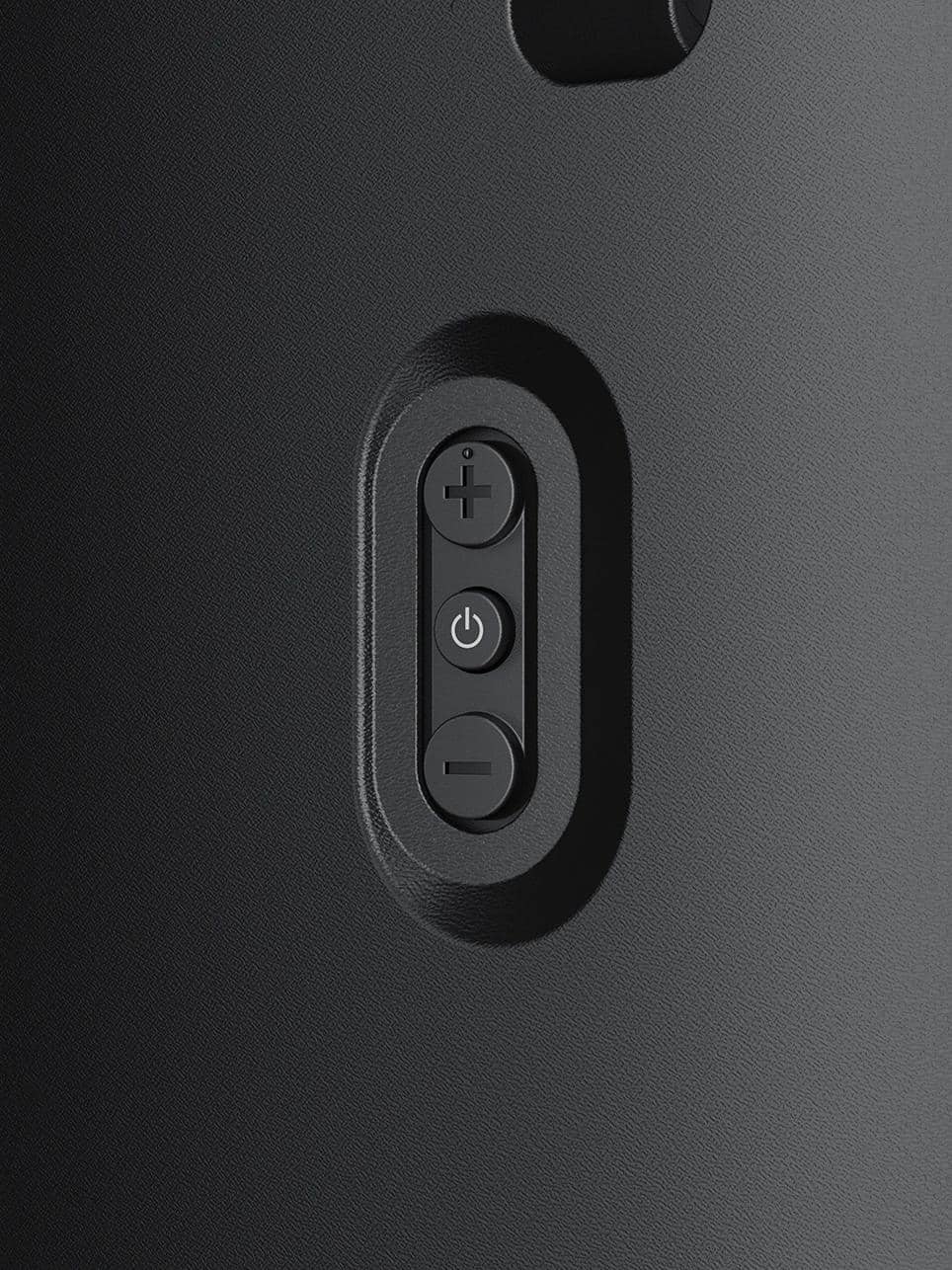
Note:If you have trouble with the OS , hold the power button down for about 5 sec and you reboot the operating system and that usually gets things back on track.
Picture Quality: Great and 4K HDR from YouTube will blow you away, Netflix is very good but I don't think you are always getting the Resolution you think, depending on when you are accessing it--throttled down??
Upscaling: 1080p DVDs great, 720P good and 480 DVDs results seem to vary in terms of upscaling quality.
No noticeable upscaling of cable and streaming content.
Blacks are very good (on par with my Vizio 4K M series), almost no blooming or flashlight effect like my Vizio (I still love my Vizio but wanted 65 in TV with the right stand)
Screen Uniformity is very good- very little darkening in the corners. Very little, to no Dirty screen effect--bad on my Vizio.
Don't be afraid to play with the settings for a picture you personally like (depending on what you watch, time of day and room lighting. I have a semi bright room and sit about 6 feet away , right in front.
I hope this is helpful--too technical for some and not technical enough for others :-)
A:AnswerThey each have different features and would excel for each type of person. Are you a gamer? are you just gonna watch movies? is it for your kids? If you just want to know the difference go to "compare" on the best buy website and click "only show differences". Sorry I dont have the patience to list all their differences but in a nut shell. I will include a link below that will really help you to see the differences between these types.
750..does not get bright enough so watching in a dark room the blacks will appear gray. Which also makes the contrast poor between colors.
850..no local dimming some spots might be too dark and lack detail but still great with little input lag and great with motion
900..is sweet. great for gaming, normal viewing and just like the 750 & 850 with little input lag and great with motion BUT you can see much more detail with this model as it has local dimming.
http://www.rtings.com/
A:Answercheck out: www.rtings.com (yes the "a" is missing from the word "ratings")
Has reviews, pictures, and optimal settings for nearly every TV out there(aside from the garbage off-brands).
Best website by far for TV reviews anywhere on the web.
A:AnswerI've seen none of those issues with mine. I'm using the default TV settings and using DirecTV via HDMI. Picture has looked perfect since I pugged it in. I would try the default TV settings, if that doesn't work maybe a cable issue or an issue with the cable/sat box.
A:AnswerHi Frank, Here are the dimensions of the package carton: 61 1/4 x 37 5/8 x 7 5/8" (1,553 x 955 x 191 mm) (W X H X D). You may view the full specification here: https://docs.sony.com/release//specs/XBR65X900E_mksp.pdf -Jerome
A:AnswerThe Sony OS is based on Android/Google. So if you use Google Play Services you will feel right at home and can access all of that Google content. Apple is a different ecosystem with different Service/Store (iTunes, etc). So this comes down to the Ecosystem you use for your media. If you are an Apple Ecosystem user - you will need to buy an Apple Device (like AppleTV) to gain access to that ecosystem of services and content. Its worth noting that both can work together. The Google Play based content will be accessible right from within the Sony TV OS Menu (so will feel more 'baked in') - the Apple iTunes based content will be accessible by selecting the Apple Device (appletv) connected to an HDMI port on he TV (so will feel more like 'connecting to external device' like bluray, xbox, etc).
A:AnswerThe sales people told me it was OK for a short distance. I chose not to. When I opened the box it warned me three times not to put any pressure on the screen. I would think if you do lay it flat absolutely don't put anything on top.
A:AnswerIt's a total of 5 years, so technically you are getting 4 from BB. The bonus is you don't have to deal with Sony. BB will take care of any issues the first year. Without it, you are at the mercy of Sony's call centers and repair techs.
A:AnswerI would start by returning the "4k HDMI Cable(s)" all HDMI cables will work just fine without the need to buy the expensive cables. The only time you would nee to use these types of cables is if you are A) routing the cable in a wall B) the cable has to travel more than 50 feet. besides that....
it depends on the sound system. Mine simply connected with an HDMI cable into HDMI 3 (ARC) so no need for other cables. Bluray will have its own HDMI port. Fire tv i dont have...so your on your own there. Congrats on the tv BTW :)
A:AnswerNot that I noticed, but you can adjust the motion settings if you notice an issue. From what I understand it tries to improve the clarity of motion.
There is also both video game mode and a live sports game mode which you can get to from the action menu button on your remote.
A:AnswerMy 900E works great with sports, no blur at all. Try going into the Home menu, top left of screen settings, then select the Live Football mode. That made the game a little crisper, not that it needed it, and still had no blur.
You might want to be sure you're not passing your video through a receiver or surround sound box that knocks the video quality down. While my Sony receiver is 4K passthrough, meaning it doesn't knock the picture quality down, some receivers are not and will dumb down the video.
Hope this helps some.
A:AnswerHi Lila,
Please check the link below and follow the IR blaster set up.Thank you.-Jay
https://us.en.kb.sony.com/app/answers/detail/a_id/63996/p/61659%2C95543%2C96663%2C96760/c/65%2C66/kw/Setting%20up%20the%20IR%20Blaster%20on%20an%20Android%20TV
A:Answerhttp://www.pocket-lint.com/news/139900-sony-announces-refreshed-line-up-of-4k-hdr-tvs-including-dolby-vision-support
"Moving down the line we reach the XE90 series, available in 49in, 55in, 65in and 75in variants. It has many of the features found in the XE93/94, but loses out on Dolby Vision support and the Slim Backlight Drive+ system."
In fact is was a surprise when Sony announced any of their TV's would support Dolby Vision because HDR10 is the upcoming broadcast standard which all current Sony HDR TV's support.
A:AnswerThe Sony XBR65X900E is 57" wide so either a 60" or 72" wide tv stand would work. Neither should look small because the edges of the TV won't overhand the stand. However, a 72" wide stand would leave some room on each end for a couple of bookshelf speakers.
A:AnswerMike ... You shouldn’t provided your sound bar has an optical input as Sony uses the optical as output ... Also there is a mount that is purchased separately if you wanted to attach the sound bar to the TV