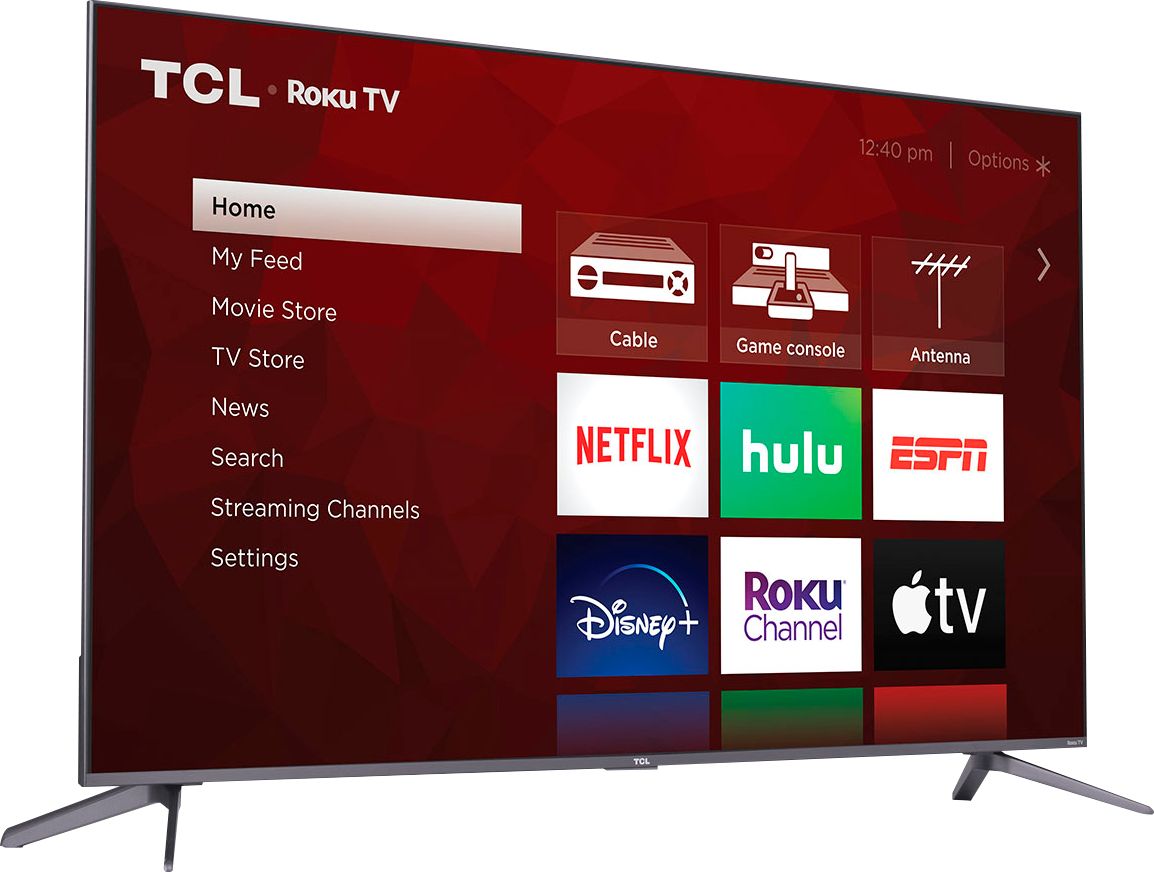
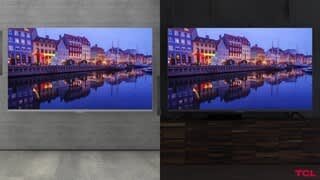
A:AnswerEach series builds on each other. All of these series are 4K UHD, have HDR support, and have a Roku operating system. The new 5-Series and 6-Series additionally have Dolby Vision Support, wide color gamut, auto-game mode, an edge-to-edge glass display, QLED technology, eARC, CCZ, etc. The new 6-Series also features mini-LED technology, Variable Refresh Rate, and THX Certified Game Mode. You can also visit www.tcl.com/us/en/products/home-theater/6-series and scroll down to "Compare All Models" to see all models compared. Hope this helps! Thank you, TCL Customer Support
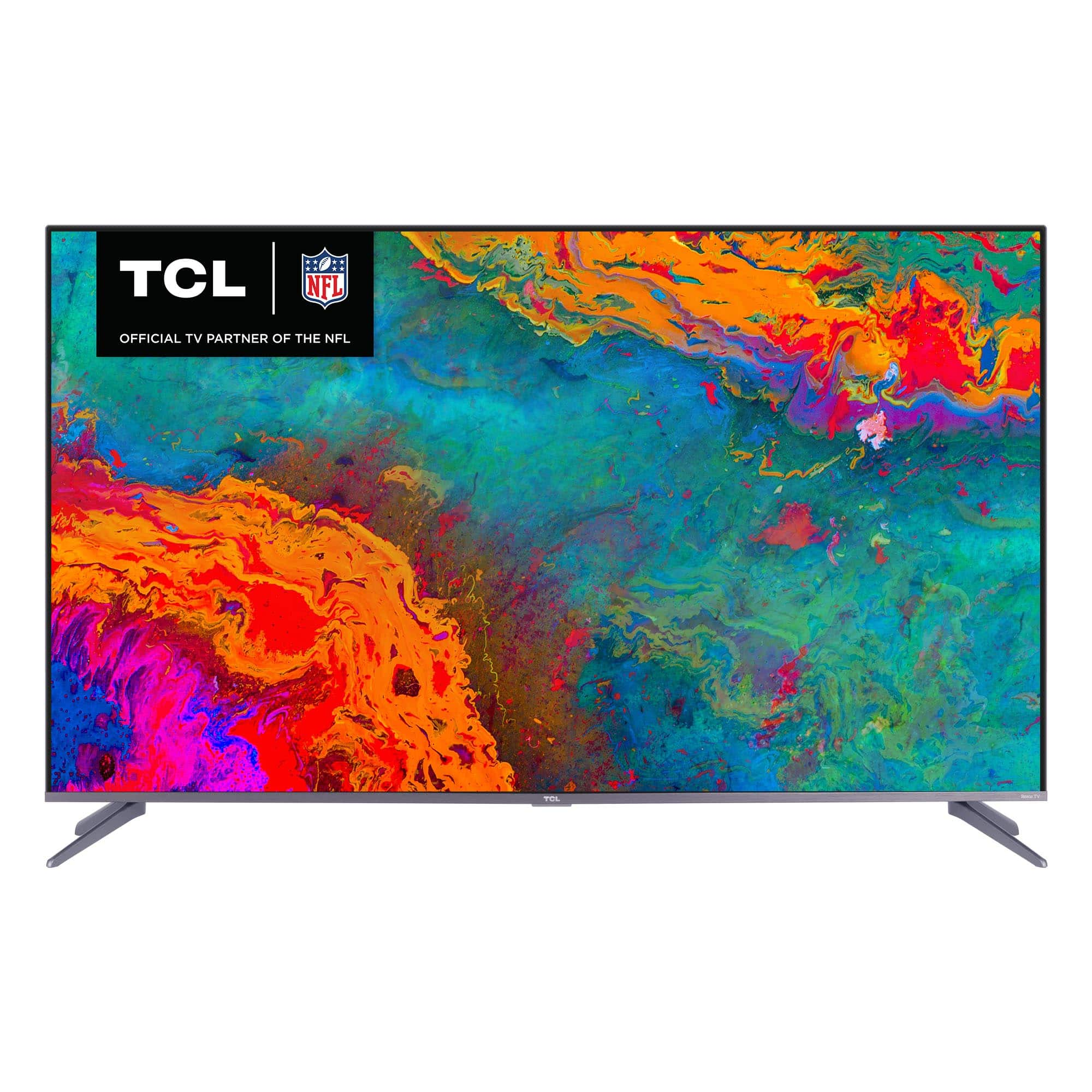
A:AnswerTelephone Communication Limited, it is a Chinese company. Roku has partnerships with a few different TV manufacturers that make the TVs with the ROKU operating system.
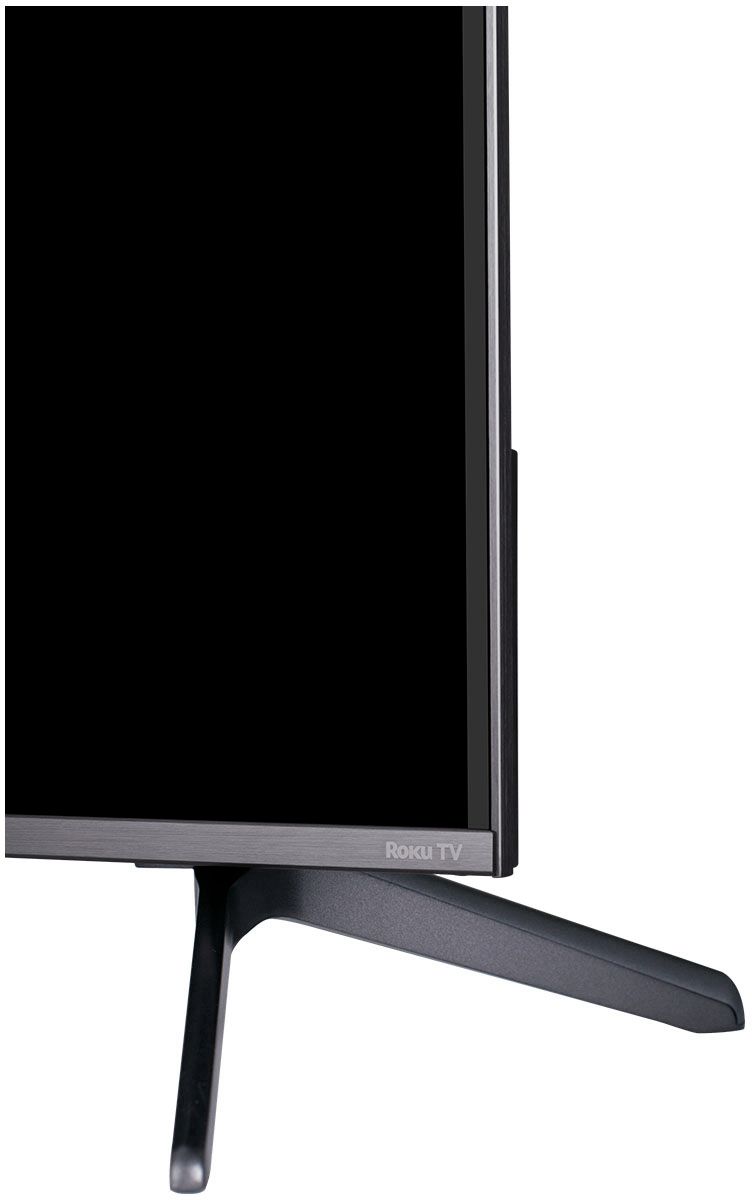
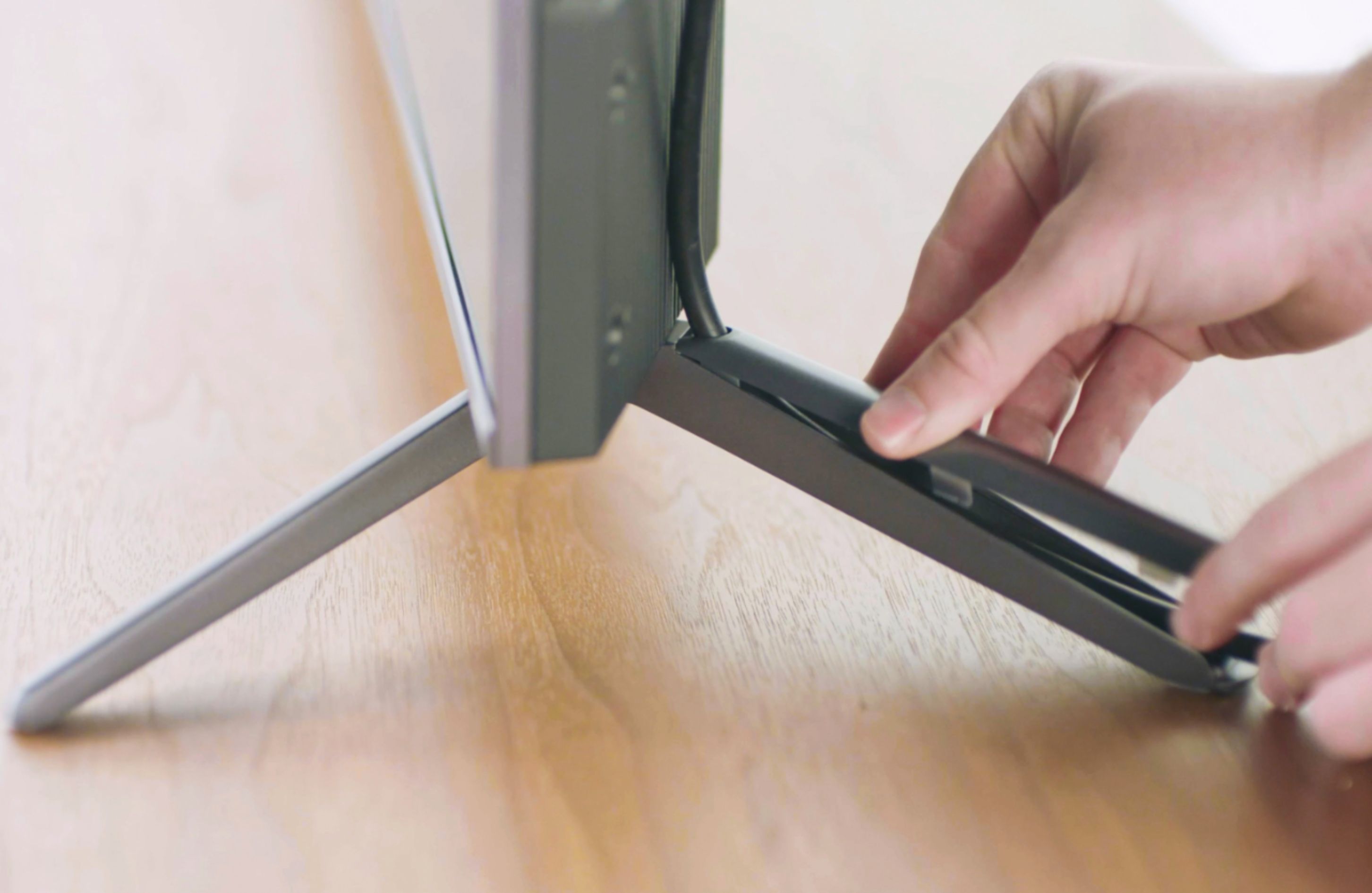
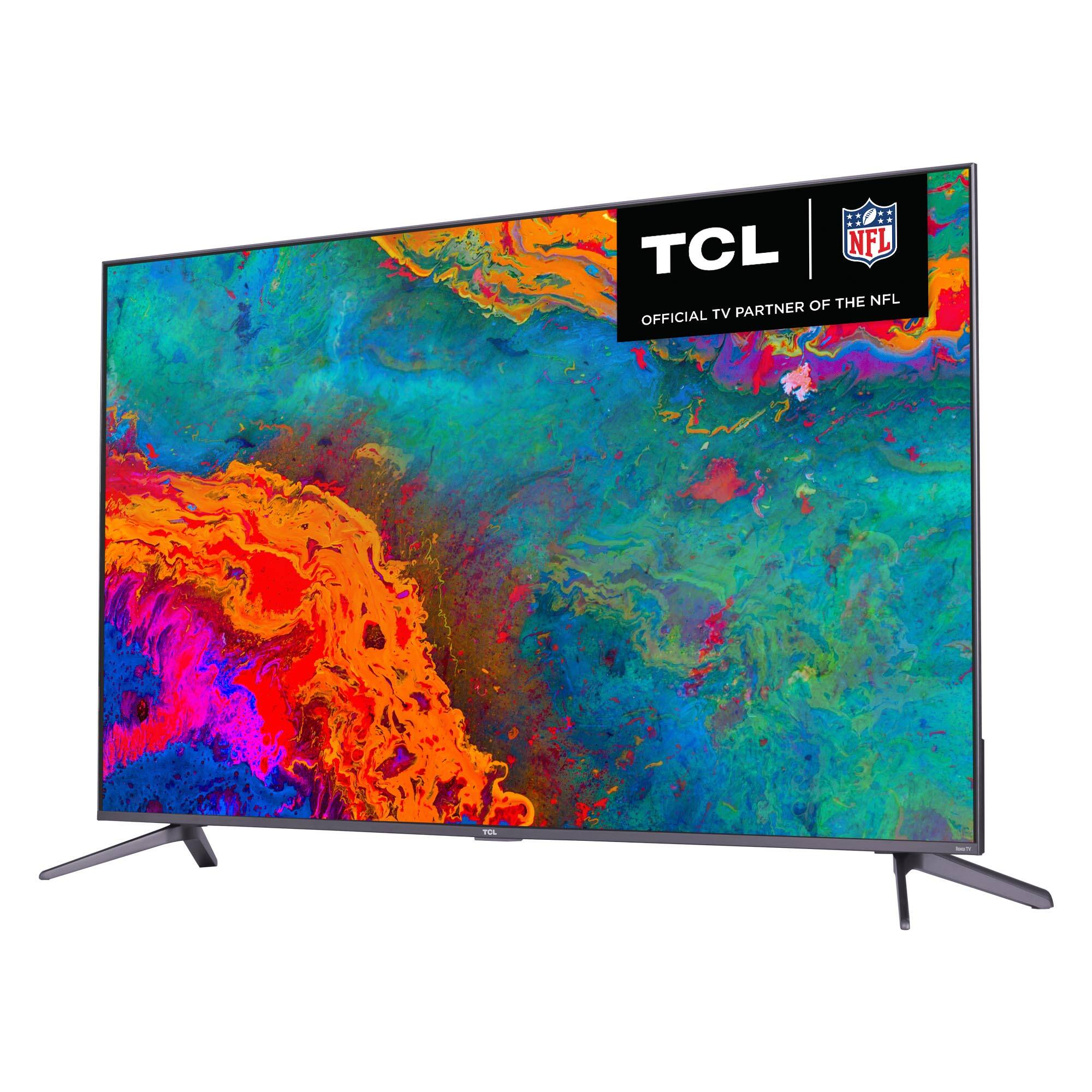
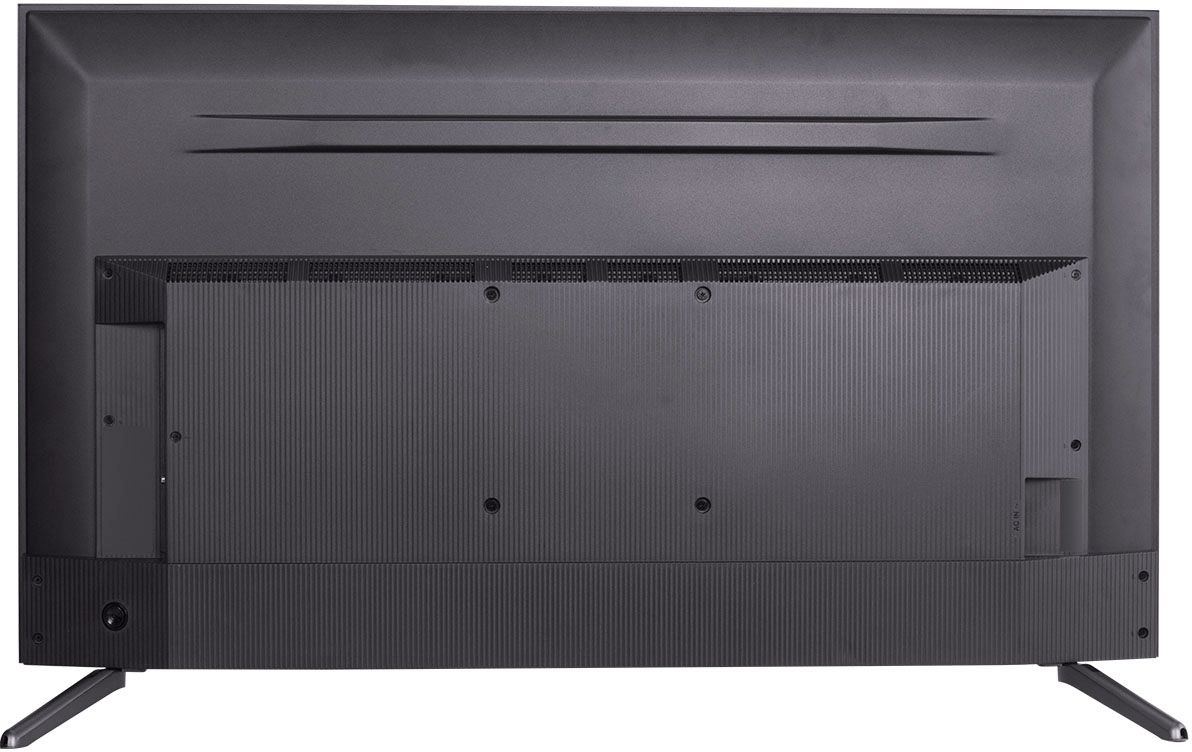
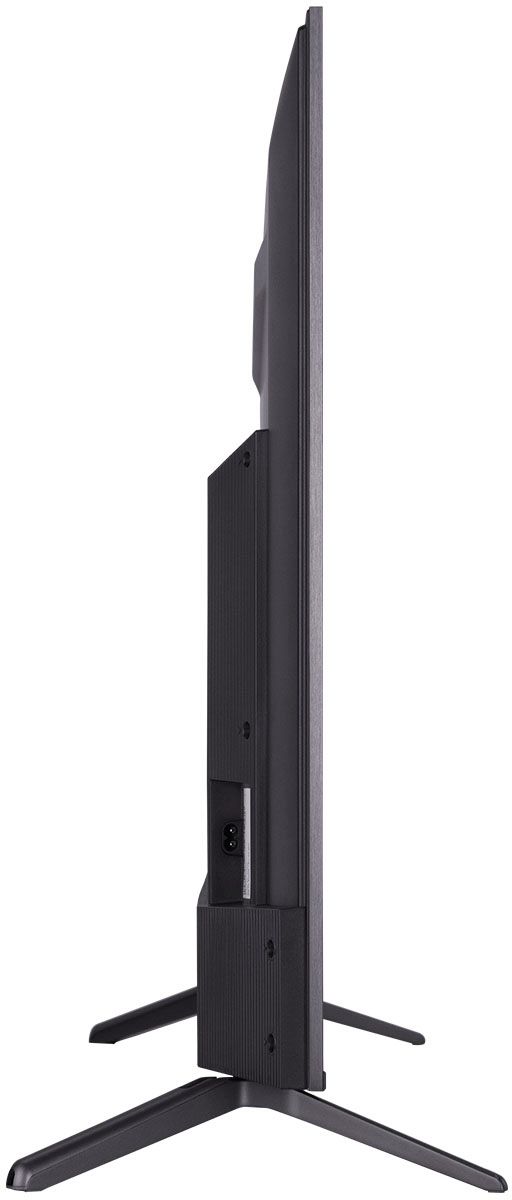
A:AnswerI accidentally installed the legs backwards on the 50 inch. It wasn't my intention, but I kept it because it fits on a stand that is less than 42 inches wide.
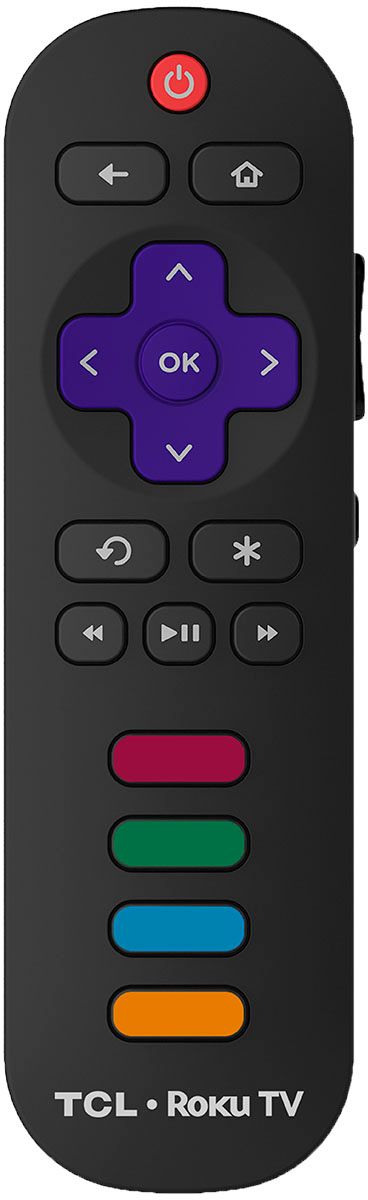
A:AnswerThis TCL Roku TV comes with a standard IR remote which does not feature a mic or mic button. However, you can download the free Roku mobile app on your Smartphone or tablet to use as a remote. Through the Roku mobile app, you gain access to power toggle, volume toggle, private listening, voice search, and more. Hope this helps! Thank you, TCL Customer Support
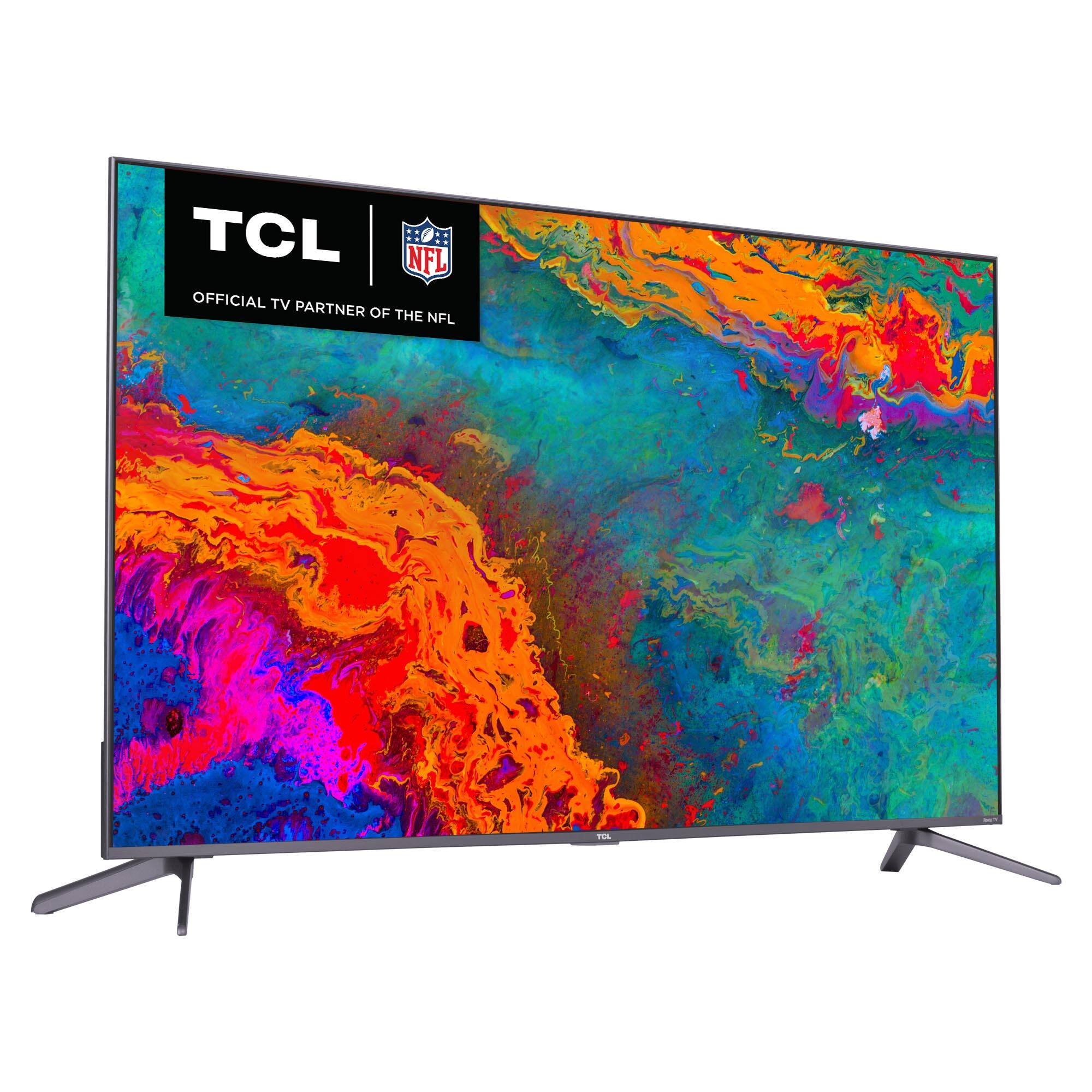
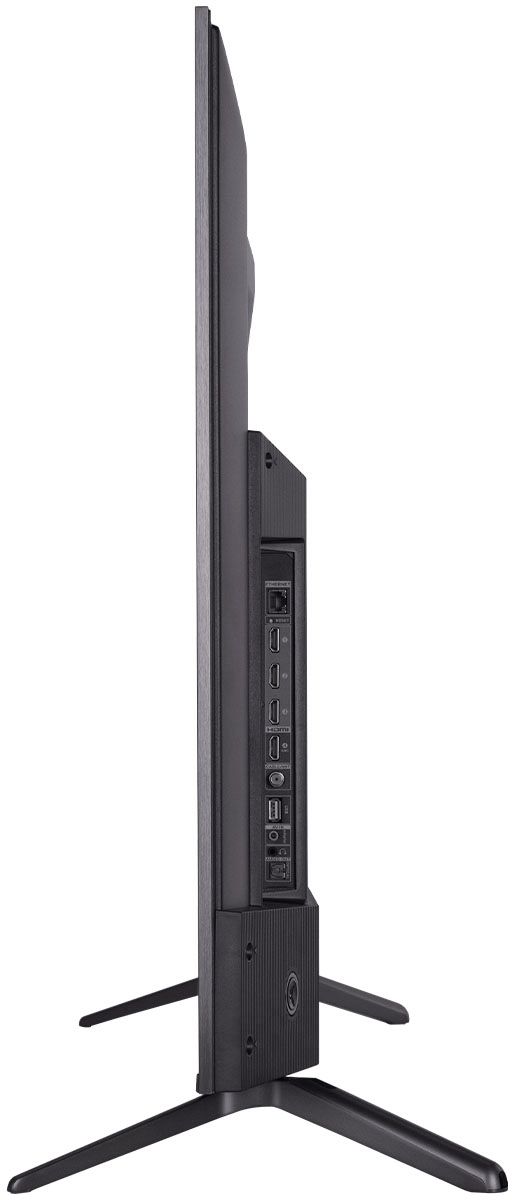
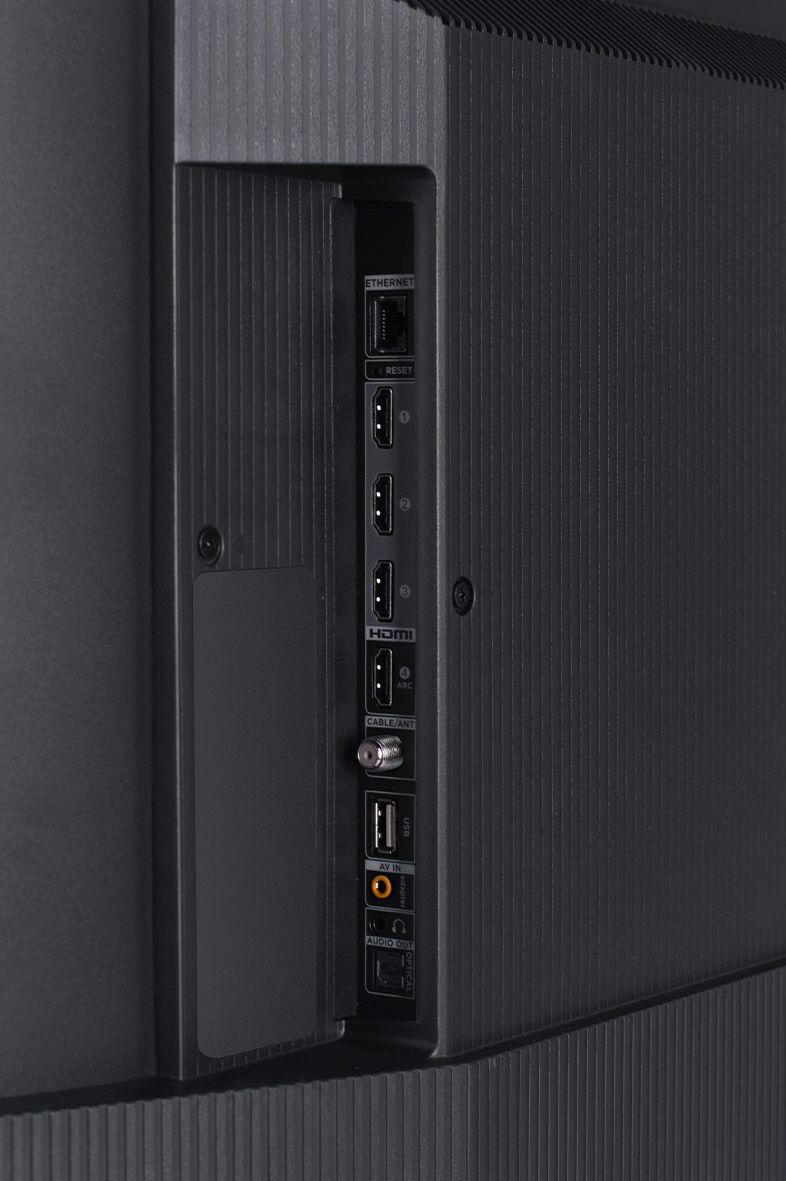
A:AnswerCurrently, our Roku based TVs do not support Bluetooth. If you are trying to connect a sound bar or speakers you can use the Optical port, or the HDMI ARC port. For Headphones, there is a Headphone jack on the back of the TV, or you can download the Free Roku app for private listening. Hope this helps! Thank you, TCL Customer Support
A:AnswerIn order to use the smart features of this TCL Roku TV, you would need to complete the guided setup. This includes connecting to the Internet via WiFi, creating a Roku account (completely free), and activating the TV (completely free). There are no subscriptions or fees to simply use the Roku operating system. Hope this helps! Thank you, TCL Customer Support
A:AnswerSome models feature a protective film, while others do not. If there is a protective film, there should be is a tab on the upper right-hand side that says "Carefully remove protective material after installing TV". Hope this helps! Thank you, TCL Customer Support
A:AnswerThe Advanced picture settings are designed for individual inputs or streaming channels. However, there are also settings in the TV menu that can be used to turn down the brightness of the menu/Home screen. Hope this helps! Thank you, TCL Customer Support
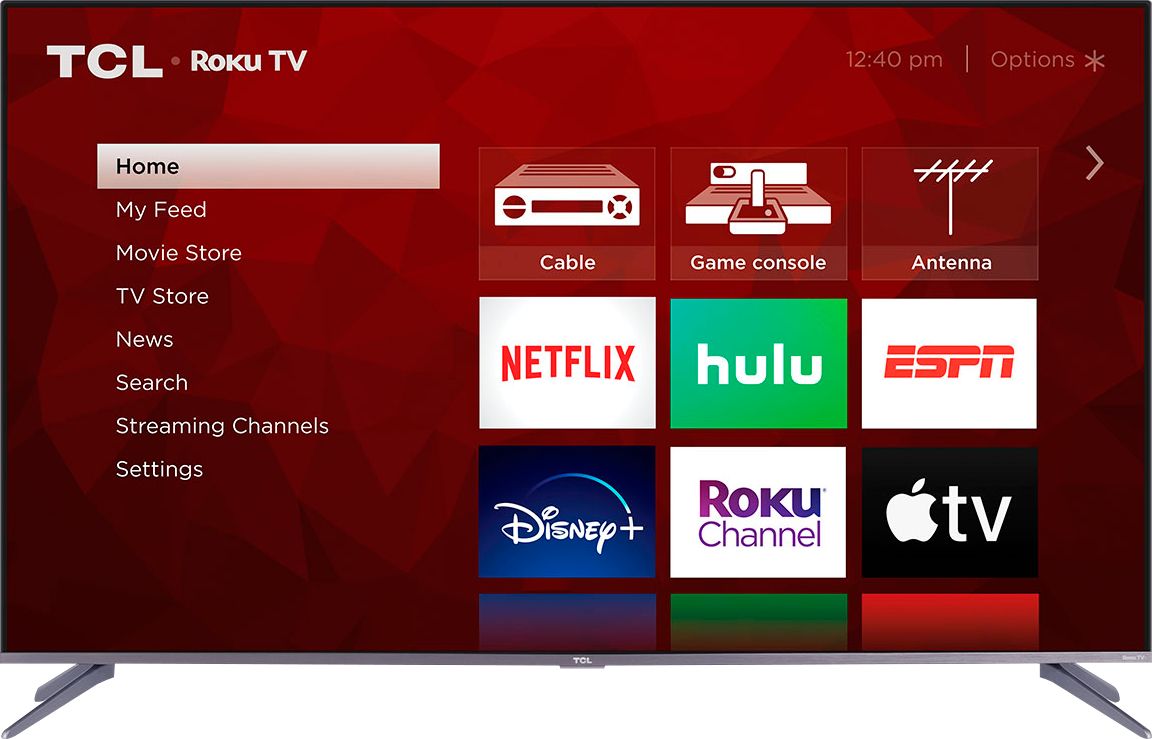
A:AnswerThe Xfinity streaming channel is one of the thousands of streaming channels offered through the Roku Channel Store. You can also visit www.roku.com/whats-on to see other streaming channels Roku offers. Hope this helps! Thank you, TCL Customer Support
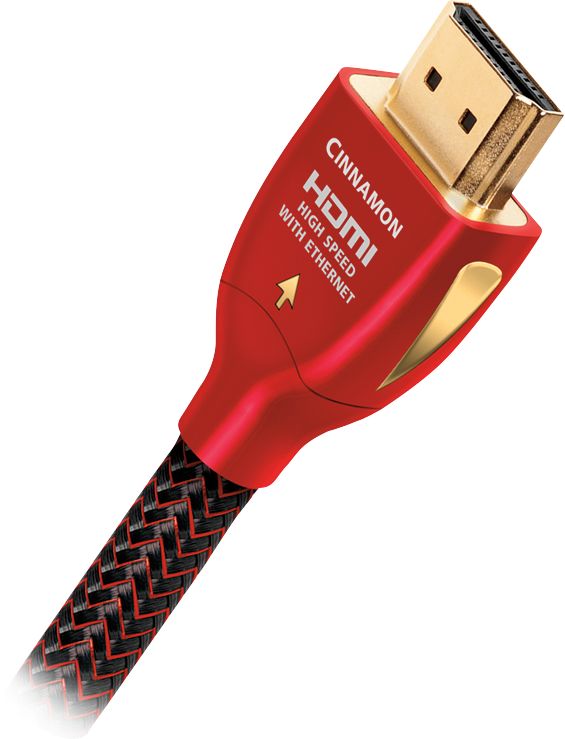
A:AnswerNo. Its 60hz. For gamers it's enhanced and I love how it shows when I play. No lagging whatsoever and crystal clear picture with dolby sound. Make sure your using 2.0 HDMI cable or higher.

Check out rtings review on this s535.
A:AnswerYes. The implementations of 4K this television will natively display are: HLG (Hybrid Log Gamma), HDR10 (High Dynamic Range 10), and Dolby Vision. That’s all you’ll need.
A:AnswerThe actual, native refresh rate for the s535 series of TV’s is 60hz. “Motion rate 240” is some software chicanery that does not alter the fact that this a 60hz panel
A:AnswerYou would need something like a DVR in order to record programs. The TV itself does not have DVR capabilities. However, if you connect a USB Drive to your TV you can access Live TV Pause. You can visit https://support.tcl.com/62989-tcl-roku-tv/what-is-live-tv-pause for more information about this. Hope this helps! Thank you, TCL Customer Support