Winter SaleEnds 1/19. Limited quantities. No rainchecks.Shop now

Main Content

Questions & Answers

Page Showing 41-60 of 137 questions
  • QuestionWill it Work through brick?

    Asked by Anonymous.

    • Answer Wi-Fi signals may potentially pass through brick walls and structures; however, it is important to keep in mind that due to the density of brick, the signal may be significantly weakened, particularly depending on which Wi-Fi band you are using (2.4 GHz or 5 GHz). You may want to try installing the extender in a few different locations to compare results until you find the ideal spot within your home.

      Answered by TPLinkSupport

  • QuestionWill this help with cell phone signal in my house?

    Asked by Pitmaster88.

    • Answer Hi Pitmaster88, Wi-Fi Range Extenders are designed to help improve Wi-Fi coverage range in your home. They do not amplify cellular signals.

      Answered by TPLinkSupport

  • QuestionWhat's the estimated range that this extender covers?

    Asked by Moon.

    • Answer Hi Moon, Extended Wi-Fi coverage depends on numerous factors, including how far your router's Wi-Fi currently reaches, where you install the extender in relation to both the router's range and the Wi-Fi "dead zone", and any obstructions (e.g., walls, furniture, etc.) between them and your devices. Generally, we suggest trying to install the extender in a location between the router and the "Wi-Fi dead zone", where it receives adequate signal from your router, yet is far enough from it to extend its range effectively.

      Answered by TPLinkSupport

  • QuestionIs it reliable for gaming

    Asked by M.

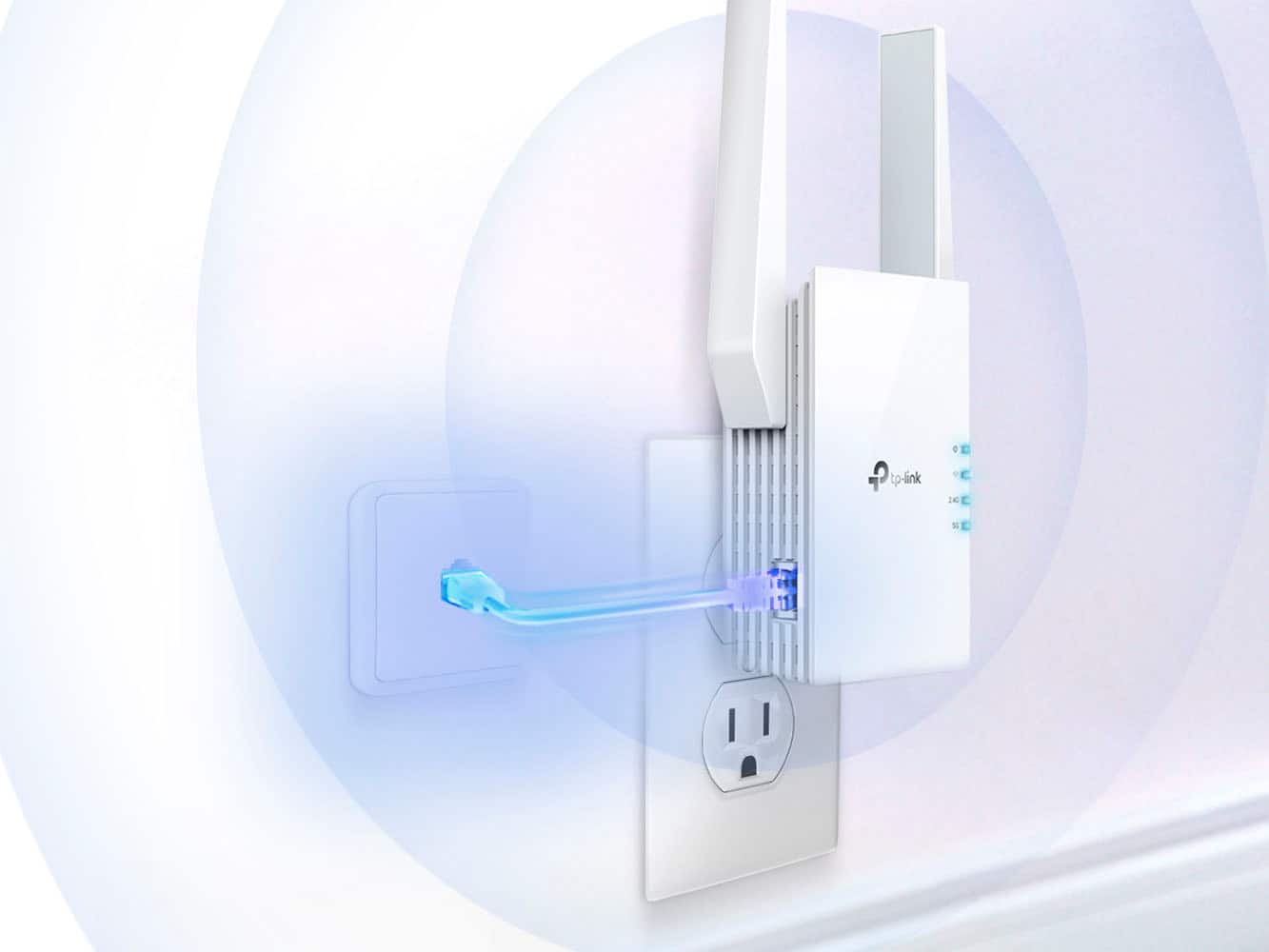
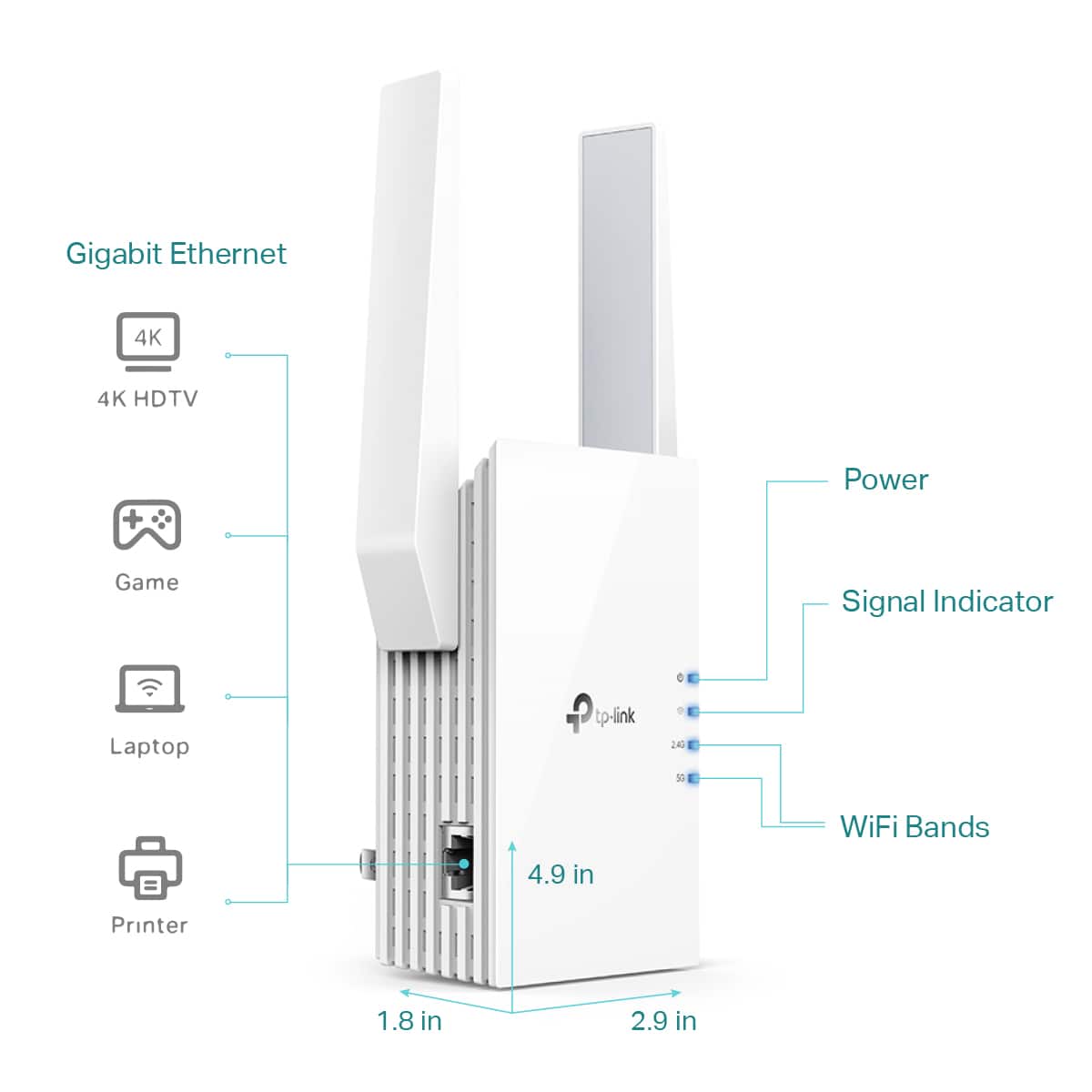
    • Answer Hi M, A Wi-Fi Extender's performance depends on your router's Wi-Fi capabilities and the location of the extender within your home. Our Extenders offer multiple ways to connect to your network and your devices. For example, you can connect the extender to your router via Ethernet in Access Point Mode, and wirelessly connect your gaming system to the extender. Alternatively, you can wirelessly connect the extender to your router, then connect the gaming system to the extender via Ethernet for a more direct connection.

      Answered by TPLinkSupport

  • QuestionDo i have to use a ethernet connector

    Asked by Anonymous.

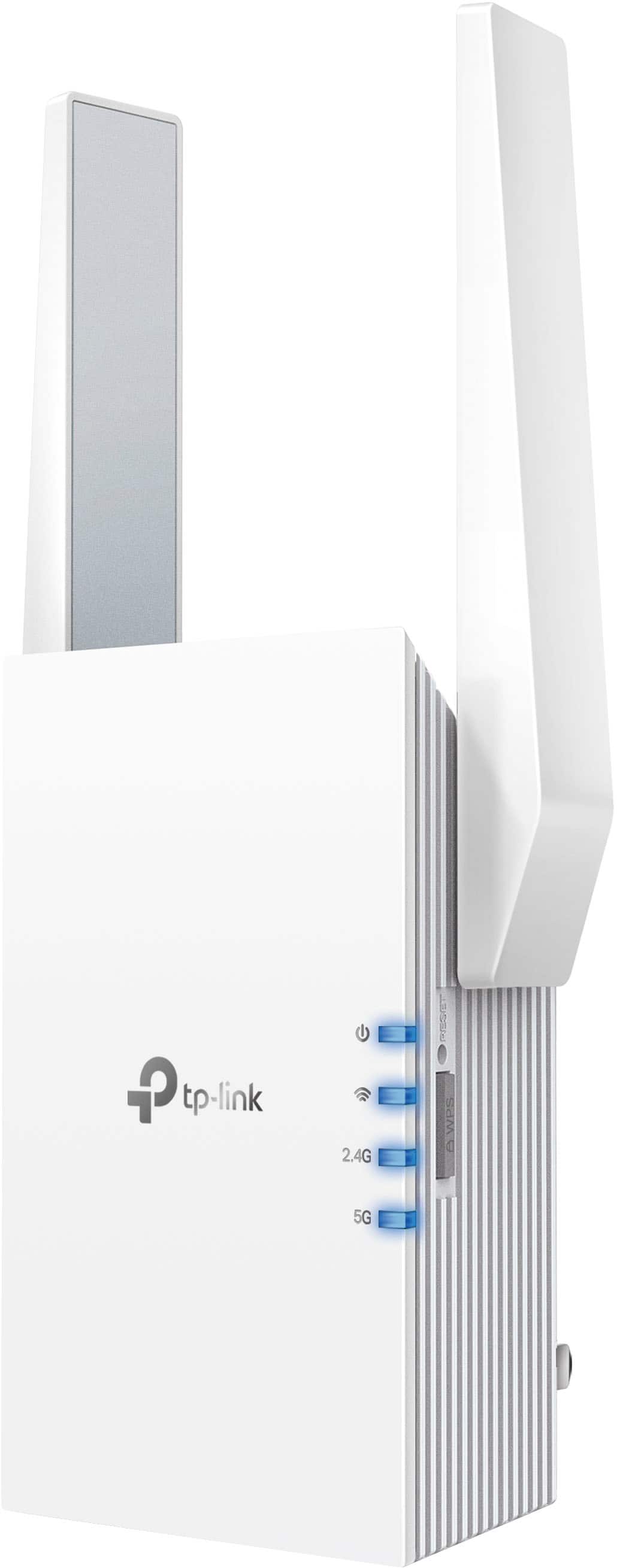
    • Answer Hi, No, TP-Link Wi-Fi Extenders can wirelessly connect to your existing Wi-Fi network. The Ethernet port on the extender can be used to connect a wired device (such as a PC) or to set up the Wi-Fi Extender in Access Point Mode.

      Answered by TPLinkSupport

  • QuestionCan I connect my Verizon mobile hotspot orbit to this?

    Asked by Alex.

    • Answer Hi Alex, TP-Link Wi-Fi Range Extenders are universally compatible with Wi-Fi routers.

      Answered by TPLinkSupport

  • QuestionWhat is version of that extender?

    Asked by Anonymous.

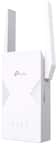
    • Answer Hi, The hardware version of this TP-Link RE705X Wi-Fi Extender is currently v1.6.

      Answered by TPLinkSupport

  • QuestionCan I use my I phone to activate?

    Asked by Mike.

    • Answer Hi Mike, Yes, you can use the TP-Link Tether app on your smartphone to conveniently set up and manage the Wi-Fi Extender.

      Answered by TPLinkSupport

  • QuestionDoes this work with the newly updated BGW 320-500 router?

    Asked by alf.

    • Answer Hi alf, Yes, TP-Link Wi-Fi Extenders are universally compatible with Wi-Fi routers.

      Answered by TPLinkSupport

  • QuestionDoes this product support Power Over Ethernet (PoE)?

    Asked by majormedfan.

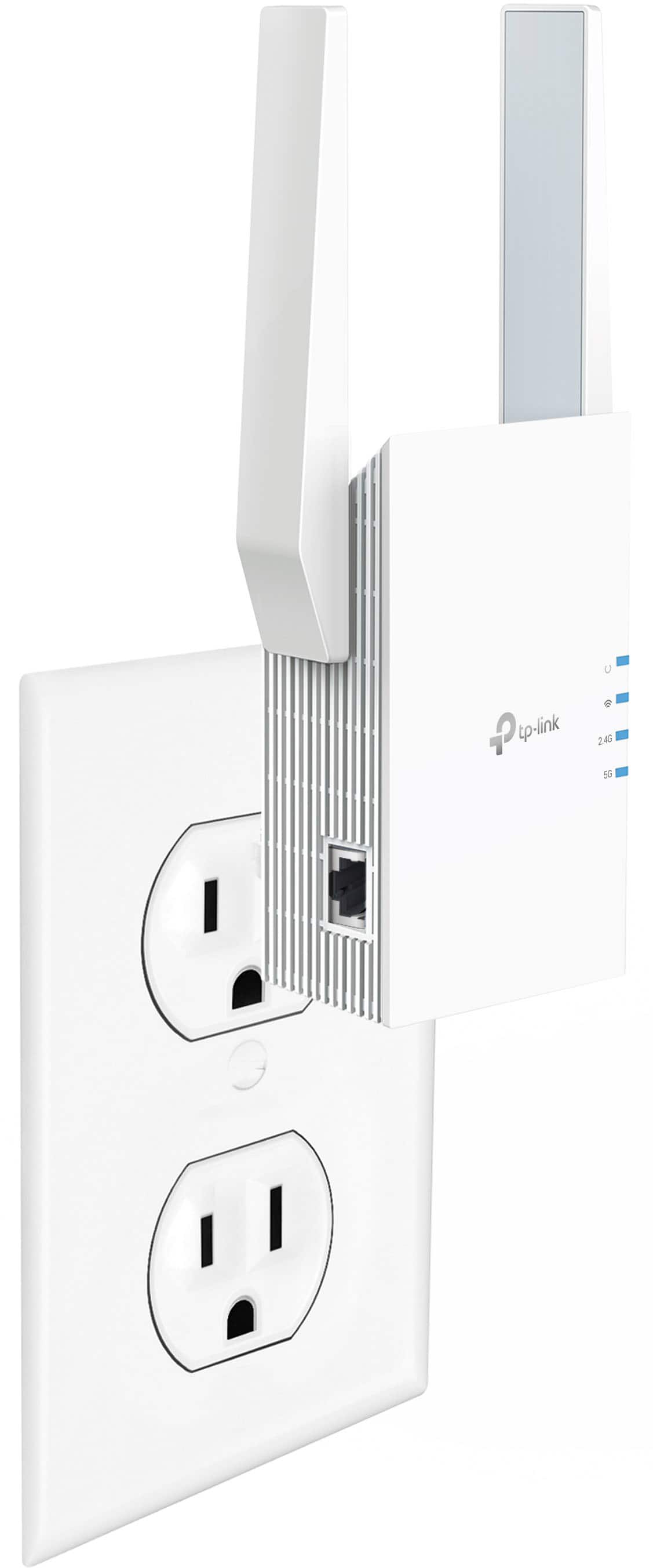
    • Answer No, Range Extenders do however have built-in AC plugs and the Range Extender is simply plugged directly into a wall outlet.

      Answered by TPLinkSupport

  • Questionwill this work on 2.4g and 5g networks?

    Asked by Anonymous.

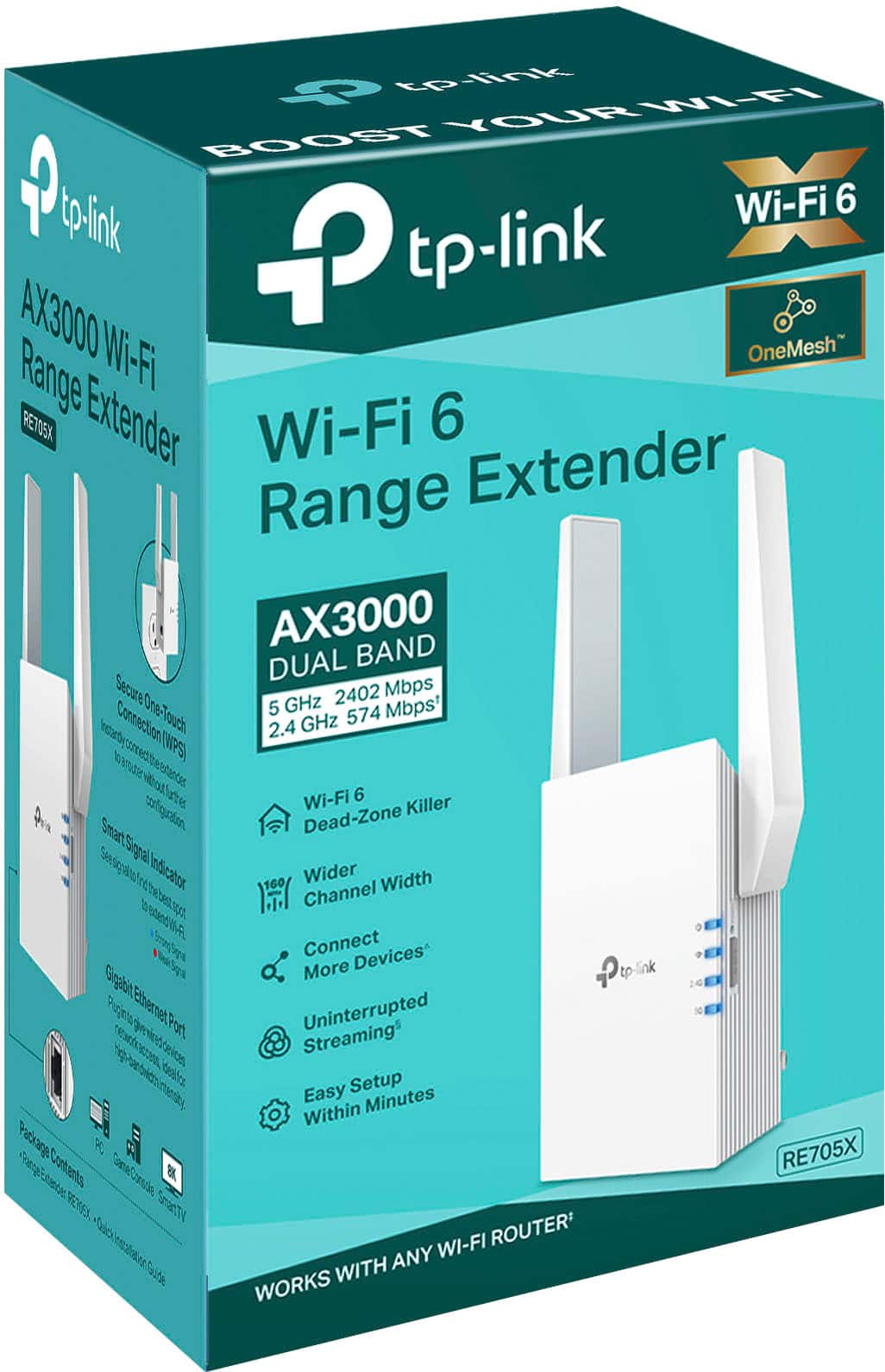
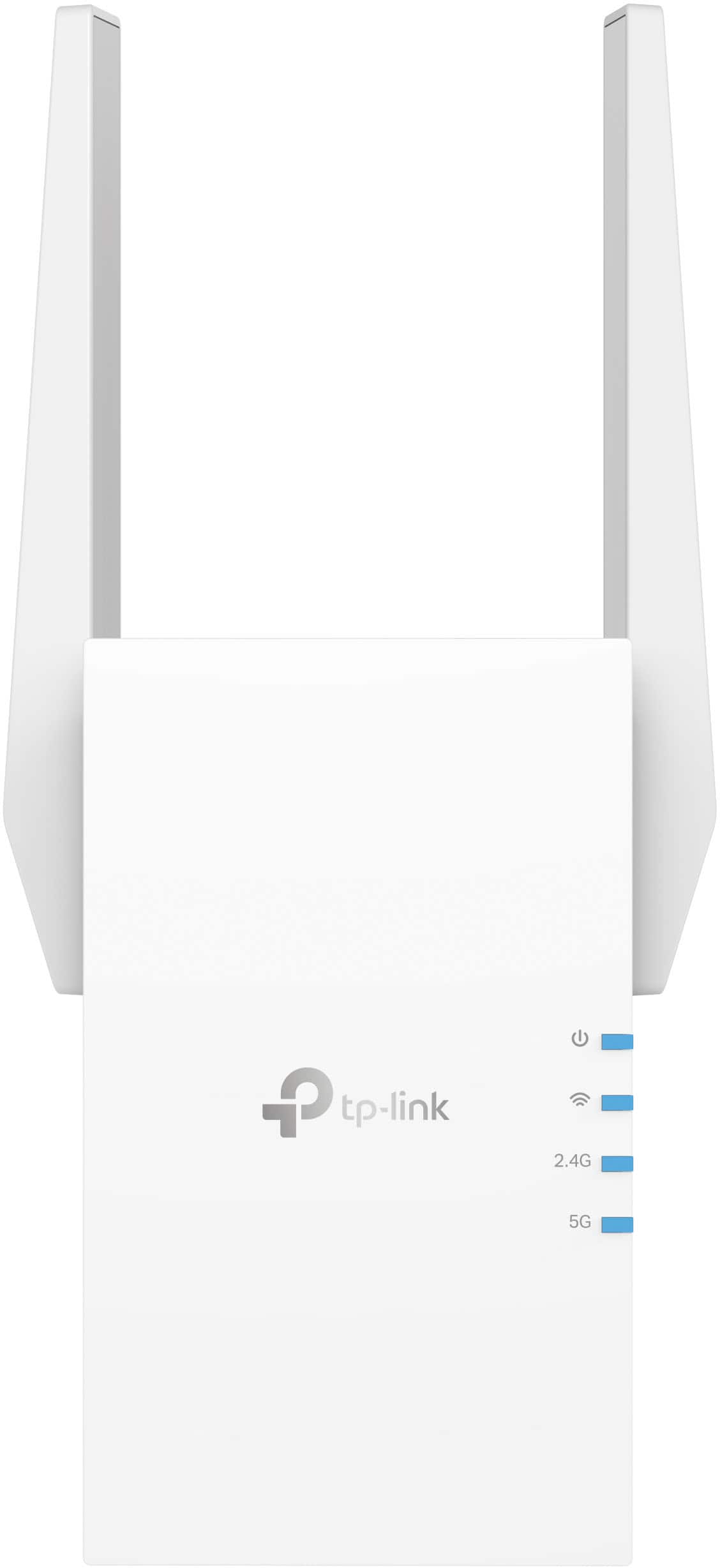
    • Answer Hi, Yes, the TP-Link RE705X is a dual-band (2.4 GHz and 5 GHz) Wi-Fi 6 Range Extender.

      Answered by TPLinkSupport

  • QuestionIs is easy to install

    Asked by Anonymous.

    • Answer Yes, TP-Link Wi-Fi Extenders are designed for quick and intuitive setup, offering multiple installation methods, such as WPS button setup, browser setup, or app-based setup, all of which are outlined in the included Quick Installation Guide.
      Answered by TPLinkSupport

  • QuestionHow far does the extended go ? We are wanting to get internet out to our shop.

    Asked by Anonymous.

    • Answer It would be best to contact TP-Link support at 866-225-8139 to get more information and discuss where the adapter would be installed

      Answered by TPLinkSupport

  • QuestionDoes it work if you are at a camp ground and need better WIFI signal from the campground WIFI?

    Asked by 2BaAngel.

    • Answer Possibly. It would have to be placed where a strong signal from the Host network is. The host router may block extenders though so its best to check with the campground.

      Answered by TPLinkSupport

  • QuestionCan I mount this right behind my television in my outdoor California room? It is 90% enclosed. The TV would use the extender for WiFi.

    Asked by BobbyShu.

    • Answer I would not recommend it. Even if its 90% inclosed there is still a higher chance of increased humidity and exposure to element. This is not weatherproof or intended for outdoor use.

      Answered by TPLinkSupport

  • QuestionHow far can the extender reach

    Asked by Db1149.

    • Answer In our case this extended our wifi range by close to a hundred feet.

      Answered by JeffE

  • QuestionDoes this work with Wi-Fi gateway bgw320-500?

    Asked by JJ.

    • Answer There should be no problem with this as long as the router supports the same wireless bands.

      Answered by TPLinkSupport

  • QuestionIs this compatible with spectrum routers ?

    Asked by mkparo.

    • Answer Hi KP, Yes. TP-Link Wi-Fi Extenders are universally compatible with Wi-Fi routers.

      Answered by TPLinkSupport

  • QuestionI live in a brick house and basement wall are cement can i put extender in basement.

    Asked by Nay.

    • Answer Hi Nay, Ideally, the extender should be placed in a location where it receives adequately stable signal from your router, yet far enough from the router to provide extended signal to the needed area(s). Brick construction will adversely affect the overall range of Wi-Fi, so we suggest trying different locations to find which works best for you.

      Answered by TPLinkSupport

  • QuestionHow far will this extend wifi? My neighbor and I share a driveway and have come up with an arrangement that I will shovel the driveway in exchange for getting to use their internet. Our houses are about 90 feet apart.

    Asked by Mermeg.

    • Answer Hi Mermeg, Extended range will vary based on multiple factors, including, but not limited to: - Placement of the extender and router - Physical obstructions (e.g. walls, etc.) between the extender and your devices - Distance between the extender and your devices - Which Wi-Fi band you are connecting to (2.4GHz vs. 5GHz) However, even with all the above taken into consideration, 90 feet apart is going to be a big ask for a Wi-Fi extender that is designed for extending Wi-Fi coverage within the same home as the router. If your goal is to provide long range outdoor Wi-Fi coverage, you may need to consider an outdoor Wi-Fi solution, such as an outdoor Deco Mesh model, or point-to-point EAP Bridge Kits. We would highly suggest striking up a discussion on our official TP-Link Community Forum, or contacting our support team via email or Live Chat using our support portal: https://www.tp-link.com/us/support/contact-technical-support/

      Answered by TPLinkSupport