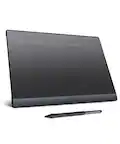
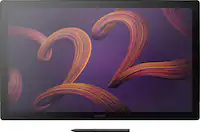
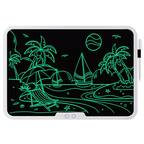
A:AnswerYou will go to the website to download the drivers update. It works on any PDF type document. There are other documents that is works with and it works very good too
A:AnswerI couldn't get it to work with its supplied software. In fact the supplied software is so heavily protected behind product keys and serial numbers that you can't get to, it is unusable--for me.
A:AnswerNo, it does not work on its own. This model requires a computer to work. There are other tablets that will work on their own. However, this model is not one of them. Also, be aware that some models of tablets include a display but still require that you have a separate computer.
A:AnswerHi there, thank you for asking. We have tons of articles in our site thate are specific to Wacom tablets and we have a great Getting Started page that will walk you on how to set up your device. If you still need assistance you can always call in to 855-MY-WACOM and our team would be happy to assist you. Hope that helps. Best
A:AnswerHi there, thank you for asking. Leaving aside the many great specs our tablets have. The core connection with a computer happens at an Input device level (Like your mouse, Trackpad, Keyboard, etc ) and as such, you can interact with the computer in general lines. So that said, you should be just fine. Just keep in mind that for instance, if the developer of the app you are trying to use did not grant an specific tool say a spec such as Pen Pressure, then the hardware side won't change that for that tool. Hope that makes sense. Best
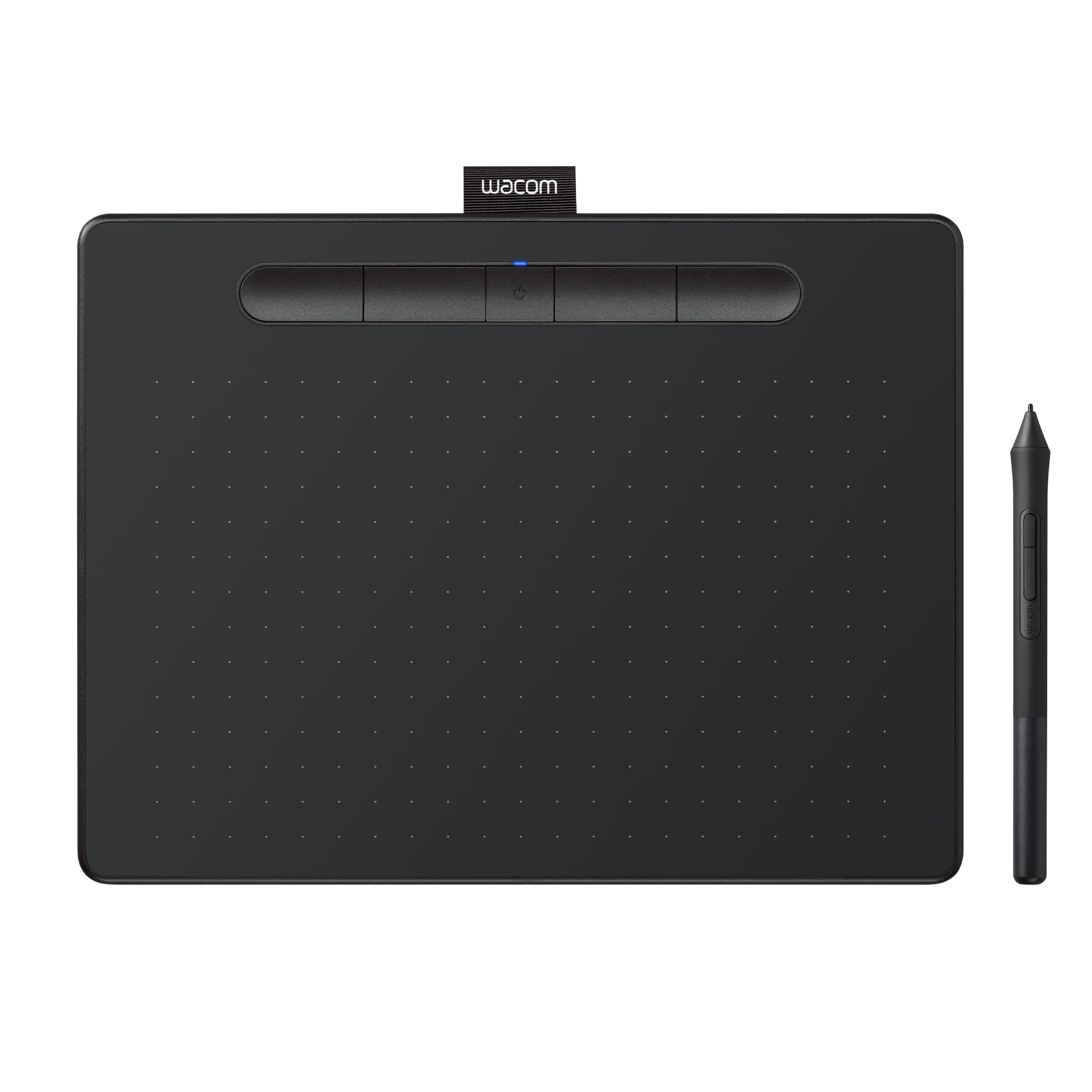
A:AnswerYes, thiis is a great tablet and you can use this one with the named softwares. Depending on usage you may consider the Pro line of tablets. Hope that helps!
A:AnswerThank you for asking. This could be achieved although it is not the intended use, some users are successful at this. By adding a layer between the surface and the Stylus you can decrease accuracy and hence the best case scenario would be with a very slim single sheet of paper likely. But you can give it a try and see if it fits your needs per satisfaction return. Another detail you will need to have in mind is that once you align the paper to the surface you should secure the paper and not move it until you are done with your task at hand. Hope that helps. Regards