Customer Ratings & Reviews



- Model:
- MFCJ1205W
- SKU:
- 6461474
Rating by feature
- Value
Rating 4.4 out of 5 stars
- Quality
Rating 4.3 out of 5 stars
- Ease of Use
Rating 4.3 out of 5 stars
Customers are saying
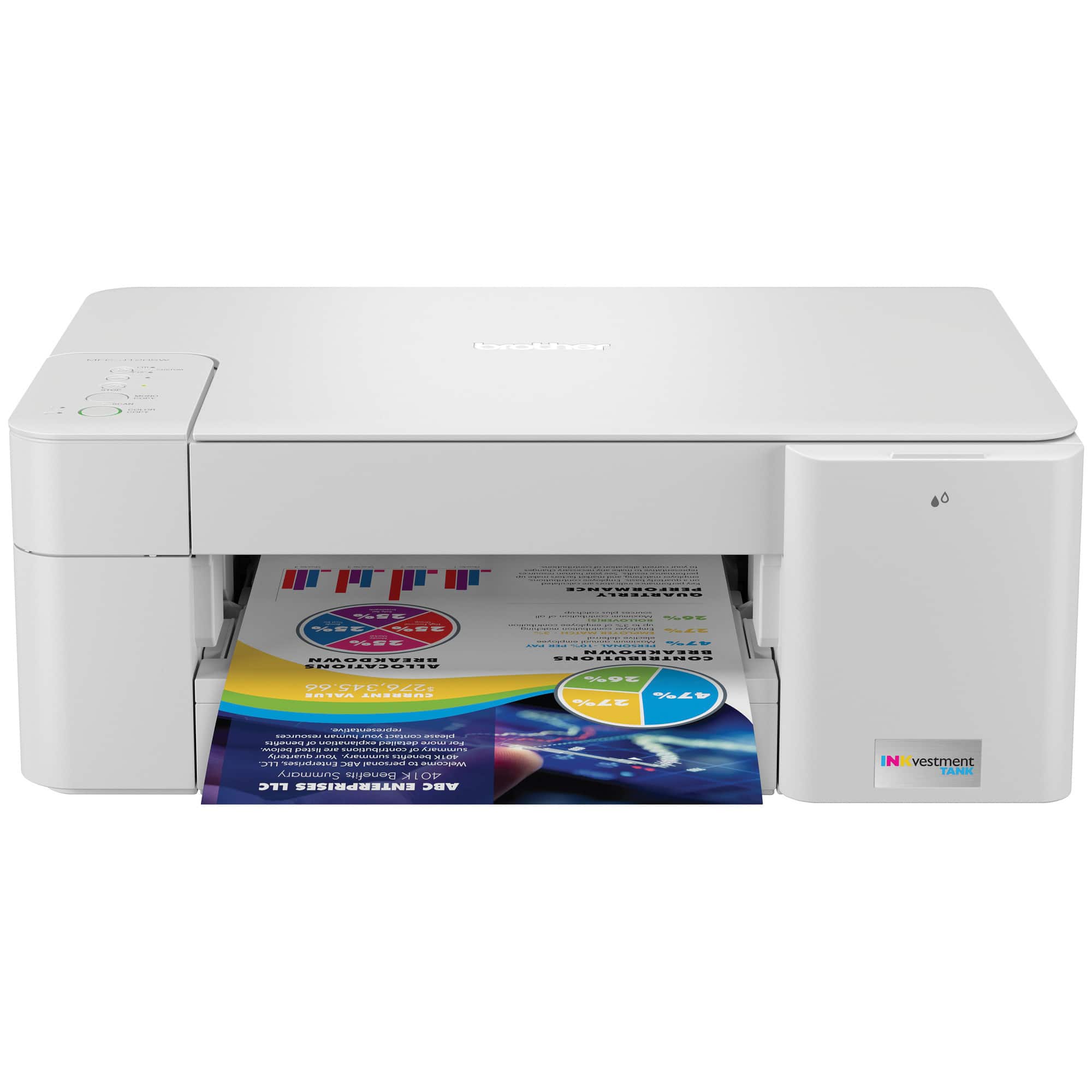
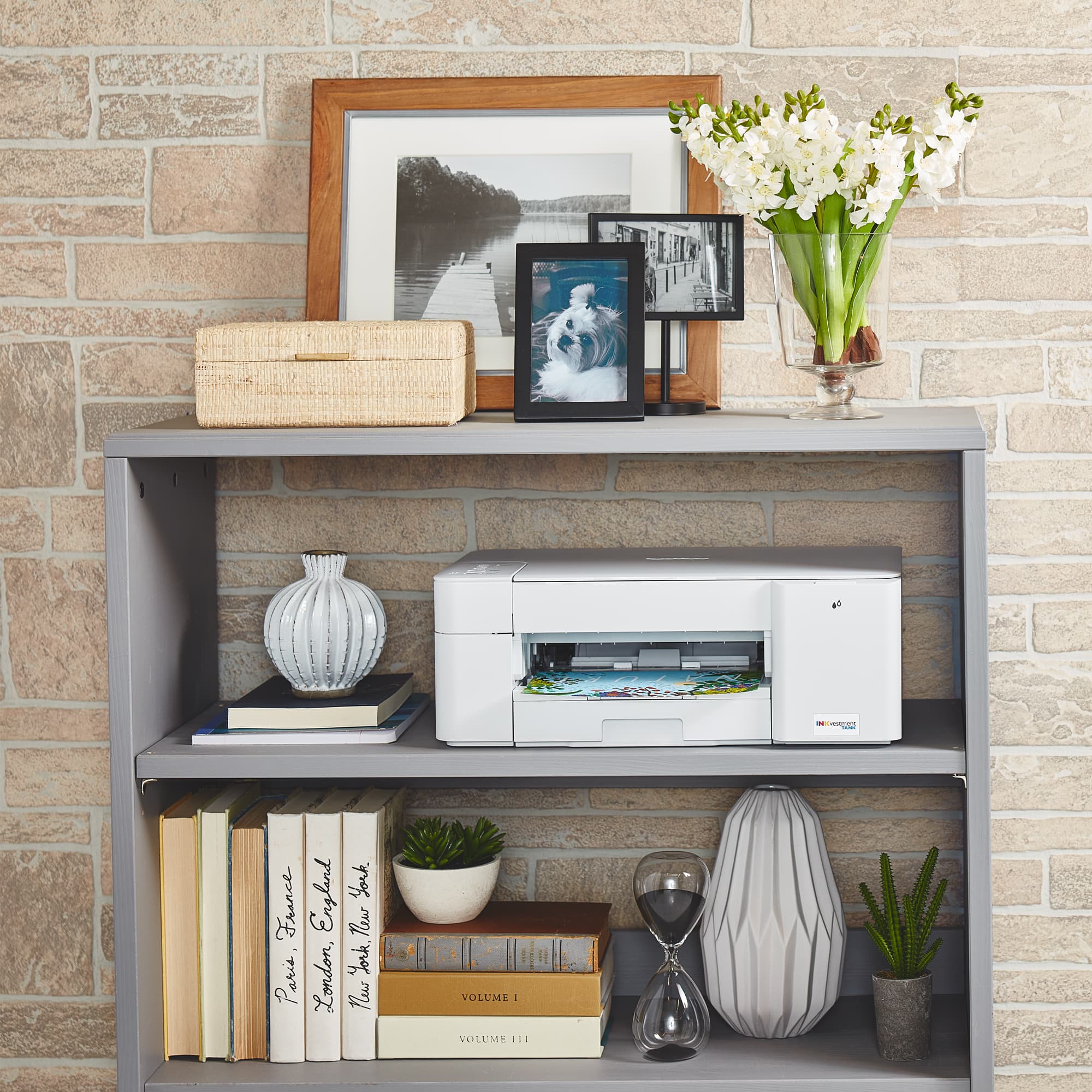
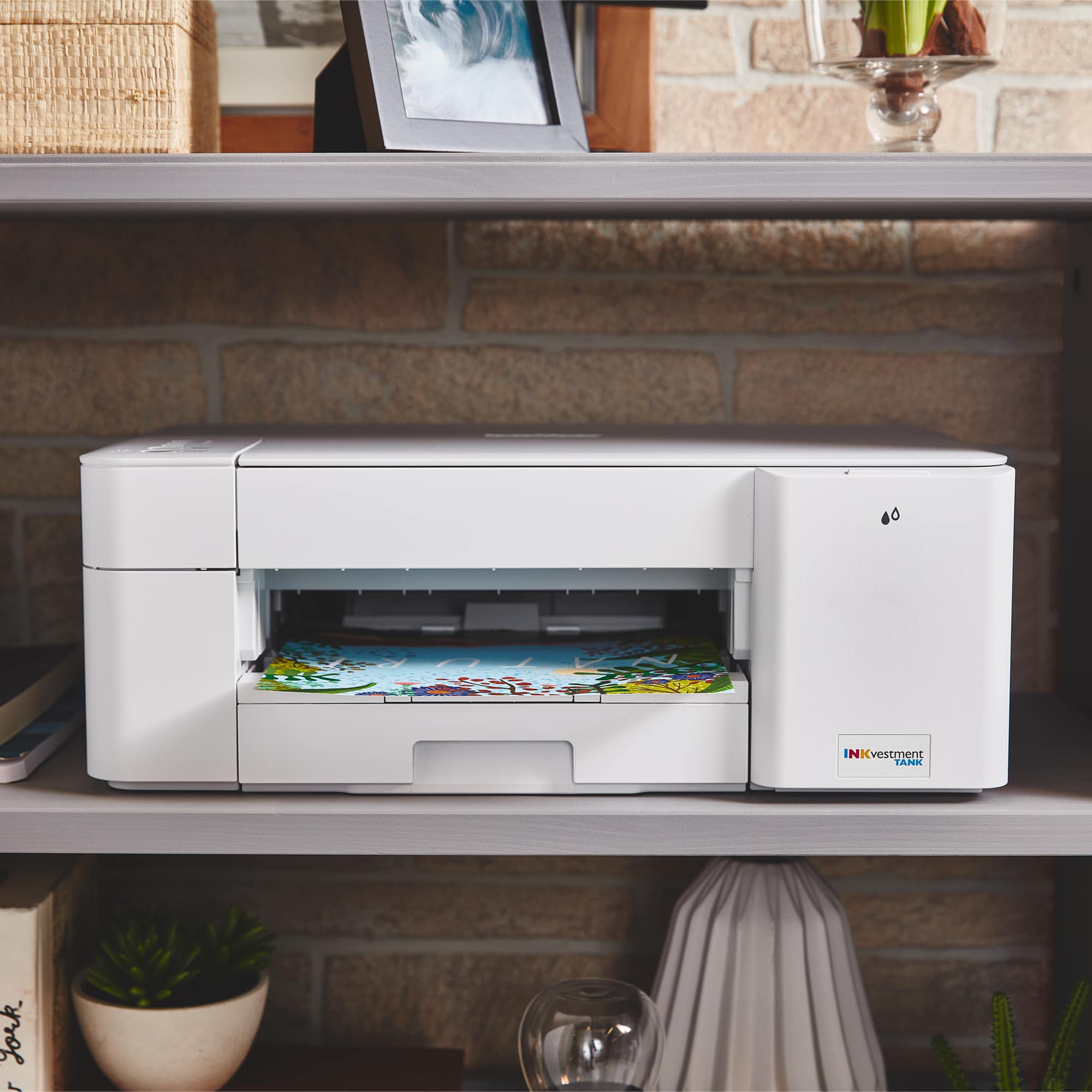
Customers are pleased with the INKvestment MFC-J1205W's print quality and ease of use, frequently praising its compact size and quiet operation. Many also appreciate the printer's affordable price and straightforward setup process, finding it reliable for their printing needs. However, some users experienced challenges with establishing a wireless connection.
This summary was generated by AI based on customer reviews.
- Pros mentioned:Noise level, Print quality, Size
Great printer but, only manual double sided prints
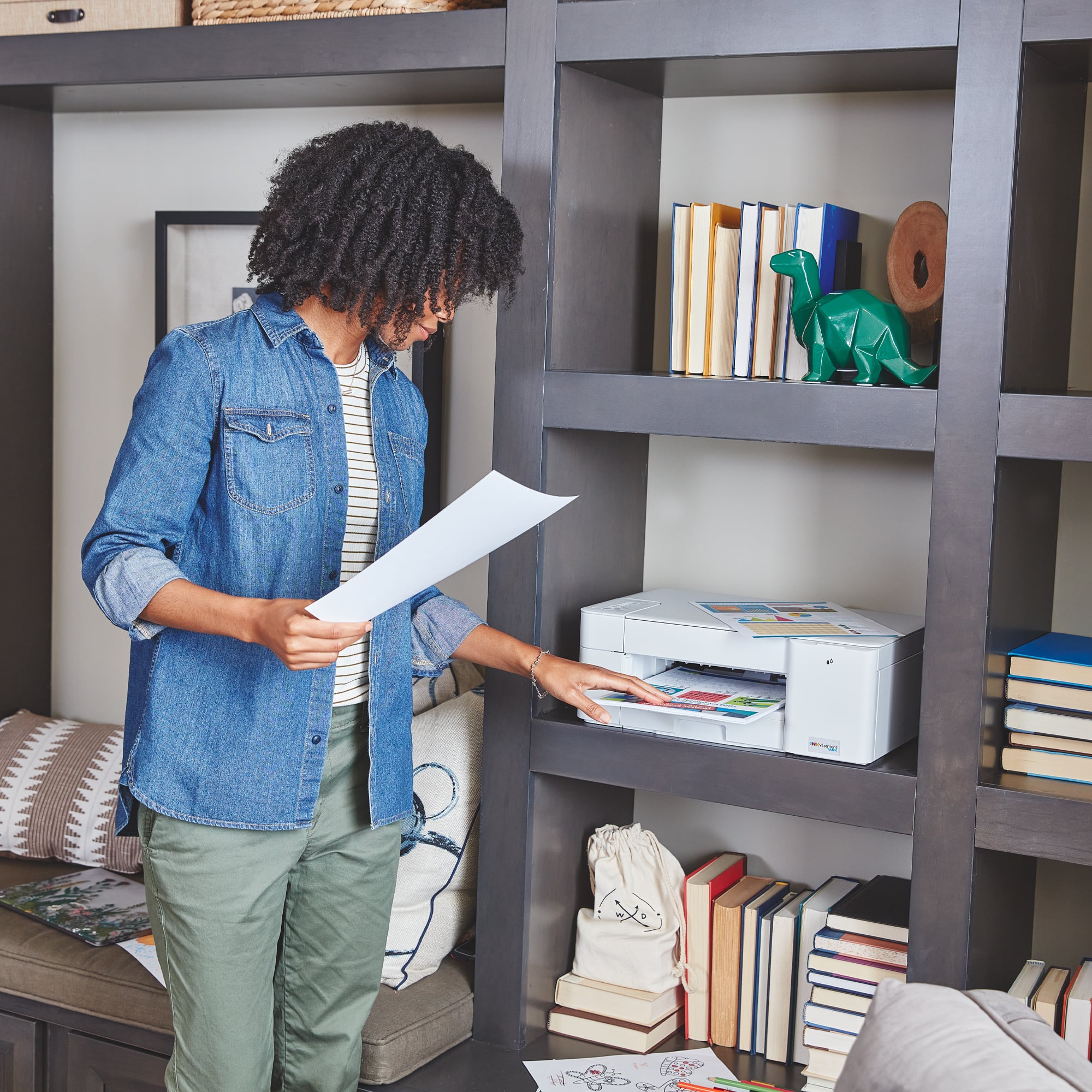
||Posted . Owned for less than 1 week when reviewed.This reviewer received promo considerations or sweepstakes entry for writing a review.So many things I like about it. It's smaller than my old HP Envy. So I can have the paper catch out all the time and not worry about it hanging over the desk. I like that it has 4 cartridges, to me the print just looks better. Easy access to the print tanks. It's fast and quiet. The ink subscription plan is going to be cheaper monthly for me. Set up was really easy and didn't take long. I feel like I really researched printers for home use and got the best one out there. The one glaring bad thing that I've noticed so far is that it's only double sided when you put the paper back in to be printed on the other side. It's really annoying, but I'm sure I'll get used to it. Overall, I really like it and am glad I chose it.
I would recommend this to a friend - Pros mentioned:Ease of use, Print quality
Impressed!
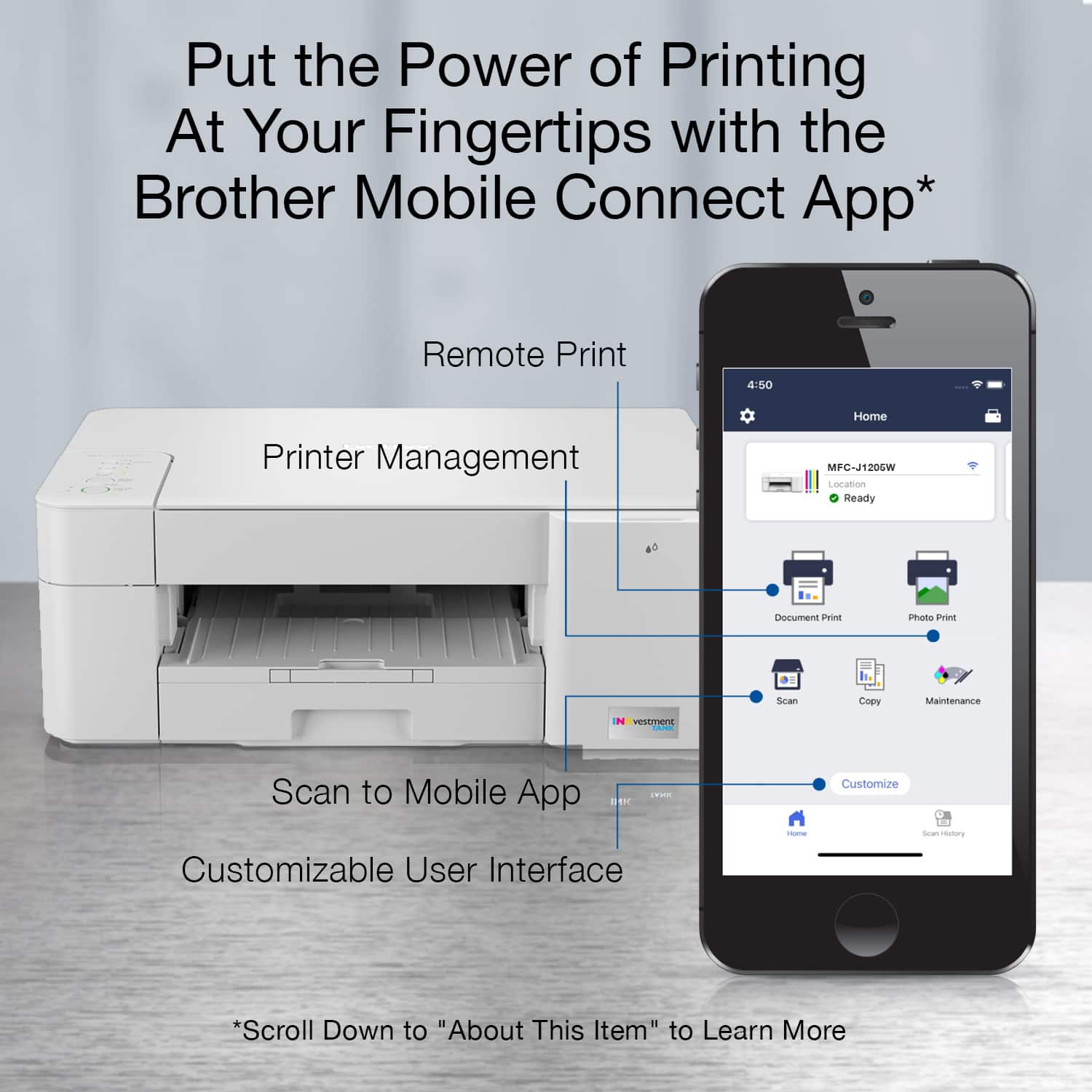
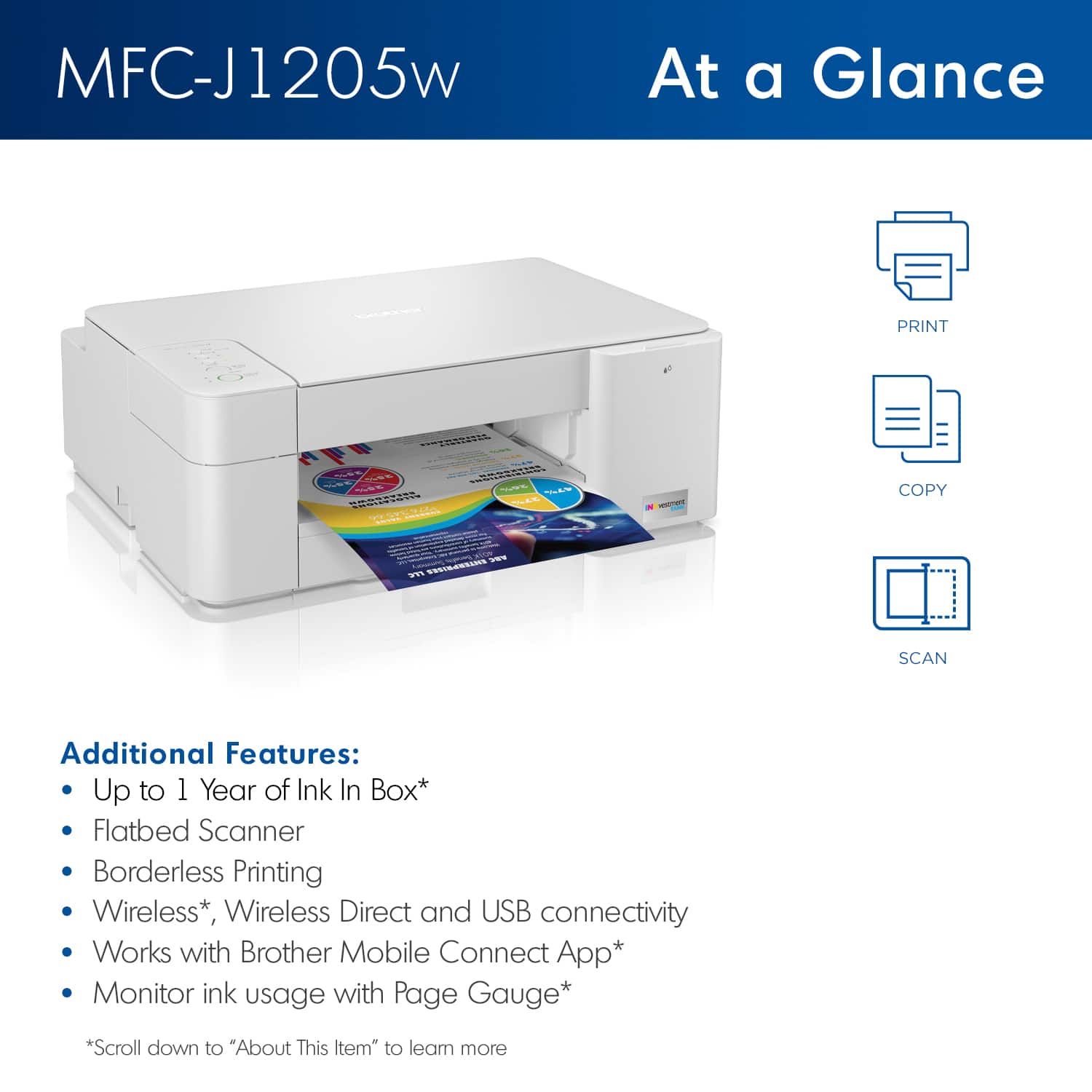
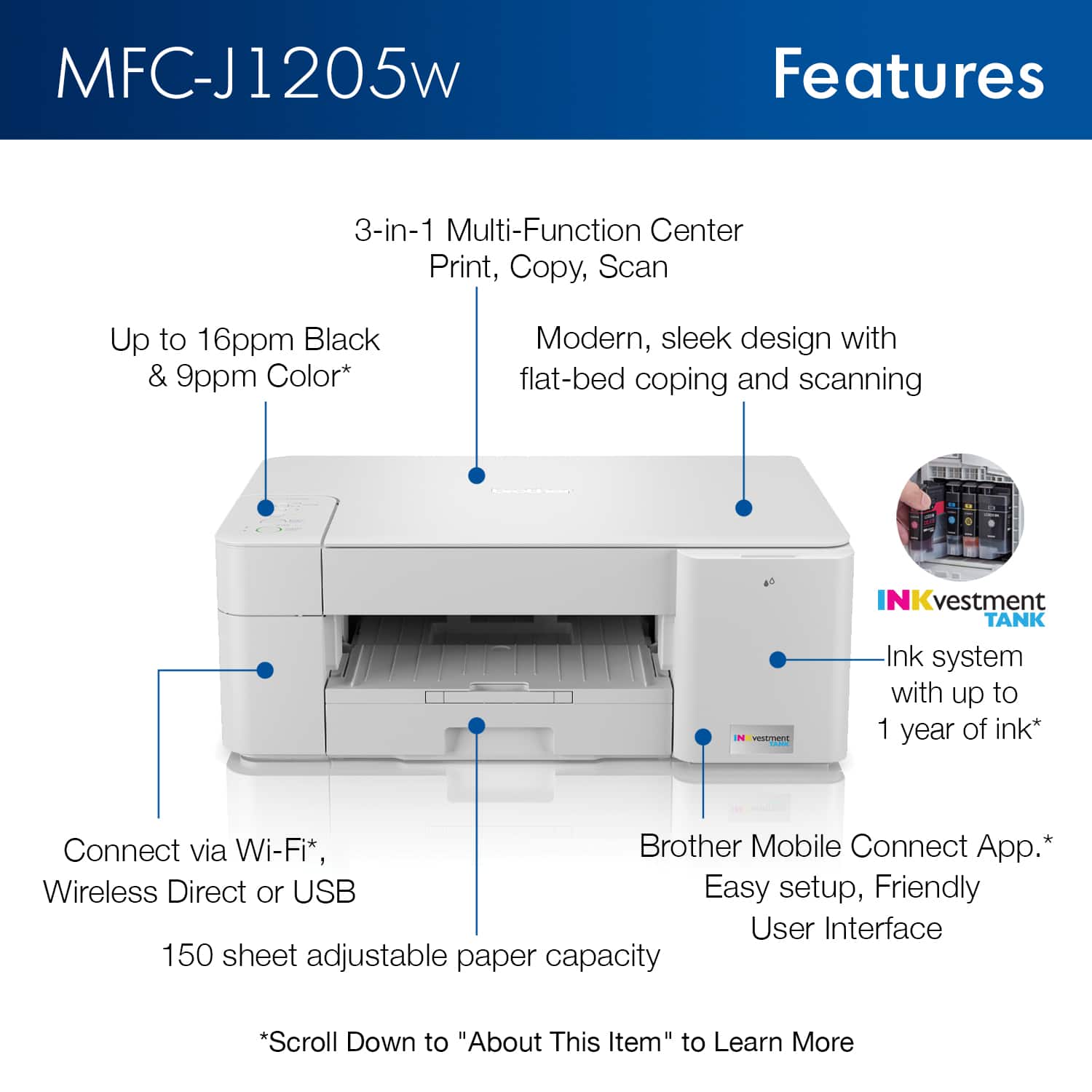
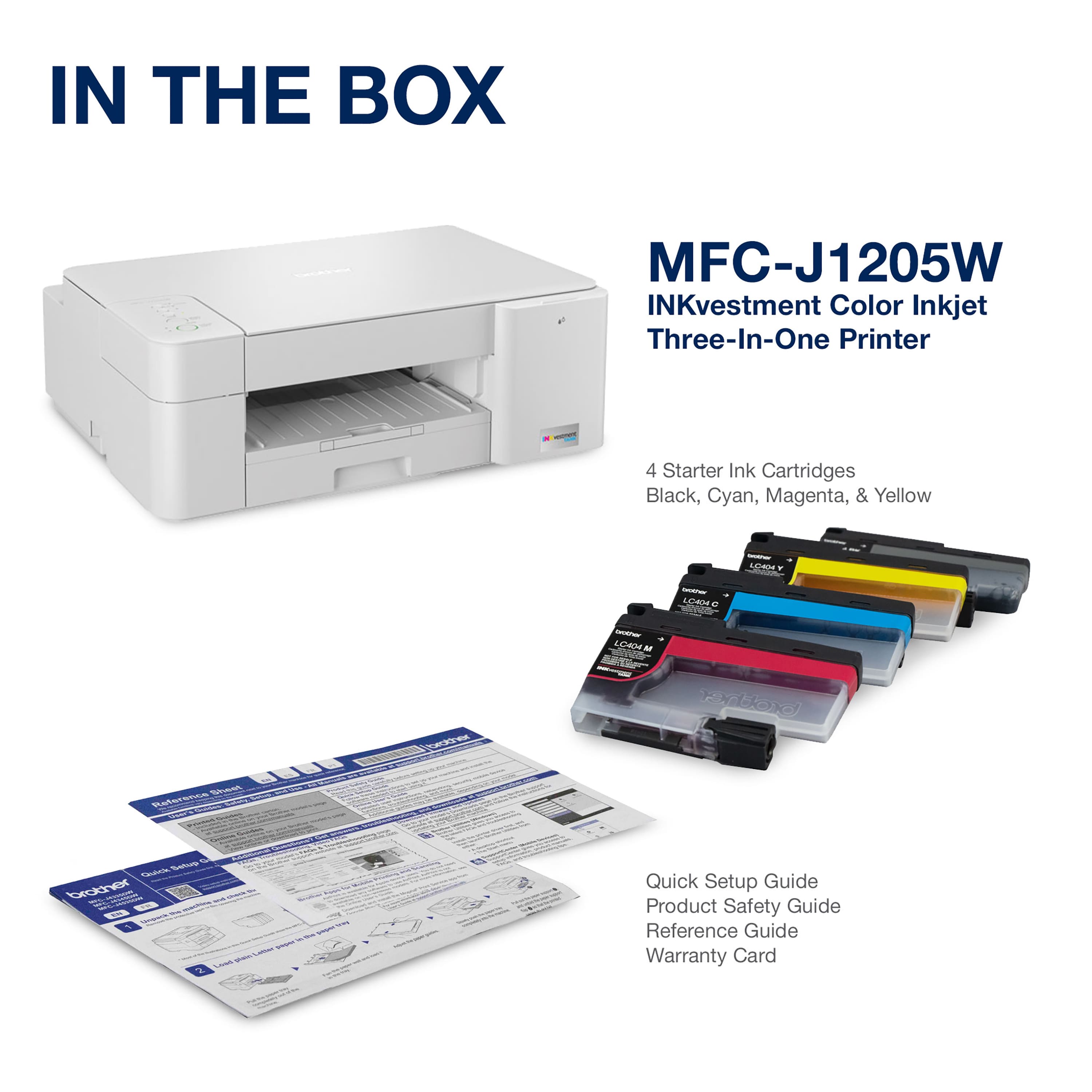
||Posted . Owned for 2 weeks when reviewed.This reviewer received promo considerations or sweepstakes entry for writing a review.Brother INKvestment Tank MFC-J1205w wireless multifunction color inkjet printer is sleek, compact, and very affordable. This revolutionary printer features a high-capacity ink cartridges that provide up to one year of uninterrupted printing using only the cartridges included in-box. Print, copy, and scan features can be accessed from your mobile device through the Brother Mobile Connect app. Brother Mobile Connect has a user-friendly interface that gives you the freedom to print from virtually anywhere and always have access to the status of your printer's ink usage. Brother Intelligent Page Gauge is a feature that can be accessed through the app, providing a visual, numerical way to know the amount of ink you've used and the amount of ink you have remaining. This wireless printer has multiple flexible connection options, including a built-in wireless interface for sharing with multiple users on your network, Wi-Fi Direct, or connect it locally to a single computer via a USB interface. The printer is easy-to-use, features a clean, modern design, offers quick setup and convenient optional printing via AirPrint and/or Email Print. When you need a reliable color inkjet printer at an affordable price to keep pace with your home or home office document needs, Brother INKvestment Tank MFC-J1205W is the printer for you. Totally Impressed!
I would recommend this to a friend - Pros mentioned:Ease of use, Print quality
Great affordable printer!
||Posted . Owned for less than 1 week when reviewed.This reviewer received promo considerations or sweepstakes entry for writing a review.Super easy to use. Prints easily from my phone, in great quality. Just what I wanted. Setup was also super easy!
I would recommend this to a friend - Pros mentioned:Ease of use, Print quality
Reliable, fast and good on ink
||Posted . Owned for 1 month when reviewed.This reviewer received promo considerations or sweepstakes entry for writing a review.Lovely printer, fast print, good price for ink, portable and easy to connect
I would recommend this to a friend Great Cheap Printer
||Posted . Owned for 3 months when reviewed.This reviewer received promo considerations or sweepstakes entry for writing a review.So far so good. One of the nice things I like about it is my new mac automatically recognized the printer on wifi and I was able to print AND scan using my Mac, with no installation of any software. For my windows computer is has been good as well. Setup process is a bit odd since you have to do everything through an app, but other then that, once setup, it seems like every device can find this printer! I have had no issues with print quality, but I didn't buy this for pictures. Literally just printing and scanning stuff from emails and the like. I wouldn't think this printer would print amazing colors, and will depend a lot on the paper you use. It seems to do a decent job on high quality paper. Low quality/cheap paper the colors look horrible, but to be expected for price of paper and printer.
I would recommend this to a friend- Pros mentioned:Ease of use, Price
Printer
||Posted . Owned for 3 weeks when reviewed.This reviewer received promo considerations or sweepstakes entry for writing a review.Good purchase. Definitely useful for me as I begin my first semester of college. Learning how to printer was quick also. Good and reasonable price. And totally recommended.
I would recommend this to a friend - Pros mentioned:Print quality
Printastic!
||Posted . Owned for 2 months when reviewed.This reviewer received promo considerations or sweepstakes entry for writing a review.This printer is boss! The ink lasts a long time. You can print from anywhere. The print quality is great! The only issue i have is that i thought the ink cartridges were refillable. They are not.
I would recommend this to a friend - Pros mentioned:Print quality
Home Office Printer
||Posted . Owned for 1 month when reviewed.This reviewer received promo considerations or sweepstakes entry for writing a review.So far so good. I bought this printer because my company gave me 160.00 budget. I am very pleased with the Brother printers I’ve used in the past. It’s exceeded my expectations.
I would recommend this to a friend - Pros mentioned:Ease of use
Easy to install and use!
||Posted . Owned for 3 weeks when reviewed.This reviewer received promo considerations or sweepstakes entry for writing a review.East to install and use. Uses very little ink as well!
I would recommend this to a friend Good for basics
||Posted . Owned for 3 weeks when reviewed.This reviewer received promo considerations or sweepstakes entry for writing a review.Prints well but requires quite a few steps and to use from smartphone have to go through an app and takes multiple steps to do a simple document. So it is not plug in and go as I am use to also be aware it does not do two side printing.
I would recommend this to a friendBrand response from Brother
Posted .Thanks for taking the time to review your experience with the Brother MFCJ1205W. We appreciate your feedback. At Brother, customer satisfaction is something we take seriously. Your feedback is important to us and will be reviewed. Thank you for being a Brother customer. Please know that we will be here, should you need to contact us in the future. Please contact us directly at:
https://www.brother-usa.com/support/MFCJ1205W
Excellent
||Posted . Owned for 3 weeks when reviewed.This reviewer received promo considerations or sweepstakes entry for writing a review.Very nice work excellent Is very good We have no problem
I would recommend this to a friendAwesome printer
||Posted . Owned for 1 month when reviewed.This reviewer received promo considerations or sweepstakes entry for writing a review.I love having a printer it makes things so much easier for my daycare business. I don’t have to go to the library to print and stock up on enrollment papers.
I would recommend this to a friendBrother
||Posted . Owned for 1 month when reviewed.This reviewer received promo considerations or sweepstakes entry for writing a review.Great printer ! Wireless feature comes in handy along with AirPrint for Apple devices & printing away from home if needed.
I would recommend this to a friendNew customer first time
||Posted . Owned for 1 month when reviewed.This reviewer received promo considerations or sweepstakes entry for writing a review.Great product first time using it and very happy !
I would recommend this to a friendGreat printer
||Posted . Owned for 3 months when reviewed.This reviewer received promo considerations or sweepstakes entry for writing a review.Great printer downfall ink doesn’t last long but overall a great buy.
I would recommend this to a friendColor ink goes fast even without using it!
||Posted . Owned for 3 months when reviewed.This reviewer received promo considerations or sweepstakes entry for writing a review.Horrible! Worst printer I have ever owned. The paper feeder will not recognize Avery paper. It will jam every time. If you try to print high quality or even above normal picture it slows down to almost not running at all. It give you an error every time you try to print anything higher than normal quality print jobs. Oh and the Ink it’s a freaking joke. I have been printing only black and white labels about 10 sheets of black and white labels and now my color ink is almost out. It’s a scam to get you to buy more color ink even though I have not used it at all. Do not buy!
No, I would not recommend this to a friendBrand response from Brother
Posted .Stated page yields for genuine Brother cartridges are based on the ISO testing standards. The number of pages that can be printed with a cartridge is affected by several factors, including paper size, number of pages per print job, amount of print on each page, font size, and print content (graphics, charts, etc.). Print jobs with large text fonts, graphics, charts, and/or large amount of solid coverage (black or any given color) will use much more toner and will shorten the life of the toner cartridge.
Please verify you have purchased a new Brother Genuine cartridge by following the steps on this website: https://www.brother-usa.com/supplies/ink-and-toner/security
If you have any questions about your Genuine cartridge, please contact Brother customer service at www.brother-usa.com/support.
cannot work with any chrome laptop and no usb port
||Posted . Owned for 6 months when reviewed.This reviewer received promo considerations or sweepstakes entry for writing a review.bought the printer but was surprised it cannot work with google chrome laptop. no usb port on the printer
I would recommend this to a friendBrand response from Brother
Posted .We understand you're experiencing issues connecting the Chromebook with your Brother MFCJ1205W machine. We'd like to help. The USB port will be located under the document cover. Below is a FAQ that may help you with this issue:
https://help.brother-usa.com/app/answers/detail/a_id/171532
If you continue to have issues, our Brother Customer Support Team is available to assist you direct: www.brother-usa.com/brother-support
- Pros mentioned:Print quality

Great prints, compact design
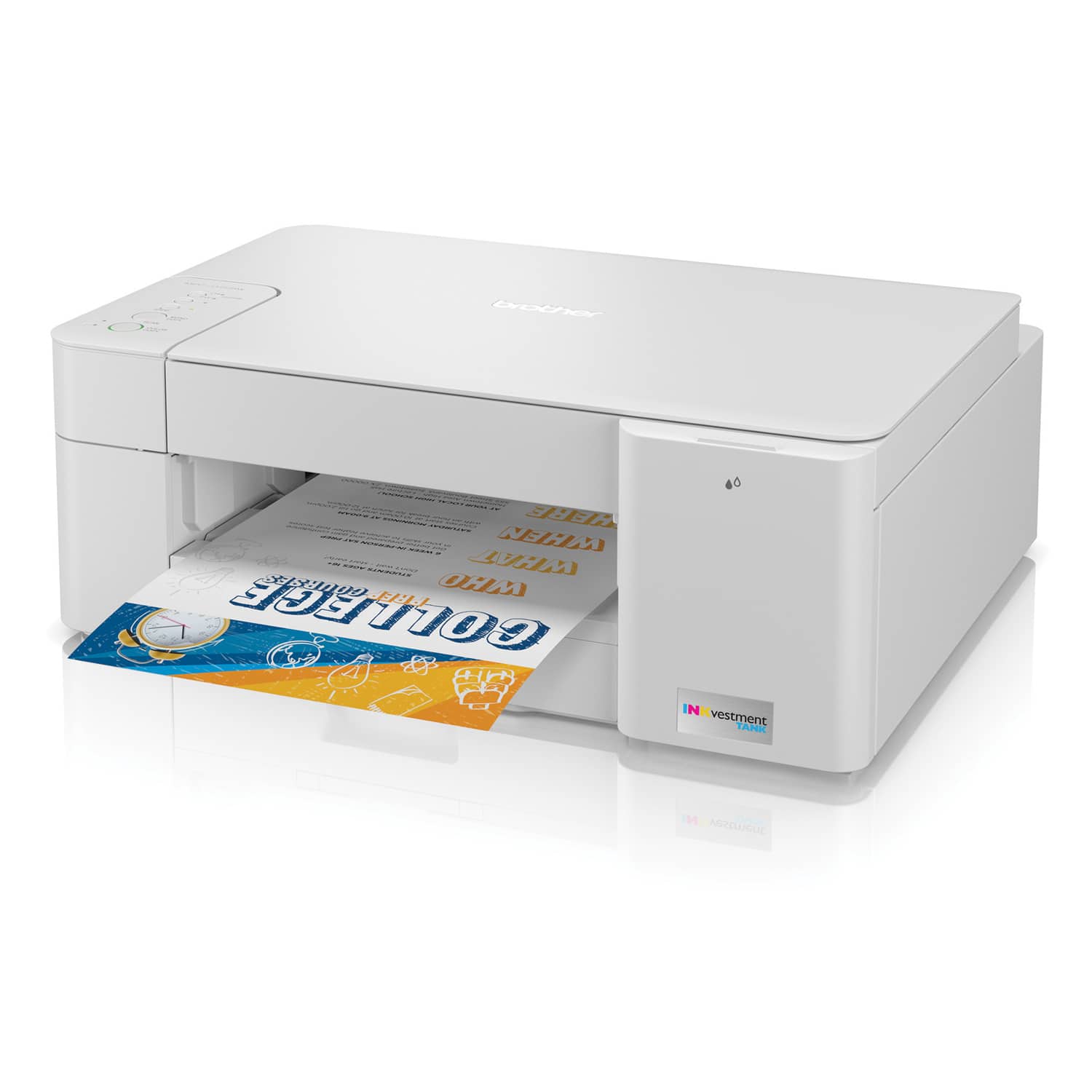
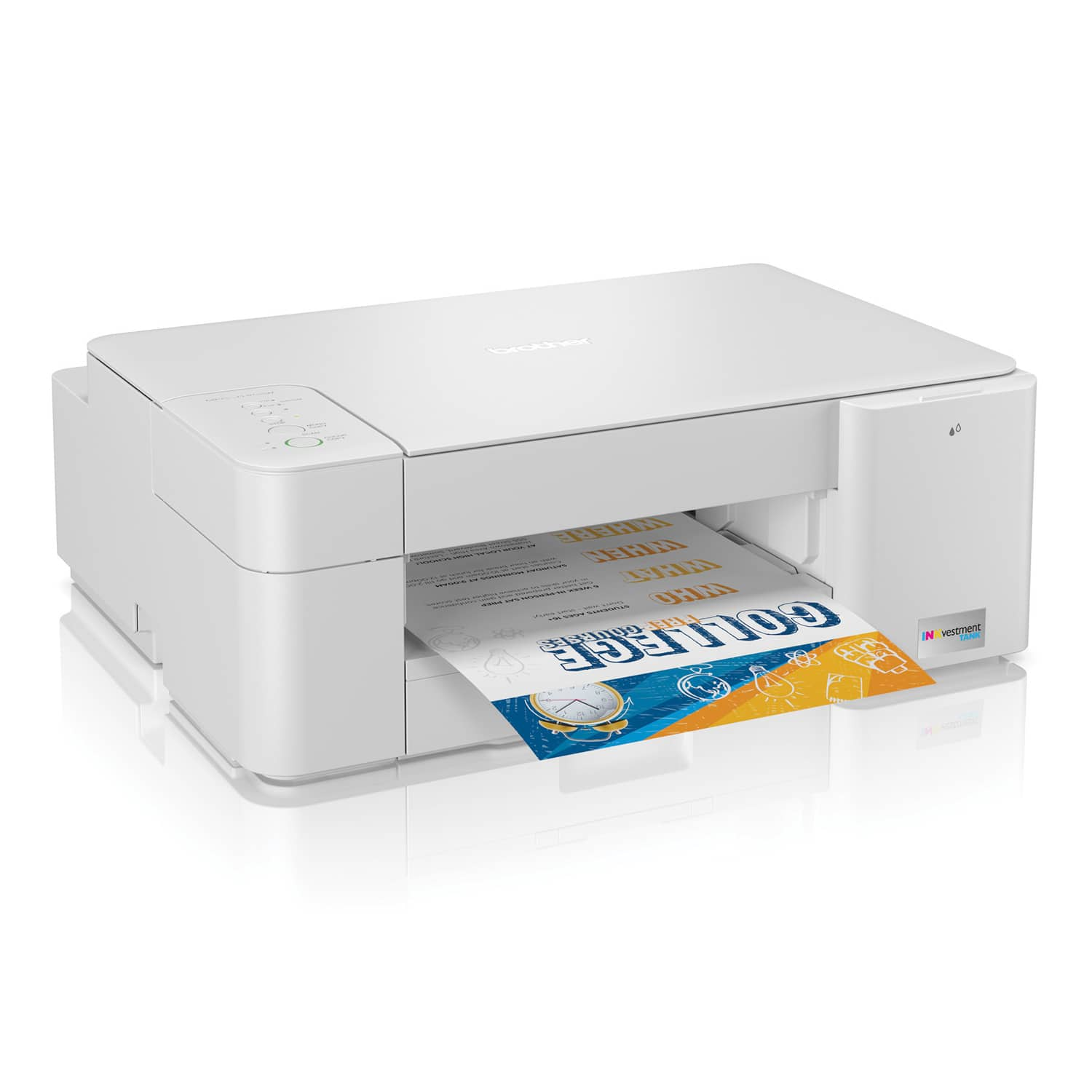
|Posted .This reviewer received promo considerations or sweepstakes entry for writing a review.This printer needs a smartphone or pc to use all the features, as there is no LCD display, just a few buttons. The basic operations that can be performed without a pc or smartphone just include making either a color or black and white copy. A scan can be activated by pressing both the copy buttons, but only if the scan feature has already been set up with a pc or smartphone. The lack of an ADF( Automatic Document Feeder) and lcd screen make this machine a little more compact. The printer has a very basic design and look to it and is actually kind of light. The paper tray and inkjet bay are easily accessible from the front of the machine. The scanner lid does have one of those extending hinges, so that books and thicker objects can still fit under the scanner lid. No LCD makes it seem a little more difficult to set up, but if you follow the directions it will all work out pretty quick. I think it took 3 minutes to set up the printer. Make sure you check for software updates sometime after you connect to the web, so that you will get the latest features for your product. The MFC-J1205W creates great photo quality prints, with a max print resolution of 6000 x 1200 dpi. Scans are good, but seem to lack some contrast and saturation, but that can easily be fixed in the Brother phone app after the scan.The pc app has a few extra scan options that the smartphone app does not have, and these options can be set before the scan takes place. You can still edit the photo after the scan, but with microsoft paint, or one of the other picture edit apps on your pc. For Scanning, the native dpi is 300, however the machine can produce interpolated resolutions of up to 19200 x 19200 dpi.Interpolation as we are referring to it here, is basically like taking an 8" x 10" photo, and trying to stretch it to fit a 10" x13" frame.Although, it's not as difficult as it sounds. The machine scans an object at its highest native dpi, then it takes that scan and starts to seperate parts of the picture at the pixel level.The machine then takes all the separated parts and social distances them all, so that they are a set number of pixels apart. At the new distance we can fill a 10 x 13" frame, but now there are gaps everywhere. Well here comes the tough part, the machine has to fill all those empty spots with something, so it does it's best job (based on it's software), to guess, or interpolate the colors and lines between the actual image pixels, and then creates filler pixels. These filler pixels are usually pretty close, in fact they are so close that most people will not even know that parts of their picture are made up. Not everyone uses a 19200 x 19200 resolution anyway, so in most cases 300dpi will do just fine, it will have plenty of clarity and details. The much higher resolutions are typically used by professionals. They need these larger file sizes to print large posters, and other large scale projects. One of the big selling points of this printer is the advertised 1 year of ink included, based on a typical use of 100 pages per month( at 60% black and 40% color). The new Brother app works great, and gives the user ink levels based on estimated page usage or the ISO-based standards. This way, one could prepare a little better on knowing when to stock up on more ink when their next print job is 50 pages long. ISO is the international standard for organizations, which is based on a 5% overall page coverage area, wherein 5% of the page is imprinted with ink. For example, a short email is roughly 5% page coverage, so if your toner cartridge offers a yield of 1,000 pages, your cartridge can print approximately 1,000 short emails.One full Brother cartridge offers 750+ pages using the ISO method. Obviously Brother does not recommend using 3rd party inks for quality purposes and machine longevity, plus 3rd party inks typically do not include the same yields. Real cartridge yields can differ based on the purpose, type of the printer and how much ink is in the actual cartridges. A lot of low yield cartridges will produce around 200 prints.The heavy duty office machines and professional photo machines, will typically use cartridges with high yields. The high yield cartridges could produce any amount over 500 pages, some brands promise anywhere from 1000 to 7000 prints. Again this all depends on the mfgr and the amount of ink included in their cartridges. Of course these numbers are only guidelines, there is no way to get an exact number of prints. Actual ink yields can vary depending on the media being printed and the media being printed on. Some papers soak up more ink than others, and some pictures or graphic texts will require more ink for colors, boldness, or designs. Make sure that when you are printing a picture from your phone or computer that your screen is not set to "vivid" or any other type of enhanced display, otherwise your prints might not be the color you were hoping for. I keep my phone screen on "natural" for the display, which gives me the closest color matches between my phone and the printed results. This printers advertised print speeds are slightly faster than some of the other competing standard models, but not as fast as the more expensive office or workhorse printers. The MFC-J1205W advertises 16ppm black, and 9 ppm for color. I printed 10 pages with a combination of text and small pictures, it took the machine 1 minute and 42 seconds to print 10 pages at standard/normal quality. I printed the same document at "fine" quality, and it took 16 minutes and 30 seconds. There was a noticeable difference between the "fine" and "normal" prints, but not enough to make me want to waste the extra time and ink. I printed up 14 pages of just black text, it took 1 minute and 15 seconds. So we are getting results a little slower than advertised, but the print quality is very good. Full page color photos on glossy photo paper took about ten minutes to print, and looked like real photos. I am including a sample of some of my prints in the attached pictures. The paper with "1" in the top right corner is the normal quality print, and the paper with the "2" in the top right corner is the "fine" print. Papers "3" and "4" are from a Brother Laser printer. The "3" print is a laser print with ink saver and eco on. The "4" is normal quality. I have also including a picture of the magnified print of all 4 print jobs. I am posting some additional pictures:The Suicide Squad book cover - I scanned this using the default settings, and printed it as is. The scanned and raw print is the page on the left. The book is in the middle, and the enhanced scan is on the right. The scan was edited using the Brother Mobile Connect app, then reprinted on the same paper as the 1st print. Both printed on glossy photo paper. A picture of a bridge and ducks off of my phone - the picture on the left was direct print, no editing. The picture on the right was edited to enhance the contrast and saturation. Both pictures were printed on glossy photo paper. A picture of a bowl of ramen - the picture on the left was printed on regular inkjet paper. The picture on the right was printed on glossy photo paper. The picture on the basic paper looks just as good as the one on the photo paper, and it printed all the way to the edge on both types of paper.I am very impressed with the print quality on any type of media with this printer. Most other printers would not do borderless printing on regular paper, plus usually the colors or contrast typically gets washed out when you print a photo onto basic paper, but not here. Overall I am pretty pleased with what this printer can do. I would have liked an LCD screen somewhere, but it's not like I am going to be using this printer without either my phone or pc, so I should be fine. I like to take and print lots of photos, so I am not naive enough to think that I will be free of buying ink cartridges for the next 12 months, but at least these inks should last longer than my last printer. The print quality is great, and the scanner is just as good at capturing details. As with a lot of scanner and printer models, sometimes you have to edit photos and documents for the best prints. You might find that all your phone photos need the white balance adjusted and the tone slightly fixed. You might see that web images print way too saturated, or that pictures saved on your computer from 10 years ago print perfect. In any case, if your pc and phone screen are set to the most natural colors and lighting available you will get a better look at what needs to be done to your photos before printing. For the price level and compact purposes, this printer does a great job with image quality, but could use a little more pep in its processing times.
I would recommend this to a friend - Pros mentioned:Print quality
Great printer for home, fast, large ink tanks
|Posted .This reviewer received promo considerations or sweepstakes entry for writing a review.I am quite pleased with the printer. Unboxing and initial setup was simple and straightforward. Paper tray pulls out easily, and loading paper a breeze. Installing ink tanks is a simple "open the door and slide in". The ink tanks are fairly large, and should last a long time, and that will save on ink cost. The printer has no display, only basic operating buttons - but these seem sufficient for all functions. The cover for scanner is light and easily opened. There is a back cover that can be popped off for clearing jams. To complete setup, it's off to Brother website to download the software. Once installed, it found printer, and finished the wireless setup on the computer. Next, printed a test document - which surprised me as to how quickly it printed. At that point, I used the document I just printed to check scan/copy function and made a copy. It came out just a shade lighter than original, which is actually hard to detect. I also printed a picture on regular paper, and found the quality to be fairly good for plain paper. Then on to Playstore to get the Brother android app, which I installed on my phone. That also worked perfectly - I was able to print from phone, and scan to phone. Another plus is Brother's free printable and customizable home and business templates. You can download, customize and make cards, calendars, invites, etc. As of this review, this mulit-function printer has performed perfectly, and I would highly recommend it as an excellent, inexpensive home / home office printer.
I would recommend this to a friend - Pros mentioned:Noise level, Print quality
Cheap printer with cheap ink leads with poor color
|Posted .This reviewer received promo considerations or sweepstakes entry for writing a review.The Brother j1205w is designed to combat the scourge of high ink prices which often accompany cheap printers. This it does well by delivering an average page cost of $0.047 based on 2 black pages for every color page. This compares favorably against a $0.057 per page cost for the HP printer my parents have and cost nearly 3x more to begin with. The downside is color correctness. In my first few print tests, there were certain colors which did not appear on the page at all. After contacting Brother, they advised me of a special cleaning mode which would use up all the ink that the printer had come with. They also offered to spend replacement cartridges so that I didn’t have to waste money on a factory defect. The cartridges arrived and I was able to run the cleaning process. While it improved the overall quality, colors are washed out compared to an older Brother ink jet and with a Brother color laser that I use regularly. Black is sharp and readable. Printing is relatively speedy, especially for a printer in this price range. It’s quiet and connects quickly. This year’s printers use a different app than last year’s printers. The app is necessary to configure the printer initially, but it can be controlled via the web after that. It’s unfortunate that the older app can’t be used as I now have to keep both installed. On the plus side, the app lets me print straight from my phone so I don’t have to boot my laptop to print email attachments. The app also shows ink levels and usage. This is critical as there’s no LED screen as there is on many similar printers. Brother seems to have taken cost cutting to a new level with this model, taking off anything which doesn’t directly support printing documents. While this isn’t for everyone, it provides exactly what Brother advertises: A cheap printer with cheap ink that provides reasonable colors.
No, I would not recommend this to a friend