Customer Ratings & Reviews
- Model:
- 3113C002
- |
- SKU:
- 6356231
Customer reviews
Rating 4.2 out of 5 stars with 1565 reviews
(1,565 customer reviews)Rating by feature
- Value4.3
Rating 4.3 out of 5 stars
- Quality4.3
Rating 4.3 out of 5 stars
- Ease of Use4.1
Rating 4.1 out of 5 stars
Customers are saying
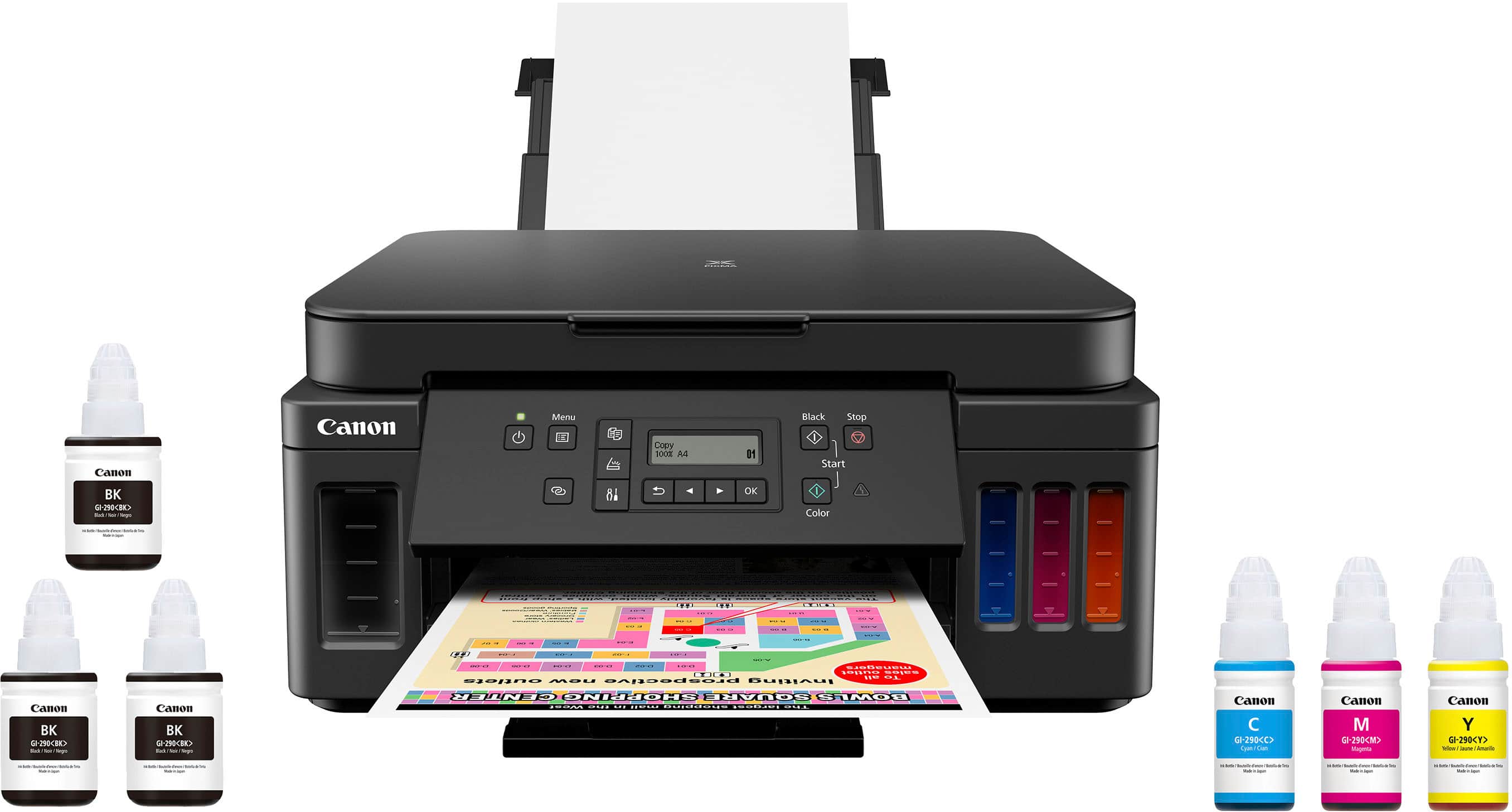
Customers find value in the PIXMA Megatank G6020's exceptional print quality, ease of use, and overall performance. The setup process is also considered simple. However, some customers have expressed concerns regarding the display, connectivity, control panel readability, and noise levels during printing.
This summary was generated by AI based on customer reviews.
- Pros mentioned:Ease of use, Print qualityCons mentioned:Display
Rated 5 out of 5 stars
LOVE this printer!
||Posted . Owned for 1 month when reviewed.This reviewer received promo considerations or sweepstakes entry for writing a review.I was so tired of buying ink cartridges and they would dry up before I could print many pages, so decided to research the ink tank printers. This printer has all of the functions I needed but at a much better price than the other brands. The reviews for set-up had me a little worried, but I was able to plod my way through it after watching some of the videos. Filling the ink tanks was very easy. Printing is great! The screen is hard to see but I keep a small flashlight near.
I would recommend this to a friend - Pros mentioned:Ease of use, Print quality
Rated 4 out of 5 stars
Perfect For Home Office and Photo Printing
||Posted . Owned for 3 months when reviewed.This reviewer received promo considerations or sweepstakes entry for writing a review.When I first saw these types of printers with ink tanks, I said to myself "Finally!" But the stock shock always kept me from buying. I bought this on August 16 when it was on sale, i believe it was $80 off. Since that time I have printed over 300 photos ( varying sizes from 4x6 to 8x10) and only print documents in color. i cant say how much documents were printed but my wife prints something everyday. My color tanks are still half full, and my black tank is just under 3/4 full. I still can believe how much you can print on this. Image quality on my pictures are really good, but most of my source material is high resolution (4032 x 3024) and bad results came from trying to print a low res picture (like from and old camera). Setup was easy enough, didn't have any problems connecting to my network. Some may not like the LCD screen as it is not back-lit and small. however, i rarely use it, except to choose my paper type and size. Overall I am really happy with this printer and would highly recommend. Worth every penny.
I would recommend this to a friend - Pros mentioned:Print quality, Setup
Rated 5 out of 5 stars
So Far So Good! Better than my HP.
||Posted . Owned for 2 weeks when reviewed.This reviewer received promo considerations or sweepstakes entry for writing a review.I read lots of reviews on these Canon printers, plus HP and Epson. And am glad I went with this Canon. It really only took about 20 minutes to set up. The only snag I found was the Canon App crashed on my Chromebook. I did a search and found out the Canon App doesn't work on Chromebooks, and I don't own either a Microsoft for Apple PC. I only have Android products. After using my new Samsung Tablet to download and run the Canon Printer app, everything worked smoothly. I was upset at first because I do lots of reports on my Chromebook and wanted this printer to print my documents. But after registering the printer with my google account, it actually works a 100 times better than the HP printer it's replacing. With my HP I had to save the documents and download to my Chromebook, then open the HP app, open the documents, then print. With this new Canon, I just pick this printer and everything prints right away right from the Google Doc app. Just since April, I purchased over 120.00 worth of ink for my HP printer that uses those throw away cartridges. The last time I had to install a color cartridge in my HP, even with several alignments, the documents no longer look clean and clear. I only had my HP for about a year. In that time I spent twice the price of this new Canon on throw away ink cartridges. I also love that his Canon has two slots for paper, I have regular letterhead in the bottom, and 4x6 photo paper in the top tray, Printing photos from my cellphone look great. Although it's new and I've only had it a short time, I would recommend this printer to anyone looking for a printer that gets rid of the throw away cartridges. This one is easy to put together and set up without having to watch a ton of YouTube videos to make sure you are doing the steps right.
I would recommend this to a friend - Pros mentioned:Ease of use, Print quality, Setup
Rated 5 out of 5 stars
Title
||Posted .This reviewer received promo considerations or sweepstakes entry for writing a review.Easy-to-use Easy setup Quality product. Quality printing
I would recommend this to a friend - Pros mentioned:Print qualityCons mentioned:Display
Rated 3 out of 5 stars
Good and Bad
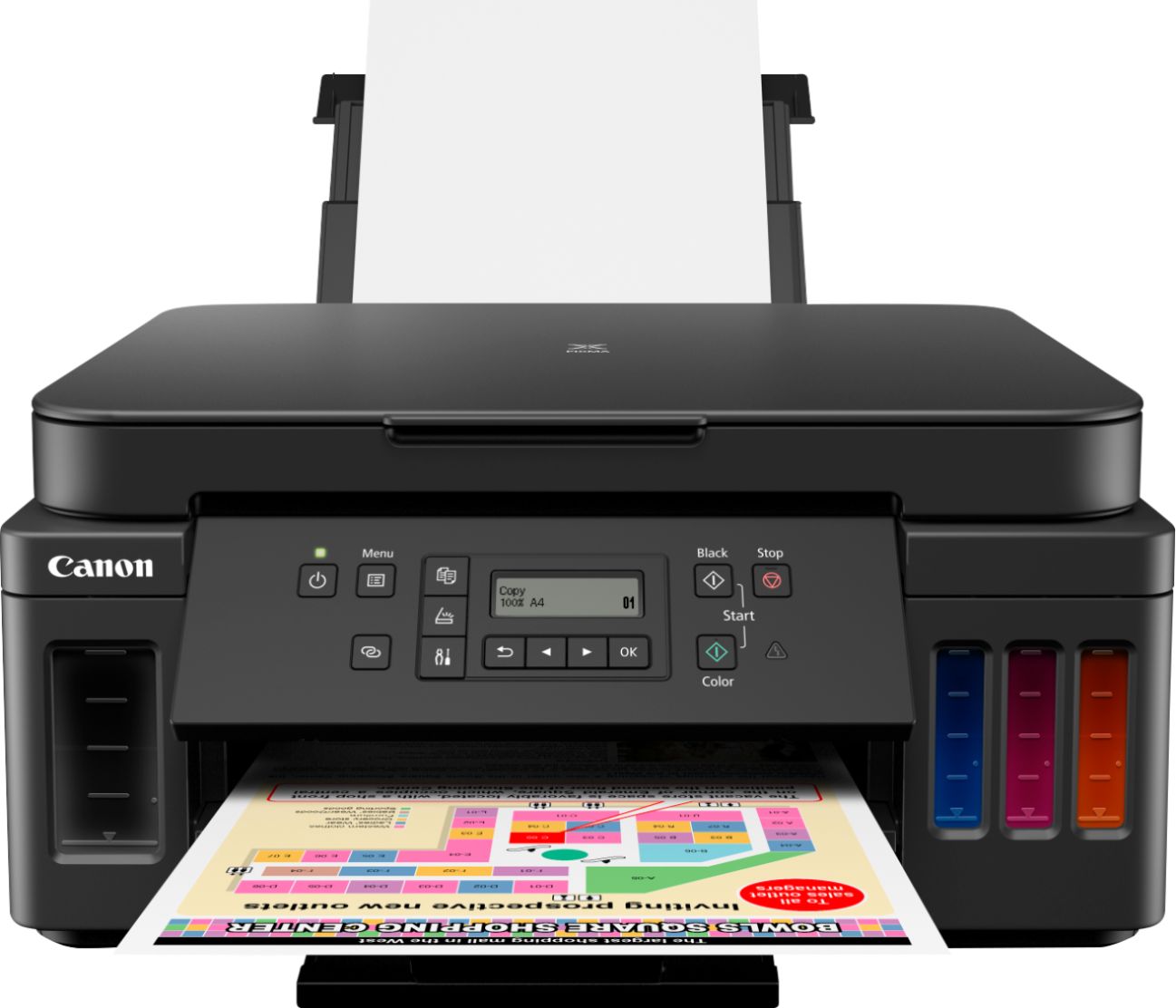
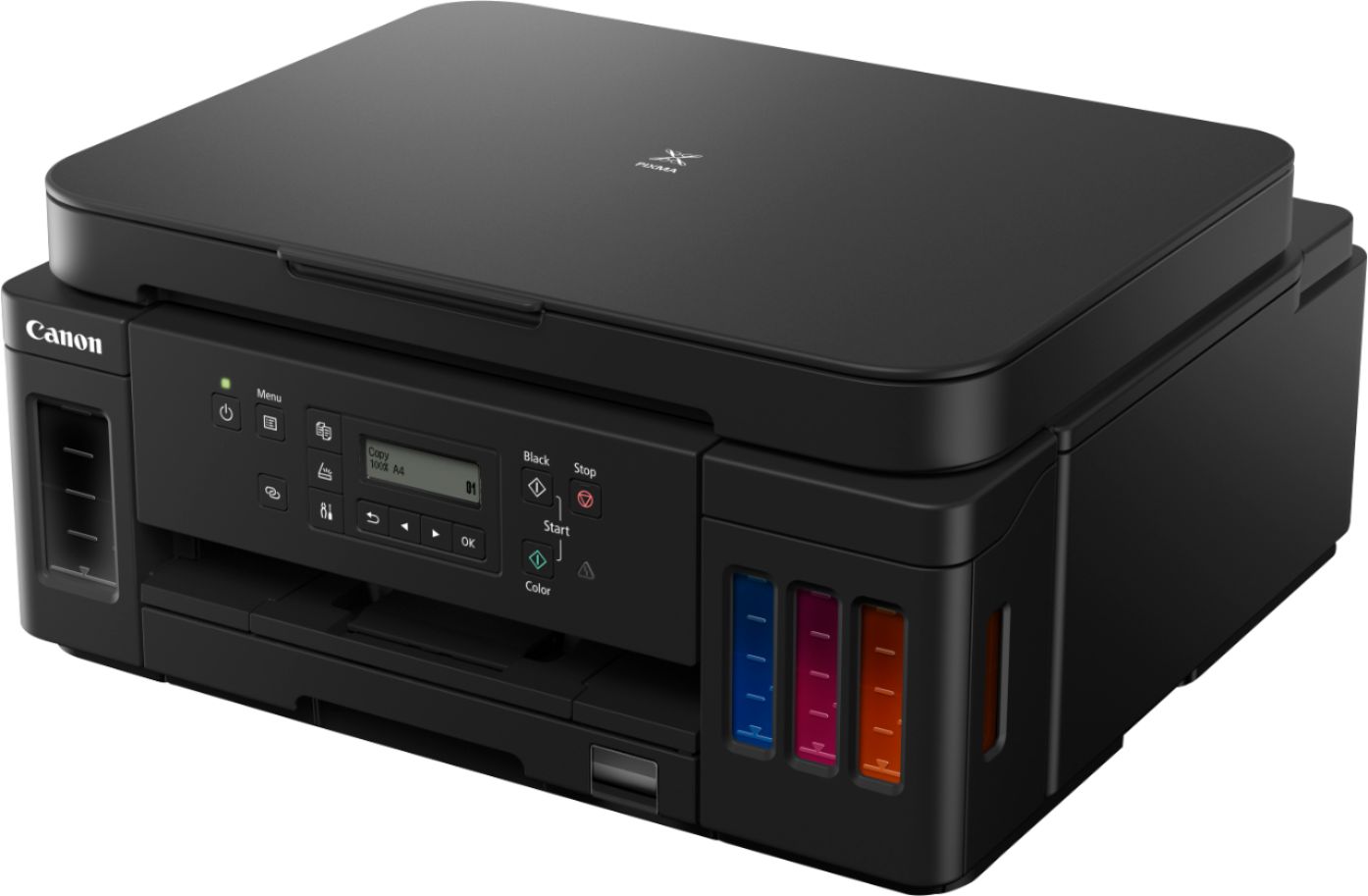
||Posted . Owned for 1 month when reviewed.This reviewer received promo considerations or sweepstakes entry for writing a review.I bought this to replace a PIXMA MG-6120 that died. Which, by the way had been an EXCELLENT all-in-one printer. Checking several sources, I found there was no current Canon printer available equivalent to my old machine, so I settled for this one. The good part is the mega ink tanks which last for a very long time and are economical to replace. They also turn out very good print copies. However, photo prints are very much inferior to my old printer. The worst part is what many other reviewers have complained about. I can't believe at this price point that Canon did not see fit to equip the printer with a back lit display. Unless your printer display screen happens to be directly under and at close proximity to a bright desk lamp, it is impossible to read without the use of a flashlight. I have used only Canon printers for years and have more than one in my home, but whoever designed this model sure missed the mark.
No, I would not recommend this to a friend - Pros mentioned:Print qualityCons mentioned:Control panel
Rated 5 out of 5 stars
Hard to beat for the price
||Posted .This reviewer received promo considerations or sweepstakes entry for writing a review.I bought this printer for the low cost of operation, plus good experiences with Canon products and high quality printing at all price points. I have not been disappointed - it prints graphics and text very well, and ink usage can be controlled by regulating print quality. It duplexes, but slowly; single side printing is rated at 13 pages per minute - roughly 3 ppm faster than the next Canon printer in the lineup, and a good bit faster than the cheaper Epson I lloked at (maybe 8 ppm?) Network setup was quick and easy and has not given me any problems. The printer comes with 3 full bottles of color ink (one for each colr), and three bottles of black ink - - which works well for me, as I bought the printer to print text, not graphics or photos. It is a little noisy, but nothing compared to the HP, Samsung and Brother laser printers I own. Warm up from a cold start is pretty quick, and the printer stays read to print for awhile after that. Paper trays hold 250 and 100 sheets. You can put different papers in each, and there is a manual feed for single sheets of thick stock (e.g. report covers). The out put tray has to be pulled out and unfolded, and it is vulnerable to accidental breakage. Ditto for the rear tray. I'd keep roughousing kids and pets away from the printer when it is being used. The control panel is OK, but not lit; I keep a small LED flashlight handy when I am using the printer. BTW - Best Buy got the printer to me very fast at no extra cost, and the price was right for this level of printer. Can't speak to issues like relaibility, durability, jam-prone operation, etc. because I have not had the printer long enough. I am very satisfied with the printer (especially the low cost of printing, and the speed r3elative to the price) and the print quality.
I would recommend this to a friend - Pros mentioned:Print quality, Setup
Rated 4 out of 5 stars
Canon Prixma G6020
||Posted . Owned for 1 month when reviewed.This reviewer received promo considerations or sweepstakes entry for writing a review.PROS- Blk ink last long, easy setup 2 wye-five on laptop, have not tried setting on cell phone. Prints on both sides from laptop emails, online etc. Printing is good, printer size works for me. CONS- Does not print both sides when scanning, no LED light on screen difficult to see, I use small flashlight. printing is not as quick as I would like it to be. printer noise is Moderate. All in all I'm happy with it.
I would recommend this to a friend - Pros mentioned:Print quality
Rated 4 out of 5 stars
Thus far Good Printer
||Posted .This reviewer received promo considerations or sweepstakes entry for writing a review.This is my first canon Printer and Thus far it Prints great. Double Sided feature works Beautifully - no Jamming. Only issue is the screen in not back lit and can be hard to read.
I would recommend this to a friend - Pros mentioned:Print qualityCons mentioned:Display
Rated 5 out of 5 stars
I love you Canon. You got everything I need right.
||Posted . Owned for 8 months when reviewed.This reviewer received promo considerations or sweepstakes entry for writing a review.I was hesitant to buy this printer at first because of the price but in the end Canon delivered. From the documents it prints from Word, to the PDF from Adobe and the photo copier, this is a machine Canon got everything right plus more. Aside from those things, my favorite feature I find myself using very often is the rear-loading feed tray it has on the back of the unit. This is truly an all-in-one printer with the exception of FAX and other advanced features a large organization may use. The box came with photo paper and ink to top the tanks off. I used the photo paper and liked the results and now bought another set. The quality of the print for standard documents is excellent in both color or grayscale. The rear tray lets you print envelopes and many other things. There is so much more this printer can do. With all these positive things I guess that the only thing that could have been better would be the display as It is not friendly to use in darker settings as well as the on-board user interface.
I would recommend this to a friend - Pros mentioned:Print quality, Setup
Rated 5 out of 5 stars
Nice everyday printer.
||Posted . Owned for 1 month when reviewed.This reviewer received promo considerations or sweepstakes entry for writing a review.After several weeks of use, my G6020 is delivering the performance I expected. My set up was incredibly simple and trouble free. I’m wirelessly connected to three laptops and multiple mobile devices using Mac/iOS, Windows and Android. The connection process was seamless with each operating system. This has been noted elsewhere but I’ve not been able to get the printer to auto turn on when it goes to sleep after non-use. As I work from the same room as the printer, I just reach over and hit the power button so this hasn’t been an issue. If this isn’t an option for you, you may find yourself walking over to your printer often. The high volume tanks are holding up nicely. The print quality for my day-to-day needs is exactly what I expected and needed. Duplex printing has been trouble free and quick. I’ve printed a mix of text, graphics and mix of both. The printer handled these tasks equally well. Overall, it’s been a good purchased I’m I’m pleased with the printer.
I would recommend this to a friend - Pros mentioned:Print quality
Rated 5 out of 5 stars
Perfect
||Posted .This reviewer received promo considerations or sweepstakes entry for writing a review.I bought this over a year ago and I still have 75% ink left. This is infinitely better than my old cartridge printer. The quality is great and I used it to print all my wedding stationary on nice cardstock.
I would recommend this to a friend - Pros mentioned:Print quality
Rated 5 out of 5 stars
Wonderful Printer
||Posted .This reviewer received promo considerations or sweepstakes entry for writing a review.I love this printer. I bought it because I make books. Notebooks and genealogy books. I do a lot of printing. This printer is great. I have never regretted buying it. It prints card stock, thicker paper and regular paper. Beautiful prints. I haven't tried photo paper but I am sure that is great too.
I would recommend this to a friend - Pros mentioned:Ease of use, Setup
Rated 4 out of 5 stars
Happy customer
||Posted . Owned for 3 weeks when reviewed.This reviewer received promo considerations or sweepstakes entry for writing a review.Love the ease of setup and performance of printer. Setup using computer was really easy as I just followed the instructions
I would recommend this to a friend - Cons mentioned:Connectivity, Display
Rated 1 out of 5 stars
VERY disappointed
||Posted .This reviewer received promo considerations or sweepstakes entry for writing a review.I have had this printer for 1-1/2 years now and can say it is the worst printer I have ever had. The display is not backlit and very hard to see unless you have very bright ambient light. It's connectivity is poor with devices such as our smart phones and iPads. Often it just doesn't print. And today we realized there is no way of printing an 8X10 photo, something we have been able to do on all of our previous printers. I confirmed this with Cannon support. The only good thing is the tank system which is much better than constantly having to buy ink cartridges.
No, I would not recommend this to a friend - Pros mentioned:Print qualityCons mentioned:Display
Rated 4 out of 5 stars
Good printer for good cost overall
||Posted . Owned for 3 weeks when reviewed.This reviewer received promo considerations or sweepstakes entry for writing a review.Very nice and compact printer. Do not like the flip up display which must stay completely up to activate printer features. Very much like the ink panels that hold a huge amount of ink and paper tray cassette holds 3 times as much paper as old HP. Does not function with windows 10 very well at all unless you disconnect S feature on windows ( they do not mention this ). Customer support the best I have ever talked to ( All US based ). Above average printer color quality ( Have seen better ). A bit noisy for sure. Average printer for average cost. Gets the job done if windows does not screw it up with poor updates and they do just that.
I would recommend this to a friend - Pros mentioned:Print quality
Rated 4 out of 5 stars
Great if you need to print a lot
||Posted . Owned for 3 weeks when reviewed.This reviewer received promo considerations or sweepstakes entry for writing a review.First the good... 1. You really can print a LOT with this thing! With other printers in the past we've had to resort to buying third party ink in order to get decent cost per page, but the manufacturers have FINALLY started giving us options that allow for high volume printing without having to take out a second mortgage on the house. 2. Text and graphics come out sharp. 3. My wife loves that this supports Apple AirPrint so that she can print directly from her phone. 4. The front tray holds a lot of paper. For anything else, the back paper loader is easy to open and put in whatever else you need to print. We've tried out printing envelopes and photos from the back, and both worked great. 5. The borderless photo printing really is borderless! Now the not so good... 1. Color accuracy is so-so. Creating a color copy shows noticeable differences in the color. Oranges in particular look a little darker and duller than the original. Regular text and graphics look good. Photos look slightly dull in color. 2. The built in functions can be awkward. Most printers these days have a touch screen with pretty intuitive operation. In comparison, the physical buttons and monochrome text display on this unit are much less intuitive and engaging. This isn't a big deal when printing from your computer, but for making copies or scans from the printer itself it's a little less than ideal. 3. I've read a lot of reviews where people had issues connecting the printer. I used the front panel to manually connect the printer to my network and did not have a single issue. It was slightly cumbersome because of the buttons and text display I mentioned just above, but it worked. Summary... If you're looking for something that can do a lot of printing without breaking the bank, this is for you. In an office, or if you have to print out a lot of school material, this thing really shines. If you need great photo quality or find that you want super user-friendly interface for scanning and copying, then you would probably be happier with a different printer.
I would recommend this to a friend - Pros mentioned:Print quality, Setup
Rated 5 out of 5 stars
Nice printer for home office or univ. student.
||Posted . Owned for less than 1 week when reviewed.This reviewer received promo considerations or sweepstakes entry for writing a review.As a direct comparison to EPSON, the G6020 is pretty good. It is comparable to the ET 3000 series without the fax. The print on plain paper may look faded at first but you can set it up in the printer properties to print with a decent output. It took me 4 tries to get a satisfactory photo printout on a plain paper. If you use better quality plain paper (heavier and brighter) the color output is nice. By the way, for photo print on plain paper, you should use any application in your PC other than printing directly from windows photo viewer. For some reason the printing quality suffers. You can use paint or ms word and the photo on plain paper will be much better. Other than that, black prints are very sharp if you choose high quality in the settings. Also, the prints using photo papers (glossy or matte) are very good, too. It is not very fast but printing photos at a high quality is often slower not matter what printer you use. I would say EPSON was a bit faster than Canon but performance wise is acceptable. The setup is a breeze. During the setup, it will go through software updates. I have set up for 2 notebooks and 2 cell phones on wifi.
I would recommend this to a friend - Pros mentioned:Overall performance
Rated 4 out of 5 stars
Good printer. Works in my roll top computer desk.
||Posted . Owned for 1 month when reviewed.This reviewer received promo considerations or sweepstakes entry for writing a review.Works great. Really like the ink tanks verses cartridges. Seems to be exactly what I needed.
I would recommend this to a friend - Pros mentioned:Setup
Rated 4 out of 5 stars
Excellent printer with minimal fuss
||Posted . Owned for 3 weeks when reviewed.This reviewer received promo considerations or sweepstakes entry for writing a review.After a month of ownership - initial setup was easy on Windows 10; less so on Mac OS. I did end up modifying the color profiles a bit and matching the color profile on the printer to what is visible on the screen is a near impossibility, but it is comparable to printers costing a lot more money and seems to sip the ink. The look and size of the printer were an initial perk as plus and it does fit our space nicely. Would highly recommend. One challenge was Best Buy had no printers in stock at all so had to wait for it to be shipped.
I would recommend this to a friend - Pros mentioned:Print qualityCons mentioned:Control panel
Rated 4 out of 5 stars
So far so good
||Posted . Owned for 2 months when reviewed.This reviewer received promo considerations or sweepstakes entry for writing a review.So far works great. Easy to install and prints nicely. So far my only gripe is the weird control panel. It was hard to install the printer only because it kept complaining that the panel was open, but it called it something that sounded like a menu not a physical control so it was very confusing. Why even have the panel open/close if you HAVE to have it open to install and print anyway? Other gripe is the printer takes a bit to wake up before it prints. Otherwise so far so good. I like having bottles instead of cartridges
I would recommend this to a friend