Customer Ratings & Reviews

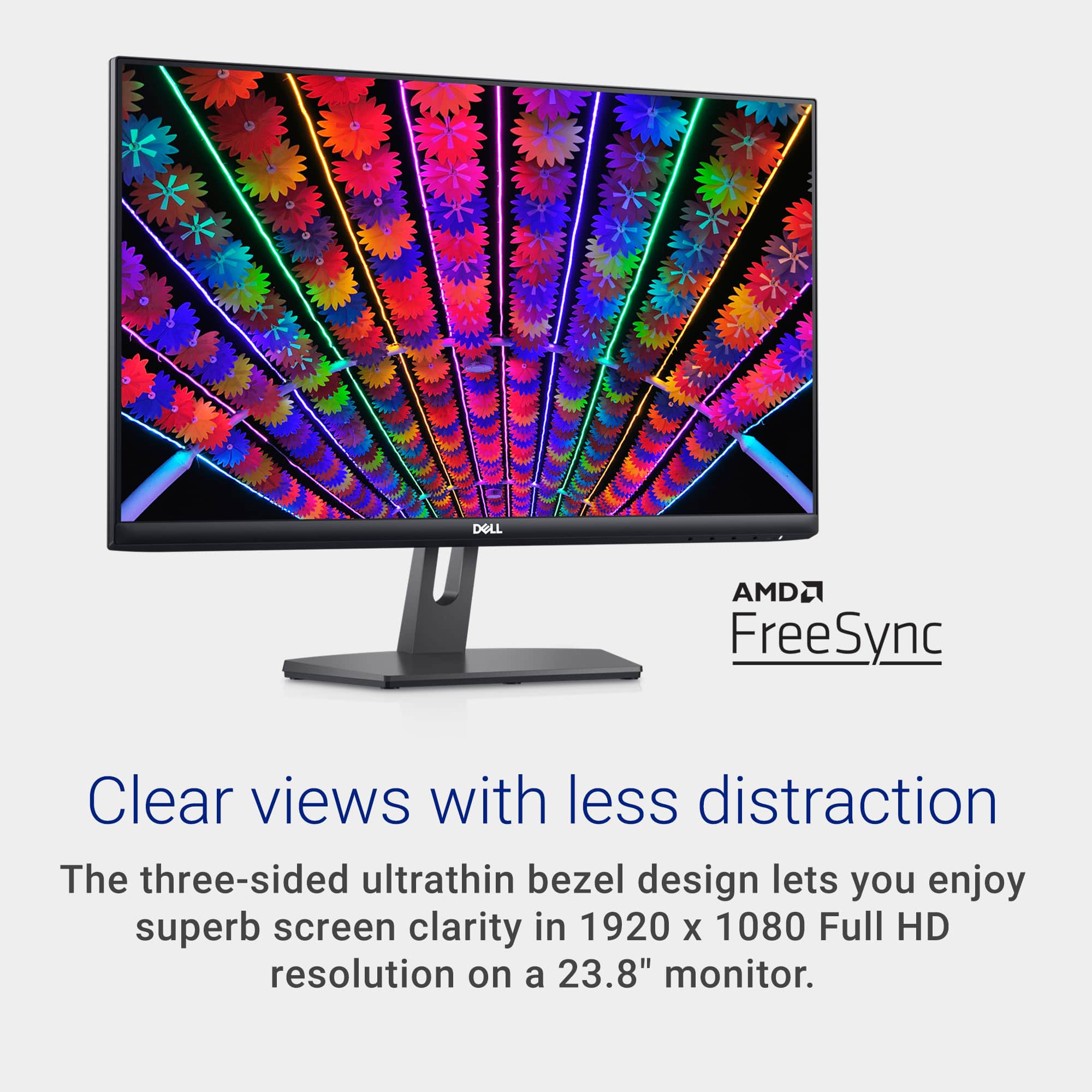
- Model:
- S2421NX
- SKU:
- 11021785
Rating by feature
- Display Quality
Rating 4.8 out of 5 stars
- Ease of Use
Rating 4.8 out of 5 stars
- Features
Rating 4.7 out of 5 stars
It's A Dell
Posted .This reviewer received promo considerations or sweepstakes entry for writing a review.Love it....it's a Dell product! I bought a Dell laptop...love it so I added a Dell monitor.
I would recommend this to a friendGet Yours
Posted .This reviewer received promo considerations or sweepstakes entry for writing a review.Great product. Great for transporting. Will invest soon in another.
I would recommend this to a friendDual screen
Posted .This reviewer received promo considerations or sweepstakes entry for writing a review.Perfect for using as dual screen to my laptop, Great Color
I would recommend this to a friendSolid Monitor!
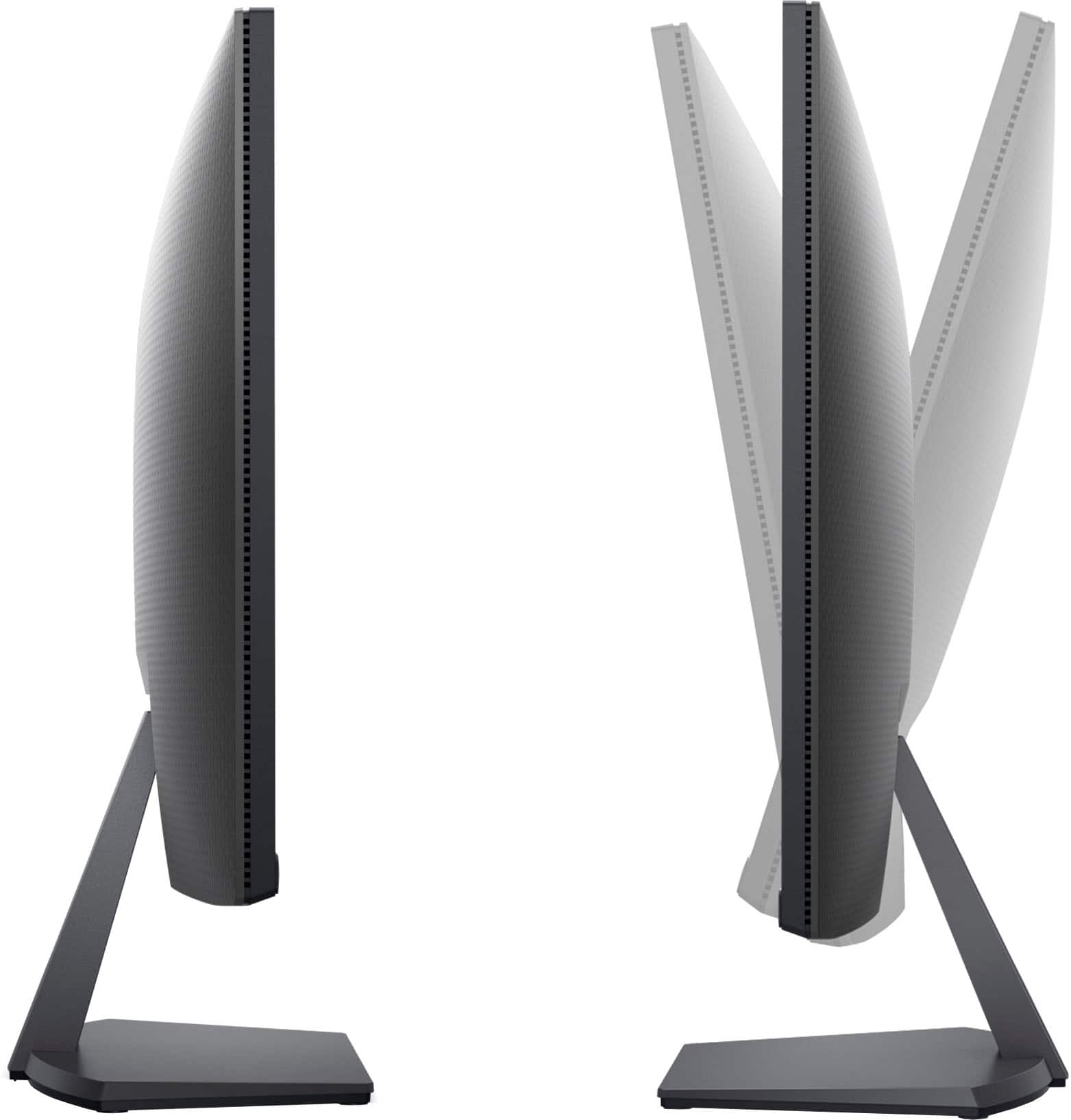
Posted .This reviewer received promo considerations or sweepstakes entry for writing a review.Very functional and aesthetic, wished that the stand was height adjustable.
I would recommend this to a friend
Truly Unexceptional
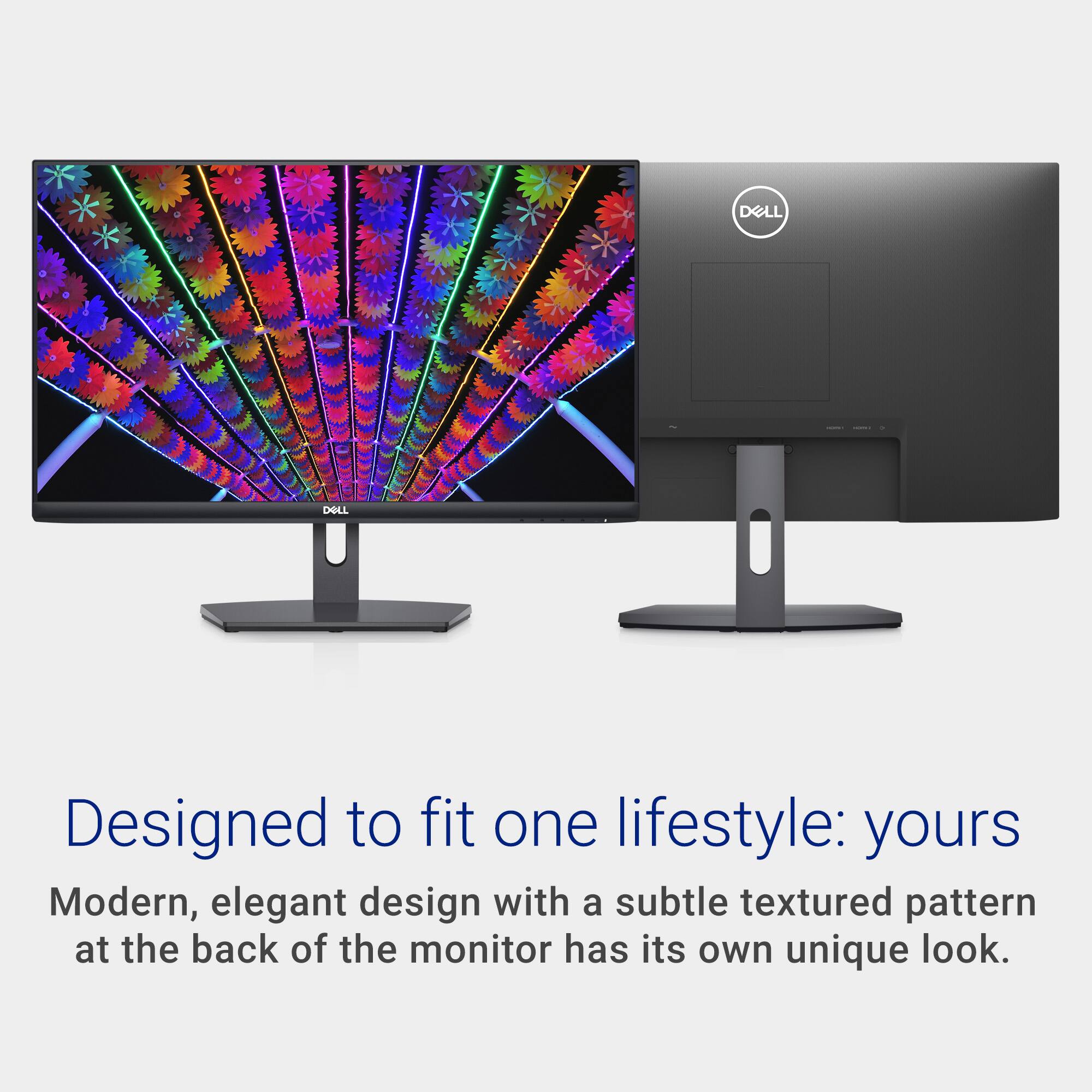
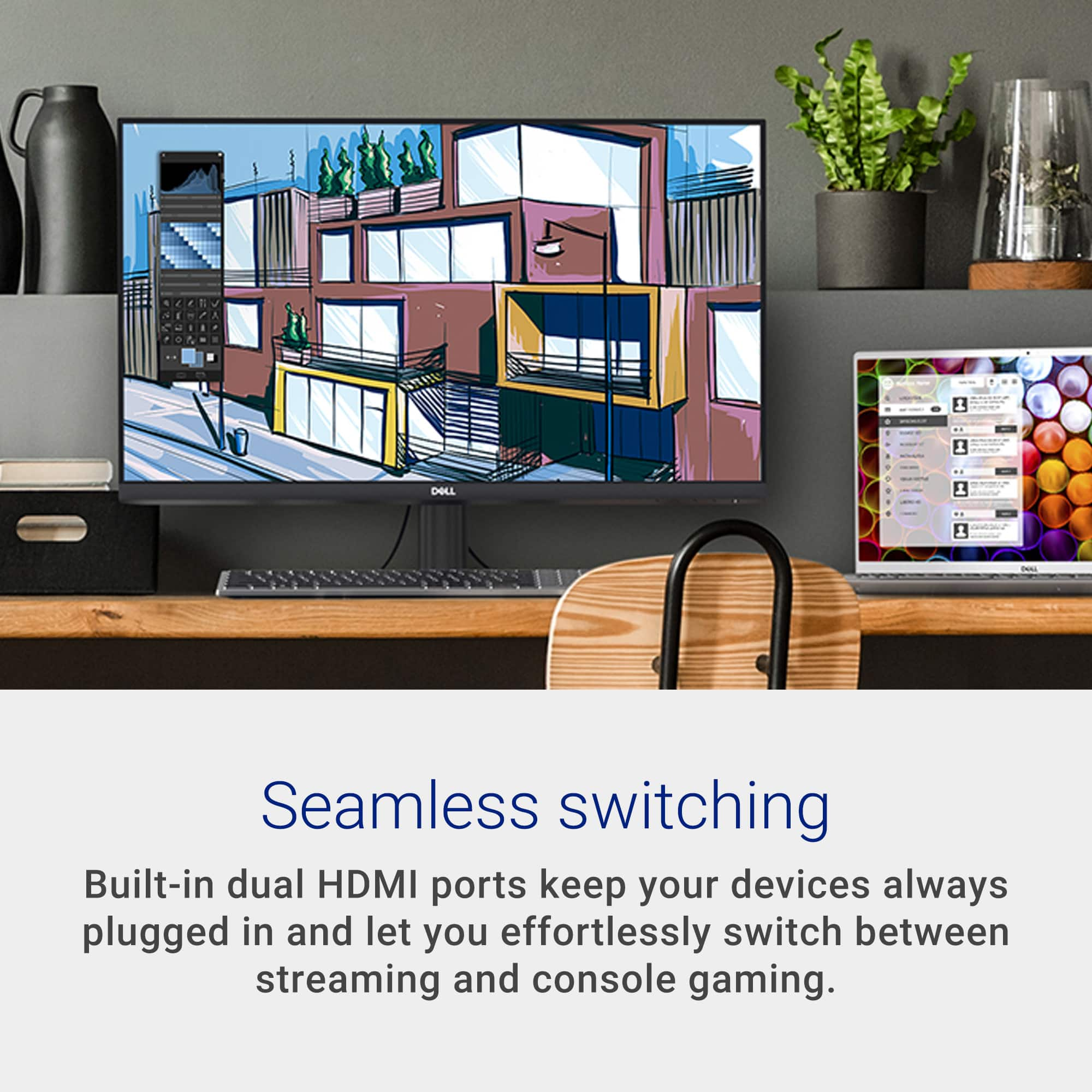
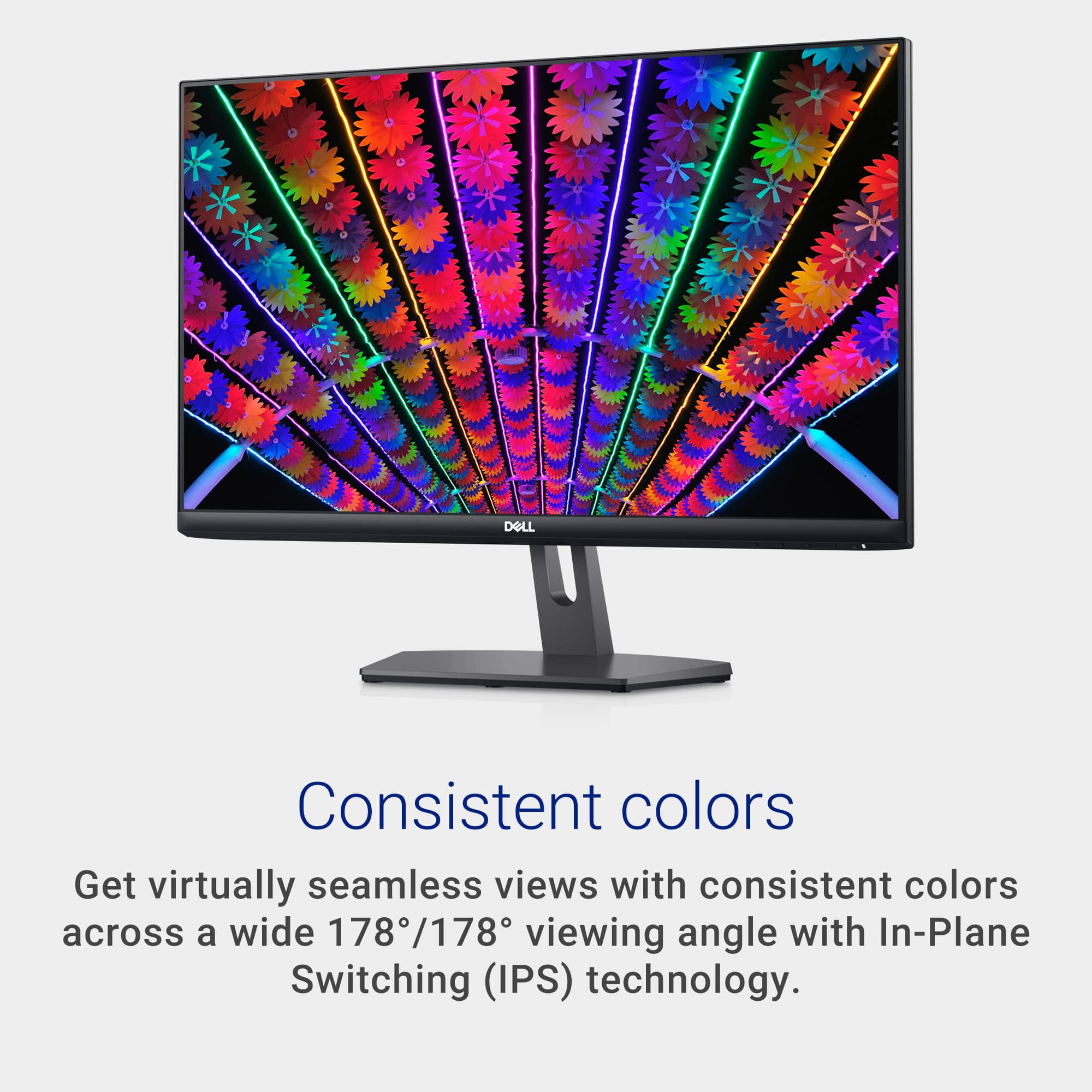
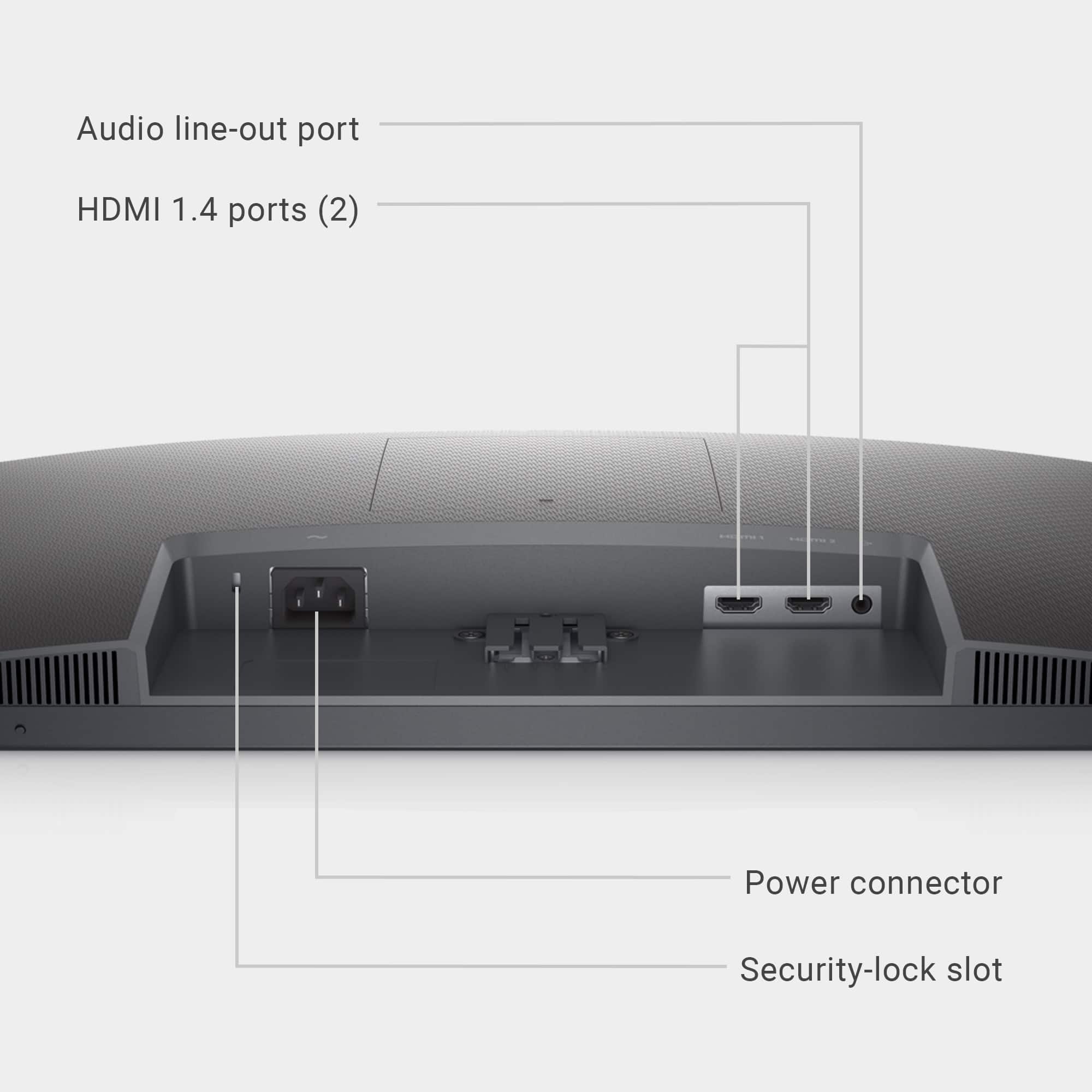
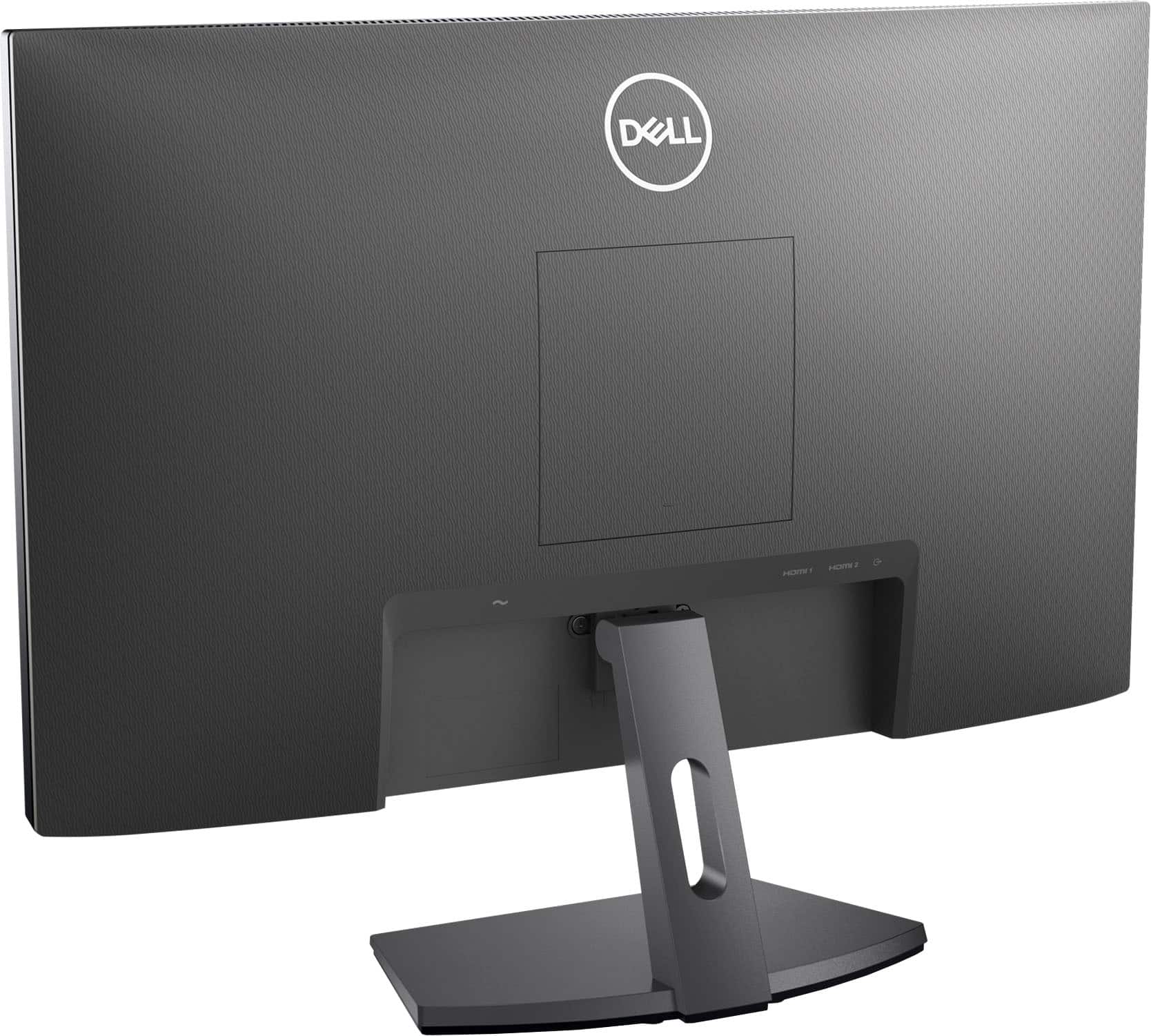
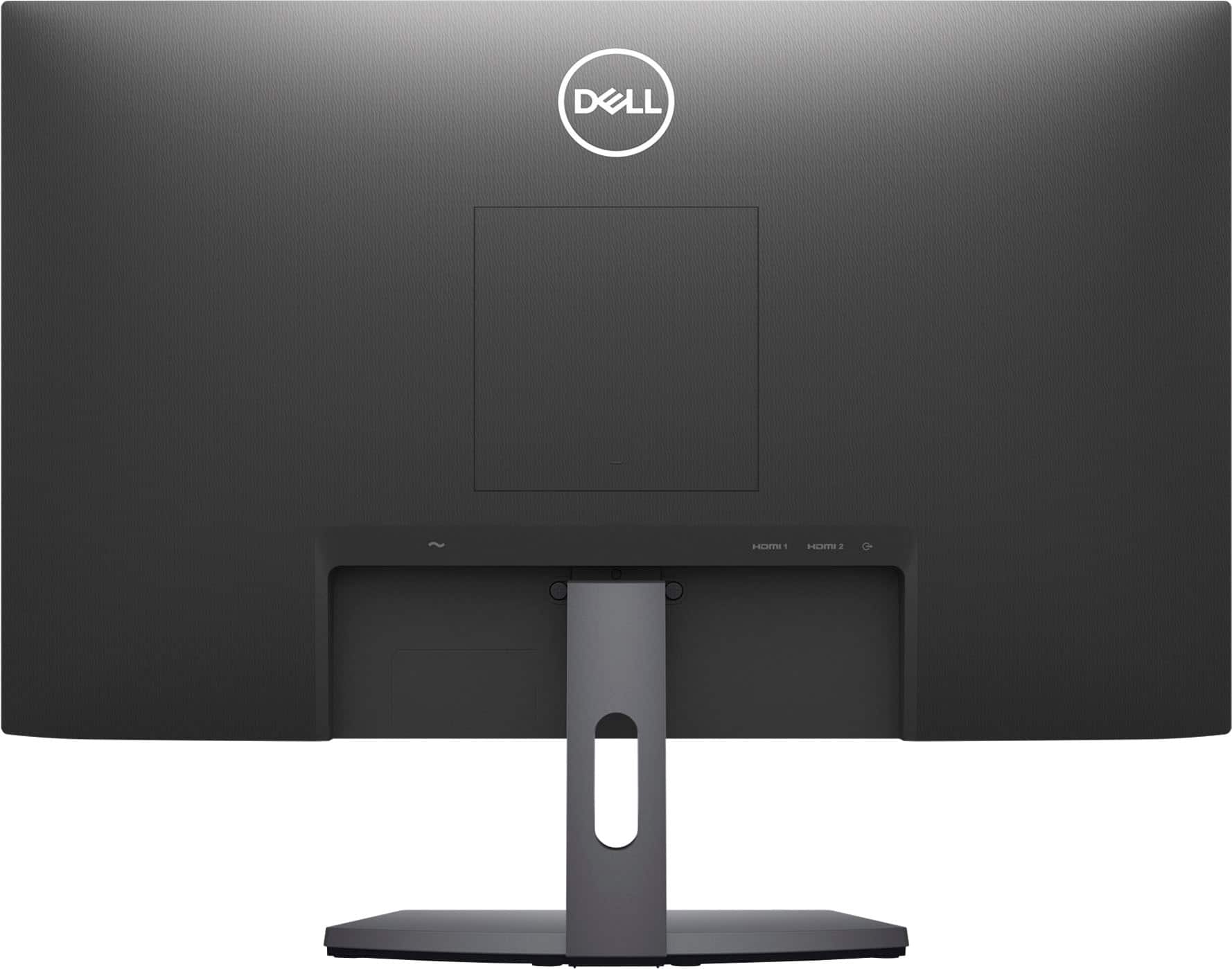
|Posted .This reviewer received promo considerations or sweepstakes entry for writing a review.You can compare basic features of Dell monitors by comparing model numbers - the sequence of letters and numbers represent: Series/Type - Diagonal Size in Inches - Release Year - Resolution/Ratio - Miscellaneous Features. The S2421HX is a: S = Small Home Office 24" 21 = 2021 Release H = Full HD (1920 x 1080 | 16:9) X = Includes HDMI cable Dell has a HUGE number of monitors on the market and it's much easier to gauge differences if you can remember a few codes. Lists of what other letters represent can be found online. This model has an internal power supply (no nagging external unit, just a power cord). It does NOT have speakers, which is wildly annoying and something most people should consider before buying. The screen is wonderfully anti-glare and has a very wide viewing angle. It has two HDMI inputs. There is no camera. My biggest criticism of this monitor is that I find the display to be dim and somewhat muddy. Adjusting the brightness and contrast is easy enough but I can't seem to boost settings enough to make things look naturally bright and sharp - adjusting things ultimately just makes things look adjusted. With so many monitors to choose from in this world, I could never recommend one that was average, at best (with no speakers!).
No, I would not recommend this to a friendBrand response from YourDellTeam
Posted .Hi VADarkstar,
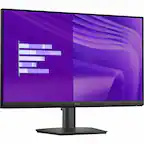
We would like to thank you for taking the time to provide us with your feedback. We are sorry to hear you are not 100% satisfied with your Dell 23.8” monitor because you are not able to adjust its brightness and contrast to your liking.
Below, I have provided a link to an article where the troubleshooting tips can be found:
How to Troubleshoot Display or Video Issues on a Dell Monitor: https://dell.to/3yYMd4t
Your monitor also has a built-in diagnostic tool that helps you determine if any screen abnormality you experience is an inherent problem with your monitor, or with your computer and video card.
To run the built-in diagnostics:
1. Ensure that the screen is clean (no dust particles on the surface of the screen).
2. Press and hold Button 4 for about 4 seconds until a pop-menu appears.
3. Use Button 1 or Button 2 to select the diagnostic tool and use Button 3 to confirm. A gray test pattern appears at the beginning of the diagnostic program.
4. Carefully inspect the screen for abnormalities.
5. Press Button 1 again to change the test patterns.
6. Repeat steps 4 and 5 to inspect the display in red, green, blue, black, white, and text screens.
7. Press Button 1 to end the diagnostic program.
If you do not detect any screen abnormalities upon using the built-in diagnostic tool, the monitor is functioning properly. Check the video card and computer.
The full article on built-in diagnostics can be found below:
How to Run a Diagnostic Test on a Dell Monitor: https://dell.to/3CW8ctj
If the issues with your monitor are still not resolved after applying the troubleshooting tips above, please contact the Dell Support Team at 1-800-624-9896 for further guidance.
Best,
Katarina@Dell
Should you need further assistance, you can contact Dell directly with the information below.
Chat or call: https://bit.ly/DellSupportTeam
Phone number to Dell 1-800-624-9896
Great Buy
Posted .This reviewer received promo considerations or sweepstakes entry for writing a review.Fantastic. A Pair is Perfect for a Home Office. No complaints!
I would recommend this to a friend