Customer Ratings & Reviews
- Model:
- S2725QC
- |
- SKU:
- 6619486
Customer reviews
Rating 4.7 out of 5 stars with 166 reviews
(166 customer reviews)Rating by feature
- Display Quality4.7
Rating 4.7 out of 5 stars
- Ease of Use4.7
Rating 4.7 out of 5 stars
- Features4.7
Rating 4.7 out of 5 stars
Rated 5 out of 5 stars
Recommended
||Posted .This reviewer received promo considerations or sweepstakes entry for writing a review.very nice display. not big and not small. Just perfect,
I would recommend this to a friendRated 5 out of 5 stars
Great for MacOS
||Posted .This reviewer received promo considerations or sweepstakes entry for writing a review.Excellent monitor for the price — works flawlessly with my MacBook Air.
I would recommend this to a friendRated 4 out of 5 stars
Better for work
||Posted .This reviewer received promo considerations or sweepstakes entry for writing a review.For regular work use, very nice monitor. But don’t buy this for gaming purposes, the response time is quite poor.
I would recommend this to a friendRated 5 out of 5 stars
Great Picture quality on Mac
||Posted . Owned for 2 weeks when reviewed.This reviewer received promo considerations or sweepstakes entry for writing a review.Great price for the specs on this monitor. Would recommend
I would recommend this to a friendRated 4 out of 5 stars
Good monitor
||Posted .This reviewer received promo considerations or sweepstakes entry for writing a review.The monitor is very good and easy to set up. I would recommend it.
I would recommend this to a friend- Pros mentioned:Port count, Screen quality
Rated 5 out of 5 stars
Great Monitor at the price range
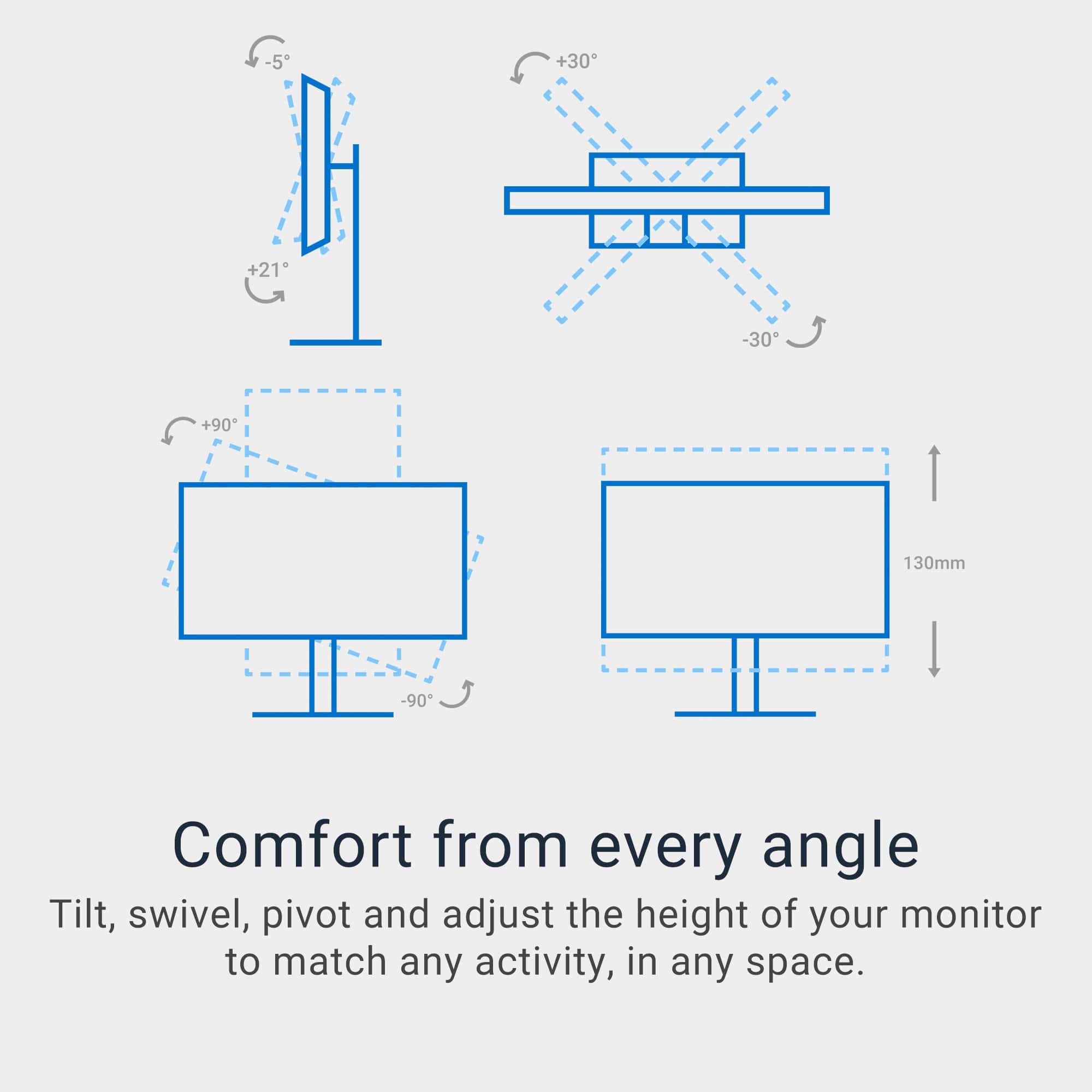
|Posted .This reviewer received promo considerations or sweepstakes entry for writing a review.This monitor is in the middle of the road on performance. Despite its 60hz refresh rate, I haven't experienced screen tearing or lagging in high-graphic games like Pub-G. But with fast-moving objects you do get some blur on the edges as they move across the screen. On 4k you will only get a max of 30Hz due to limitations on only having HDMI 2.0, you can get the higher refresh rate by using the USB-C input if your device has a free slot. It also has flicker free backlight which helps reduce eye strain if you have an issue with flicker. This monitor has a 9.0ms input lag, so the delay is small enough not to notice, and you will get great response time. The ergonomic stand has about 4 inches to raise and lower the monitor, with a minimum height of the top of the panel being 15.4”. It has a swivel range of -30 degrees to +30 degrees. A tilt range of -20 degrees to +50 degrees and can rotate to either portrait or landscape. Comes standard with Vesa 100 x 100 for wall mounting. The controls are placed for easy access on the bottom right corner of the monitor. The monitor comes with 2 USB-A ports at 5Gbps, 1 USB-C port at 5Gbps. With the USC-C port you can charge a device and display the screen at the same time. Some other features of the monitor include 3.5mm Audio Out, HDR10, built in speakers and picture in picture. The Native resolution is 3840 x 2160; the Aspect Ratio is 16:9 and the Pixel Density is163 PPI. The 4k display offers true color match for photos and videos, making it excellent for work, gaming, and movies. I have only had this monitor for a week or so and have been extremely pleased with the performance.
I would recommend this to a friend Rated 3 out of 5 stars

edge discoloration
||Posted .This reviewer received promo considerations or sweepstakes entry for writing a review.It's ok, but not great. I see quite a bit of edge discoloration, especially on the right side.
No, I would not recommend this to a friendRated 1 out of 5 stars
Poor connectivity (HDMI only), flimsy structure, c
||Posted .This reviewer received promo considerations or sweepstakes entry for writing a review.This monitor can only connect via two HDMI ports; it has NO DisplayPort at all. It has two USB ports (USB A & USB C), but it is clearly conceived only to be used with laptops. Most video cards (NVIDIA & other brands) may have one HDMI port, but several DisplayPorts; and so many desktop users use multiple monitors. Regardless, only 26 years, I've purchased over twelve Dell monitors. Never have I seen one so flimsy, a massive, wide 27" screen held only by a thin plastic bar less than 2" thick. It all feels very cheap & incredibly flimsy. It also seems impossible to position as a vertical monitor unless it is slightly slanted. Why would Dell not disclose that this a monitor for laptops and for laptops only? This may seem like a bargain, but it is not. I returned mine right away.
No, I would not recommend this to a friend- Pros mentioned:Port count, Refresh rate, Screen quality
Rated 5 out of 5 stars
Impressive value and versatility
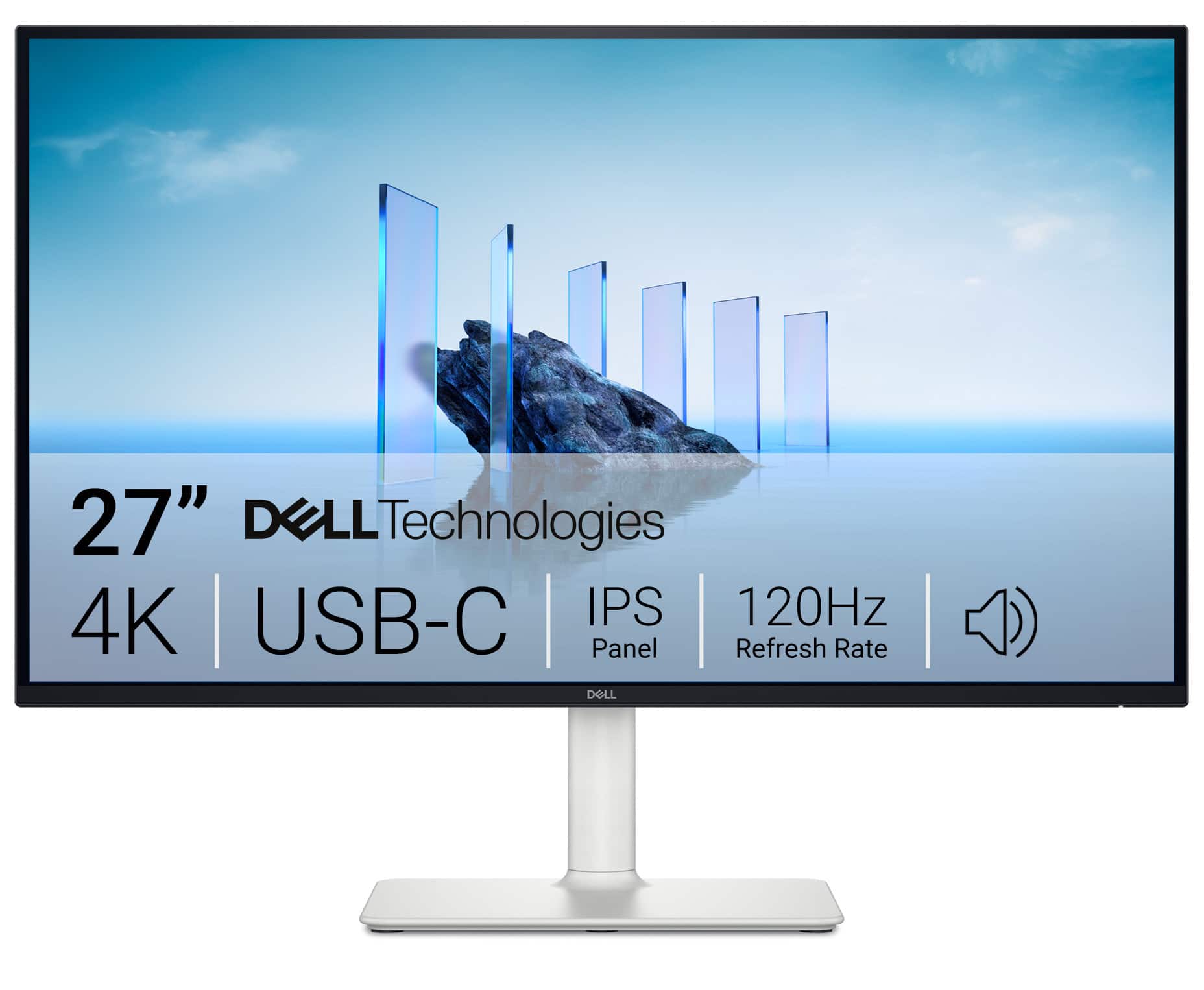
|Posted .This reviewer received promo considerations or sweepstakes entry for writing a review.I am impressed with the serious value of this monitor. I was looking to upgrade to a 4k 120hz refresh rate for the games, video editing, and general home office work. At this price point, I was worried I might be giving up some features. That was not the case at all. The display quality is outstanding; the refresh rate and high contrast ratio make it a joy to use all day. My primary connection is to a desktop, and alternately I use the HDMI ports to connect to my laptop. It’s a true 16:9 aspect ratio. The quality of the built-in speakers was surprising. I was prepared for the typical tinny sound and I was amazed at the power and frequency response of the audio. After a long day behind the screen, I noticed my eyes weren’t bothering me. It has low blue light which I hadn’t truly appreciated until now. It even has the ability to schedule my brightness and contrast settings. We have a MacBook user in the family, and they love how well it works for them. The USB-C connection even charges my laptop. This is an upgrade I should’ve done sooner. Quality, color, sound and versatility made this a great purchase.
I would recommend this to a friend - Pros mentioned:Port count, Refresh rate

Rated 5 out of 5 stars
Big, bright and beautiful
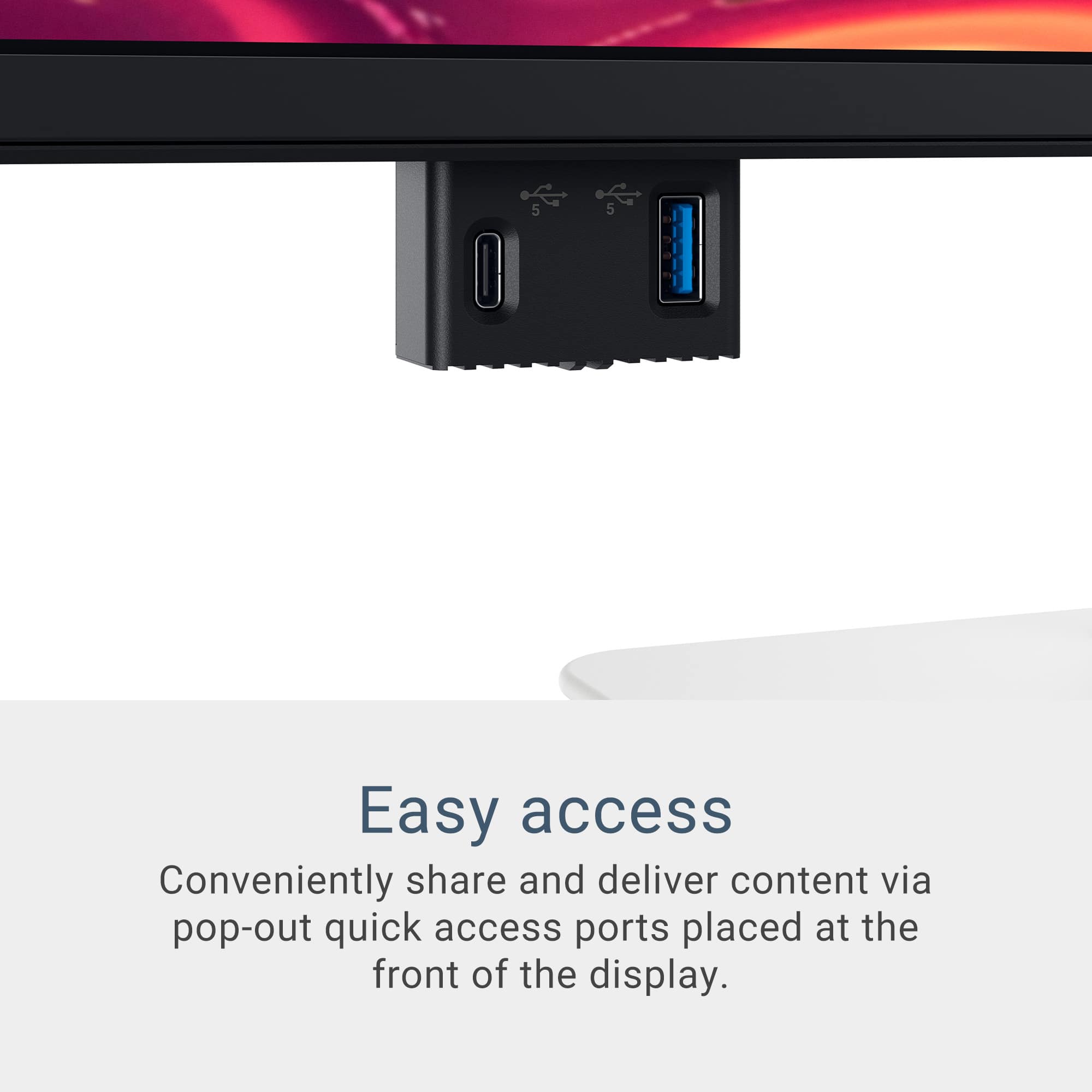
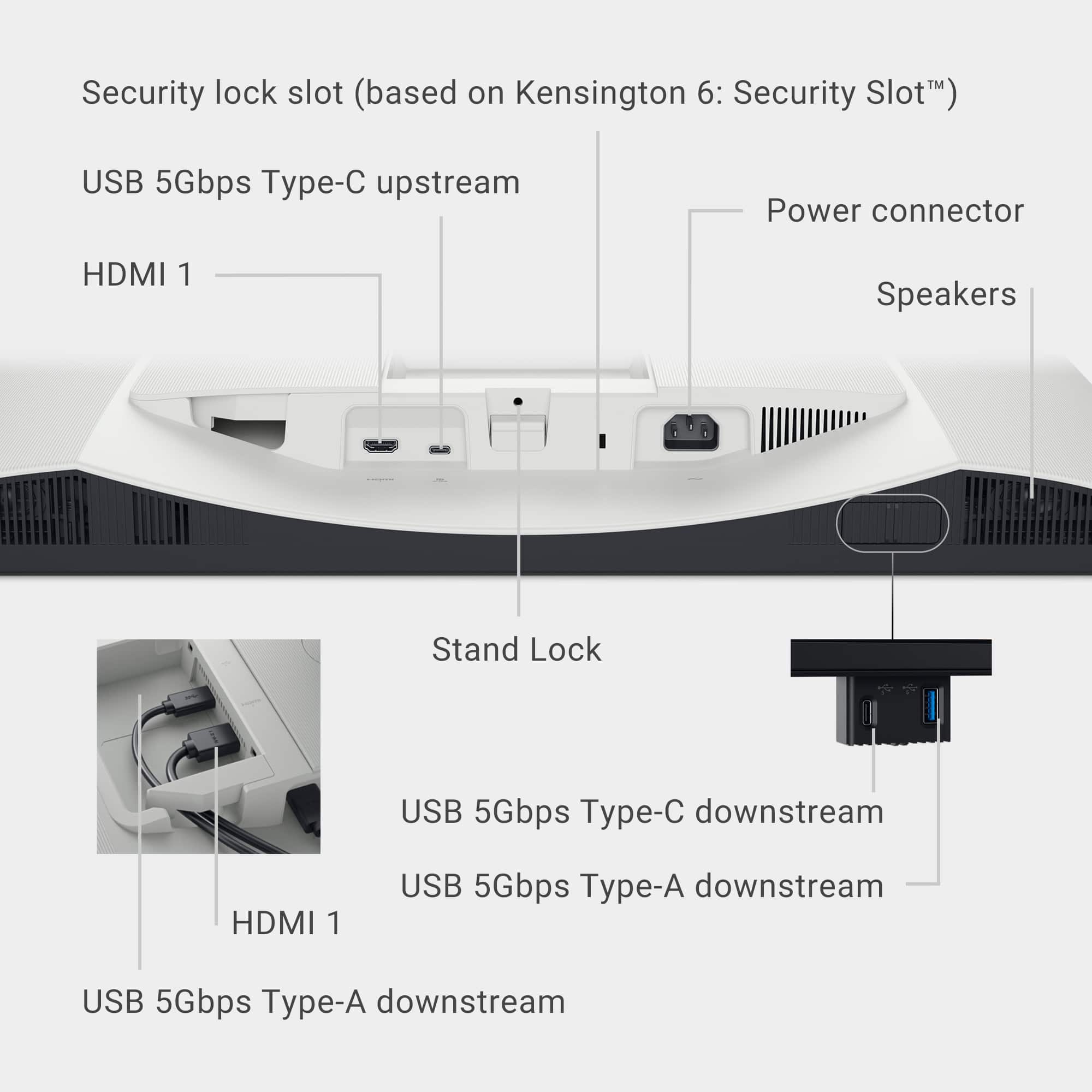
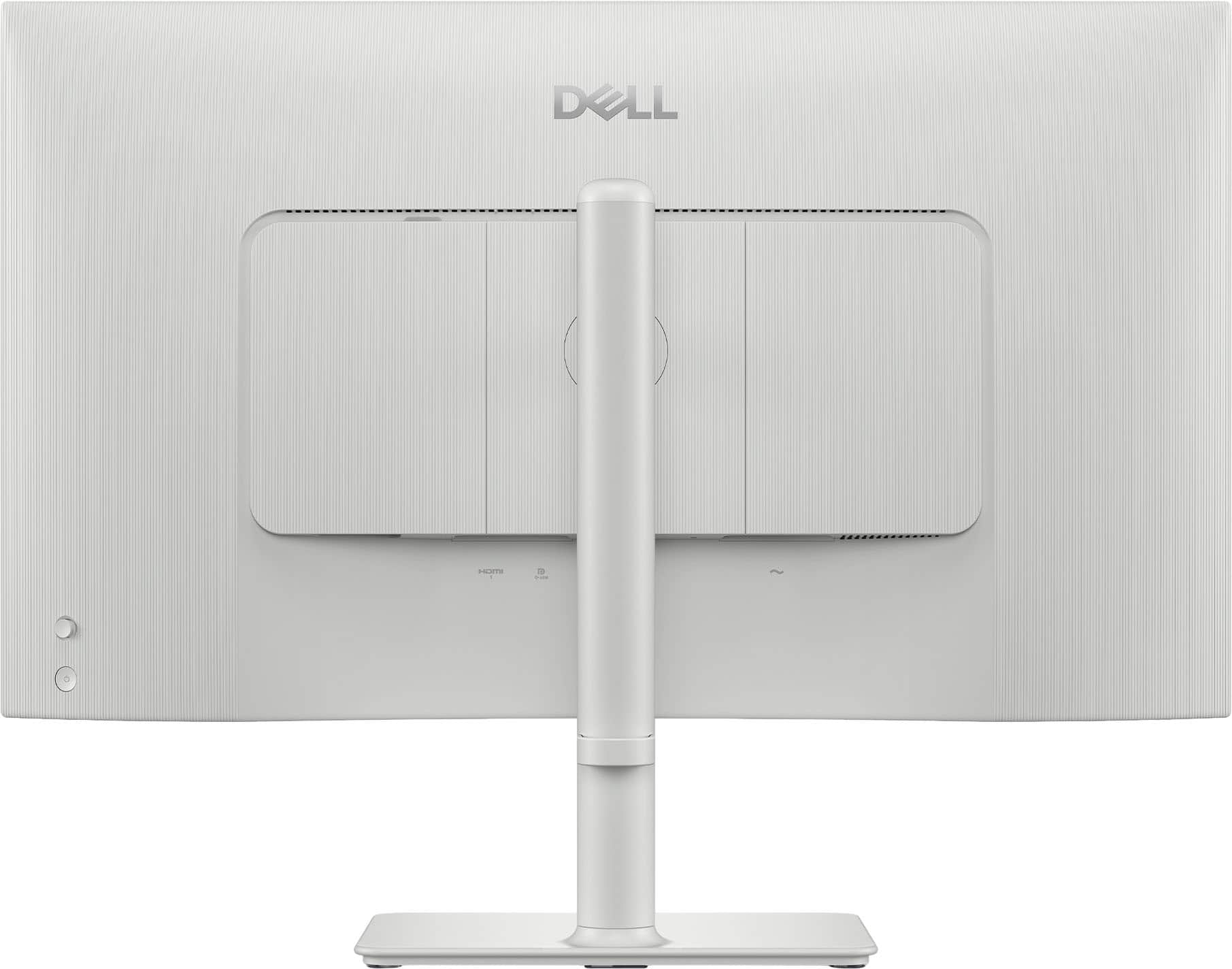
|Posted .This reviewer received promo considerations or sweepstakes entry for writing a review.A computer monitor is one of those components that you don't think too much about but can make a big impact on the overall experience. The Dell S2725QC 27" 4K LED monitor has raised the standard of my viewing experience. The monitor is large and bright. In an average to slightly dim room, I have the brightness set at 30% and that is plenty bright. If you were in a very bright room with lots of natural sunlight, I have no doubt that this monitor would still be plenty bright for your needs. The color clarity is excellent as well. The contrast and blacks are excellent, and the 4K resolution is super sharp and crisp. The 120hz refresh rate means that fast motion videos and sports are smooth with no blur. The height and swivel adjustments are smooth and easy. It has 2x HDMI ports, 2x USB-A and 2x USB-C. One of the USB-C ports can deliver up to 65w of power, enough for many notebooks. There is a pop-out port hub on the bottom that is very convenient for charging lower wattage devices (15w).
I would recommend this to a friend - Pros mentioned:Connectivity

Rated 4 out of 5 stars
A solid 4K monitor for Mac & PC users alike!
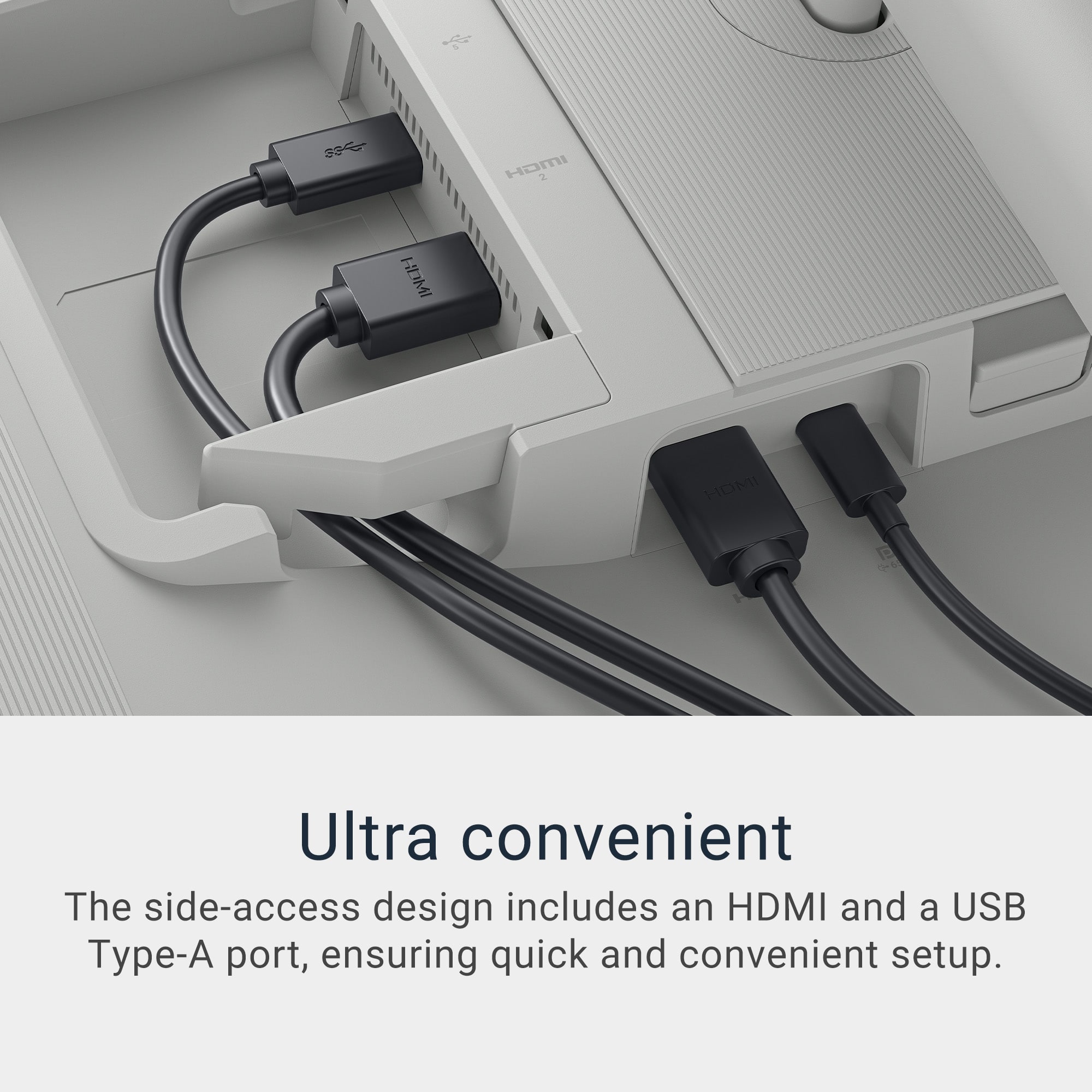
|Posted .This reviewer received promo considerations or sweepstakes entry for writing a review.A great monitor for work and play! Colors pop. Text is sharp. Motion is smooth. With USB-C-enabled devices you can have a clean "one cable" (technically two with power) setup. The screen has a matte finish which is great if you're going to be using it in a room with a lot of natural light -- you won't have to worry about reflections. Do note, it was a little bright out of the box (personal opinion) but not overly bright to where anything was washed out but you may turn the brightness down a little (To be fair, I found my laptop to be the same out of the box and don't ever run my laptop anywhere near peak brightness). + + + Pros + + + • Easy, tool-less assembly compliments of ingenious thumb screw. Then tilt the stand into the back of the monitor and add your cabling before attaching the cable cover panel. • Integrated VESA mount for those wishing to mount this monitor to an arm. • Includes a cover to cancel cables for a clean, seamless aesthetic. There's also a cable management troth built in towards the bottom of the stand. • Adjustability: height (up/down); swivel (side-to-side); tilt (forward); pivot (vertical/horizontal) provides flexible comfort for different scenarios - e.g. standing vs. sitting (height); sharing your screen (swivel) or running different apps (e.g. vertical could be great for coding). • Adjustability: height (up/down); swivel (side-to-side); tilt (forward); pivot (vertical/horizontal) provides flexible comfort for different scenarios - e.g. standing vs. sitting (height); sharing your screen (swivel) or running different apps (e.g. vertical could be great for coding). • 4K: Outside of the great picture quality for text, photos and videos - it's wider than my laptop screen so multi-tasking is easier and allows me to see more of things I may be working on (e.g. I can see more rows and columns in spreadsheets) and comfortably fit a full size Excel window next to say an Email window without cutting off as much as I would with just the laptop display. • Connectivity: supports connectivity to Mac via upstream port and accessories via downstream port. If you opt to run USB-C vs. HDMI this allows for a single cable for both charging and display. I also recently located and don't have room for my office TV. Because this monitor has HDMI on it, it can pull double duty and I can connect my NVIDIA Shield or Apple TV to stand use it as a "tv." - - - Cons - - - • No webcam. No a complete deal-breaker if you have a laptop with one built-in, but it would be nice to be able to have your work and audio/video for conference calls coming out of the same source. • So-so speakers. • 120Hz disables HDR on macOS but you can use HDR at 60Hz scaled at 1440p. • The stand isn't quite high enough for the monitor to clear (height-wise) without tilting the monitor forward/out first. • I wish the USB-As on this were all USB-C since its rare nowadays to find devices that are still connecting via USB-A. Having to purchase dongles to convert these not along adds expense, but also clutter.
I would recommend this to a friend - Pros mentioned:Port count, Screen quality

Rated 5 out of 5 stars
Great 4K Monitor For Work and Play
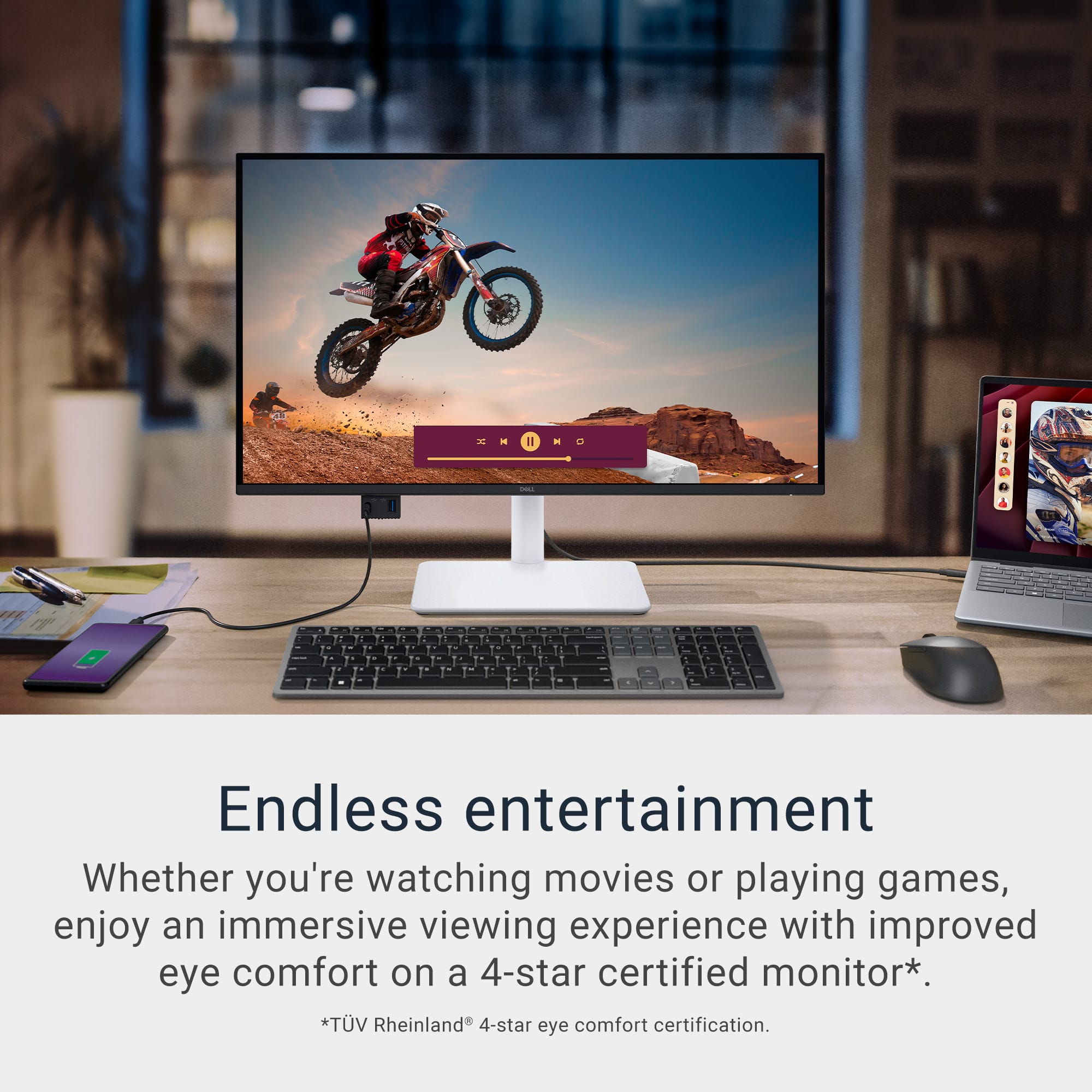
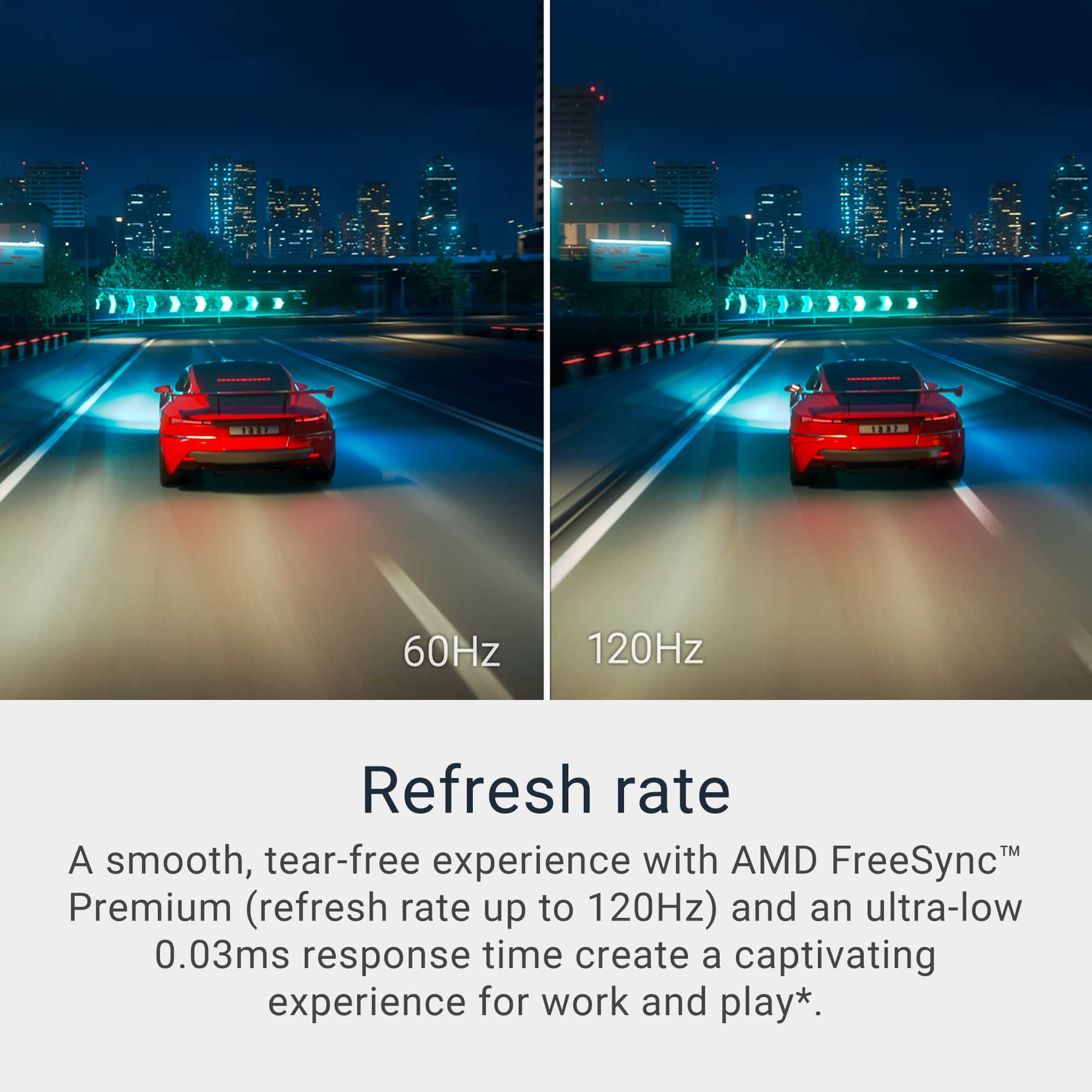
|Posted .This reviewer received promo considerations or sweepstakes entry for writing a review.For me, Dell has always made nice monitors for work and play. With the addition of the Dell – S2725QC 27” IPS LED 4K 120Hz FreeSync Monitor, they have not disappointed with a moitor that can handle it all. Getting set up out of the box is fairly easy. While assembly of the stand is required, you do not need any special tools to get the job down. A pull tab on each of the required screws allows one to easily attach pieces together. The only real drawback in setting up is that the monitor did not come with its own HDMI cable. So, you will need to get a cable to use the monitor. Then the debate over whether to get HDMI 2.0 or 2.1 comes in. If you want to get the most out of the system (specifically 4K at 20 FPS), you will need to get the HDMI 2.1 cable. If you are fine with 4K at 60 FPS, the HDMI 2.0 should work though. This is a minor detail, but you should be aware that you need a cable. There are also 2 HMDI ports in case you want to add multiple systems to the monitor (such as a PS5 and a laptop) which is very nice. No switching cables when you want to work or play. Once you are all connected, you are ready to go. Immediately, the 4K blows you away. Having a 4K, 27” monitor is nice. And even being a 2-3 feet away from the screen doesn’t hurt your eyes. The screen is easy on the eyes and has low blue light emissions. I absolutely loved gaming on this monitor. I tried it with both the PS5 and a gaming laptop. There was no discernable lag associated with the monitor. With a refresh rate of 120 Hz and 0.03ms response, gaming was smooth. One of the other nice features with this monitor is that it has an integrated speaker built into the unit. This may seem like a small detail, but it is nice to avoid desk cluttering. And the speakers actually sound great. I was amazed that even with the speaker set at 50, it was loud and clear. Low volume settings were still crisp. There was not a lack of power with these speakers. The aesthetics of the system were extremely nice. The menu keys are located at the back of the system, but they were easy to access and scroll through. I had no issues related to working with them. In the end, this monitor is wonderful. With the 4K image, fast refresh rate, and built in speaker system, this monitor has become my go-to choice for my office. If you need a monitor for gaming or for work, I highly recommend this Dell monitor.
I would recommend this to a friend - Pros mentioned:Connectivity, Refresh rate, Screen quality

Rated 5 out of 5 stars
Sleek, Powerful, Versatile
|Posted .This reviewer received promo considerations or sweepstakes entry for writing a review.As someone who’s pretty meticulous when it comes to both performance and aesthetics in my setup, I have to say this Dell IPS LED 4K UHD 120Hz Monitor is exactly what I was hoping it would be. The sleek white finish on this monitor matches perfectly with my personally built white desktop tower. If you’re the type who appreciates clean, coordinated setups, this is the kind of monitor that elevates your desk’s entire aesthetic. It's subtle, modern, and it looks premium from every angle. Setup was quick and painless. It comes with an HDMI cable in the box, so getting it connected to my PC was just plug and play. Once powered up, the screen came to life with vibrant 4K clarity and that buttery-smooth 120Hz refresh rate. Whether I'm gaming, watching 4K content, or just moving windows around, the motion feels fluid and natural. One of my favorite features has to be the adjustable stand. Not only does it allow you to tweak the height, tilt, and swivel with ease, but the 90-degree pivot into portrait mode is a very welcomed game-changer. My wife loves using the vertical setup for studio art creation software, and for her Cricut design work and photo editing. That flexibility is something you don’t realize you need until you have it. Now let’s talk about some of the hidden gems on this monitor that make it more than just a pretty display. It has built-in speakers that actually sound good, not just "good for monitor speakers" but legit good, with surprisingly deep frequency response and solid volume. Pair that with the built-in EQ settings, and you can fine-tune the sound to your liking whether you’re streaming a video or kicking back with a game. Another thoughtful addition is the pop-out access port hidden underneath the monitor. It’s an awesome quality-of-life feature for quick USB drive access or charging peripherals without having to dig behind your tower. Super convenient for creatives or anyone juggling external devices. On the back, Dell gave us plenty of connectivity options, you’ve got 2 HDMI ports and 2 USB-C ports. The USB-C ports are particularly clutch because they support display input and 65W power delivery, which is perfect for hooking up a laptop and running dual displays without needing extra power bricks. If you’re in the market for a versatile 4K monitor that looks as good as it performs, this Dell IPS LED checks every single box. Whether you're a content creator, photo editor, gamer, or a multitasking wizard, this display handles it all, no trade-offs, just full-throttle performance with clean, modern style. It's definitely one of those rare finds that balances form and function without compromise. Dell absolutely nailed this one.
I would recommend this to a friend - Pros mentioned:Port count, Screen quality

Rated 5 out of 5 stars
Good monitor from reliable brand
|Posted .This reviewer received promo considerations or sweepstakes entry for writing a review.I got this monitor to upgrade an old one I had in my business office. It hit a sweat spot in cost and features with the 4k ips, 120hz, built in speakers. Inputs are hdmi, usbc and usb. The 27 inch wide-screen fits well in the space I need with a smaller single base footprint than my old unit. Dimensions are just over 20” tall and 24 inches wide, depth is right at 8”. I have used the speakers built in occasionally, but I do have external sound if I need more power. That being said, I do use these often if I'm just listening to music in background but don't need it for conference call or video clinic. 1:1 calls they sound good, and can get loud enough for my old ears. Very adequate. They play well with music, and get good stereo effect to the point if surround sounding and crisp difference between bass and treble. My old monitor did not have sound. Contrast is good, better than my previous unit and will do x-rays pretty well. My colleagues will utilize this screen occasionally when we get x-rays and it shows up a lot better than our other monitors. The brightness is very good, big range for what I need it for. The tilt and adjustability is good, and the viewing angle is very good also. Colors pop on this and does quite well if I do play an occasional game on here, or stream a program. The white color I nice that I got. Made if different from the gray and black on all my old stuff. The layout for where buttons are and connections are are pretty standard no complaints, and secures easily and solidly to the base. Overall, I habe no reason to deduct stars. This was a brand I trusted, price that was in the range I was looking for, and performs as asked and expected. I do reccomend this monitor.
- Pros mentioned:Port count, Screen quality
Rated 5 out of 5 stars
This is a great addition to you electronic devices
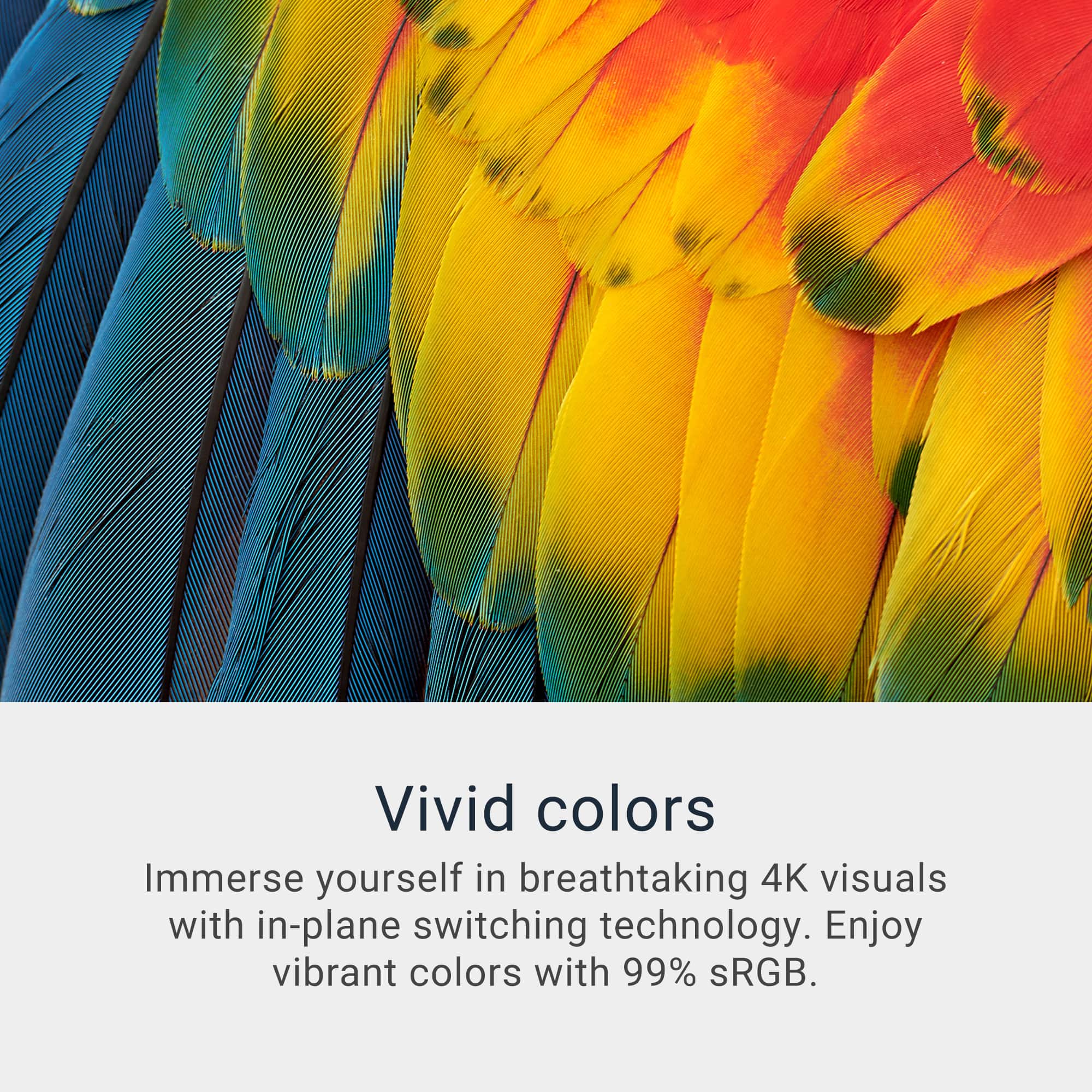
|Posted .This reviewer received promo considerations or sweepstakes entry for writing a review.First things first. The resolution on this screen is amazing. I love the vivid color that this monitor represents . I love the fact that this monitor has multiple ports for you to be able to hook up several devices. It has 2 HDMI's, ports which is essential when you have multiple devices to connect. This screen is 247 inches and this is big enough to be able to enjoy as well as use for official business. Doing homework on this screen is wonderful. That is the first thing I noticed that reading things on a traditional device proves very challenging. When I hooked up my device it made it easy to read. One of the features is the fact you can adjust thew height and then turn the screen to the side, this is great. I paired this with the speaker I have in the kitchen and the sound is amazing. Even if you don't Pair it with another speaker, the integrated speaker are great as well. You cannot beat the price on this monitor for the price. The screen on this monitor is crisp, sharp and very bright If you are on the fence about buying this monitor don't wait any longer. This is such a great addition to be able to put in the kitchen, in your office or anywhere for that matter. I love that you can hook up your devices and listen to music on it or do like I do and read things and do my homework because the screen is massive. Run don't walk to go and get this monitor.
I would recommend this to a friend - Pros mentioned:Refresh rate, Screen quality

Rated 5 out of 5 stars
Save your eyes with this monitor
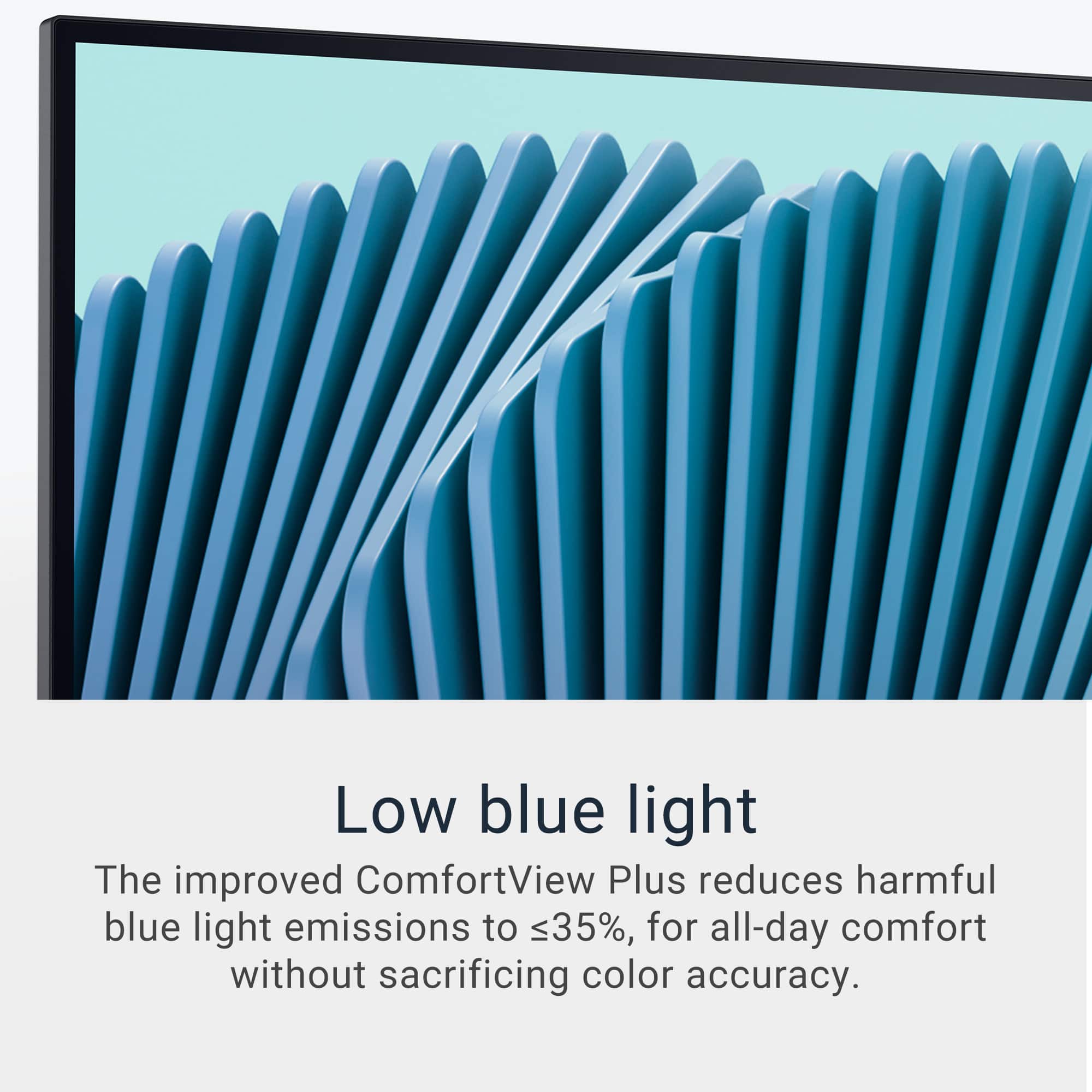
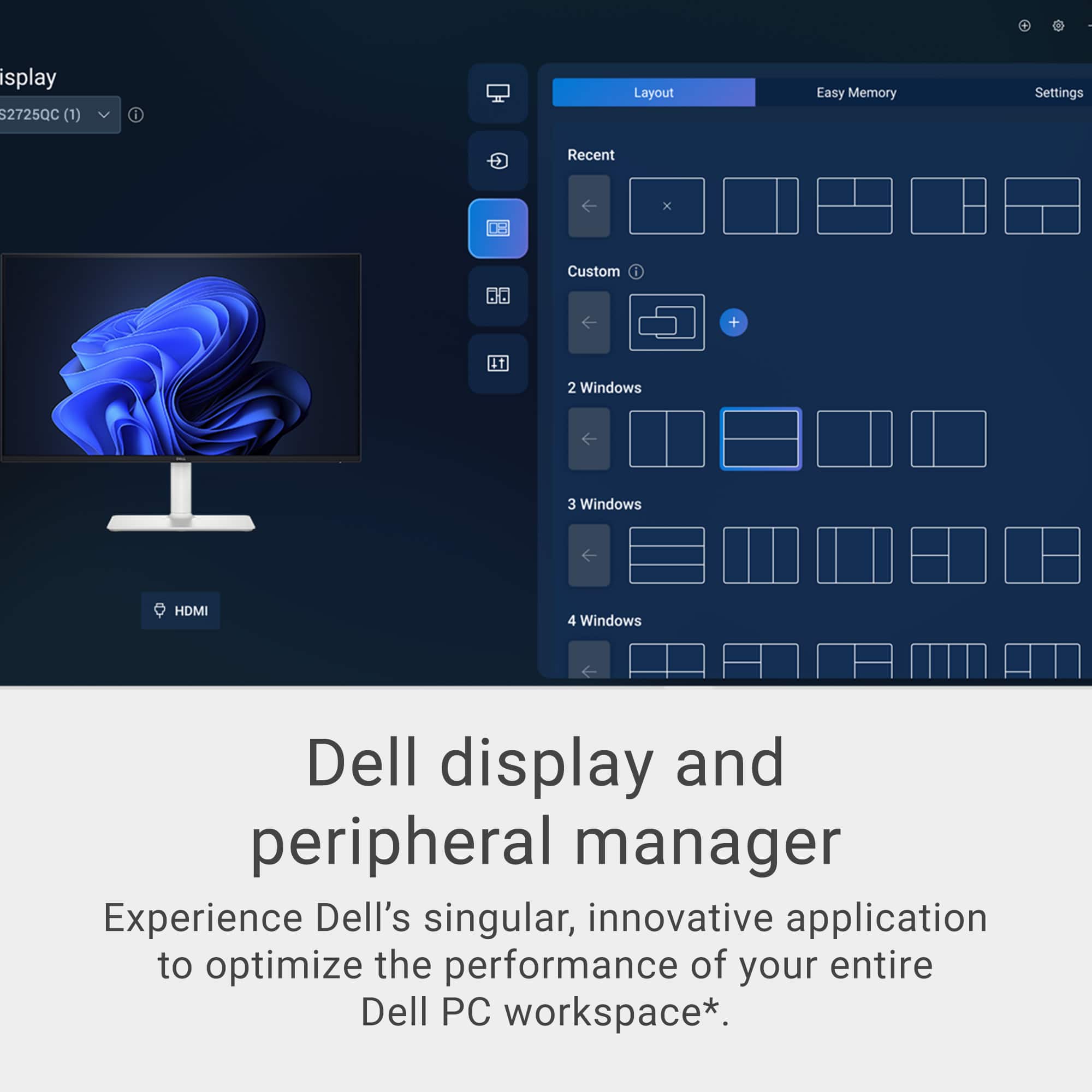
|Posted .This reviewer received promo considerations or sweepstakes entry for writing a review.I was looking for a nice monitor to add to my all in one desktop I have at my shop. I thought this one would be perfect. Come to find out, my desktop at the shop is too old to work with USB-C monitor and the HDMI didn't work with it either. I then took my Asus laptop and connected it. It worked right away without any issue whatsoever. I tried both the USB-C and the HDMI connections and both worked absolutely without any issue with the Asus laptop. The all in one is quite old so I chalk it up to old tech not working with new tech. There is no such thing as diminishing returns when you add additional monitors to your workspace. This monitor is absolutely gorgeous as is the images it displays! The contrast is very sharp. The colors are bright, vivid, and crisp! The low blue light provided by ComfortView Plus has helped my eye strain. The refresh rate makes for blur free video. That, paired with the surprisingly good internal speakers make this a fantastic monitor to stream your favorite videos. When productivity is priority, partitions can be set up to ease the multitasking putting windows into tiles. Dell did a great job with this display and it works wonderfully with my laptop. I think it may be time to finally retire that old all-in-one. I prefer to use the monitor with my laptop for the multitasking that I need in my shop.
I would recommend this to a friend Rated 1 out of 5 stars

No damage done but green line anyway
||Posted .This reviewer received promo considerations or sweepstakes entry for writing a review.I spent 350$ on this and it got a green horizontal line on it within two months. It is ridiculous and I'd love to get my money back but the return window ended. DO NOT BUY THIS.
No, I would not recommend this to a friend- Pros mentioned:Port count, Screen quality
Rated 4 out of 5 stars
Vibrant and Easy on the Eye Picture
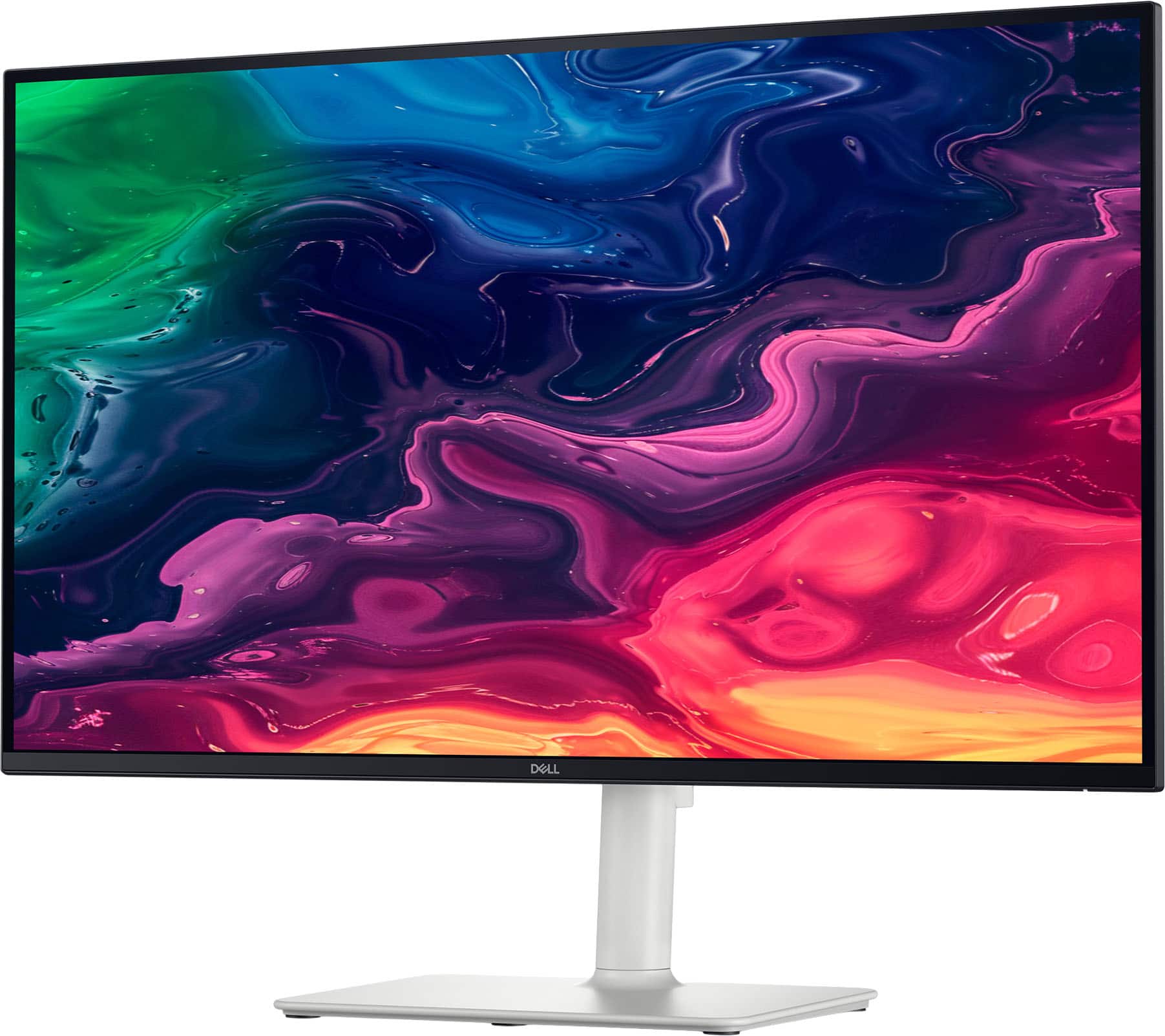
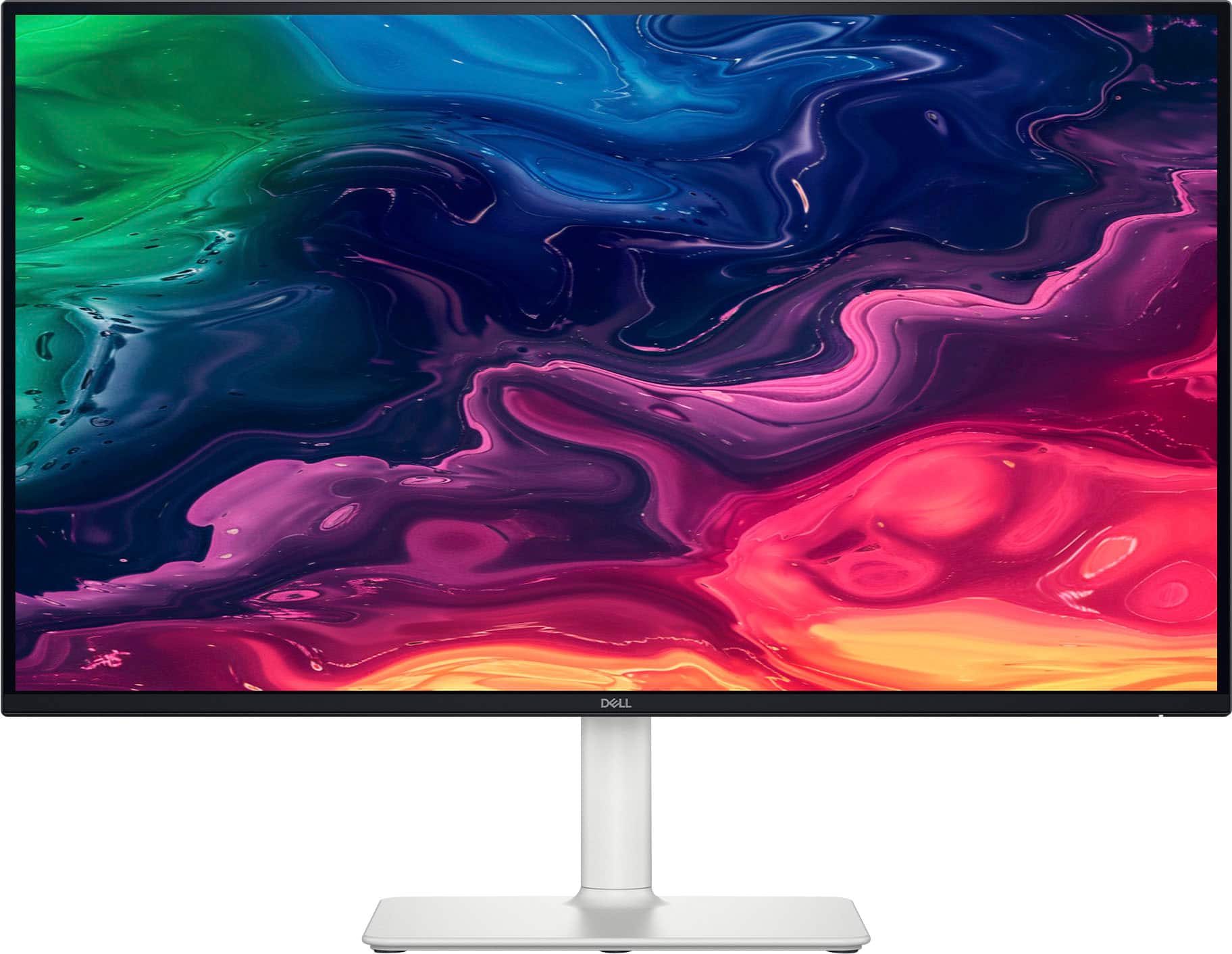
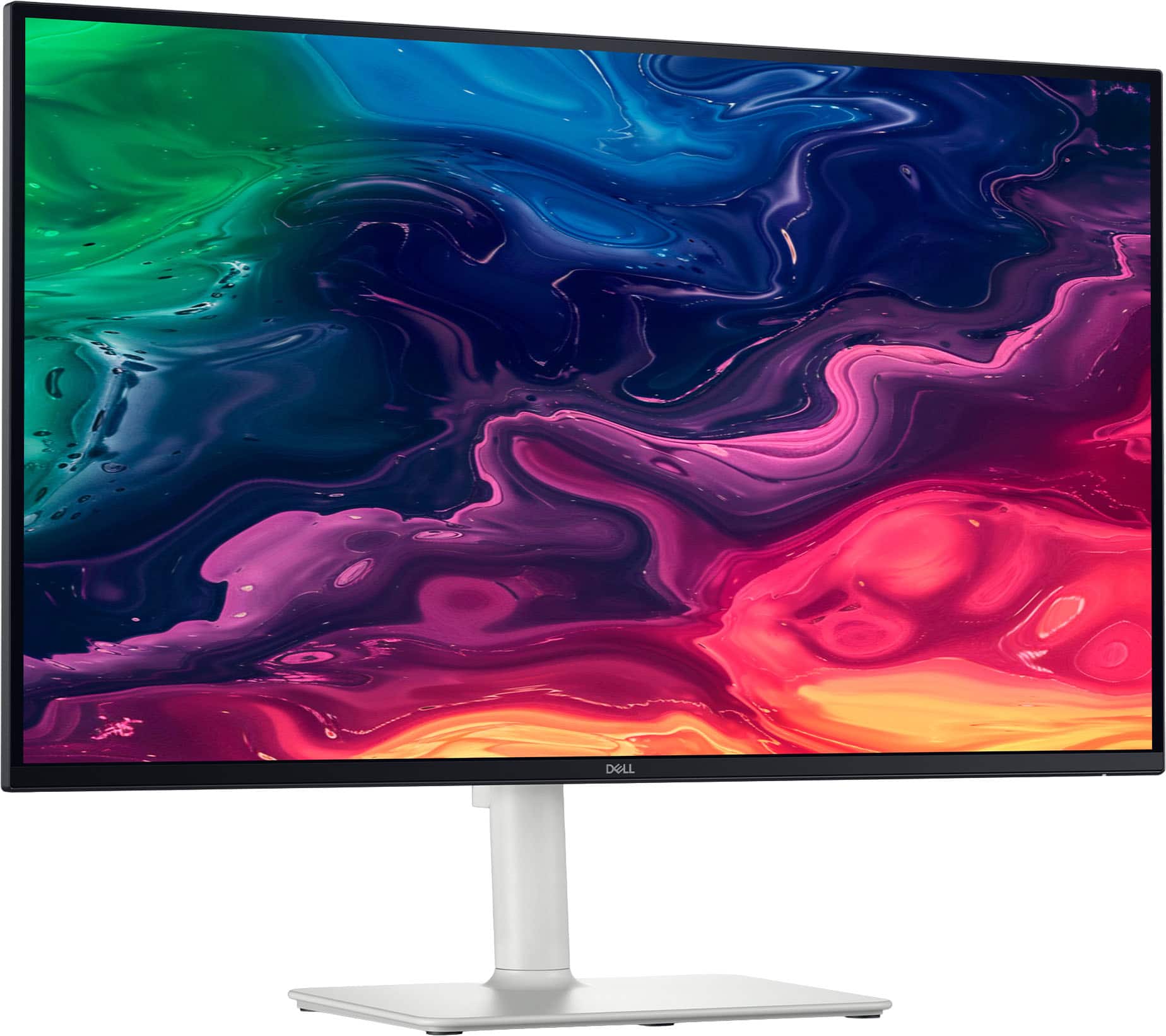
|Posted .This reviewer received promo considerations or sweepstakes entry for writing a review.The Dell - S2725QC 27" IPS LED 4K UHD 120Hz Free Sync Monitor (USB-C, HDMI) in silver is a lean and aesthetically appealing monitor. Placing it in the room of your choice- your den, study, office, etc. will not either be a decorating or space-taking negative function. As you can see, the monitor has a white base and stand that easily attach to the screen itself. In fact, the monitor comes in a few pieces and must be erected on site. While there is only simple picture directions numbered with steps numbered 1,2, and 3, the putting together of this monitor is intuitive. I appreciate the low-profile bezel all around the screen's face and there are numerous USB-C and HDMI ports-input and output on the back panel of the screen, even press-in drop-down located on the underside of the lower left-middle of the screen as you are looking at it. This monitor is easily adjustable for your viewing experience, sliding up and down the stand, as well as adjusting the monitor itself on that stand-turning to either right or left, forward or towards the back on that stand. So, I am not a techy, but a 66-year-old that can muddle my way through the technical set ups. The plug and play is easy and the USB-C/A/HDMI ports allow this monitor to be connected to your phone, your tablet, your laptop, and your desktop-whatever application you need it to be used for. To be specific, there is a single USB-C,2 HDMI and 3 other USB-A's (a charging port and 2 USB-A). The built-in speakers do not disappoint. Since I am a CPA, I use my monitors constantly all day when working and the "Comfort View" to handle blue light emissions is appreciated. Bottom line, a vibrant, easy on the eye, high refresh/non lag rate monitor that can be used for all kinds of needs.
I would recommend this to a friend - Pros mentioned:Overall performance, Screen quality
Rated 5 out of 5 stars
Perfect Size, Clarity and Sound
|Posted .This reviewer received promo considerations or sweepstakes entry for writing a review.TL;DR: SETUP: Plug it in, turn it on, it starts right up. USE: I really like it. I recently started wearing reader glasses, but don’t need them when using this monitor. USABILITY: It works well - from movies and videos to conference calls and spreadsheets. OVERALL: It’s crisp and clear. It’s very easy to see and use. It works great! REVIEW: I usually use 2-3 monitors at a given time. This has become my favorite and I’m using it more than the others because of its clarity. I set up has my desk facing windows, so there’s no glare from natural light, but I have an overhead ceiling fan light, which often causes some glare, but really doesn’t on this. I also just started wearing reading glasses and this has helped to not need them. I don’t usually use a monitor’s speakers, but the sound is great in my average-sized home office. There isn’t much more I can say about this specific Dell monitor, but I like it, I use it and if you need a new monitor, the size is perfect as your main screen (my 36” curved monitor houses all the extra stuff I need, but don’t use frequently. Go for it! :)
I would recommend this to a friend Rated 1 out of 5 stars
Horizontal line without physical damages
||Posted .This reviewer received promo considerations or sweepstakes entry for writing a review.There are two white lines appear on the monitor after 3 month usage. No warranty by bestbuy or dell. Avoid this item.
No, I would not recommend this to a friend