Customer Ratings & Reviews


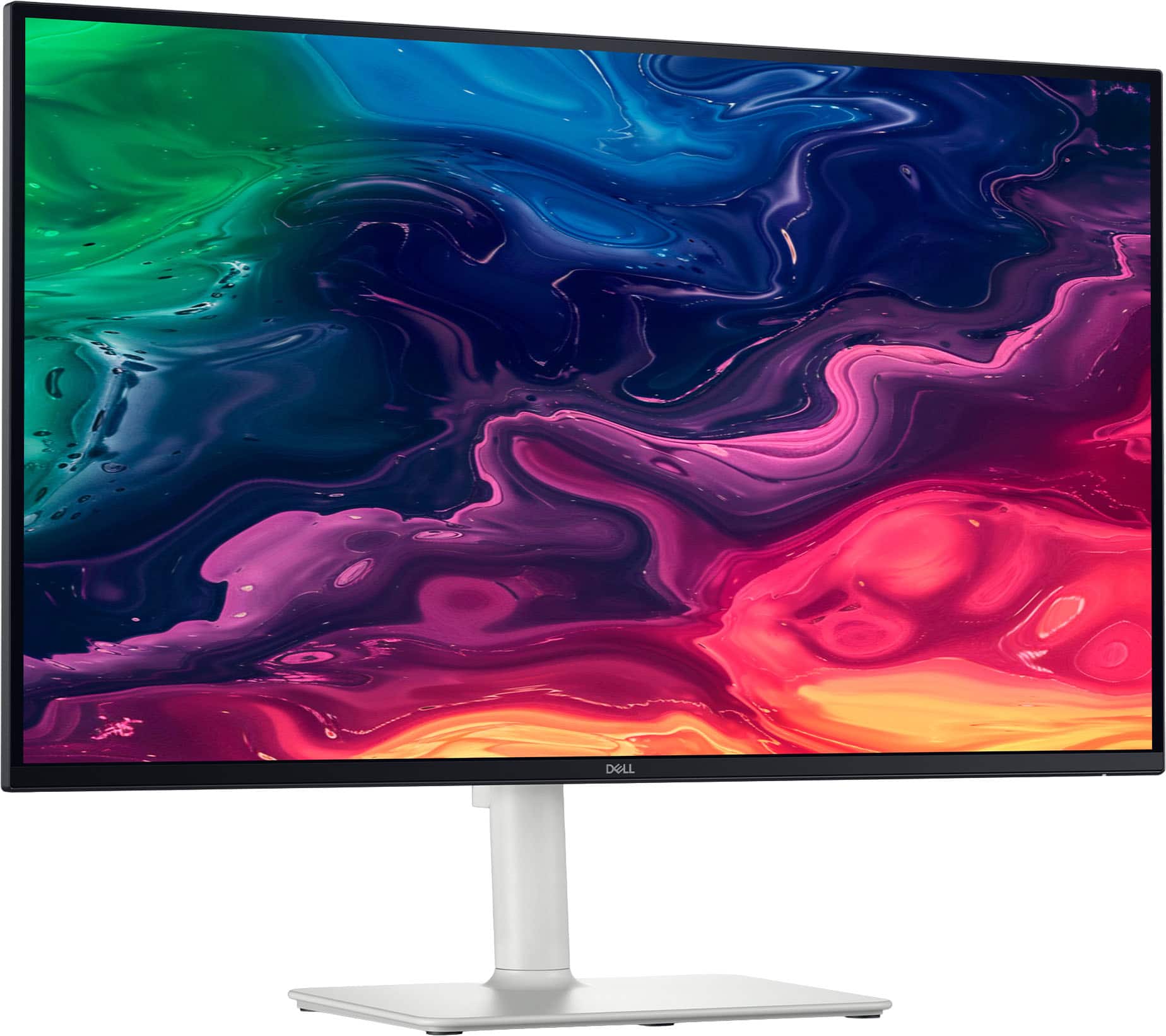
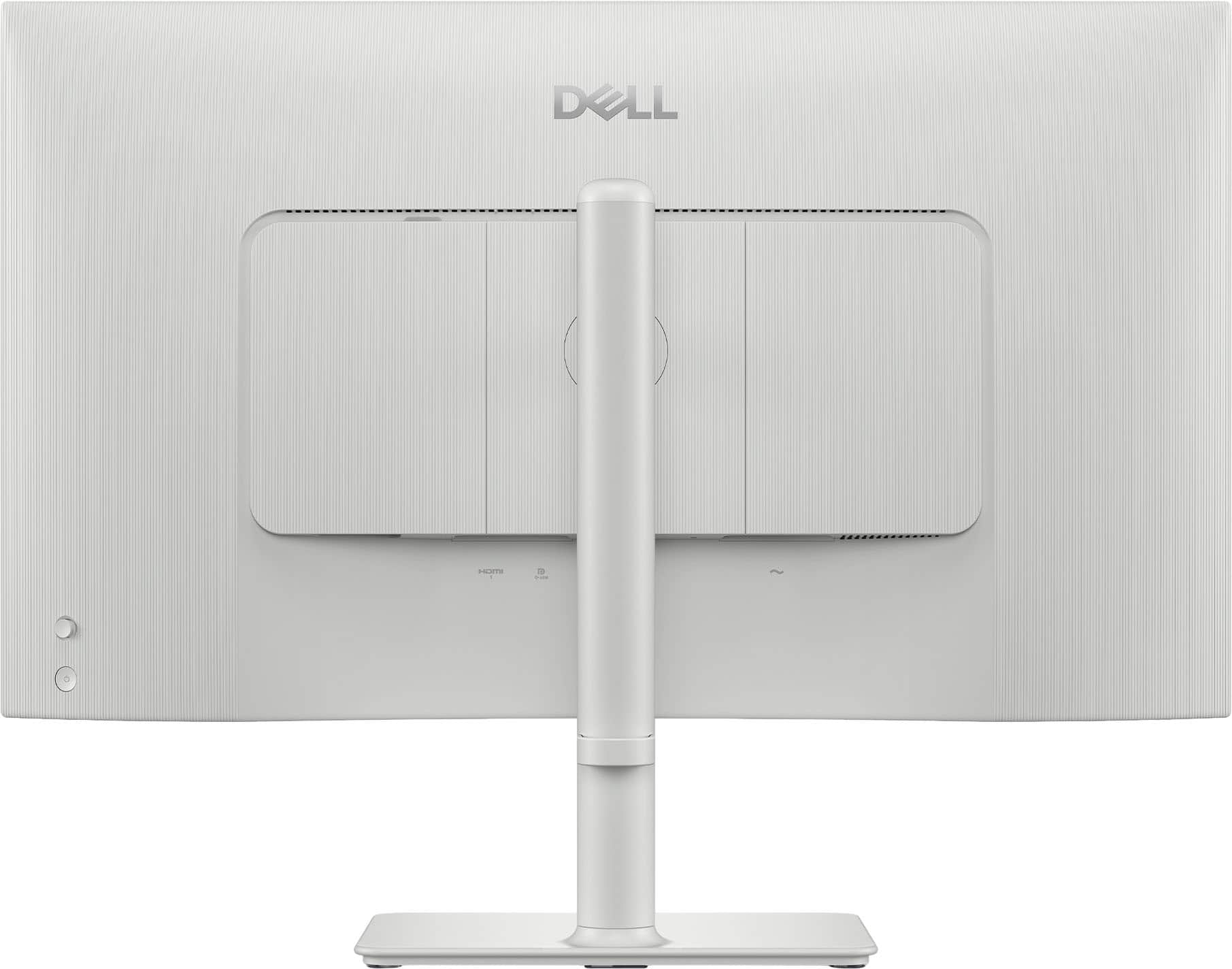

- Model:
- S2725QC
- |
- SKU:
- 6619486
Customer reviews
Rating 4.7 out of 5 stars with 243 reviews
(243 customer reviews)Rating by feature
- Display Quality4.7
Rating 4.7 out of 5 stars
- Ease of Use4.8
Rating 4.8 out of 5 stars
- Features4.7
Rating 4.7 out of 5 stars
Customers are saying
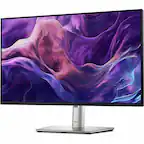
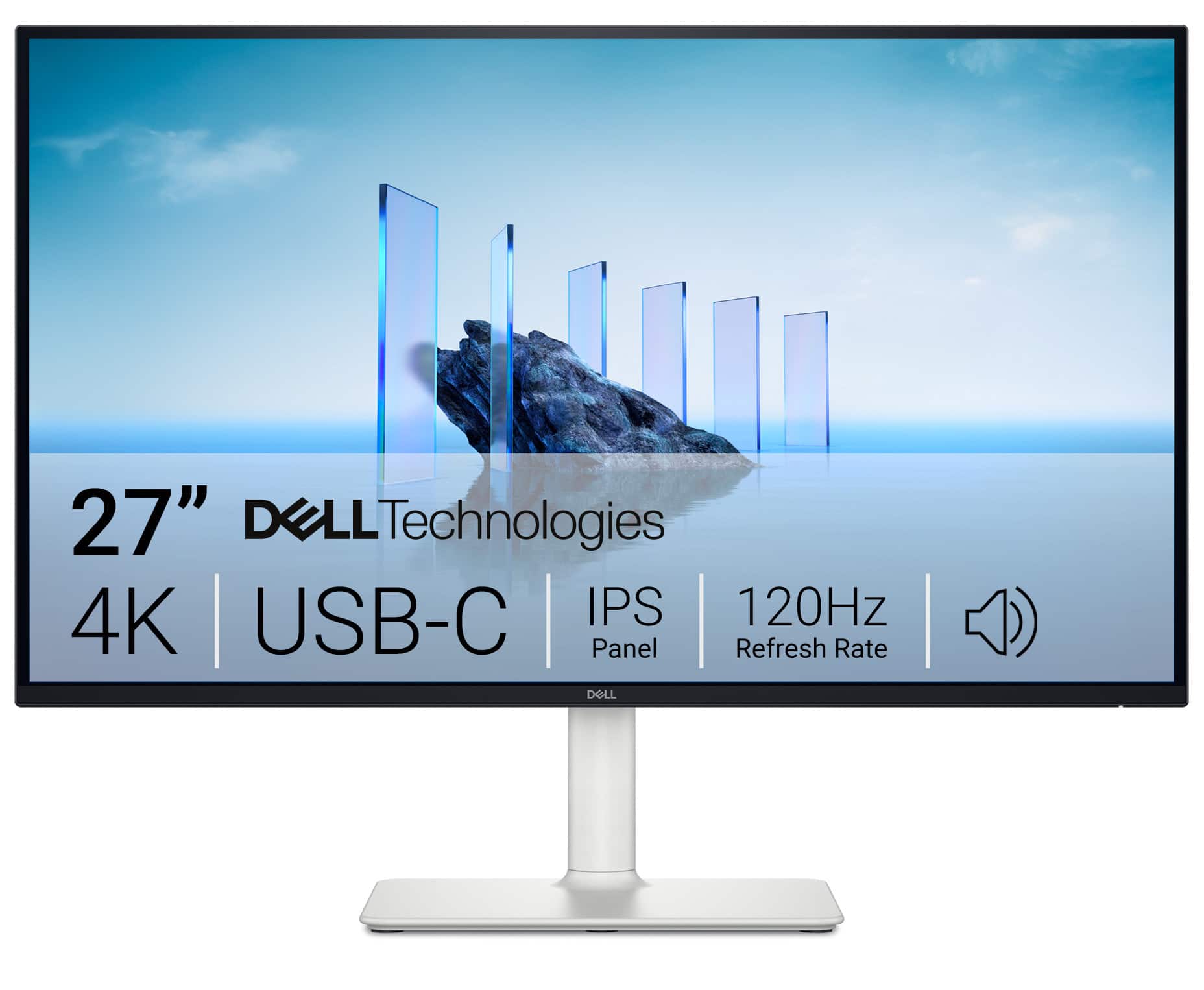
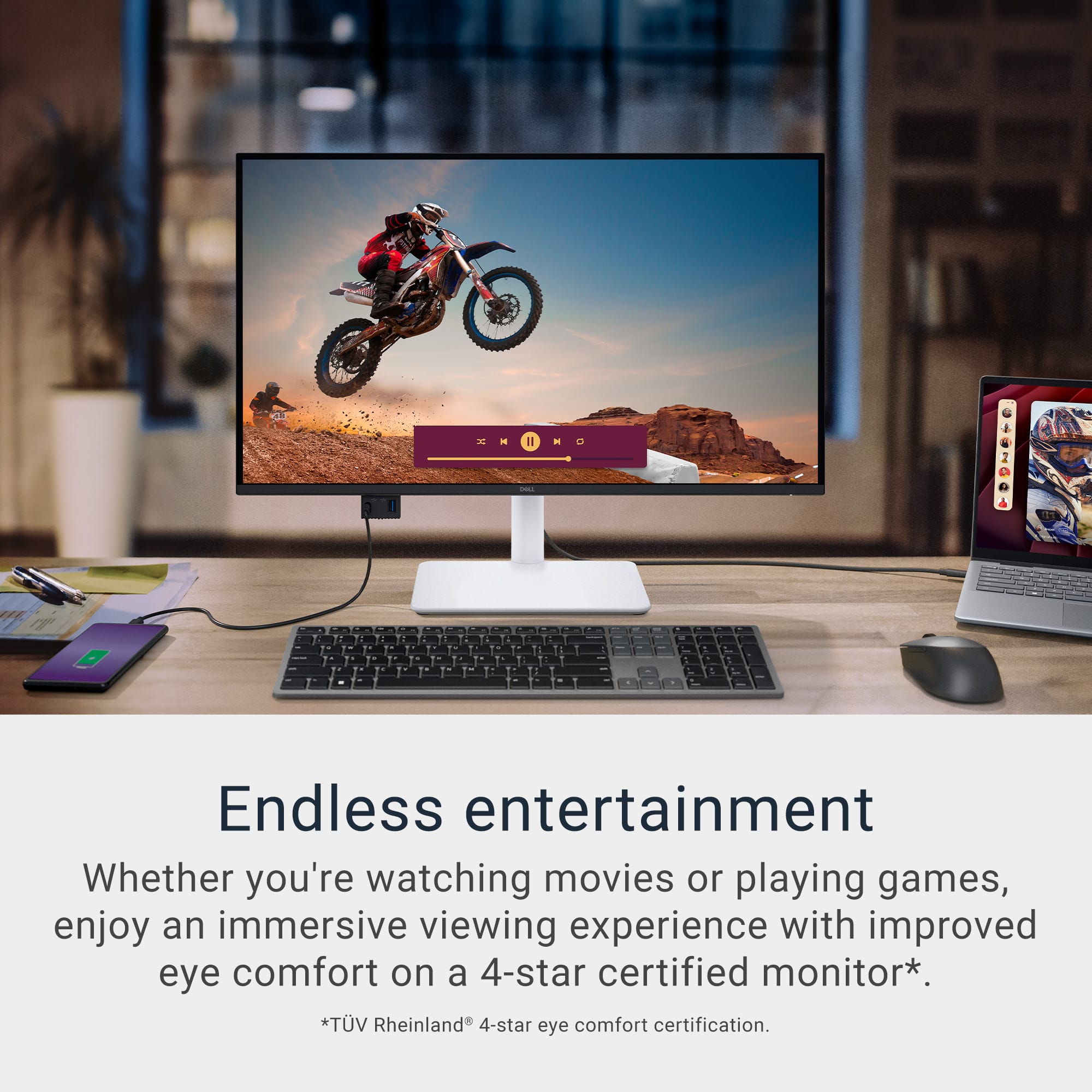
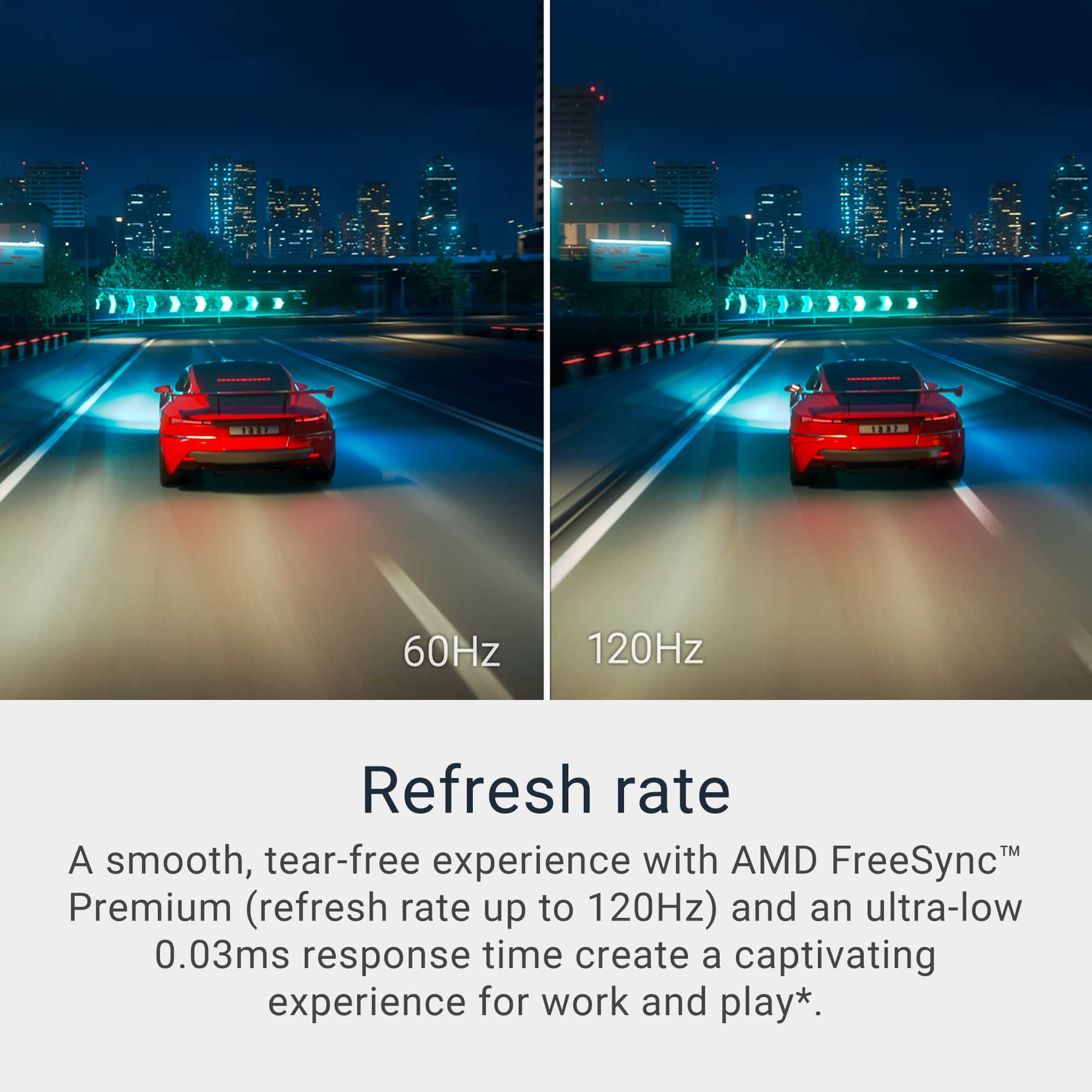
Customers recognize the S2725QC 27" monitor for its excellent screen quality and versatile connectivity options, particularly the convenience of USB-C. The monitor's 120Hz refresh rate and overall performance are also appreciated, along with its adjustable stand and eye comfort features. Additionally, users find the built-in port hub and USB-C power delivery to be quite useful.
This summary was generated by AI based on customer reviews.
- Pros mentioned:Screen quality
Rated 5 out of 5 stars
It aint Apple, but ...
||Posted . Owned for 1 week when reviewed.This reviewer received promo considerations or sweepstakes entry for writing a review.This is a great monitor. It is sleek and the display is excellent.
I would recommend this to a friend - Pros mentioned:Overall performance
Rated 5 out of 5 stars
Multi-functional monitor
||Posted .This reviewer received promo considerations or sweepstakes entry for writing a review.Great monitor, for office use and multimedia usage
I would recommend this to a friend - Pros mentioned:Connectivity
Rated 5 out of 5 stars
Good monitor
||Posted .This reviewer received promo considerations or sweepstakes entry for writing a review.Good value monitor. The quality is great and connects via USB-C
I would recommend this to a friend Rated 5 out of 5 stars
Great Monitor
||Posted .This reviewer received promo considerations or sweepstakes entry for writing a review.Go the monitor for Christmas. I use in Vertical Mode for referencing research, calendar, messages, email, task list.
I would recommend this to a friend- Pros mentioned:Screen quality
Rated 5 out of 5 stars
Excellent monitor!
||Posted .This reviewer received promo considerations or sweepstakes entry for writing a review.Excellent monitor, great color accuracy and a really high DPI!
I would recommend this to a friend - Pros mentioned:Overall performance
Rated 5 out of 5 stars
Great
||Posted . Owned for 1 week when reviewed.This reviewer received promo considerations or sweepstakes entry for writing a review.Great monitor! Easy to set up and good for everyday use.
I would recommend this to a friend - Pros mentioned:Screen quality
Rated 5 out of 5 stars
Great prod ans price
||Posted . Owned for 1 month when reviewed.This reviewer received promo considerations or sweepstakes entry for writing a review.One of the best monitor you can get at this price. 4k and 120hz is sweet
I would recommend this to a friend - Pros mentioned:Screen quality
Rated 5 out of 5 stars
Picture Perfect
||Posted . Owned for 1 month when reviewed.This reviewer received promo considerations or sweepstakes entry for writing a review.The picture on this TV are amazing. The prize is great too!
I would recommend this to a friend Rated 5 out of 5 stars
Dell Work From Home Display
||Posted .This reviewer received promo considerations or sweepstakes entry for writing a review.Easy to assemble and great overall display for work from home office
I would recommend this to a friend- Pros mentioned:Refresh rate
Rated 5 out of 5 stars
Excellent
||Posted . Owned for 1 month when reviewed.This reviewer received promo considerations or sweepstakes entry for writing a review.Its a great lcd, perfect upgrade to 2722qc dell led and offers 120hz.
I would recommend this to a friend Rated 5 out of 5 stars
Ultra thin and lightweight
||Posted . Owned for 1 week when reviewed.This reviewer received promo considerations or sweepstakes entry for writing a review.Happy with the purchase. It has plenty of power yet it is ultra thin and lightweight.
I would recommend this to a friendRated 5 out of 5 stars
Monitor with excellent resolution
||Posted .This reviewer received promo considerations or sweepstakes entry for writing a review.It is a great monitor with the resolution that I am looking for.
I would recommend this to a friend- Pros mentioned:Screen quality
Rated 5 out of 5 stars
Great 4K monitor
||Posted .This reviewer received promo considerations or sweepstakes entry for writing a review.The excellent product quality of the screen is great, and the view is amazing
I would recommend this to a friend - Pros mentioned:Overall performance
Rated 5 out of 5 stars
Looks great
||Posted . Owned for 1 week when reviewed.This reviewer received promo considerations or sweepstakes entry for writing a review.Great monitor for the price point. I would purchase them again.
I would recommend this to a friend - Pros mentioned:Screen quality
Rated 4 out of 5 stars
Great but expensive.
||Posted .This reviewer received promo considerations or sweepstakes entry for writing a review.Monitor is genuinely beautiful. It charges my laptop while in use which is something I didn't expect. Absolutely amazing but a little pricey
I would recommend this to a friend - Pros mentioned:Overall performance
Rated 5 out of 5 stars
Good choice.
||Posted . Owned for 1 month when reviewed.This reviewer received promo considerations or sweepstakes entry for writing a review.Really nice monitor if you looking to upgrade to 4k.
I would recommend this to a friend - Pros mentioned:Screen quality
Rated 5 out of 5 stars
Amazing display
||Posted .This reviewer received promo considerations or sweepstakes entry for writing a review.Very satisfied with the image quality, it was exactly what I was looking for.
I would recommend this to a friend - Pros mentioned:Screen quality
Rated 4 out of 5 stars
Surprisingly good picture quality!
||Posted .This reviewer received promo considerations or sweepstakes entry for writing a review.Love it! Resolution quality is very good. I use the monitor in a vertical setting. Easy setup.
I would recommend this to a friend - Pros mentioned:Screen quality
Rated 5 out of 5 stars
great product
||Posted .This reviewer received promo considerations or sweepstakes entry for writing a review.Product works well. No issues so far. Display is very clear.
I would recommend this to a friend Rated 4 out of 5 stars
Definitely USB-C hook up.
||Posted . Owned for 1 month when reviewed.This reviewer received promo considerations or sweepstakes entry for writing a review.Even though I exchanged it for a different 4k monitor, it has good features. I did not research it well enough. It is essentially set up for USB-C even though it has a HDMI port I had to switch the settings to HDMI every time I turned it on and after it went into sleep mode. If you want to hook it up with USB-C it would be a good choice.
I would recommend this to a friend