Customer Ratings & Reviews
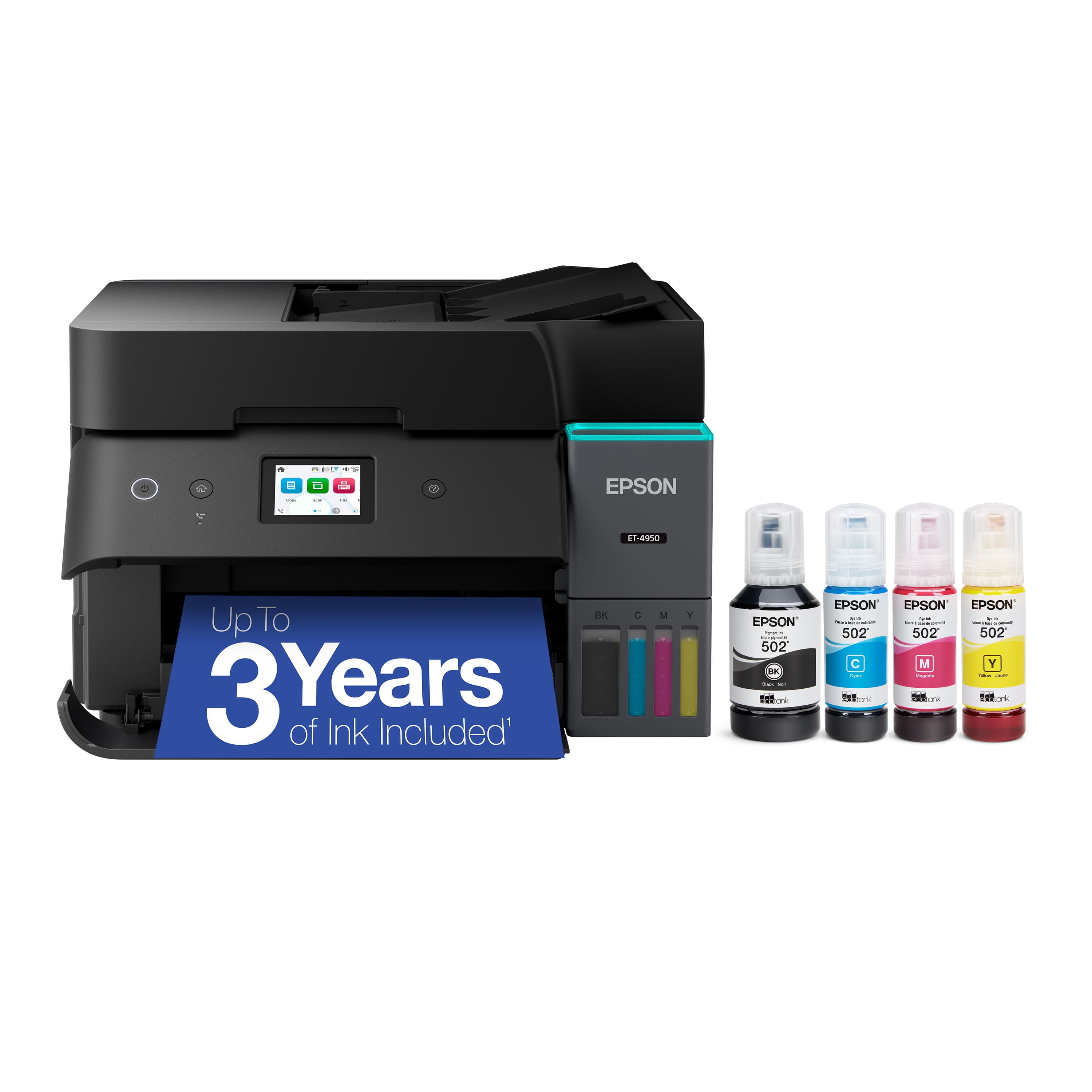
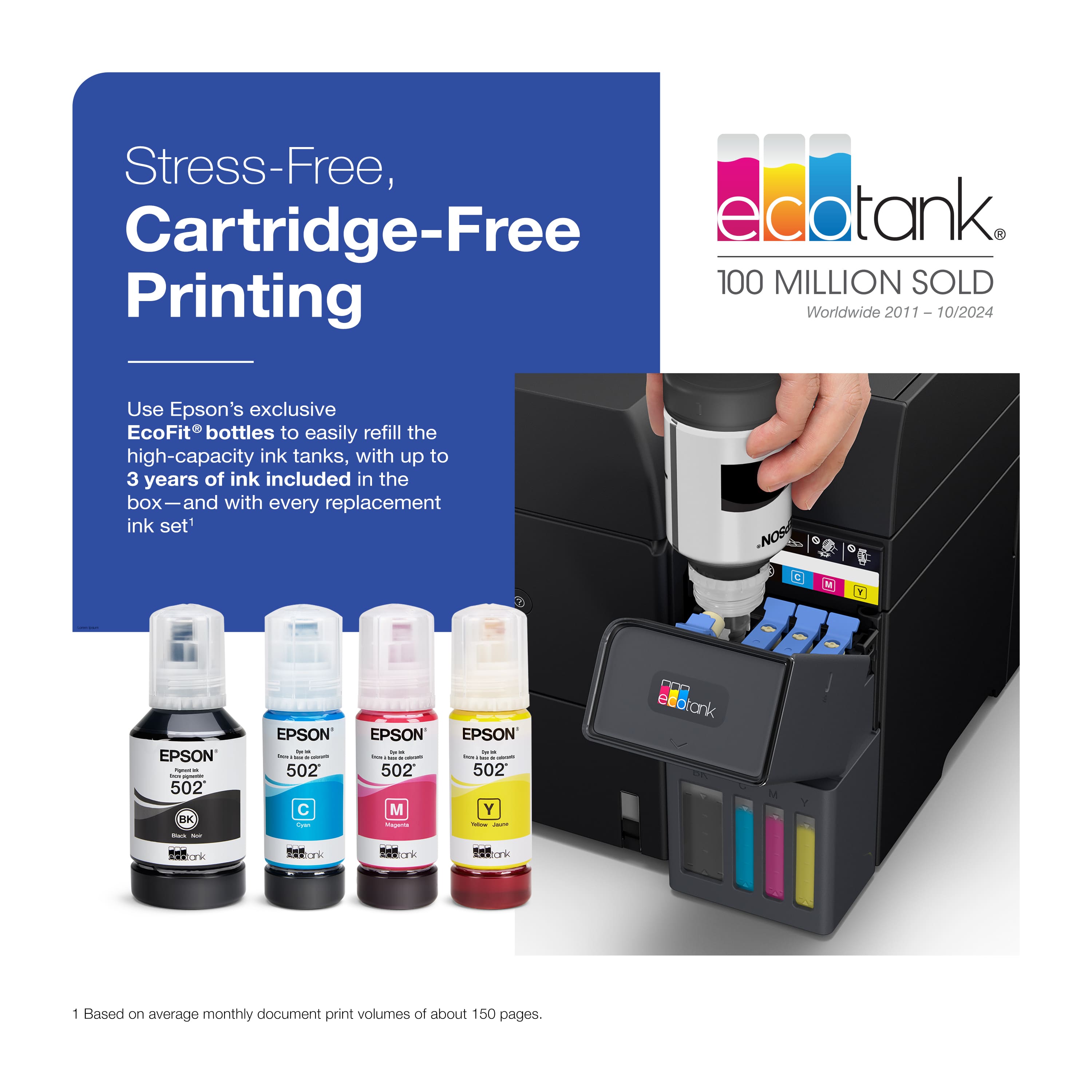

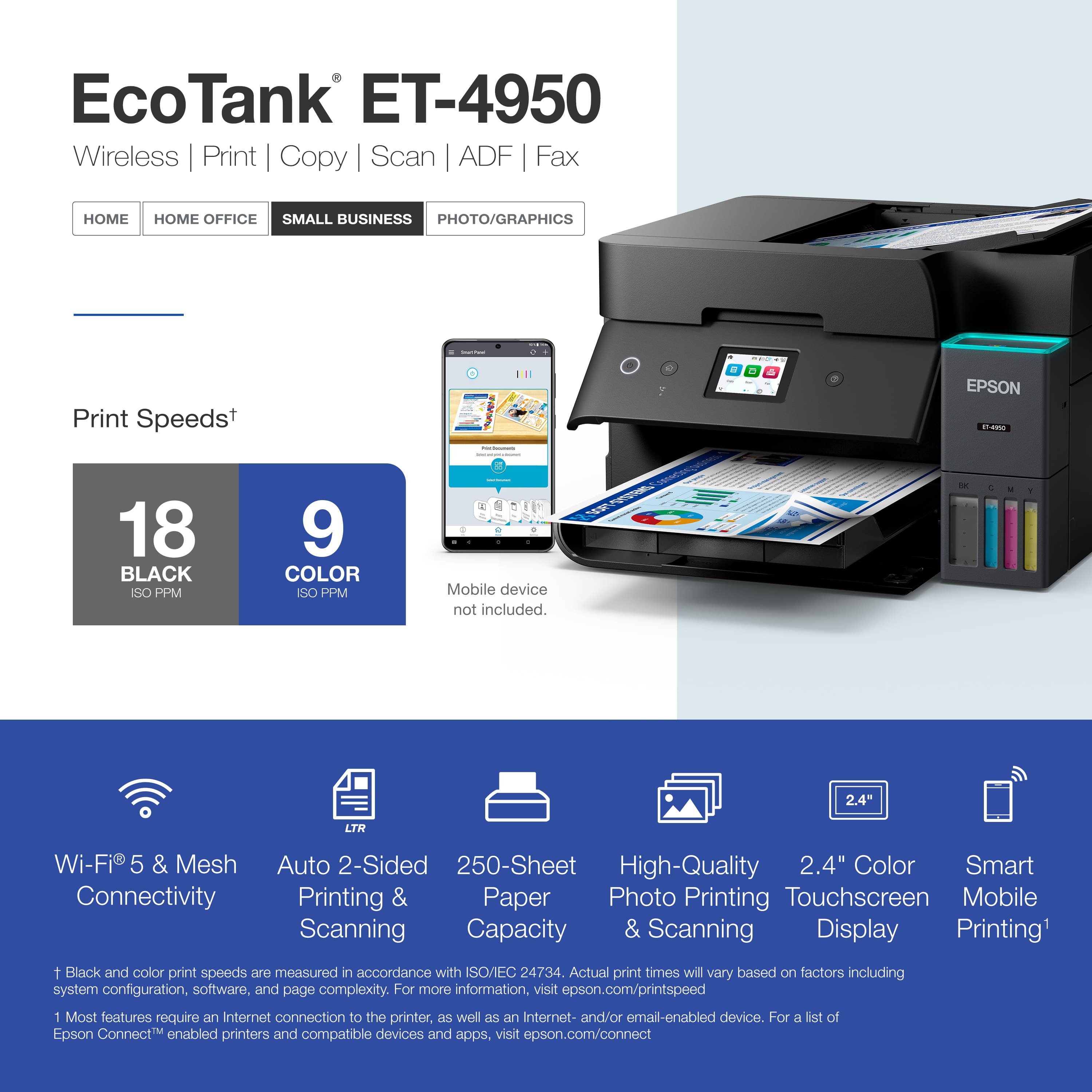
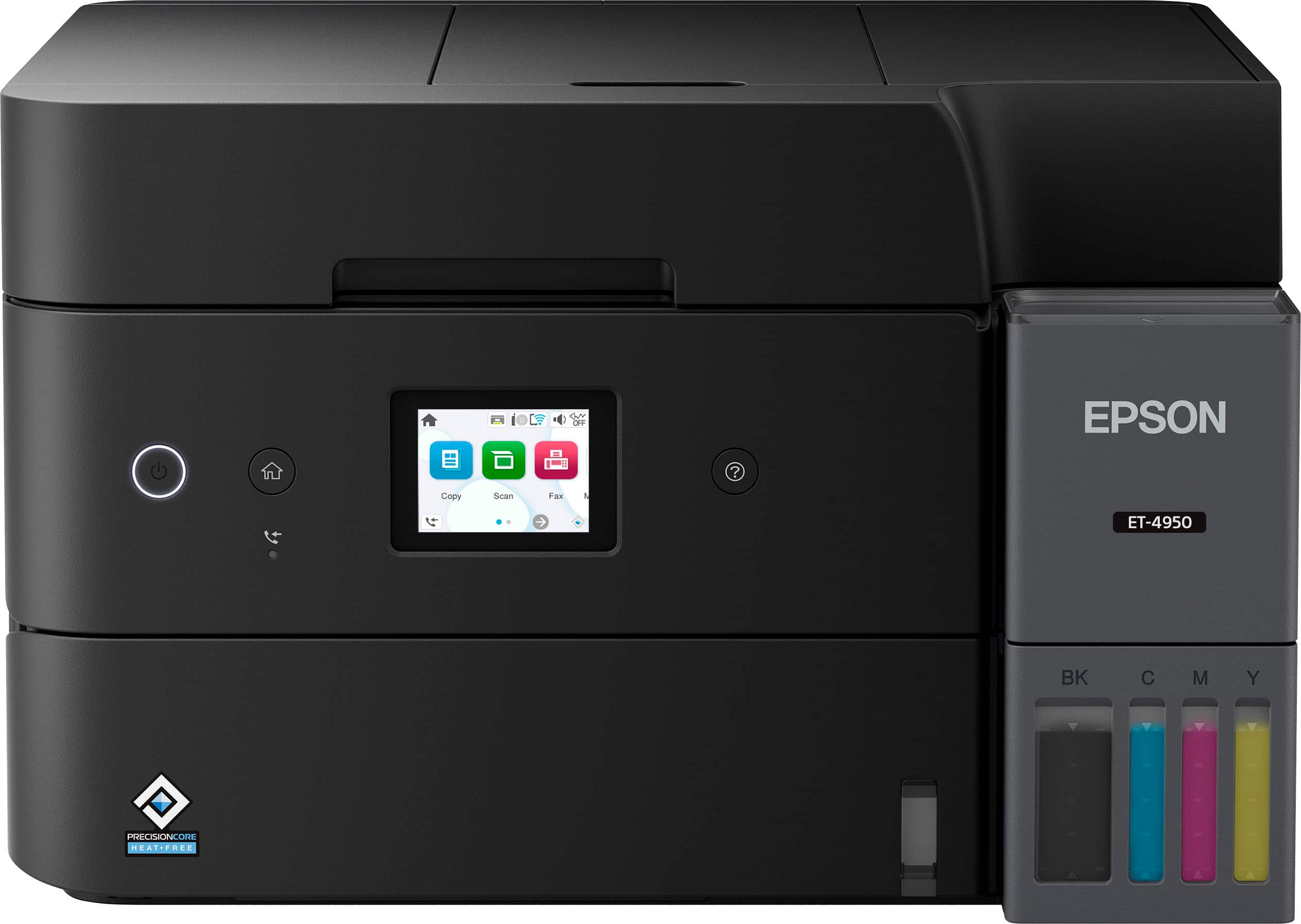
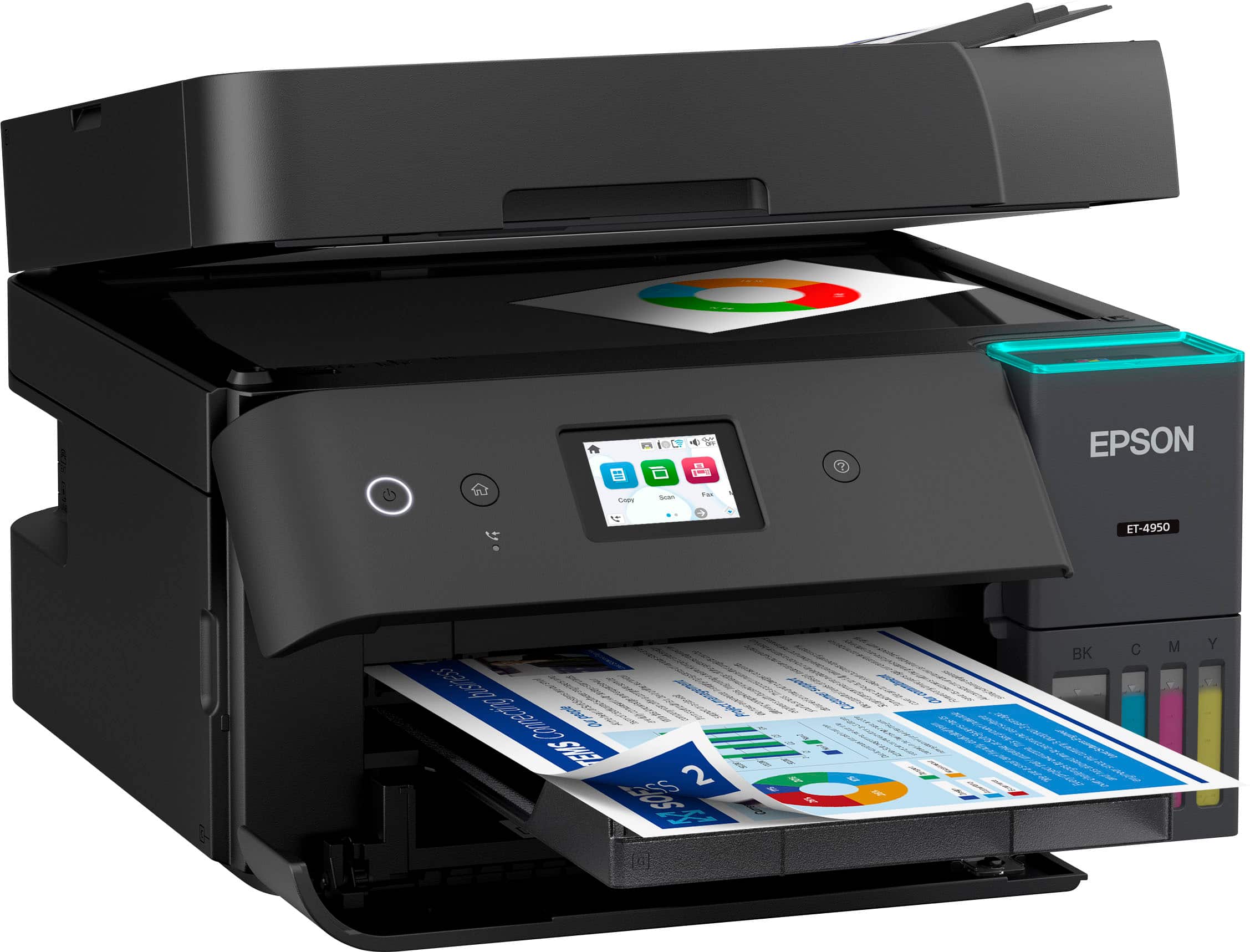
- Model:
- C11CL40201
- SKU:
- 6630482
Rating by feature
- Value
Rating 4.4 out of 5 stars
- Quality
Rating 4.5 out of 5 stars
- Ease of Use
Rating 4.4 out of 5 stars
Customers are saying
Customers are delighted by the EcoTank ET-4950 printer's excellent print quality. Users also appreciate how easy it is to set up. Overall, customers seem to be satisfied with the printer's performance and user-friendliness.
This summary was generated by AI based on customer reviews.
Good Printer
||Posted . Owned for 3 weeks when reviewed.This reviewer received promo considerations or sweepstakes entry for writing a review.Color is different when printing than my previous printer ET-4760, but overall pleased with this printer.
I would recommend this to a friendEspoc
||Posted . Owned for 3 weeks when reviewed.This reviewer received promo considerations or sweepstakes entry for writing a review.Great product. Economocal to use works great. Good quality and value
I would recommend this to a friendGood Printer
||Posted . Owned for less than 1 week when reviewed.This reviewer received promo considerations or sweepstakes entry for writing a review.This is a very good multifunction printer. 4 stars instead of 5 for the clunky mobile device app-based set-up that had so much promise but, after multiple attempts, had to be restarted in order to connect to WiFi. Also the scans of documents are not perfectly aligned, not square, so they don't look as professional as I'd like.
I would recommend this to a friendEcotank saves us $
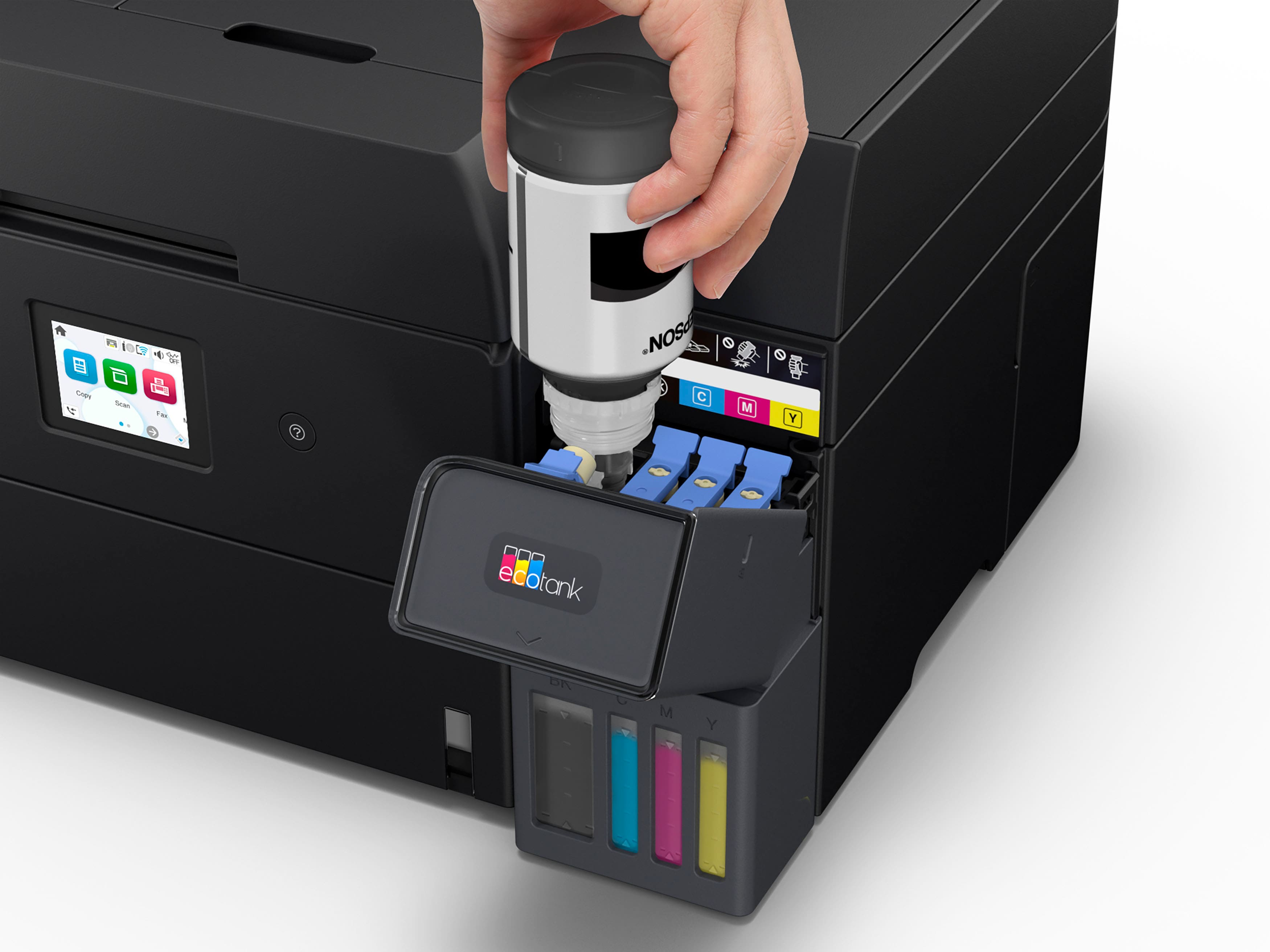
||Posted . Owned for 2 weeks when reviewed.This reviewer received promo considerations or sweepstakes entry for writing a review.Love the ecotank. No more dealing with dry or empty ink cartridges.
I would recommend this to a friendBait and switch?
||Posted . Owned for 2 weeks when reviewed.This reviewer received promo considerations or sweepstakes entry for writing a review.I had to wire tis printer to my computer as the wireless would not work. An interesting situation, i purchased the printer in February 2026 and it was manufacture in in 2024. Was it a factory second and put in a new box?
No, I would not recommend this to a friendprinter
||Posted . Owned for 2 weeks when reviewed.This reviewer received promo considerations or sweepstakes entry for writing a review.The printer seems to work well with the only exception is the black is not very dark when printed.
I would recommend this to a friendEasy to manage
||Posted . Owned for 2 weeks when reviewed.This reviewer received promo considerations or sweepstakes entry for writing a review.Very friendly user, just follow the application..
I would recommend this to a friendRetired
||Posted .This reviewer received promo considerations or sweepstakes entry for writing a review.Works like its suposed to. Satisfied, wpuld reccomend it.
I would recommend this to a friendEpson EcoTank ET4950
||Posted .This reviewer received promo considerations or sweepstakes entry for writing a review.Great printer - but if you know how to make the ADF work everytime without having to bounce it on the pull bar, I would like to know!
I would recommend this to a friendI would probably pass on this printer.
||Posted . Owned for 1 week when reviewed.This reviewer received promo considerations or sweepstakes entry for writing a review.I had for less then a month use it ever day for my part time business. its print quality is top notch the in supertanker wow but I am running into a few issues that would have stopped me from getting this printer. 1. jobs are stored in template that are not visible from the file thumb. which I use for seeing what I looking for. that if you us the epson app. 2nd the photo printing is a hit and miss been having alot of issues with printer only printing half the paper so that print paper is trash and it happens all the time. 3 can't seem to get it to copy anything but regular paper. if you try to copy a letter size photo paper it jams up. would take it back but i recycled the box it came in already.
No, I would not recommend this to a friendBrand response from Epson
Posted .Dear DerekT, we appreciate your business and are sorry to hear you are not completely satisfied with your purchase. Your Epson ET-4950 includes free technical support for the life of your product. Please reach out to our Epson Support Team for assistance at (562) 276-4382; Hours: Monday – Friday, 7 a.m. to 4 p.m. (PT). We’re here to help. Sincerely, Joseph – The Epson Team.

Mostly good report
||Posted .This reviewer received promo considerations or sweepstakes entry for writing a review.So far it has worked satisfactorily. However, the paper tray is quite odd, and the constantly blinking light is distracting.
I would recommend this to a friendReview
||Posted . Owned for 1 month when reviewed.This reviewer received promo considerations or sweepstakes entry for writing a review.The advertised printing speed of pages per minute is significantly misleading. In my experience, the printer has been extremely slow to establish a connection and actually produce prints. This delay not only affects productivity but also makes it frustrating to manage print jobs efficiently. Overall, the performance does not meet expectations based on the stated specifications.
No, I would not recommend this to a friendBrand response from Epson
Posted .Hi MackL, we are sorry to hear you are having issues with your Epson printer. Your ET-4950 includes a 1-year limited warranty plus free technical support for the life of your product. Our Epson Support Team would be happy to hear from you and can be reached at (562) 276-4382; Hours: Monday – Friday, 7 a.m. to 4 p.m. (PT). Sincerely, Joseph – The Epson Team.
Good Purchase
||Posted .This reviewer received promo considerations or sweepstakes entry for writing a review.Easy set up and love that I don't have to purchase cartridges to refill ink. Has all of the components we need, print, scan, copy and fax. Overall good purchase.
I would recommend this to a friendOwner
||Posted . Owned for 2 weeks when reviewed.This reviewer received promo considerations or sweepstakes entry for writing a review.The quality of the printed document is not as good as my HP printer. However, I do use this for everyday printing and it works fine.
I would recommend this to a friend- Pros mentioned:Setup ease
Easy set up
||Posted . Owned for 1 week when reviewed.This reviewer received promo considerations or sweepstakes entry for writing a review.This printer was easy to set up. Has a nice appearance.
I would recommend this to a friend Problems with printer
||Posted . Owned for 1 month when reviewed.This reviewer received promo considerations or sweepstakes entry for writing a review.Can't figure out the issue but the printer does not always stay online
No, I would not recommend this to a friendMyprinter
||Posted . Owned for 1 month when reviewed.This reviewer received promo considerations or sweepstakes entry for writing a review.Best printer I have ever owned had others hp and cannon but the ink is just to expensive
I would recommend this to a friendNice Small Biz Printer
||Posted . Owned for 1 week when reviewed.This reviewer received promo considerations or sweepstakes entry for writing a review.Excellent printer for the price, love the tanks for the ink!
I would recommend this to a friendGood Printer
||Posted . Owned for 1 month when reviewed.This reviewer received promo considerations or sweepstakes entry for writing a review.Scanning is a lot funky, but the printer & ink is great
I would recommend this to a friendPaper bunches up when printing
||Posted . Owned for 1 month when reviewed.This reviewer received promo considerations or sweepstakes entry for writing a review.This would be a very nice product if the paper didn't bunch up when printing. I was printing 15 pages when it started bunching and jamming in the printer on the 10th and 11th page, and printed more.
No, I would not recommend this to a friendBrand response from Epson
Posted .Hi Inolongerhavethetv, please visit www.epson.com/support/et4950 for useful product information on optimizing print settings and avoiding paper jams. Your Epson includes free technical support for the life of your product. Our Epson Support Team would be happy to help you and can be reached at (562) 276-4382; Hours: Monday – Friday, 7 a.m. to 4 p.m. (PT). We appreciate your purchase, and we value your feedback. Sincerely, Joseph – The Epson Team.



















