Customer Ratings & Reviews
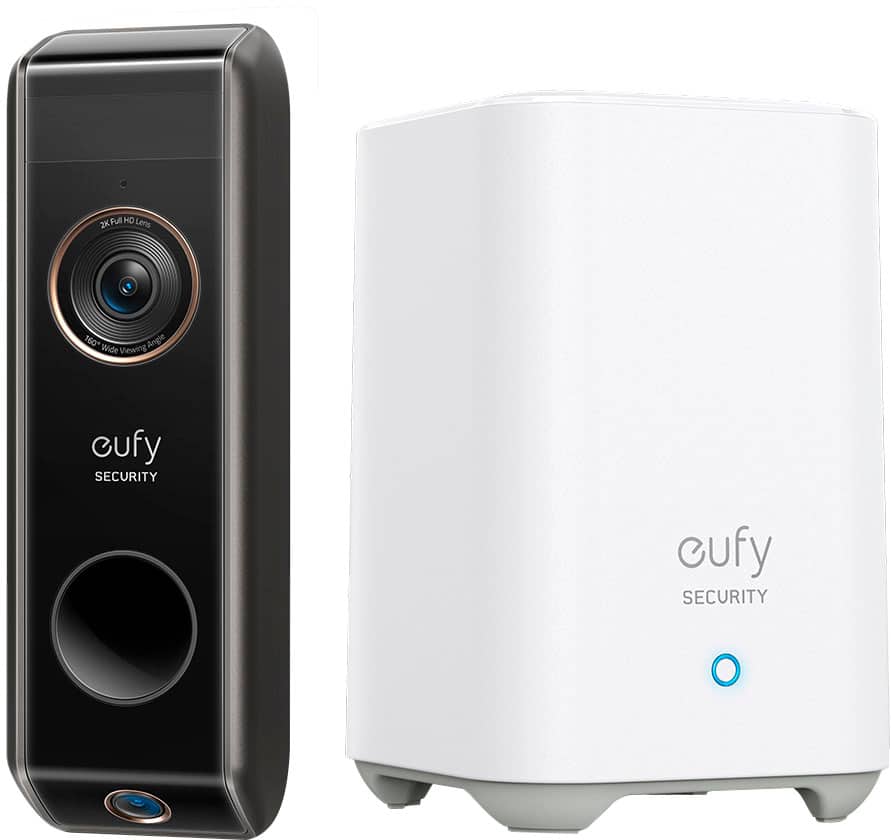
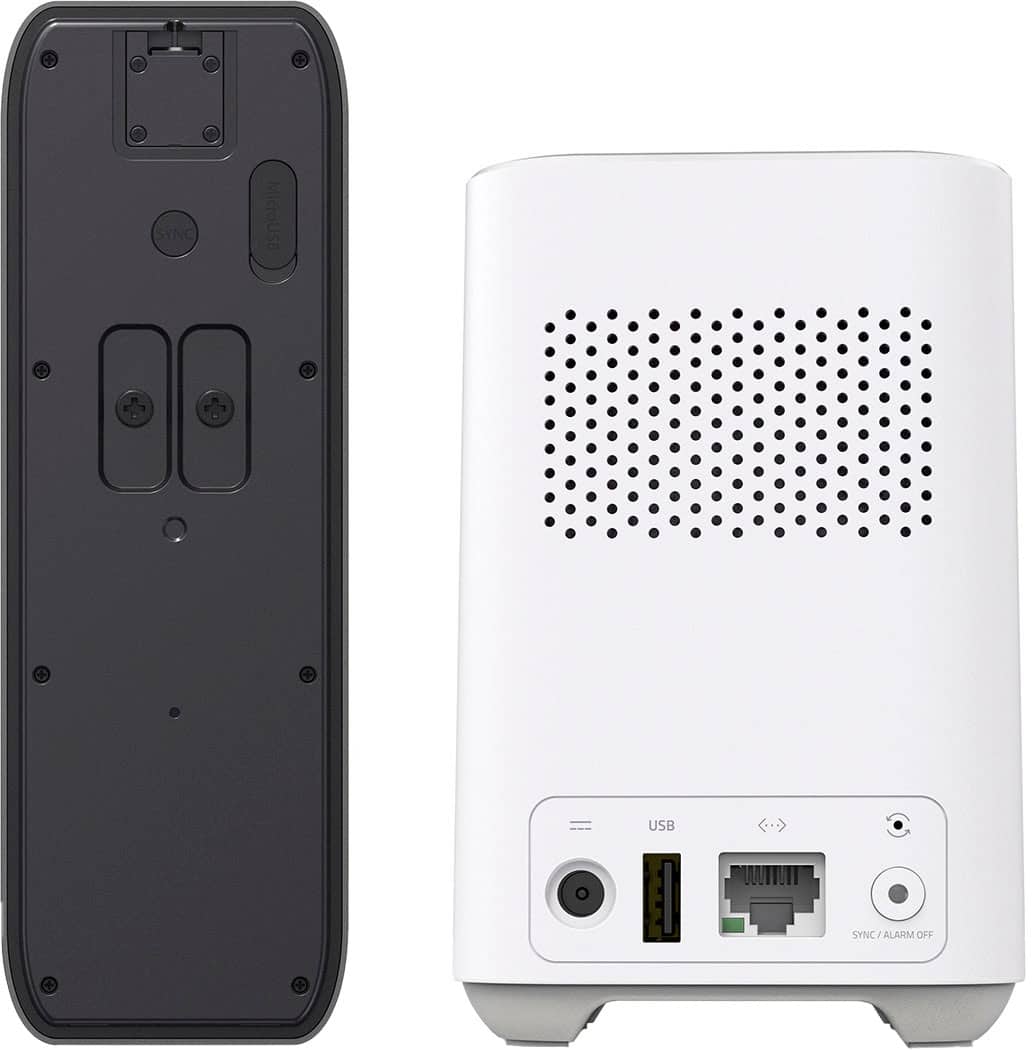
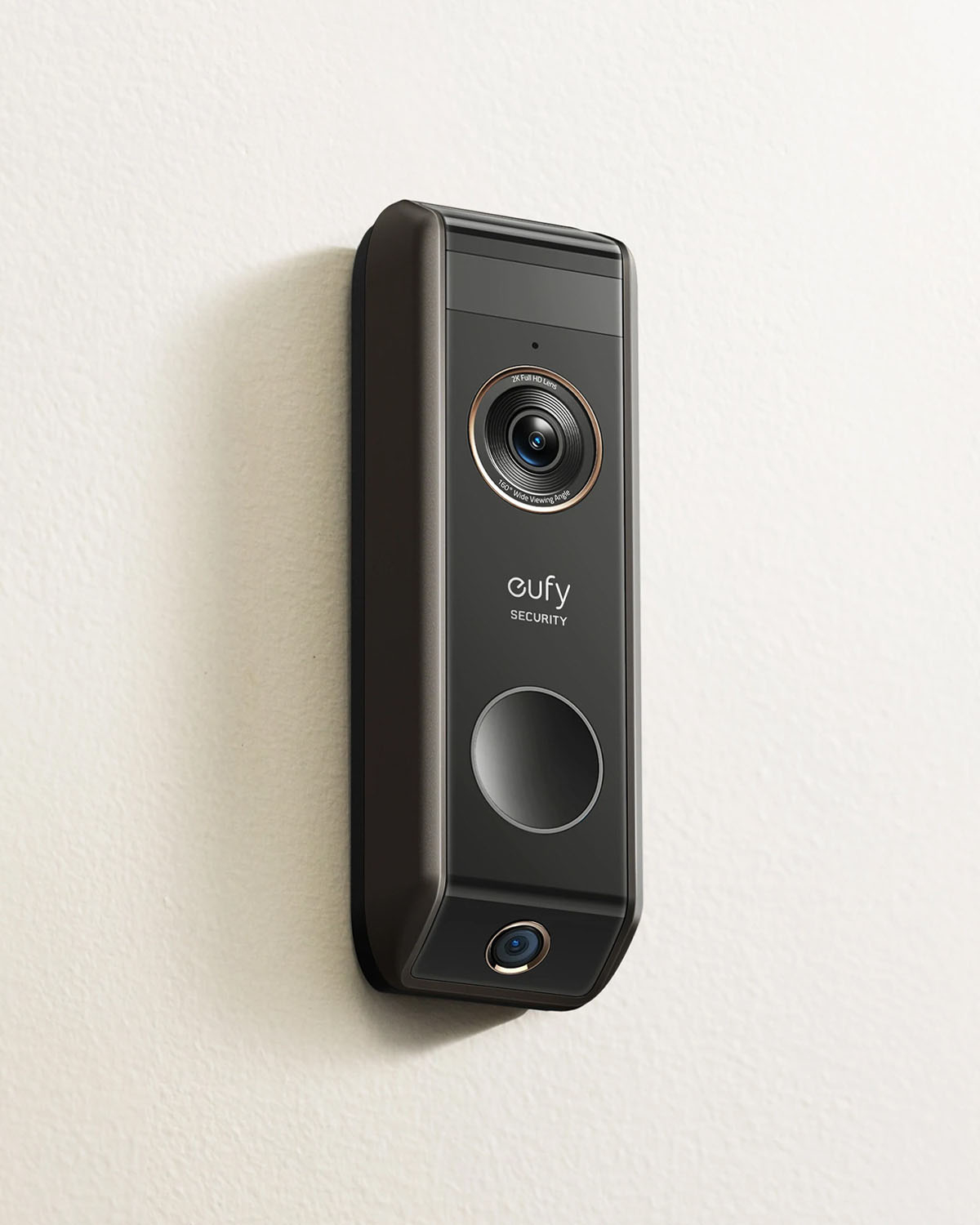
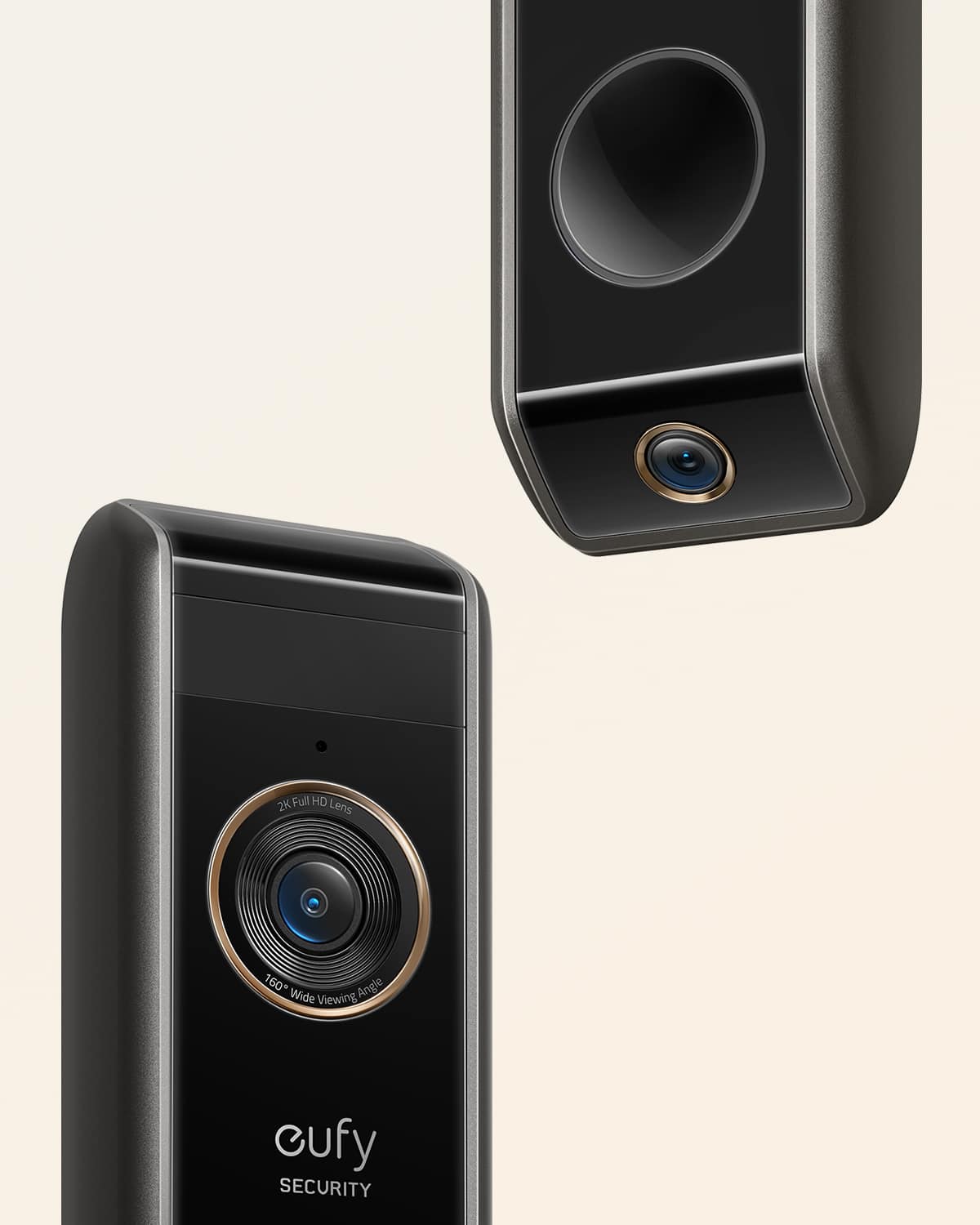
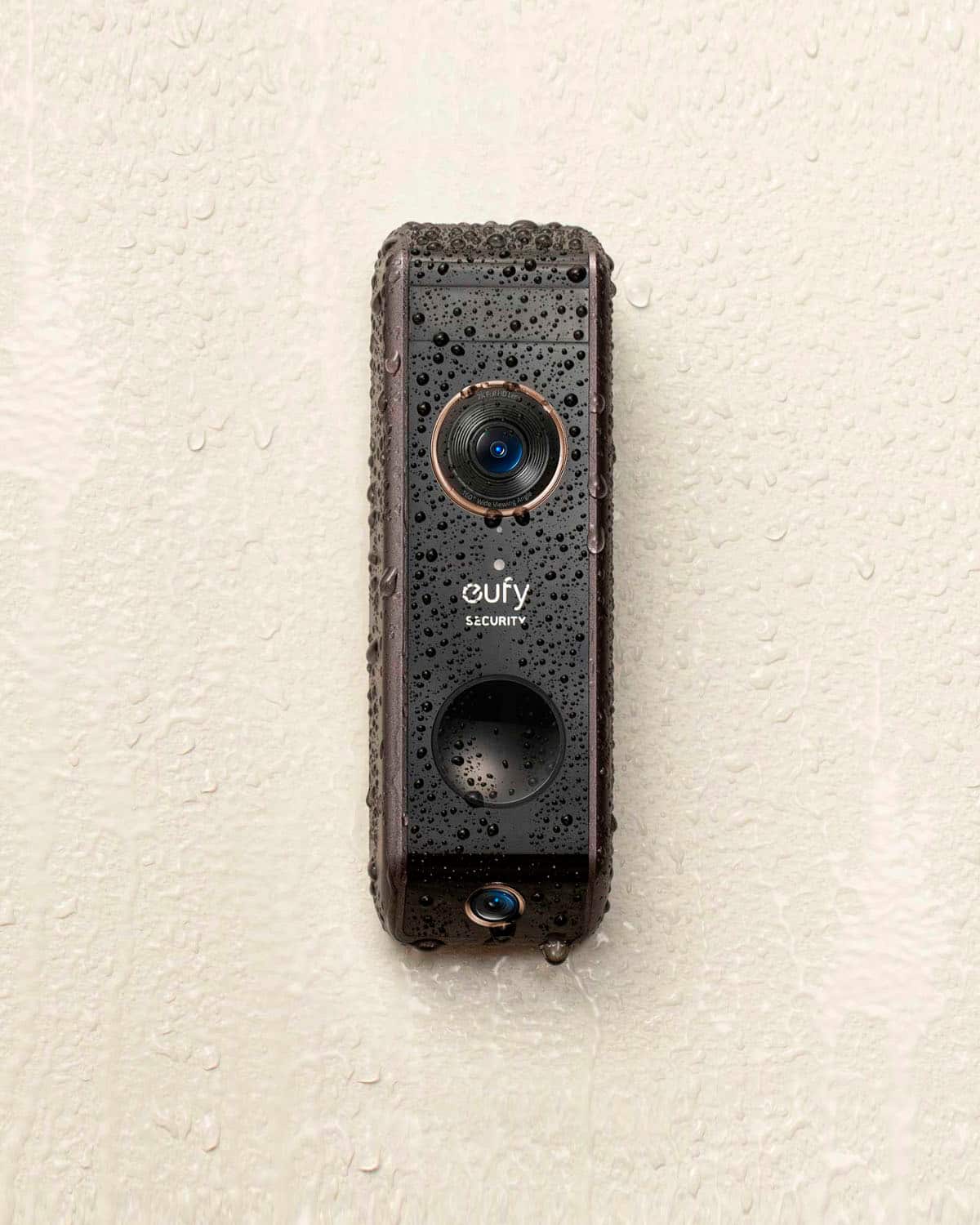

- Model:
- E8213J11
- SKU:
- 6495852
Rating by feature
- Video Quality
Rating 4.7 out of 5 stars
- Mobile App
Rating 4.5 out of 5 stars
- Sound Quality
Rating 4.5 out of 5 stars
Customers are saying
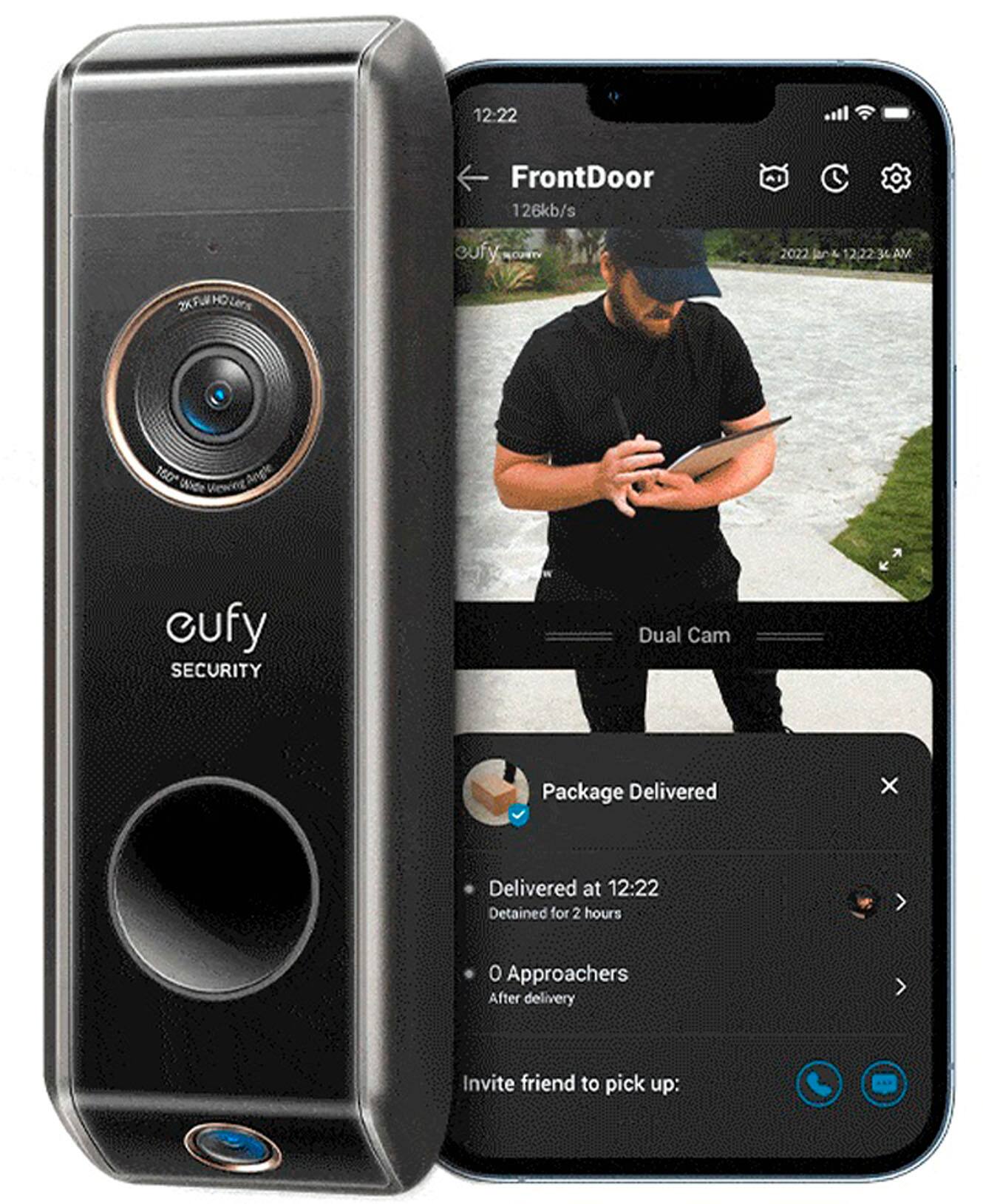
Customers are pleased with the excellent camera quality and ease of use of the Smart Wi-Fi Dual Cam Video Doorbell. Many appreciate the local storage option eliminating subscription fees, and find installation straightforward. However, some users note inconsistent motion detection and that the battery life requires periodic charging. The larger size of the doorbell compared to other models was also mentioned as a drawback by a few customers.
This summary was generated by AI based on customer reviews.

Fantastic Image
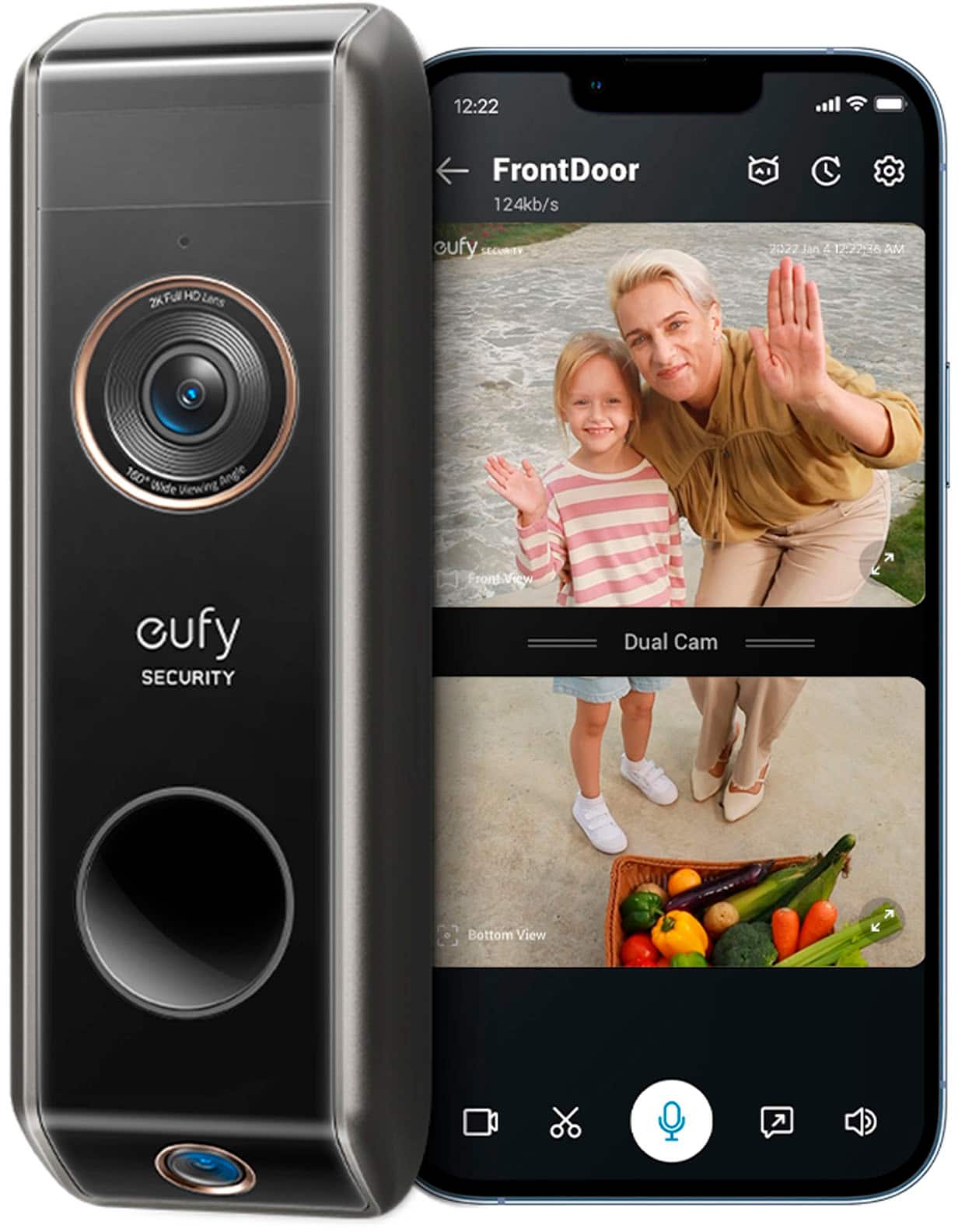
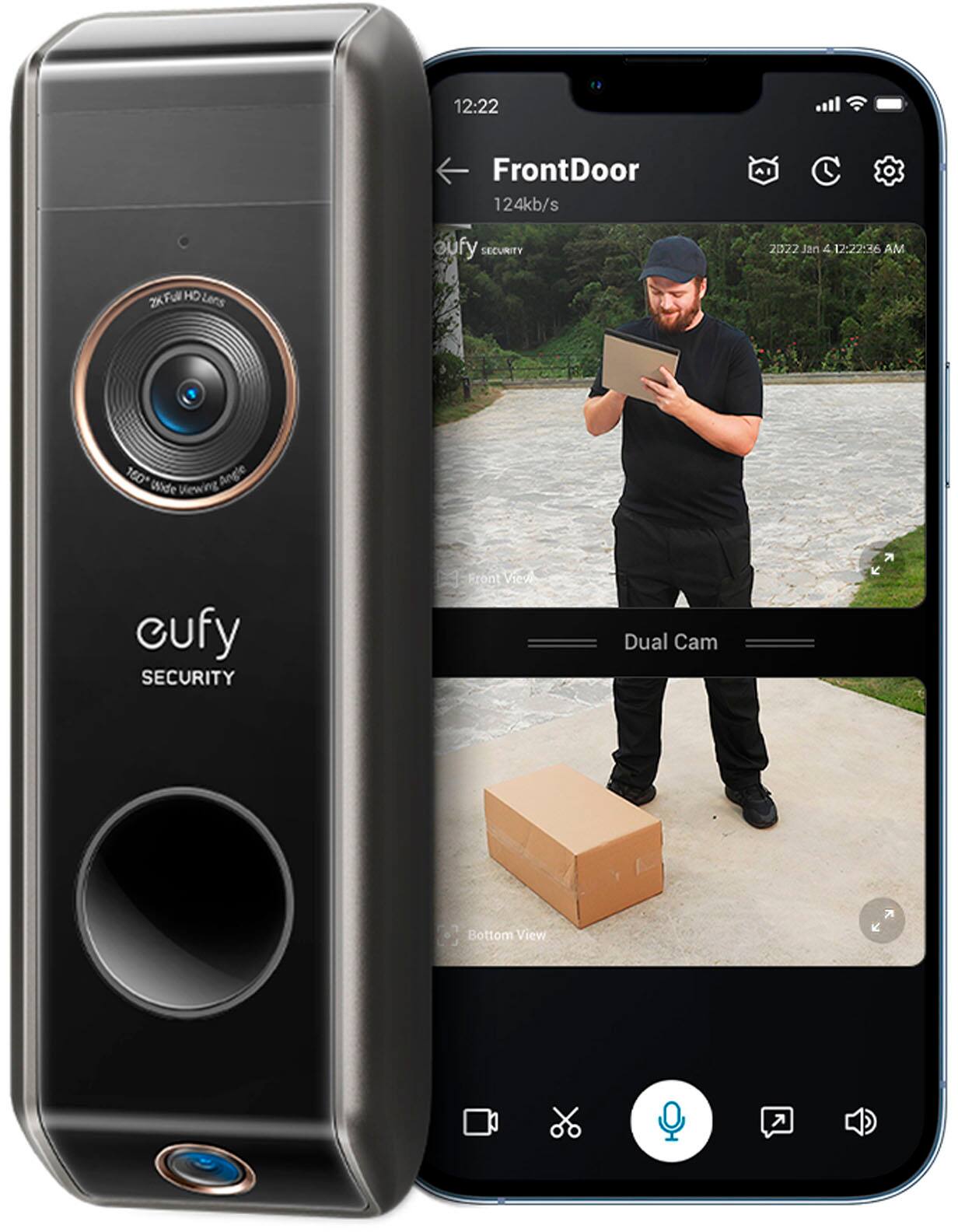
|Posted .This reviewer received promo considerations or sweepstakes entry for writing a review.This eufy doorbell is amazing. The image is incredibly clear and bright. You would think that would be enough but Oh, so much more! There is an option for a "focused" view. The focused view is more towards the bottom of the picture range, and yes this is where the packages are left. I was able to download the picture (simply click the download button) to my phone. Once there I could expand the image. Why would I do this? So I can see the address label! Amazing. Not only do I know there is a package at the door, I know who its from. How did I know there was a package at the door? The app let me know, of course. The voice for the doorbell is also fantastic. I went out of town right after installing the doorbell. Not only did I know when a package arrived so I could let my neighbor know, I was able to communicate with my neighbor when she retrieved the packages. The voice functionality is incredibly clear with minimal delay. The doorbell is even able to determine if it is a human or animal at the door. It was easy to connect once I figured out to tilt the phone down a bit, away from the overhead light when scanning the QR code.
I would recommend this to a friend- Pros mentioned:Camera quality
Great customer service as well.
Posted .This reviewer received promo considerations or sweepstakes entry for writing a review.Love it. Great quality. Thumps up. Kinda annoyed that i have a word count
I would recommend this to a friend Good purchase
Posted .This reviewer received promo considerations or sweepstakes entry for writing a review.This is a very nice product. My favorite feature is the second camera so you can see packages that are delivered. I didn’t find an apartment anti theft cage that fits this model so had to attach to the door.
I would recommend this to a friendBest purchase this Christmas!
Posted .This reviewer received promo considerations or sweepstakes entry for writing a review.Amazing product! Beyond expectations. This is one of the best!
I would recommend this to a friendDoor security
Posted .This reviewer received promo considerations or sweepstakes entry for writing a review.My first security door bell, and works ok So really hard to give it any more of a rating, till I’ve had it for a while
I would recommend this to a friendGeofencing does not work
Posted .This reviewer received promo considerations or sweepstakes entry for writing a review.I gave this company two years to see if they could fix their Geo fencing problems. I have an iPhone and I have never been able to make the Geo fencing work correctly. Will only work when opening the app. That defeats the purpose of having Geo fencing. Had to replace mine with an Arlo doorbell cam. I haven’t had a single issue with the Arlo cam.
No, I would not recommend this to a friendBrand response from Eufy Team
Posted .Thank you so much for sharing your experience. We are sorry to hear you are not satisfied with this item. We really appreciate your feedback to make this item better.
We are dedicated to ensuring your 100% satisfaction. Please reach out to us via [email protected] or call us at +1 (800) 988 7973. We are more than happy to assist you further.
We offer a 12-month warranty for this product, plus lifetime technical support. Our standard for responding to email quests is less than 24 hours, and we look forward to hearing from you!
Didn't last
Posted .This reviewer received promo considerations or sweepstakes entry for writing a review.We really liked it at first. Simple to install. Unfortunately, the base station lasted about a year or so, then died.
No, I would not recommend this to a friendBrand response from Eufy Team
Posted .Thank you so much for sharing your experience. We're really sorry you've encountered this issue!
You are more than welcome to let us know the specific performance if the Homebase doesn't work well, we will try our best to help you out.
Please feel free to reach out to us via [email protected] or call us at +1 (800) 988 7973. We are more than happy to assist you further.
We offer a 12-month warranty for this product, plus lifetime technical support. Our standard for responding to email quests is less than 24 hours, and we look forward to hearing from you!
Doorbell
Posted .This reviewer received promo considerations or sweepstakes entry for writing a review.Can't get it connect to the internet right now I can't use it or return it for a different one
No, I would not recommend this to a friendBrand response from Eufy Team
Posted .Thank you so much for sharing your experience. We're really sorry you've encountered this issue!
If your eufy HomeBase failed to connect to a 2.4GHz WiFi network and the HomeBase has already been added in the eufySecurity app via Ethernet connection, please try the following troubleshooting steps to verify if the issue can be resolved.
Note: eufy HomeBase only connects to a 2.4GHz WiFi network and not a 5GHz WiFi network. Additionally, please make sure the 2.4GHz WiFi network SSID is not hidden and the security level is set to either WPA or WPA2.
With the HomeBase still connected to the router via Ethernet connection, please launch the eufySecurity app > Devices tab > select the HomeBase >General> Connection > Wi-Fi Setup > select your 2.4GHz WiFi network > enter the password for your 2.4GHz WiFi network and tap Next > HomeBase will automatically connect to the selected 2.4GHz WiFi network and the HomeBase will emit a voice prompt once it is successfully connected.
If those don't help, please reach out to us via [email protected] or call us at +1 (800) 988 7973. We are more than happy to assist you further.
We offer a 12-month warranty for this product, plus lifetime technical support. Our standard for responding to email quests is less than 24 hours, and we look forward to hearing from you!