Customer Ratings & Reviews
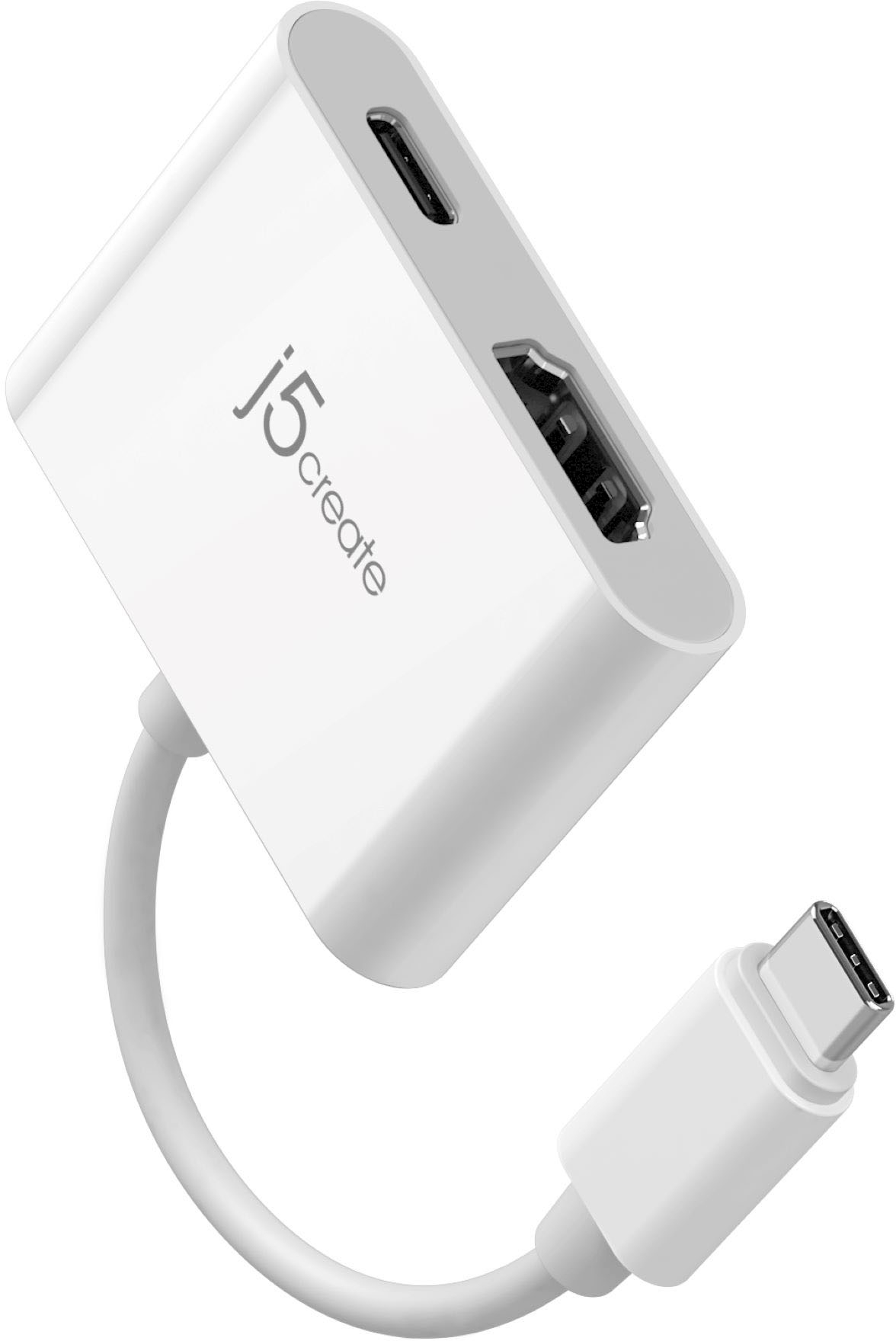
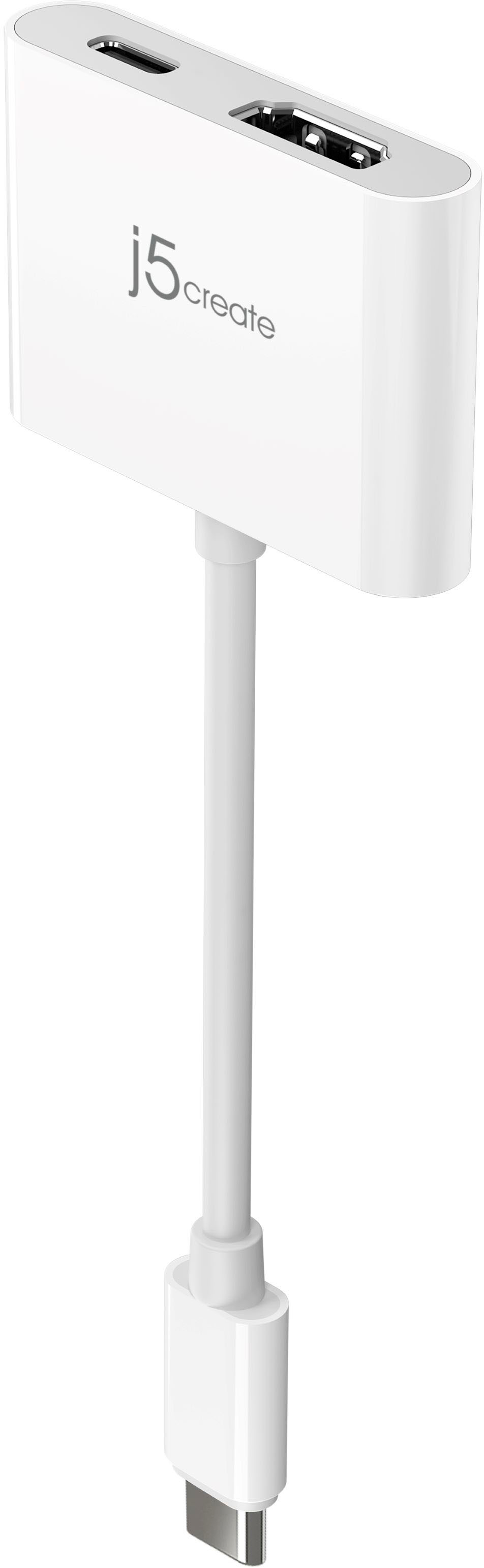
- Model:
- JCA152
- SKU:
- 12229388
Rating by feature
- Value
Rating 4.4 out of 5 stars
- Quality
Rating 4.6 out of 5 stars
- Ease of Use
Rating 4.7 out of 5 stars
Worth the Money
||Posted .This reviewer received promo considerations or sweepstakes entry for writing a review.Great product and worth every penny, well built and easy to use.
I would recommend this to a friendMy product
||Posted . Owned for 3 weeks when reviewed.This reviewer received promo considerations or sweepstakes entry for writing a review.This has been a great product for me i use it to watch movies and shows from my phone on to the Tv while it charges my phone it has been really easy to use this is the second one i bought and absolutely recommend it.
I would recommend this to a friendPure plug and play :)
||Posted . Owned for 1 week when reviewed.This reviewer received promo considerations or sweepstakes entry for writing a review.Helped me mirror my laptop screen to my tv (my laptop doesn’t have an hdmi output(. No apps or downloads necessary. Just plug and play. Super easy to use
I would recommend this to a friendIt does what it’s supposed to
||Posted . Owned for 3 weeks when reviewed.This reviewer received promo considerations or sweepstakes entry for writing a review.It works, but I haven’t used it much. It is pretty neat for the price you pay.
I would recommend this to a friendVery useful adapter
||Posted . Owned for 1 month when reviewed.This reviewer received promo considerations or sweepstakes entry for writing a review.It’s a great product giving you the ability to charge your iPhone and stream content at the same time!
I would recommend this to a friendWorks as I hoped it would
||Posted .This reviewer received promo considerations or sweepstakes entry for writing a review.Works well enough to extend either my MacBook Pro or my USB-C-only Asus Chromebook to an external monitor which, in my case, is a Sony Playstation 3D monitor...I just think it's a bit overpriced at 30 dollars though...one coulda just both a straight up USB-C/HDMI combo cable that starts at 15-20 bucks.
I would recommend this to a friendBrand response from J5create Team
Posted .Hello,
We appreciate your feedback on this video adapter. We do our best to produce quality devices at competitive prices. We're glad to hear that the adapter is working well for you.
Thank you,
j5create
used once but it did the job
||Posted . Owned for 1 year when reviewed.This reviewer received promo considerations or sweepstakes entry for writing a review.I needed to connect my Chromebook to a projector for a meeting. It did the job but I haven't used it since
I would recommend this to a frienddoes what it says it does
||Posted . Owned for 3 weeks when reviewed.This reviewer received promo considerations or sweepstakes entry for writing a review.Pretty simple and easy to use, I wanted to run two different screens off of my laptop (three including my laptop) but it only has one HDMI port but had a USB-C port so I bought this, now I have three different screens and it makes multitasking much easier.
I would recommend this to a friendBrand response from J5create Team
Posted .Hi!
That's great news! I'm happy to hear that this has made your set up better and easier for you. With the pandemic going on, being able to get up and running is vital and I'm glad this did it for you.
Thanks,
j5create
Good
||Posted . Owned for 1 month when reviewed.This reviewer received promo considerations or sweepstakes entry for writing a review.Good product. Works fine …..
I would recommend this to a friend
works as intended.
|Posted . Owned for less than 1 week when reviewed.This reviewer received promo considerations or sweepstakes entry for writing a review.I had a multiple port usb hub prior to this one. It started giving me problems so I decided to just get a single usbc to hdmi adapter. Has been working great.
I would recommend this to a friendGreat product
||Posted . Owned for 8 months when reviewed.This reviewer received promo considerations or sweepstakes entry for writing a review.No problems at all, worked just fine and met the needs.
I would recommend this to a friendWorks with Thunderbolt
||Posted . Owned for 3 months when reviewed.This reviewer received promo considerations or sweepstakes entry for writing a review.Rather than buying a docking station to get a second HDMI port for my work laptop at home I got this. Connected to Thunderbolt port, and it worked. No Drivers or settings just plug and play. Not sure if it works with a USB only port. Used almost every day for 3 months thus far.
I would recommend this to a friendDurable lil bugger
||Posted . Owned for 3 weeks when reviewed.This reviewer received promo considerations or sweepstakes entry for writing a review.Great so far! A simple plug n play. Works great with my rog ally and passable framerates for gaming
I would recommend this to a friendGreat purchase!
||Posted . Owned for 2 months when reviewed.This reviewer received promo considerations or sweepstakes entry for writing a review.Worked great!! Staff members were very helpful and made sure that this was what i needed to display a video from my laptop on to my tv!
I would recommend this to a friendMacBook Adapter So Helpful
||Posted . Owned for 2 weeks when reviewed.This reviewer received promo considerations or sweepstakes entry for writing a review.So perfect to connect my MacBook to my monitor! No issues at all
I would recommend this to a friendHDMI port
||Posted . Owned for 1 month when reviewed.This reviewer received promo considerations or sweepstakes entry for writing a review.This device has helped me to use my laptop and my desktop monitor together seamlessly
I would recommend this to a friendJust what I needed
||Posted . Owned for 3 weeks when reviewed.This reviewer received promo considerations or sweepstakes entry for writing a review.This adapter was exactly what I needed to connect another monitor to my work at home base
I would recommend this to a friendBrand response from J5create Team
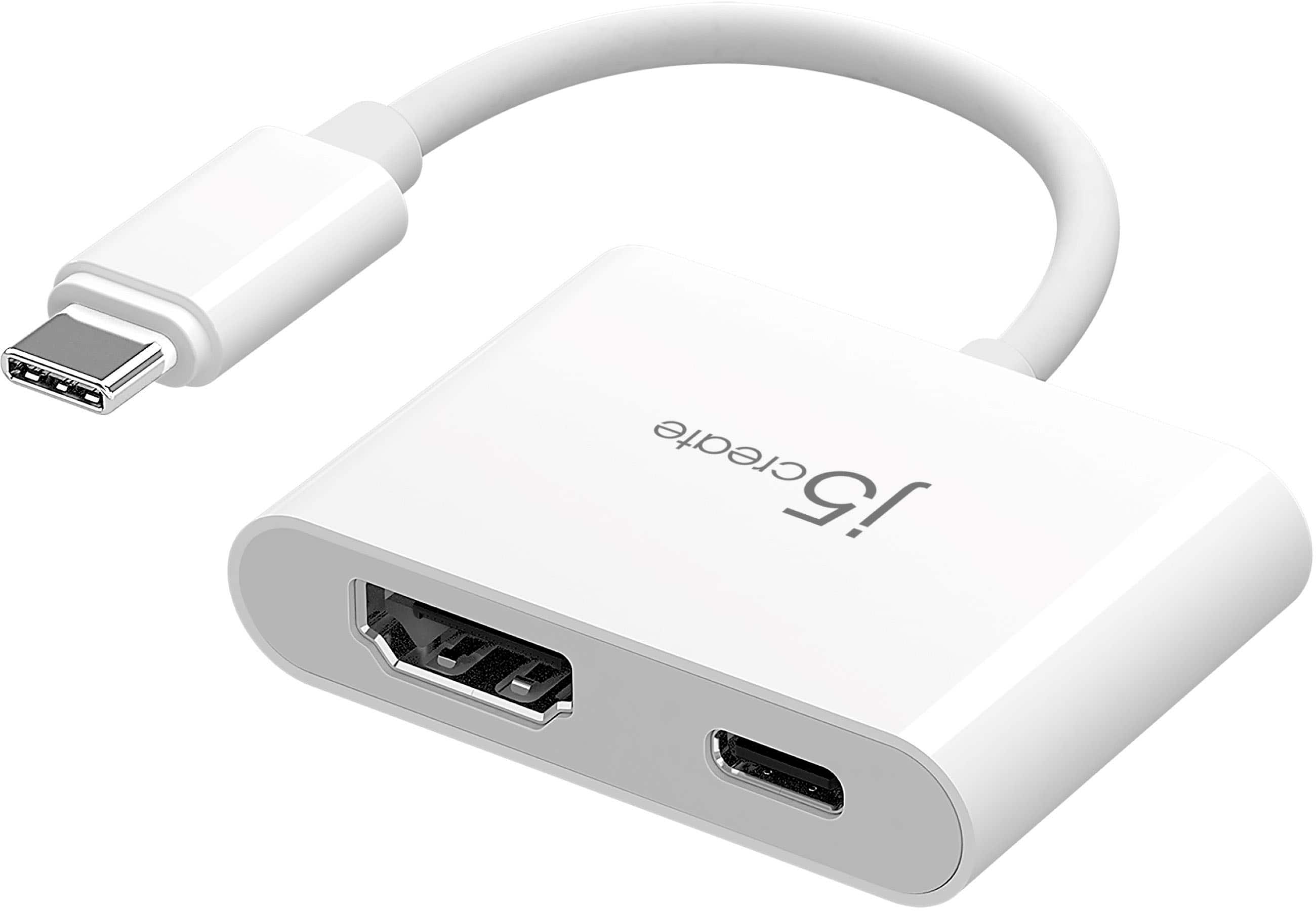
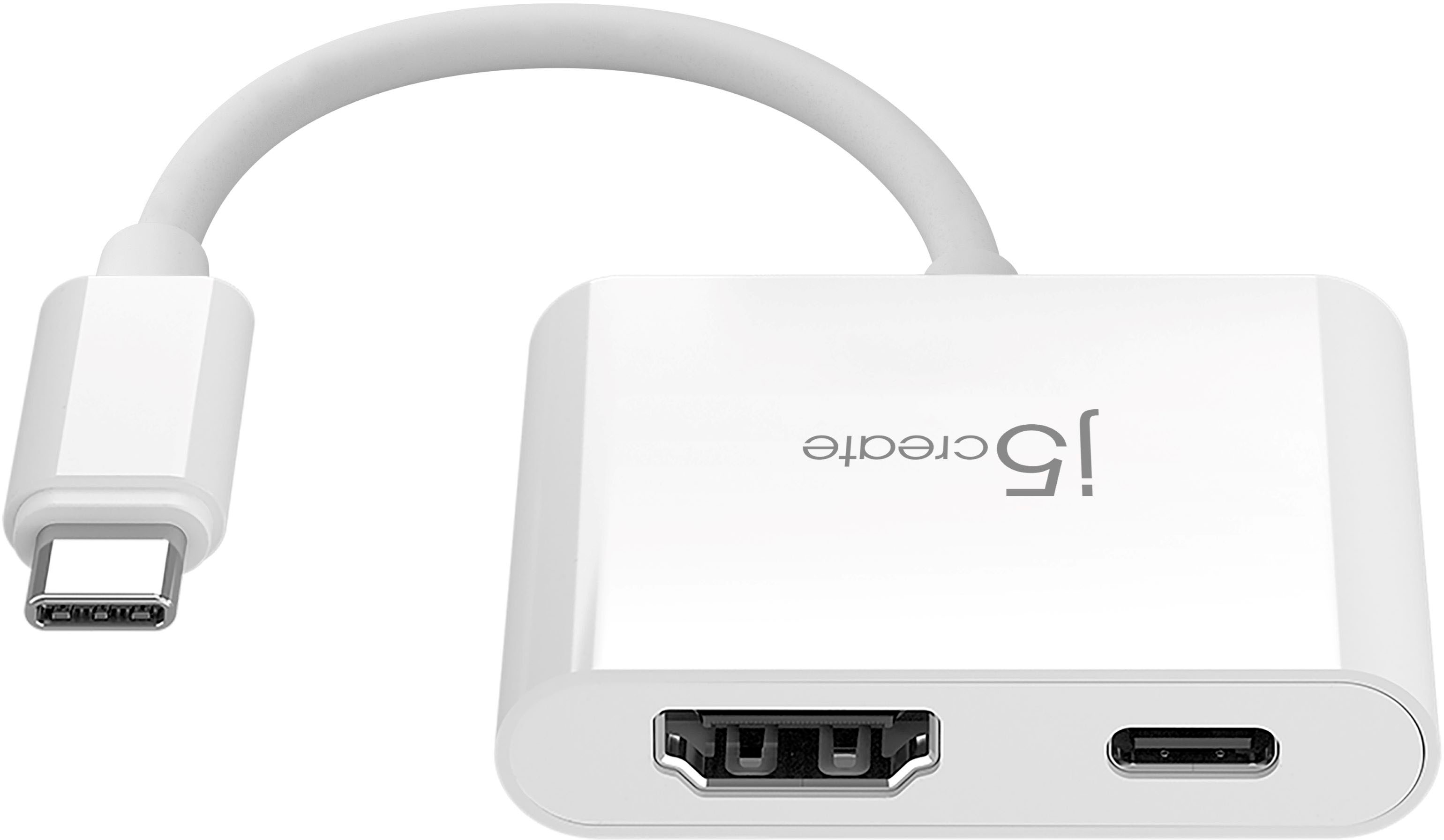
Posted .Ideal accessory for MacBook, Chromebook, tablets, PC's or other laptops with a USB-C port
Essential
||Posted . Owned for 1 month when reviewed.This reviewer received promo considerations or sweepstakes entry for writing a review.I needed this adapter to be able to use my new monitor. Thank you to the person who helped me know what I needed and helped me find it. All I had to do was connect my new monitor to my computer using this adapter.
I would recommend this to a friendBrand response from J5create Team
Posted .Hello,
Glad to hear that you were able to get the assistance you needed and got the right adapter for your monitor. Thank you for sharing your experience. We hope that you have a good day.
Thanks,
j5create
A decent piece of work.
||Posted . Owned for 3 weeks when reviewed.This reviewer received promo considerations or sweepstakes entry for writing a review.It works. It’s a much cheaper option, than most of the going devices out there, for $50-150. Pretty solid, so far: running a Lenovo Yoga to a Vizio 24” smart TV. Best luck.
I would recommend this to a friendj5create - USB-C to 4K HDMI Adapter - White
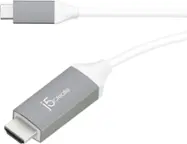
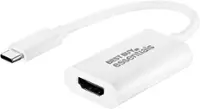
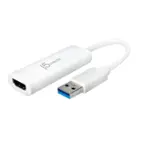
||Posted . Owned for 3 weeks when reviewed.This reviewer received promo considerations or sweepstakes entry for writing a review.**Personalized Review: j5create USB-C to 4K HDMI Adapter, White** If you're like me and need to expand your device's connectivity, the j5create USB-C to 4K HDMI Adapter in white is an excellent choice. Here’s why I love it: **Design and Build Quality** Right out of the box, I was impressed with the sleek, modern design. The white finish gives it a clean, sophisticated look that matches perfectly with my MacBook. It's compact and lightweight, making it easy to carry around without adding any bulk. Plus, it feels really sturdy and durable. **Performance** Setting it up was a breeze—just plug it into the USB-C port and connect an HDMI cable. No drivers or software needed. The video quality is fantastic, supporting up to 4K resolution at 30Hz. Whether I'm streaming movies, giving presentations, or working with multiple monitors, the output is consistently sharp and smooth. Even during fast-paced scenes, the performance is flawless. **Compatibility** This adapter is incredibly versatile. It works perfectly with my laptop, tablet, and even my smartphone, as long as they have a USB-C port with DisplayPort Alternate Mode. This flexibility means I can use it with almost any device I own. **Value for Money** For the quality and ease of use it offers, the j5create adapter is a great deal. It's competitively priced and delivers excellent value for money. **Conclusion** Overall, the j5create USB-C to 4K HDMI Adapter in white has exceeded my expectations. Whether you're a professional needing to give presentations, a gamer seeking high-quality video output, or just want to enjoy 4K content on a bigger screen, this adapter is perfect. I highly recommend it!
I would recommend this to a friend