Customer Ratings & Reviews



- Model:
- 910-006467
- SKU:
- 11230354
Rating by feature
- Value
Rating 4.7 out of 5 stars
- Quality
Rating 4.8 out of 5 stars
- Ease of Use
Rating 4.7 out of 5 stars

This Mouse Slides as Smooth as Glass
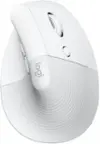
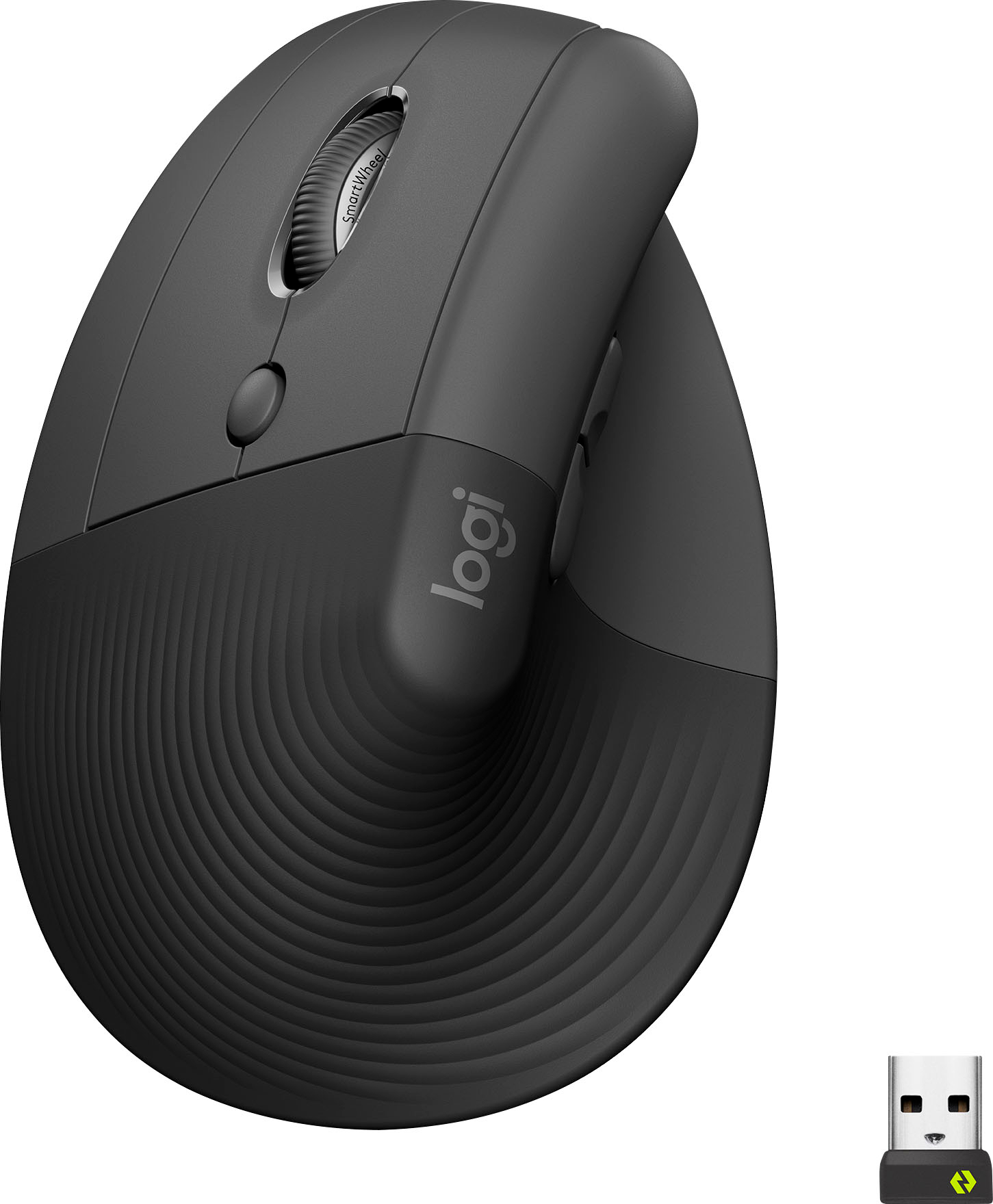
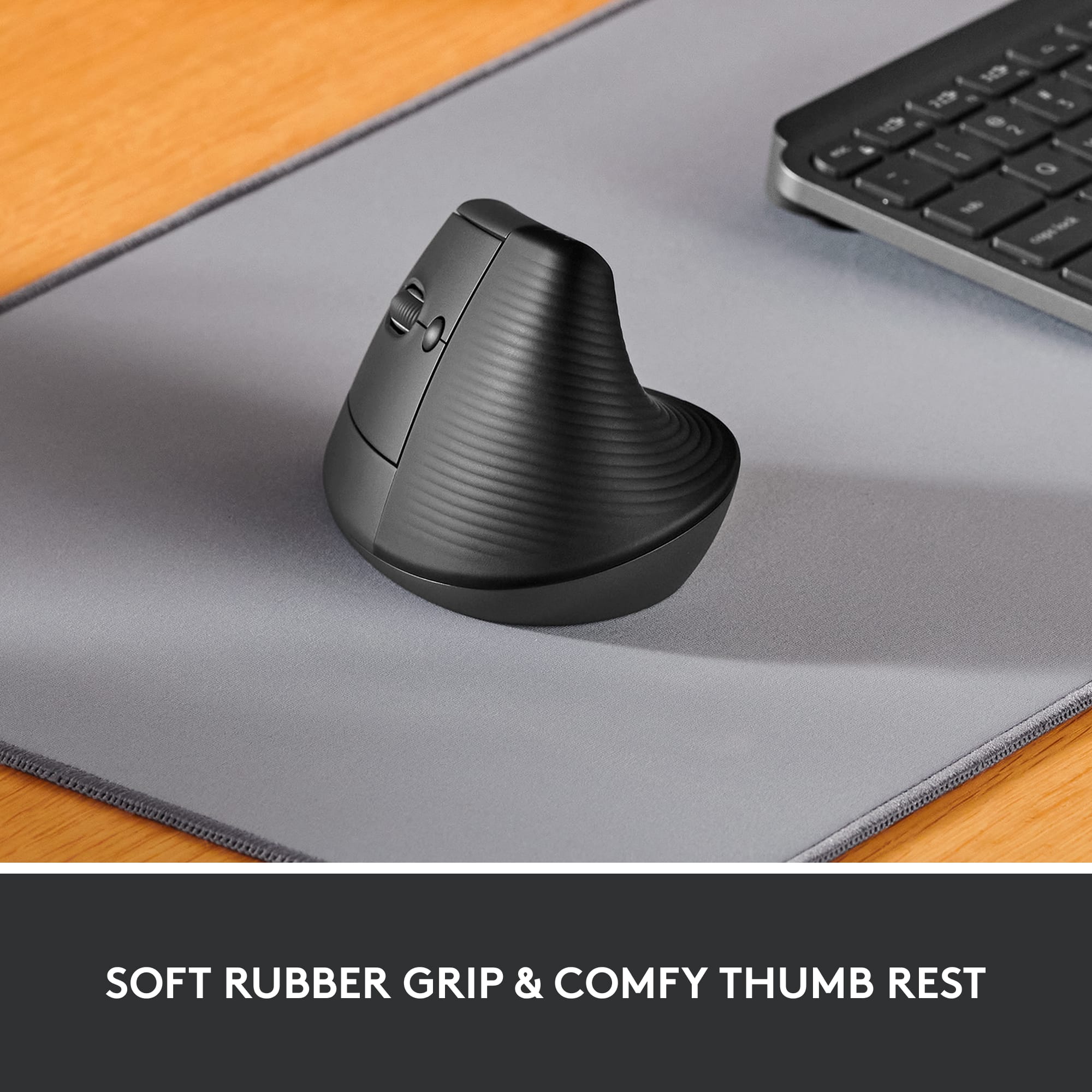
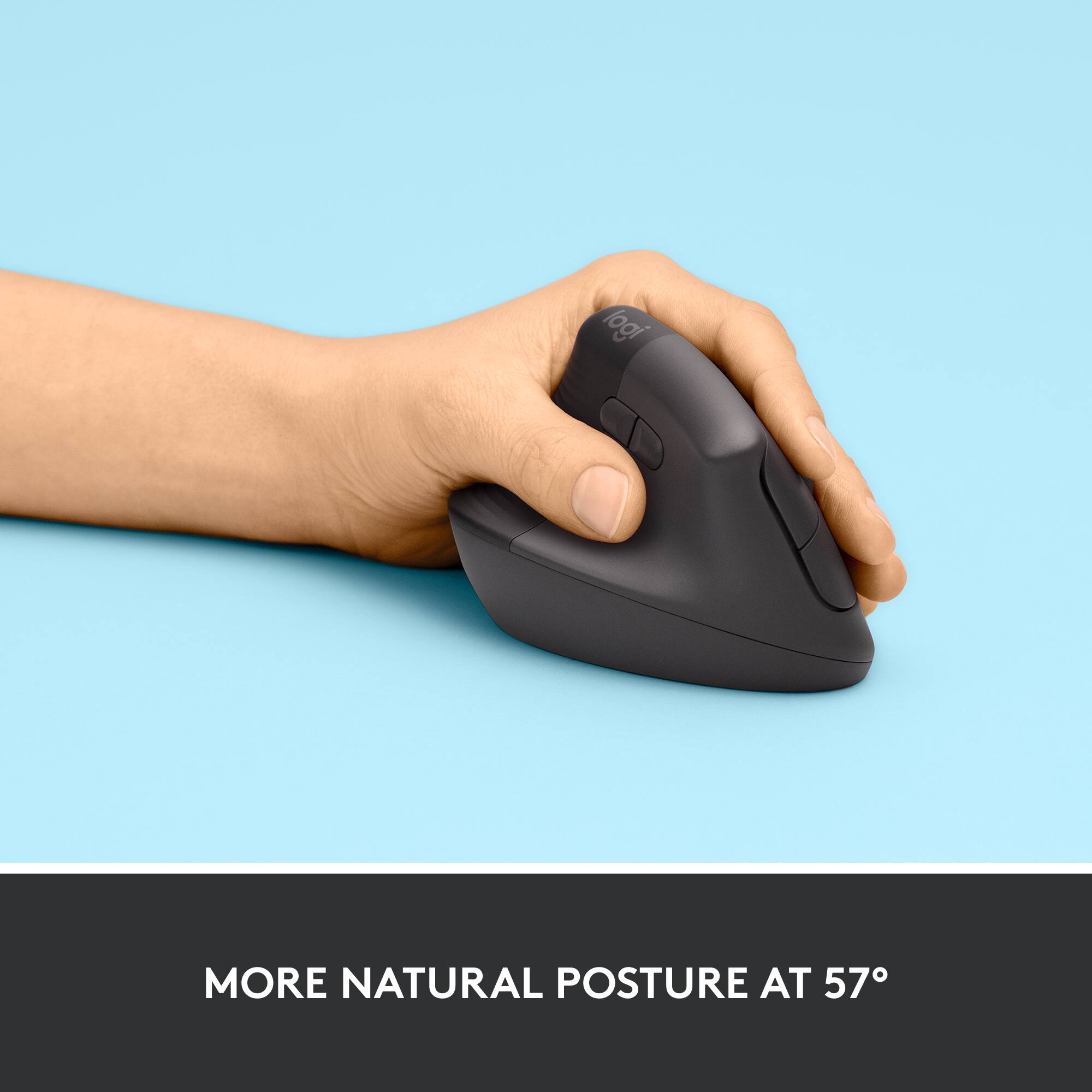
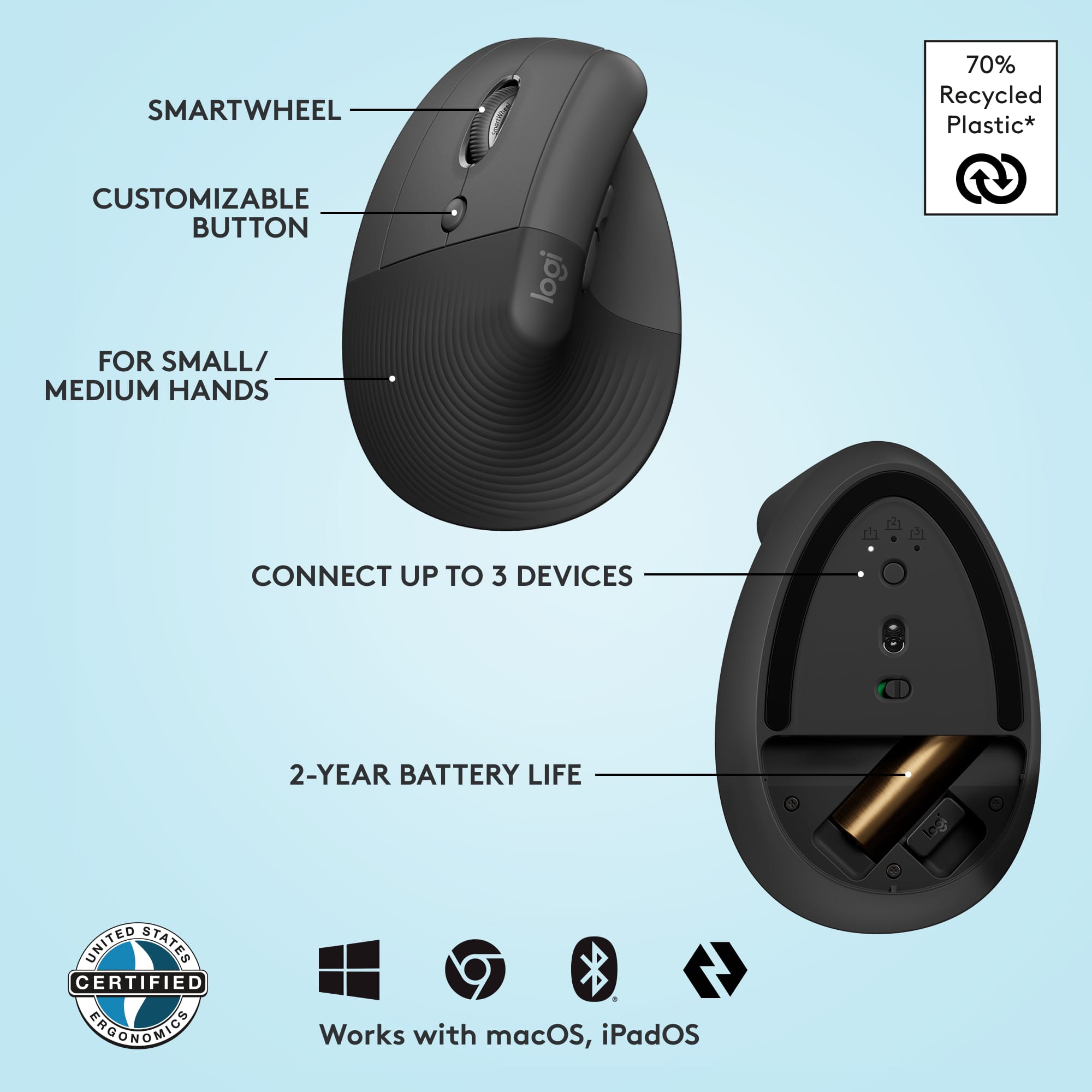
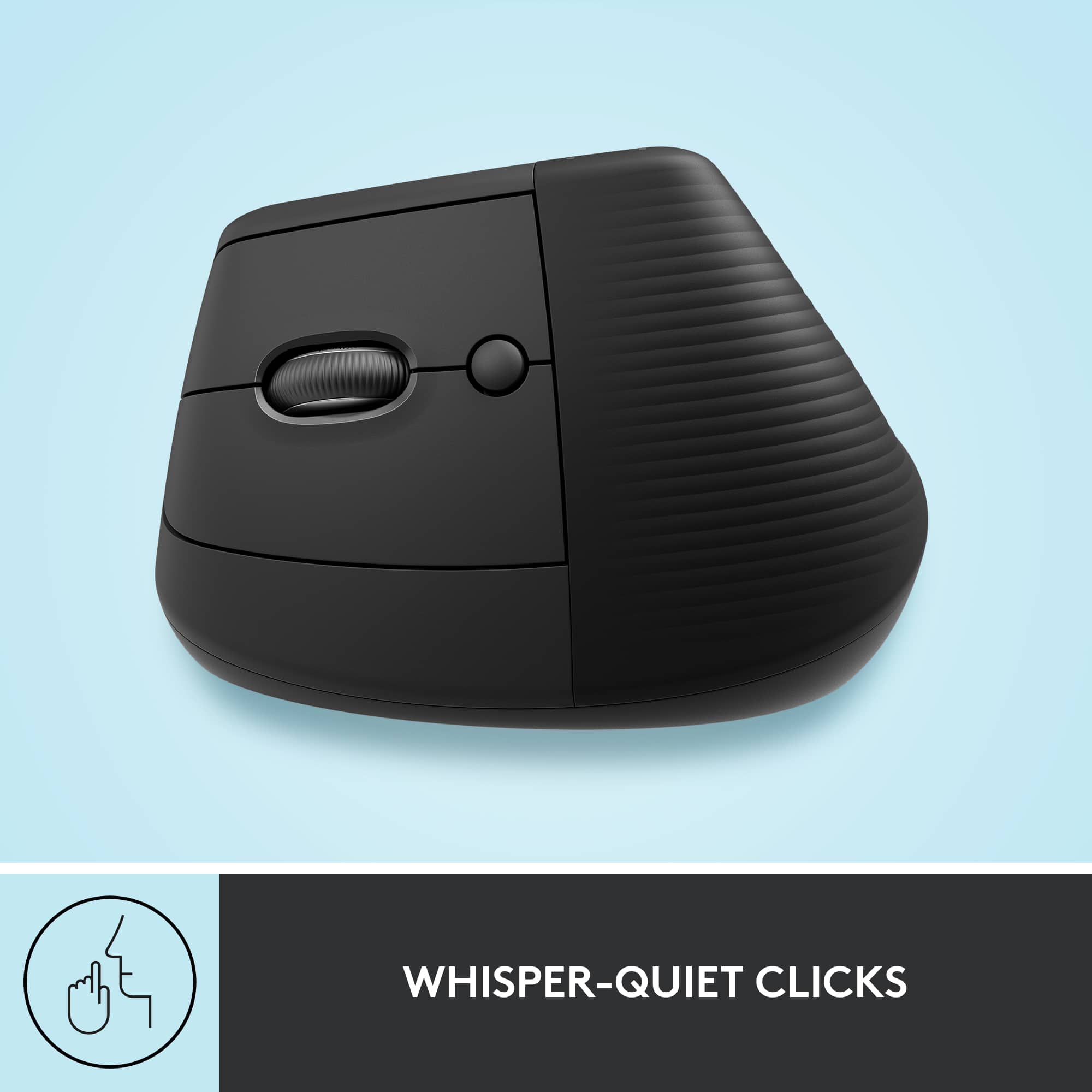
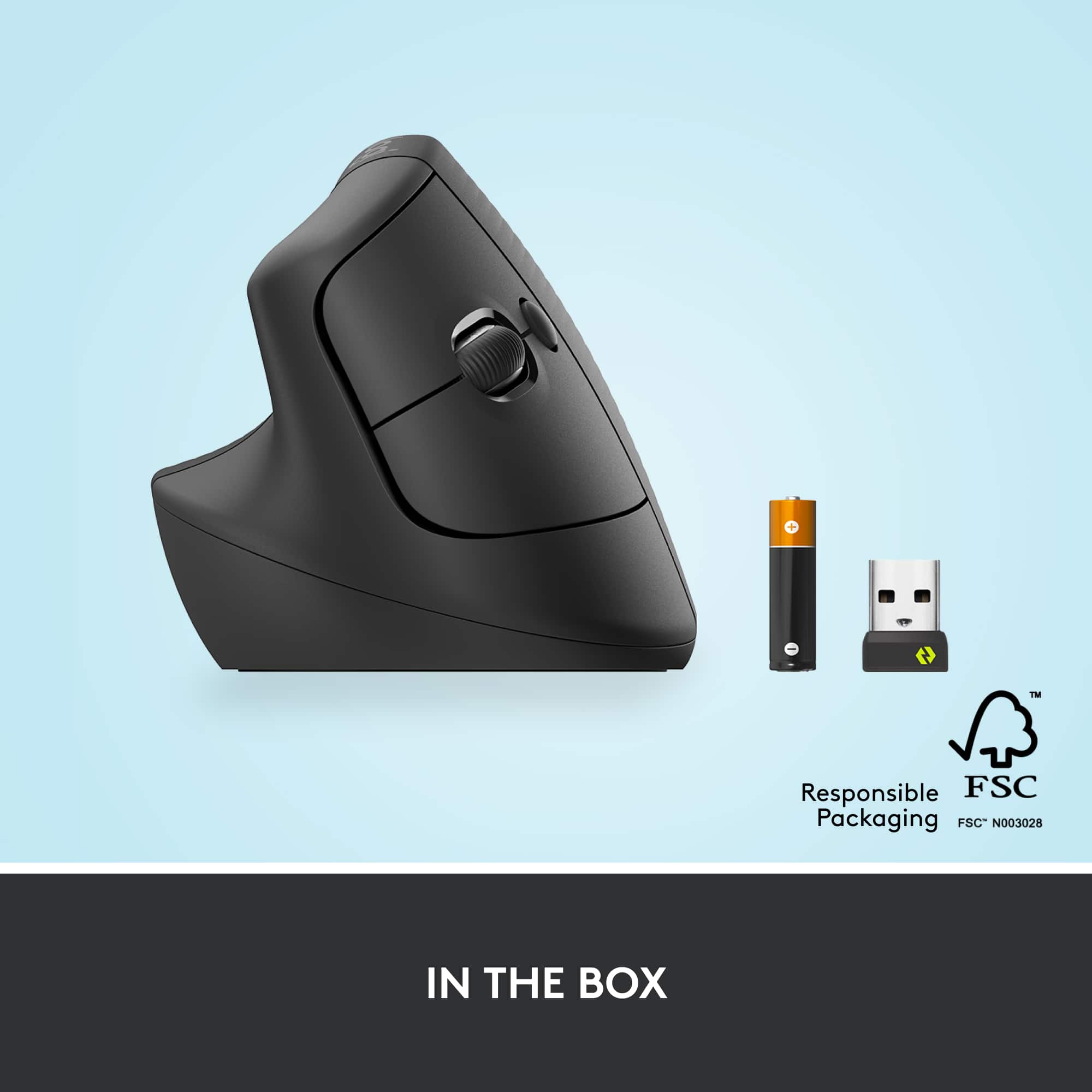
|Posted .This reviewer received promo considerations or sweepstakes entry for writing a review.I am inherently a right-hand dominant person who, at age 42, had to train himself to become left-hand dominant for medical reasons. So, I’m always on the lookout for a better left-handed mouse and I thought I would give this one a try. I’m glad I did because I got to experience several innovative firsts that I’ve not seen before in a computer mouse. One of the first things I noticed during unpacking, when I was getting ready to install the mouse, was the amazing battery door on the bottom of the mouse. I was unsuccessfully trying to get it to slide open like every mouse I’ve ever owned. However, when I pressed down on the straight side of the battery door, the curved opposite side popped up. So, I carefully lifted the door off and discovered that it does not slide and instead is held in its closed position by three tiny magnets. That’s a first for me. Never seen that before. By the way, that’s a nice piece of Keep It Simple engineering by Logitech. I removed the Logi Bolt USB Receiver from its storage slot next to the AA battery and installed it in one of my computer’s USB ports. Turned the mouse on and within moments, it connected flawlessly with the USB receiver, and I was ready to begin testing this vertical mouse. The second thing that impressed me is the scroll wheel literally free wheels when you give it a spin. I’ve never seen anything like that in another mouse. There is also a little button behind the scroll wheel that allows you to select between speed scrolling and precision scrolling. Another piece of engineering I’ve not seen in any other mice. The left and right buttons push gently with almost no resistance. Also, I am amazed by how little finger strength is needed to activate the Left and Right buttons and to roll the Scroll Wheel. This mouse also has the standard Back and Forward buttons for your thumb to actuate. All the button functions on this mouse are reprogrammable using the Logi Options+ software. As with anything different there is a learning curve. And going from a horizontal mouse to a vertical mouse is no different. I plan to give this mouse my best effort over the upcoming days and weeks, but I’m just not sure that for me vertical will be any improvement over horizontal. My hand feels strange in the vertical position and I’m experiencing difficulty in trying to be precise when fine mouse movements are needed. I think this is because movement of the whole hand and forearm is required to navigate a vertical mouse vs. just the fingers and fingertips when precision navigation is required using a horizontal mouse. Overall, the Logitech Lift Ergonomic Wireless Mouse was interesting to use and may be a perfect solution for some people. I can recommend it because it seems to be very well-made and has a lot of modern, innovative technology built in. But, for me, I’m not yet sure if having my left-hand vertical is any improvement over having my left-hand horizontal. Only time will tell.
Logitech - Lift Left Vertical Wireless Ergonomic
|Posted .This reviewer received promo considerations or sweepstakes entry for writing a review.The Logitech – Lift Left Vertical Wireless Ergonomic Left-Handed Mouse has to the best design of a mouse for left-handed people. Gone are the pains of using an ergonomic mouse designed for right-handed people. Even after hours of use I did not have any discomfort from use. Of all the left-handed mouse’s I have tried in the past, this mouse out done them all. The Lift Left Vertical Wireless Mouse is only lacking in two areas. The first is there are not enough programable buttons, and the second is this mouse is hard to reposition while using it. In the box is: Mouse USB Dongle Battery Some instructions The mouse itself glides effortlessly on the table. The scroll wheel also moves smoothly. I did have a small learning curve to adjust to the different controls. I did not try to connect the mouse to other devices, you can however connect to three different devices using Bluetooth and a slide button on the bottom to select between. So, position one is the USB receiver and 2,3 are via Bluetooth. In the end if you are left-handed this is a must own. After a few minutes of use you will understand why using an upright mouse if better on the wrist and hand. I would recommend this Mouse to friends and family who are left-handed.
I would recommend this to a friend