Customer Ratings & Reviews
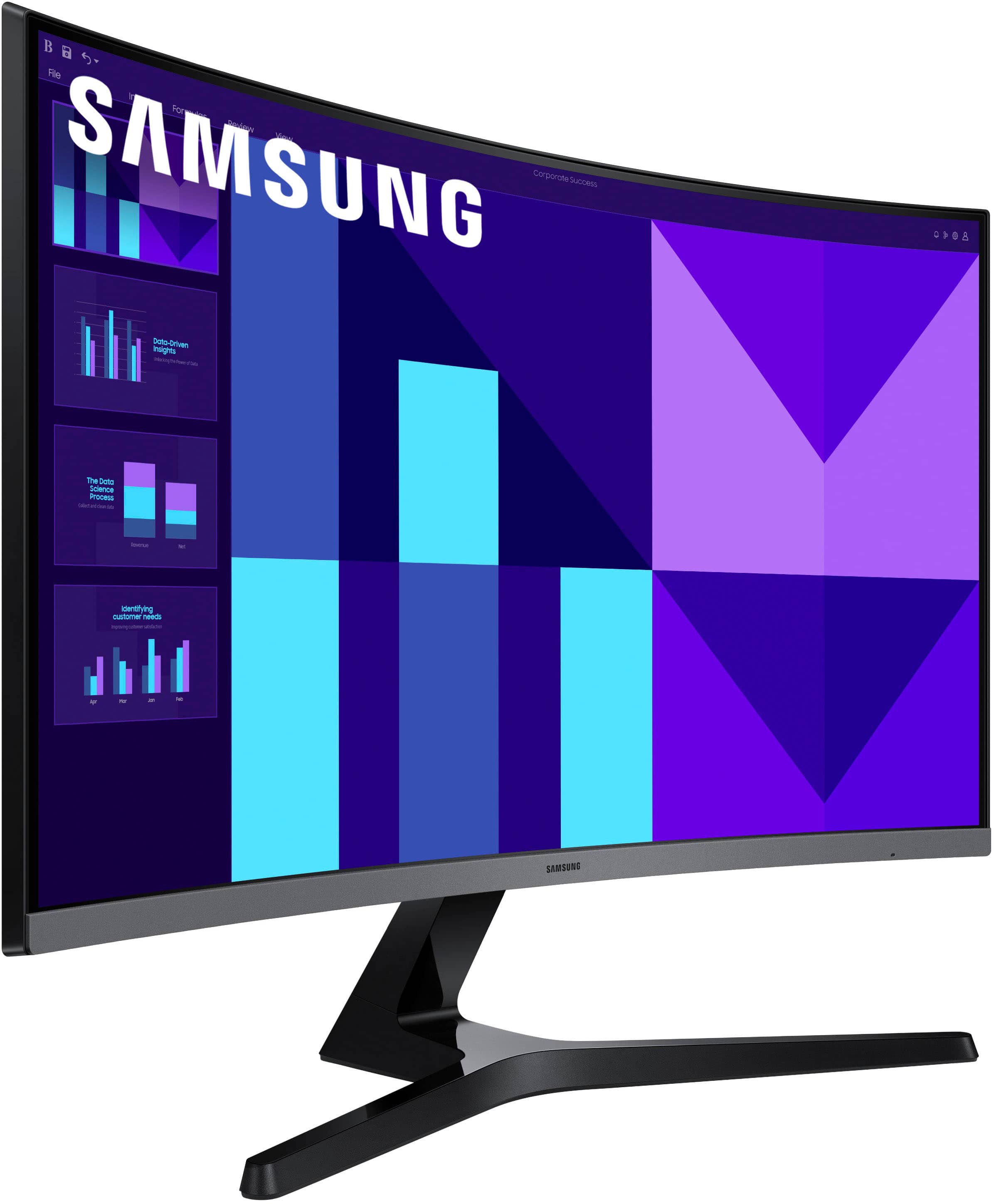
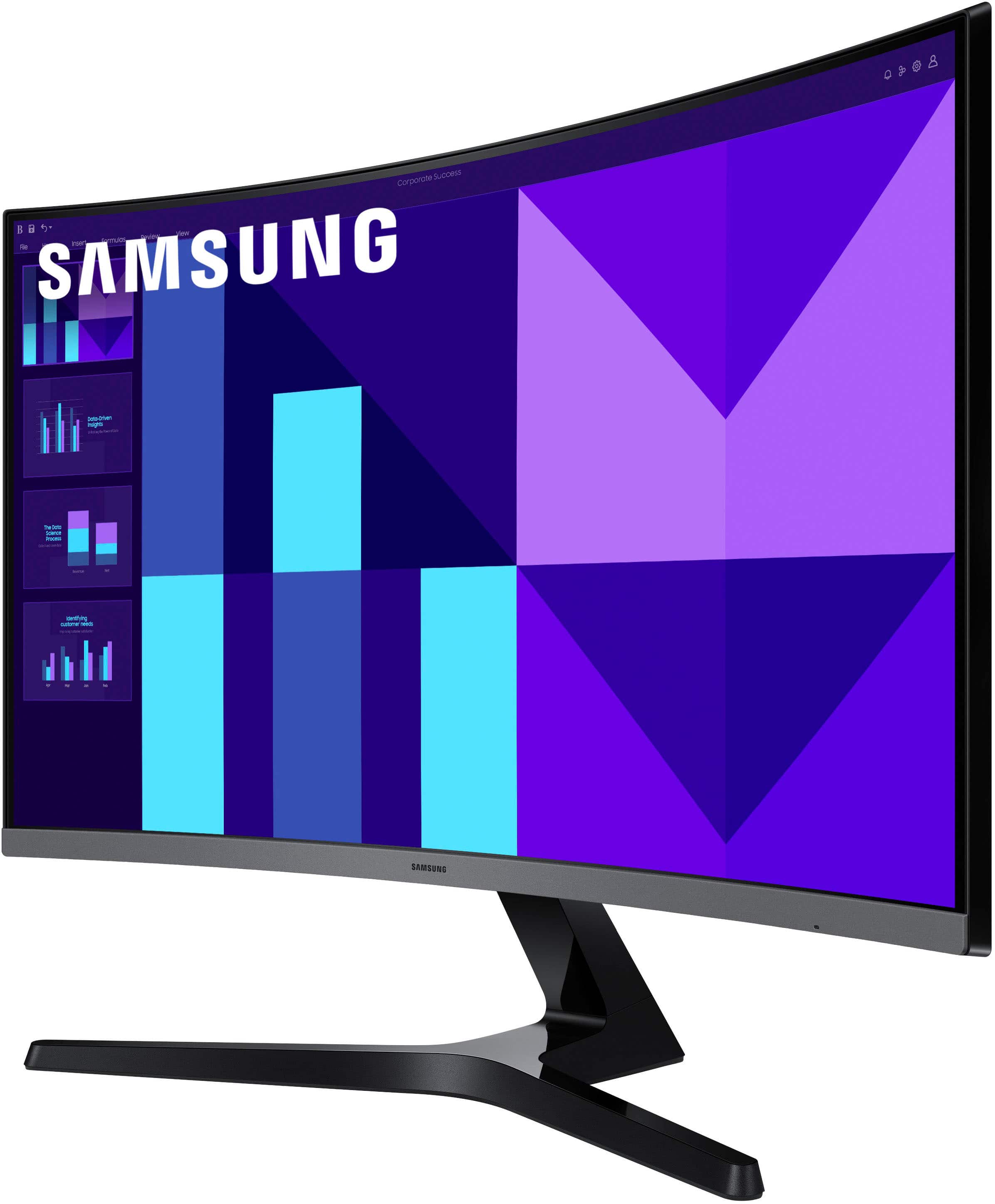
- Model:
- LS27D396GANXZA
- SKU:
- 11208892
Rating by feature
- Display Quality
Rating 4.8 out of 5 stars
- Ease of Use
Rating 4.9 out of 5 stars
- Features
Rating 4.7 out of 5 stars
- Pros mentioned:Resolution, Screen size
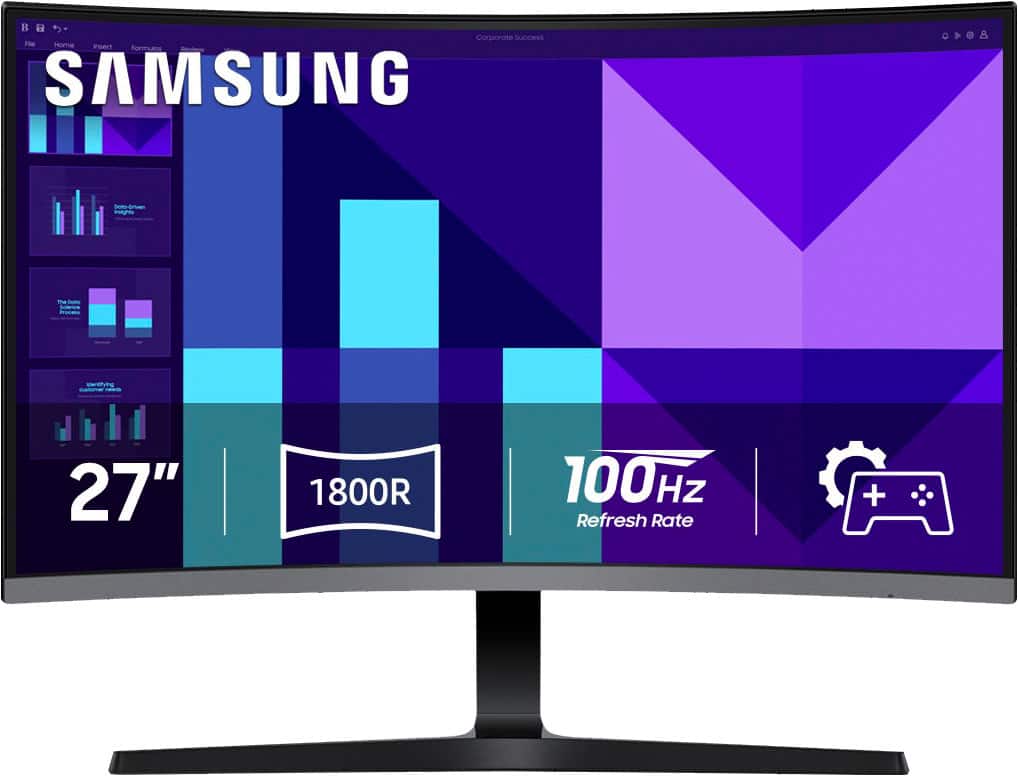
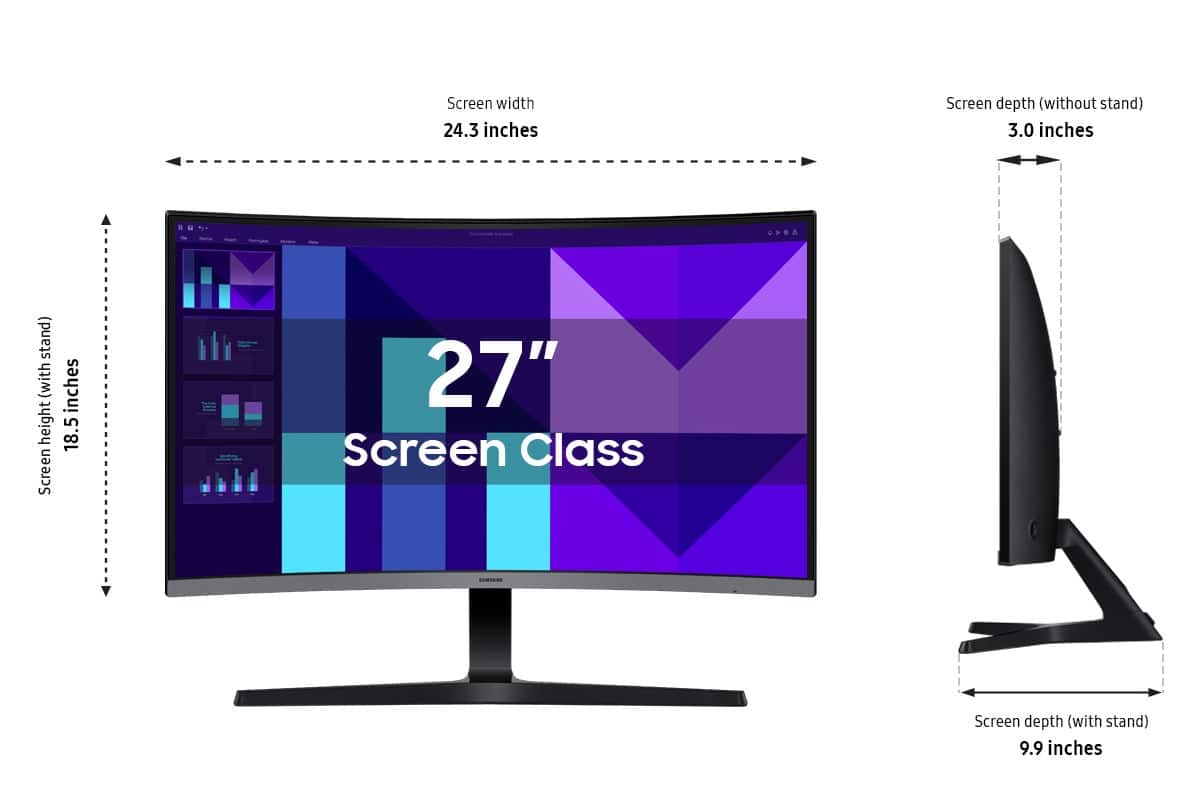
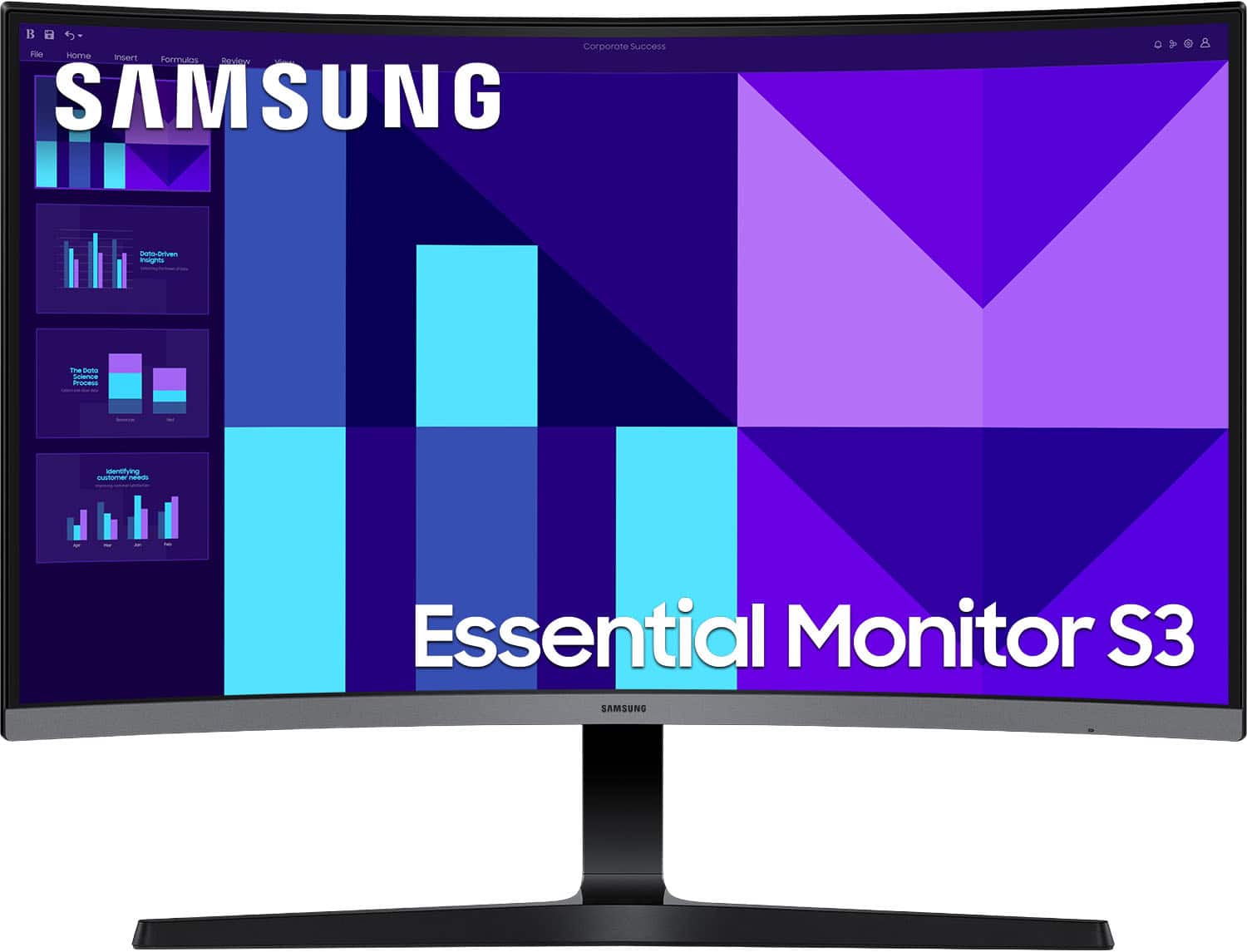
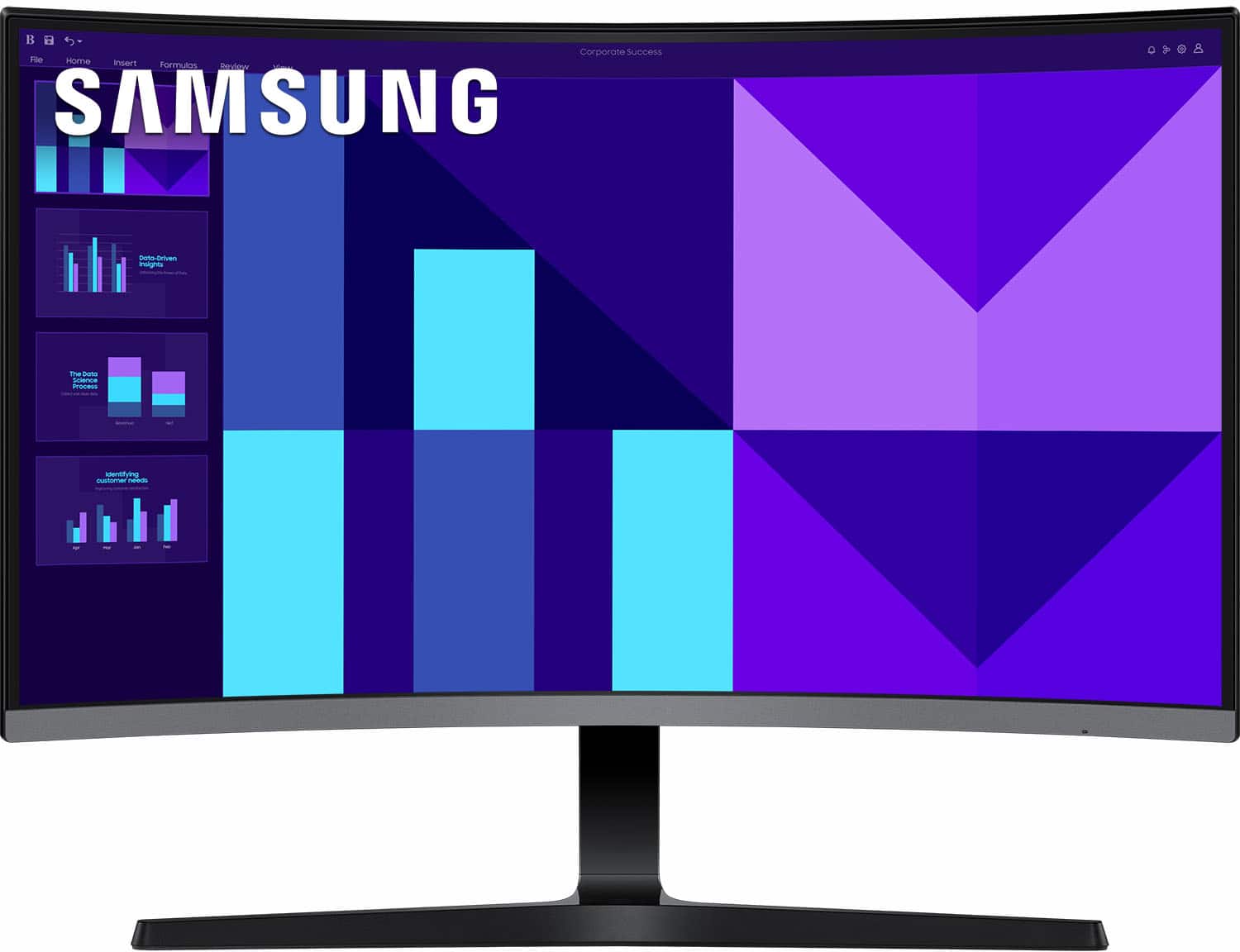
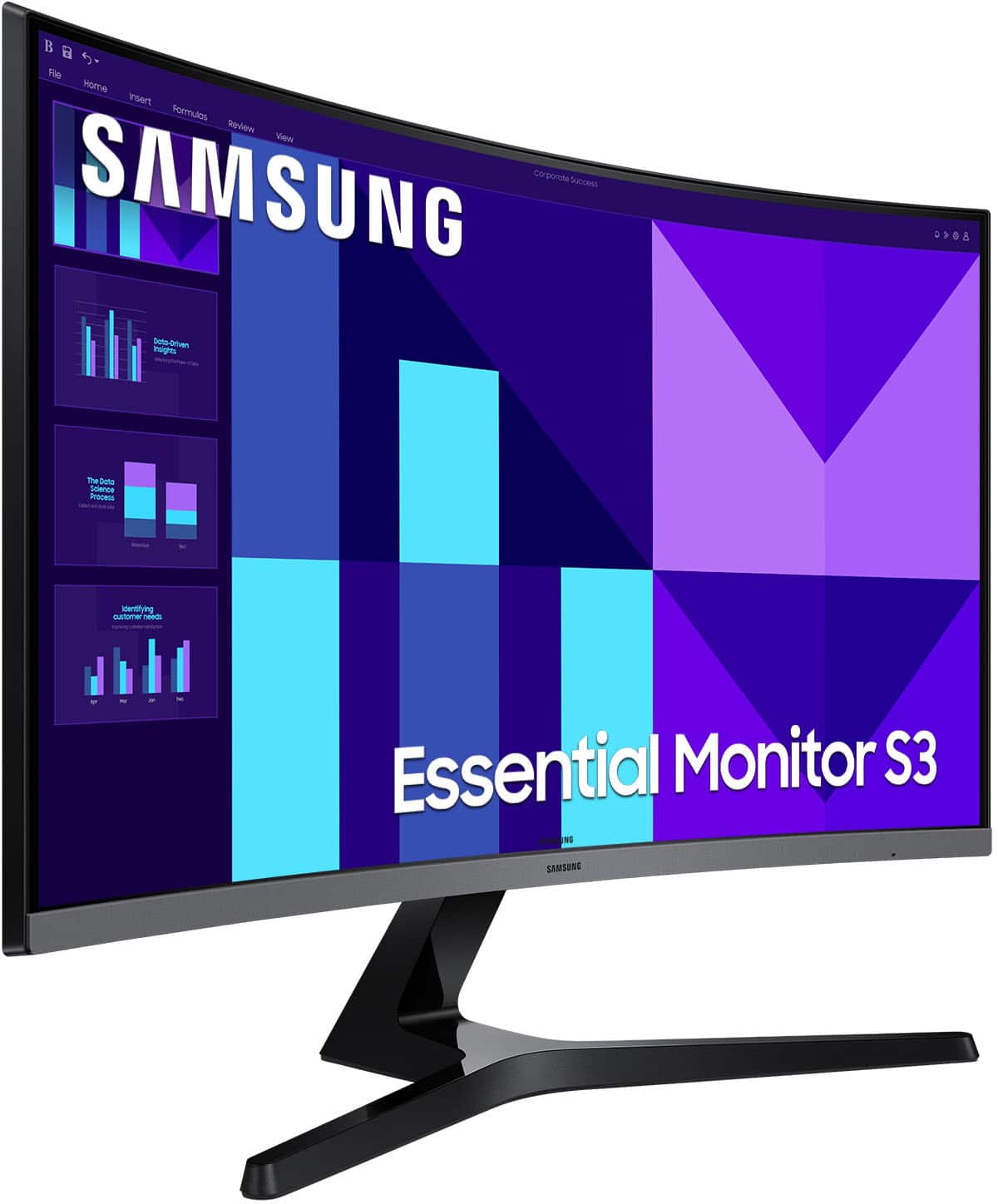
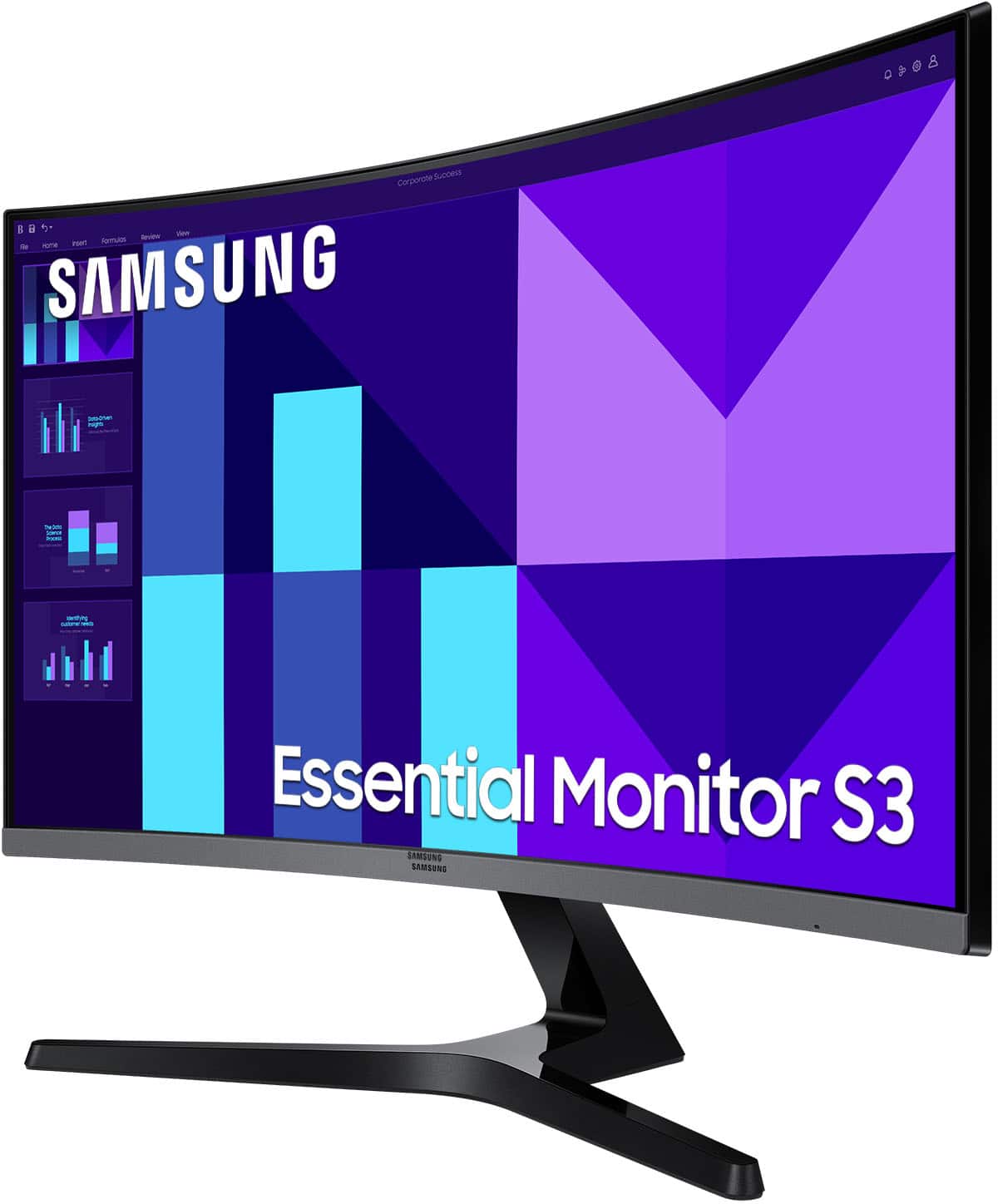
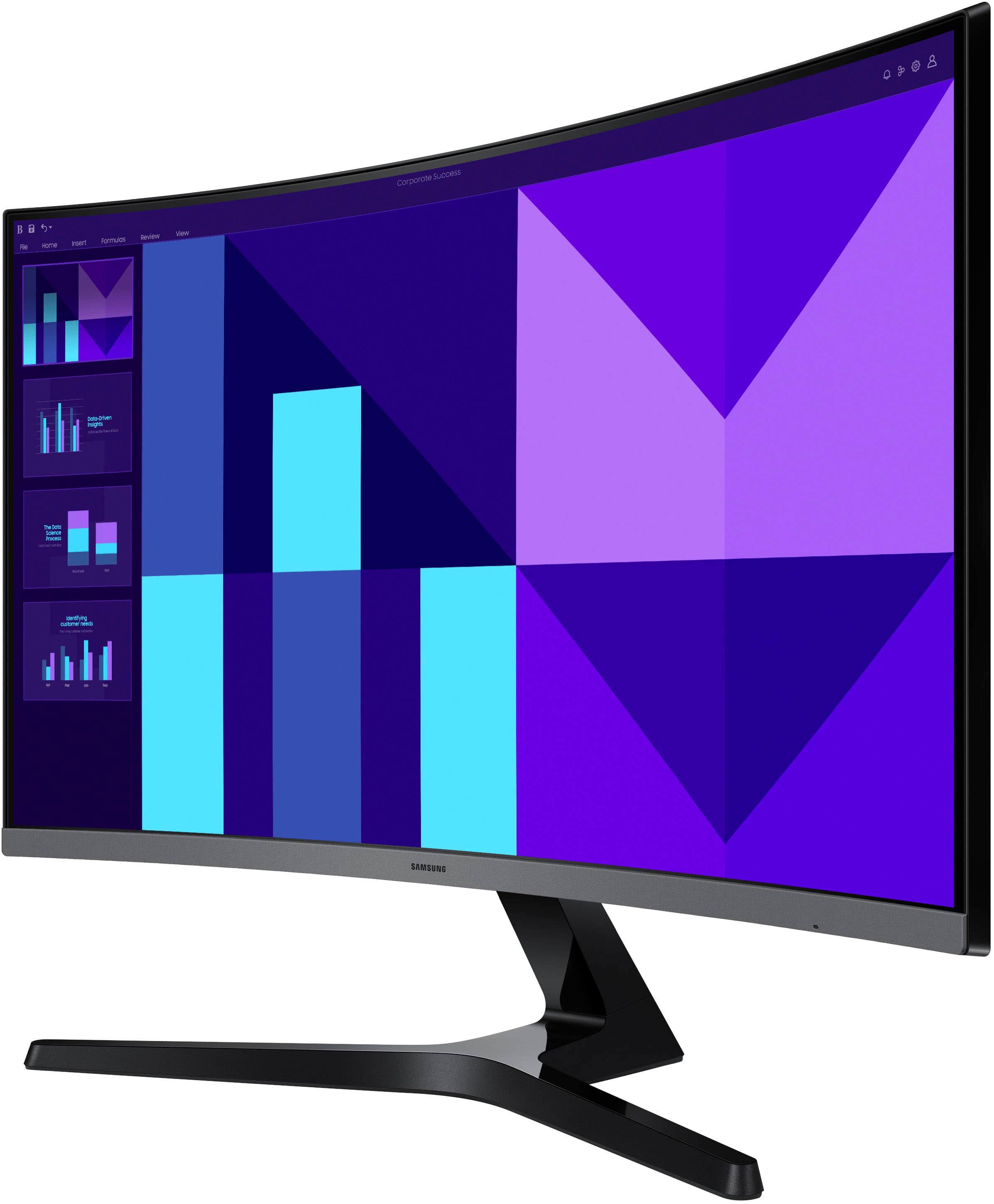
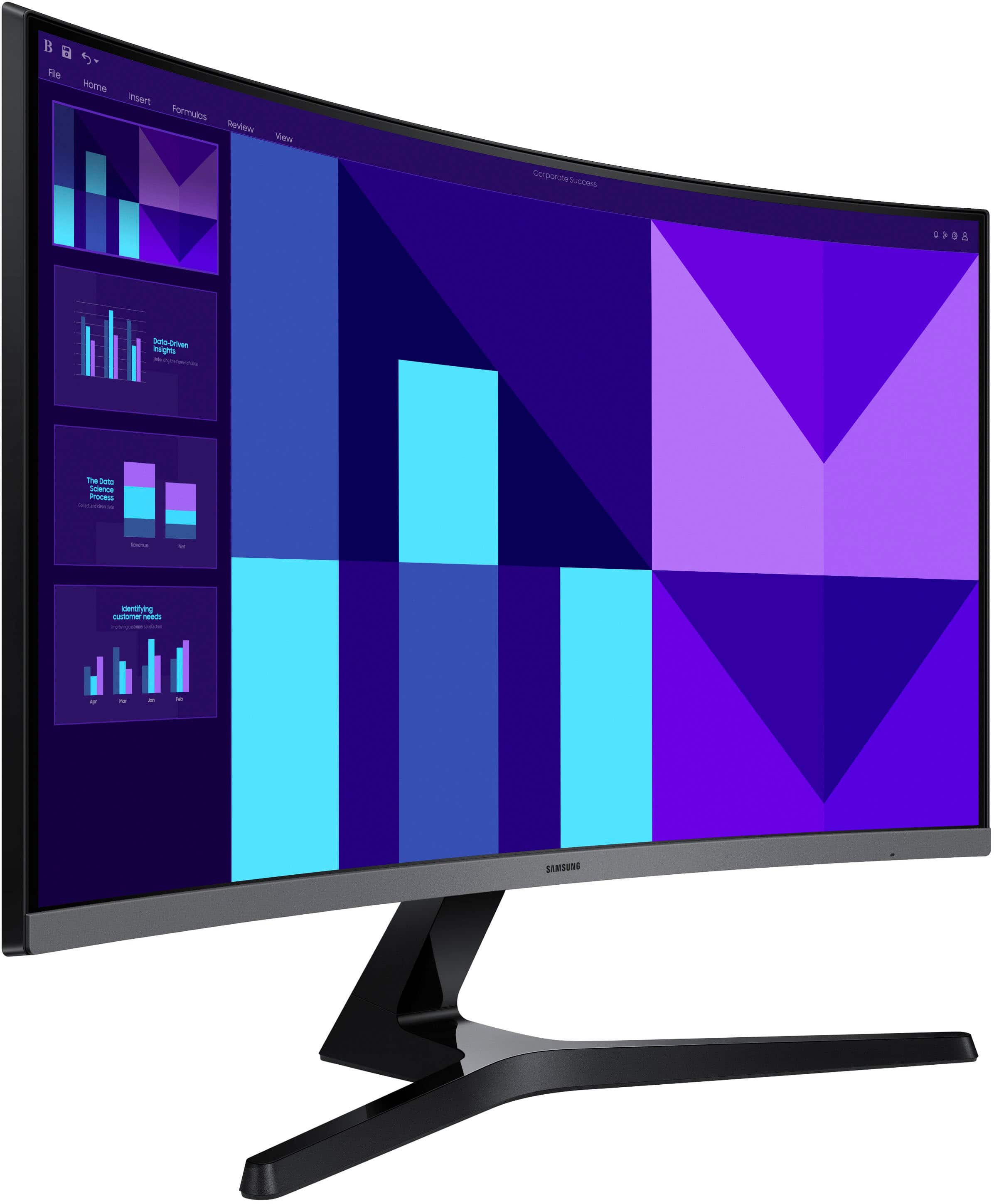
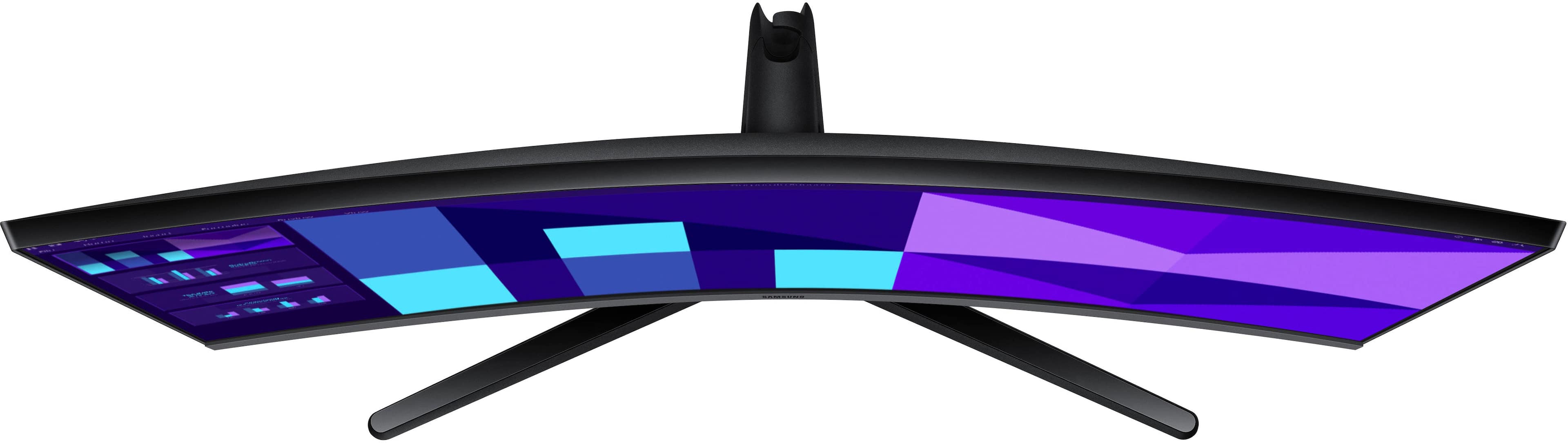
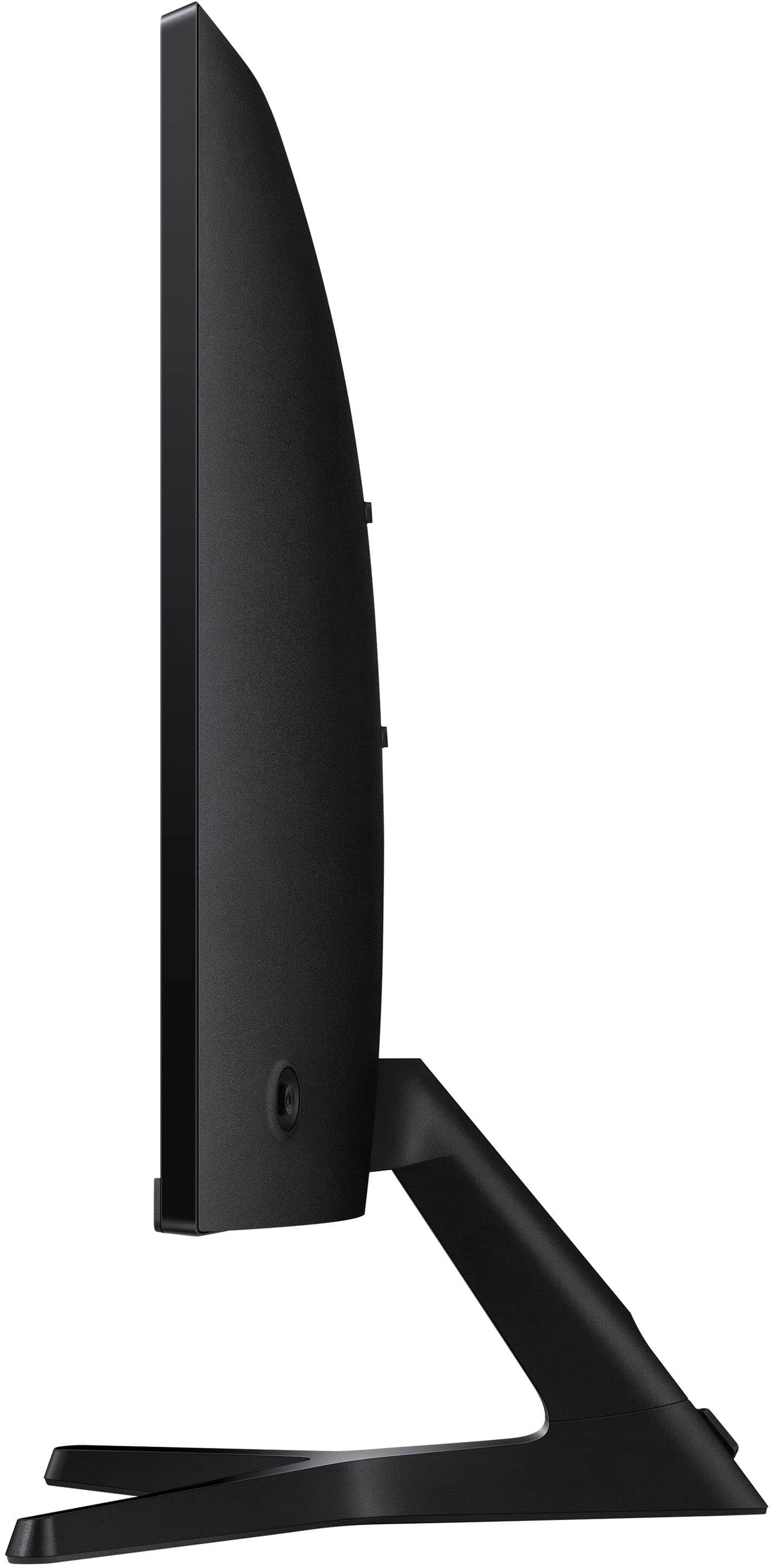
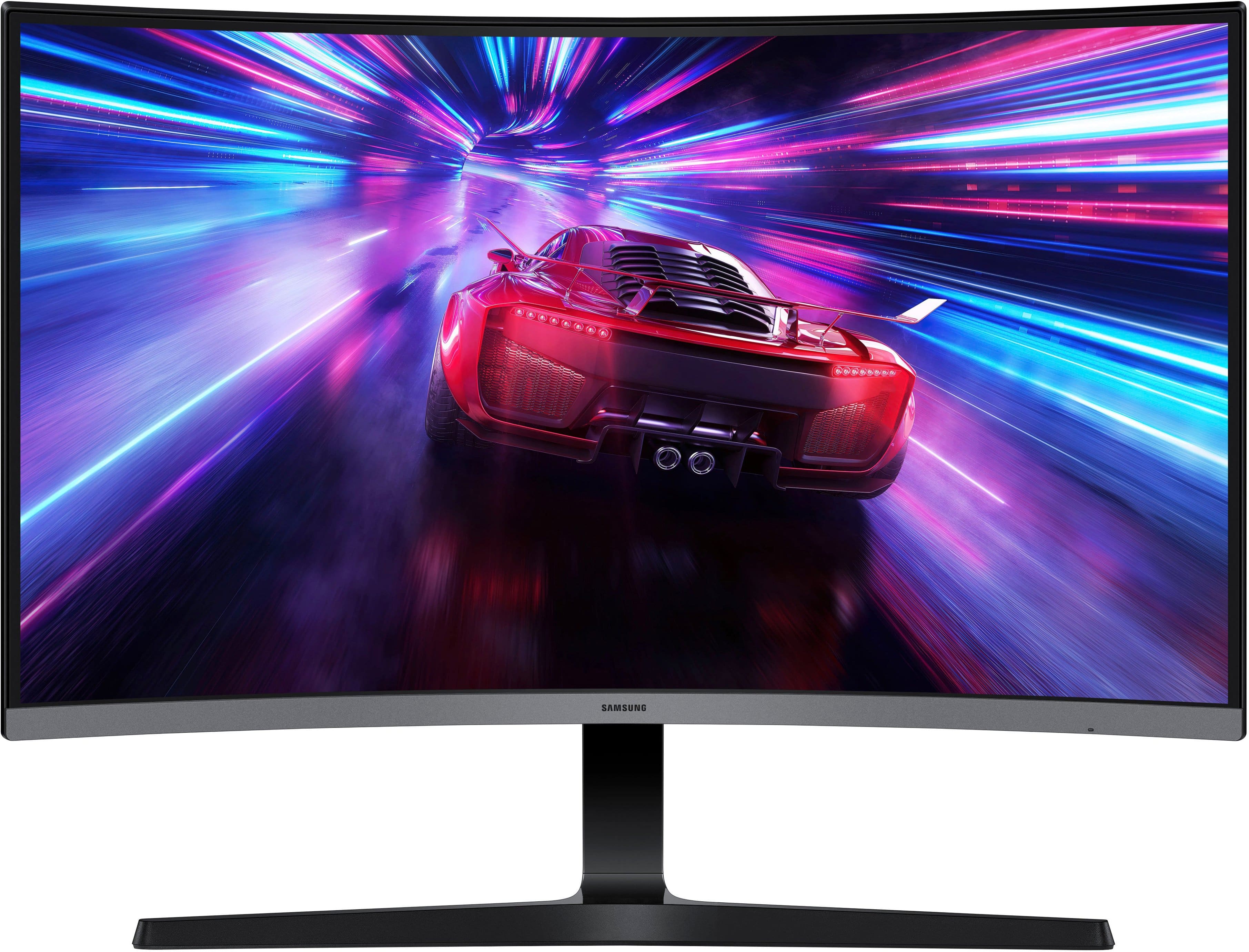
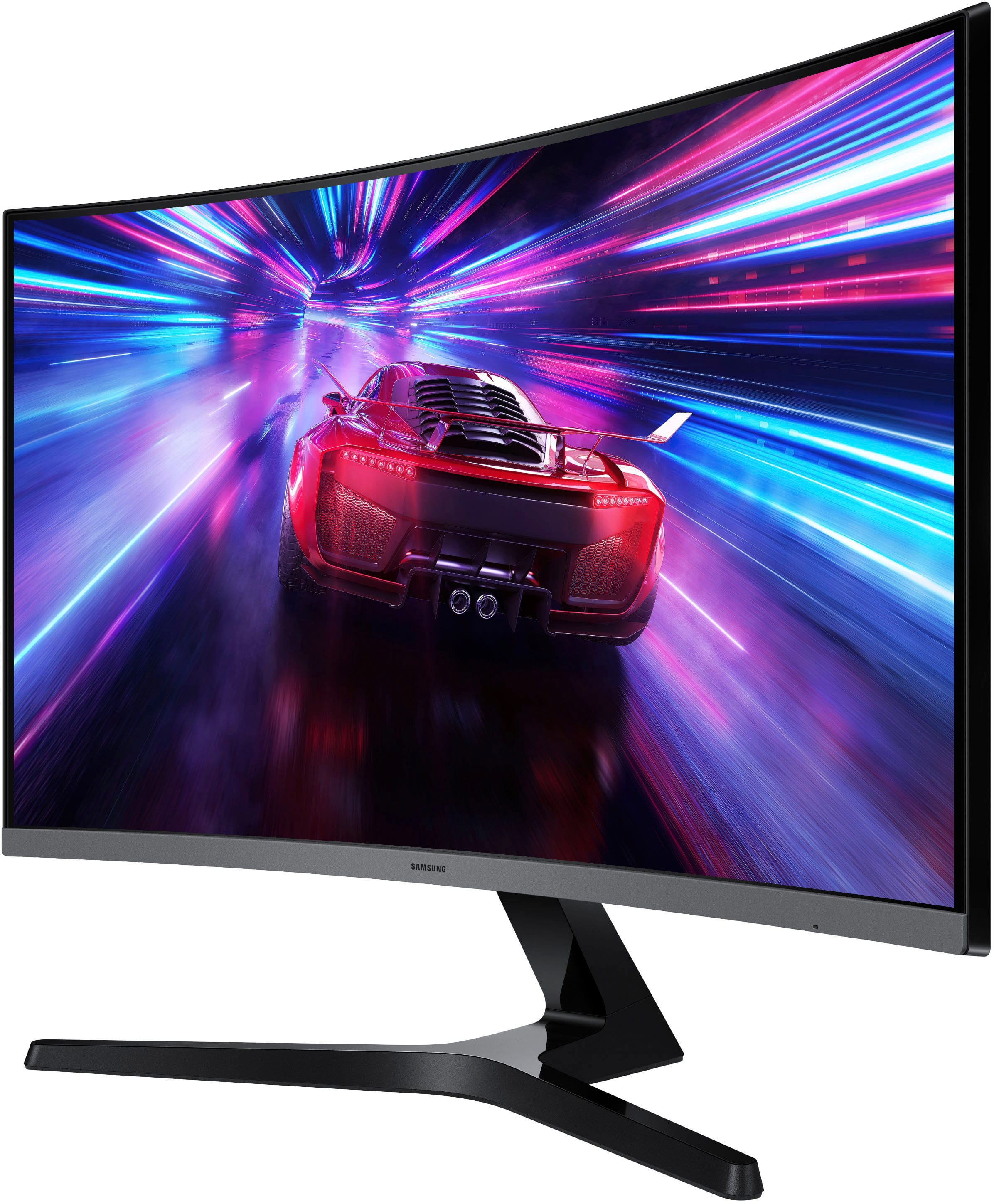
Samsung 27" Curved Monitor
||Posted . Owned for 3 weeks when reviewed.This reviewer received promo considerations or sweepstakes entry for writing a review.Easy to set up. Easy to use. Good clarity and colors. I am happy with my choice.
I would recommend this to a friend - Pros mentioned:Refresh rate, Screen size
A great purchase
||Posted . Owned for 2 weeks when reviewed.This reviewer received promo considerations or sweepstakes entry for writing a review.I love the curved monitor. The color is great and the refresh time is great.
I would recommend this to a friend - Pros mentioned:Screen size
Great
||Posted . Owned for 1 month when reviewed.This reviewer received promo considerations or sweepstakes entry for writing a review.Great screen. I acually use it at work instead of gaming on it tho. But i have bought 2 of then for the shop
I would recommend this to a friend - Pros mentioned:Overall performance
review
||Posted .This reviewer received promo considerations or sweepstakes entry for writing a review.I really love the this tv very cool the quality and surround sound very nice
I would recommend this to a friend - Pros mentioned:Resolution, Screen size
samsung 27 S39GD
||Posted . Owned for 1 week when reviewed.This reviewer received promo considerations or sweepstakes entry for writing a review.I use this monitor with my mini Mac. Clarity is perfect, and the curve is great.
I would recommend this to a friend Monitor
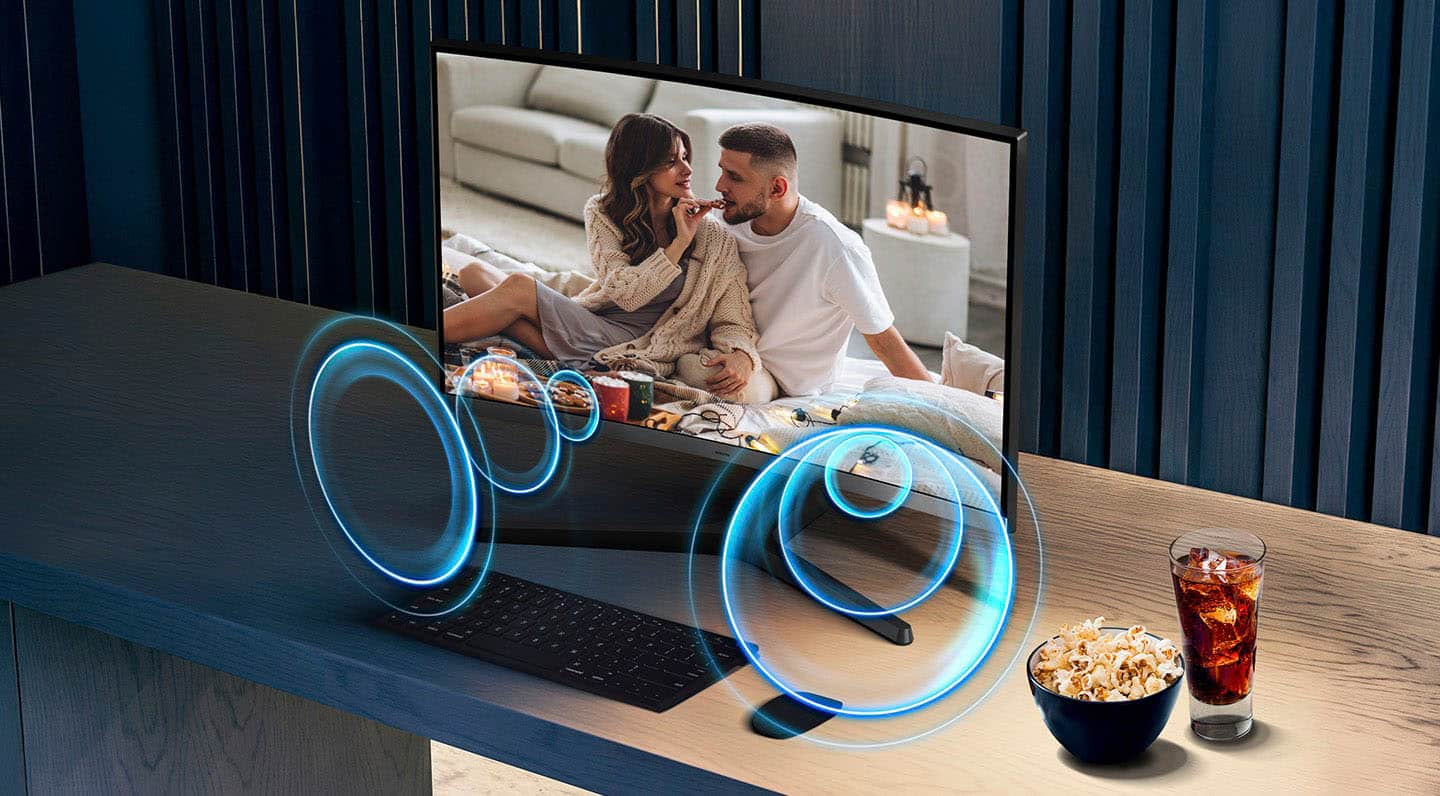
||Posted . Owned for 1 month when reviewed.This reviewer received promo considerations or sweepstakes entry for writing a review.This is a good monitor, however it took us a while to understand how to turn it on. What we do is keep it on all the time. I understand others who have this monitor had the same problem. It says that this monitor has built in speakers. I haven't found this feature yet, but then I have my own speakers and they are working just fine.
I would recommend this to a friend- Pros mentioned:Overall performance, Resolution
Samsung Monitor
||Posted . Owned for 2 months when reviewed.This reviewer received promo considerations or sweepstakes entry for writing a review.Building my home office and i thought giving a try and i was blown away with the resolution and quality definitely a good investment.
I would recommend this to a friend Stunning curve and smooth performance !
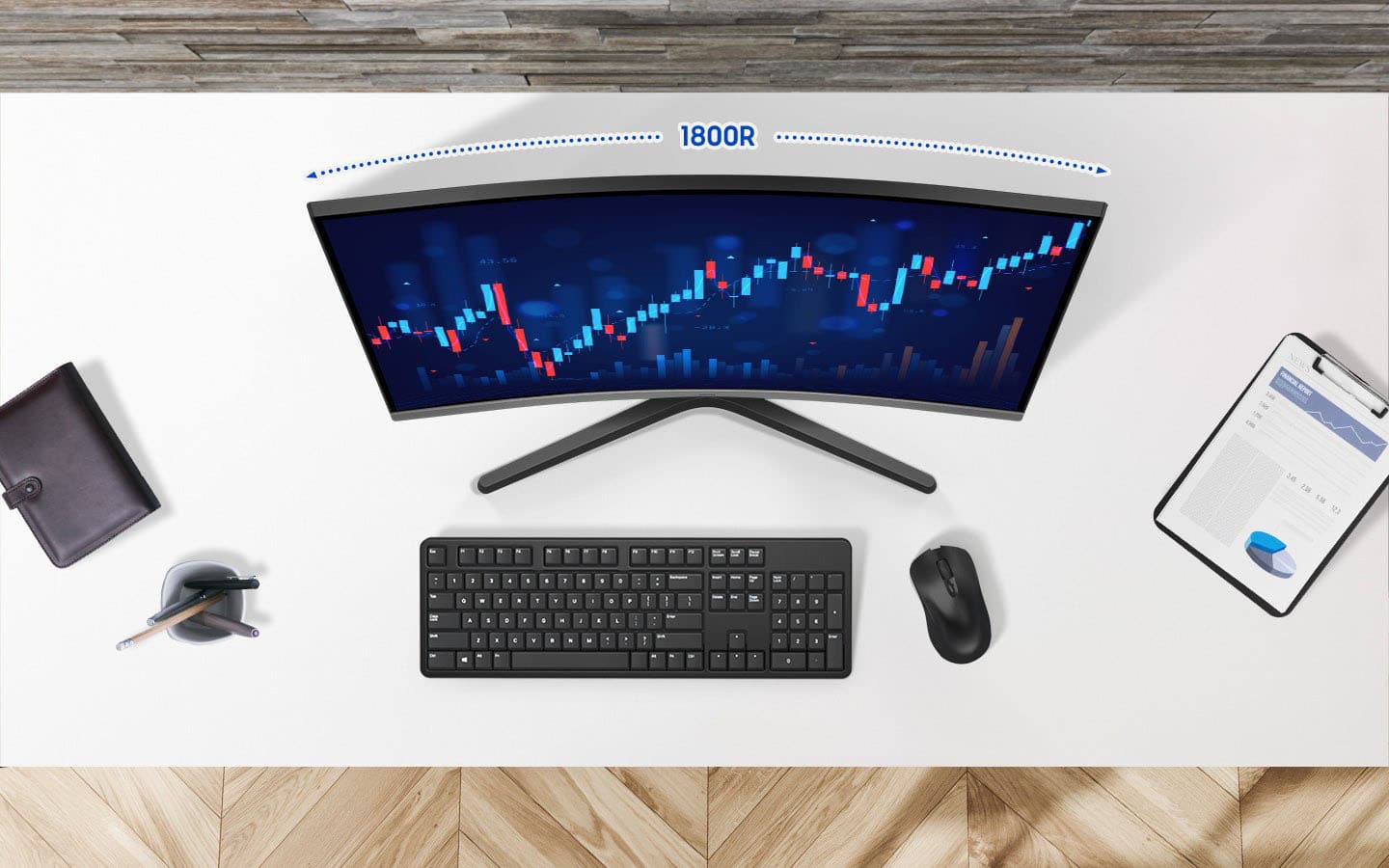
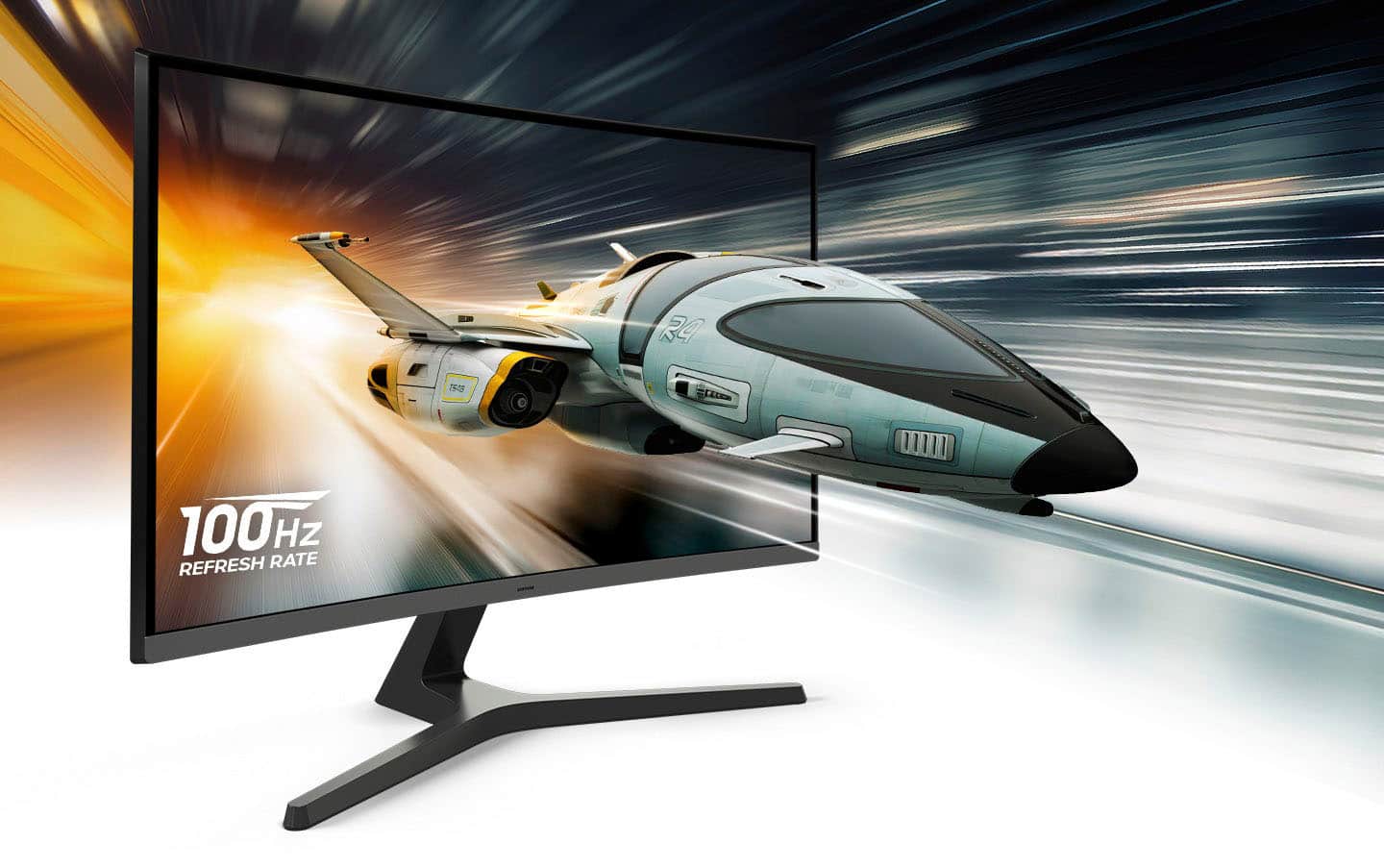
||Posted . Owned for 3 months when reviewed.This reviewer received promo considerations or sweepstakes entry for writing a review.I am really impressed with this Samsung 27'' monitor. The 1800R curve makes a huge difference in immersion, whether I am working or gaming. The 100Hz refersh rate is a nice set up from standard monitors, making everything feel smoother. Plus, having built in speakers is a great space saver for my desk. Definitely a high quality display for the price!
I would recommend this to a friend- Cons mentioned:Connectivity
Great monitor for office users
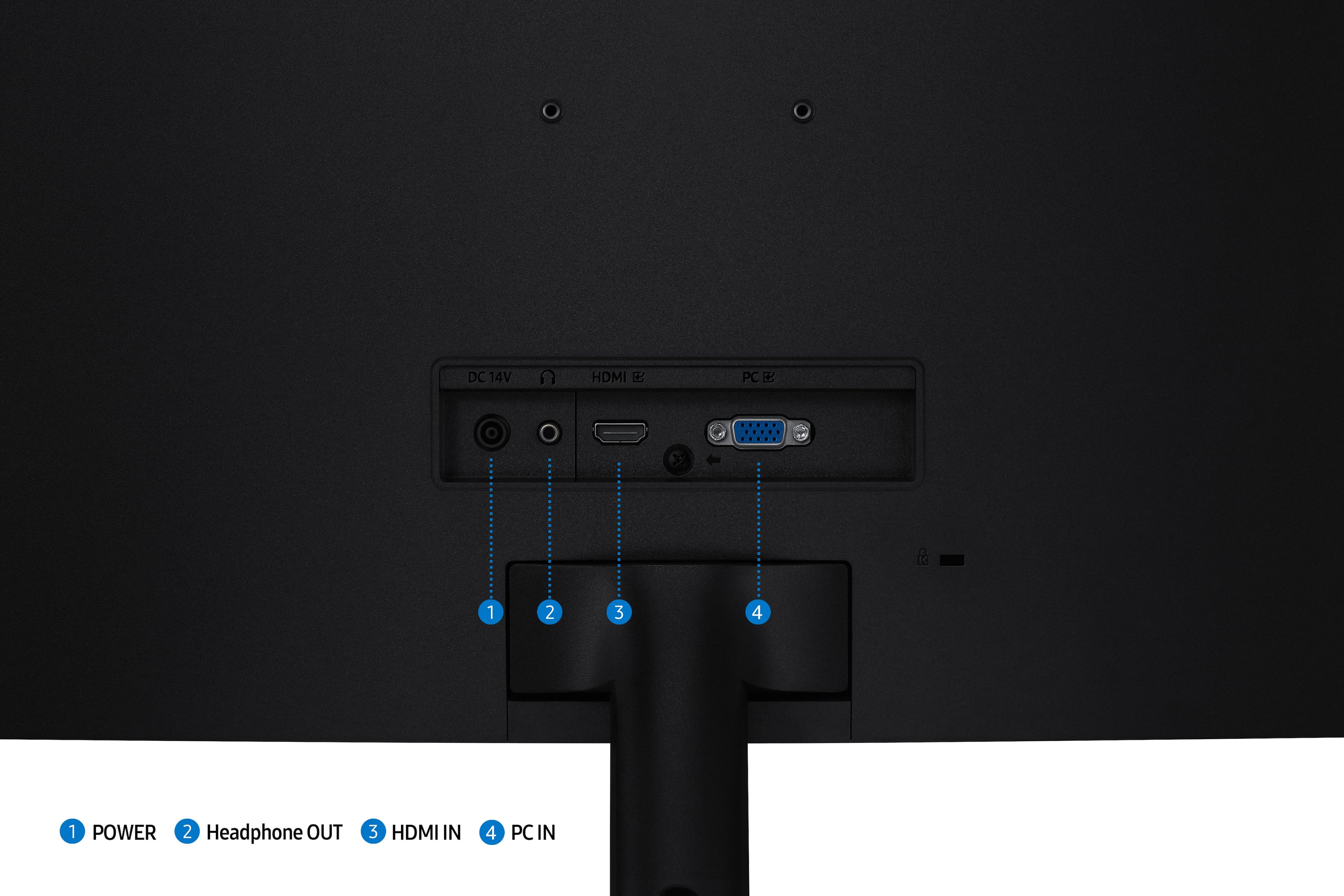
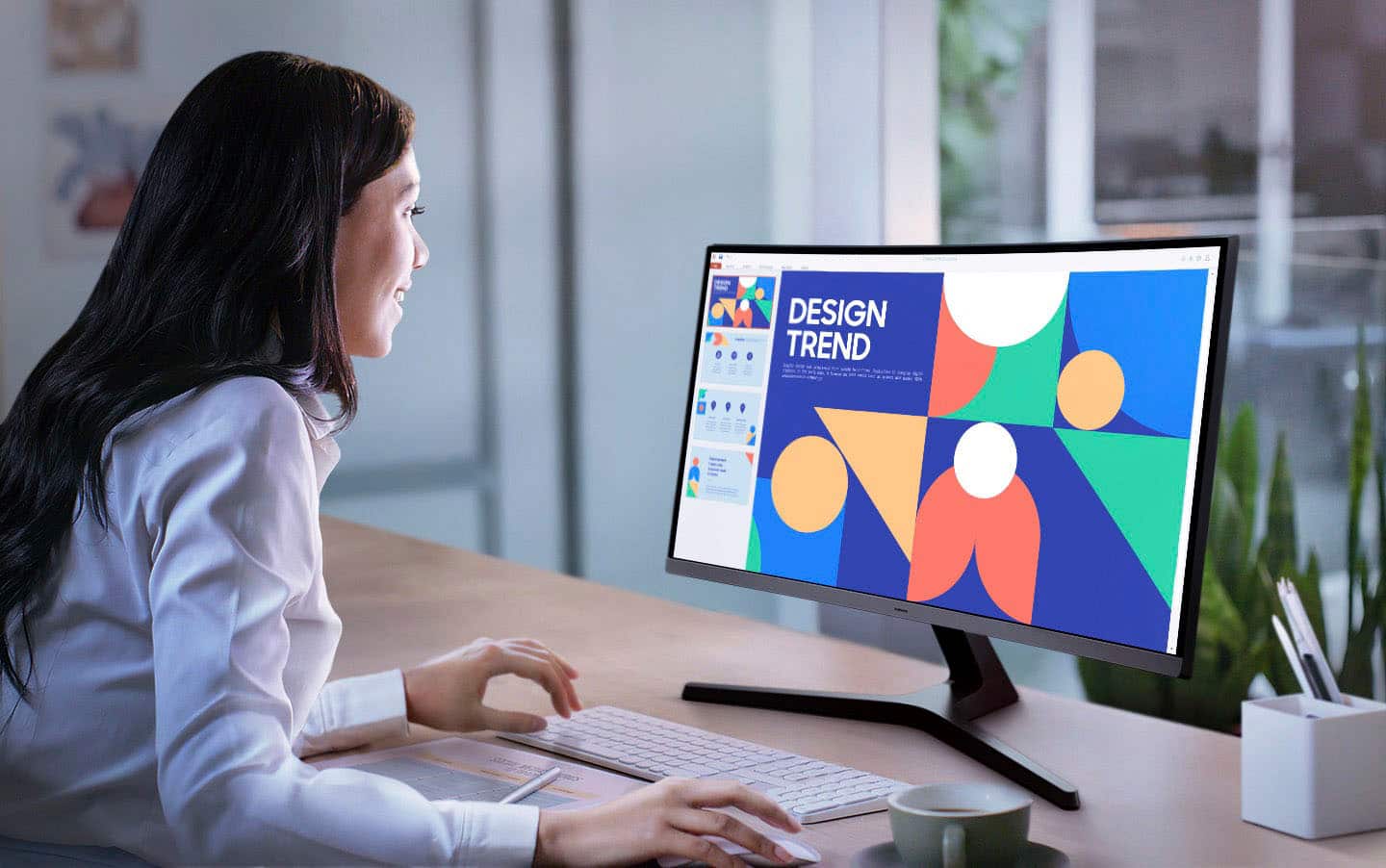
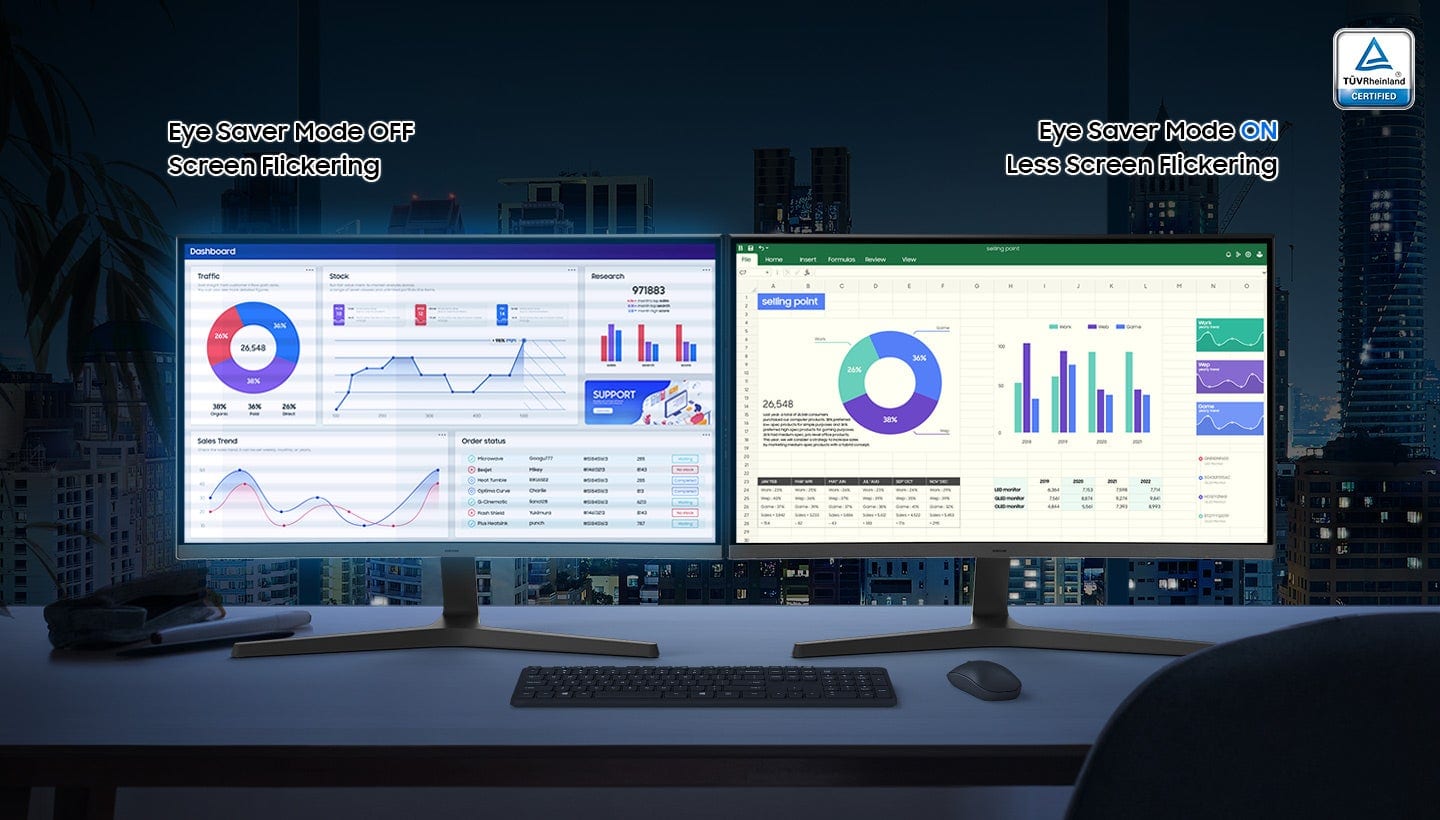
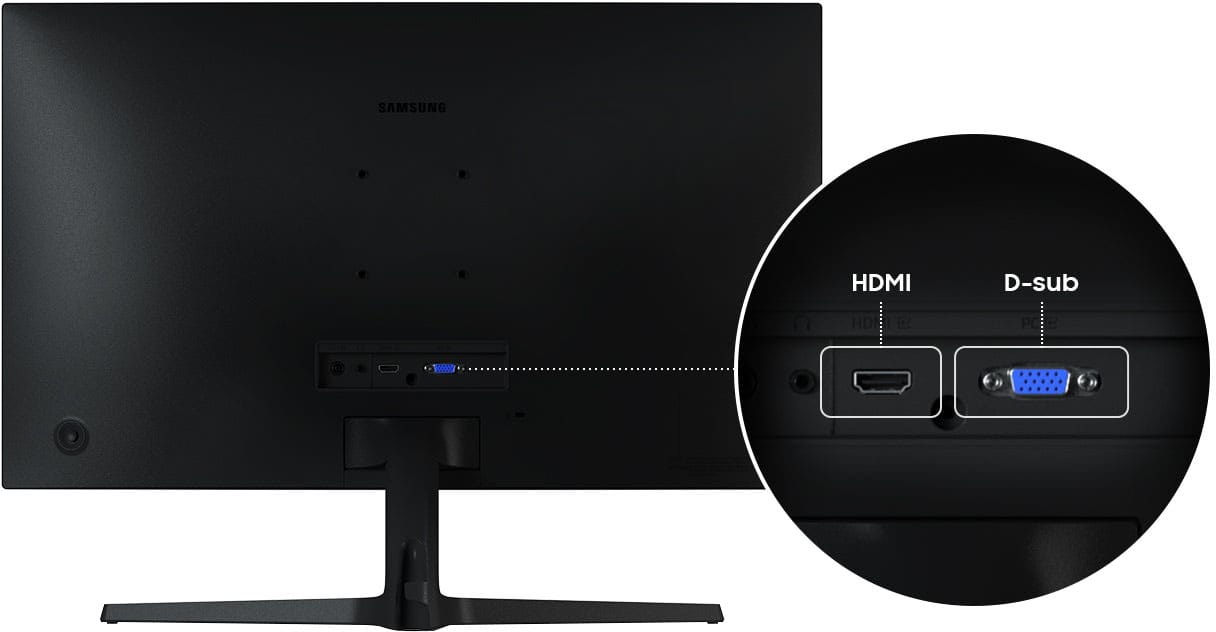
||Posted . Owned for 3 weeks when reviewed.This reviewer received promo considerations or sweepstakes entry for writing a review.Easy Setup. Paired two of these together for office use and the curved feature is great both for aesthetics and to ease eye/head strain. These make using multiple programs on the same project a breeze. Only drawback is it being HDMI only, instead of also supporting Displayport.
I would recommend this to a friend - Pros mentioned:Overall performance
My Paralegals Love Them!
||Posted . Owned for 2 months when reviewed.This reviewer received promo considerations or sweepstakes entry for writing a review.Excellent Product for the Price. We set up two, side by side for the Paralegals.
I would recommend this to a friend - Pros mentioned:Resolution, Screen size
Great for the office
||Posted . Owned for 3 weeks when reviewed.This reviewer received promo considerations or sweepstakes entry for writing a review.Great for office work using 2 documents at the same time. Curved screen reduces eyestrain. Wonderful crisp images.
I would recommend this to a friend - Pros mentioned:Overall performance, Screen size
Great monitor
||Posted . Owned for 3 weeks when reviewed.This reviewer received promo considerations or sweepstakes entry for writing a review.I love this monitor the color the picture it is truly a joy
I would recommend this to a friend - Pros mentioned:Screen size
New screens
||Posted . Owned for 2 weeks when reviewed.This reviewer received promo considerations or sweepstakes entry for writing a review.Great screens so far so good! Hope they are lasting we shall see as time goes on.
I would recommend this to a friend - Pros mentioned:Screen size
Samsung
||Posted . Owned for 3 weeks when reviewed.This reviewer received promo considerations or sweepstakes entry for writing a review.I like it. It's big enough for me to see. I have nothing else to say about this product.
I would recommend this to a friend - Pros mentioned:Overall performance
Perfect for business
||Posted . Owned for 2 weeks when reviewed.This reviewer received promo considerations or sweepstakes entry for writing a review.Great monitor, purchased 8 of there’s for my sales managers at one of out dealerships
I would recommend this to a friend - Pros mentioned:Overall performance
Great little TV
||Posted . Owned for 2 weeks when reviewed.This reviewer received promo considerations or sweepstakes entry for writing a review.This is a great little TV. I wanted a smaller TV for my bedroom and bought this one. The sound is good, the picture is good and it has all of the Roku streaming services that I subscribe to. TV is controlled by a Roku remote, making this super easy to use. Set up was a breeze. Attach the feet and plug it it.
I would recommend this to a friend - Pros mentioned:Overall performance
Good resolution and clarity
||Posted . Owned for 7 months when reviewed.This reviewer received promo considerations or sweepstakes entry for writing a review.I feel the resolution and clarity of the display is good for the economic price.
I would recommend this to a friend - Pros mentioned:Overall performance
If on sale, cheaply adequate
||Posted .This reviewer received promo considerations or sweepstakes entry for writing a review.I was looking for a replacement for my previous Samsung 27” curved (model LC27T55OFDNXZA) that I purchased in 2020 started blinking out. That model is no longer available so I ordered this one, which seems identically spec-ed with speakers. Well, the picture quality is quite comparable, but the speakers suck big time. The older speaker system was pretty okay for watching videos. It had some depth to it, but these are tinny and weak and not stereo. If sound is even slightly important, don’t get this. Get a display without sound and get a sound bar or something. I use the small sound system on my Microsoft Surface Laptop which is kinda weak but beats this Samsung by a mile sound-wise. On the other hand it’s not very high res screen is adequate and it was on sale and cheap. So that evaluates to a you-get-what-you-pay-for bargain that doesn’t leave you feeling that stupid.
No, I would not recommend this to a friend - Pros mentioned:Screen size
new monitor for wife
||Posted . Owned for 1 month when reviewed.This reviewer received promo considerations or sweepstakes entry for writing a review.Bought for wife. She loves the larger size (27 vs 24) compared to her other monitor.
I would recommend this to a friend - Pros mentioned:Screen size
homemonitor
||Posted . Owned for 3 weeks when reviewed.This reviewer received promo considerations or sweepstakes entry for writing a review.Has some blurriness, and the speaker sound is not what you would expect needs more sound output, other than that is a great deal and a good large veiw.
No, I would not recommend this to a friendBrand response from Samsung
Posted .Homecomputertower:
Thank you for your feedback on the Samsung S39GD Monitor and your experience. If the picture appears blurry, there are several settings you can adjust to improve motion clarity.
Go to: Home > left directional key > Settings > All Settings > Picture > Expert Settings, and review these key settings:
Picture Clarity Settings
• Off: Disables all motion enhancement
• Auto: Automatically adjusts motion clarity based on content
• Custom: Enables manual control of:
o Judder Reduction: Smooths motion in film-based content
o LED Clear Motion: Increases sharpness during fast movement
o Noise Reduction: Helps reduce distortion in lower-quality sources
Additional Picture Controls
• Brightness – Adjust overall image brightness
• Contrast – Controls the difference between light and dark areas
• Sharpness – Enhances the definition of object edges
• Color – Adjusts color intensity for more natural or vivid tones
We hope these settings help improve your viewing experience. If you'd like further assistance, feel free to reach out to Samsung Support at 1-800-SAMSUNG between 8AM - 9PM EST Monday - Friday, and 8AM - 6PM Saturday and Sunday. LiveChat is also available via the ‘Support’ link on our website.
~ Samsung Monitors