Customer Ratings & Reviews
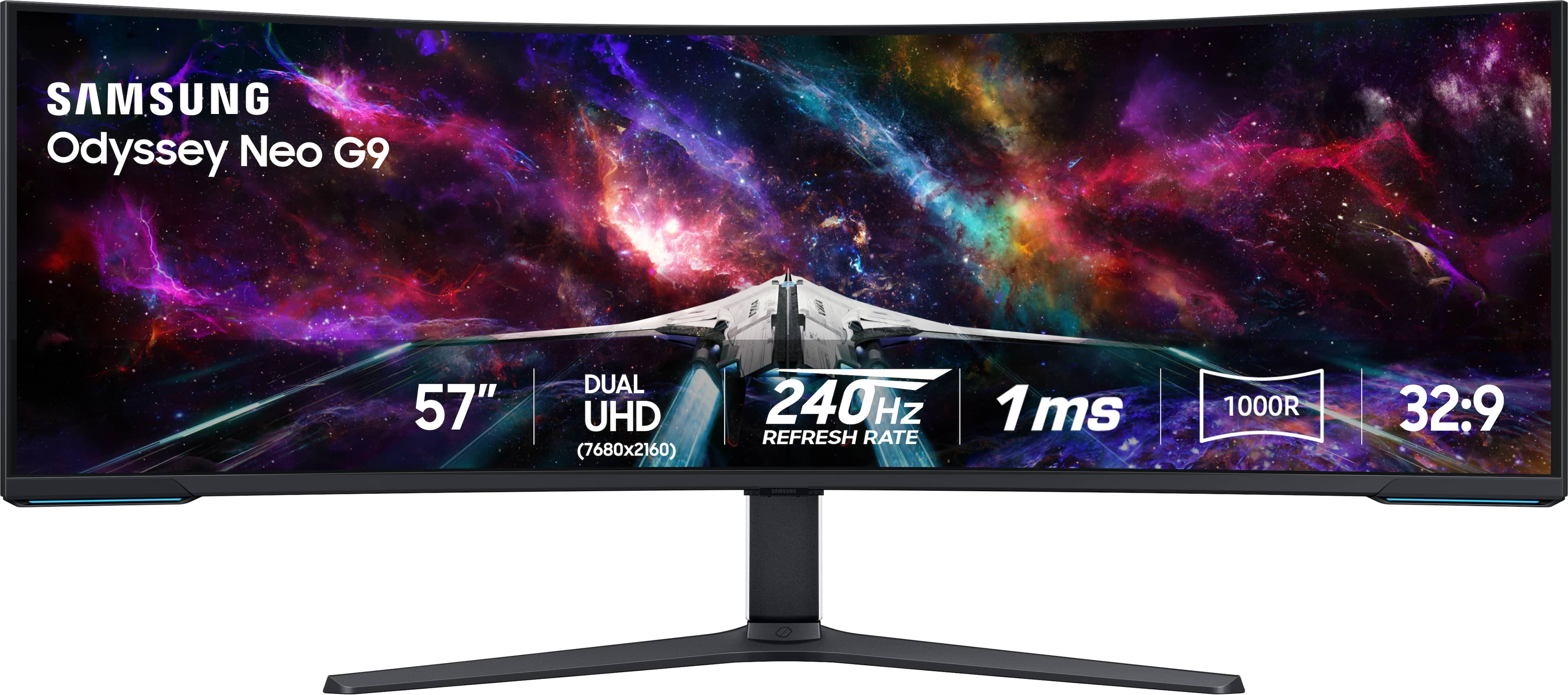
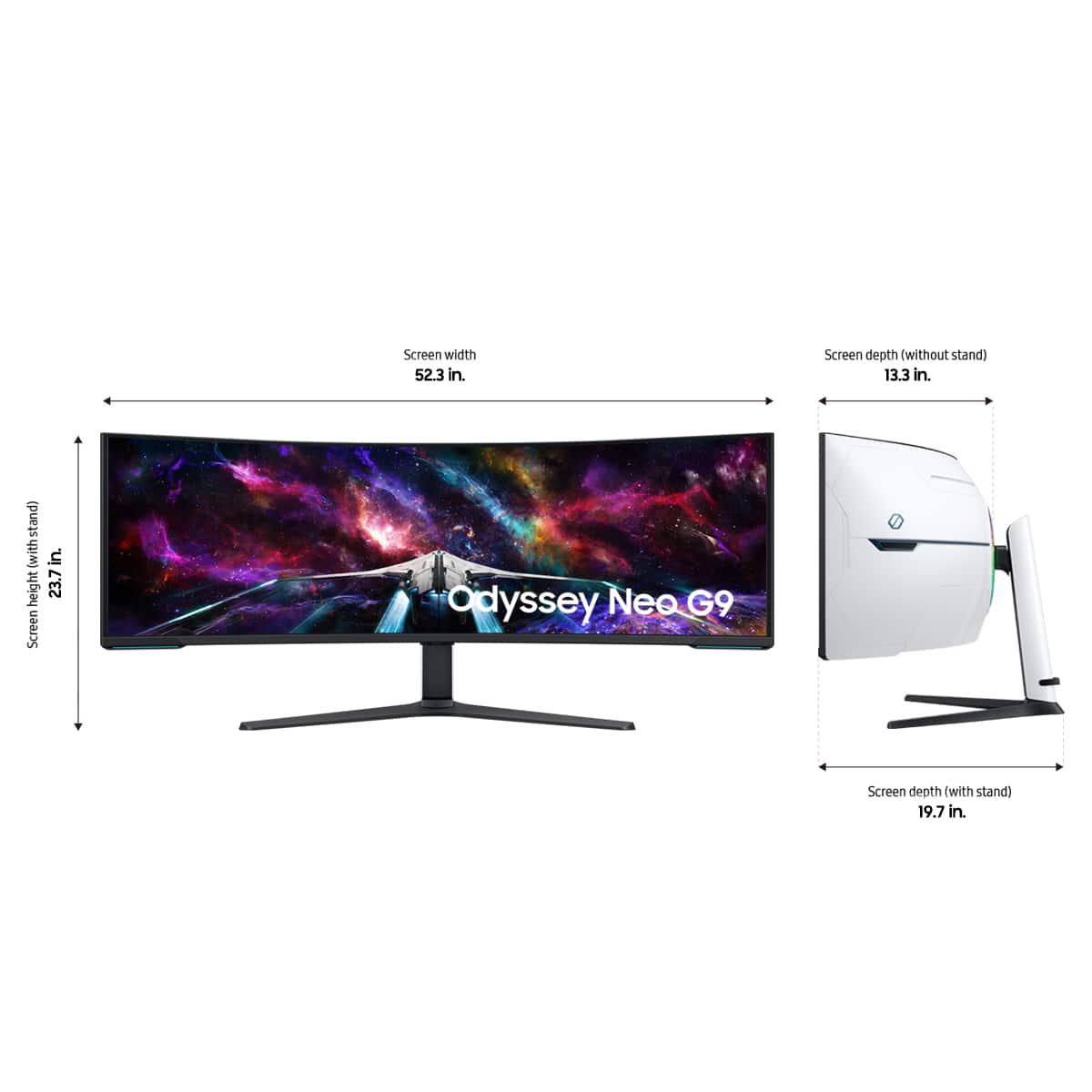
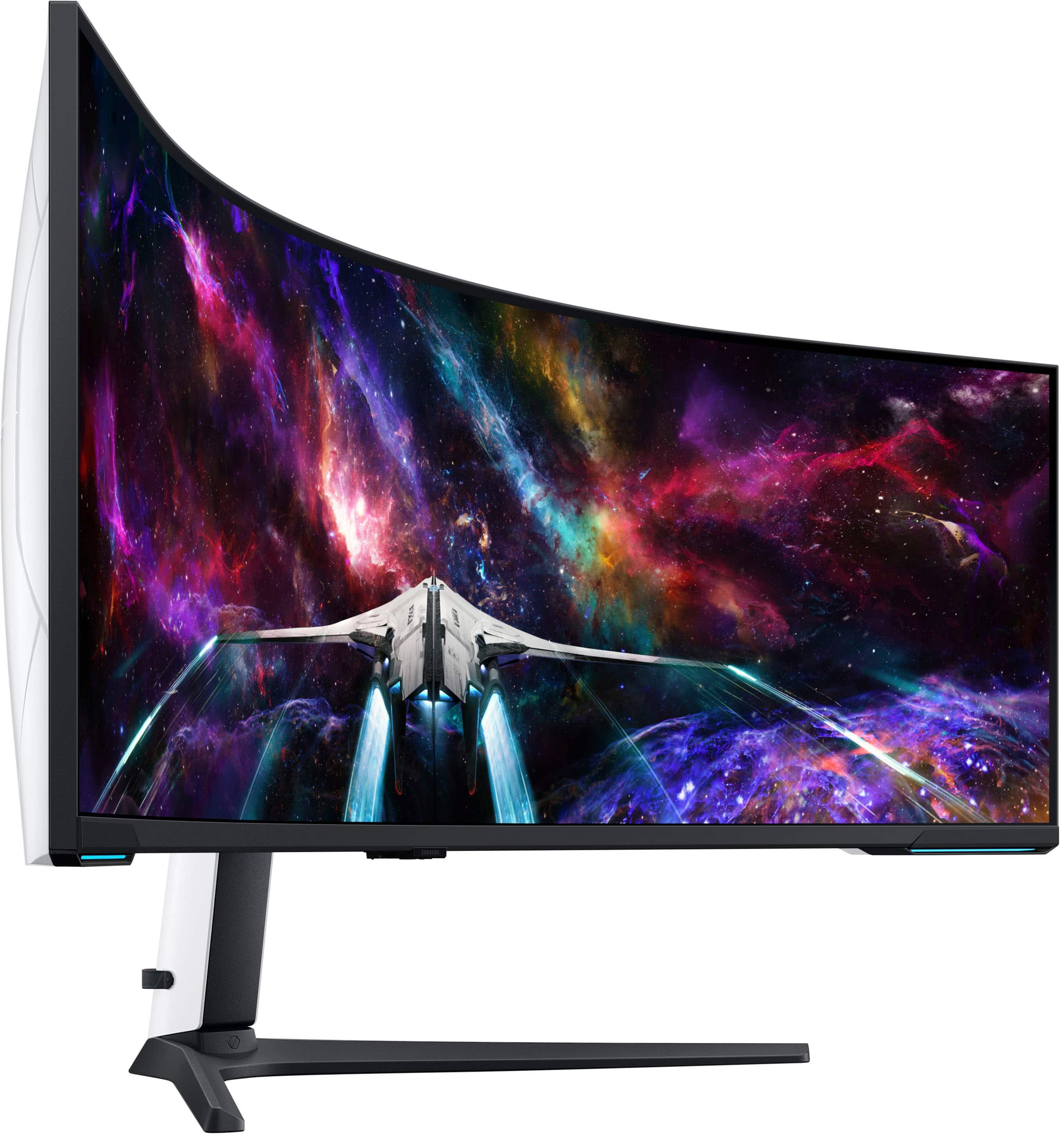
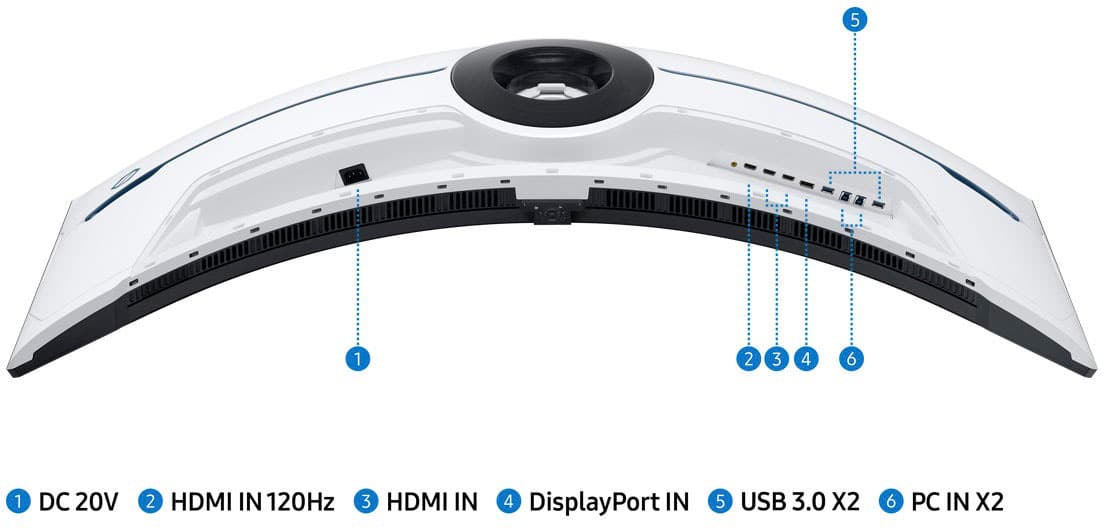
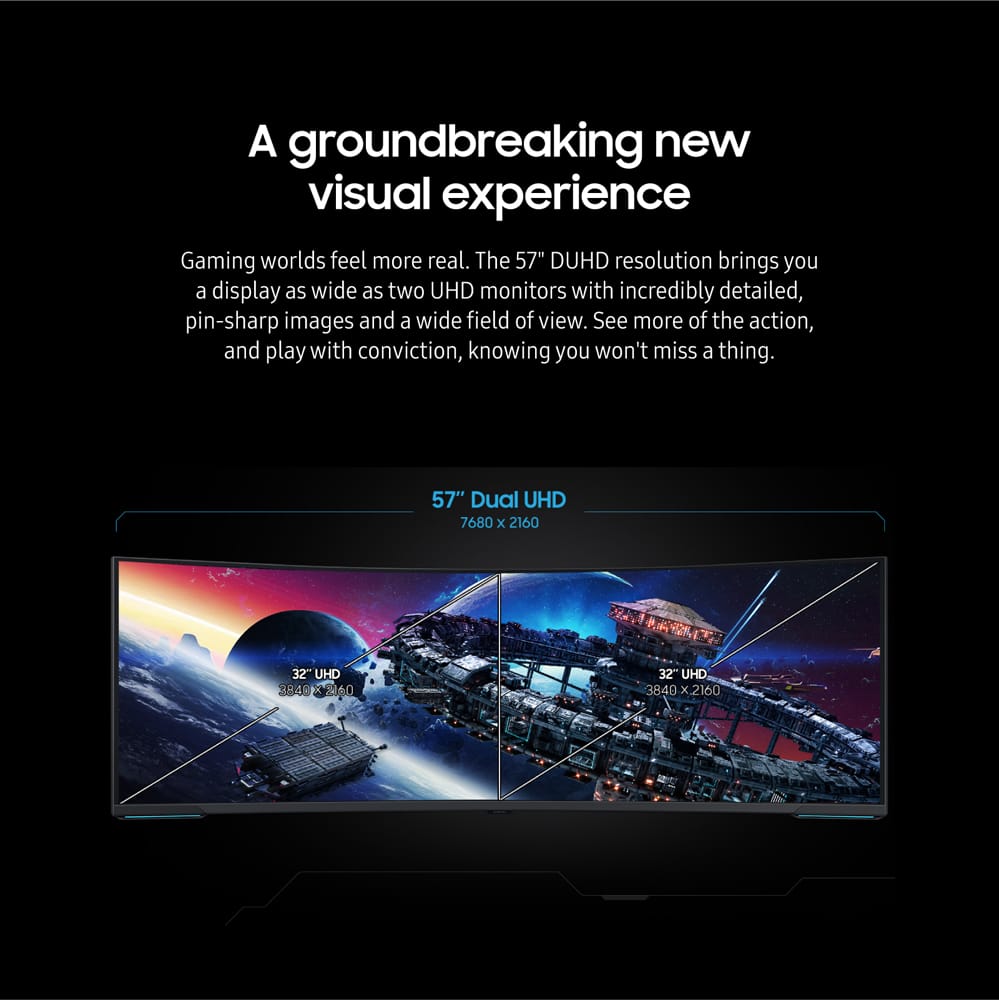
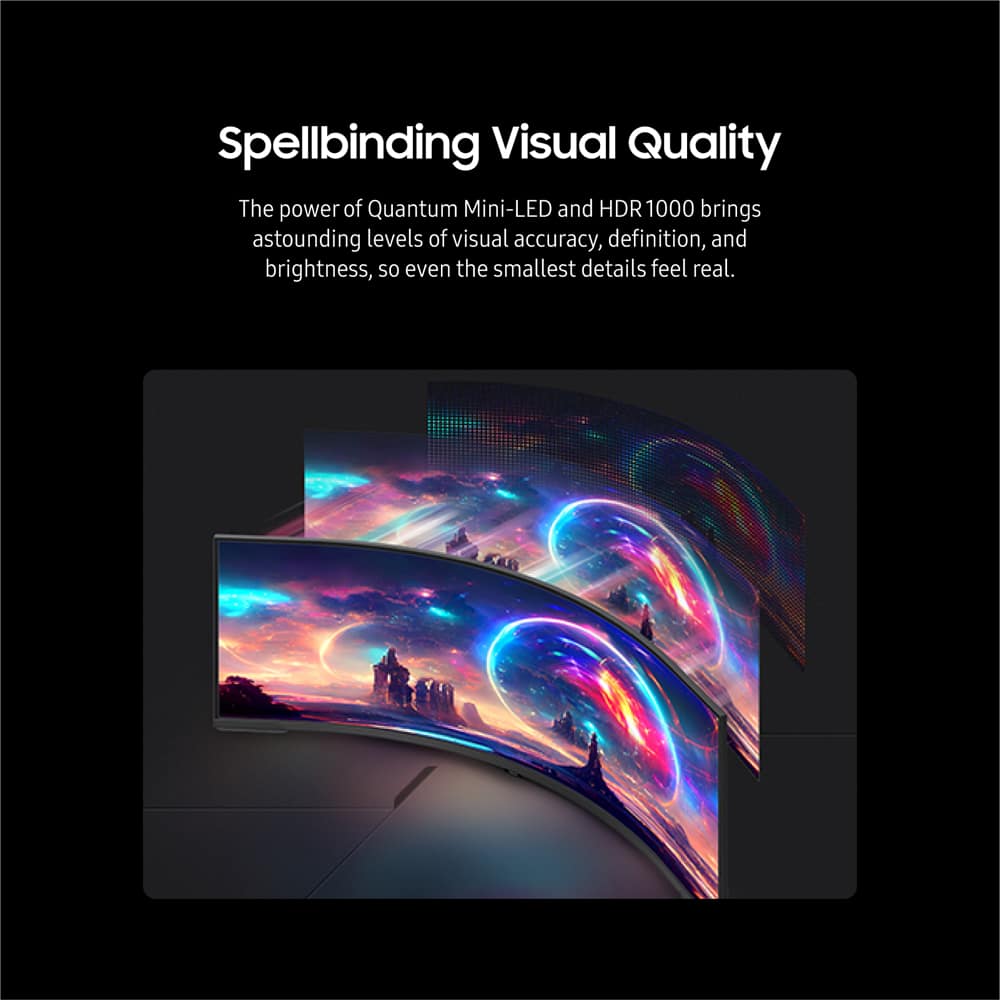
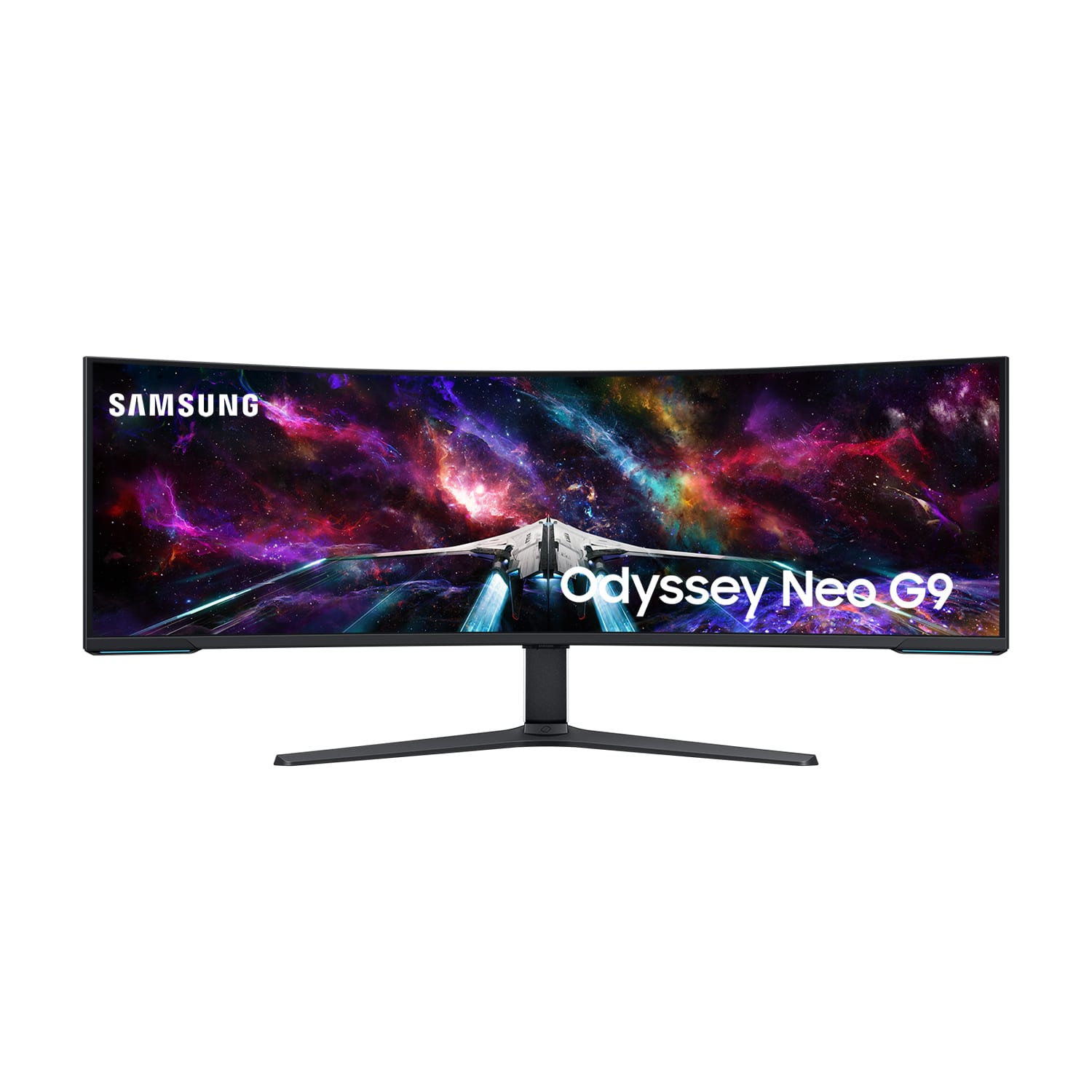
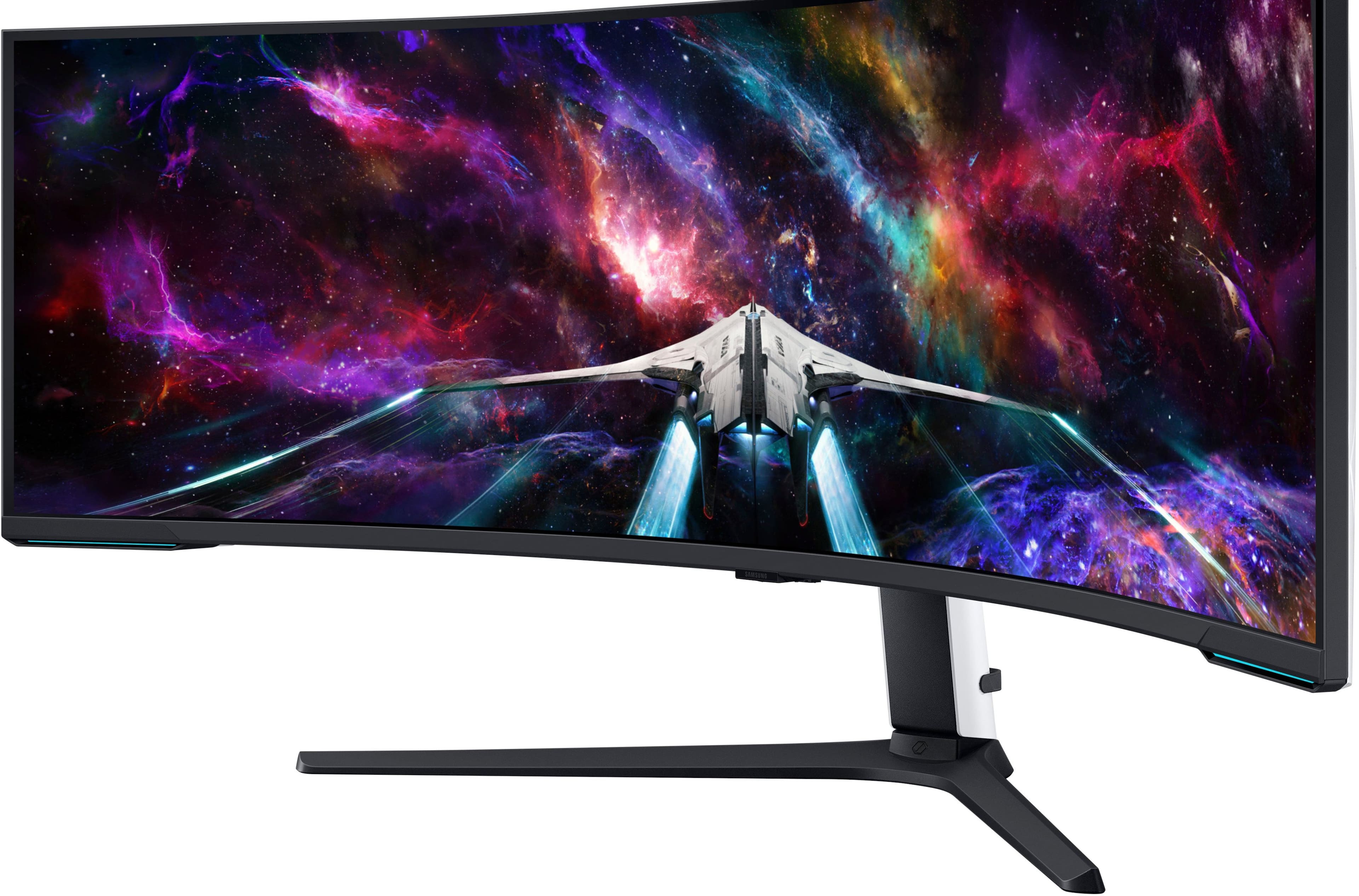
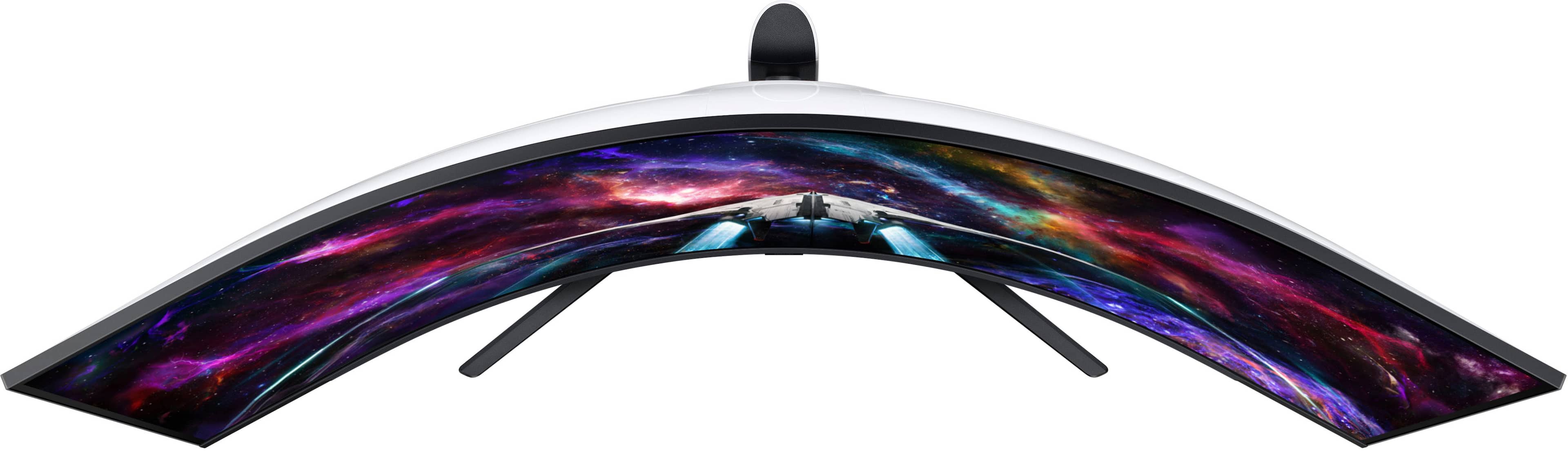
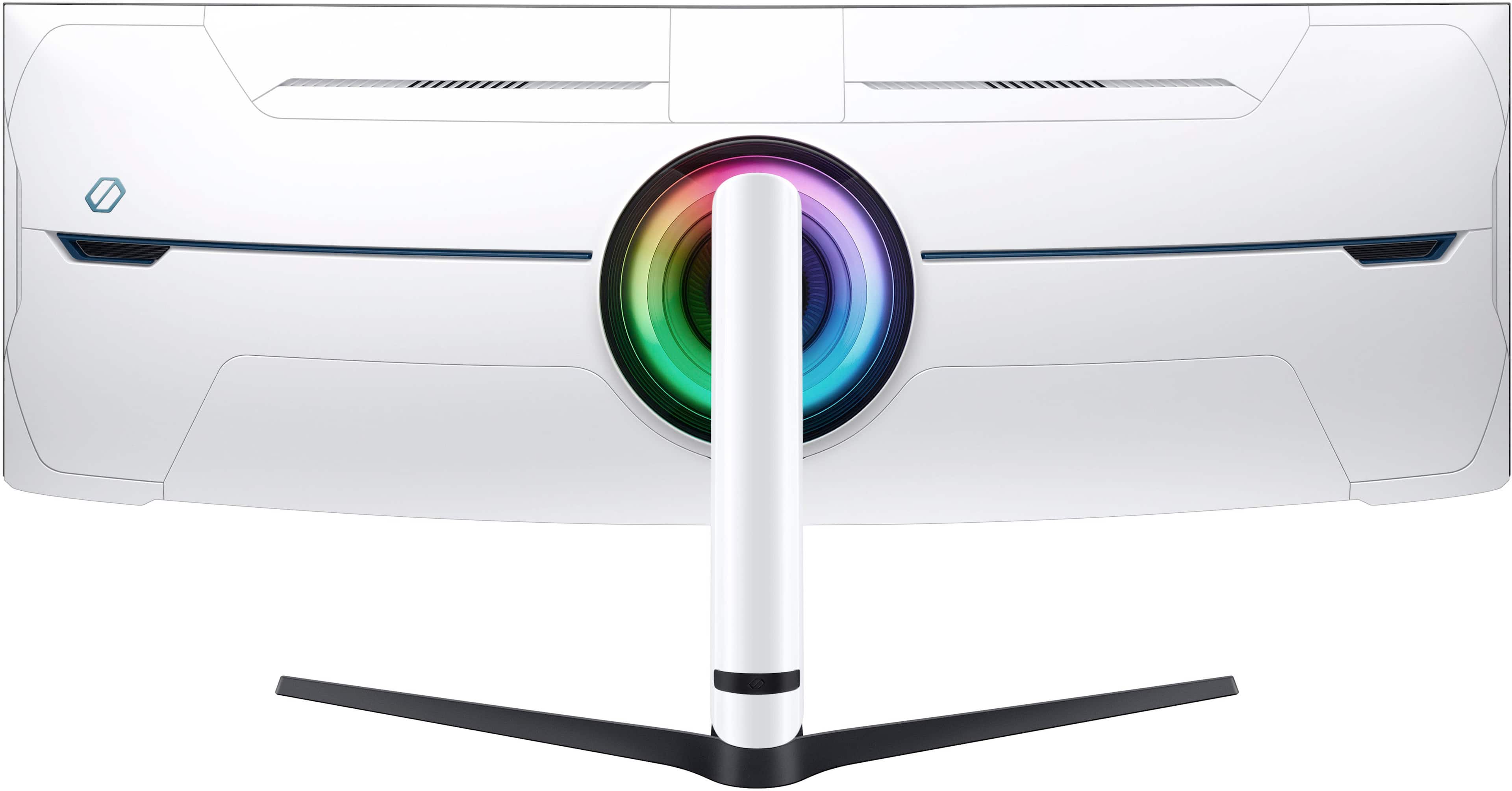
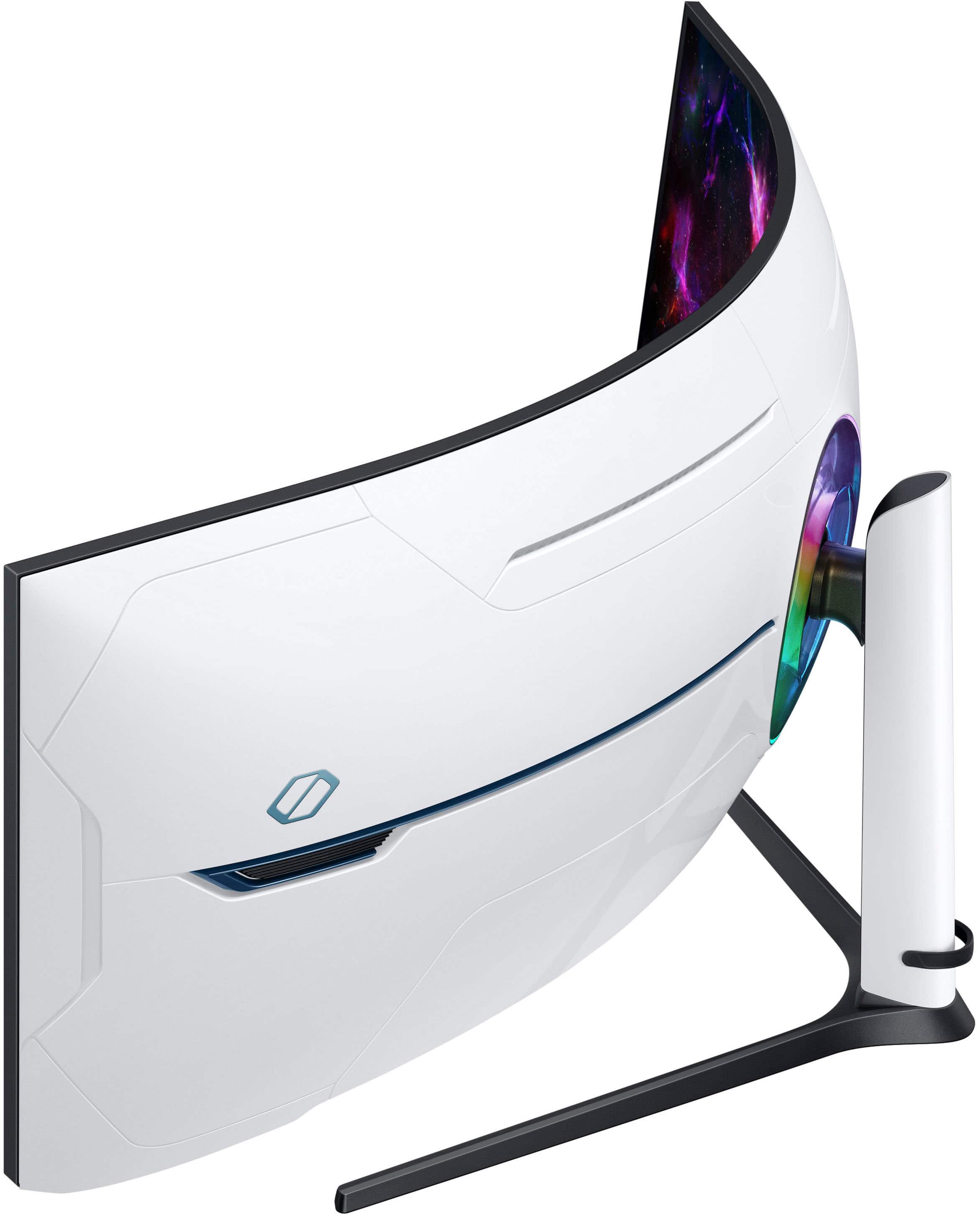
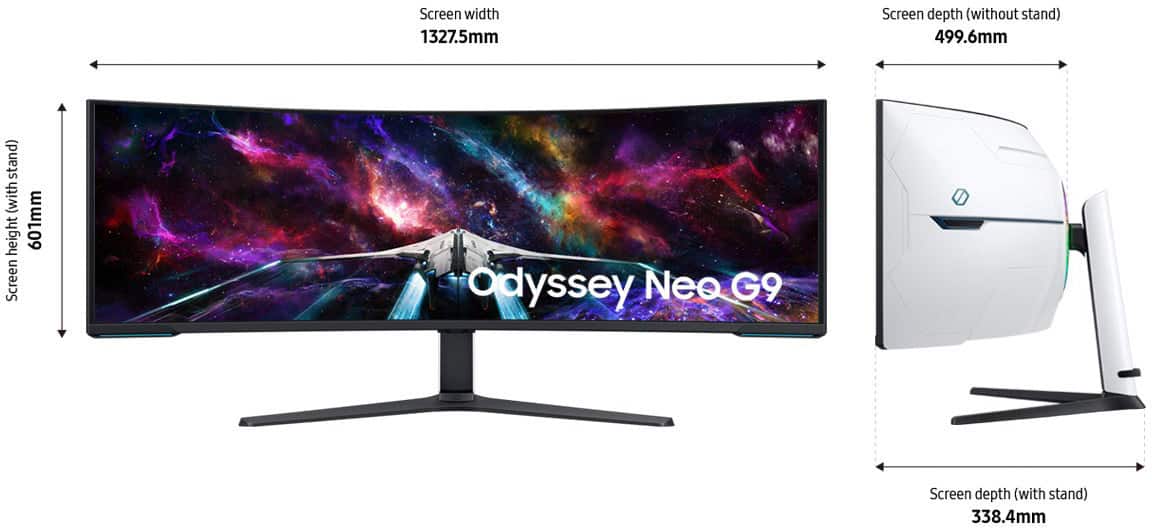

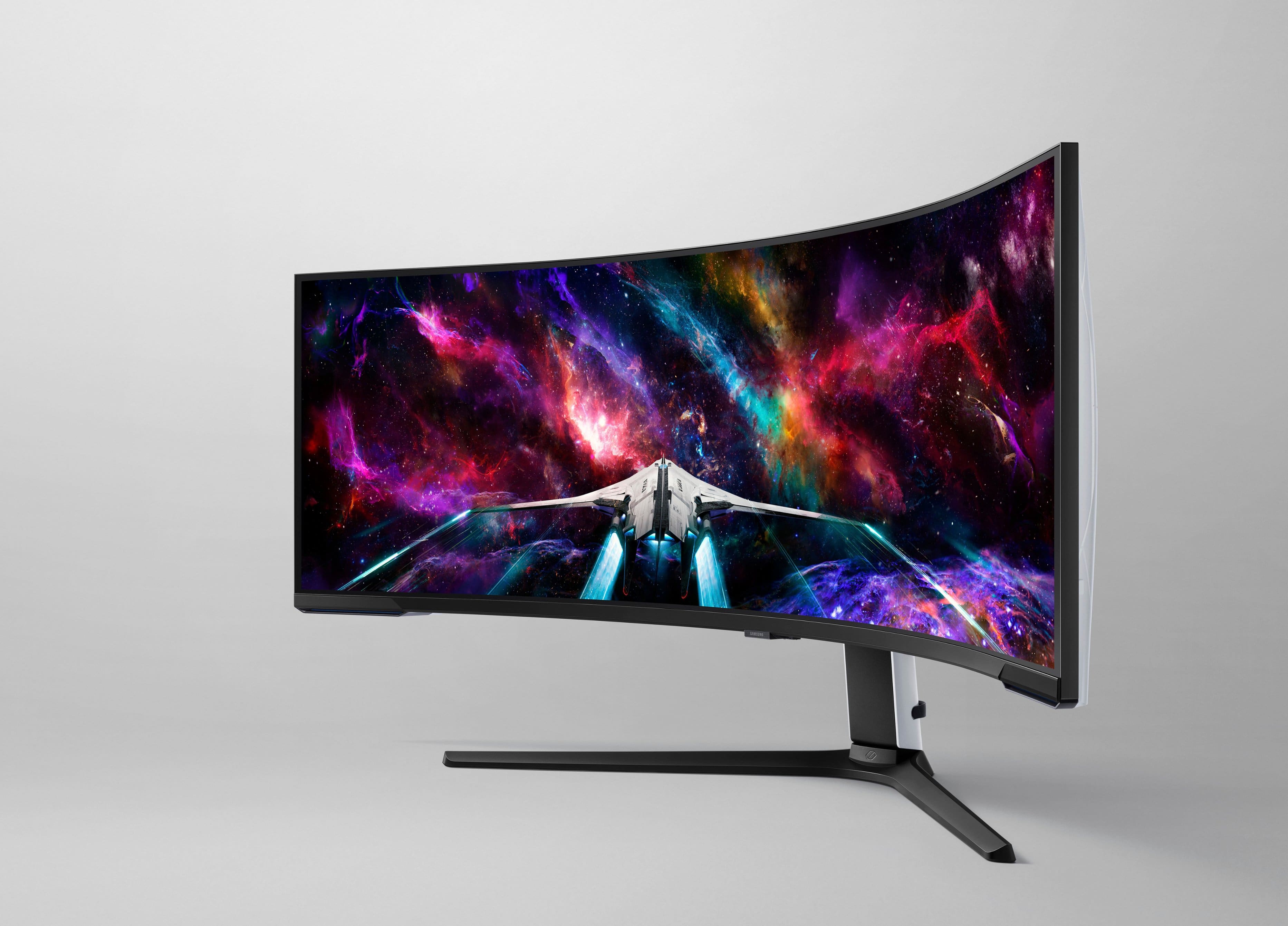
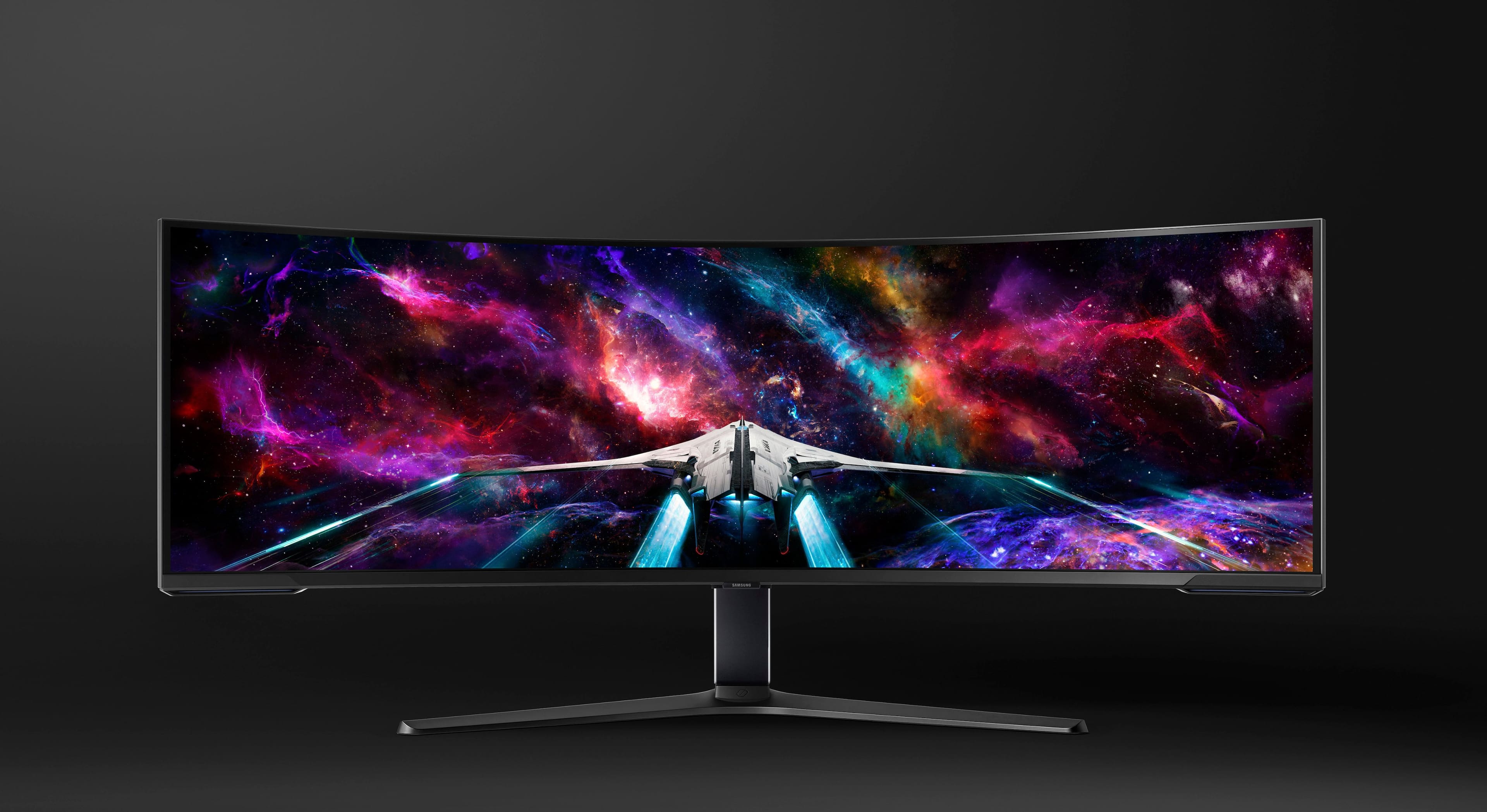
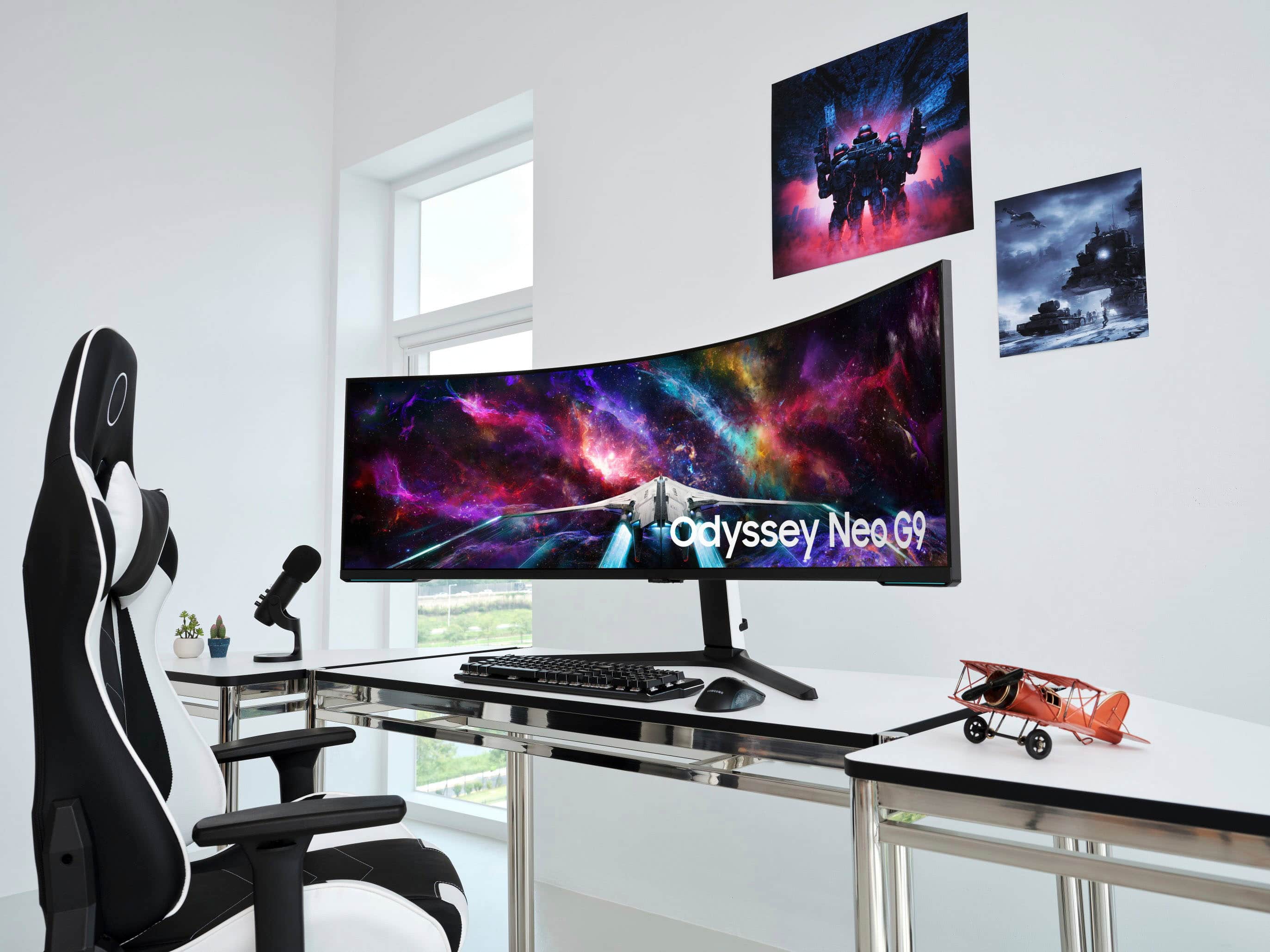
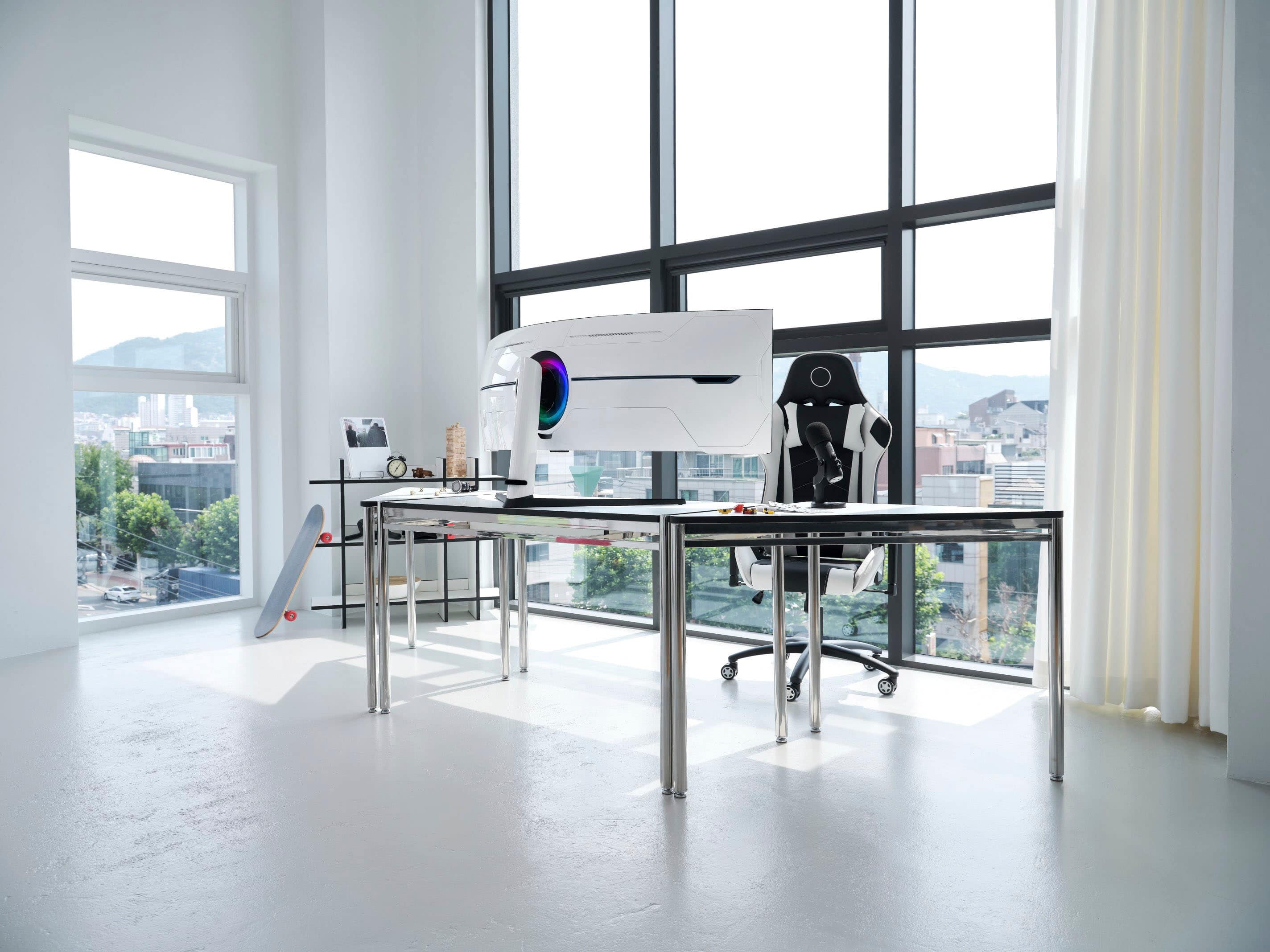
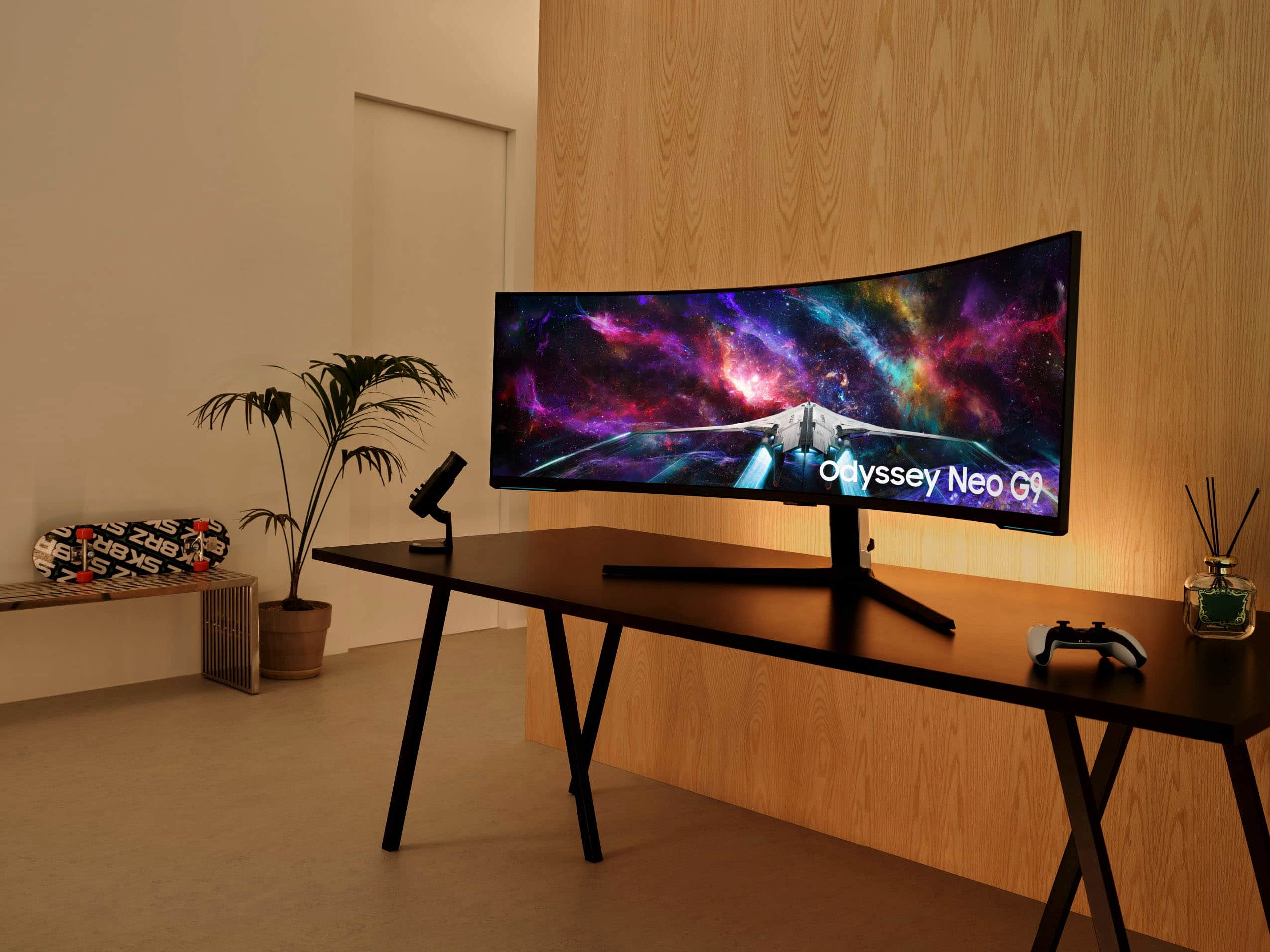
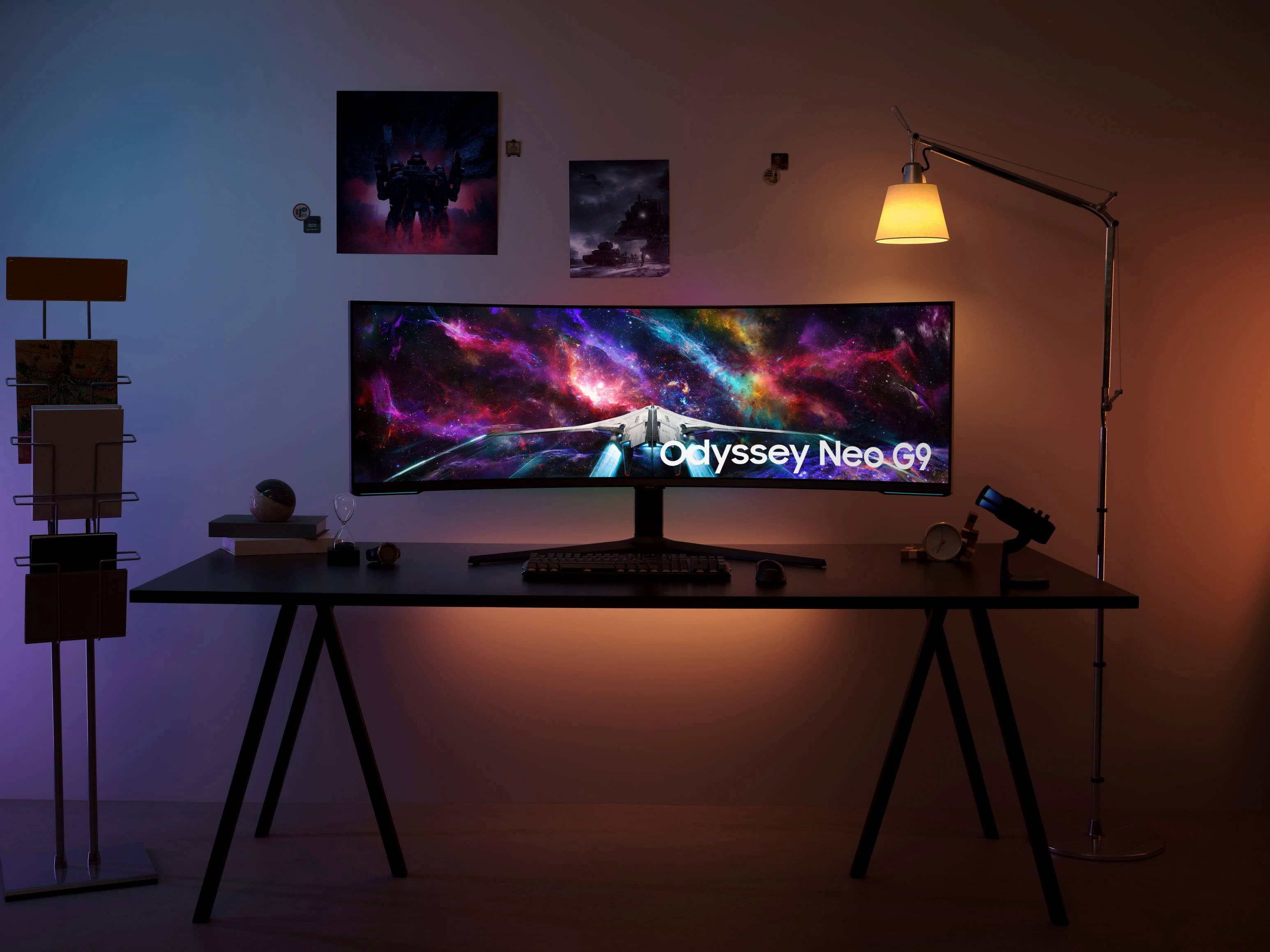
- Model:
- LS57CG952NNXZA
- SKU:
- 6549291
Rating by feature
- Display Quality
Rating 4.7 out of 5 stars
- Ease of Use
Rating 4.5 out of 5 stars
- Features
Rating 4.6 out of 5 stars
Customers are saying
Customers admire the expansive screen size and the seamless resolution that provide an incredibly immersive experience for both gaming and productivity. Users frequently praise the monitor's high refresh rate and overall performance, noting that it makes multitasking effortless. While some individuals have noted minor concerns regarding viewing angles, potential blooming, or occasional operational noises, the general consensus remains highly positive.
This summary was generated by AI based on customer reviews.
- Pros mentioned:Immersion, Refresh rate
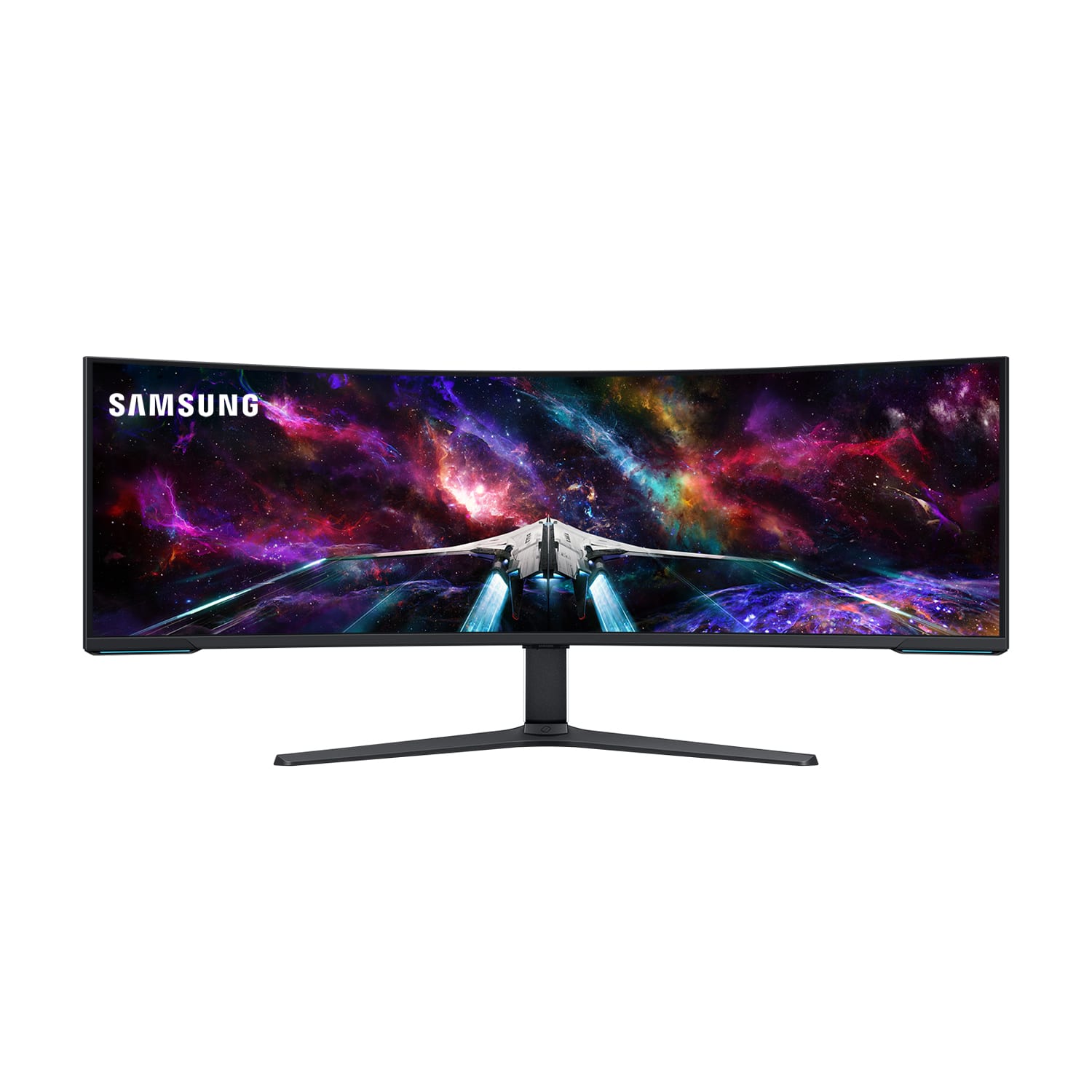
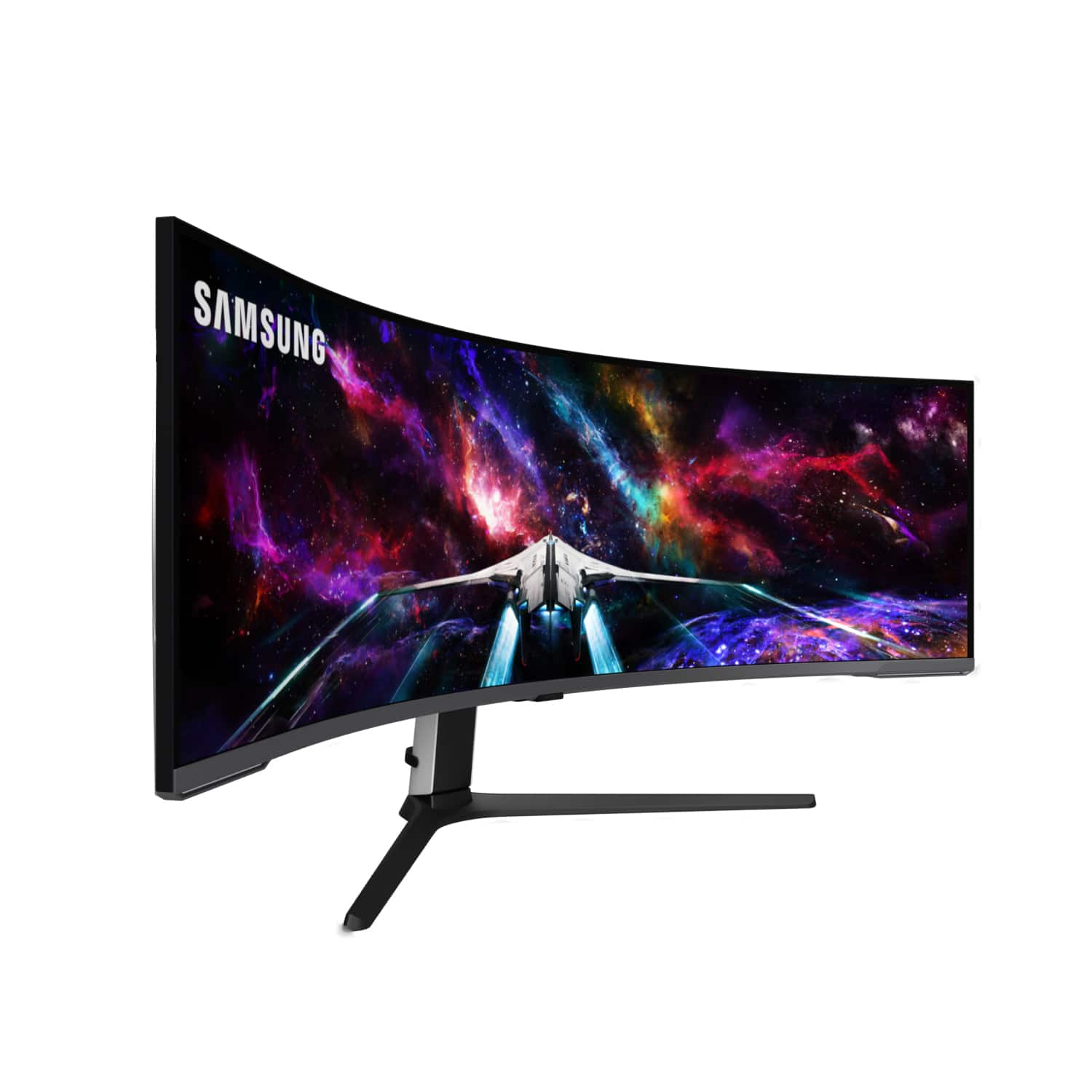
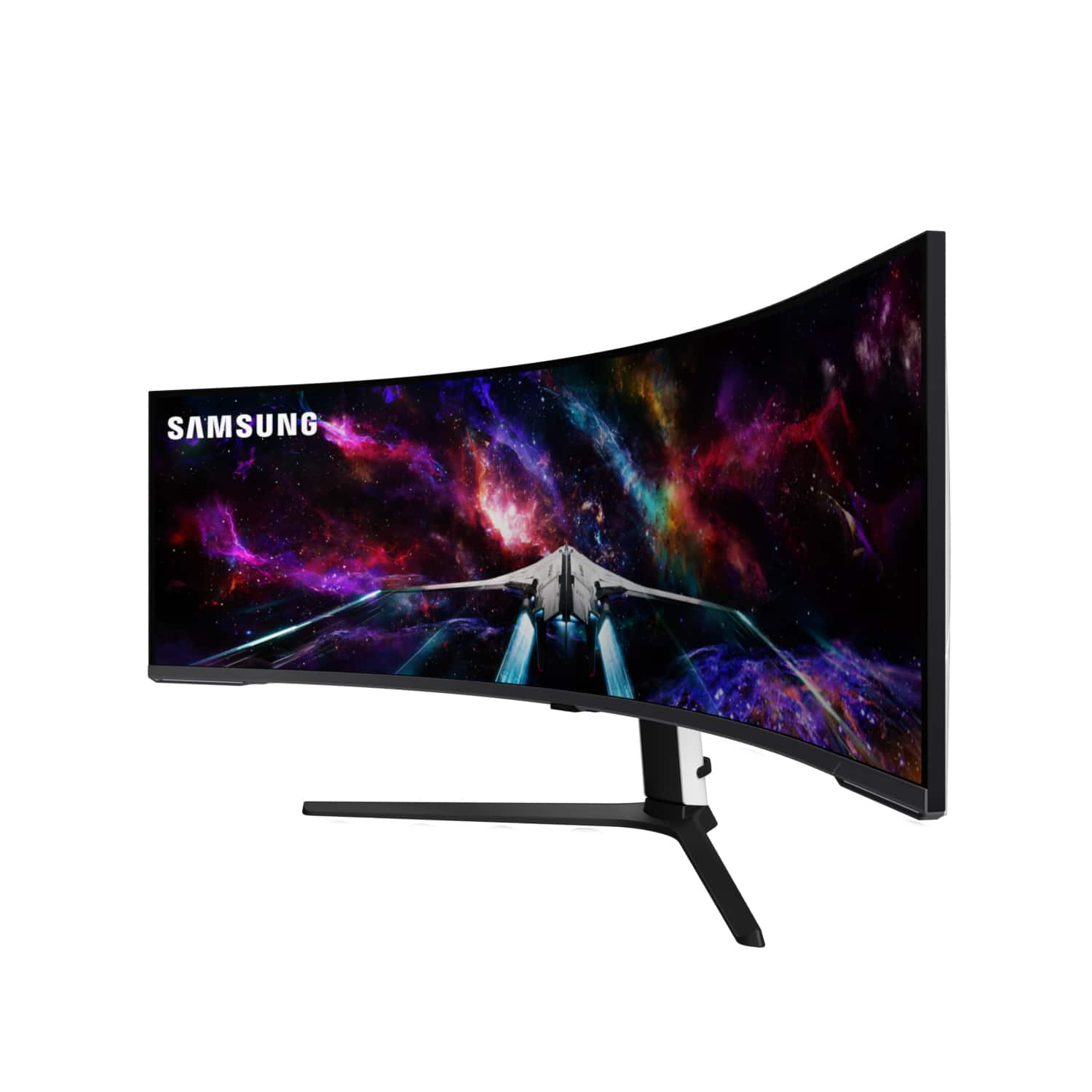
Samsung 57-inch Odyssey Neo G9 observations.
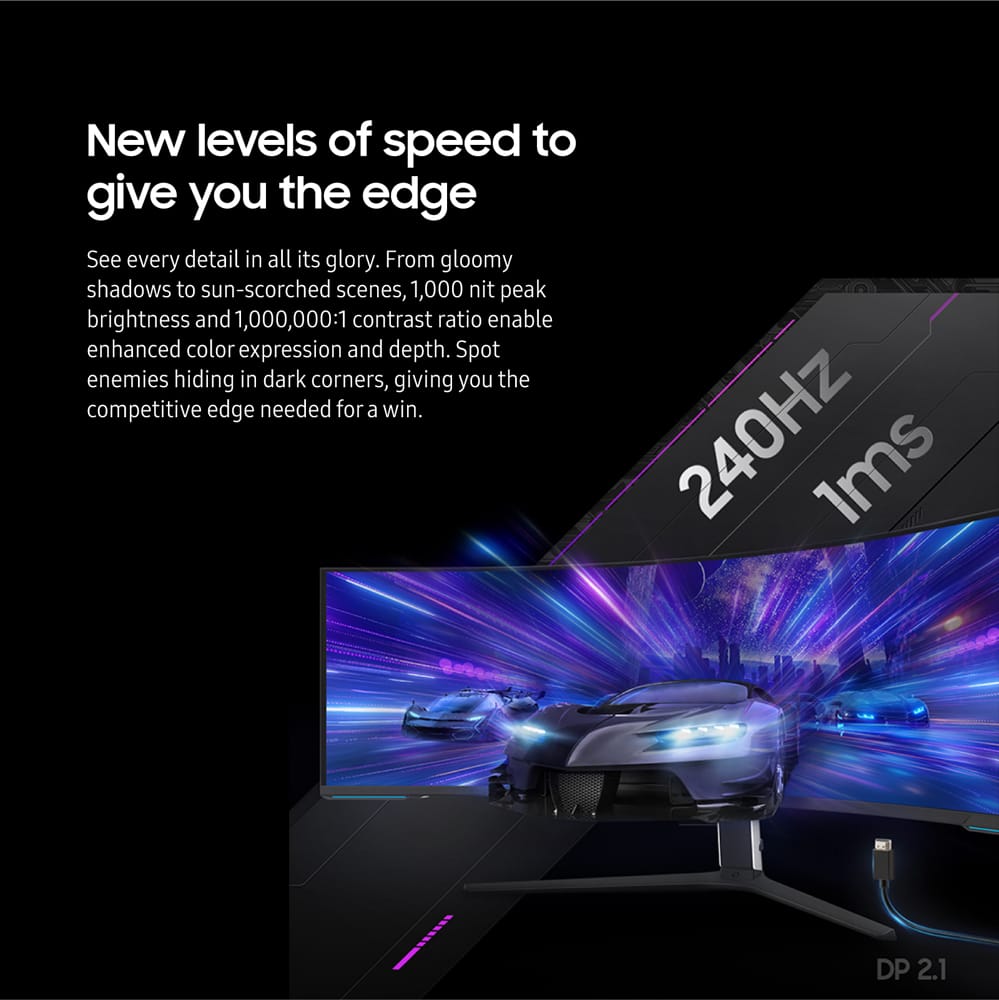
||Posted . Owned for 4 months when reviewed.This reviewer received promo considerations or sweepstakes entry for writing a review.The Samsung 57-inch Odyssey Neo G9 is incredibly immersive, just as engaging as my Quest 3. For streaming, it’s like having a personal movie theater. Running the monitor at 5120x1440, it seamlessly scales up to 7680x2160, allowing for higher frame rates crucial for smooth gameplay. My grandson’s sharp little eyes can tell the difference in resolution, but I can’t. The HDR is brilliant but adds some heat (no big deal). The monitor requires a DisplayPort 2.1 cable with 54 Gbps to run without Display Stream Compression and to achieve the full resolution of 7680x2160 at 240Hz. These cables may be available by the end of the year, and they can be longer than the current 80 Gbps cables, which are limited to 1 meter. When trying to enter the BIOS, you may need to press the power button on the toggle for the monitor to display the BIOS screen. The start screen doesn’t always appear when coming out of sleep mode, and I often need to press a key on the keyboard to get it to appear.
I would recommend this to a friend - Pros mentioned:Screen sizeCons mentioned:Heat dissipation
Great for every use case!
||Posted .This reviewer received promo considerations or sweepstakes entry for writing a review.This monitor is nothing short of amazing. The sharpness and clarity of this resolution over this space is fantastic. The only downsides are: - You need a fairly powerful system to power the dual 4k resolution for gaming at full resolution. - It put out a LOT of heat when on for long periods regardless of brightness. The combination with my computer heats my room up significantly. - It's big and heavy so it requires specific monitor arms if you are planning on using one. Your desk should be fairly sturdy as well. I also use it for work and productivity (coding/writing/web/editing/etc) and the curve + horizontal distance from edge to edge feels nicer than my 2 32" 4k monitors angled together. If you haven't sat in front of one of these monitors I would recommend spending a bit of time in front of one to see if it is comfortable for you personally. The PIP settings are fantastic if you have two (even 3) computers. I also will use split screen side by side with the same computer for a seamless 2 desktop space experience. There are other great options like having a center screen space for your game and two slim, outer spaces around that center space for streaming/guides/chatting.
I would recommend this to a friend - Pros mentioned:Refresh rate, Screen sizeCons mentioned:Dead pixels
Open box
||Posted . Owned for less than 1 week when reviewed.This reviewer received promo considerations or sweepstakes entry for writing a review.I noticed that the box had been re-taped when i got it home. Should’ve noticed this at pickup, but it was a madhouse at the store - just wanted to get out of there. At home, after unboxing, everything looked normal, just like new. Bit when i assembled the stand, attached it, and pulled the monitor out, there were fingerprints all around the screen! (No, i didnt touch the screen). When i fired it up, HDMI1 was hard-selected. Not auto detect. This is pretty weird. All the peels, as well as the other packaging, were pristine. Anyway, the monitor is great: no dead pixels, no other problems. I’ve been playing with it all day and it’s perfect. I have a 3090 and can drive it full-res at 120hz. Productivity-wise, text is crisp, colors pretty good, brightness is excellent. I hope i’m just being paranoid about the ob thing. If it has really been used, this is the stealthiest repackage ive ever seen.
I would recommend this to a friend - Pros mentioned:Overall performance, Refresh rate, Resolution
Incredible
||Posted . Owned for less than 1 week when reviewed.This reviewer received promo considerations or sweepstakes entry for writing a review.I'm running this on a Microsoft Surface Pro 8 i7 16GB. It is incredible. I'm using it for work. Great color, resolution, refresh, etc. It worked straight out of the box with no firmware or driver updates on Windows 11 Home. Full 7680x2160 at 120hz with HDR .
I would recommend this to a friend Perfect for my needs!
||Posted . Owned for 3 weeks when reviewed.This reviewer received promo considerations or sweepstakes entry for writing a review.I'm not a gamer...I bought this monitor for work. Most of my work involves the use of AutoCAD. I had been using 3 separate monitors, which was OK...except I sometimes had issues with monitors crashing or apps rearranging themselves. And AutoCAD crashed fairly often. I got this monitor hoping it would eliminate some of those issues...and it has! (I can only assume that the AutoCAD crashing was related to my old monitor setup.) Initially, I thought I'd be able to just use this single monitor, but it hasn't worked out that way. Although this monitor is HUGE, for me it didn't provide enough real estate for the way I was used to working. So I retained one of my old monitors...which happens to be the same height as this new Samsung...so it lines up well on my desk. I've been able to arrange things so that I can keep all the apps I'd like to use open simultaneously. I don't need super high resolution...in fact, I don't run this Samsung at its highest resolution because the text in AutoCAD gets too small for my old eyes to see! And I don't need super fast scan rates. So I can't speak to any of that stuff. I just know that, for me, doing Engineering work in AutoCAD works out just fine. I did fiddle around with the settings (resolution, primarily) for a little while to get things like I wanted them. (Apparently there's some 3rd party something or other that allows the video settings on a Mac to work better with monitors like this...but I'm not going through all that trouble.) Oh...I'm using a MacBook Pro M4 Max (running Windows with Parallels) with a pretty old Pluggable dock. (So one Thunderbolt 5 cable from my Mac to the dock...for charging, video, data, everything...and then the dock serves the two monitors.) I'm not sure the older dock would work well if I was trying to run super high resolution or scan speeds, but it's working just fine for my needs. Someone asked me this week if the curved screen took some getting used to. It was a little different at first, but honestly after a few minutes I never thought about it again. All in all I'm VERY pleased with this monitor and I'd highly recommend it if you're doing stuff like I do. Again, I can't speak to it's suitability for gaming or whatever.
I would recommend this to a friend- Pros mentioned:Overall performance
A huge flaw away from perfection!!!
||Posted . Owned for less than 1 week when reviewed.This reviewer received promo considerations or sweepstakes entry for writing a review.This monitor is almost perfect, but it has a major flaw... I think it is something that maybe can be fixed with a firmware update. I have never had a Samsung monitor before, so I don't know if this is a standard behaviour. It wil NOT change inputs automatically, only if you turn on a very dumb feature that changes to a newly connected source. Let's say you have 2 or more devices connected and turned on, if you turn off the current device, it will not change to the remaining on device automatically even with said feature on, every monitor I have ever had does this... also that feature changes automatically if that other device "wakes up" because of a notification or a remote desktop connection, which is very inconvenient to say the least. So put simple, it will not scan other inputs when the current one is disconnected. HUGE CUMBERSOME FLAW OF A SIMPLE "DISPLAY 101" RULE. Other than that, is ther greates monitor I ever had (after calibration), remember to buy 8k capable cables, dongles, converters and any connection gimmick you currently use, or you will be sitting wondering why you are getting weird resolutions out of it.
I would recommend this to a friendBrand response from Samsung
Posted .Thank you for your purchase and review of the Odyssey Neo G9 Gaming Monitor! We are sorry to hear about the issues you have been experiencing. Samsung greatly values our customers’ feedback and we utilize your concerns and opinions in our relentless efforts towards delivering world-class products. We are very sorry to hear this product didn't meet your expectations.
Other users with similar concerns, have resolved their issues by loading the latest firmware by visiting the Samsung Download Center and we recommend making sure your monitor software is always updated.
Samsung Download Center: https://www.samsung.com/us/support/downloads/
If after you have verified you’re using the latest version your issues persist, or if there is anything else we can do to assist you and improve your product experience, please contact Samsung Customer Support via:
1-800-SAMSUNG, available 8AM - 12AM EST (Mon-Fri) / 9AM - 11PM EST (Sat-Sun).
Again, thank you for taking the time to share your experience and provide us with information that helps improve our service.
- Pros mentioned:Refresh rate, Screen size
An experience that never gets old
||Posted . Owned for 1 month when reviewed.This reviewer received promo considerations or sweepstakes entry for writing a review.I only wish I had this thing at the beginning of the pandemic. Makes productivity easier, and dare I say enjoyable. I'm a casual PC gamer, but I have played more now that I have this beauty. It came on ver 1.4, but I was able to upgrade to 1.5 which offers DP 2.1, and 240hz if you have the right specs. I cannot say if it is true 240 since I didn't run any real tests, but it shows it in the menu. I'll try and add a photo if I remember. Pro tip: put the image file in the root directory of your usb drive formatted in FAT32 whenever you attempt an upgrade. If you're thinking of getting this and can swing the price (I got it on sale) just go for it. You will not be disappointed. Also, the monitor does go on standby when you put your PC to sleep or hibernate, just need to wait a little bit for it to come on automatically. At first, I thought I had to mess with it for it to come on, but I've had no issues once I was a bit more patient. I haven't bought an arm for it yet, as I happen to like the stand it comes with, and my standing desk is big enough for it. It is much bigger than you think, so be sure to measure for your setup. The DP cable it comes with is criminally short (<4ft), so you might want to either ensure your PC is close to your monitor or purchase a longer one. I know it recommends keeping it to a shorter length, but it would not work for me, and I’ve had no issues with a longer cable I got off Amazon.
I would recommend this to a friend - Pros mentioned:Overall performanceCons mentioned:Noise level
I love it!
||Posted .This reviewer received promo considerations or sweepstakes entry for writing a review.Excellent monitor! Even if it does have a random popping sound during warm up just to the right side. It Performs great and the pop can’t be heard while wearing headphones and after the temperature settles in. I believe it’s from that huge cover on the back expanding and relaxing while it heats up to a normal temperature from being chilled at room temperature. Multiple computers? No problem. Plug both in and use the same mouse and keyboard seamlessly!
I would recommend this to a friend - Pros mentioned:Screen size
MY DREAM MONITIOR BECAME REAL!
||Posted . Owned for 2 months when reviewed.This reviewer received promo considerations or sweepstakes entry for writing a review.THIS IS ONE OF MY DREAM PURCHASES THE CRAZY PART ABOUT IT WAS THAT I WAS LOOKING TO PURCHASE THE 55 INCH THEN BEST BUY HAD THE 57 ODYSSEY NEO G9 DUAL 4K UHD QUANTUM MINI -LED 240HZ 1MS HDER 1000 CURVED GAMING MONITOR (HDMI 2.1, DPDP 2.1, USB3.0)BLACK ON SALE WITH $700 DOLLARS OFF I WAS LIKE YEAH GREAT BUY I PREVIOUSLY HAD THE ALIEN MONITOR AND OTHER MONTIOR LIKE HP ALL CURVED NONE ARE ON THIS LEVEL TOP 1 IN ITS CATEGORY FOR GAMING AND WATCHING MOVIES AND A LITTLE PC WORK FROM TIME TO TIME,ALSO LIKE THE FACT THAT I HAD THE OPTION TO HANG ON WALL AND I DID HAND ON WALL AWESOME.
I would recommend this to a friend - Pros mentioned:Refresh rate, Resolution
Big boy!!!
||Posted .This reviewer received promo considerations or sweepstakes entry for writing a review.This monitor is amazing! I love the size and resolution options. I currently don't have a graphics card that can run this at 240Hz at 4k so I set it up to run 1440p at 240Hz. I have to say that this thing is awesome! I managed to score this as an open box and paid around $1014 after tax. I totally recommend it if you can fit this monster on your desk!!!
I would recommend this to a friend - Pros mentioned:Refresh rate, Resolution, Screen size
Amazing 57 inch monitor
||Posted . Owned for 1 week when reviewed.This reviewer received promo considerations or sweepstakes entry for writing a review.I’m coming from the Samsung 49inch super ultrawide and while that monitor is awesome, this one is another level. It’s huge. Picture quality and resolution is amazing even though I can only run this in 120hz due to video card restriction. You won’t be disappointed but you better have a huge desk.
I would recommend this to a friend - Pros mentioned:Resolution, Screen size
Amazing for Productivity and Gaming!
||Posted . Owned for 2 weeks when reviewed.This reviewer received promo considerations or sweepstakes entry for writing a review.An absolute unit! This replaced a triple monitor 1080p setup I have been running for over 10 years. I played games across all three screens so this feels very at home for me. Using this monitor for desktop use is God tier. I've used Dual 4k monitors before but the bezel is surprisingly more limiting than you'd think. The only downsides are that if you don't want to deal with the massive feet that hold this bad boy up, you will need to get a hefty arm that can handle the weight. Also, getting devices to connect in the native resolution can be a challenge. Thunderbolt 3 devices struggle with the output. In this case, you will need to use the PBP mode and split the display between two 4k sources. I have had no issues with scan lines or dead pixels so I must have got lucky!
I would recommend this to a friendBrand response from Samsung
Posted .We are delighted to hear you've had an overall, positive experience with your Odyssey Neo G9 Monitor. Thank you for your feedback to help us improve our products and services.There maybe a variety of reasons why you are unable to achieve the desired refresh rate such as PC/console limitations and your connectin type. We also suggest updating the firmware on your device, adjusting in-device display settings, monitor settings, and in-game settings. If there is anything we can do to assist you and improve your product experience, please don't hesitate to contact Samsung Customer Support via: 1-800-SAMSUNG, available 8AM - 12AM EST (Mon-Fri) / 9AM - 11PM EST (Sat-Sun). Your thoughts and opinions are very important to Samsung.
- Pros mentioned:Screen size
Best Purchase Ever for my workstation.
||Posted .This reviewer received promo considerations or sweepstakes entry for writing a review.My primary usage is for normal business work and software development. I'm not a video game player, but this monitor is a GAME CHANGER. I use this as a secondary monitor attached to my MacBook Pro M1 Max laptop, using a DP to USB-C cable (ordered separately). This monitor's curve wraps around just right to make it easy to see details on the edges, in one sitting position. Text is sharp, colors are great, it adjust for all angles: up, down, tilt in, tilt out, horizontal leveling, etc. There is nothing to say bad about this monitor. Once again, a Game Changer!
I would recommend this to a friend - Pros mentioned:Screen size
It is huge!
||Posted . Owned for 2 weeks when reviewed.This reviewer received promo considerations or sweepstakes entry for writing a review.This display is an excellent choice for simracing, offering a great size, impressive brightness, and contrast. It competes well with OLED displays without any noticeable drawbacks. However, a powerful GPU is necessary to fully utilize its capabilities.
I would recommend this to a friend - Pros mentioned:Resolution, Screen size
Beautiful image res, but for me limited frame rate
||Posted . Owned for 1 week when reviewed.This reviewer received promo considerations or sweepstakes entry for writing a review.This monitor worked great out of the box! Easy to set up, and was able to select the full 8k resolution for a larger workspace which is mainly what i inwas looking for. So it meets my needs as a productivity work monitor. However the amd card in my computer, which ran 1440p reoslution st 120hz on my precious 49” ultrawide now only gives me 60hz rate at full 8k resolution on thus montor. I updated drivers bur still no luck getting at least 120hz. I wiukd uodate the gralhics card but it still a work computer. Despite this limitation, the full resolution and the beautiful image quality meets my needs! Highly recommended if you’re looking for this large of a workspace!
I would recommend this to a friend - Pros mentioned:Screen size
Brightness Beast but not all is "bright".
||Posted . Owned for 1 month when reviewed.This reviewer received promo considerations or sweepstakes entry for writing a review.Brightness is a best in market. Productivity features are missing. I have both the Samsung-G9-57" and the TCL-57R94 similar size and technology monitors and Samsung is leading in Image quality while TCL gives Thunderbolt/usb-c HDMI + charging + usb-hub in one cable. Surprisingly TCL's build quality (plastics, stand and ergonomics) is much better than Samsung's. Samsung is a gaming beast while the TCL is for mild gaming and leans towards productivity.
I would recommend this to a friend - Pros mentioned:Resolution
Not too big.
||Posted . Owned for 1 month when reviewed.This reviewer received promo considerations or sweepstakes entry for writing a review.I bought this monitor as an upgrade to my work from home setup. My current setup in the office is two 32" 4K monitors, side-by-side, so this fit the bill size-wise. I remotely login to that machine for work, so the display resolution is seamless. This monitor has no shortcomings inherent with that configuration, like (in my case) mismatched refresh rates, and of course the bar down the middle. I can have my main tool (VRED) consuming most of the screen and still have plenty left for additional Office/Productivity apps on the edges. Switching between sources feels clunky with the button on the bottom. If you decide to change from full screen for each input, to a split screen...it doesn't know how to go back to full screen without rebooting the source. So I don't use the PiP or PbP anymore; I just clunkily switch between sources. The included stand is massive and requires a large desk. The shape of the stand makes it tough to have your keyboard and mouse where you want, so I went for a big aftermarket arm instead. I'm driving my home source with an RTX 3070 at 7680x2160 @120Hz. My games look beautiful and responsive. It's capable of 240Hz with a better card, but 120Hz is quite good. Not an issue for me. Going from two flats to one large curved screen has caveats. If you work in design, you cannot draw a straight line on a curved screen! When 2D is necessary for communicating an idea, a curved screen distorts that. Fortunately for me, that's not an issue. But I work with people where that is critical. I am VERY happy with this monitor and I never want to go back to the office, because my display at home is better than the two 4K's in the office. For me, this monitor is the best out there today (May 2024), but obviously things change. It could be twice as tall and twice as wide, but this will do for now.
I would recommend this to a friend - Pros mentioned:Screen size
Worth the money spent
||Posted . Owned for 9 months when reviewed.This reviewer received promo considerations or sweepstakes entry for writing a review.I’ve been using this monitor for almost 10 months now and it’s been excellent so far. The display is sharp, colors are vibrant, and the ultrawide screen makes both work and entertainment much more enjoyable. It feels premium and has been reliable with no issues. Definitely worth the purchase
I would recommend this to a friend - Pros mentioned:Refresh rate, Resolution
endgame monitor until 8k oled high refresh arrives
||Posted . Owned for 2 weeks when reviewed.This reviewer received promo considerations or sweepstakes entry for writing a review.This monitor is outstanding I am running it on a 4090 currently and I can manage 7680x2160 @ 120hz would be nice if we could get it working at 240hz waiting on nvidia to give us a driver update so we can drive it over hdmi 2.1 or samsung to push out a firmware update
I would recommend this to a friend - Pros mentioned:Screen size
More Productive
||Posted .This reviewer received promo considerations or sweepstakes entry for writing a review.Been wanting this monitor for several years and had been on the fence because of its size. I do structural detailing working in CAD all day. After working with it for a couple of weeks now I have come enjoy its size. The high ppi makes it easy to use all day, and I can have multiple programs spread out across the screen. I’m more productive because I don’t have to switch between programs all day. I’ve used multiple screens in the past and not having that joint between monitors is a huge bonus.
I would recommend this to a friend