Customer Ratings & Reviews
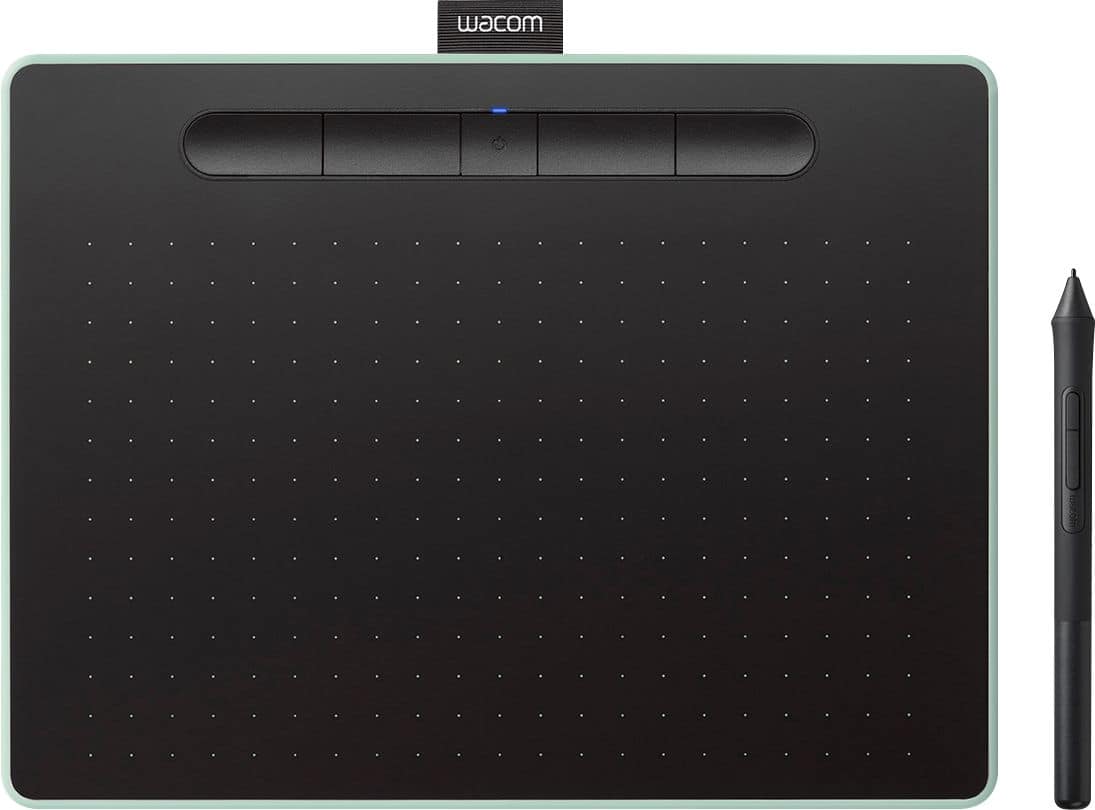
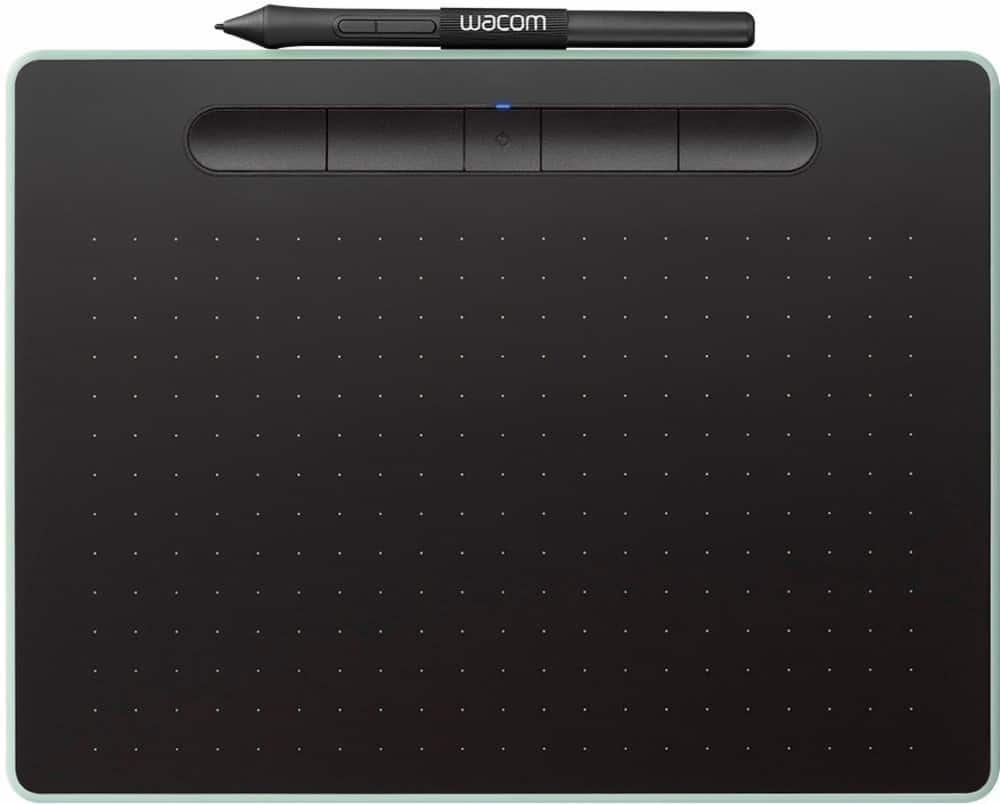
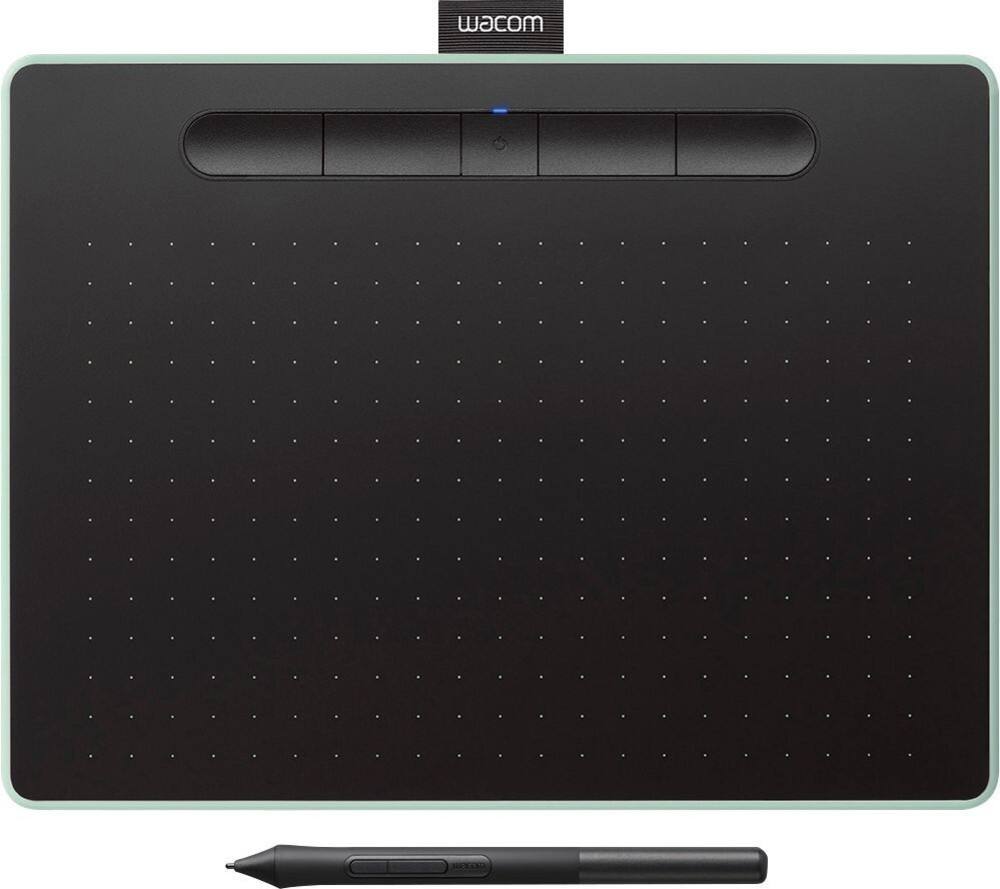

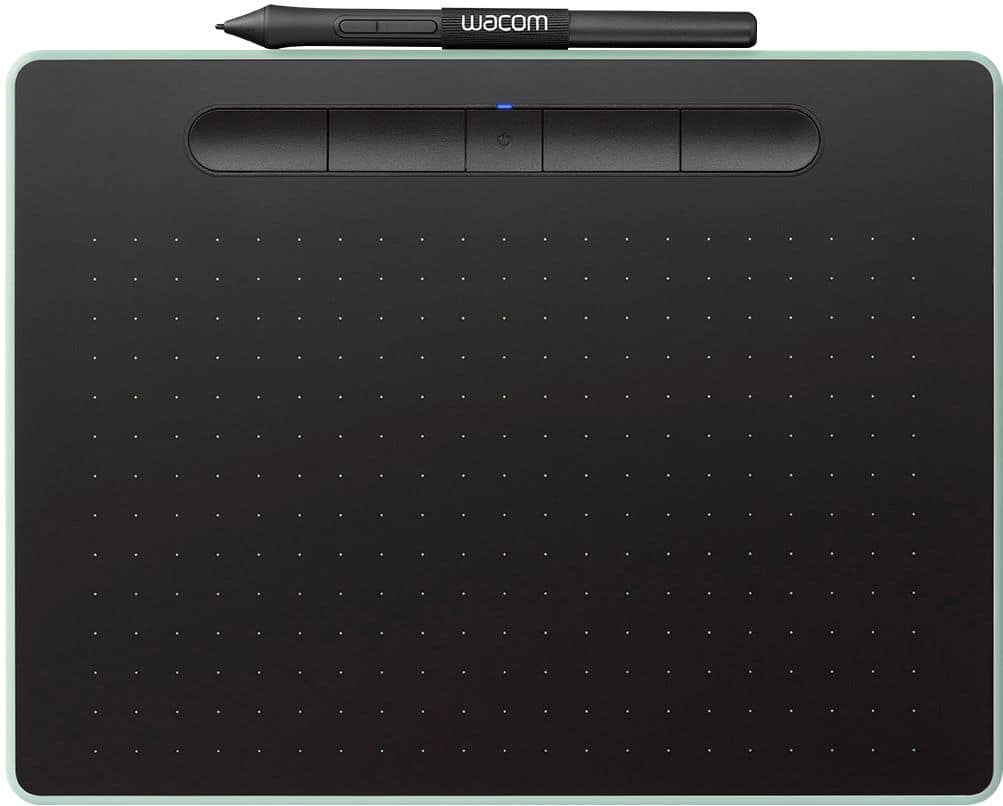
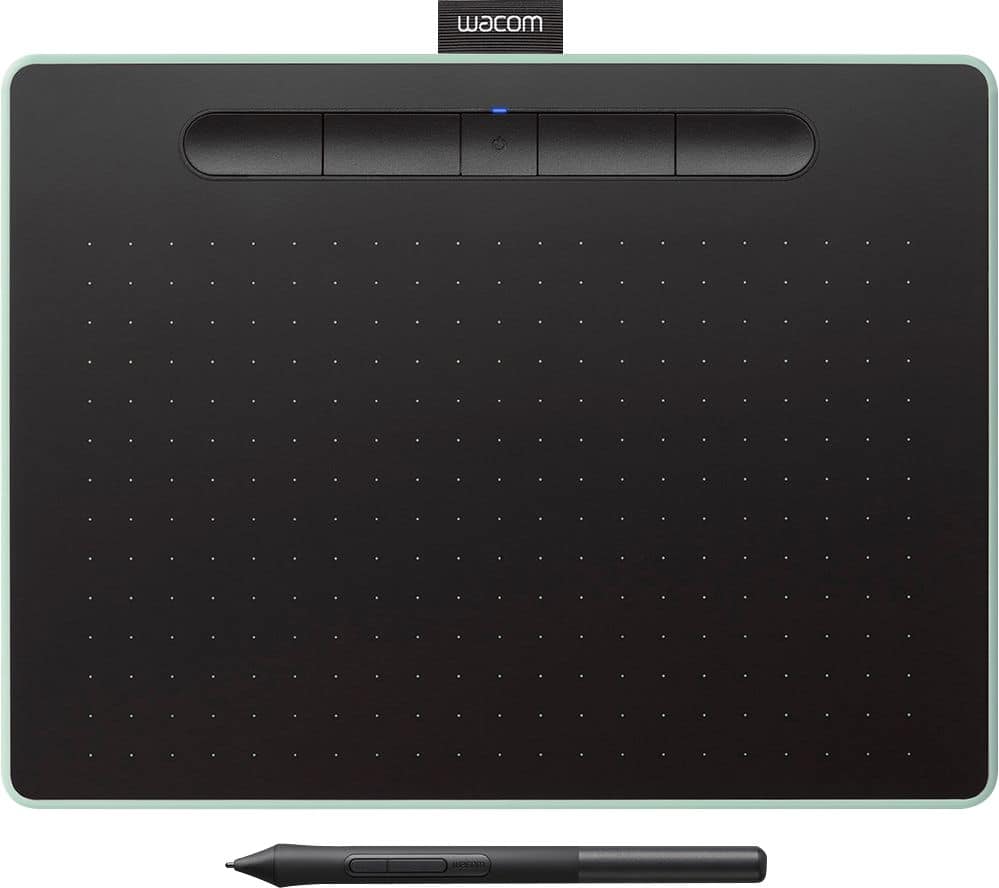


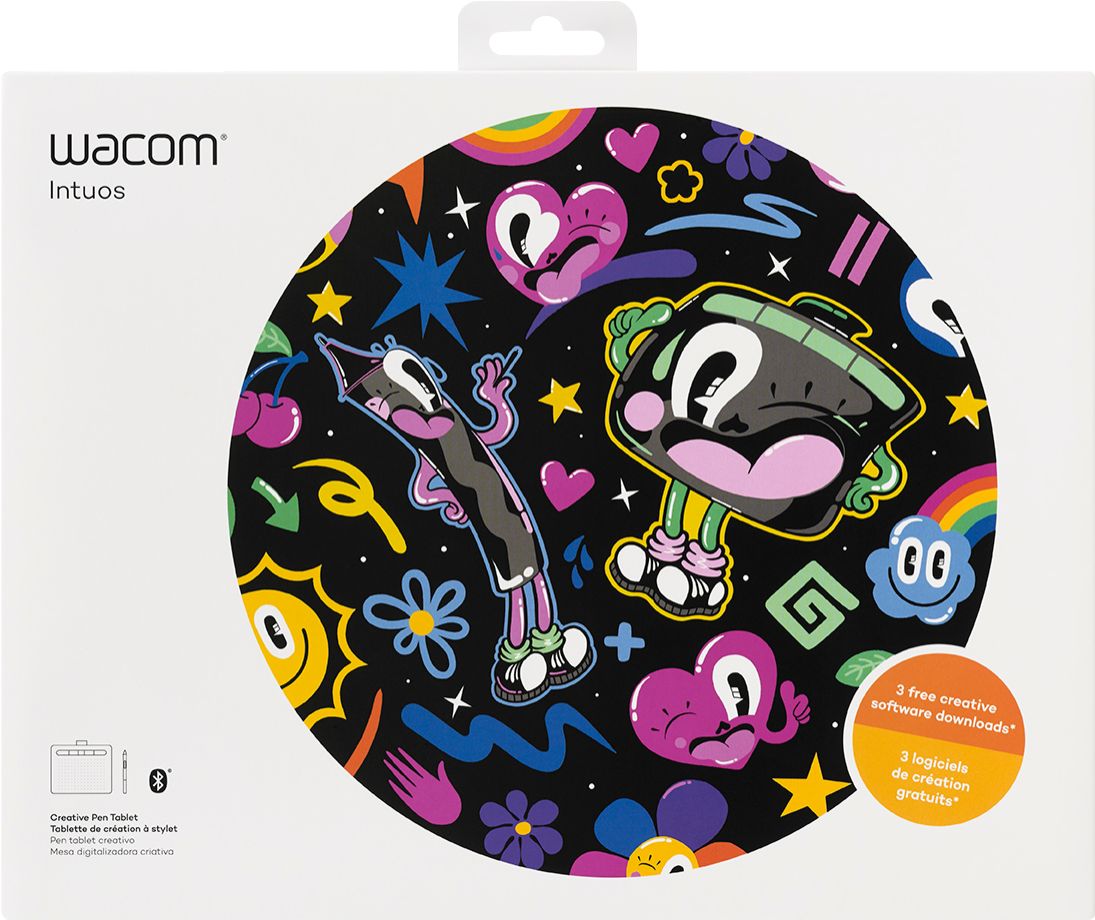

- Model:
- CTL6100WLE0
- |
- SKU:
- 6196631
Customer reviews
Rating 4.6 out of 5 stars with 650 reviews
(650 customer reviews)Rating by feature
- Value4.4
Rating 4.4 out of 5 stars
- Quality4.6
Rating 4.6 out of 5 stars
- Ease of Use4.4
Rating 4.4 out of 5 stars
Customers are saying
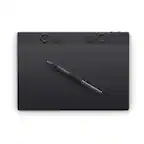
Customers are impressed with the Intuos Graphic Drawing Tablet, particularly its ease of use, quality, and ideal size. Many appreciate the convenience of its wireless feature and find it suitable for drawing. Some customers have noted concerns about the software, compatibility, lag, learning curve, and setup.
This summary was generated by AI based on customer reviews.
- Cons mentioned:Setup
Rated 4 out of 5 stars
works well for animations
||Posted . Owned for more than 2 years when reviewed.This reviewer received promo considerations or sweepstakes entry for writing a review.This took me a bit to get it set up and to be able to use it well. I am very happy with it. I was able to use it in my animation class.
This review is from Wacom - Intuos Graphic Drawing Tablet for Mac, PC, Chromebook & Android (Medium) with Software Included (Wireless) - Black
I would recommend this to a friend - Pros mentioned:Quality
Rated 5 out of 5 stars
Great drawing tablet
||Posted .This reviewer received promo considerations or sweepstakes entry for writing a review.I bought this for my daughter who is really getting in to drawing. She enjoys using it and it is of high quality. Glad I bought it.
This review is from Wacom - Intuos Graphic Drawing Tablet for Mac, PC, Chromebook & Android (Medium) with Software Included (Wireless) - Black
I would recommend this to a friend Rated 5 out of 5 stars
Great tablet!
||Posted .This reviewer received promo considerations or sweepstakes entry for writing a review.This has been a great choice of a tablet so far. It is very responsive, and is exactly what I need for photo editing and drawing.
This review is from Wacom - Intuos Graphic Drawing Tablet for Mac, PC, Chromebook & Android (Medium) with Software Included (Wireless) - Black
I would recommend this to a friend- Pros mentioned:Ease of use
Rated 5 out of 5 stars
Beginner's Luck
||Posted . Owned for 1 year when reviewed.This reviewer received promo considerations or sweepstakes entry for writing a review.Great beginner digital art tablet, and it is very portable and easy to use too.
This review is from Wacom - Intuos Graphic Drawing Tablet for Mac, PC, Chromebook & Android (Medium) with Software Included (Wireless) - Black
I would recommend this to a friend - Pros mentioned:Quality
Rated 5 out of 5 stars
Great Buy
||Posted . Owned for 3 weeks when reviewed.This reviewer received promo considerations or sweepstakes entry for writing a review.I bought this item for my son as he is very passionate about art. He loves it!
This review is from Wacom - Intuos Graphic Drawing Tablet for Mac, PC, Chromebook & Android (Medium) with Software Included (Wireless) - Black
I would recommend this to a friend - Pros mentioned:Ease of use
Rated 5 out of 5 stars
Great piece of hardware
||Posted . Owned for 3 months when reviewed.This reviewer received promo considerations or sweepstakes entry for writing a review.Bought this for my daughter for Christmas and she loves it uses it to draw all the time period
This review is from Wacom - Intuos Graphic Drawing Tablet for Mac, PC, Chromebook & Android (Medium) with Software Included (Wireless) - Black
I would recommend this to a friend - Pros mentioned:Ease of use
Rated 5 out of 5 stars
WACOM rules
||Posted . Owned for 1 month when reviewed.This reviewer received promo considerations or sweepstakes entry for writing a review.love the WACOM tablets, makes working with Photoshop so much nicer
This review is from Wacom - Intuos Graphic Drawing Tablet for Mac, PC, Chromebook & Android (Medium) with Software Included (Wireless) - Black
I would recommend this to a friend - Pros mentioned:Quality
Rated 5 out of 5 stars
Drawing table .
||Posted . Owned for 3 weeks when reviewed.This reviewer received promo considerations or sweepstakes entry for writing a review.I bought it for my granddaughter. She love it. It was what she wanted. Good price.
This review is from Wacom - Intuos Graphic Drawing Tablet for Mac, PC, Chromebook & Android (Medium) with Software Included (Wireless) - Black
I would recommend this to a friend Rated 5 out of 5 stars
A Productivity Machine
||Posted . Owned for more than 2 years when reviewed.This reviewer received promo considerations or sweepstakes entry for writing a review.I use it primarily for editing photos in Adobe Photoshop. The learning curve was not bad and it has massively increased my productivity and reduced the pain my wrist always got!
This review is from Wacom - Intuos Graphic Drawing Tablet for Mac, PC, Chromebook & Android (Medium) with Software Included (Wireless) - Black
I would recommend this to a friend- Cons mentioned:Software
Rated 3 out of 5 stars
To many known glitches
||Posted . Owned for 10 months when reviewed.This reviewer received promo considerations or sweepstakes entry for writing a review.Picked this up to do some photo editing in Photoshop. There were a couple different known software glitches that was causing the tablet not to work properly. There were work arounds out there but for the price I paid I didn't want to have to spend so much time forcing it to work properly.
This review is from Wacom - Intuos Graphic Drawing Tablet for Mac, PC, Chromebook & Android (Medium) with Software Included (Wireless) - Black
No, I would not recommend this to a friend - Pros mentioned:Ease of use
Rated 4 out of 5 stars
My artistic daughter loves it
||Posted . Owned for 8 months when reviewed.This reviewer received promo considerations or sweepstakes entry for writing a review.My 16 year old daughter ask for this for her birthday. She absolutely loves it. It's extremely easy to set up and use.
This review is from Wacom - Intuos Graphic Drawing Tablet for Mac, PC, Chromebook & Android (Medium) with Software Included (Wireless) - Black
I would recommend this to a friend - Pros mentioned:Wireless
Rated 5 out of 5 stars
definitely a step up with bluetooth
||Posted . Owned for 1 month when reviewed.This reviewer received promo considerations or sweepstakes entry for writing a review.have used this product for years but never tried wireless. Wish I'd of used this from beginning..luv it!
This review is from Wacom - Intuos Graphic Drawing Tablet for Mac, PC, Chromebook & Android (Medium) with Software Included (Wireless) - Black
I would recommend this to a friend - Pros mentioned:Ease of use
Rated 5 out of 5 stars
Great for online teaching!
||Posted . Owned for 3 weeks when reviewed.This reviewer received promo considerations or sweepstakes entry for writing a review.Exceptional for online teaching with a platform like zoom! Just plug into your laptop and go! Easy as pie!
This review is from Wacom - Intuos Graphic Drawing Tablet for Mac, PC, Chromebook & Android (Medium) with Software Included (Wireless) - Black
I would recommend this to a friend - Pros mentioned:Ease of use
Rated 5 out of 5 stars
Great Wacom Tablet
||Posted . Owned for 3 weeks when reviewed.This reviewer received promo considerations or sweepstakes entry for writing a review.I am extremely pleased with the tablet, I have not learned everything regarding the tablet, but so far really pleased.
This review is from Wacom - Intuos Graphic Drawing Tablet for Mac, PC, Chromebook & Android (Medium) with Software Included (Wireless) - Black
I would recommend this to a friend - Pros mentioned:Ease of use
Rated 5 out of 5 stars
Good Drawing Pad
||Posted . Owned for 3 weeks when reviewed.This reviewer received promo considerations or sweepstakes entry for writing a review.Worked perfectly for what we needed it for! Easy to use.
This review is from Wacom - Intuos Graphic Drawing Tablet for Mac, PC, Chromebook & Android (Medium) with Software Included (Wireless) - Black
I would recommend this to a friend Rated 3 out of 5 stars
Not worth the price for what it is.
||Posted . Owned for less than 1 week when reviewed.This reviewer received promo considerations or sweepstakes entry for writing a review.I've used several drawing tablets, ones w screens, ones like this w/ out a screen. I will say it works good for what it does, however, because the pen is so small, if you have average sized or large hands it does begin to hurt after a short amount of time. The pen also feels VERY VERY cheap, and I mean VERY cheap. I'm talking dollar store cheap. I would say look towards the Intuos Pro, or even other alternatives that are much, much cheaper. So far not exactly satisfied w the experience w this drawing tablet, and I will be returning it this week. If they included a better pen (and they should at $200) I might have different opinions. If this is being purchased for a kid, I would say it's partially a good purchase it, seeing as they will likely have much smaller hands, but even then, there are better alternatives. One other thing to note, if you plan on using BT, this tablet has very noticeable lag when not plugged in.
This review is from Wacom - Intuos Graphic Drawing Tablet for Mac, PC, Chromebook & Android (Medium) with Software Included (Wireless) - Black
No, I would not recommend this to a friendRated 4 out of 5 stars
Drawing Tablet
||Posted . Owned for 2 months when reviewed.This reviewer received promo considerations or sweepstakes entry for writing a review.It works well but i would recommend getting the coverage plan as the charger stopped working and we have only had it for a little of 2 months. It works great when its charged. Think we received a defective plug.
This review is from Wacom - Intuos Graphic Drawing Tablet for Mac, PC, Chromebook & Android (Medium) with Software Included (Wireless) - Black
I would recommend this to a friendRated 5 out of 5 stars
Great Tablet
||Posted .This reviewer received promo considerations or sweepstakes entry for writing a review.Replaced an older Graphic Tablet with this one, very responsive, and well worth the cost. Would definitely recommend.
This review is from Wacom - Intuos Graphic Drawing Tablet for Mac, PC, Chromebook & Android (Medium) with Software Included (Wireless) - Black
I would recommend this to a friend- Pros mentioned:Wireless
Rated 5 out of 5 stars
Very Satisfied
||Posted . Owned for 3 weeks when reviewed.This reviewer received promo considerations or sweepstakes entry for writing a review.Love it! Would definitely recommend. Purchased for a 12 year old and he has loved it and used it every day!
This review is from Wacom - Intuos Graphic Drawing Tablet for Mac, PC, Chromebook & Android (Medium) with Software Included (Wireless) - Black
I would recommend this to a friend Rated 4 out of 5 stars
A good starter tablet.
||Posted . Owned for 1 month when reviewed.This reviewer received promo considerations or sweepstakes entry for writing a review.A very good starter tablet for artists. I’d had some concern it would be harder to use, but the feature of showing where the stylus is in your picture when it’s just above the surface solves that problem beautifully. Very good resolution, good stylus. One would pay a lot more for a tablet with a screen on it, and if you can get used to this method (which isn’t difficult) you can get a lot of use out of it.
This review is from Wacom - Intuos Graphic Drawing Tablet for Mac, PC, Chromebook & Android (Medium) with Software Included (Wireless) - Black
I would recommend this to a friend