Customer Ratings & Reviews
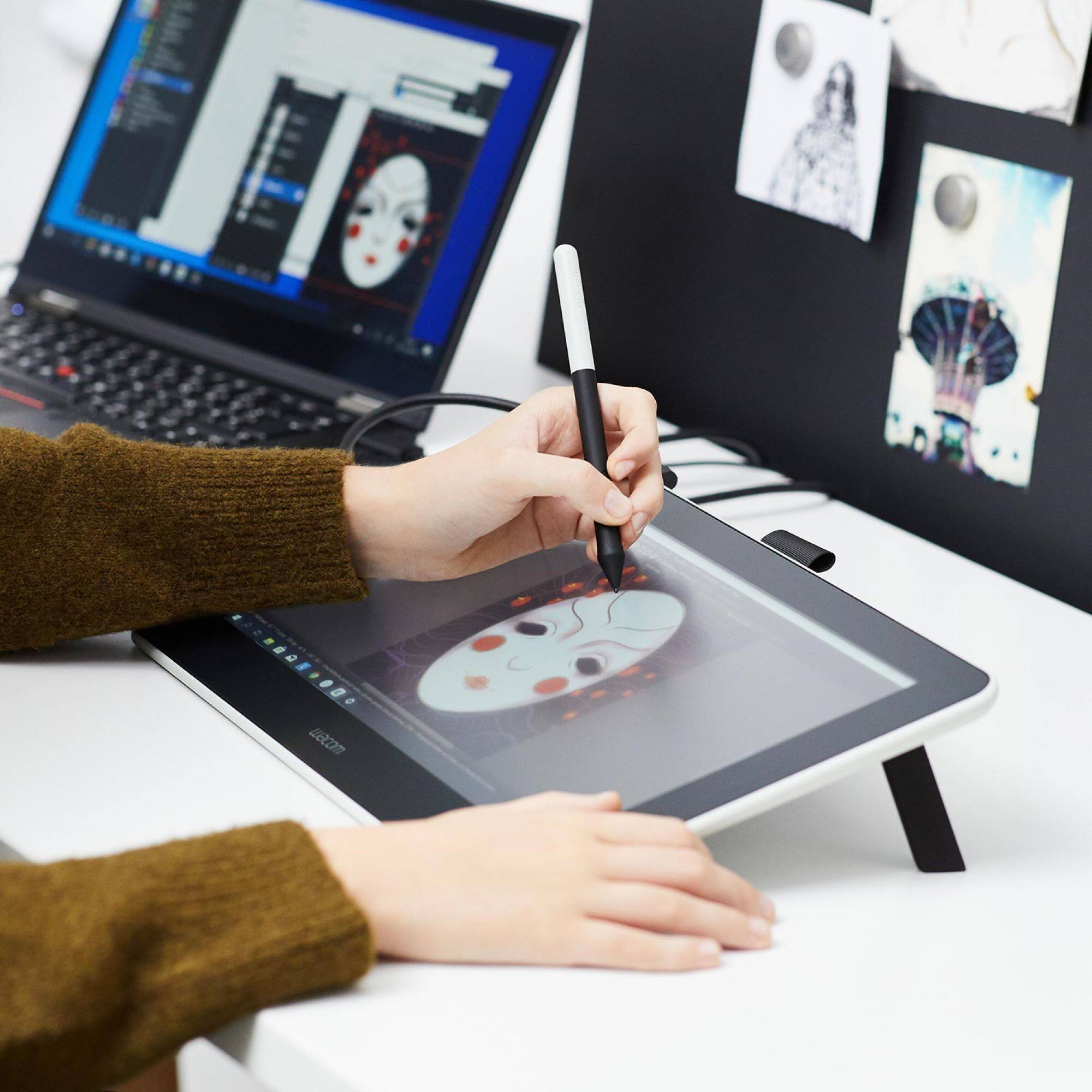
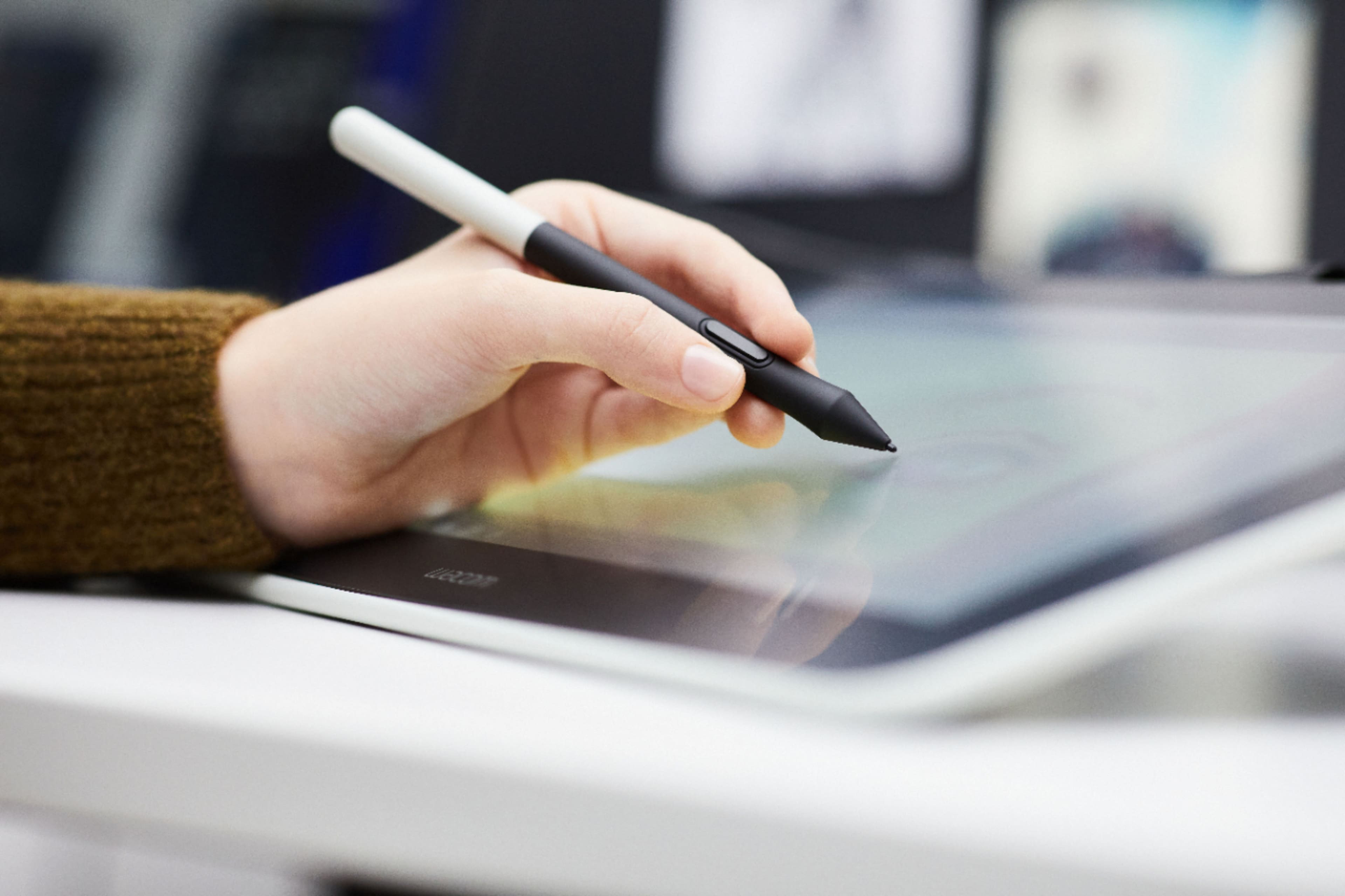
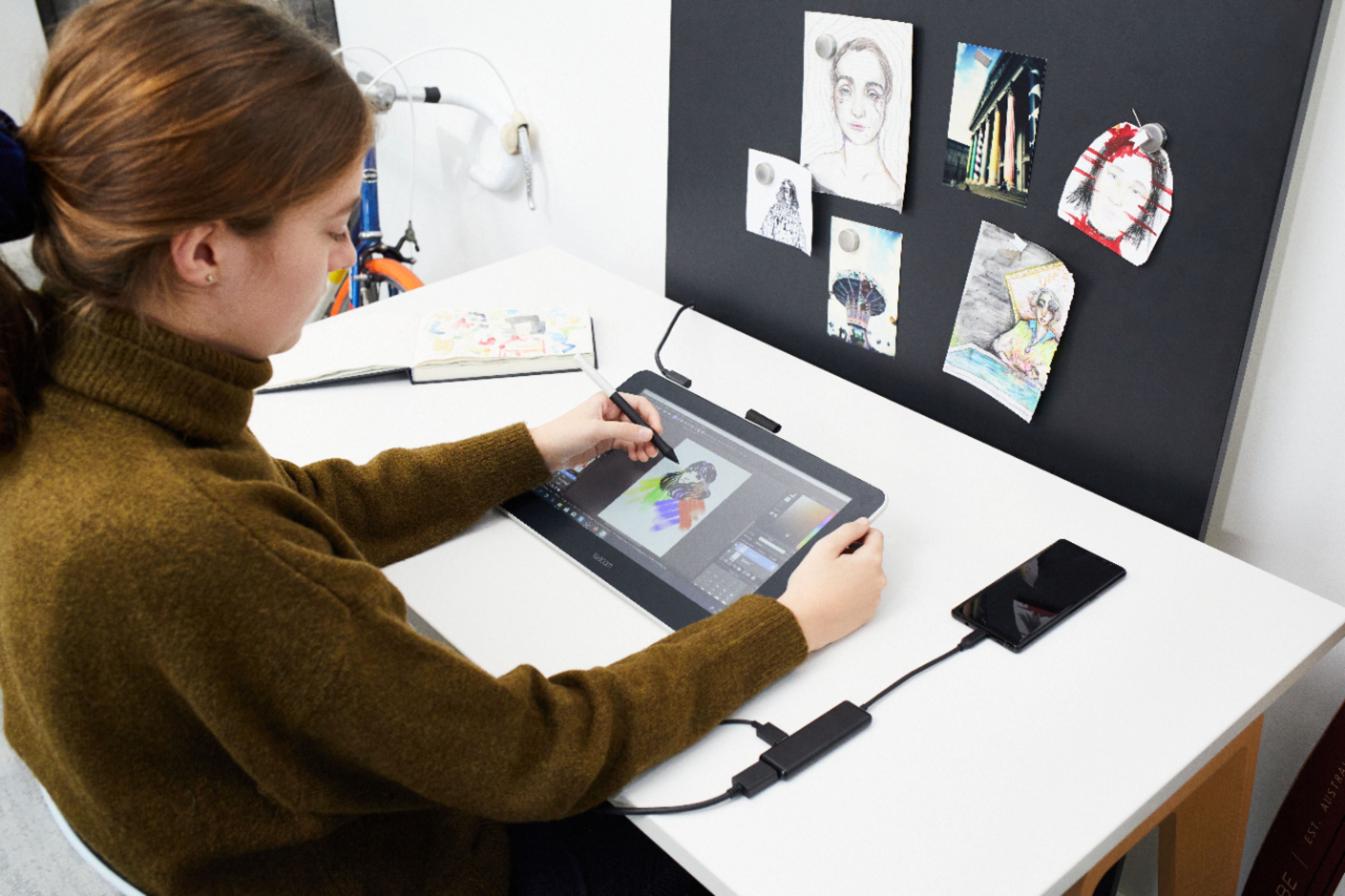
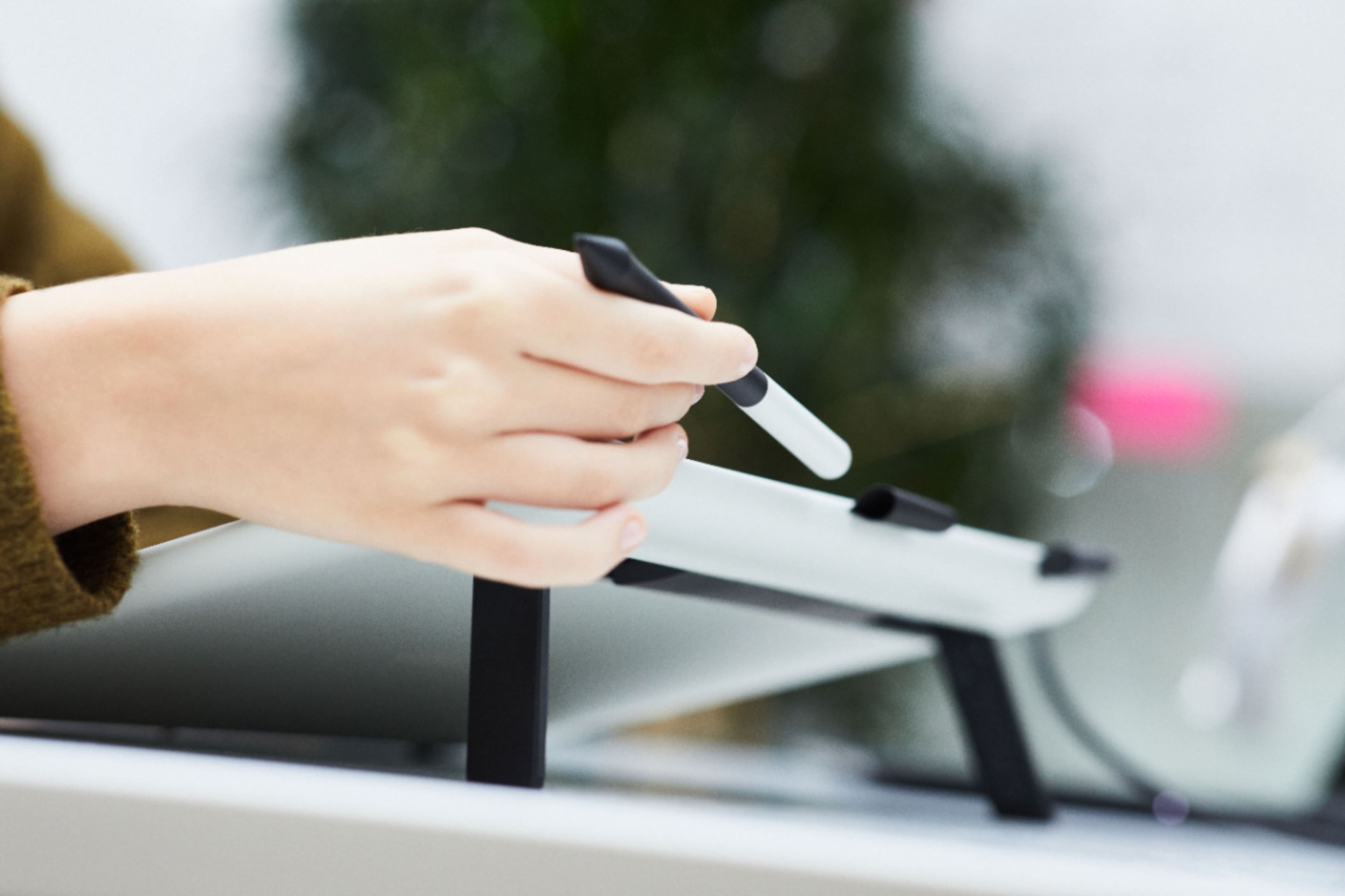


- Model:
- DTC133W0A
- |
- SKU:
- 6393542
Customer reviews
Rating 4.4 out of 5 stars with 852 reviews
(852 customer reviews)Rating by feature
- Value4.3
Rating 4.3 out of 5 stars
- Quality4.5
Rating 4.5 out of 5 stars
- Ease of Use4.2
Rating 4.2 out of 5 stars
Customers are saying
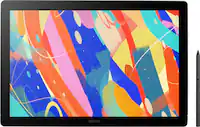
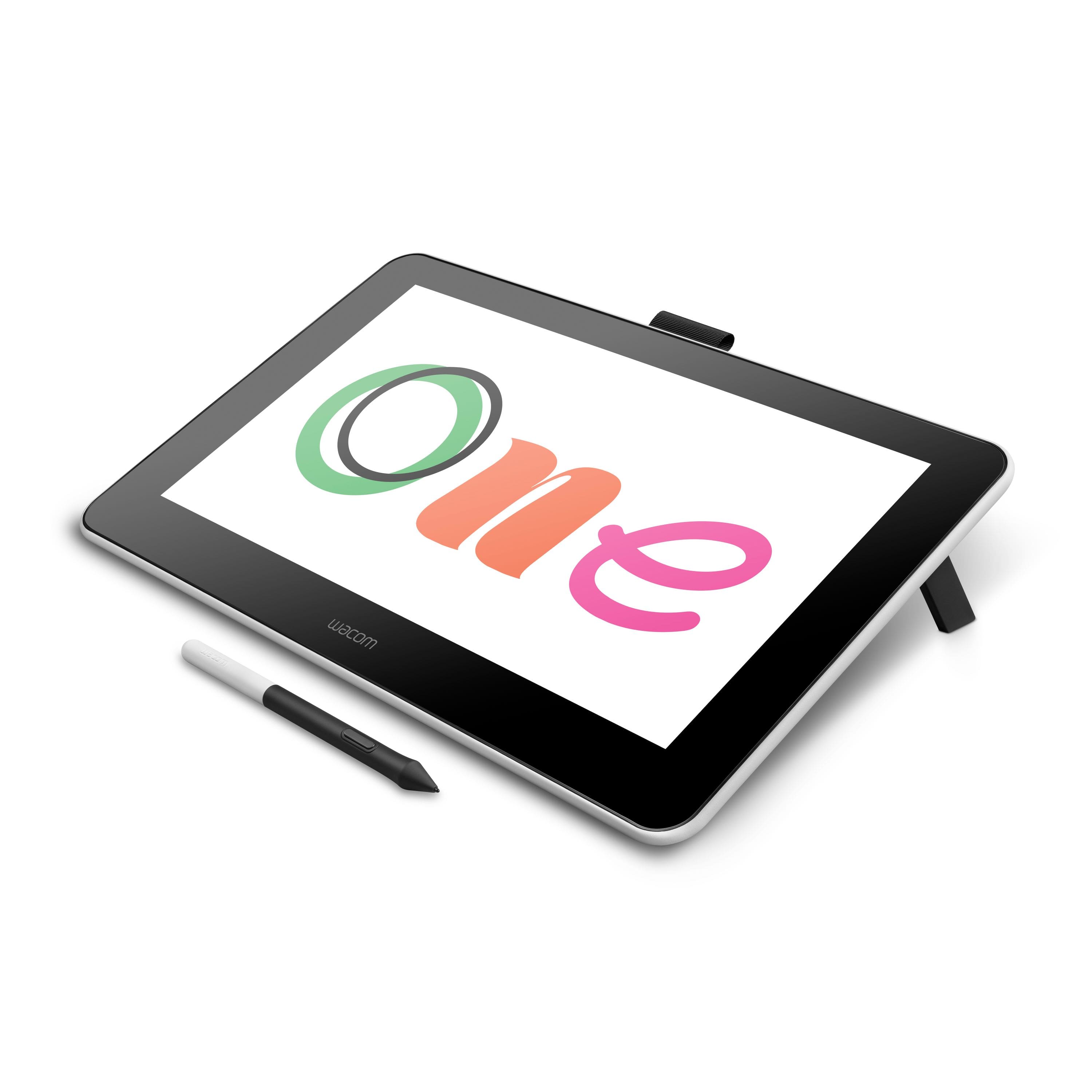
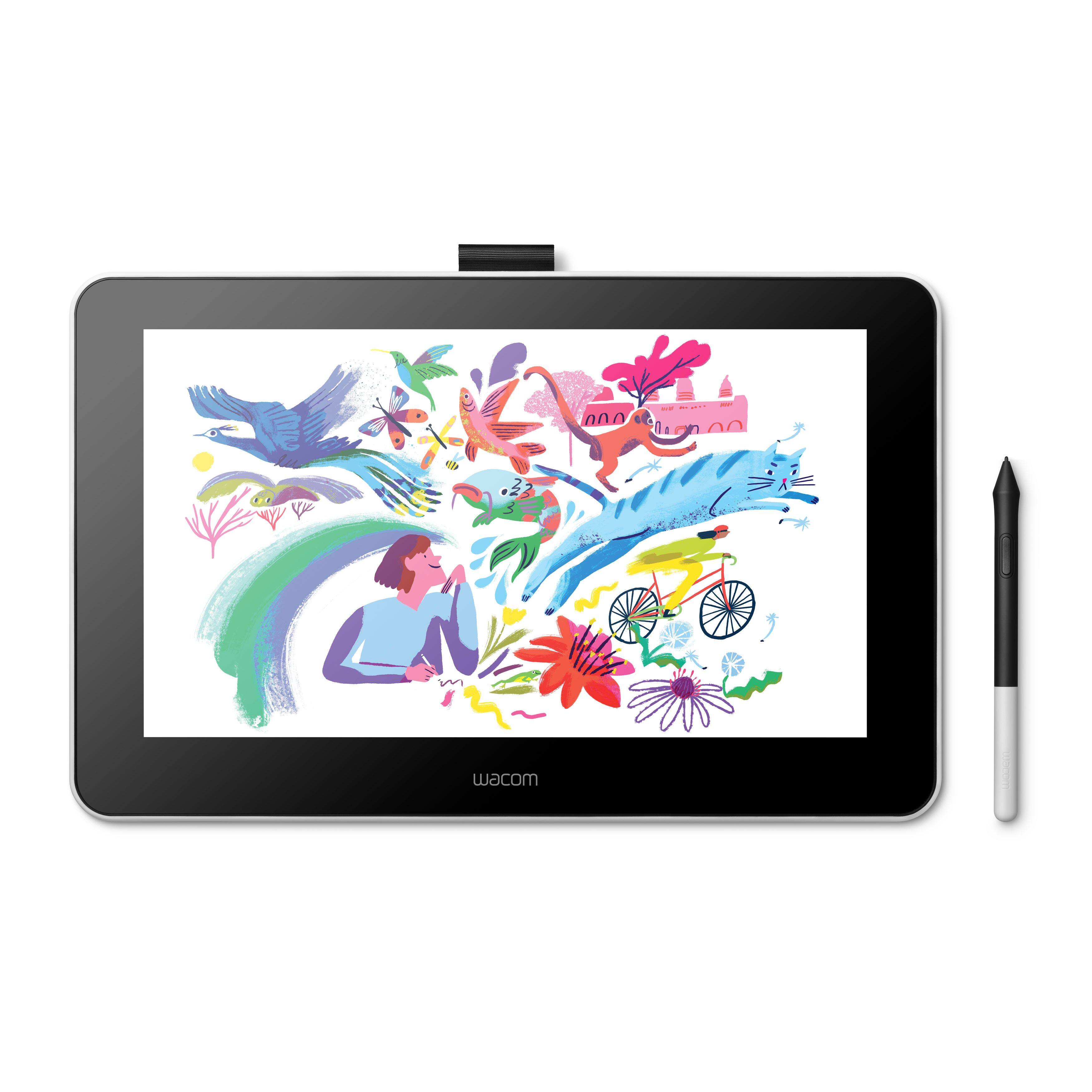
Customers recognize the One drawing tablet's ease of use and convenient screen size as significant advantages. Many appreciate its responsiveness and the included pen, while some find the setup process challenging and the cable management cumbersome. The compatibility with various operating systems is also a point of discussion, with some users experiencing difficulties. Overall, the price-to-performance ratio receives positive feedback.
This summary was generated by AI based on customer reviews.
- Cons mentioned:Cords
Rated 5 out of 5 stars
Great for beginners / graphic designers
||Posted . Owned for 5 months when reviewed.This reviewer received promo considerations or sweepstakes entry for writing a review.Great pen display for beginners or non-complicated graphics work with the same quality as an ipad. Do not love all of the cables, but what can you do. Typical Wacom otherwise, totally worth the $ if you just need something to mirror your screen and to use a pen with,
I would recommend this to a friend Rated 3 out of 5 stars
Good for kids, but not quality.
||Posted . Owned for more than 2 years when reviewed.This reviewer received promo considerations or sweepstakes entry for writing a review.Purchased this and noticed there is a difference in color between the Wacom and the computer being used. I was unable to fix this, as well as there is a lag between the pen and screen. For a $300 purchase, I was hoping for better quality. Have barely used it since purchasing.
No, I would not recommend this to a friend- Pros mentioned:Screen size
Rated 5 out of 5 stars
Love this tablet
||Posted . Owned for 3 weeks when reviewed.This reviewer received promo considerations or sweepstakes entry for writing a review.I absolutely love this tablet. My friend has the much more expensive version, but I honestly prefer this one. The quality is the same, and it is small enough (yet large enough to work on) that it fits into my laptop bag along with my laptop, making it easily portable. The sensitivity of the pen makes it feel like you are writing on paper
I would recommend this to a friend - Pros mentioned:Price
Rated 4 out of 5 stars
Wires get in the way
||Posted . Owned for 1 month when reviewed.This reviewer received promo considerations or sweepstakes entry for writing a review.Good basic tablet, but the wires are a bit much. The texture of the wires cause them to stick to each other. Quality and accuracy of the product is good. Works well for the price. Regret not waiting to save up to buy the more expensive Cintiq 16. May donate this one when I save up for the better one.
No, I would not recommend this to a friend - Pros mentioned:Drawing
Rated 5 out of 5 stars
Definitely happy with this product!!
||Posted . Owned for 1 week when reviewed.This reviewer received promo considerations or sweepstakes entry for writing a review.I bought one last year for my 15 year old daughter, and she loves it. Uses it to do her digital art, and takes it everywhere. Hooks up to her surface pro and tv nicely. Now I bought a second one for my nephew because he likes using hers! Great product for all skill levels, easy to use!
I would recommend this to a friend - Pros mentioned:Drawing, Screen size
Rated 4 out of 5 stars
Good entry level drawing tablet
||Posted . Owned for 3 weeks when reviewed.This reviewer received promo considerations or sweepstakes entry for writing a review.I'm using the Wacom One with a Mac running 10.15. Setup was easy and straight-forward. The tablet is a step-up for users who may have owned one of Wacom's non-display drawing tablets in the past. I'm using it for photo work, some basic sketching and drawing, and annotation in Zoom sessions and it works quite well for those purposes. If you're doing more detailed and serious drawing and sketching, you probably want one of the larger models, but this is perfect for my purposes. Note that despite being smaller, it's not really portable - I'm using this with a Mac Mini and the cables and power supply would make it inconvenient to use with a laptop you're moving to different locations. You really want to hook this up at a desk in a more long-term setup.
I would recommend this to a friend - Pros mentioned:Screen size
Rated 4 out of 5 stars
Great product!
||Posted . Owned for 3 weeks when reviewed.This reviewer received promo considerations or sweepstakes entry for writing a review.The screen serves as a writing surface, but also as another screen (it can be extended). The only reason it is 4 stars is because the cord is all together, so the distance for the power is around the same as needed for the USB and HDMI.
I would recommend this to a friend Rated 5 out of 5 stars
My daughter loves it
||Posted . Owned for 1 month when reviewed.This reviewer received promo considerations or sweepstakes entry for writing a review.My daughter had been asking for one of these for a couple years, this one went on sale right before Christmas so we picked it up. She loves that it only writes woth the pen. So if her hand is resting on it it dose not disrupt wjat she is drawing. The software is only a 3 month trail but thats okay it not crazy expensive to buy the software ether.
I would recommend this to a friend- Pros mentioned:Ease of use, Screen size
Rated 5 out of 5 stars
Awesome for artists on a budget
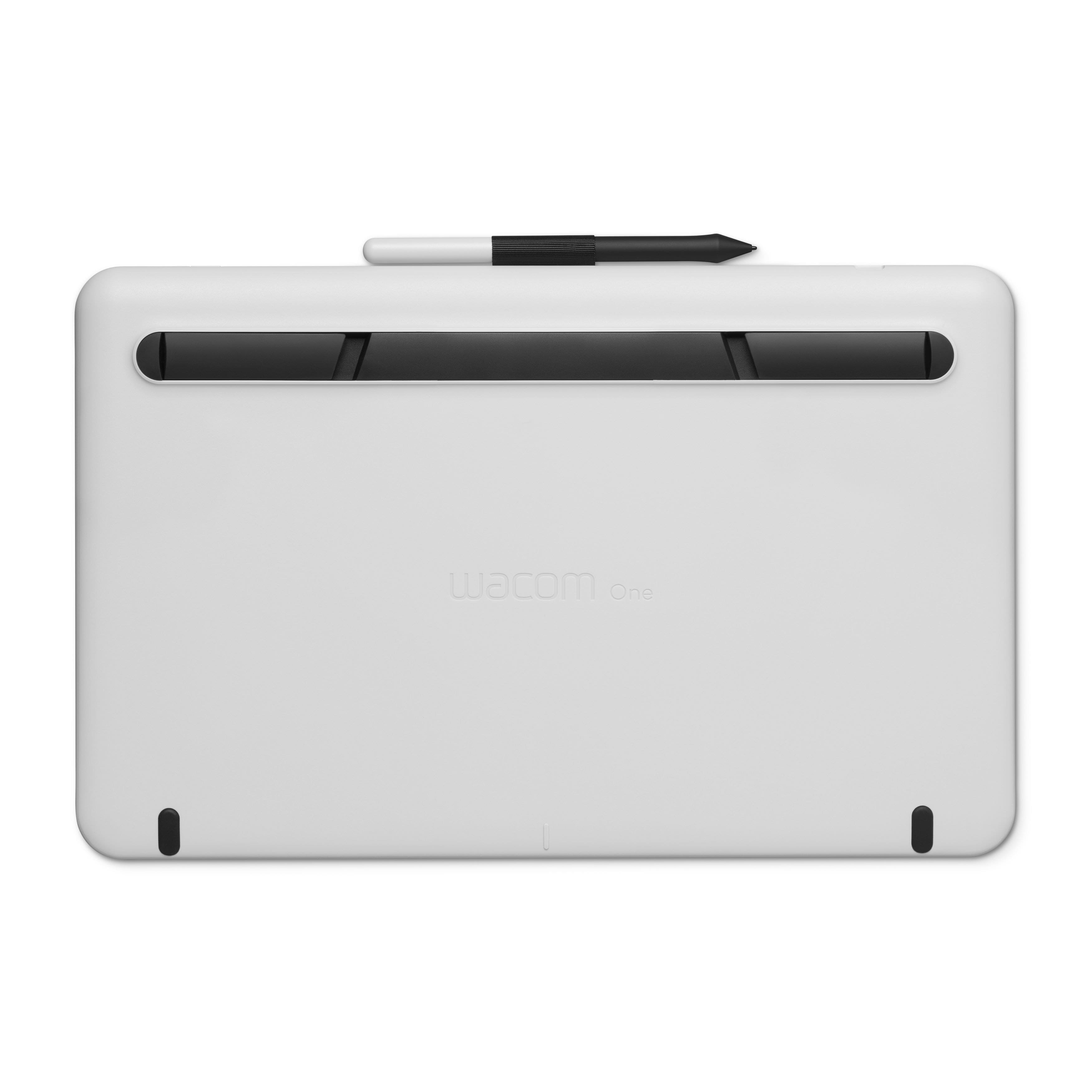
||Posted . Owned for 1 week when reviewed.This reviewer received promo considerations or sweepstakes entry for writing a review.I've been using Wacom tablets for a long time, but this is my first version with a built-in display. The Cintiq has always been just out of budget range, as I'm only a hobby artist. I was really excited to hear about this product existing at an attainable price and I'm very happy with the purchase. The screen is a good size for drawing, while still remaining portable, and has a great texture that mimics paper to a good extent. It's very easy to set up and doesn't dominate the real-estate on my desk. I do wish the built-in stand offered a higher-degree angle, but I'm using a cheap tablet stand and can set it however I want. The pen is just a little bit lighter in the hand than I'd like as well, but still feels pretty comfortable to hold. The main thing that I miss on this, compared to my old Intuos 4, is the customizable buttons and adjustment ring on the side; I'll probably buy a remote down the line. If you're a professional artist, this may not get the job done for you, but if you travel a lot or are just on a tighter budget, I can whole-heartedly recommend the Wacom One.
I would recommend this to a friend - Pros mentioned:Screen size
Rated 3 out of 5 stars
Good for beginners, but has it’s issues.
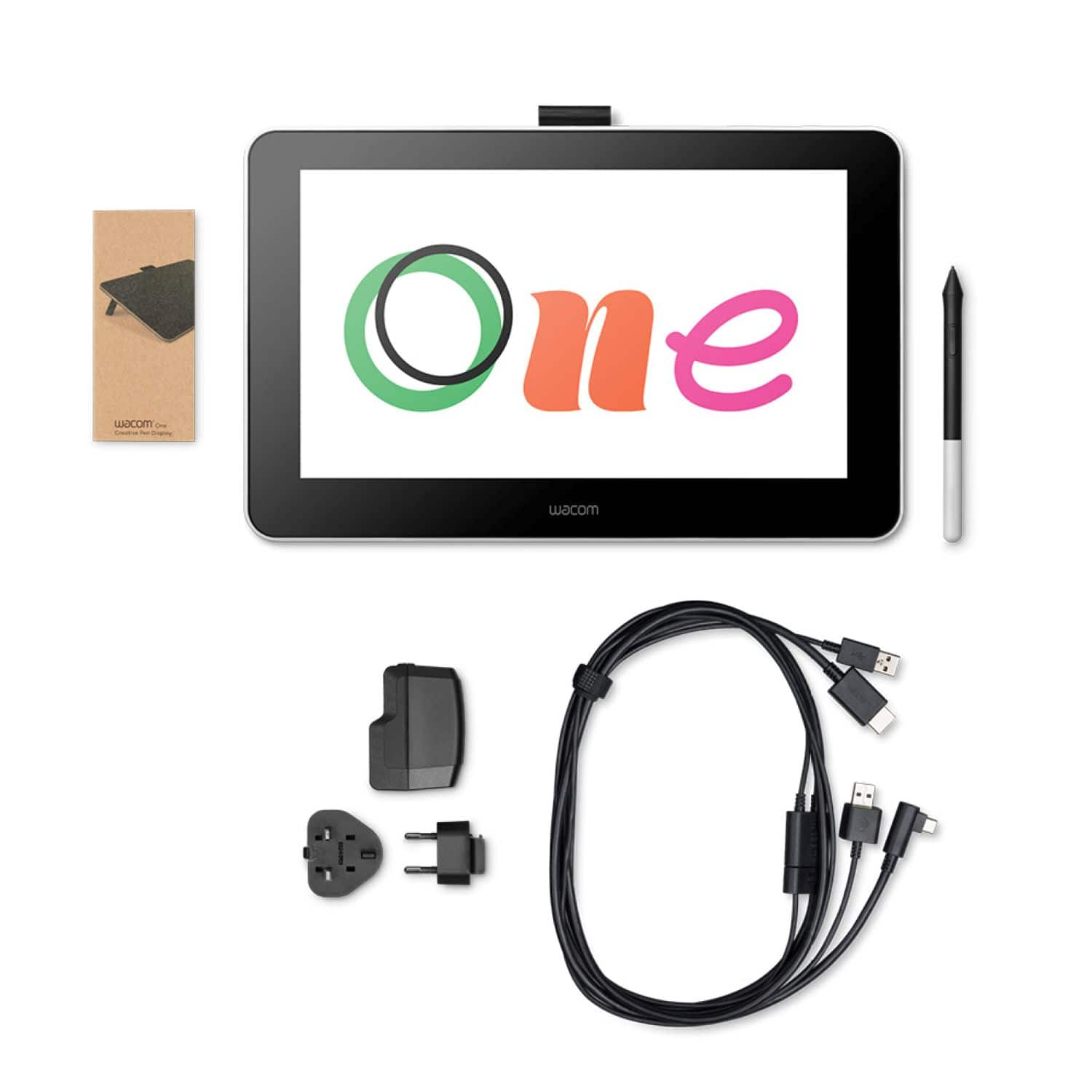
||Posted . Owned for 1 year when reviewed.This reviewer received promo considerations or sweepstakes entry for writing a review.I’ve had this drawing tablet for over a year and I can say that it has its pros and cons. I love how simple the design is, everything works as intended. The screen has a matte feel which I like. Although after using it for a while I had to return it. The hdmi cable is so fragile and I begun having issues with the display seeming to glitch out. The cables aren’t the best. I returned the tablet twice. I would still recommend this tablet for beginners but be careful with the cables.
I would recommend this to a friend - Pros mentioned:Screen size
Rated 5 out of 5 stars
Perfect for Online Teaching!
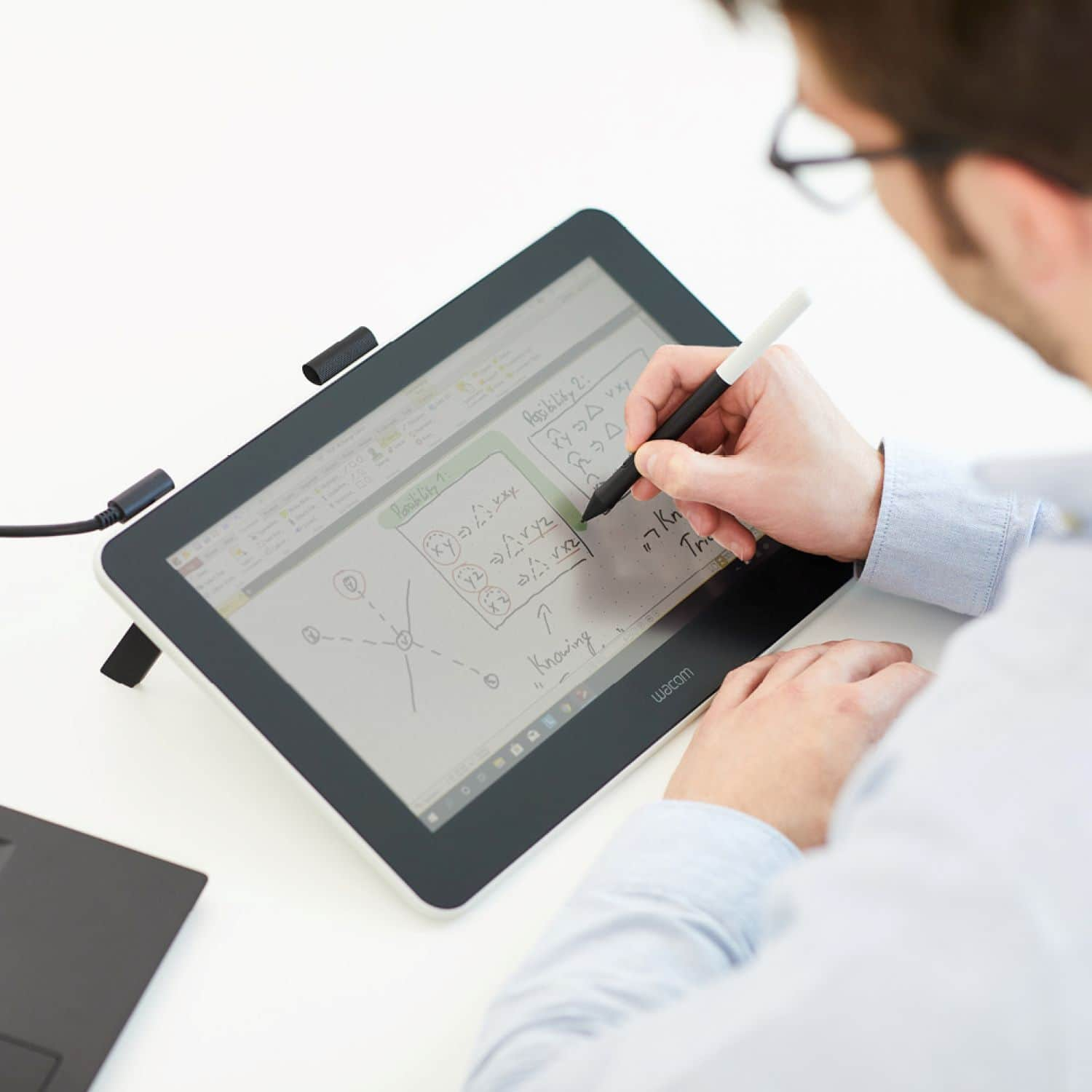
||Posted . Owned for 1 month when reviewed.This reviewer received promo considerations or sweepstakes entry for writing a review.I wanted to transition my face-to-face course instruction to a more meaningful and interactive online experience, due to the Covid-19 shutdown. This product has made teaching online a more joyful and fulfilling experience. I'm primarily leaving this review, because outside of math and/or art, I didn't see much about the use of this product for general online instruction. I currently have a MacBook Pro and did not want to invest in a high priced iPad w/pen product at this time. I opted for this $400 tablet to assist both PowerPoint and OneNote lectures via Zoom. It has been perfect and exactly what I was looking for. As each slide, or page is presented to the student on the screen, I can mark it up and communicate more clearly during online-live lectures. I can label images, draw, highlight, underline and generally add any detail that I want to further annotate text that is already appearing. If a student doesn't understand something, I can add more information and detail for clarification. I was torn between the Wacom One and a less expensive version, but love having the actual screen light up, as a duplicate of my laptop screen, so I can see what I'm writing. I did not find the Wacom website (or 800 number) particularly helpful in explaining the potential use of this product and relied primarily on a few good YouTube videos in making my decision. If you are teaching online, particularly sciences that require heavy use of images, numbers, calculations etc... and are frustrated with the limitations of a laptop, the Wacom One can take your course to the next level. I teach college level students, but see the value in using this product from K on up. With the Wacom One table your computer becomes your whiteboard/chalkboard and the degree of creativity of your instruction is up to you. Once we return to campus at some point, I will likely use this instead of the whiteboard in my classroom. I am not much of a techie, but knew in my mind what I was looking for and this product delivered. Pros: I love the large screen and its texture for writing...it is like writing on paper. What I see on my laptop is exactly what I see on the tablet. When I mark up the tablet...it is now on the screen. In OneNote and I can save my annotations for students to access. Set up was relativity easy and was compatible with MacOS Catalina. I also like that it has a little built in stand that allows me to view it at a slight upward angle. Cons: (1) The power cord could be longer...it is too short and is a clumsy arrangement from my table to the wall. (2) It must be plugged into your laptop...it is not Bluetooth/Wi-Fi compatible.
I would recommend this to a friend - Pros mentioned:Ease of useCons mentioned:Cords
Rated 4 out of 5 stars
Useful tool for teachers
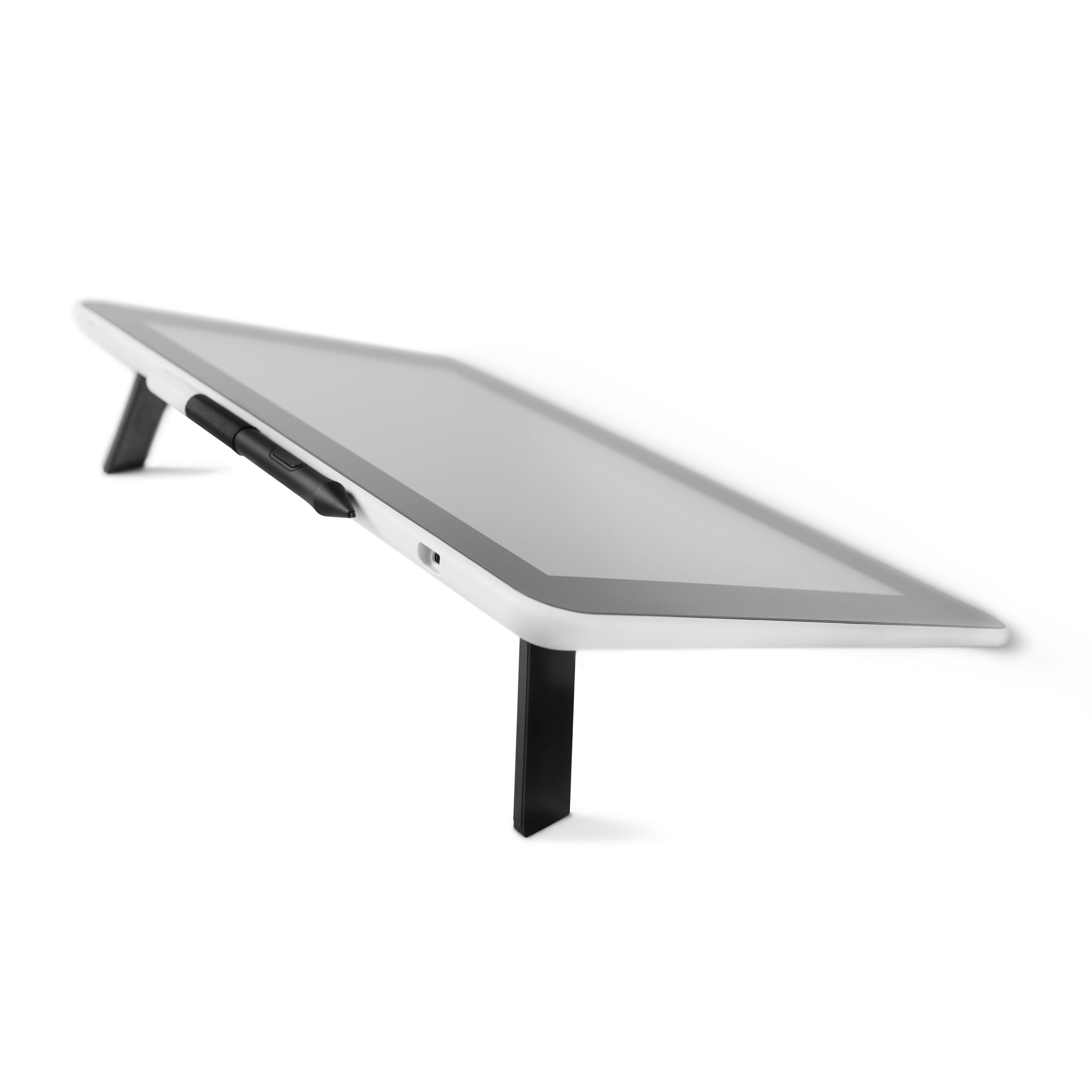
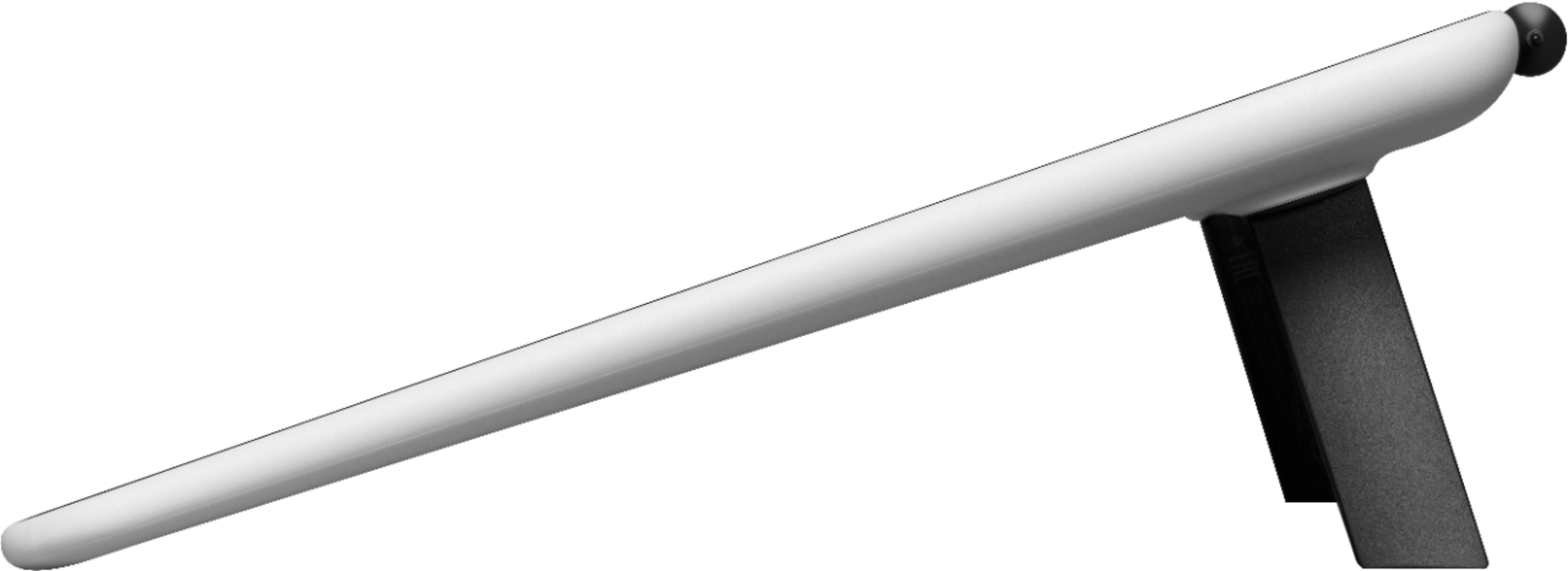
||Posted .This reviewer received promo considerations or sweepstakes entry for writing a review.Easy to set up and use. Cords are a little unwieldy. I use it to grade student papers and tests submitted online. Works well with Microsoft Word, I can grade electronically as if I had the printed work. Also good because an instructor can retain a graded copy of the work. Looking forward to using it with other activities. You may need to rethink your workspace, as it works best on a flat surface. The legs that pop out from underneath the top edge place the unit at just the right angle. I was able to set it up next to my laptop and use the mouse and keyboard if necessary. Similar to use as a touch screen, although it only responds to the stylus, not fingers.
I would recommend this to a friend - Cons mentioned:Hdmi
Rated 5 out of 5 stars
5 STARS - uses HDMI
||Posted . Owned for 3 weeks when reviewed.This reviewer received promo considerations or sweepstakes entry for writing a review.Great Product !! I use strictly for online teaching and slideshow illustrations to help students visualize. Product = 5 STARS!! Only glitch is that its 100% HDMI and doesn't love dingles to adapt from any other port. Make sure you visit the website and get HDMI compatible converters if you need them.
I would recommend this to a friend - Pros mentioned:Ease of use
Rated 5 out of 5 stars
Perfect lecture note taker
||Posted . Owned for 3 weeks when reviewed.This reviewer received promo considerations or sweepstakes entry for writing a review.I use my drawing tablet to make hand-annotated notes on either powerpoint slides or word documents. Works great. I record the screen with Zoom and publish my "movie" notes for extra information to the class.
I would recommend this to a friend - Pros mentioned:Ease of use
Rated 4 out of 5 stars
Good starter, a bit expensive for what it does tho
||Posted . Owned for 1 week when reviewed.This reviewer received promo considerations or sweepstakes entry for writing a review.It's a good starter sketch pad, easy to use. I had issues with the pen, in certain apps, resetting my tool setting if I let it rest on the screen for a second. But it provides good command of the pen, almost like drawing on paper.
I would recommend this to a friend - Pros mentioned:Drawing
Rated 5 out of 5 stars
Very good for drawing anime
||Posted . Owned for 2 weeks when reviewed.This reviewer received promo considerations or sweepstakes entry for writing a review.The thing I absolutly love about the item is that the drawing pad actually feel exactly like a piece of paper. Its so authentic and a great way to draw. I wont go back to actual paper… thank you for the amazing product!!
I would recommend this to a friend Rated 3 out of 5 stars
It gets the job done.
||Posted . Owned for more than 2 years when reviewed.This reviewer received promo considerations or sweepstakes entry for writing a review.This device is nice for its size, with decent brightness. However, it would be several times better if it had an OLED panel and not a VA or w/e it has, as off-axis viewing is not great and there is that 'blue light fatigue' feel emanating from the screen, being a back-lit display. There is a small amount of input lag. Their new MovInk is an OLED of similar size, but twice as expensive and no built-in legs for tilt ($80 accessory stand, they are trying to scrape more dollars out of their prospective customers). Honestly, if you are looking at this, you should just look at the MovInk, but it's difficult to recommend either one, this for lack of OLED and the movink for its stupid price and lack of built in tilt feet so it's really $750 + $80. b/c u will want/need the better angle.
I would recommend this to a friendRated 4 out of 5 stars
Good device
||Posted . Owned for 2 weeks when reviewed.This reviewer received promo considerations or sweepstakes entry for writing a review.Bought it for my 9 year old son as Christmas gift, he loves it, spent hours playing and drawing with it in the ocean-front hotel and refused to go to the pool or beach. He started to make animation in the second or third day, which was really cool. Reason of 4-stars instead of 5: it requires a power plug converter (not included)to use it in USA, so my son didn't get to use it when he received it in Legoland and he had to enjoy Legoland instead (I know!). Luckily the beach hotel has one that we could borrow so he didn't have to wait until we got home.
I would recommend this to a friend- Pros mentioned:Ease of use
Rated 5 out of 5 stars
Photoshop edits
||Posted . Owned for more than 2 years when reviewed.This reviewer received promo considerations or sweepstakes entry for writing a review.Works great. Does what it’s suppose to. I use this for photography edits and works great.
I would recommend this to a friend - Pros mentioned:Ease of use
Rated 4 out of 5 stars
Wacom
||Posted . Owned for 1 week when reviewed.This reviewer received promo considerations or sweepstakes entry for writing a review.It is very nice tablet and I like the way it feels. The best part about it that it has many options when it comes to drawing
I would recommend this to a friend