Touch Screen Monitors Reviews
-
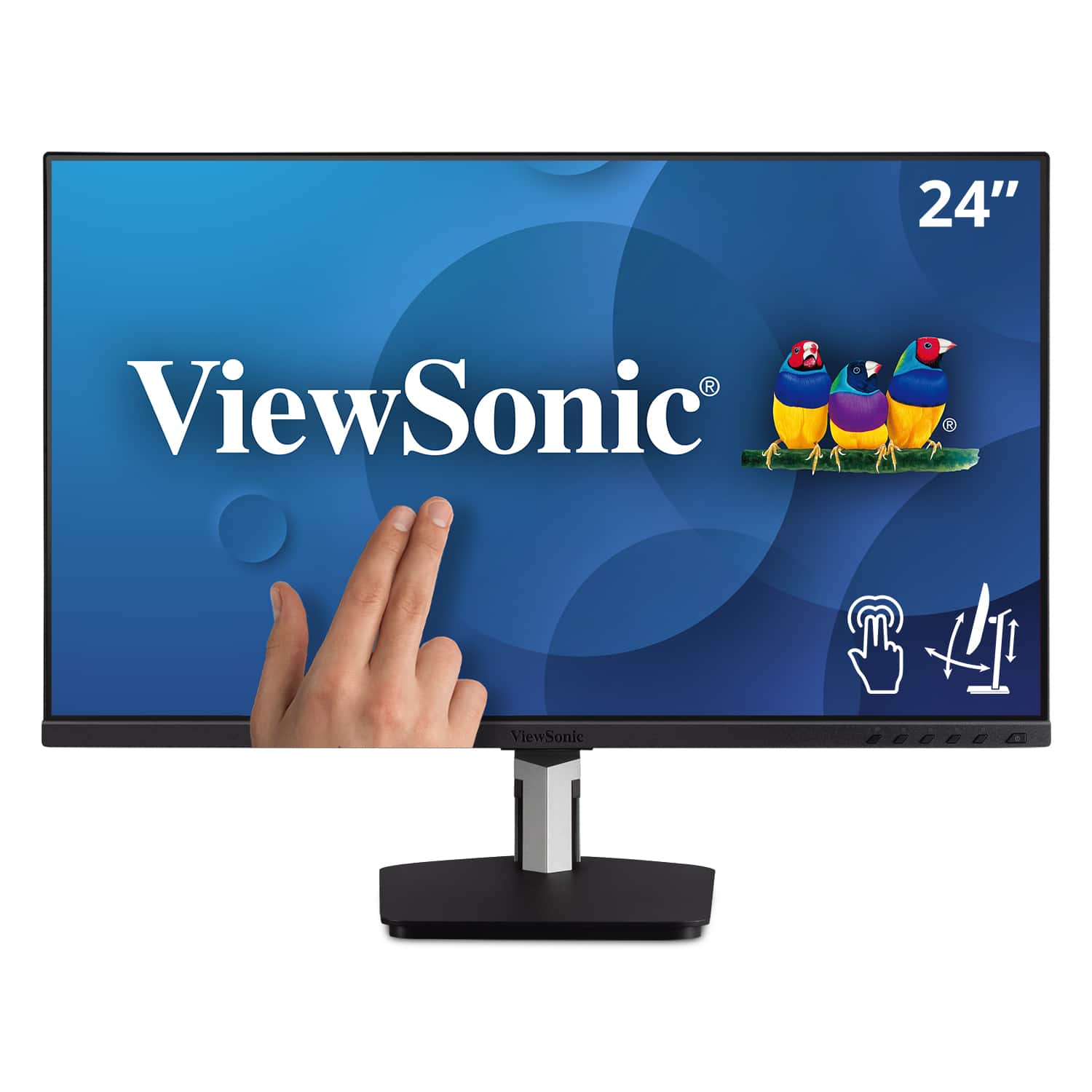
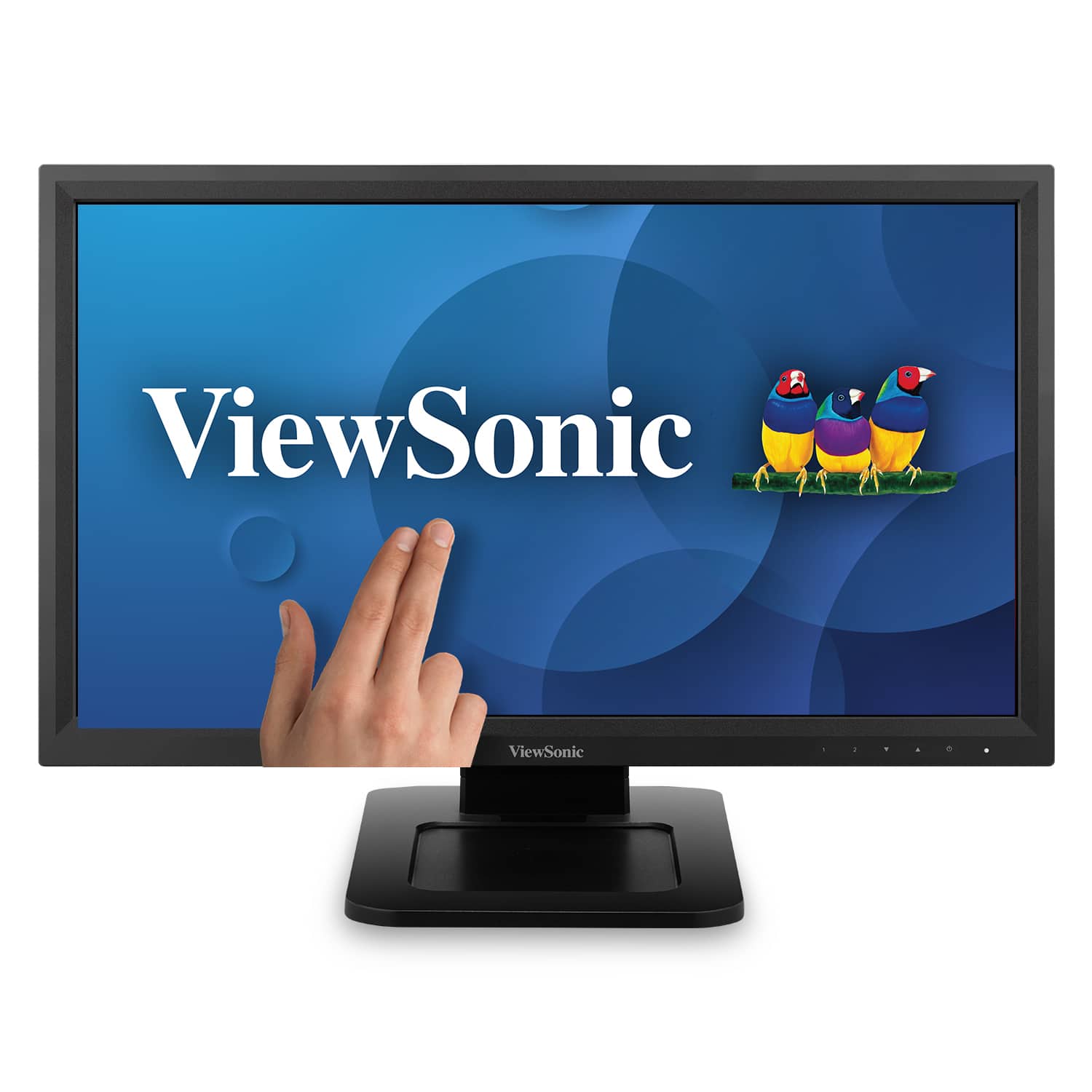
ViewSonic - TD2455 24" IPS LED FHD Touch Screen Monitor (DisplayPort, HDMI, USB) - Black
SKU: J37H88FGFPLove the USB C connection because I can charge my laptop from my monitor making my office less cluttered...Overall just a great monitor.
See all All MonitorsProduct Description
A black IPS LED monitor with 10-point touchscreen, ergonomic dual-hinge, and versatile connectivity options.Your price for this item is $399.99 -
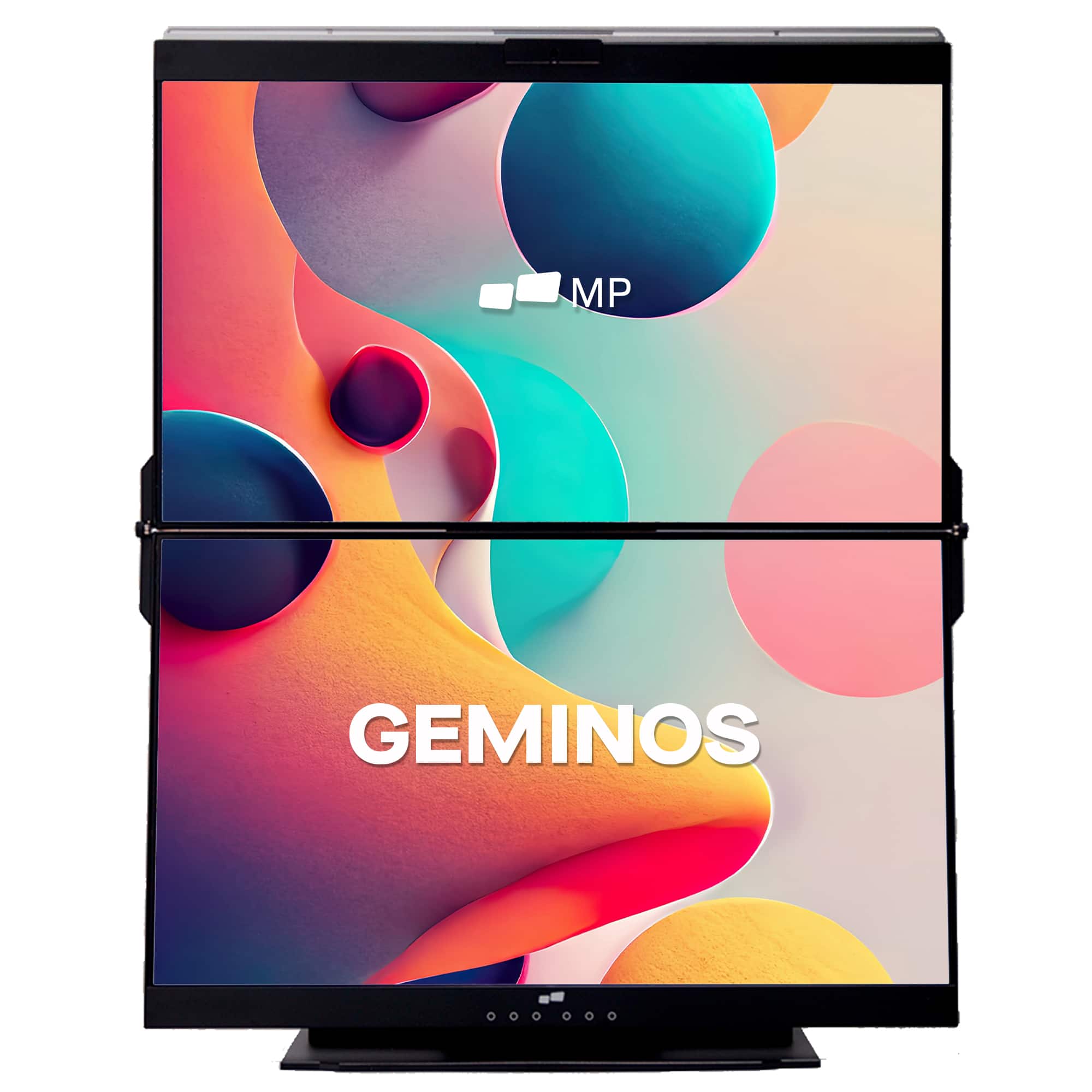
Mobile Pixels - Geminos X 1440p 24-In. Dual-Screen Desktop Monitor - Black
SKU: J3R8Q2TQ7HGreat product.
See all Portable MonitorsProduct Description
A black dual-screen desktop monitor with 24-inch 1440p IPS displays, touch-enabled bottom screen, and built-in webcam.Your price for this item is $769.99Save $130The previous price was $899.99 -
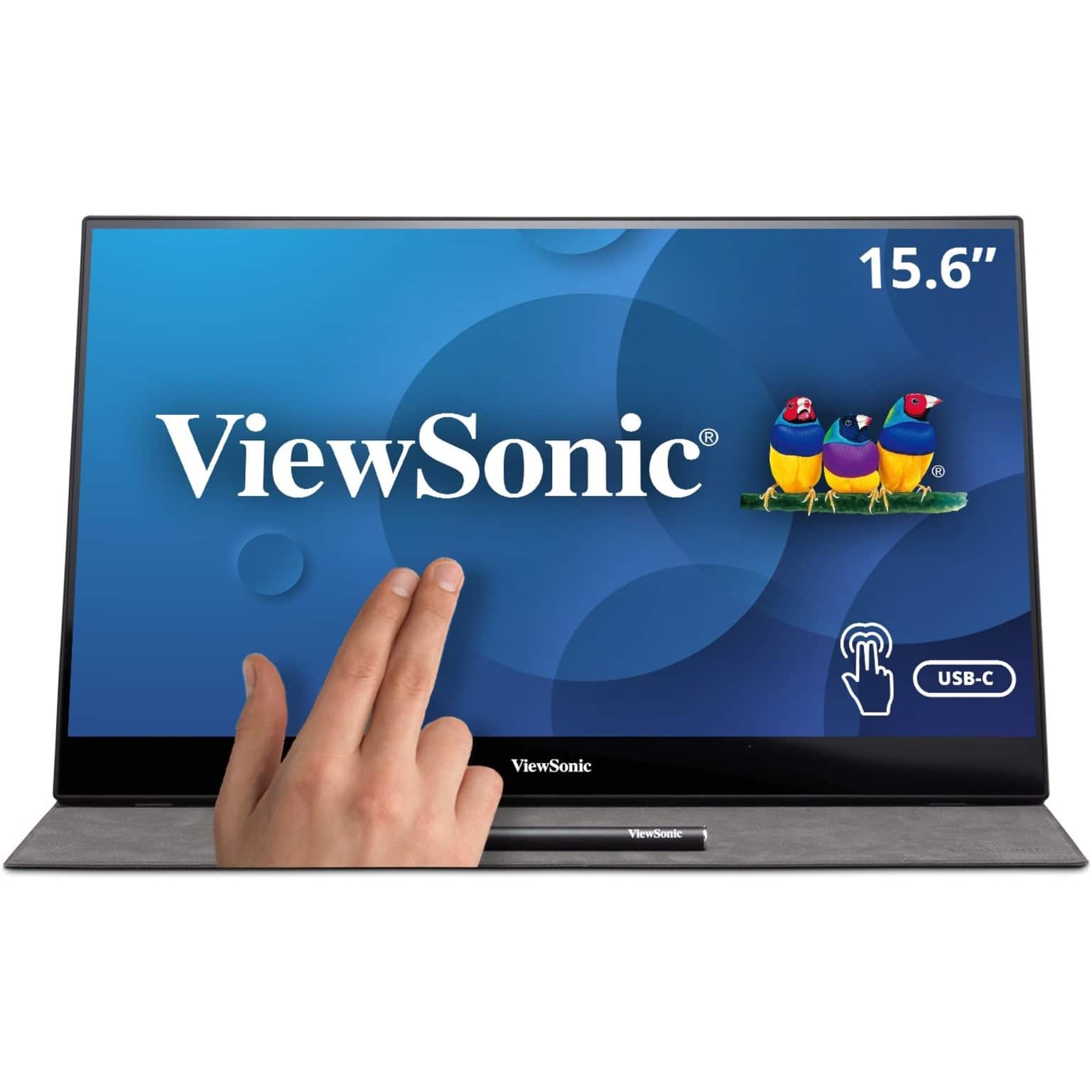
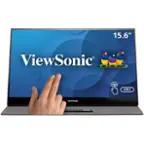
ViewSonic - TD1655 15.6" LCD FHD Touch Screen Monitor (USB-C, Mini HDMI) - Black
SKU: J37H88FSLCGreat Portable Monitor...Great visual resolution. Easy to set up and use. Definitely increased productivity.
See all Portable MonitorsProduct Description
A portable black IPS touchscreen monitor with FHD 1080p resolution, USB-C connectivity, and included stylus.Your price for this item is $299.99 -
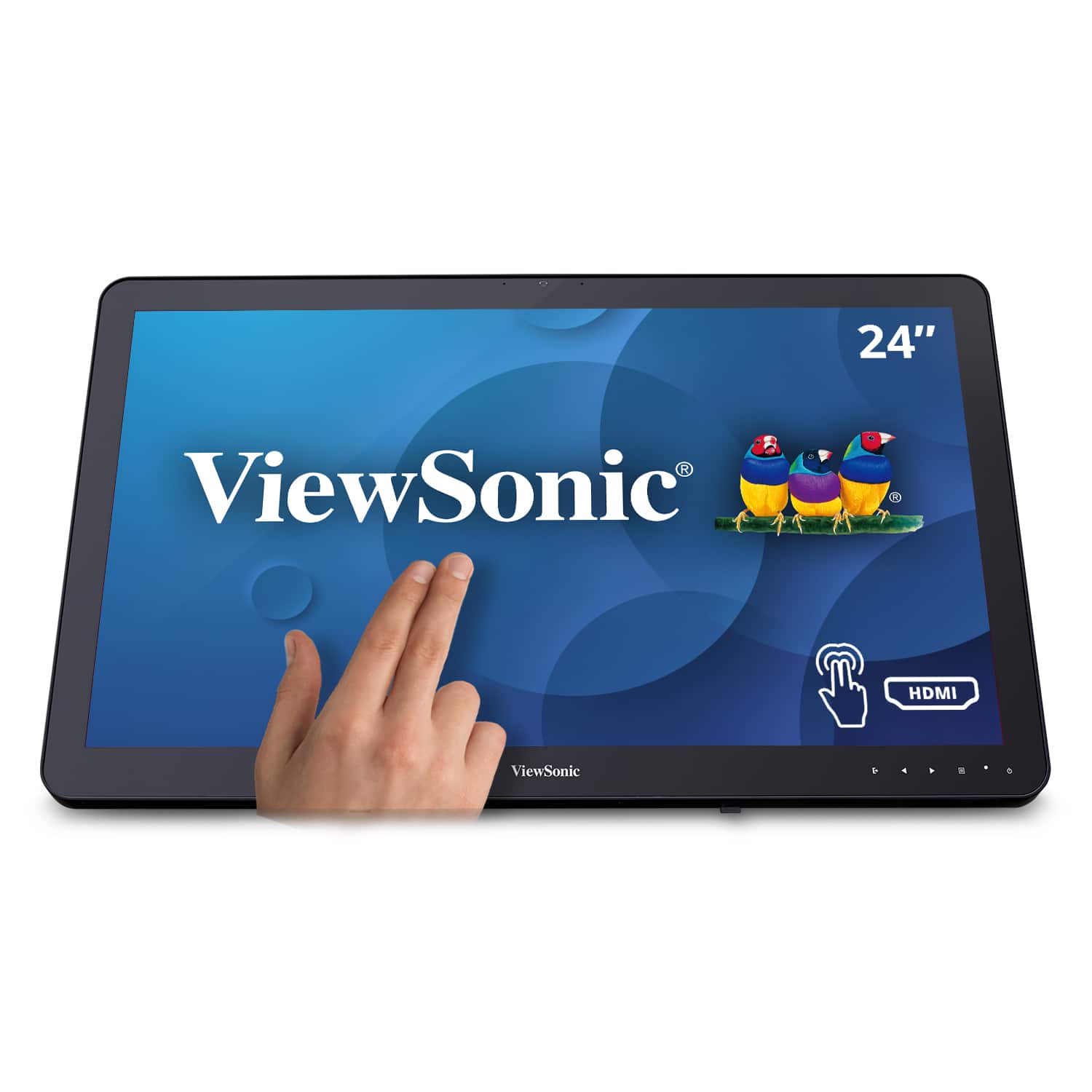
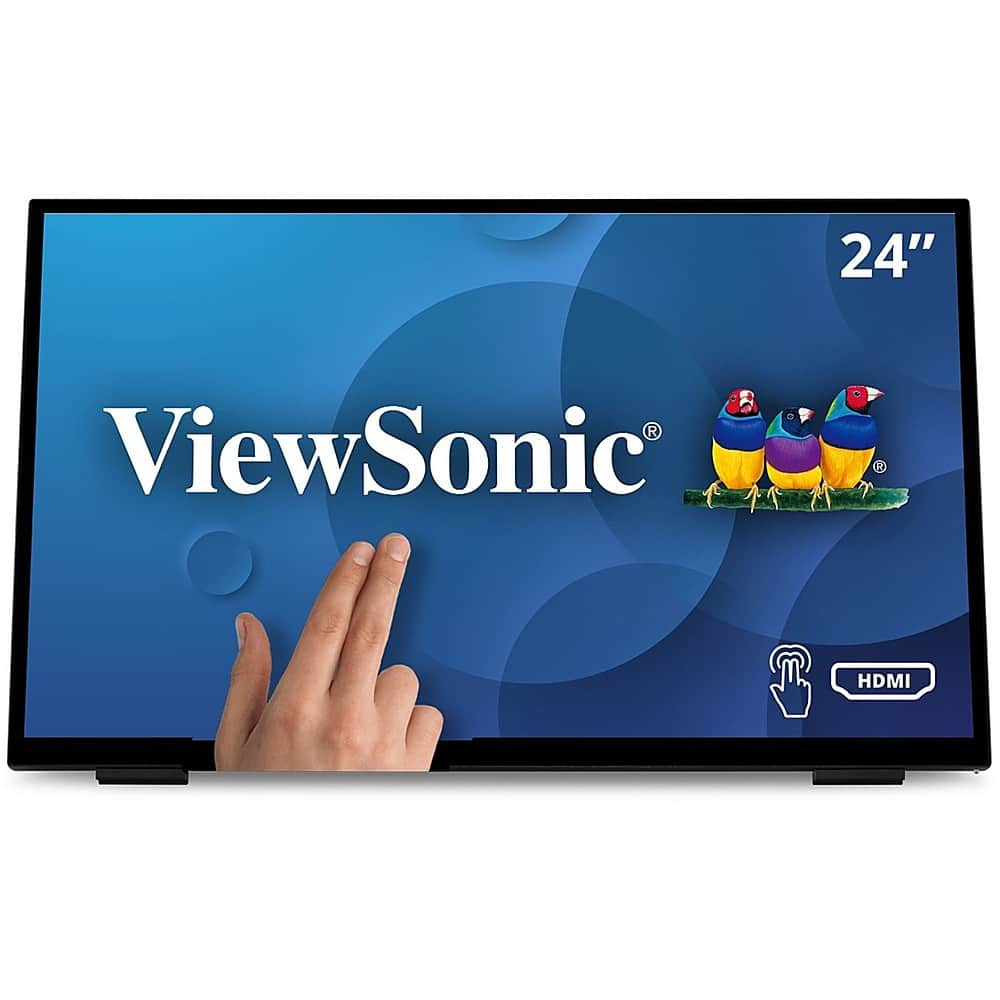
ViewSonic - TD2430 24" LED FHD Touch Screen Monitor (HDMI and DisplayPort) - Black
SKU: J37H8YC3JSfirst set it up, the touch screen was not working, but after turning it off then on again, it worked great...I LOVE this monitor. It is really responsive to the touch. It does all I need it to do....Otherwise...
See all All MonitorsProduct Description
A black LED touch screen monitor with 10-point capacitive technology, FHD resolution, and integrated speakers.Your price for this item is $339.99 -
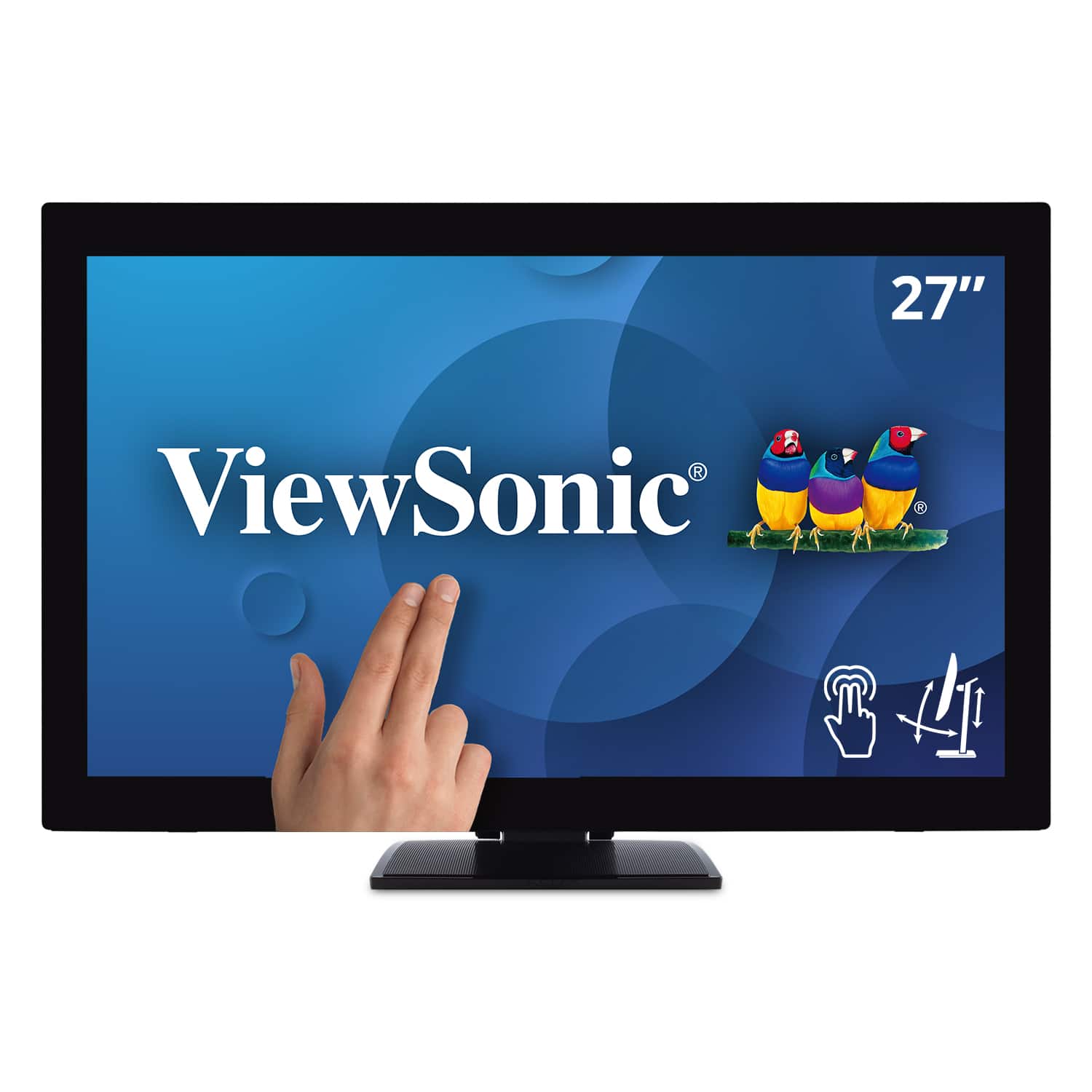
ViewSonic - TD2760 27" LED FHD Touch Screen Monitor (HDMI, VGA) - Black
SKU: J37H88FXS7See all All MonitorsProduct Description
A black LED touch screen monitor with Full HD resolution, IPS panel, and multiple connectivity options.Your price for this item is $539.99Save $52The previous price was $592.02 -
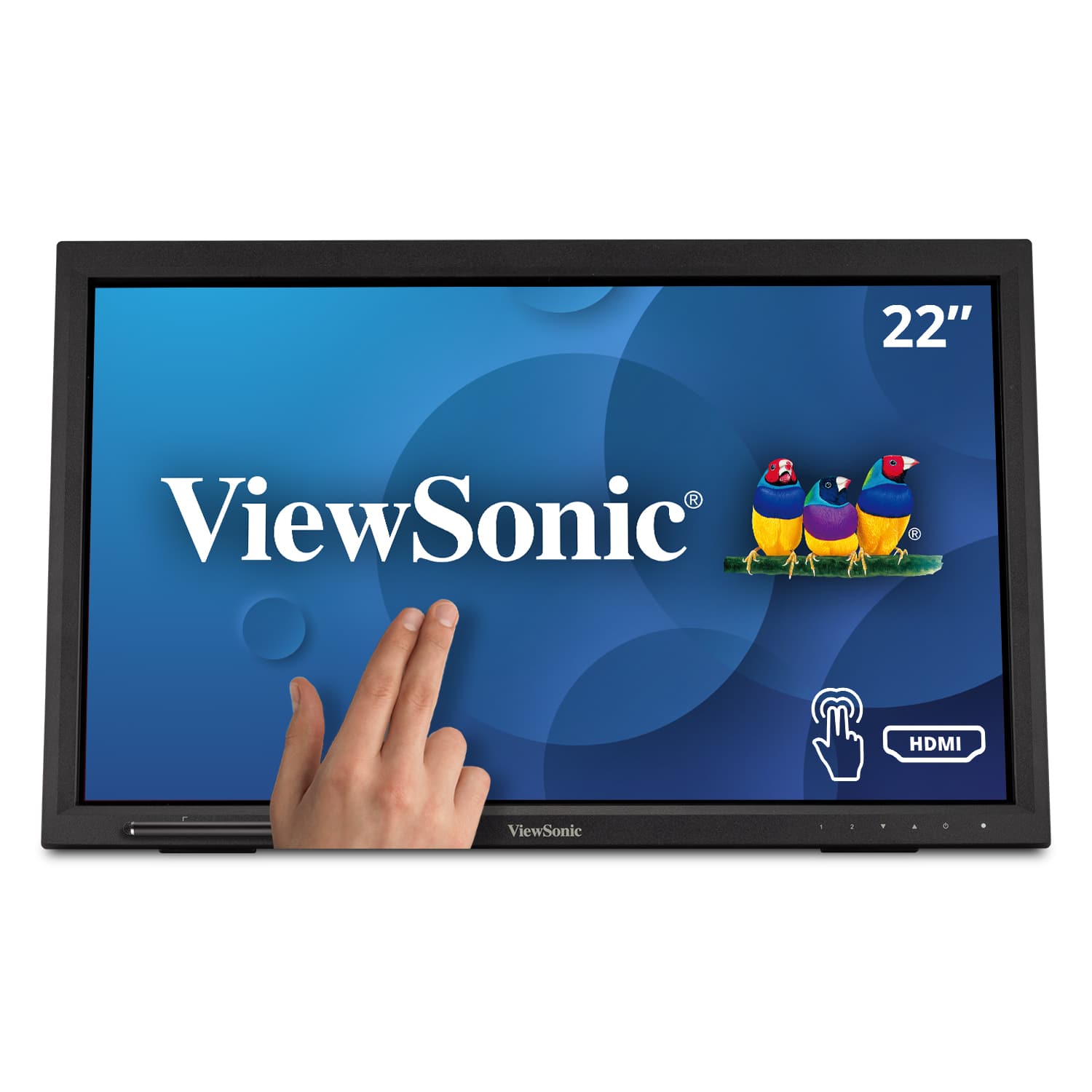
ViewSonic - TD2223 22" LCD FHD Touch Screen Monitor (HDMI, VGA, DVI and USB) - Black
SKU: J37H88F6Z5See all All MonitorsProduct Description
A black Full HD touch screen monitor with 10-point IR touch, HDMI, VGA, DVI, and USB connectivity.Your price for this item is $279.99 -
ViewSonic - TD1656-2K 16” IPS LCD WQXGA Touchscreen Portable Monitor (USB-C) - Black
SKU: J37H88VHF4The resolution and colors looked great and I’m very impressed. I may get one of these for myself
See all Portable MonitorsProduct Description
A portable black IPS touchscreen monitor with 2K resolution, USB-C connectivity, and an adjustable smart cover.Your price for this item is $379.99Save $27The previous price was $407.95 -
ViewSonic - TD2230 22" IPS LED FHD Touch Screen Monitor (HDMI and DisplayPort) - Black
SKU: J37H8YJ54WSee all All MonitorsProduct Description
An ultra-responsive black IPS LED touch screen monitor with Full HD resolution, antiglare display, and integrated speakers.Your price for this item is $299.99 -
ViewSonic - TD2465 Touchscreen LCD Monitor - Black
SKU: J37H88V2QPSee all All MonitorsProduct Description
A black LED touchscreen monitor with 10-point PCAP technology, glove and wet touch support, and integrated speakers.Your price for this item is $369.99 -
ViewSonic - TD2211 22" LCD FHD Touch-Screen Monitor (VGA, HDMI, DVI, USB) - Black
SKU: J37H88VSK6See all All MonitorsProduct Description
A black LED touchscreen monitor with Full HD resolution, multiple connectivity options, and integrated speakers.Your price for this item is $329.99

Best Sellers





Related Pages




FAQ
Touch screen monitors offer intuitive navigation, faster interaction, and a more engaging user experience. They are ideal for creative tasks, presentations, and collaborative environments, making it easier to interact directly with content on the screen.
Most modern touch screen monitors are compatible with both Windows and Mac operating systems. However, some touch features may be optimized for Windows, so it's important to check the monitor's specifications for full compatibility details.
Yes, many touch screen monitors are well-suited for graphic design and drawing, especially those with high resolution and stylus support. They allow for precise input and can enhance creativity by providing a natural, hands-on workflow.
Absolutely. Touch screen monitors can improve productivity in business settings by streamlining tasks like presentations, digital whiteboarding, and interactive data analysis. Many offices use them for collaborative projects and improved workflow.
Touch screen monitors feature a responsive display that detects touch input, allowing users to interact directly with the screen. Traditional monitors, on the other hand, require a mouse or keyboard for navigation. Touch screens offer greater versatility for various applications.