Questions & Answers
- Model:
- C11CJ66202
- |
- SKU:
- 6469371
Highly rated by customers for: Print Quality, Ease of use, Overall Performance
Page Showing 181-200 of 815 questions
Q: QuestionWill it print from an iPad?
Asked by Anonymous.
- A:Answer YES! AirPrint works great. We using it with vablet and it works perfectly.
Answered by vabletDad
Q: QuestionCan this printer be used for sublimation?
Asked by Anonymous.
- A:Answer Yes it could !!
Answered by ADAMARI
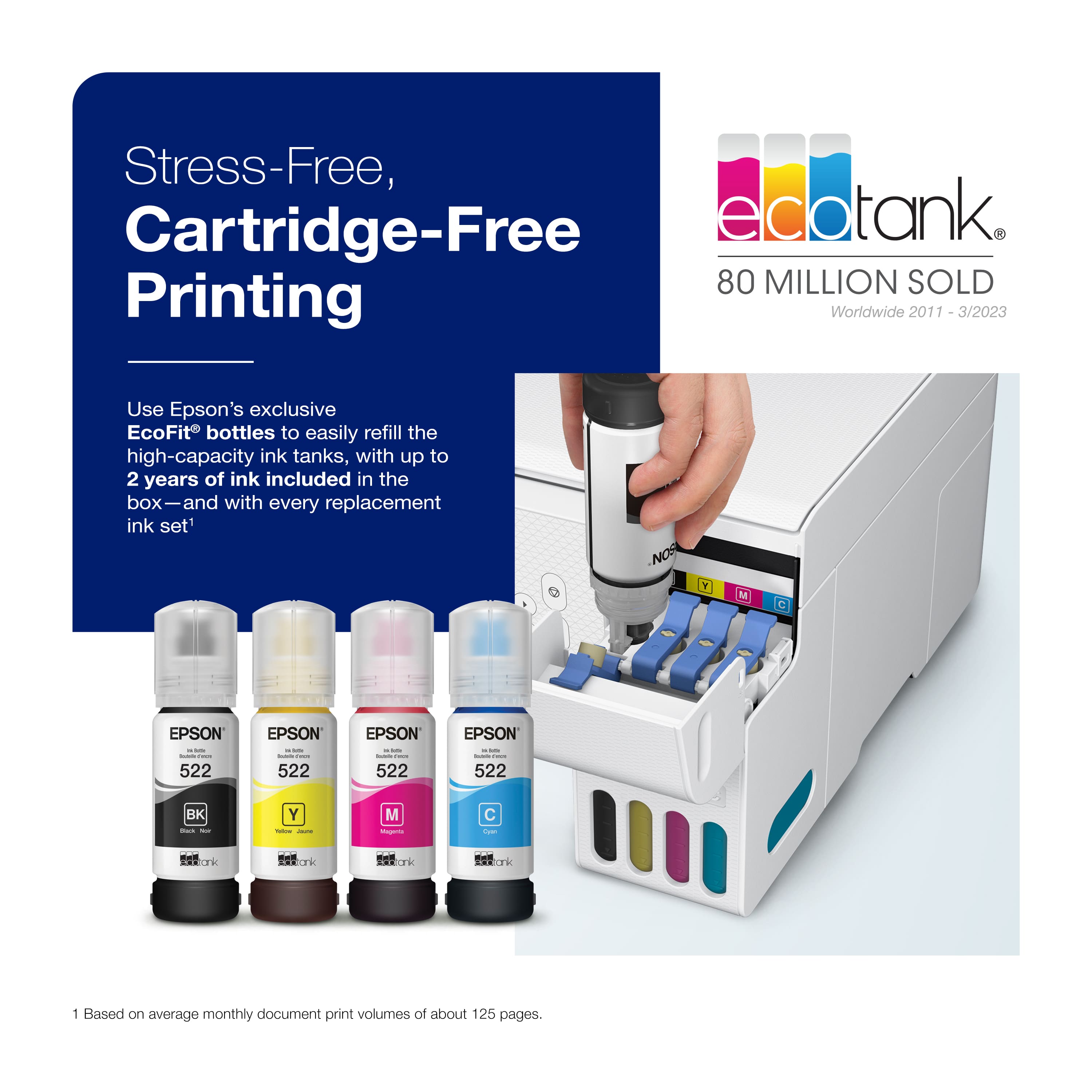
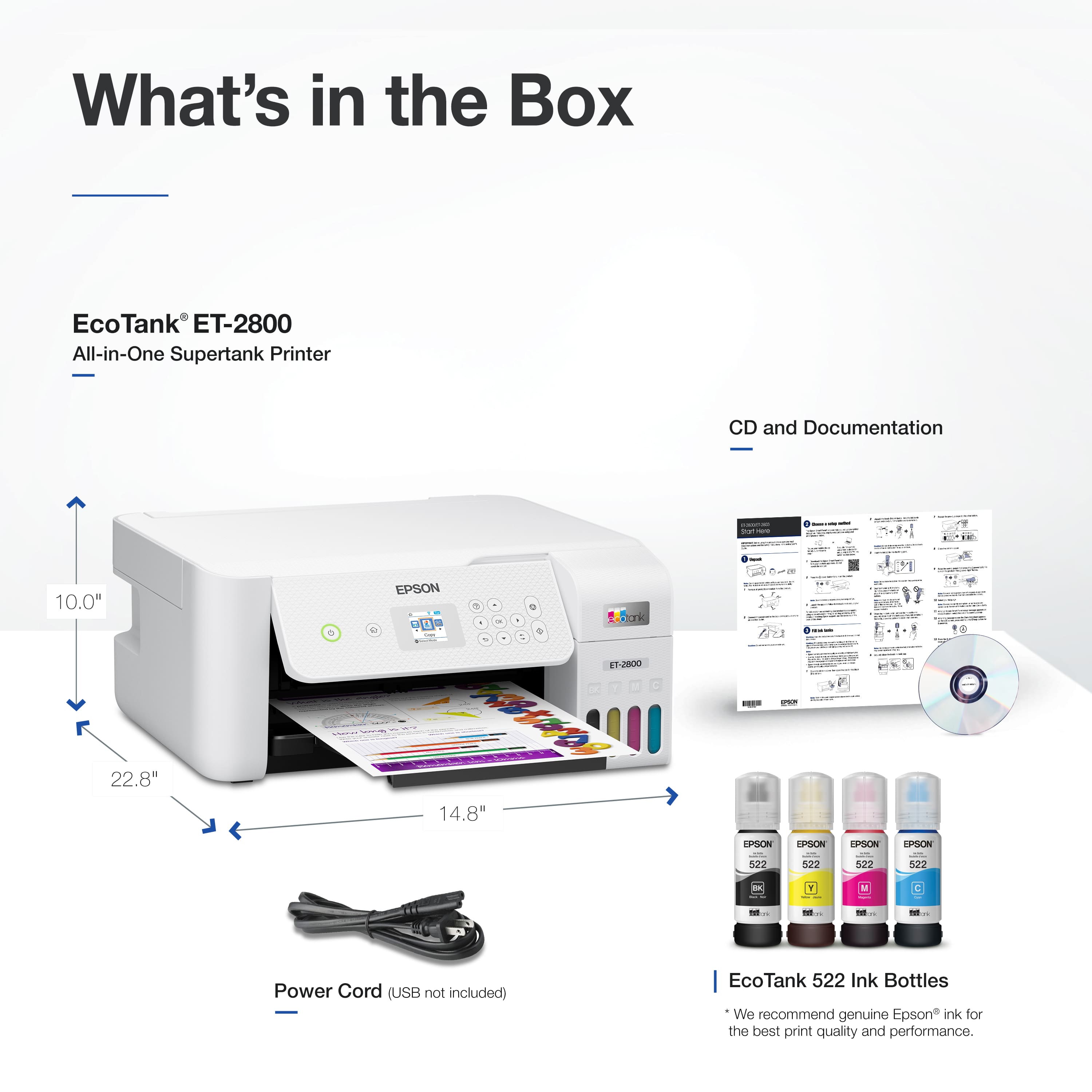
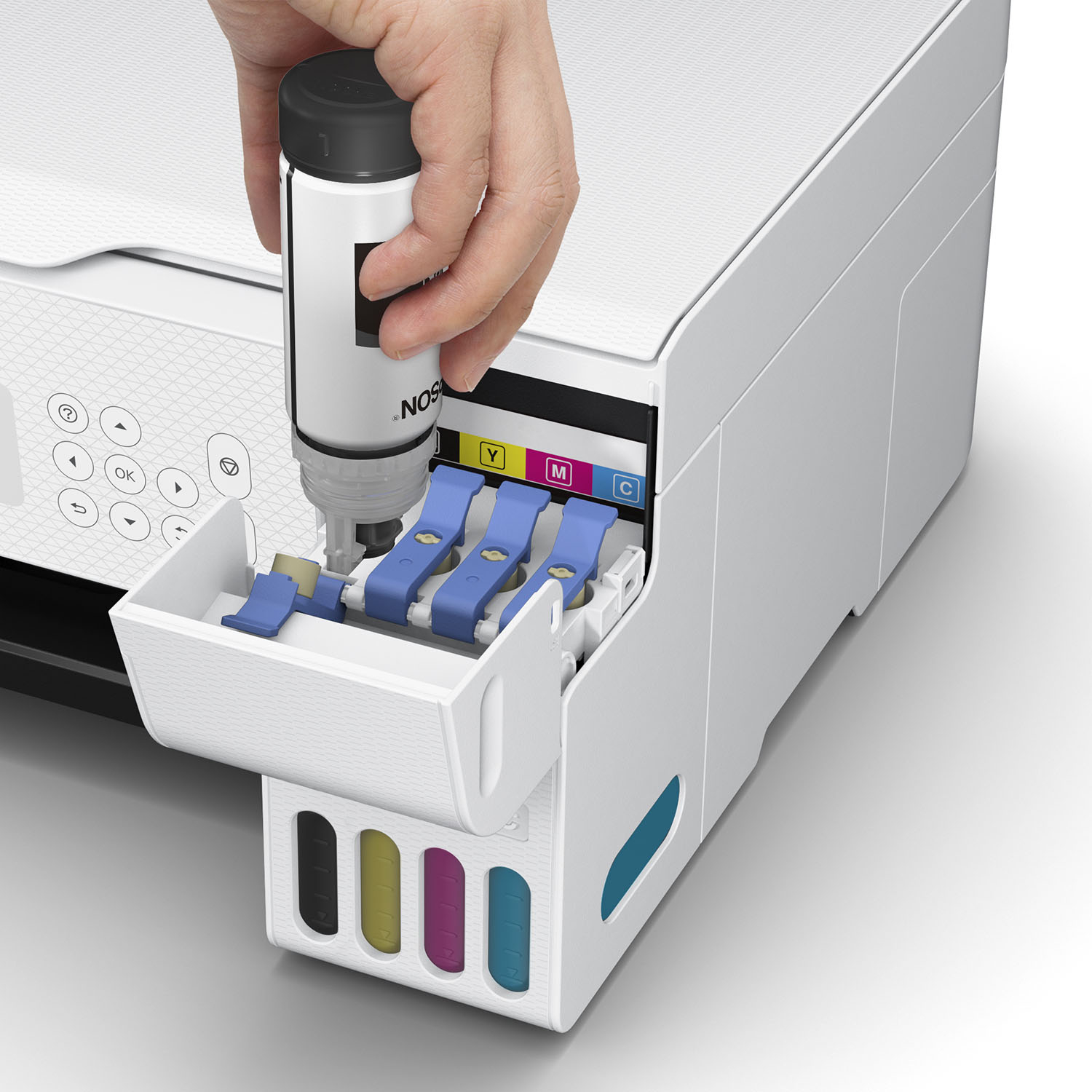
Q: QuestionDoes this printer purchase include ink bottles?
Asked by Pops.
- A:Answer Yes.
Answered by BRUNO
Q: Questiondoes it support large quantity of paper for scanning
Asked by sue.
- A:Answer NO, it does not have a feeder for multi-page scan or copy jobs.
Answered by DRSTEVE
Q: Questiondo all colors need to be filled when I usually only use black
Asked by snoflke.
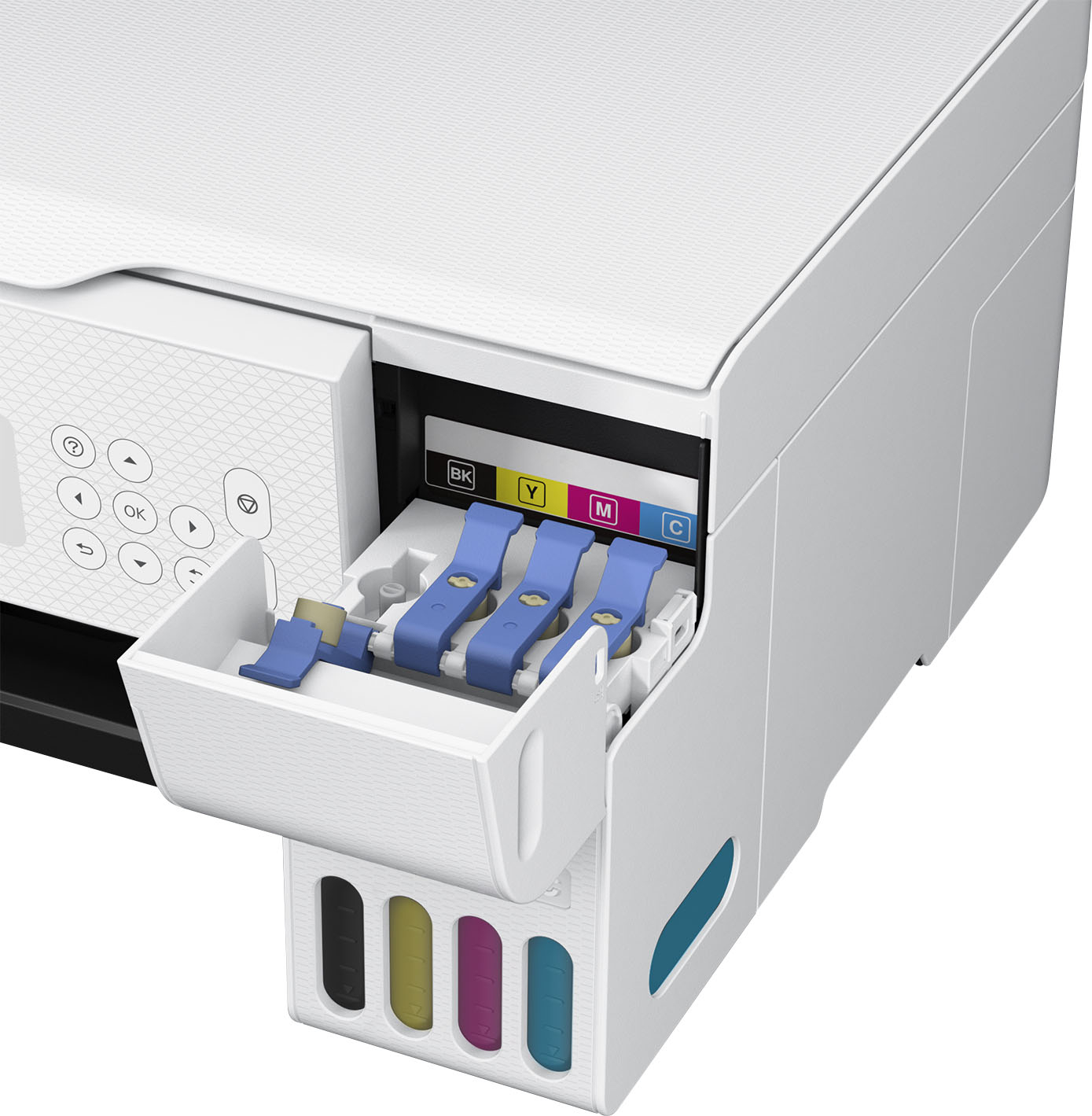
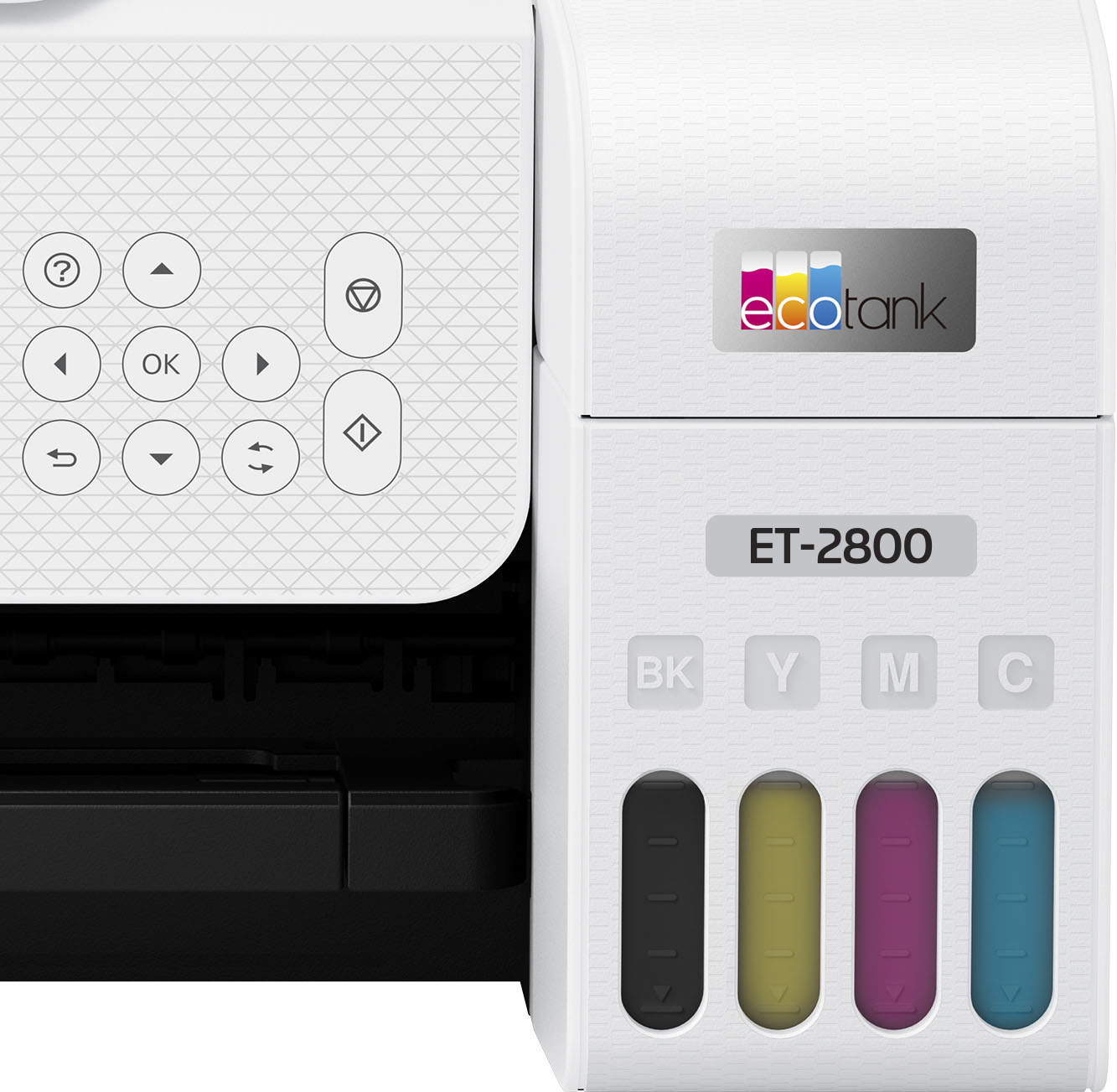
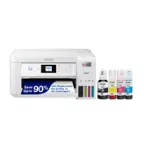
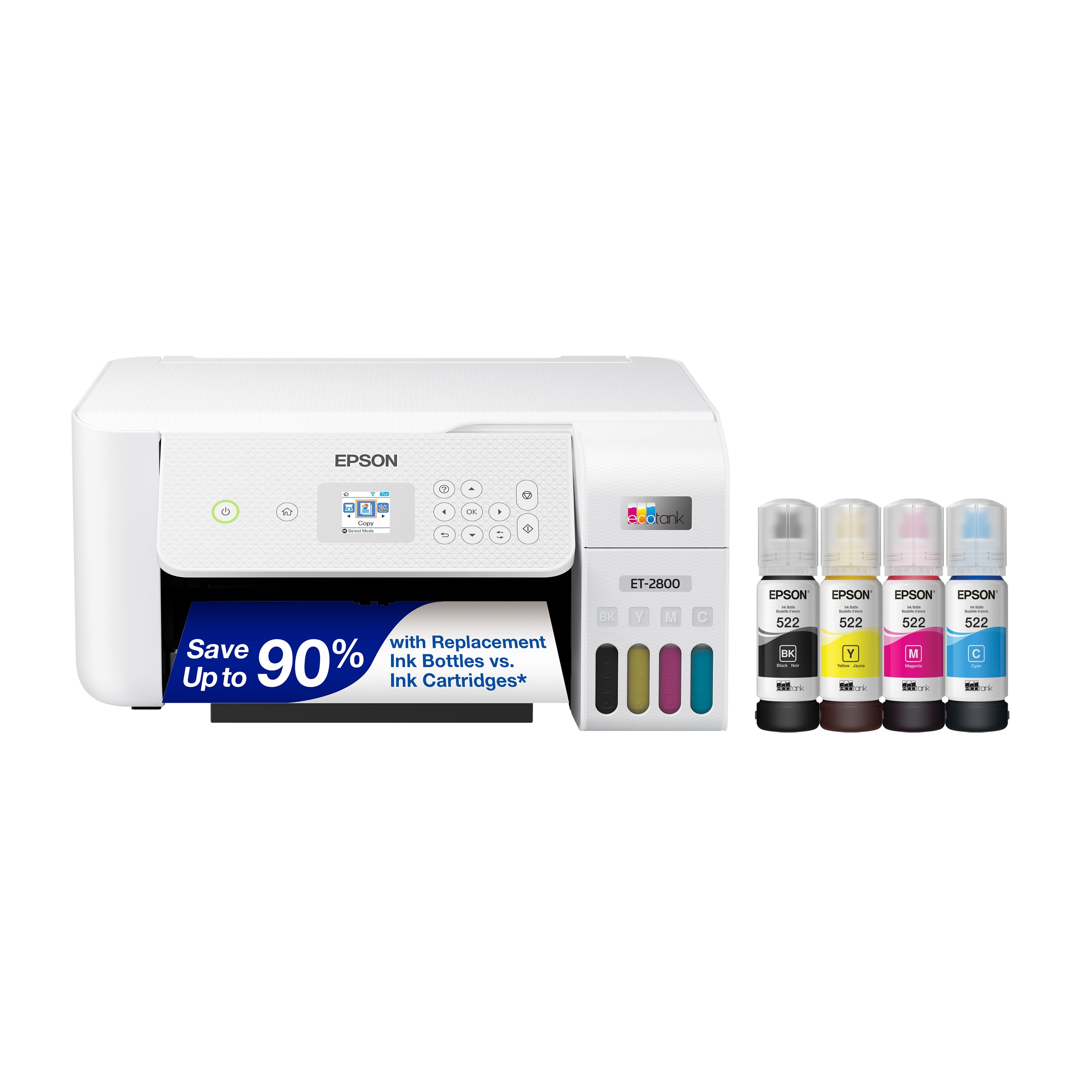
- A:Answer Hello. Yes, the ET‑2800 uses CMYK ink bottles, and all four color tanks must be filled for the printer to operate. Regards, Kevin - The Epson Team.
Answered by Epson
Q: QuestionDoes it have a document feeder
Asked by Anonymous.
- A:Answer it has a paper feeder that handles a stack of paper. to print double sided requires a manual flipping of the paper after the first side has printed.
Answered by Anonymous
Q: QuestionDoes this printer makes double side prints?
Asked by CiciR.
- A:Answer Yes, but it takes some work. You must first print the odd-number pages in your document (see options under the Print - Pages dropdown). Take these pages, flip them over and put them into the paper feeder. Finally, you must print the even-number pages.
Answered by DRSTEVE
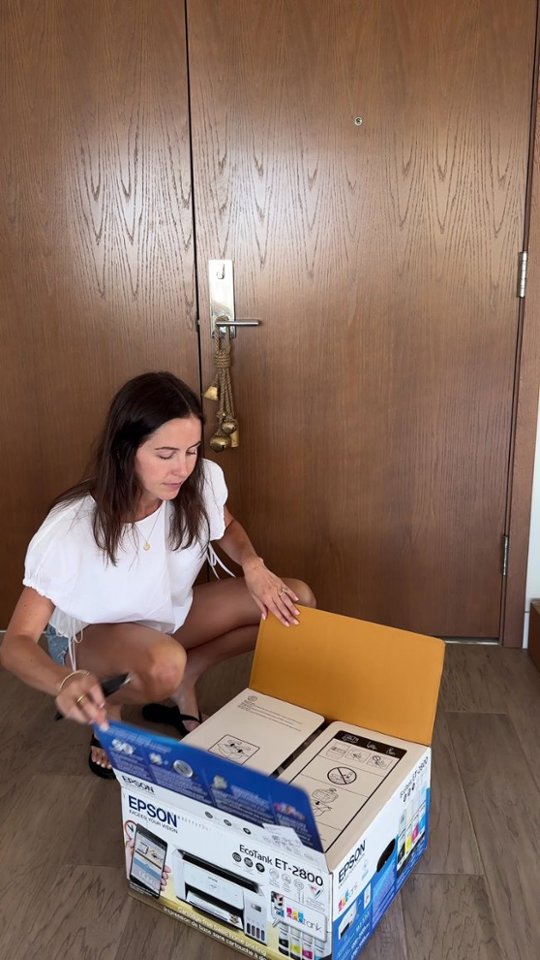
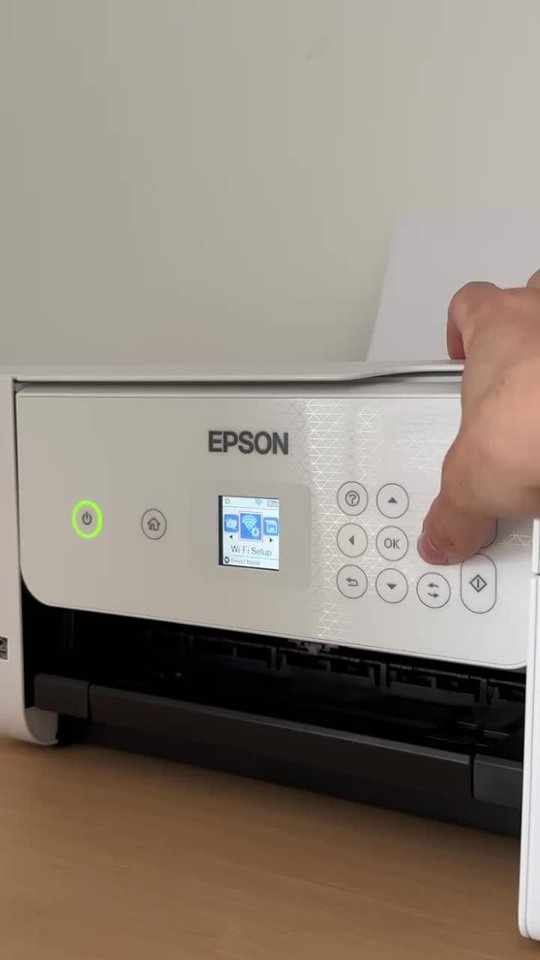
Q: QuestionHow do you set this up? Is there a disc or do we have to do by the internet
Asked by displayname.
- A:Answer I followed the written instructions but when I did not understand the next steps, I called for help at Best Buy. The tech completed the installation in approximately 20 minutes. She could have done the complete install in that amount of time. I wasted time doing it myself.
Answered by Anonymous
Q: QuestionHow much do the epon ink bottles cost
Asked by Anonymous.
- A:Answer 17.99 per bottle or 72$ for the set
Answered by MiccoM
Q: QuestionCan the 2800 wifi be set up to my Chromebook.
Asked by chromebook.
- A:Answer Yes, we have used it with a mac, a Chromebook, and an iPhone.
Answered by Boog
Q: QuestionWill this printer print card stock and labels
Asked by Sher.
This question was asked about the related product: Epson - EcoTank ET-2800 Wireless All-in-One Supertank Inkjet Printer - White
- A:Answer Hello Sher. The ET-2800 can print on cardstock and inkjet-compatible labels, but feeding reliability can vary when using third-party paper based on the brand, texture, thickness, and weight. We recommend testing a sample first to make sure it works well, since Epson doesn’t guarantee compatibility with all paper types. Regards, Kevin - The Epson Team.
Answered by Epson
Q: QuestionDoes this printer work with a Mac Neo?
Asked by John.
- A:Answer Yes, we have used it with a mac, a Chromebook, and an iPhone.
Answered by Boog
Q: QuestionDoes this printer do double sided printing?
Asked by Helen.
- A:Answer Yes it does!
Answered by Dizfan5
Q: QuestionWhat is the thickest paper that this printer can use?
Asked by Jimmy.
- A:Answer I use normal printer paper. However, I've used card stock used to business cards. No problem.
Answered by kerick913


.](https://pisces.bbystatic.com/image2/BestBuy_US/images/products/6b8343ea-50ad-4766-b78d-ebdbb694bc44.jpg;maxHeight=54;maxWidth=54;format=webp)
. 1 Most features require an Internet connection to the printer, as well as an Internet- and/or email-enabled device. For a list of Epson Connect enabled printers and compatible devices and apps, visit [www.epson.com/connect](http://www.epson.com/connect).](https://pisces.bbystatic.com/image2/BestBuy_US/images/products/5bf434fa-75e7-457c-b1f8-67b7b737348f.jpg;maxHeight=54;maxWidth=54;format=webp)