User rating, 4.5 out of 5 stars with 5618 reviews.
Show only Answered Questions
Include AI Generated Q&A
Asked 3 years ago by Copies.
Answered 1 year ago by Anonymous
Asked 1 year ago by Anonymous.
Answered 1 year ago by Epson
Asked 3 years ago by Anonymous.
Answered 3 years ago by PGillispie
User rating, 4.6 out of 5 stars with 1488 reviews.
User rating, 4.5 out of 5 stars with 358 reviews.
User rating, 4.5 out of 5 stars with 92 reviews.
User rating, 4.6 out of 5 stars with 225 reviews.
User rating, 4.7 out of 5 stars with 258 reviews.
User rating, 4.7 out of 5 stars with 150 reviews.
User rating, 4.5 out of 5 stars with 464 reviews.
User rating, 4.6 out of 5 stars with 751 reviews.
User rating, 4.6 out of 5 stars with 238 reviews.
User rating, 4.7 out of 5 stars with 33 reviews.
User rating, 4.5 out of 5 stars with 22 reviews.
User rating, 4.5 out of 5 stars with 392 reviews.
User rating, 4.5 out of 5 stars with 2660 reviews.
User rating, 5 out of 5 stars with 14 reviews.
User rating, 4.5 out of 5 stars with 12 reviews.
User rating, 4.8 out of 5 stars with 98 reviews.
User rating, 4.6 out of 5 stars with 27 reviews.
User rating, 5 out of 5 stars with 3 reviews.
User rating, 4.5 out of 5 stars with 28 reviews.
.](https://pisces.bbystatic.com/image2/BestBuy_US/images/products/aae928b7-2a89-4f72-a9d7-a8b502cd3863.jpg)
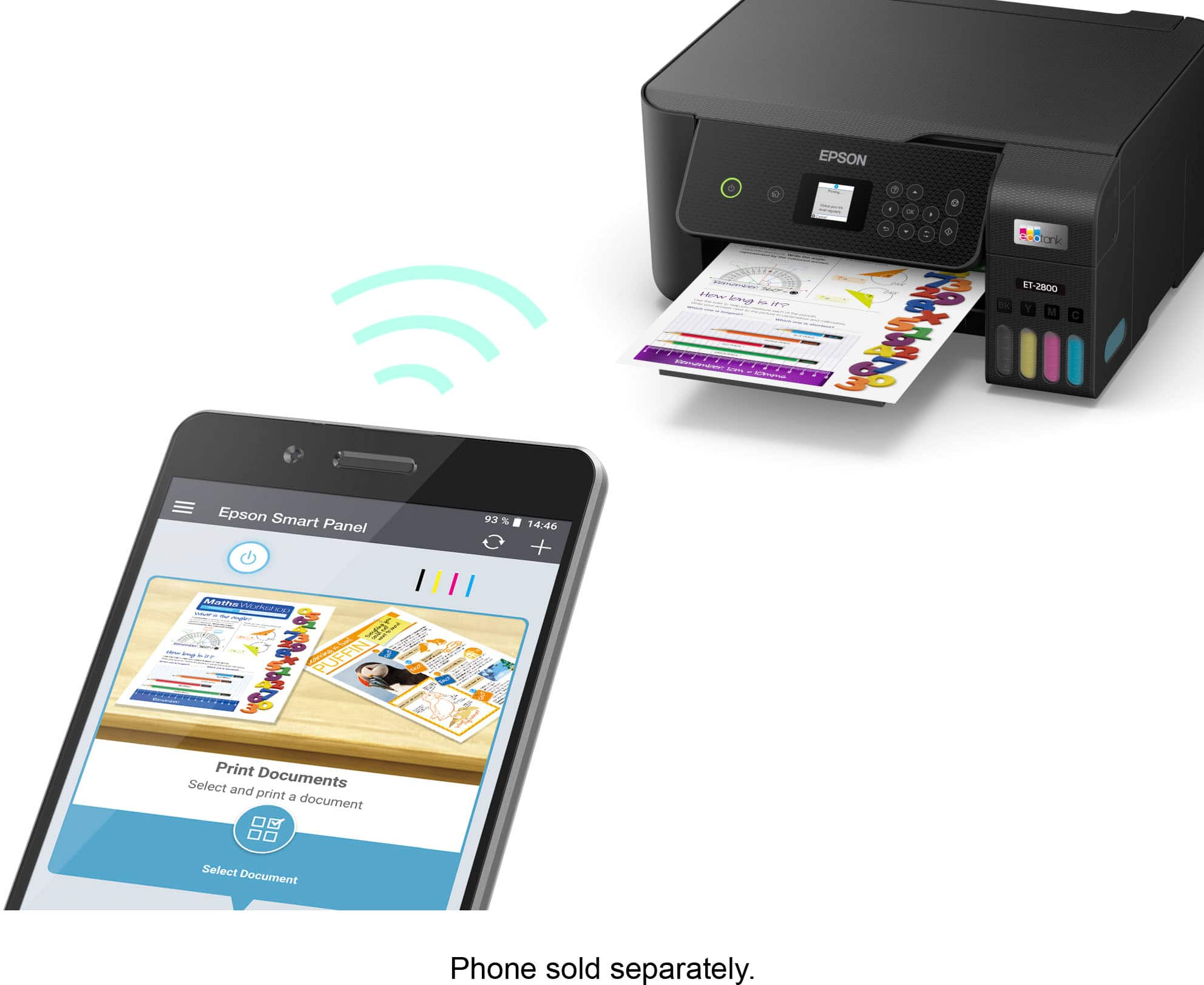
. 1 Most features require an Internet connection to the printer, as well as an Internet- and/or email-enabled device. For a list of Epson Connect enabled printers and compatible devices and apps, visit [www.epson.com/connect](http://www.epson.com/connect).](https://pisces.bbystatic.com/image2/BestBuy_US/images/products/74cbe1f4-35c2-4c28-a11d-ae4191c9a8b8.jpg)