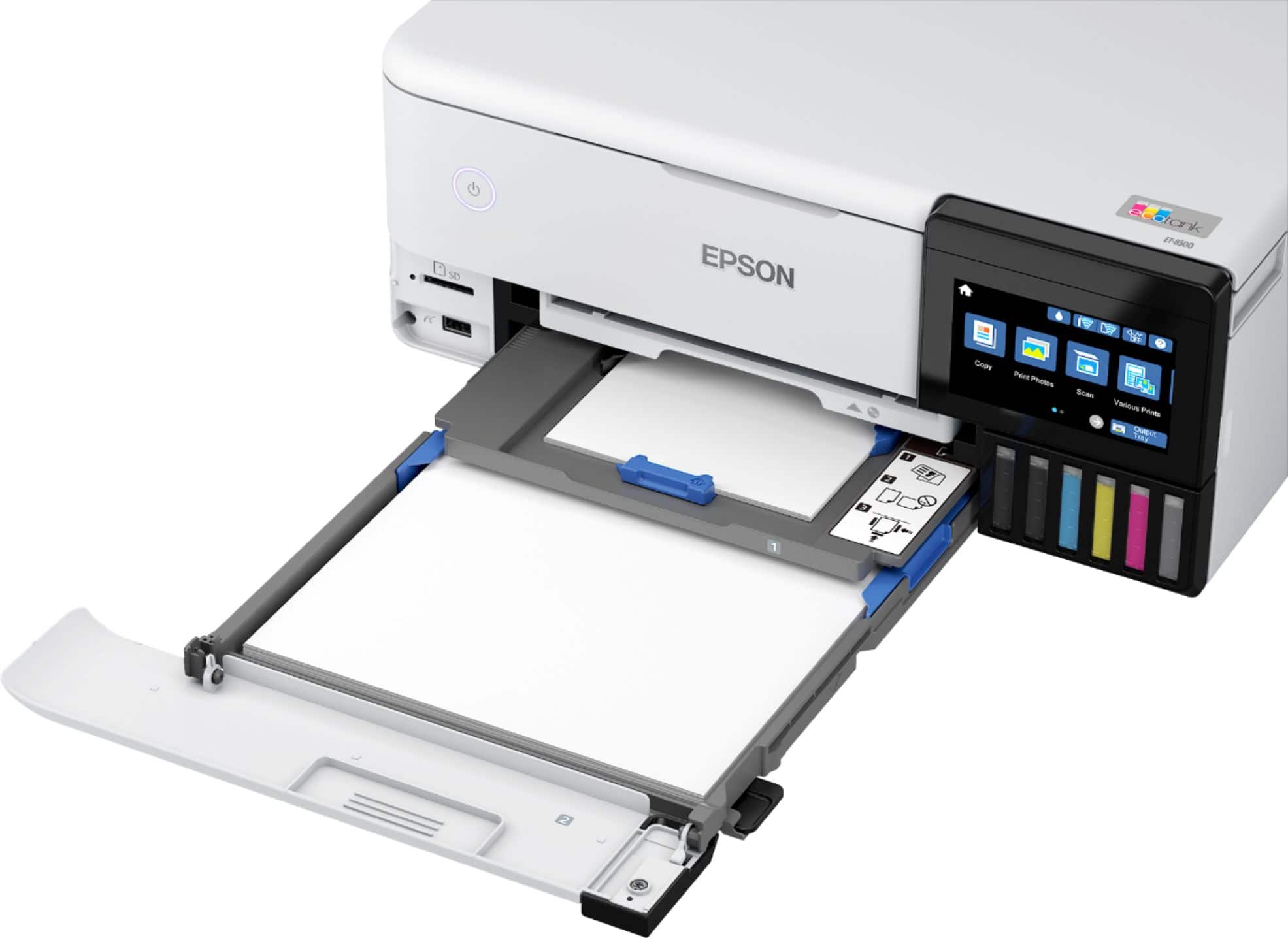
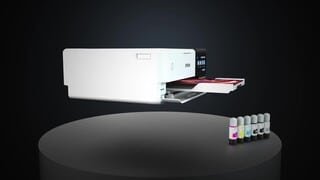
A:AnswerHello. The ET-8500 can print on No. 10-sized envelopes. There are two paper cassettes, and for envelopes, you can load up to ten in the lower tray. Regards, Kevin - The Epson Team.
A:AnswerHello bob. The ET-8500 uses ink-jet technology. If the printer sits without usage for some time, you can potentially have print head issues. Therefore, we recommend doing user maintenance such as nozzle check printouts and head cleanings to help avoid ink clogging on the printer. Please see the User's Guide on our official Epson Support page for more helpful maintenance information. Regards, Kevin - The Epson Team
A:AnswerYes it does high quality prints on both sides. But you cannot print on both sides of a photo paper since only one side of photo paper is good for printing.
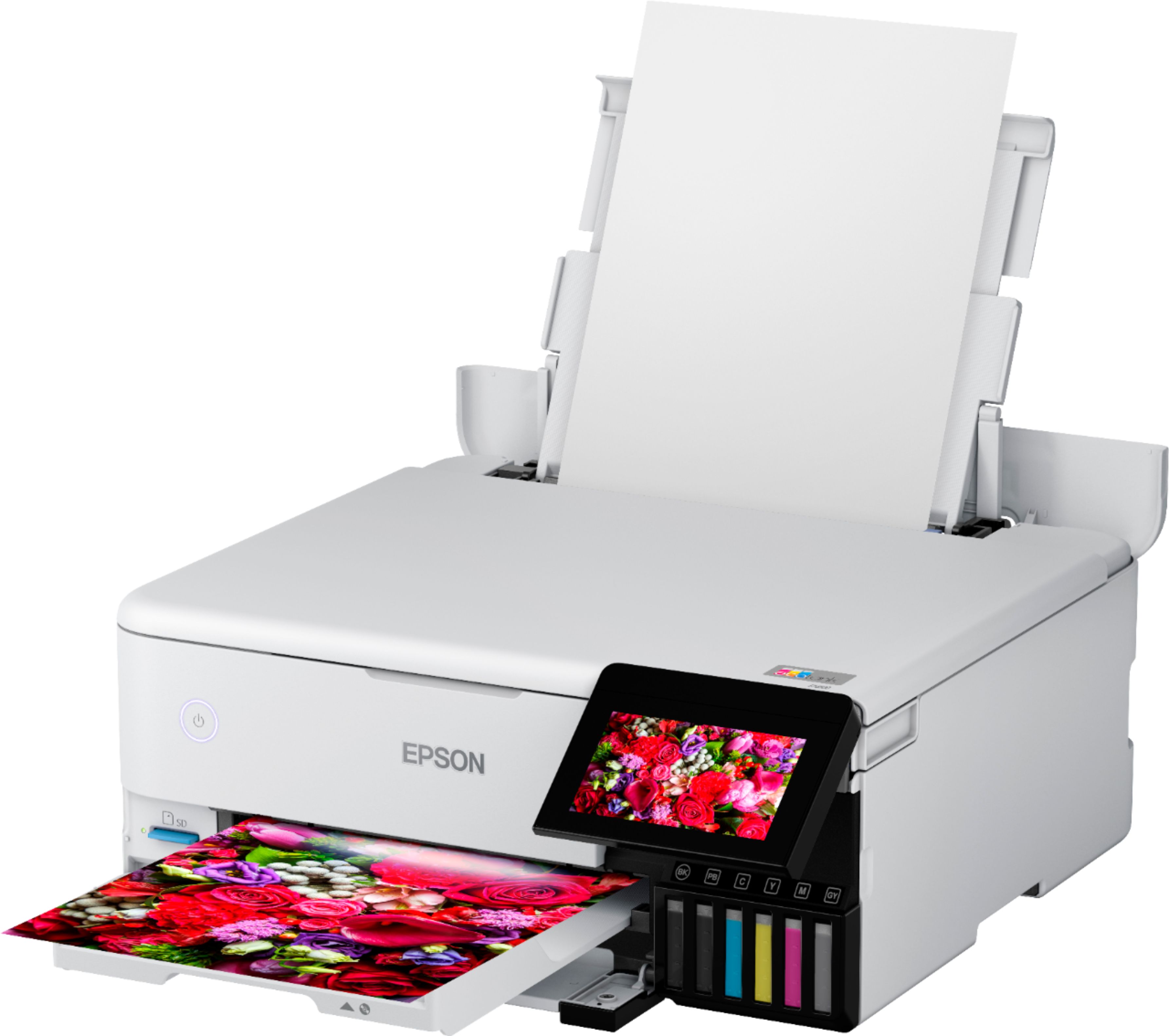
A:AnswerHi MikeB, The output tray on your EcoTank Photo ET-8500 opens automatically when you send a print job. It does not automatically close. Regards, Mark - The Epson Team.
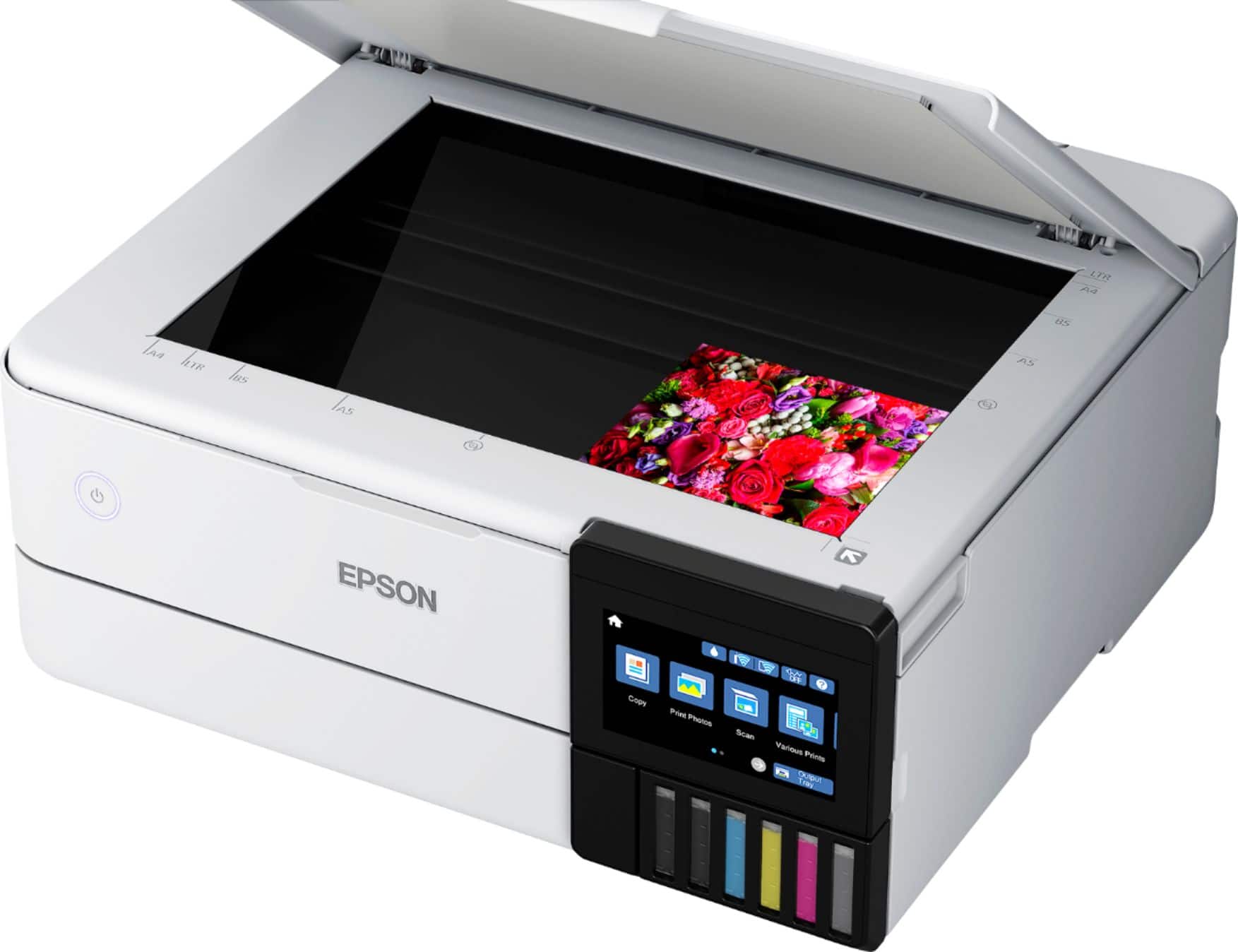
A:AnswerHello Sybille. Both printers feature identical specifications, including print speeds. Aside from the difference in the largest supported paper size, there is a difference in scan bed size. The ET-8500 can scan documents up to 8.5" x 11.7" in size, and the ET-8550 can scan 8.5" x 14" originals. Regards, Kevin - The Epson Team.
A:AnswerHello Carousel. You can use the Epson Photo + software to easily arrange multiple photos and create custom special layouts. The ET-8500 can print on paper sizes ranging from 2.2" x 3.4" to 8.5" x 78.7". Regards, Kevin - The Epson Team.
A:AnswerHello MissArt. Yes, you can scan and stitch your images. The option is available in the Epson ScanSmart software. Regards, Kevin - The Epson Team.
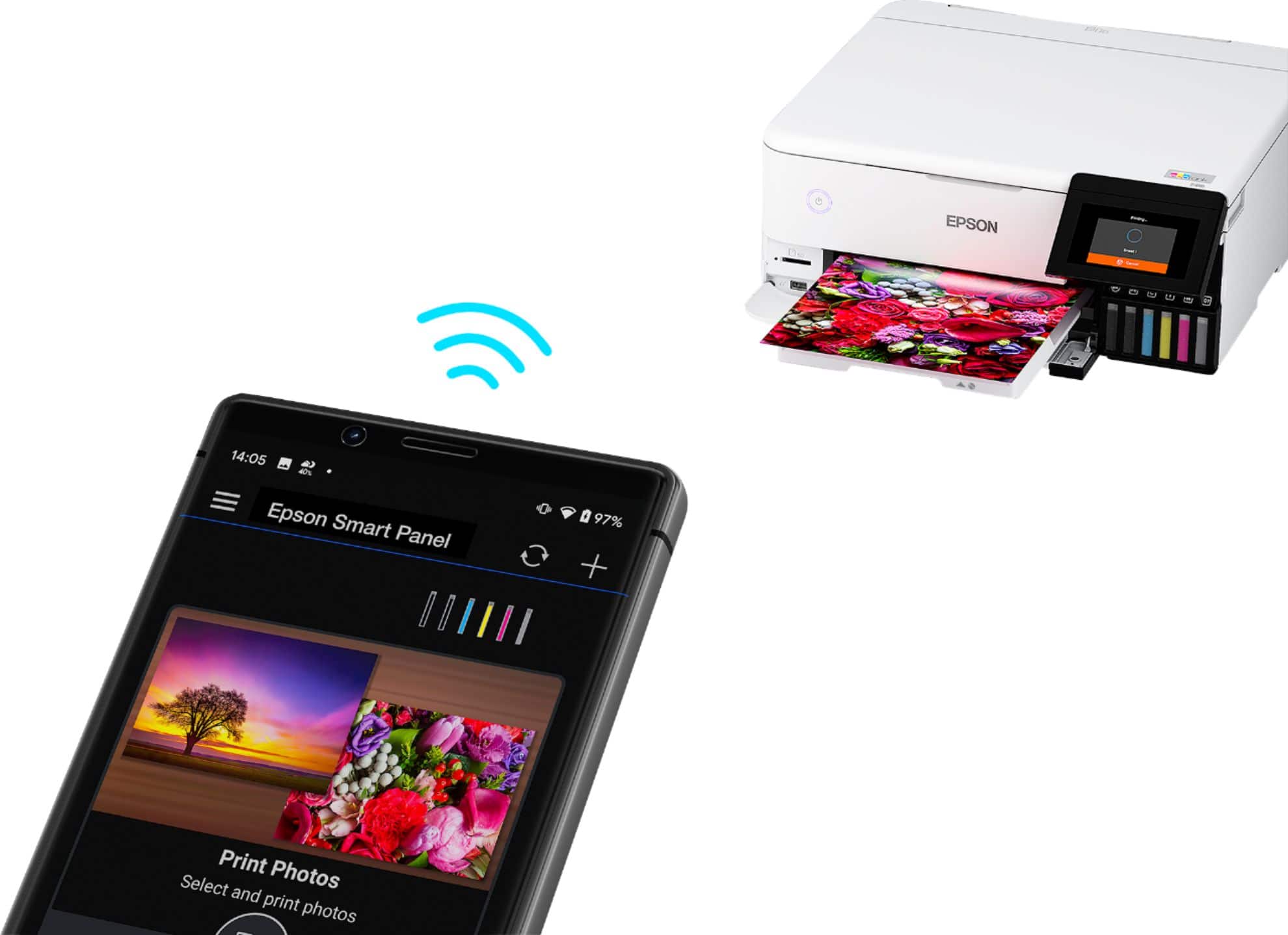
A:AnswerHi Hamt, Make sure you are set Smart Panel to print with borders. The app expands borderless prints slightly to fill the sheet you are printing on. If this does not solve your issue, call the Epson support number on the Start Here poster that came with your EcoTank Photo ET-8500 for further assistance. Regards, Dylan - The Epson Team.
A:AnswerHello GP.. The ET-8500 works with Epson Iron-on Cool Peel Transfer paper, which can be used with t-shirts. Please note we have not tested other brands of transfer paper with the machine. If you plan to use 3rd party paper, we recommend trying a small batch first to ensure it works properly and has satisfactory image quality. Regards, Kevin - The Epson Team.
A:AnswerHi BikeInsight, Yes, the EcoTank Photo ET-8500 is compatible with Windows 11 Pro. Visit the Epson support site for the ET-8500 to download the drivers and software. Regards, Dylan - The Epson Team.
A:AnswerHello Somba. You want to ensure there is enough ink remaining in the printer for all colors, as there are no temporary print options when the tank is expended. Unfortunately, if the printer detects that any colors are empty, it will not function until you have refilled the respective color. Regards, Kevin - The Epson Team.
A:AnswerIt should print flyers exceedingly well. If large patches of color or,black, will need some drying time. Plain Letter paper works very well. Tray holds 50 sheets, I think, so depending on quantity needed, you will be filling tray again.
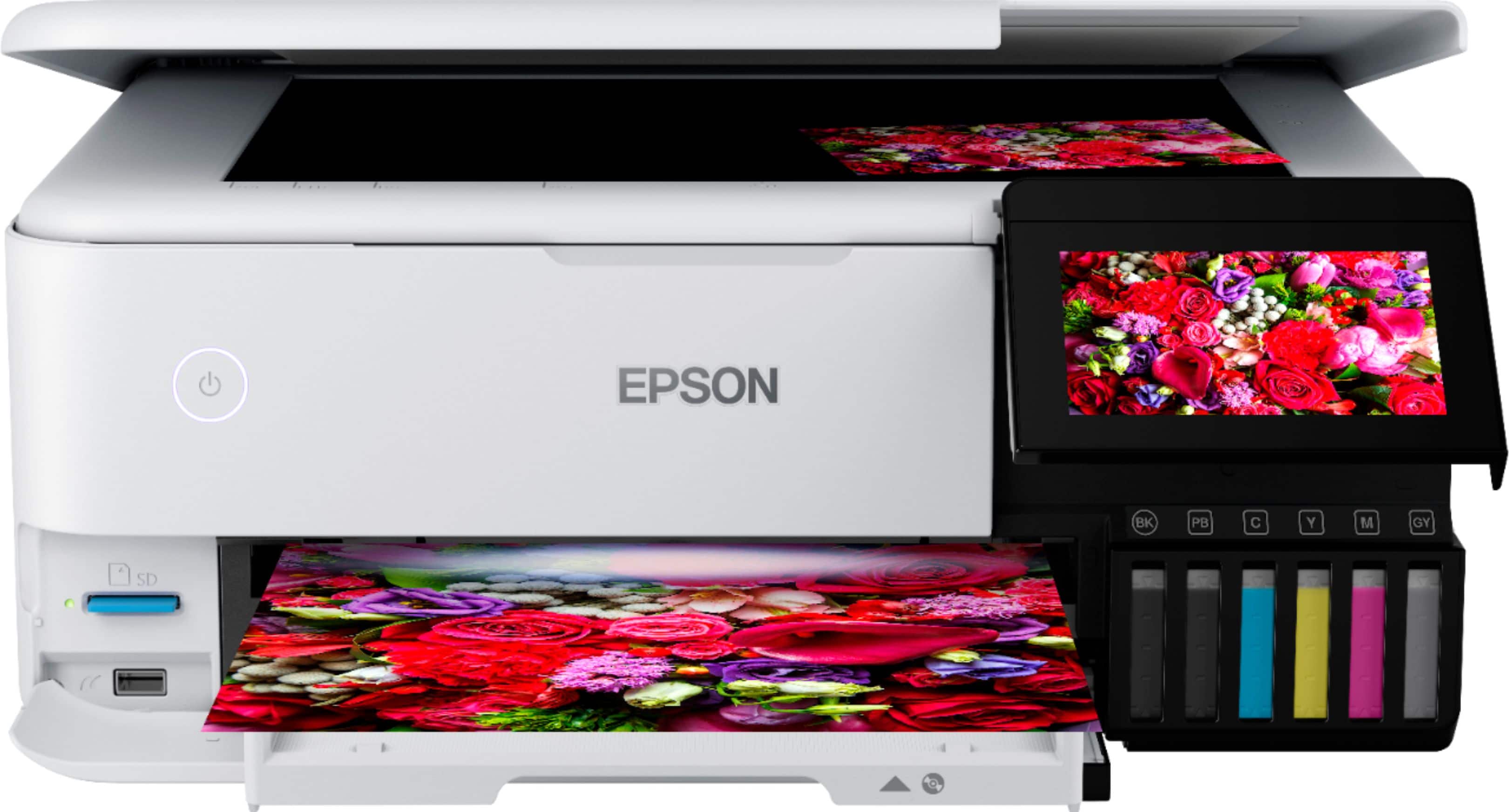
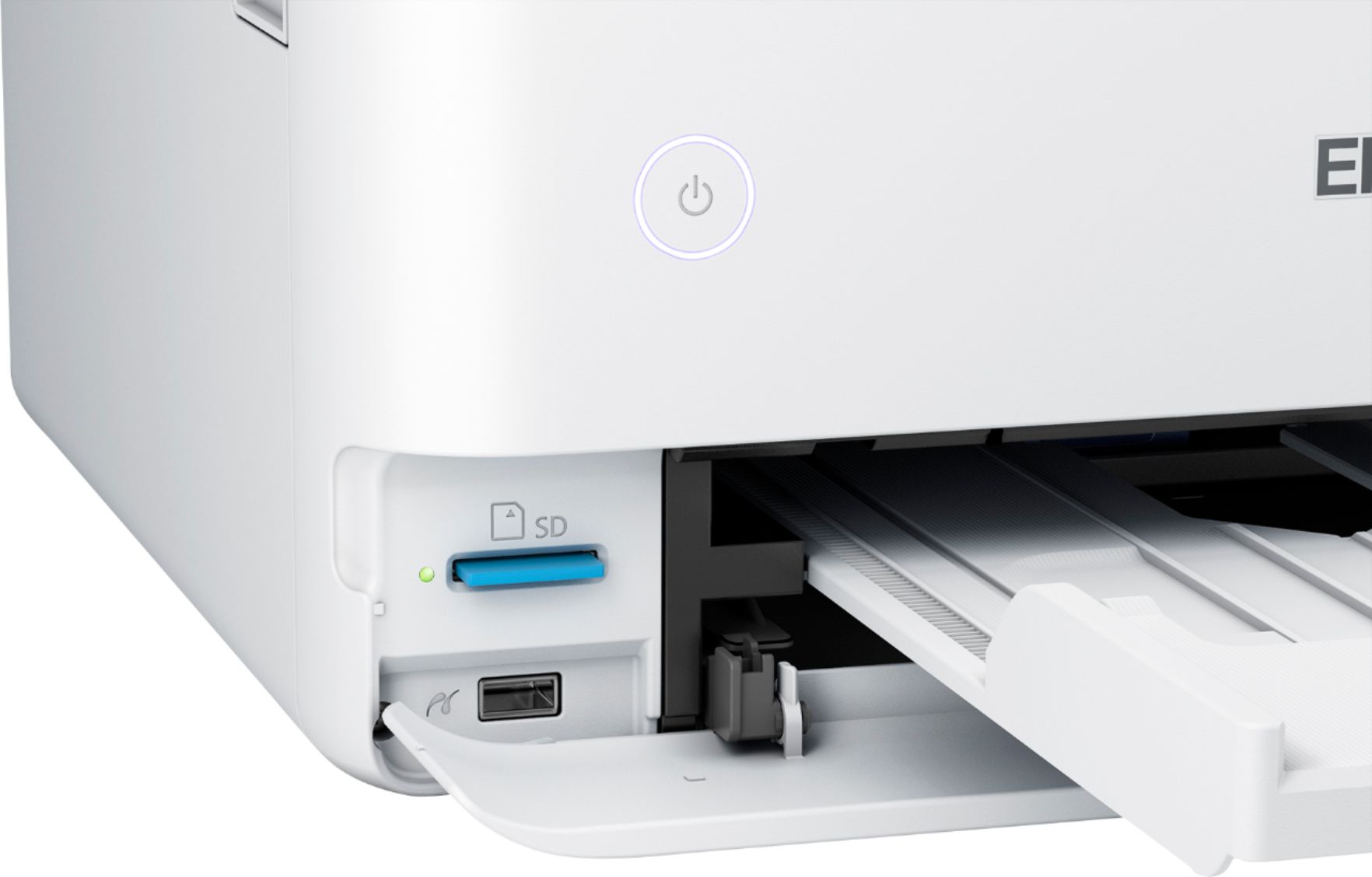
A:AnswerHello twilight. Yes, the ET-8500 includes an expanded memory card slot. The feature allows you to print photos and save scanned files. Regards, Kevin - The Epson Team.
A:AnswerHello Digeeedad. Yes, the ET-8550 can print black & white photos. However, final print results can vary based on file origination, paper type, and application settings. Regards, Kevin - The Epson Team.
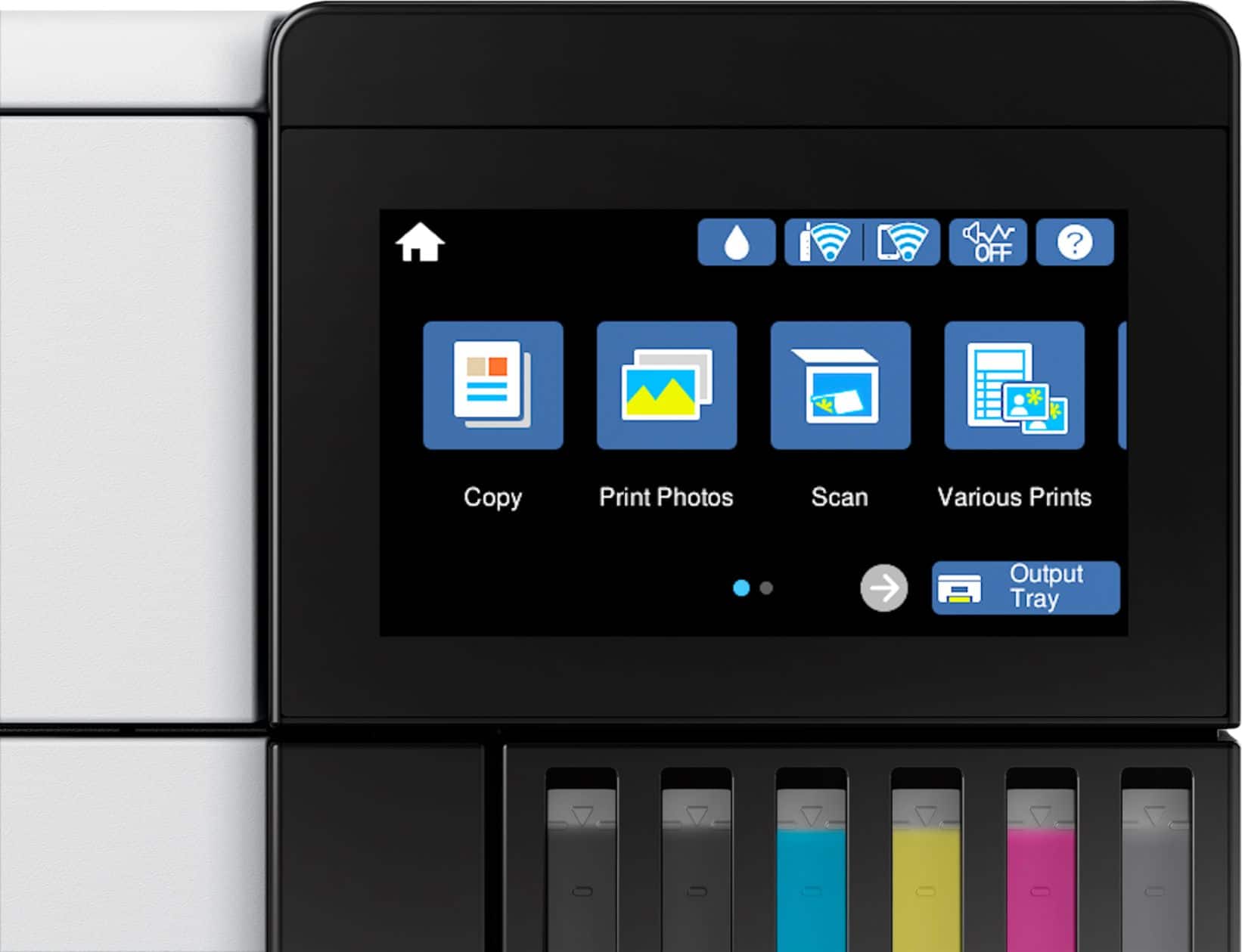
A:AnswerHello Scanner. The Epson ScanSmart software can be downloaded directly from our official Epson Support page. Just search for your printer, and you will find the link under the "Utilities" tab. You can also scan directly from the control panel itself. From the Home Menu, click on Scan, and you can save your file to a memory device, computer, cloud service, or WSD. Regards, Kevin - The Epson Team.
A:AnswerHello Randy. Yes, the ET-8500 will print on A5 paper. The printer supports paper sizes ranging from 2.2" x 3.4" to 8.5" x 78.7". Regards, Kevin - The Epson Team.