A:AnswerHello DoctorZig. The ET-8500 is an All-in-One designed with photo printing in mind, so, unfortunately, there isn't a similar model with fax. However, if you are interested in the ET-3850, we recommend looking at the ET-4850 as it is the same printer with identical features and includes fax functionality. It is currently in stock on BestBuy's website, but please note inventory can change. Regards, Kevin - The Epson Team.
A:AnswerHi Chocmintz, The EcoTank Photo ET-8550 will print borderless photos on the following sizes: 13” x 19”, A3+, 11” x 17”, A3, Legal, Letter, A4, 8” x 10”, 5” x 7”, 4” x 6”, and 3.5” x 5”. The EcoTank Photo ET-8500, which has a narrower carriage, prints borderless at: Legal, Letter, A4, 8” x 10”, 5” x 7”, 4” x
6”, and 3.5” x 5”. Regards, Mark - The Epson Team.
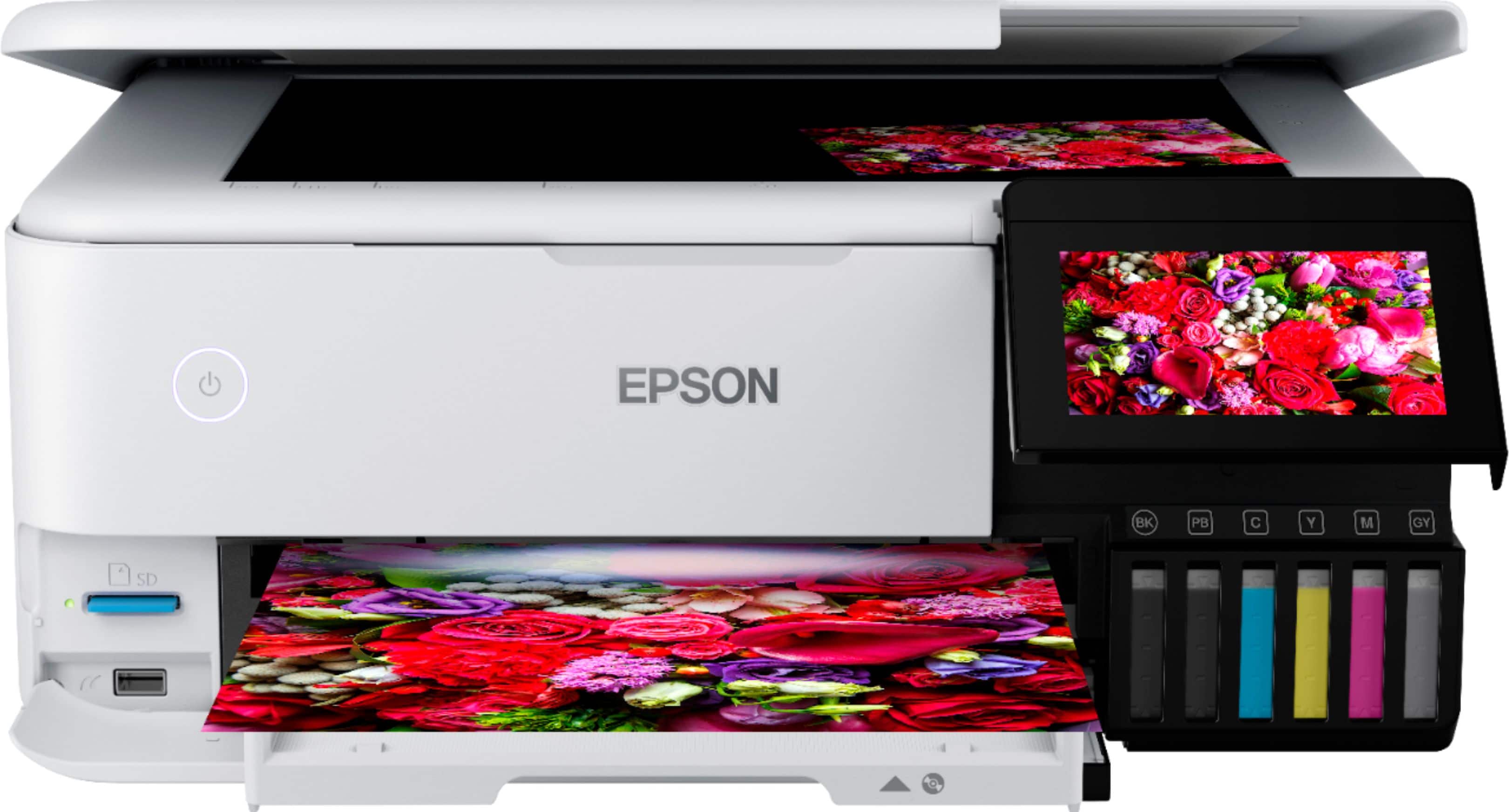
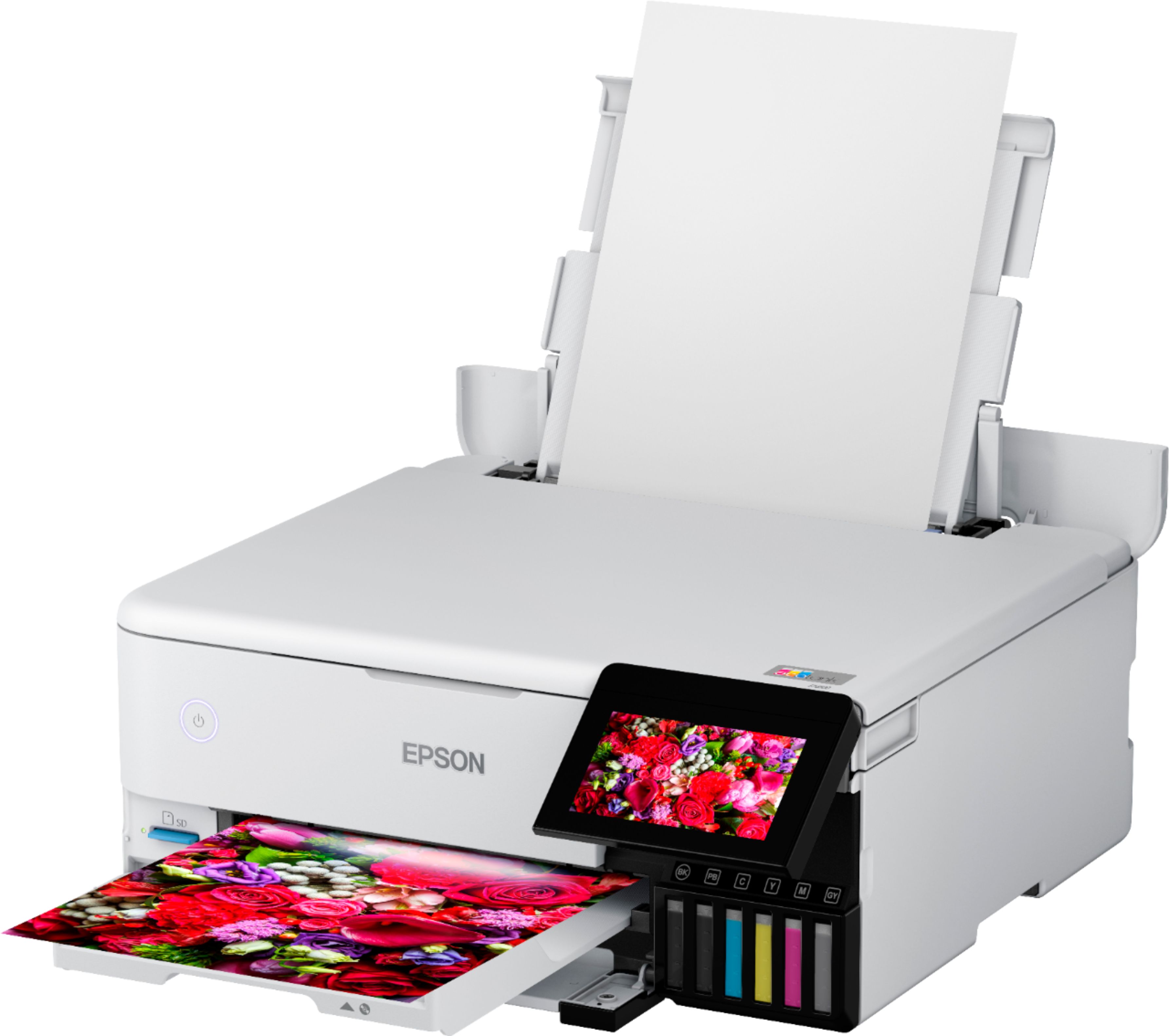
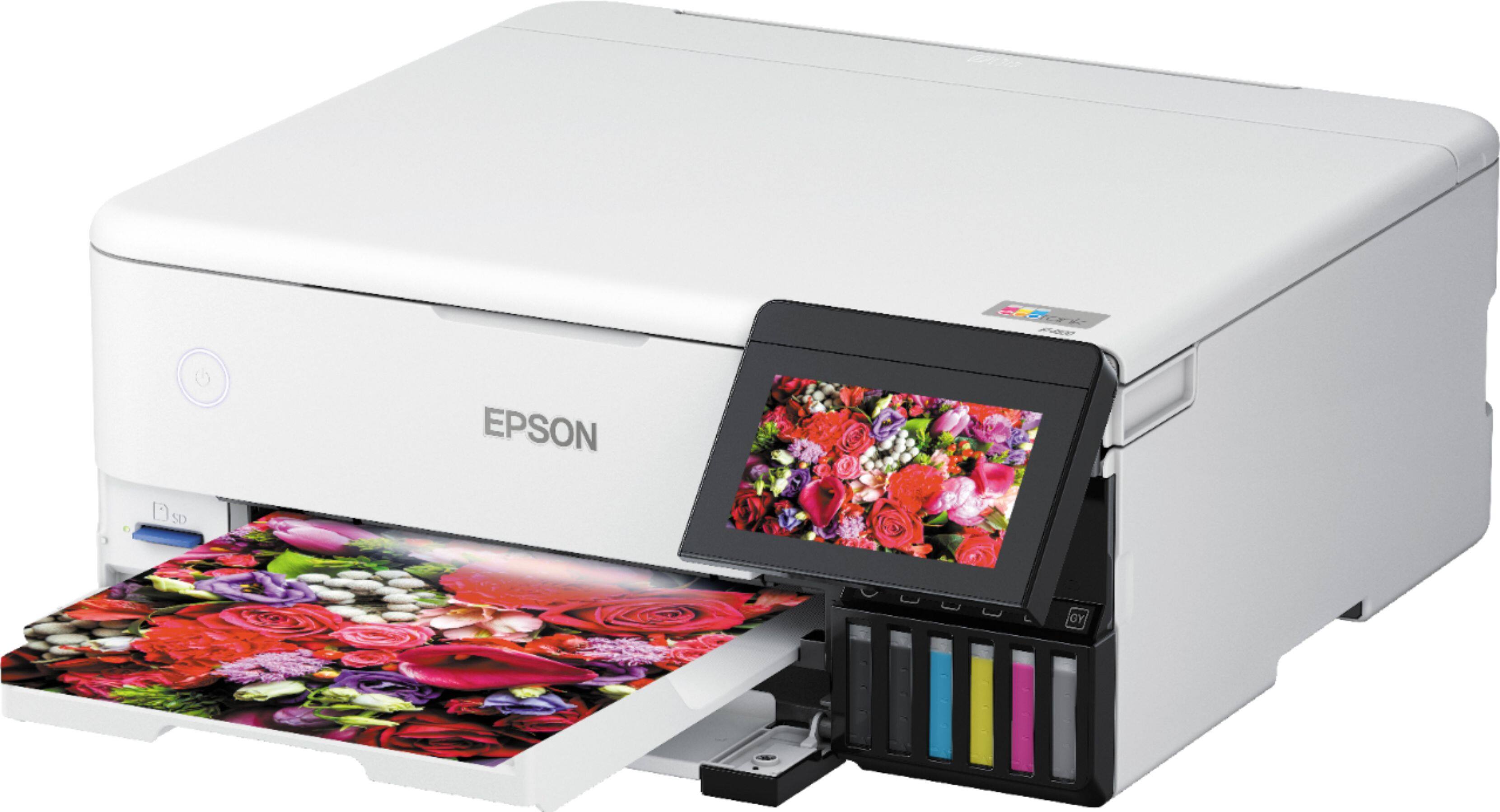
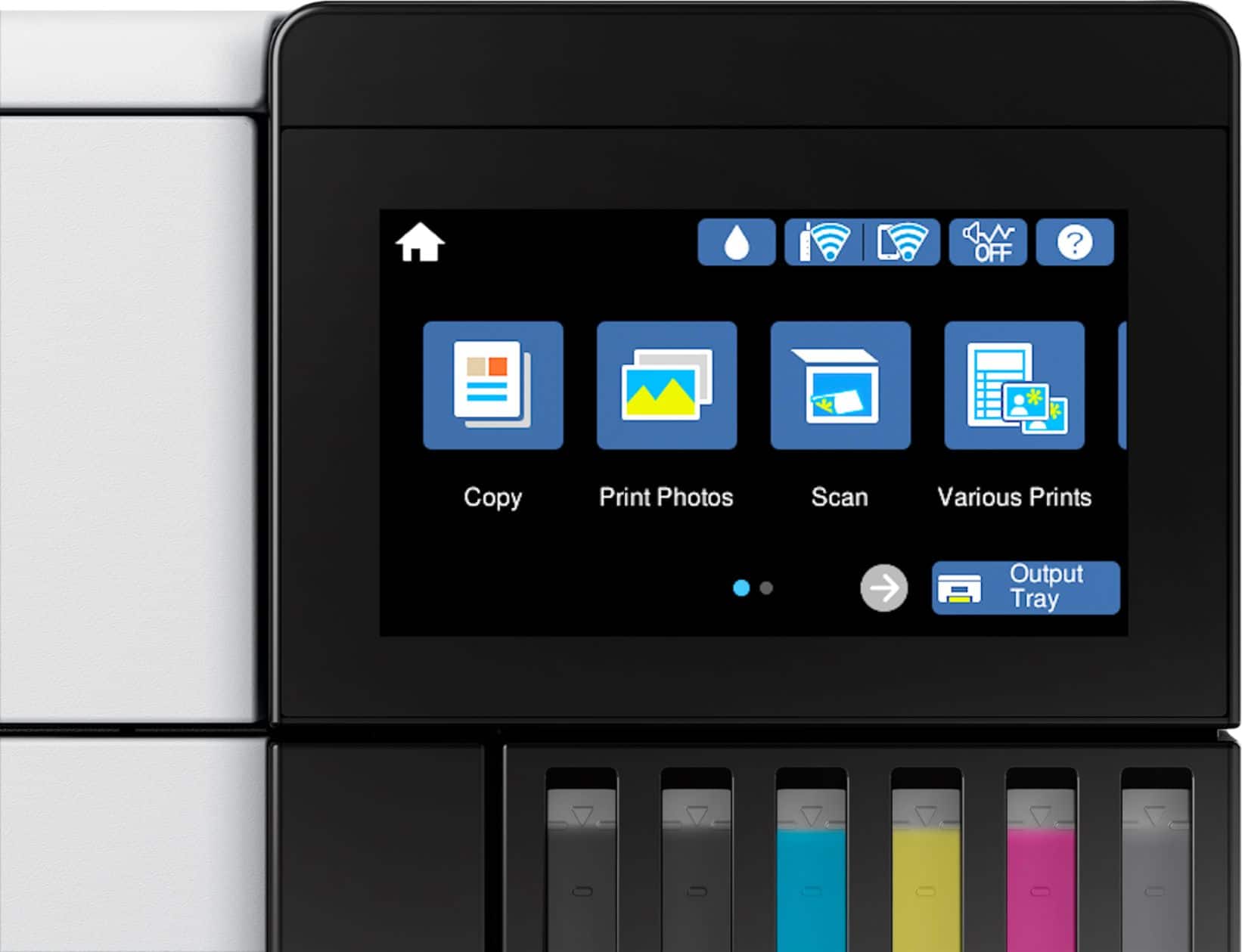
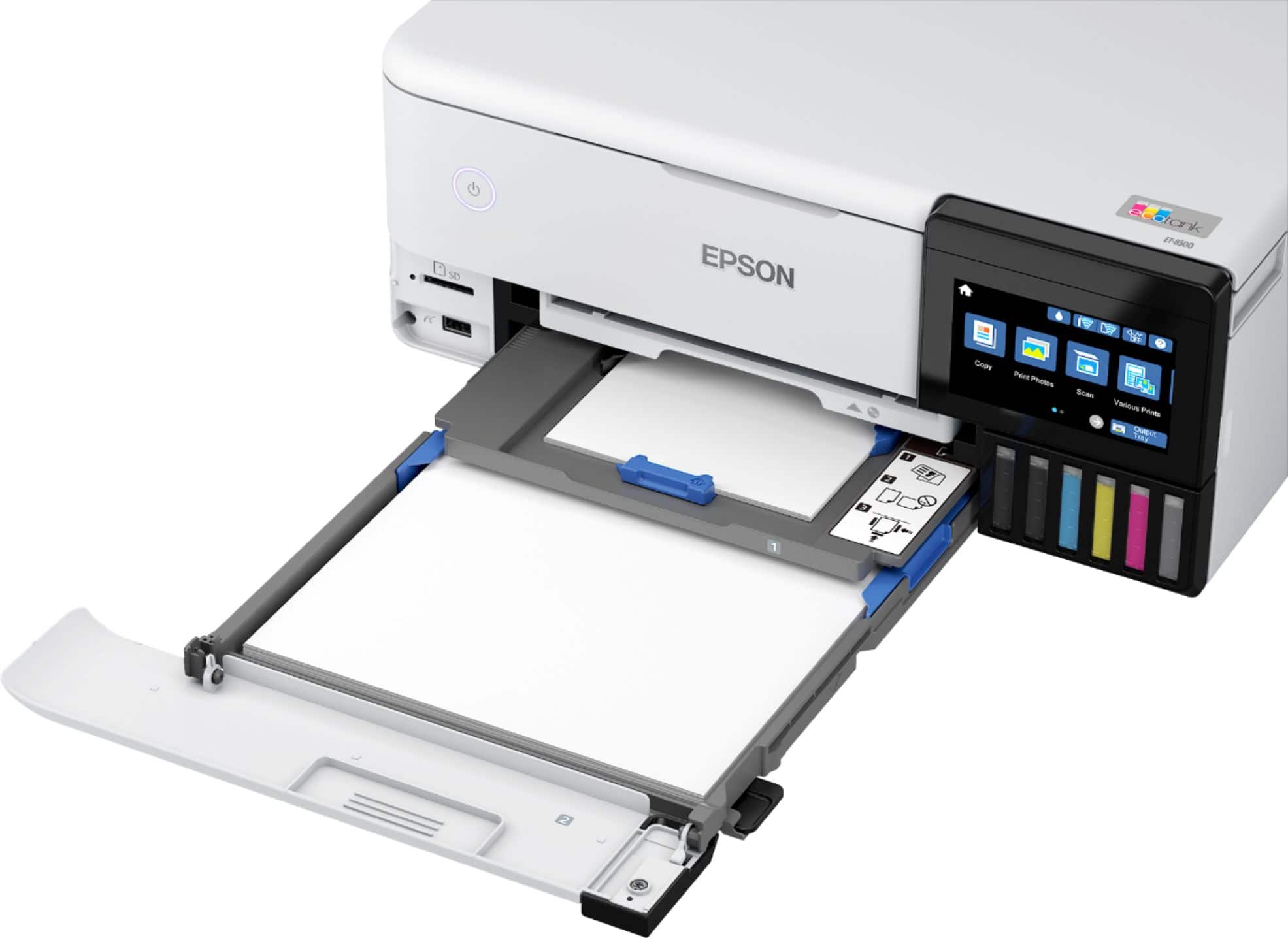
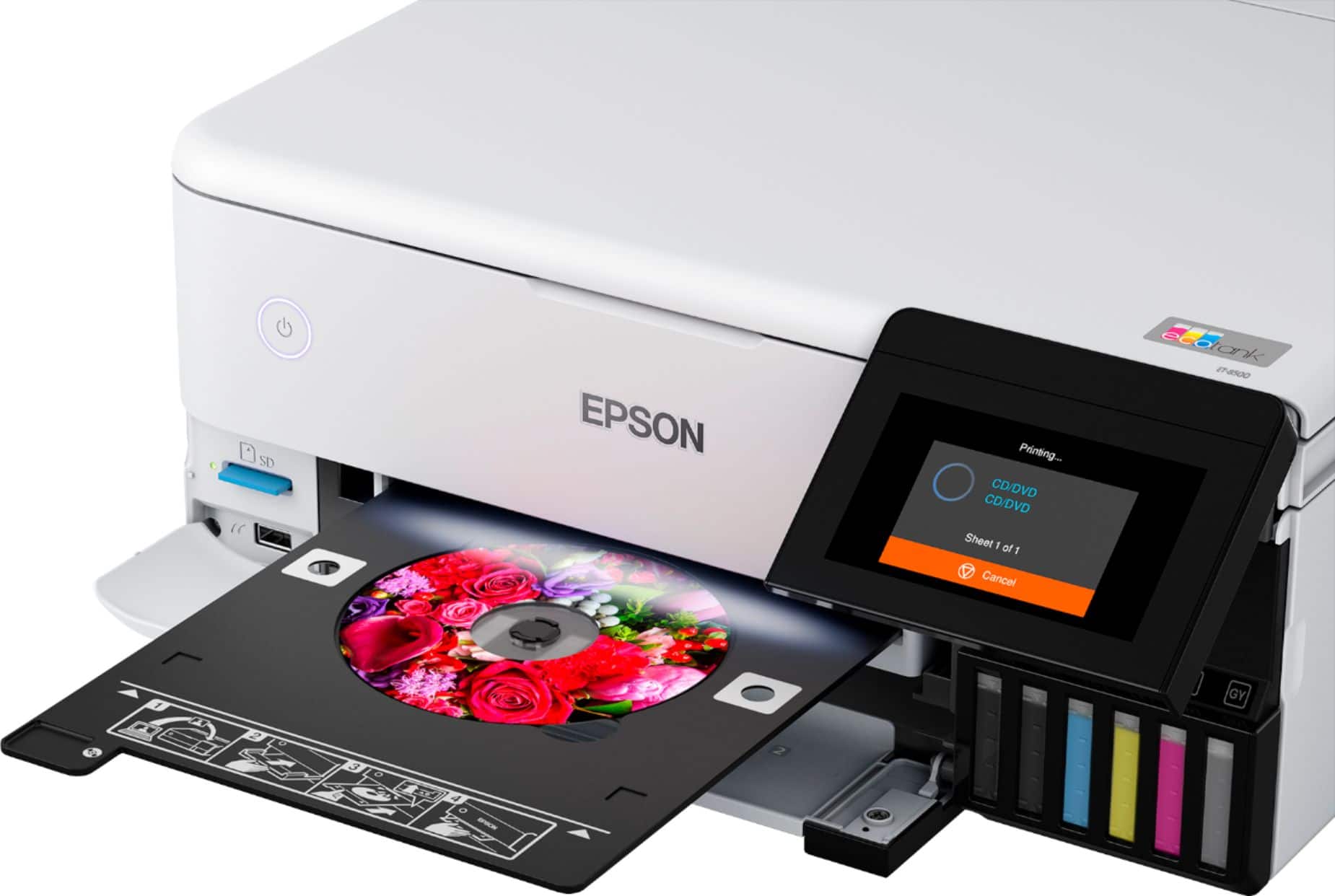
A:AnswerHi DanP, The EcoTank Photo Et-8500's output tray opens automatically when you print something. You close the tray by tapping on the Output Tray button on the touch screen. You can load 5" x 7" photo paper in the top paper cassette in the front of the printer. When you send a 5" x 7" photo the driver or app allows you to direct it to pull paper from the correct cassette. Alternately, if set the paper types and sizes on the front control panel, the printer will automatically print from the correct tray. Regards, Mark - The Epson Team.
A:AnswerNothing will look as good on plain paper as on photo paper with the correct setting. If you want to print on plain paper, you’re wasting your money buying this quality of printer.
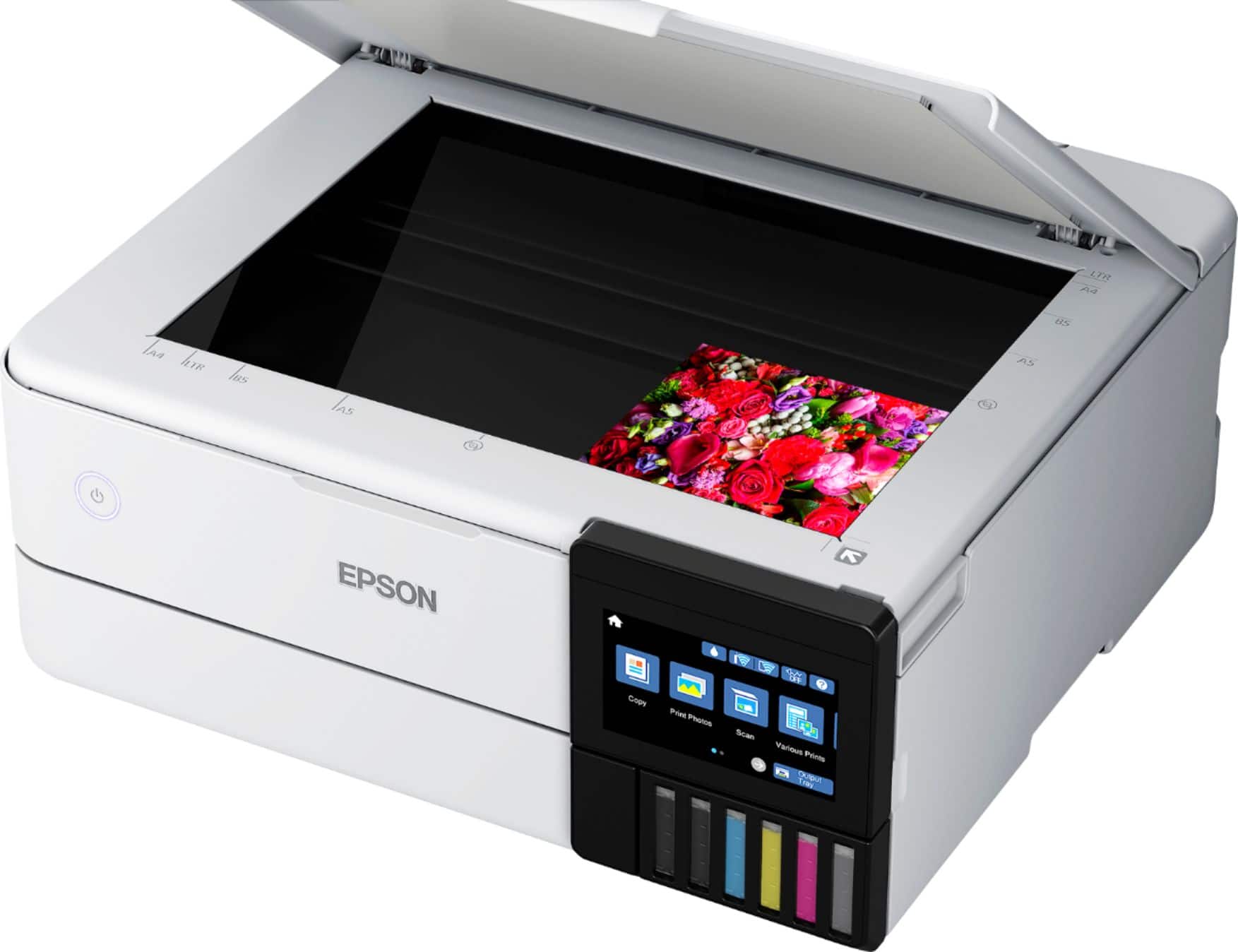
A:AnswerThe scan plate is only 8.5 x 11.5.l You could use a camera and import the file using the card reader slot on the ET-8500. Then set the output size you want.
Help this helps.
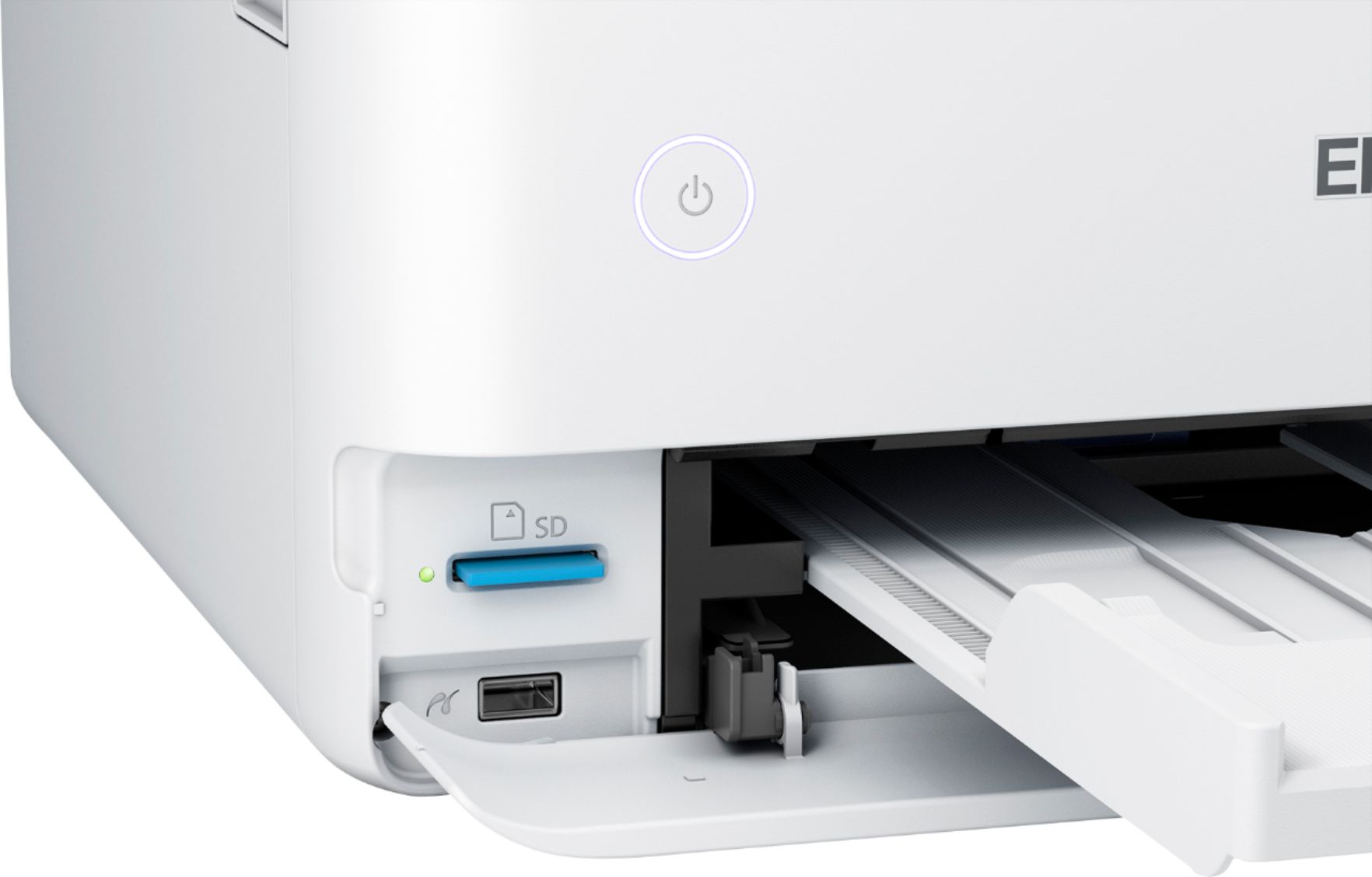
A:AnswerHello Plumbercharles. Yes, you can print directly from a memory card on the ET-8500. In addition, there are different template options and special layouts to choose from on the printer's menu. To find out more about these options, we recommend reviewing the User's Guide on the official Espon Support page. Regards, Kevin - The Epson Team.
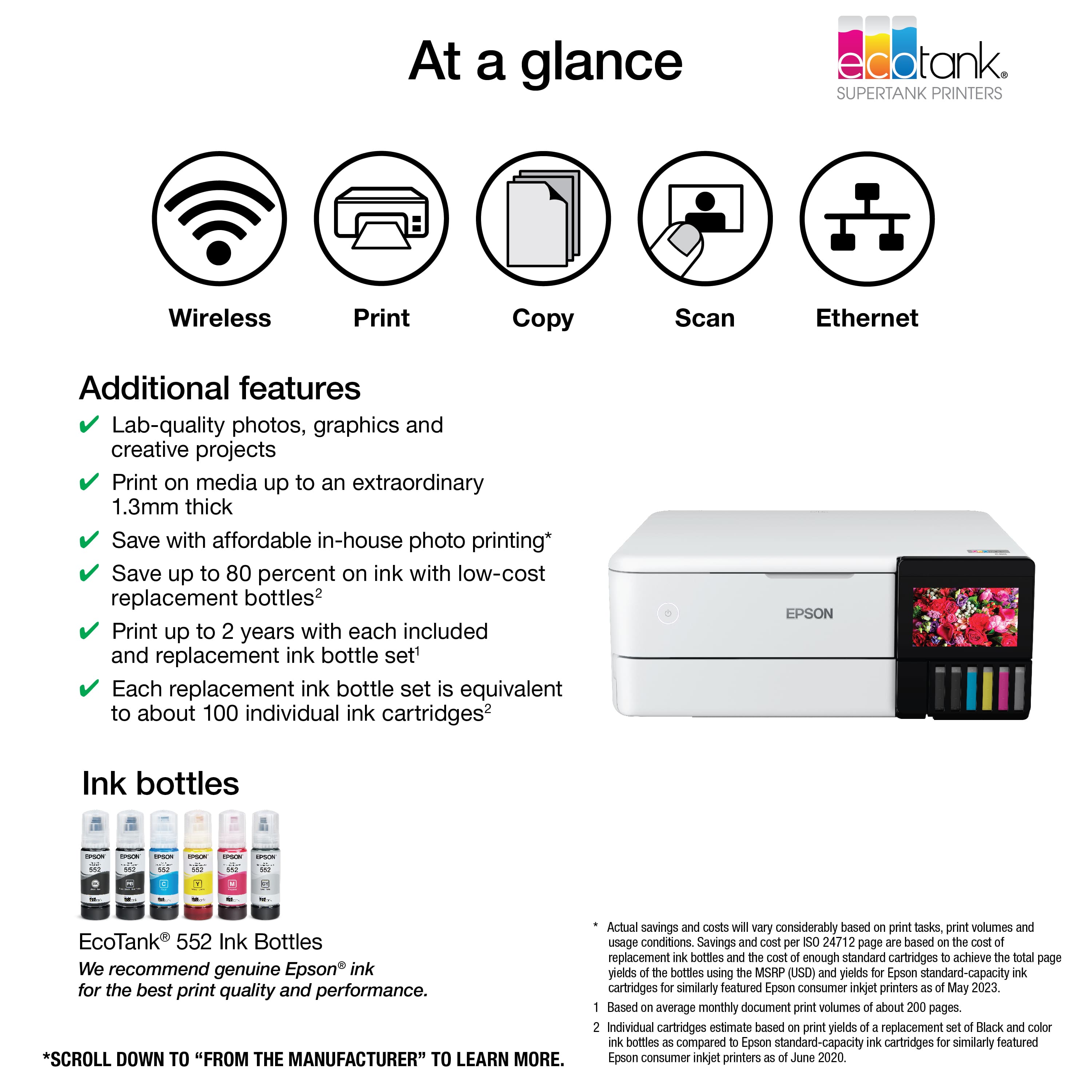
A:AnswerHi Bob, Sorry, we do not estimate a monthly duty cycle for photo printers. Our estimate of about two years ink in the box is based on our expectation that customers will typically print 200 photos a month. Regards, Mark - The Epson Team.
A:AnswerHello Castaway. Yes, the ET-8500 can print on 5" x 7" paper. The printer supports sizes ranging from 2.2" x 3.4" to 8.5" x 78.7". Regards, Kevin - The Epson Team.
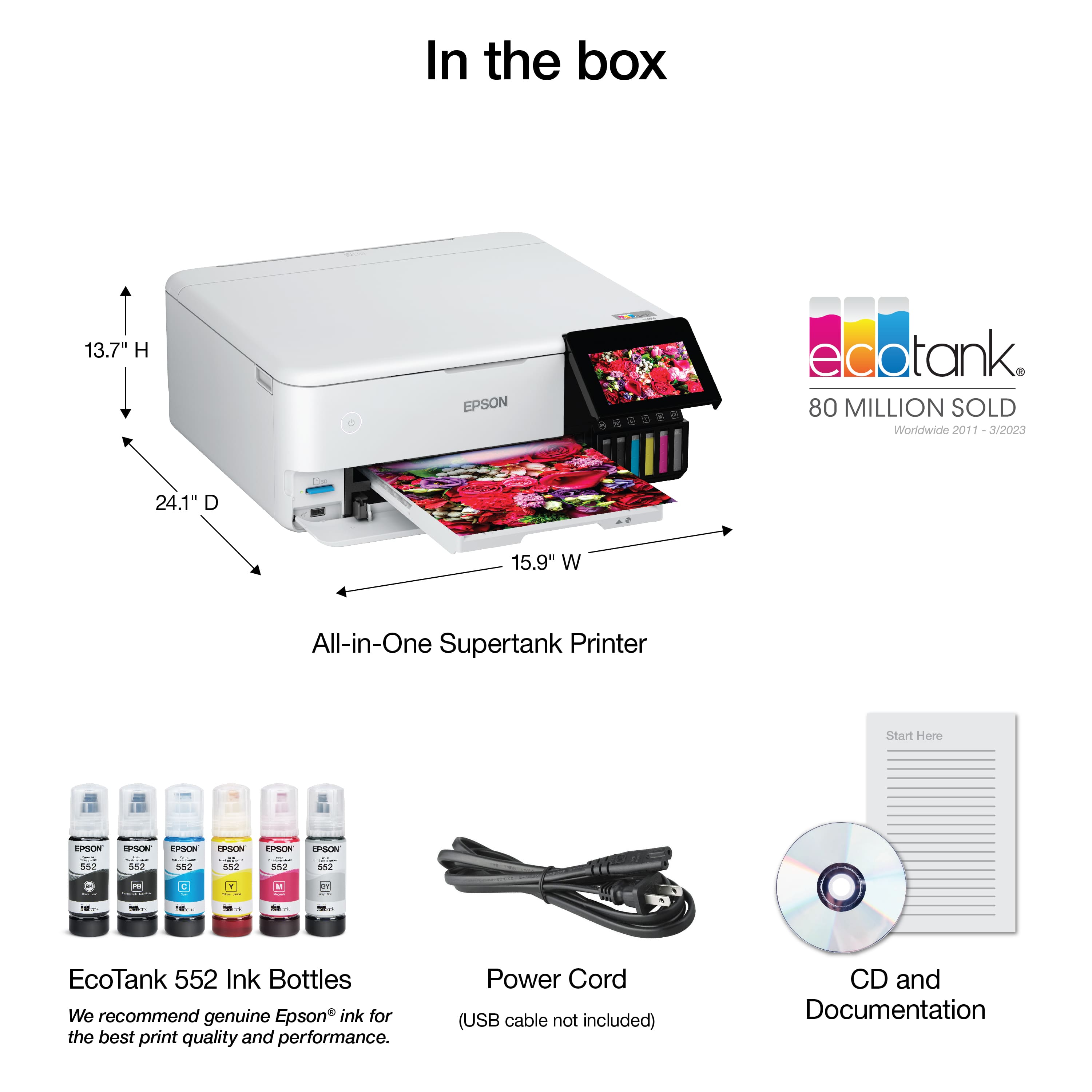
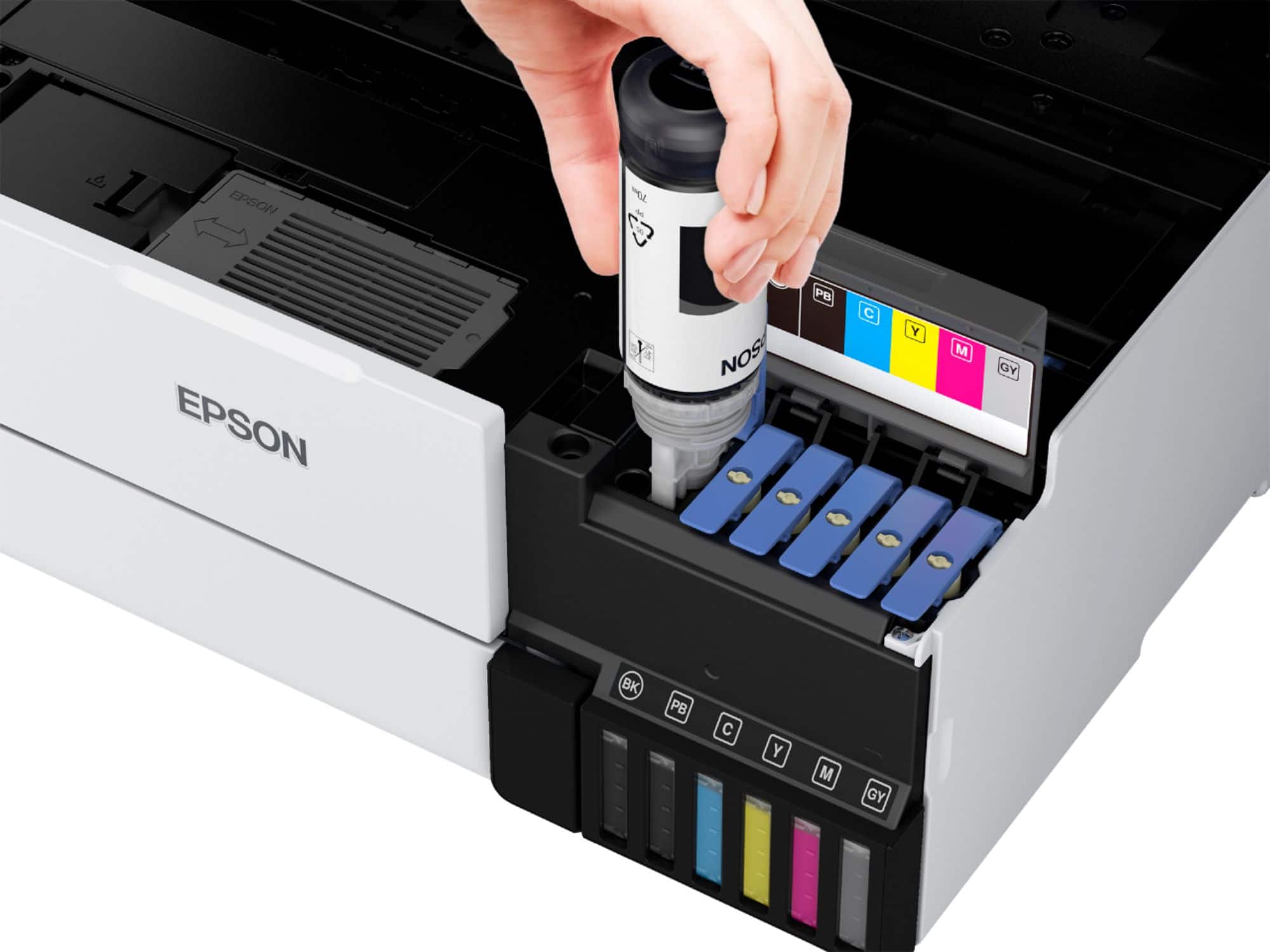
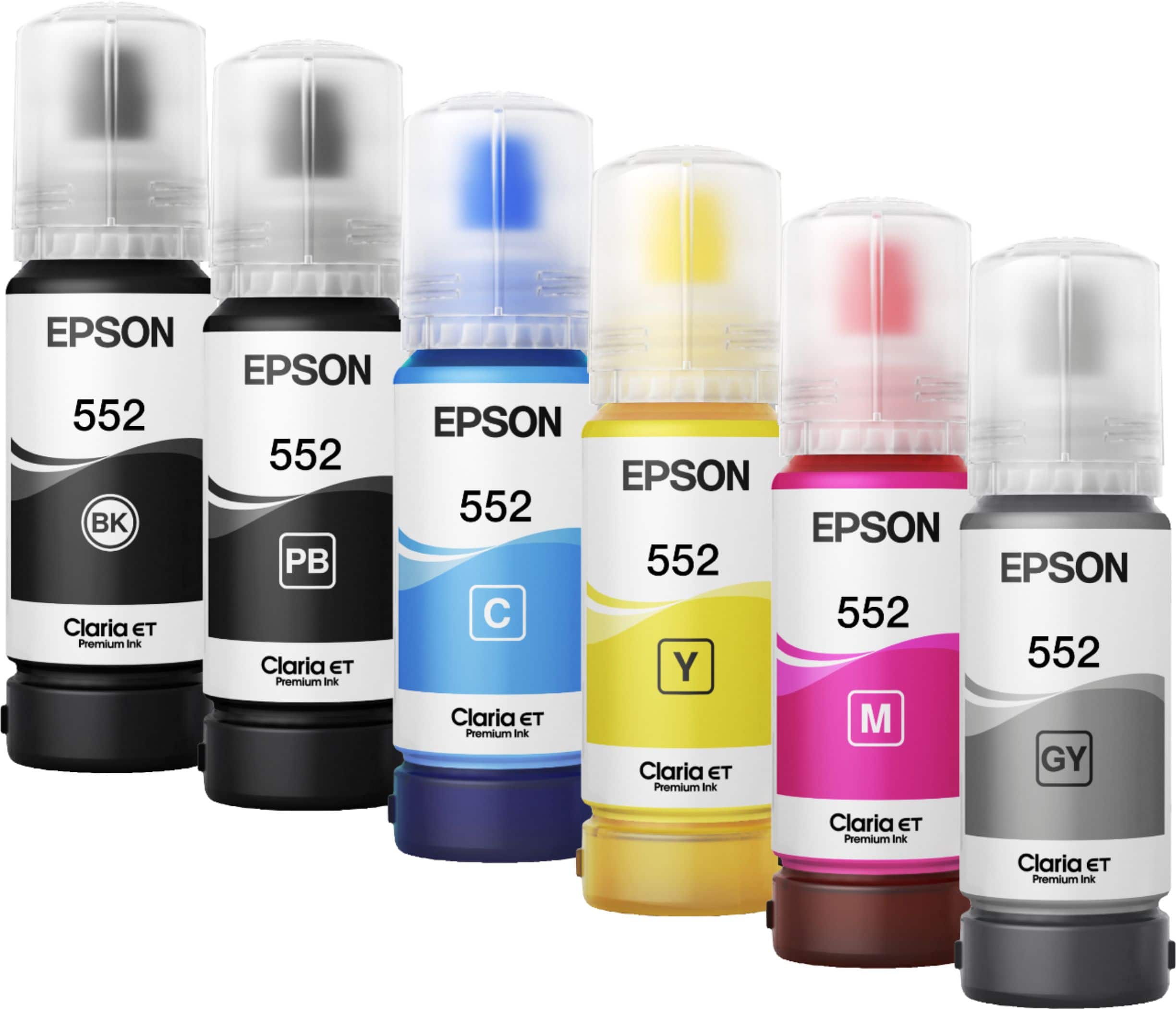
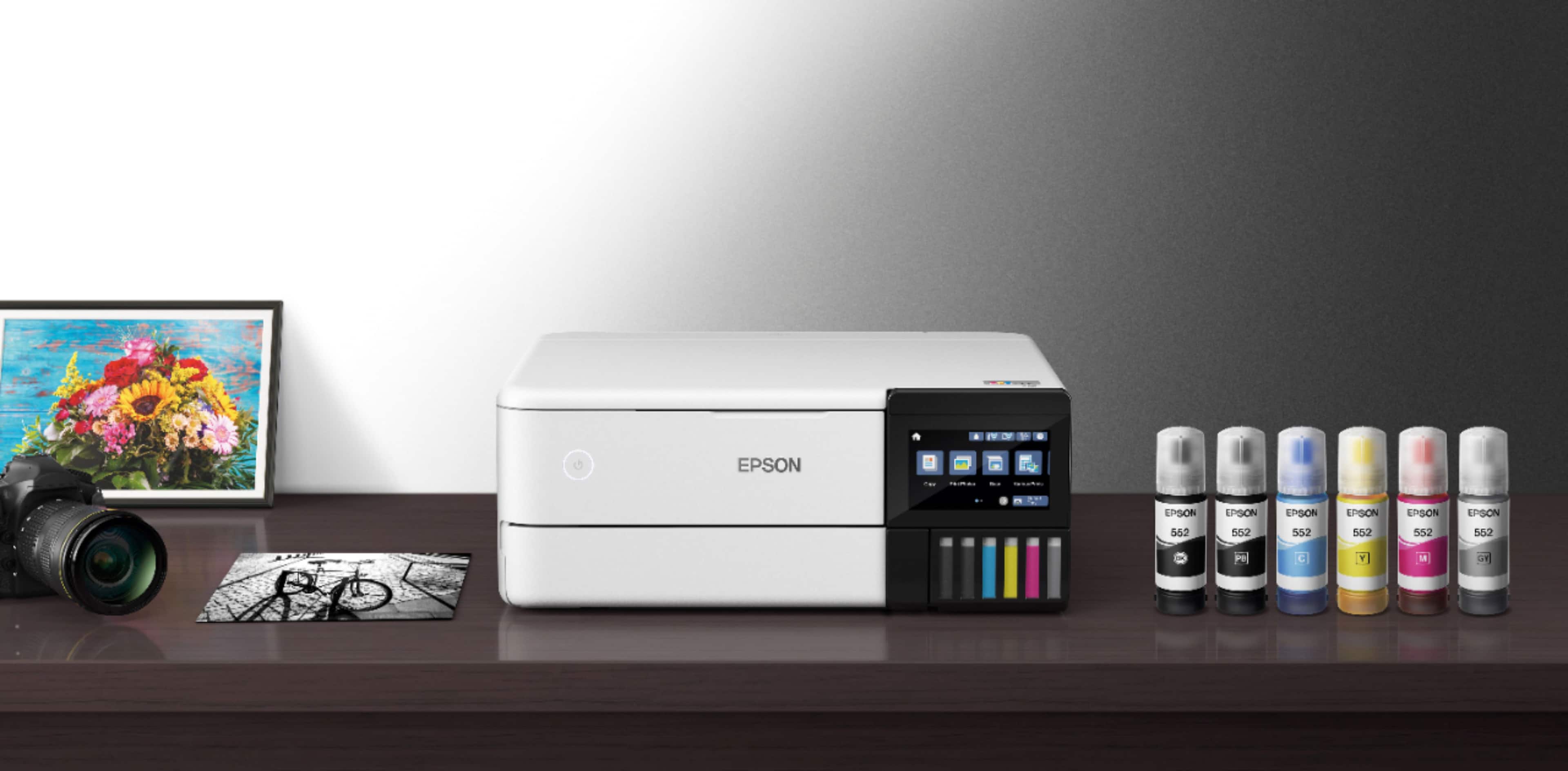
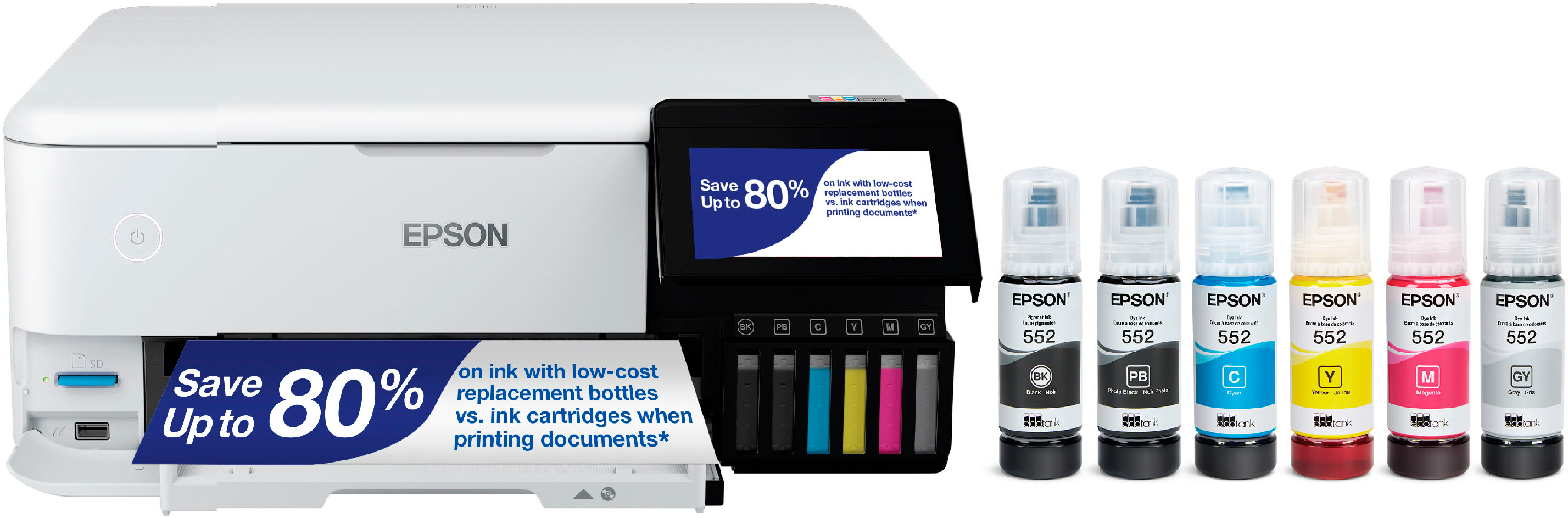
A:AnswerHello NoodleBea. The ET-8500 uses a combination of dye and pigment-based inks. Photo Black, Cyan, Magenta, Yellow, and Gray are pigment-based and Black is dye-based. Regards, Kevin - The Epson Team.
A:AnswerHello HarryBruckert. The Epson EcoTank ET-2800 is ENERGY STAR® qualified. For more details, please visit our official Epson Support page. Regards, Kevin - The Epson Team.
A:AnswerHello Thunder. Yes, the ET-8500 includes an additional USB port to use an external memory drive with the printer. From the control panel, you will be able to print files and save scanned images to your device. Regards, Kevin - The Epson Team.
A:AnswerHello Levelle. The ET-8500 would not be able to print on those sizes. We recommend looking at the ET-8550. It is a similar printer that can print on 11" x 17" and 13" x 19" paper. Regards, Kevin - The Epson Team.
A:AnswerHello Kathy. Yes, you can make adjustments to image size from the print settings. For contrast adjustments, you can make changes under the "Custom Color Correction Options" on Windows and "Advance Color Settings" on macOS. Regards, Kevin - The Epson Team.
A:AnswerHello EmELLE. The ET-8500 is a great upgrade from your previous printer. The printer uses six inks, which gives you a larger color gamut in comparison to four inks and will produce exceptional color photo print quality. Regards, Kevin - The Epson Team.
A:AnswerHello. The ET-8500 can only print on paper up to 8.5" x 11" in size. For 13" x 19" photos, we recommend looking at the ET-8550. Regards, Kevin - The Epson Team.
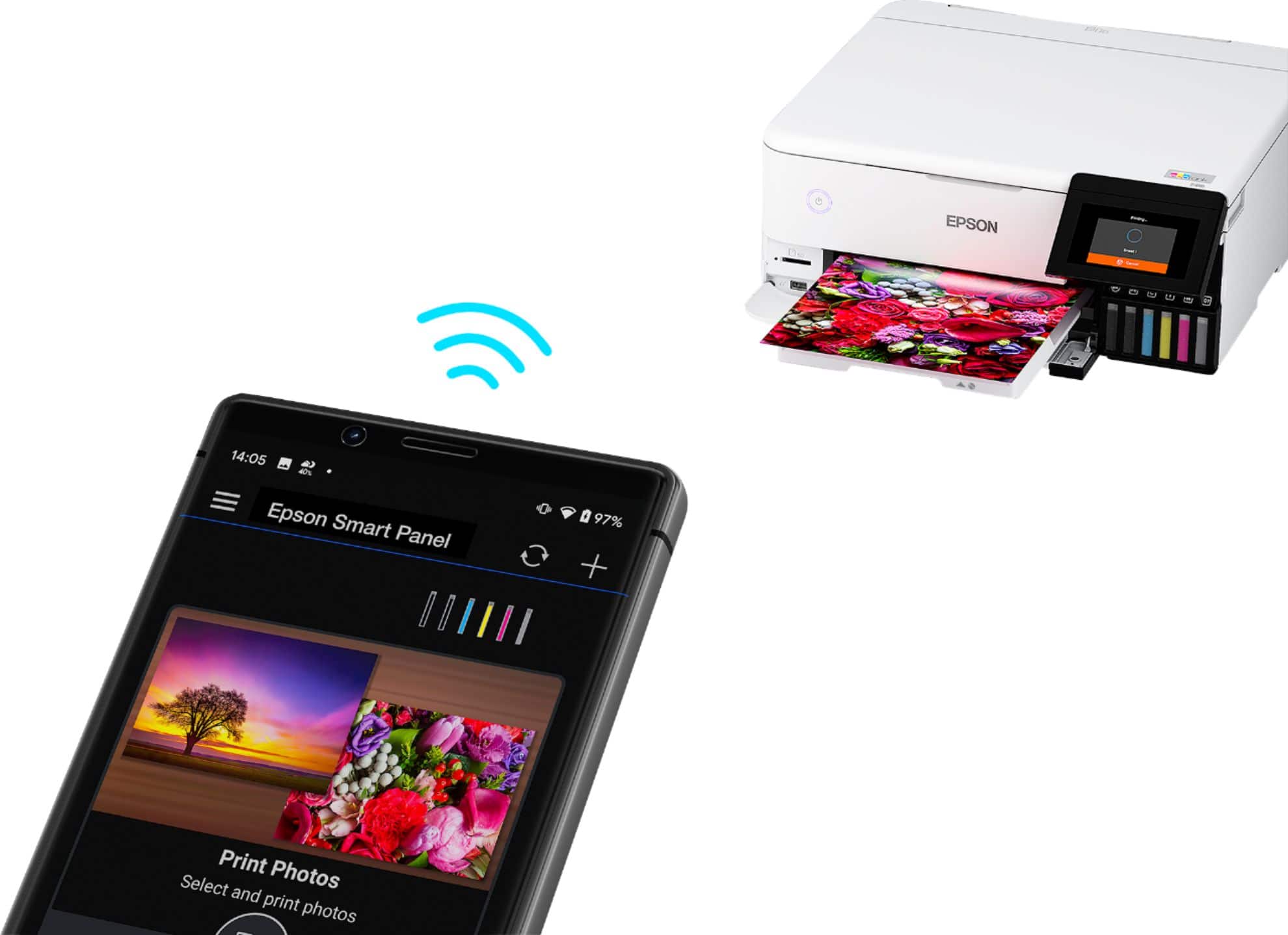
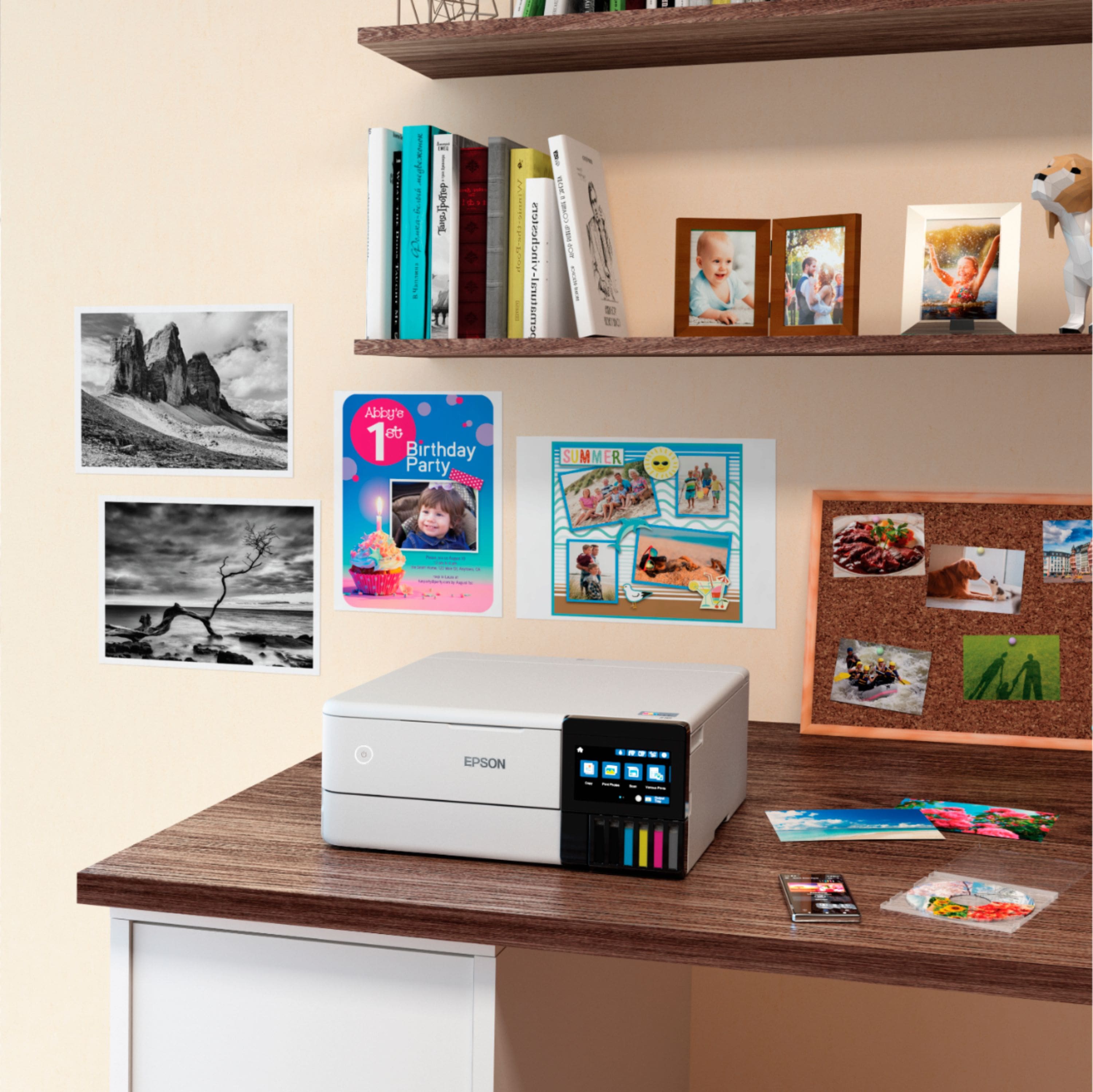
 2 Epson Smart Panel App download required. Data usage fees may apply](https://pisces.bbystatic.com/image2/BestBuy_US/images/products/9afaa04a-aec9-4227-921d-cec57841e8d6.jpg)