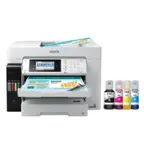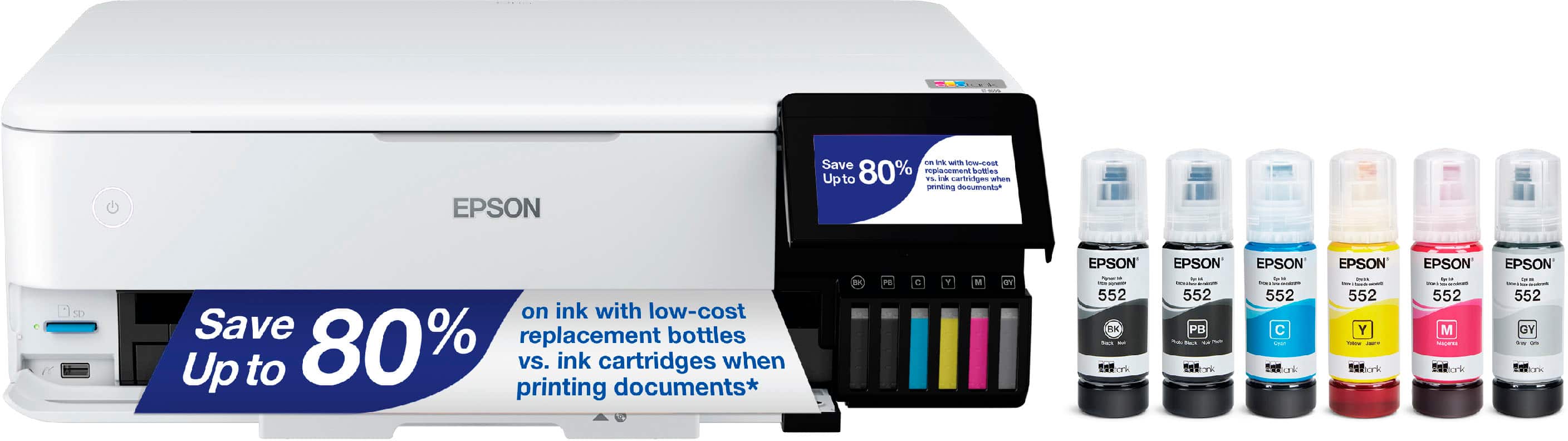
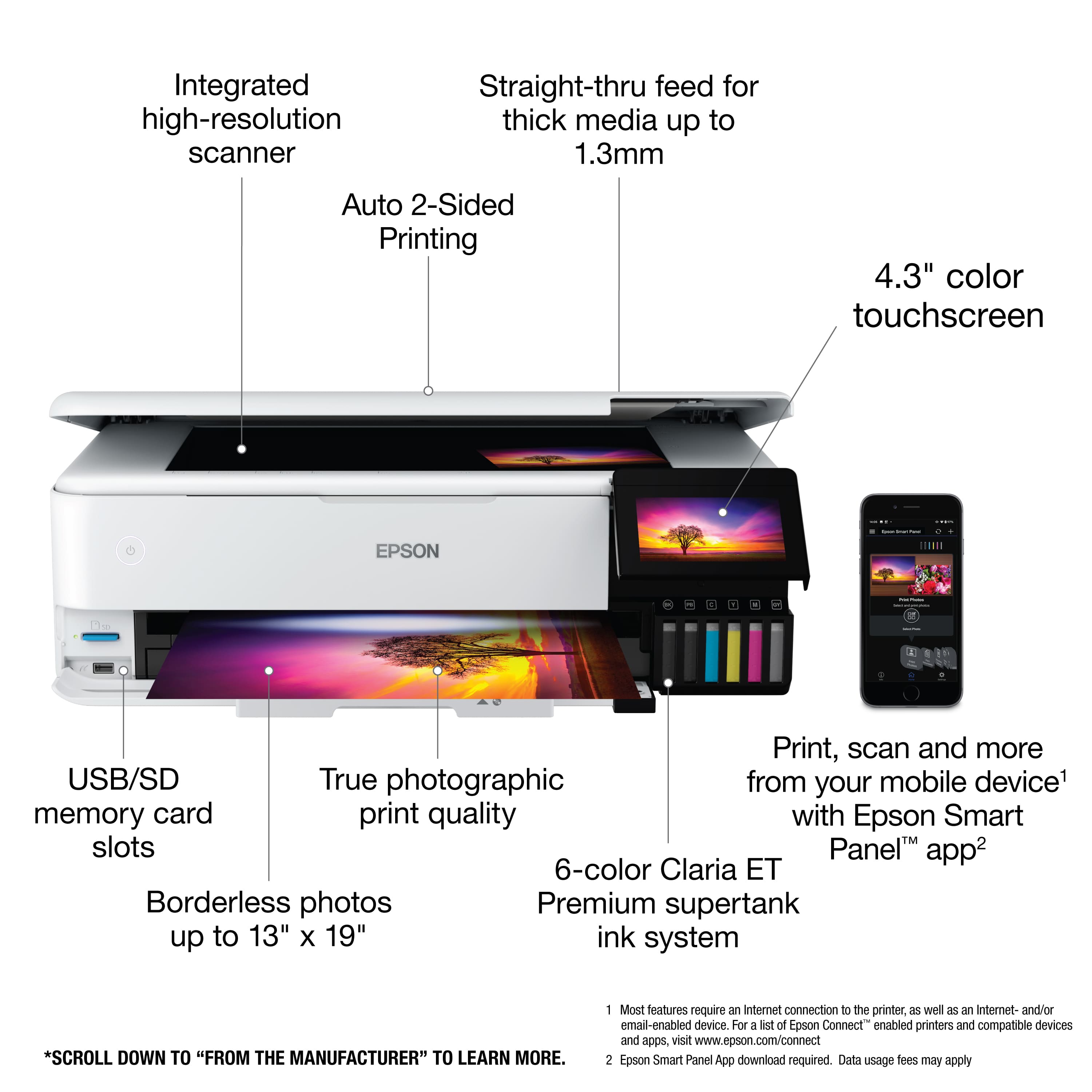
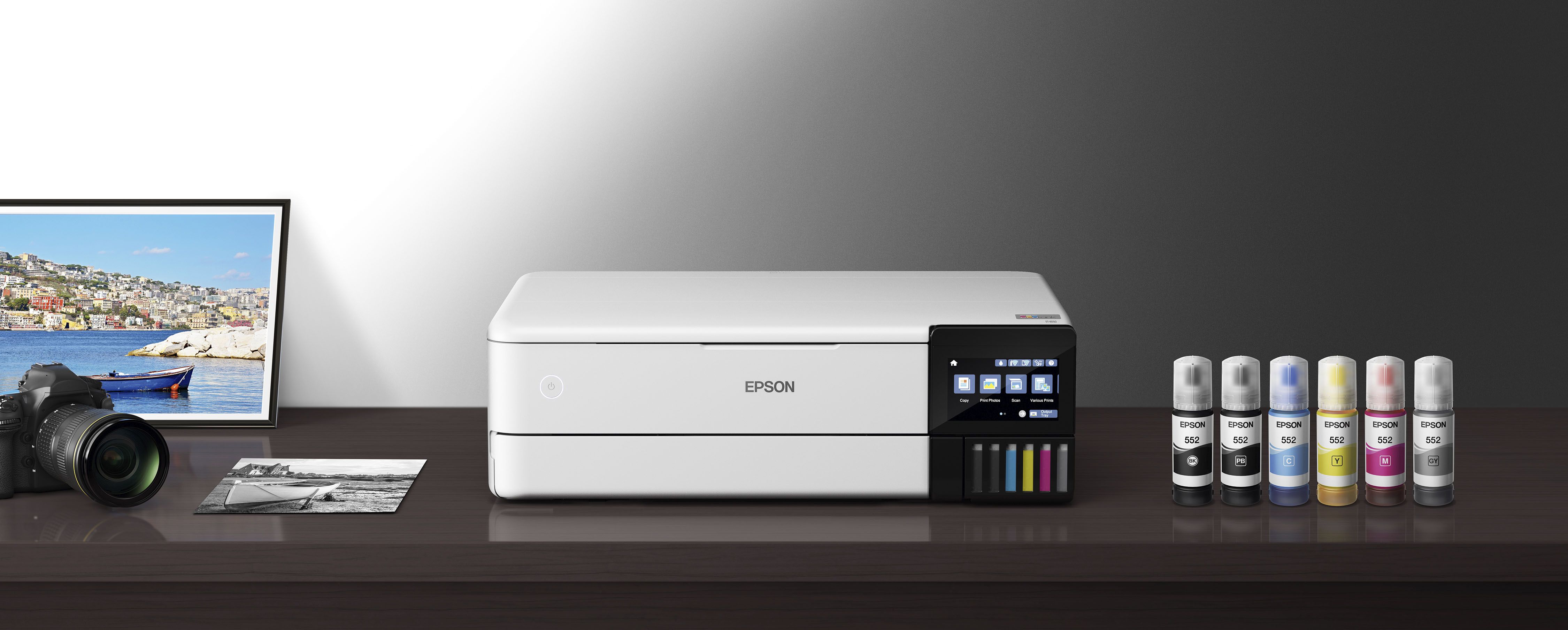
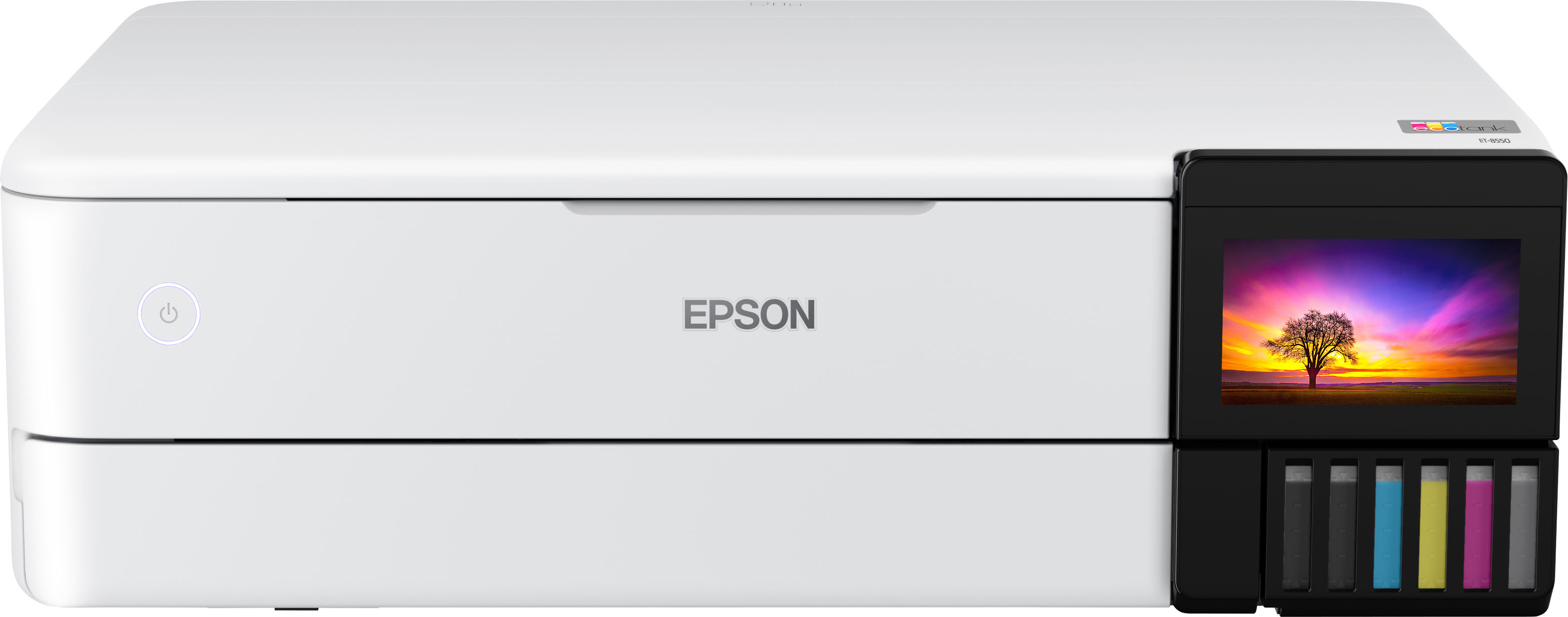
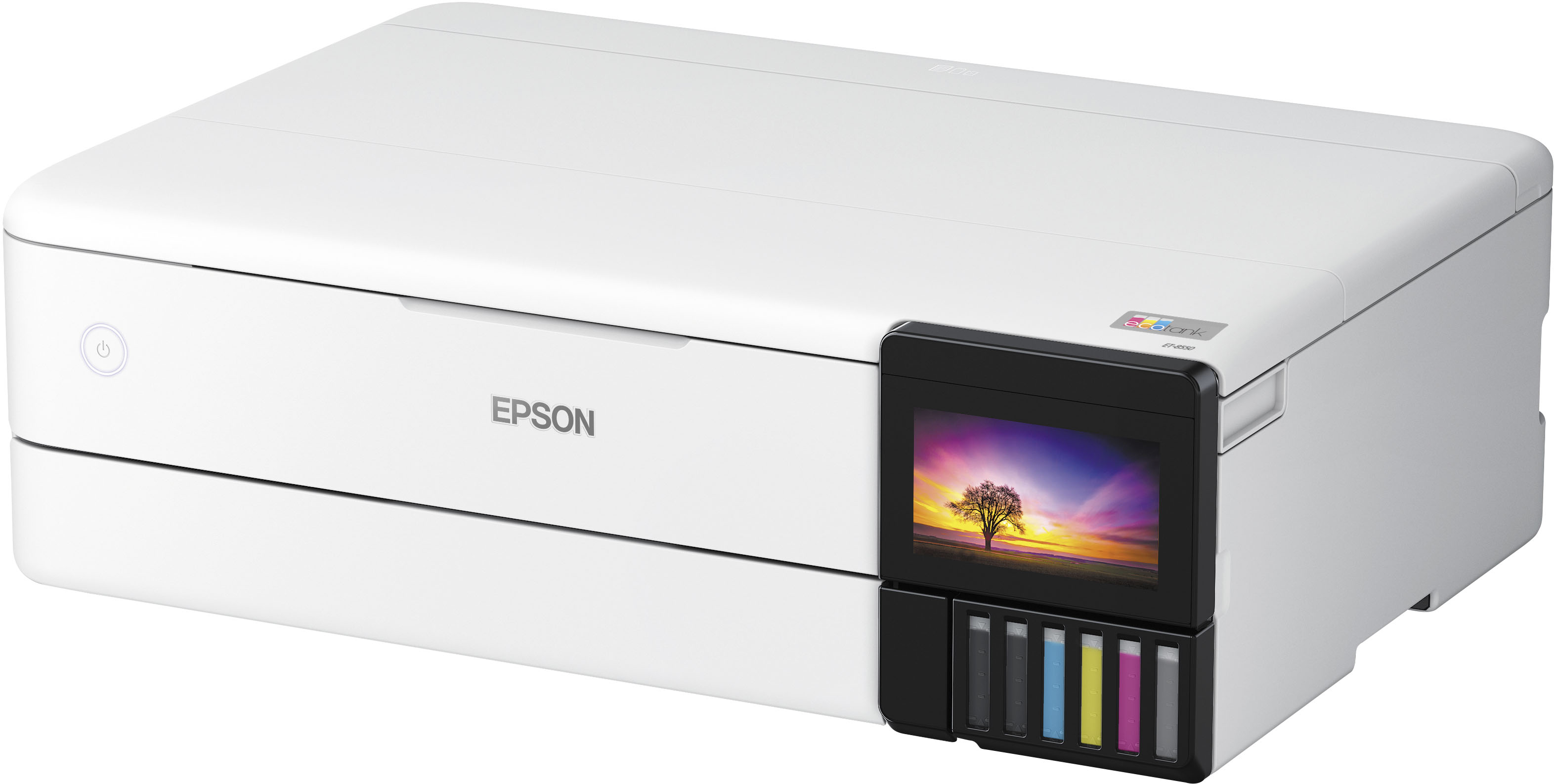
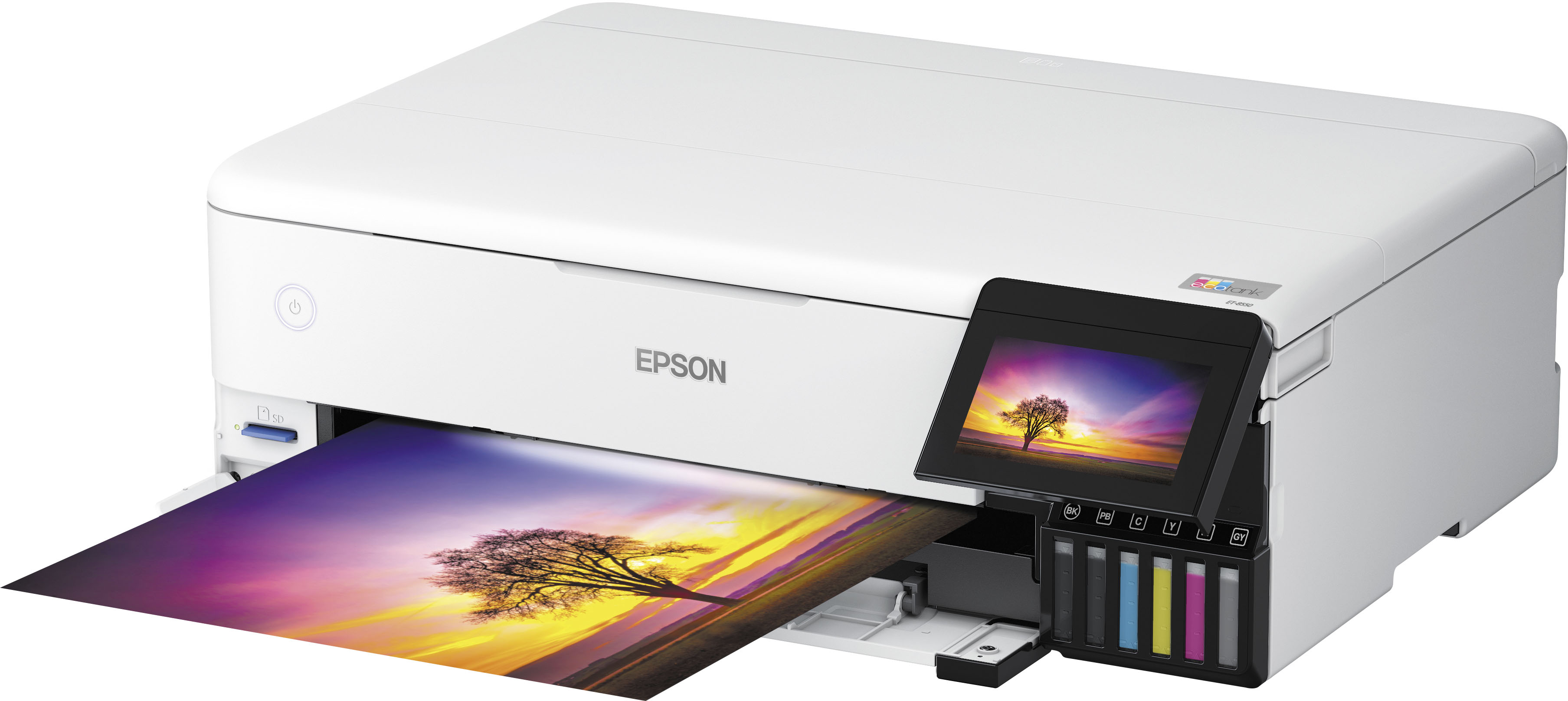
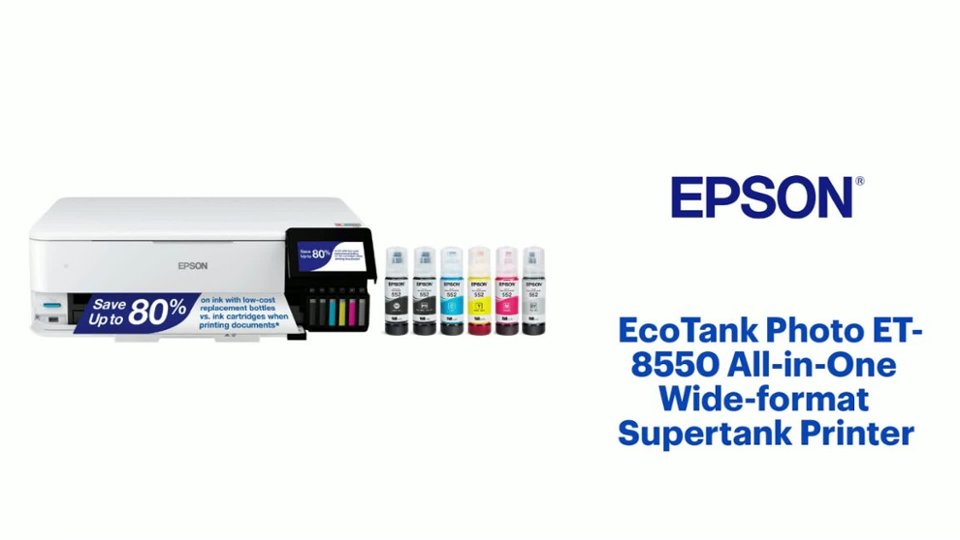
A:AnswerHello 4sallypat. Both printers are similar in design and features. The main difference between the two is that the ET-8550 is a wide-format printer that can print up to 13" x 19" in size. The largest paper that can be used on the ET-8500 is 8.5" x 14". Regards, Kevin - The Epson Team.
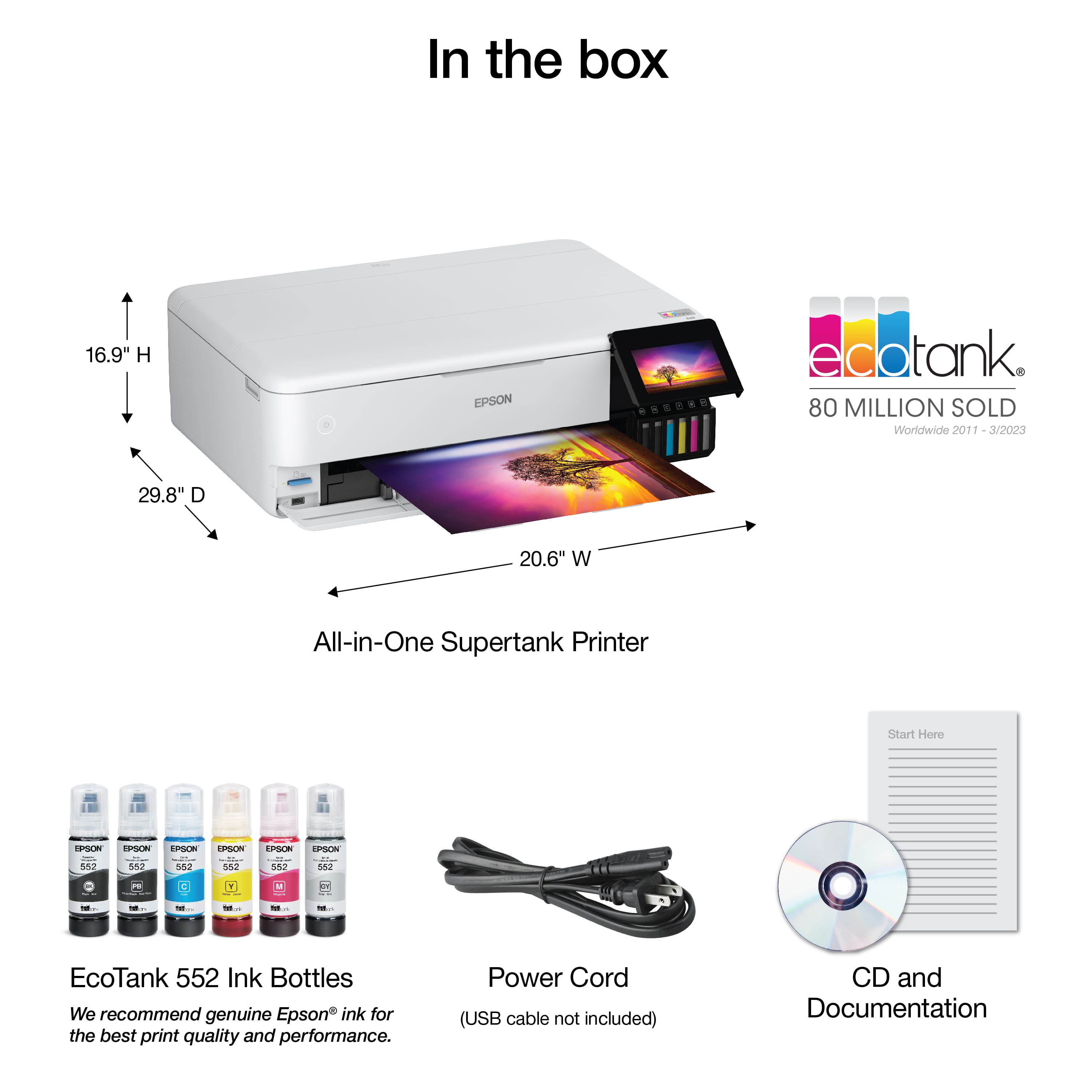
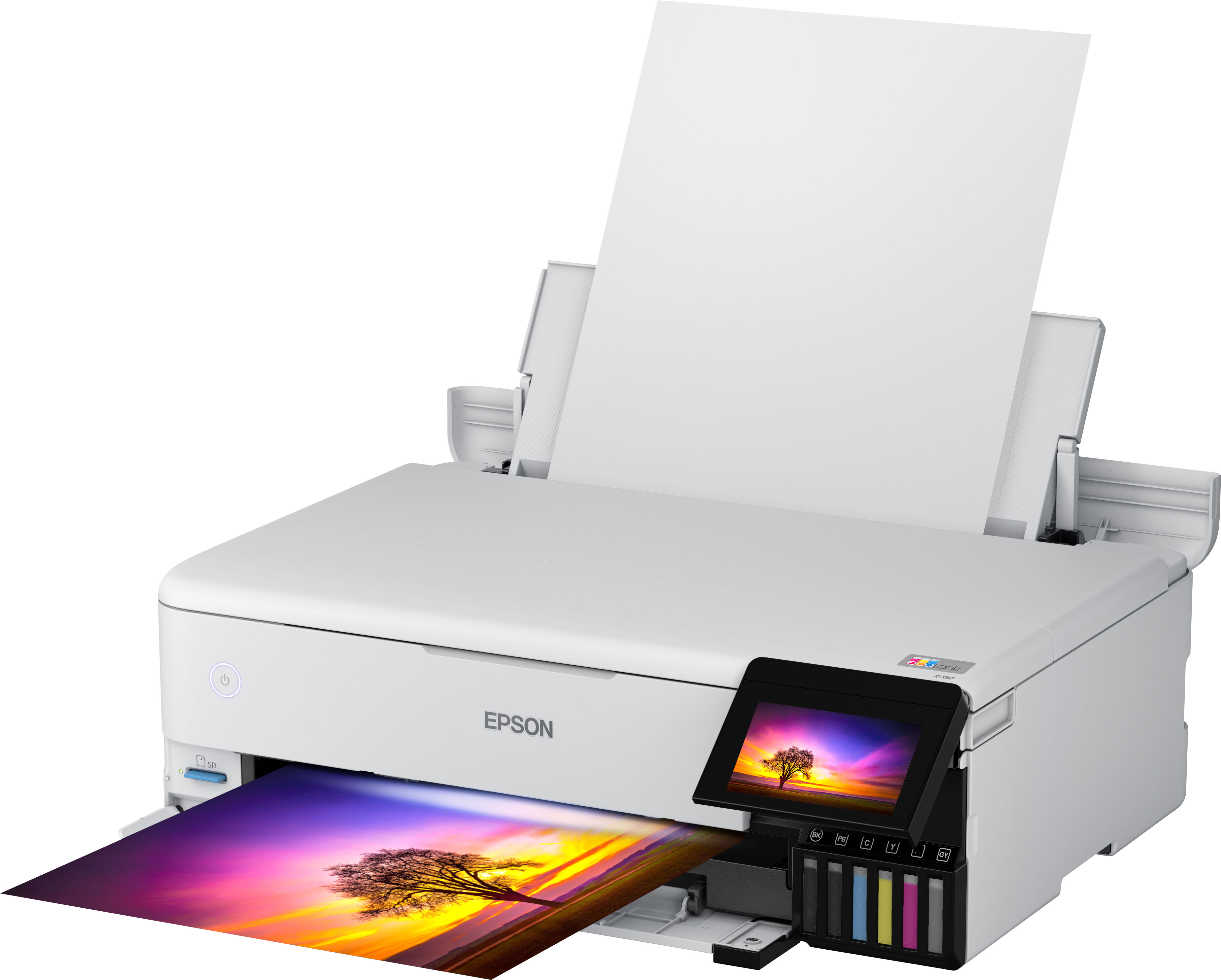
A:AnswerHi Norma, If the EcoTank Photo ET-8550 has all trays open for printing the dimensions are: 20.6" x 29.8" x 16.9" (523 x 758 x 430mm) (W x D x H). If all trays are closed for storage the dimensions are: 20.6" x 14.9" x 6.7" (523 x 379 x 169mm) (W x D x H). Regards, Mark - The Epson Team.
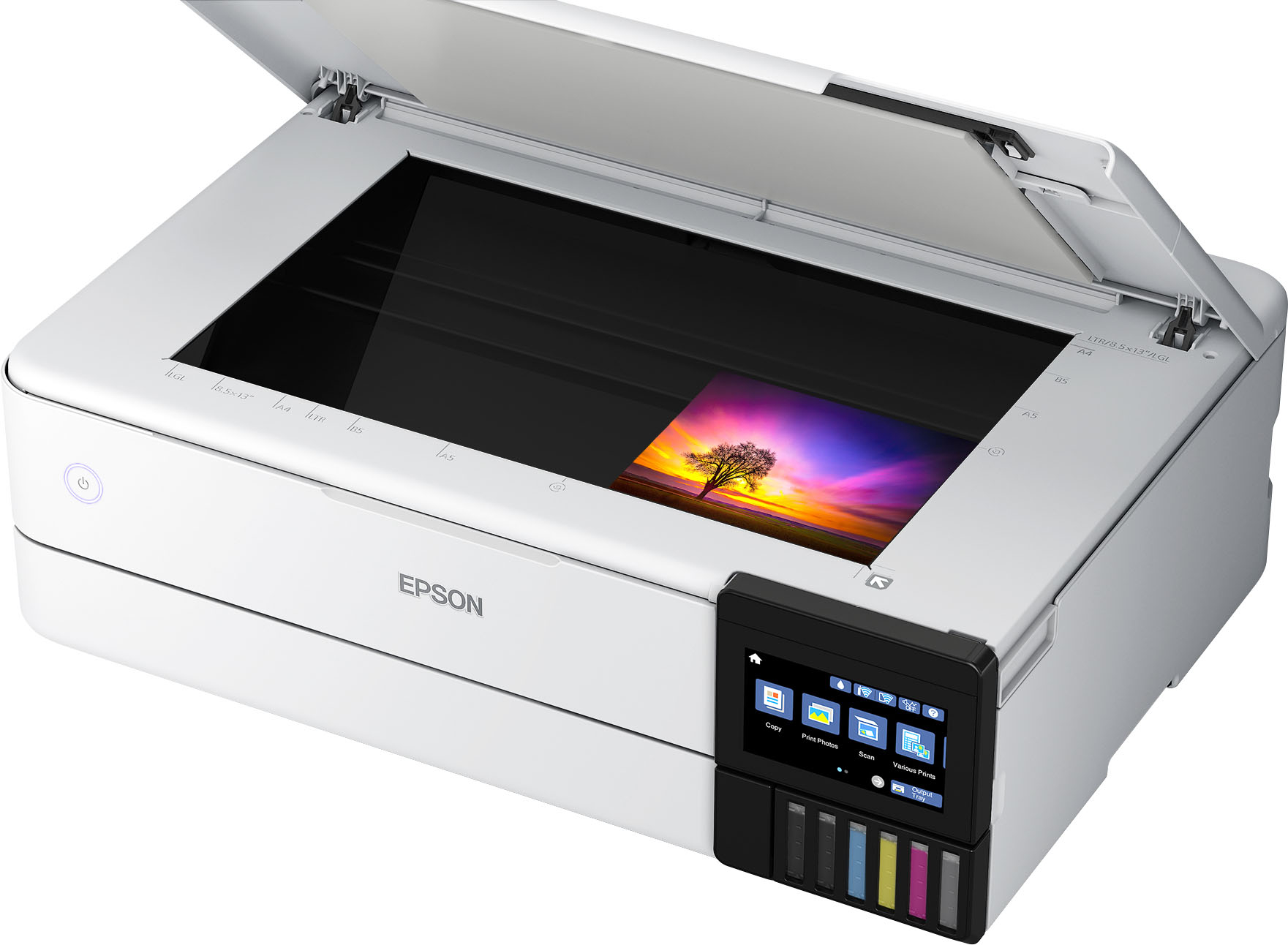
A:AnswerHi sissy, The scan bed on the EcoTank Pro ET-8550 is 8.5" x 14". You can change various scan settings such as brightness, contrast, unsharp mask, etc. Regards, Mark - The Epson Team.
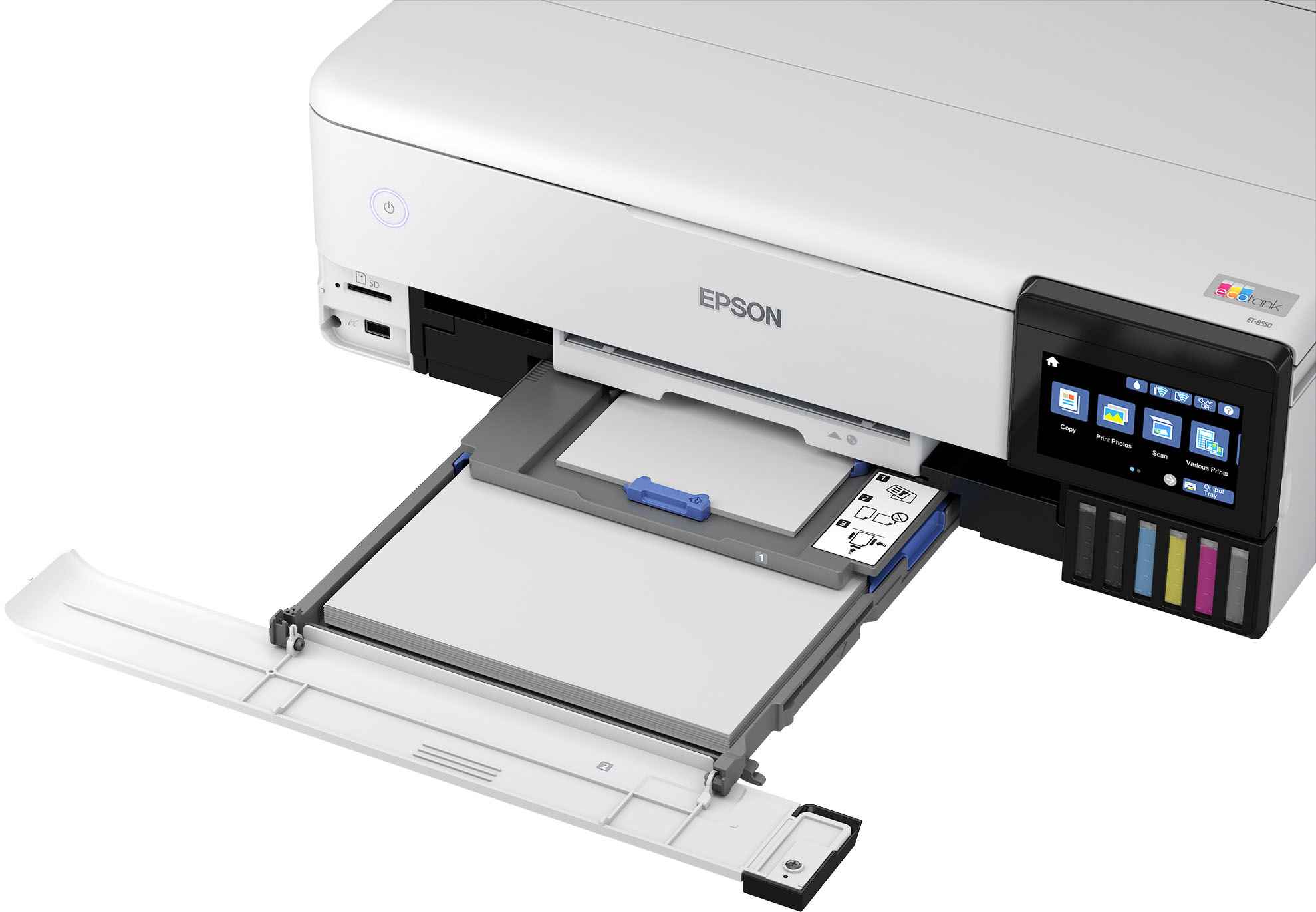
A:AnswerHello Ernie. The printer includes two cassette trays and a rear paper feed for loading paper. The thickest paper the ET-8550 can print on is Epson Premium Photo Paper Glossy which weighs 79 lb. For cardstock, we recommend using paper that weighs around 44 lb, as similar Epson paper has been tested to work. You can try a cardstock that falls in that range, but your results can vary, as these recommendations are for Epson paper only. Regards, Syd - The Epson Team.
A:AnswerHi KCook, Yes, as long as the EcoTank Photo ET-8550 has been set up with ink, you can keep scanning after one or more colors is expended. We recommend refilling ink tanks as soon as possible to avoid ink drying around the nozzles. Regards, Mark - The Epson Team.
A:AnswerYes it can but you should look into any of the other ecotank printers for that. This is a six color printer that mostly converted for dtf printing. Sublimation doesnt print white so its a waste of money to buy this to convert for that purpose.
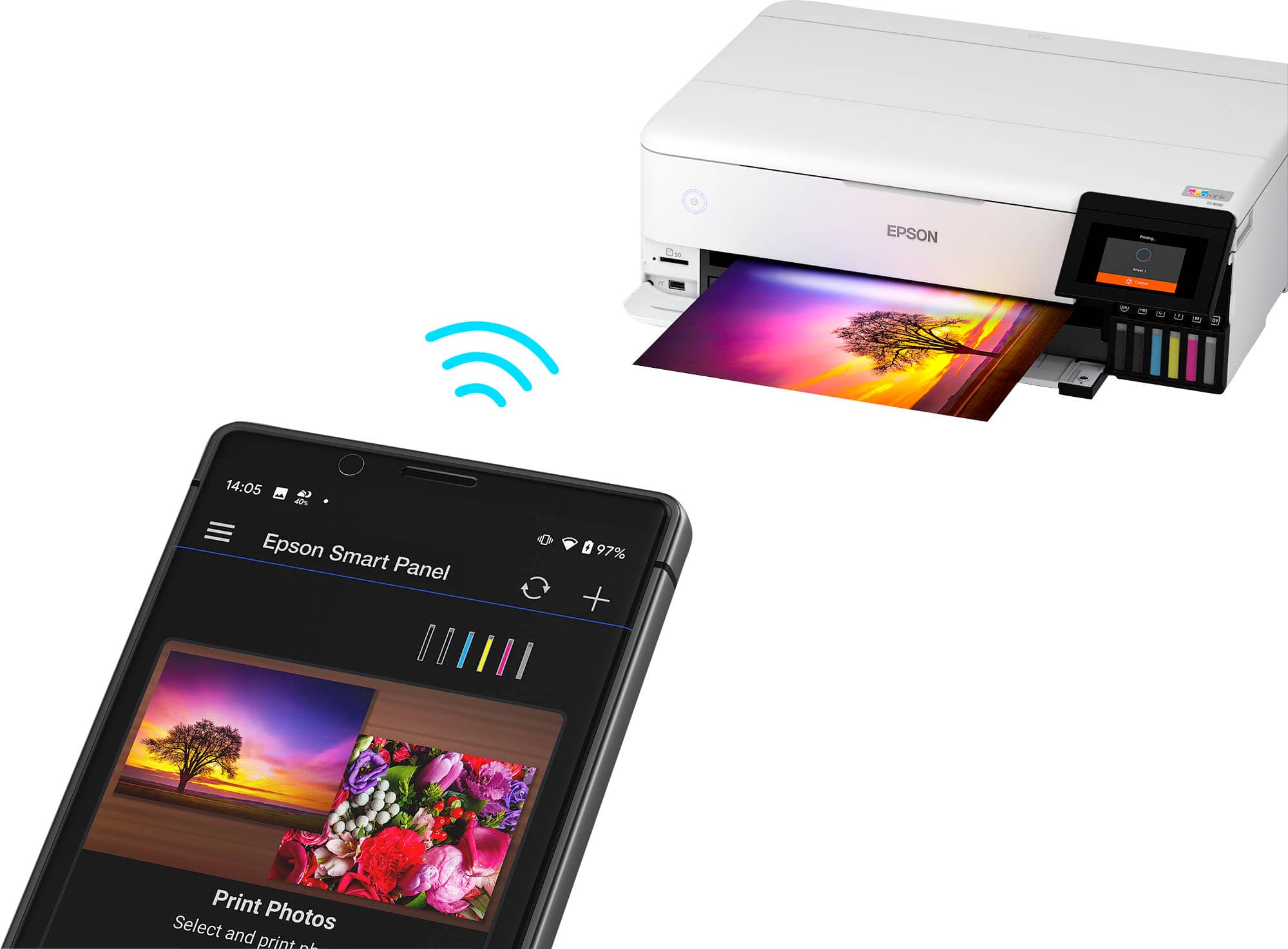
A:AnswerHello Ron. The ET-8550 is designed to work on a home Wi-Fi router using a 2.4Ghz band. If the Wi-Fi 6 router you are using is a 5 GHz router, then you want to ensure that it is a dual-band or tri-band router and that the printer connects to the 2.4 GHz band. Regards, Kevin - The Epson Team.
A:AnswerHi Rebecca, the EcoTank Photo ET-8550 can scan at a maximum hardware resolution of 1200 x 4800 dpi. Much higher than 600 dpi. It can produce a maximum interpolated resolution (what you call a software cheat) of 9600 dpi. Regards, Mark - The Epson Team.
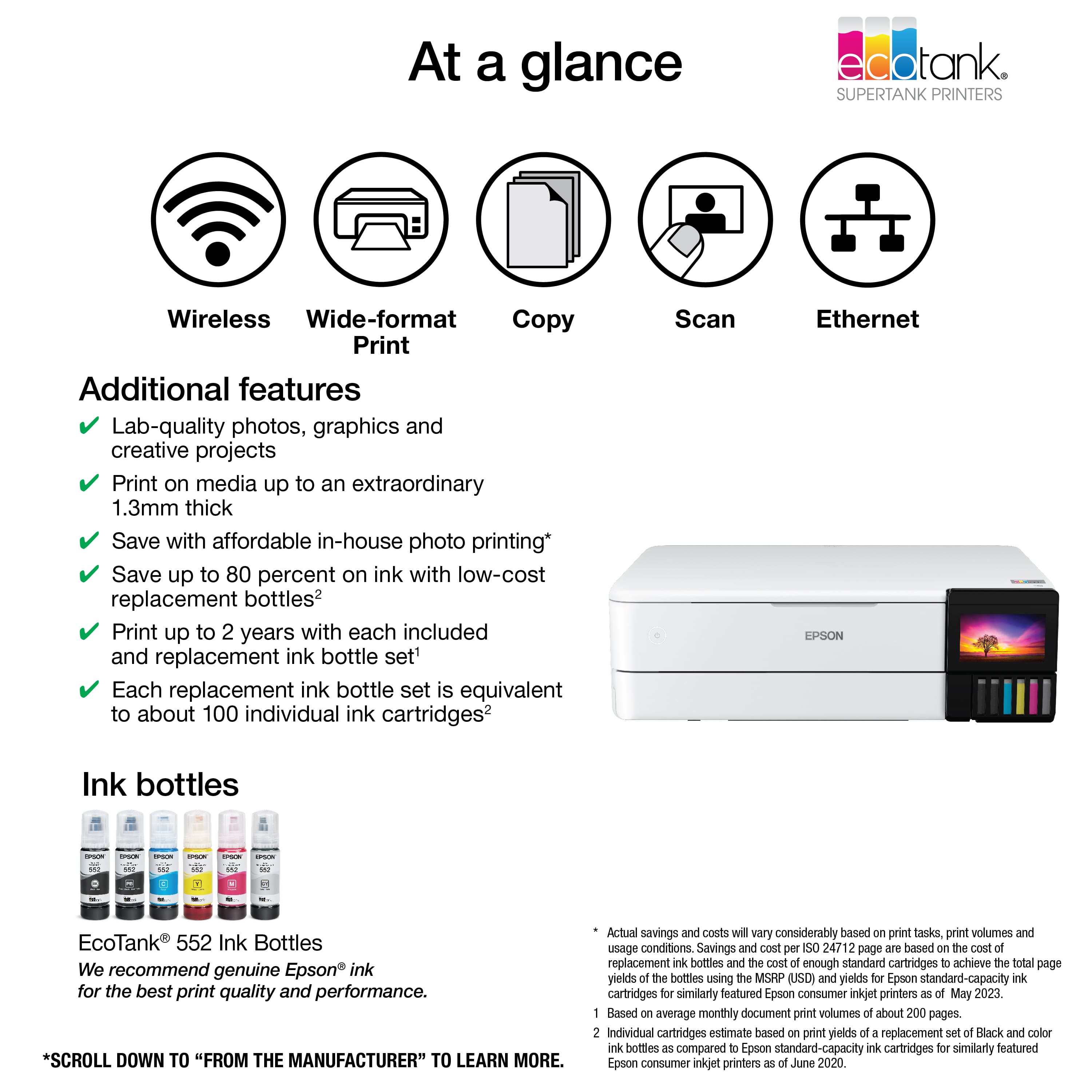
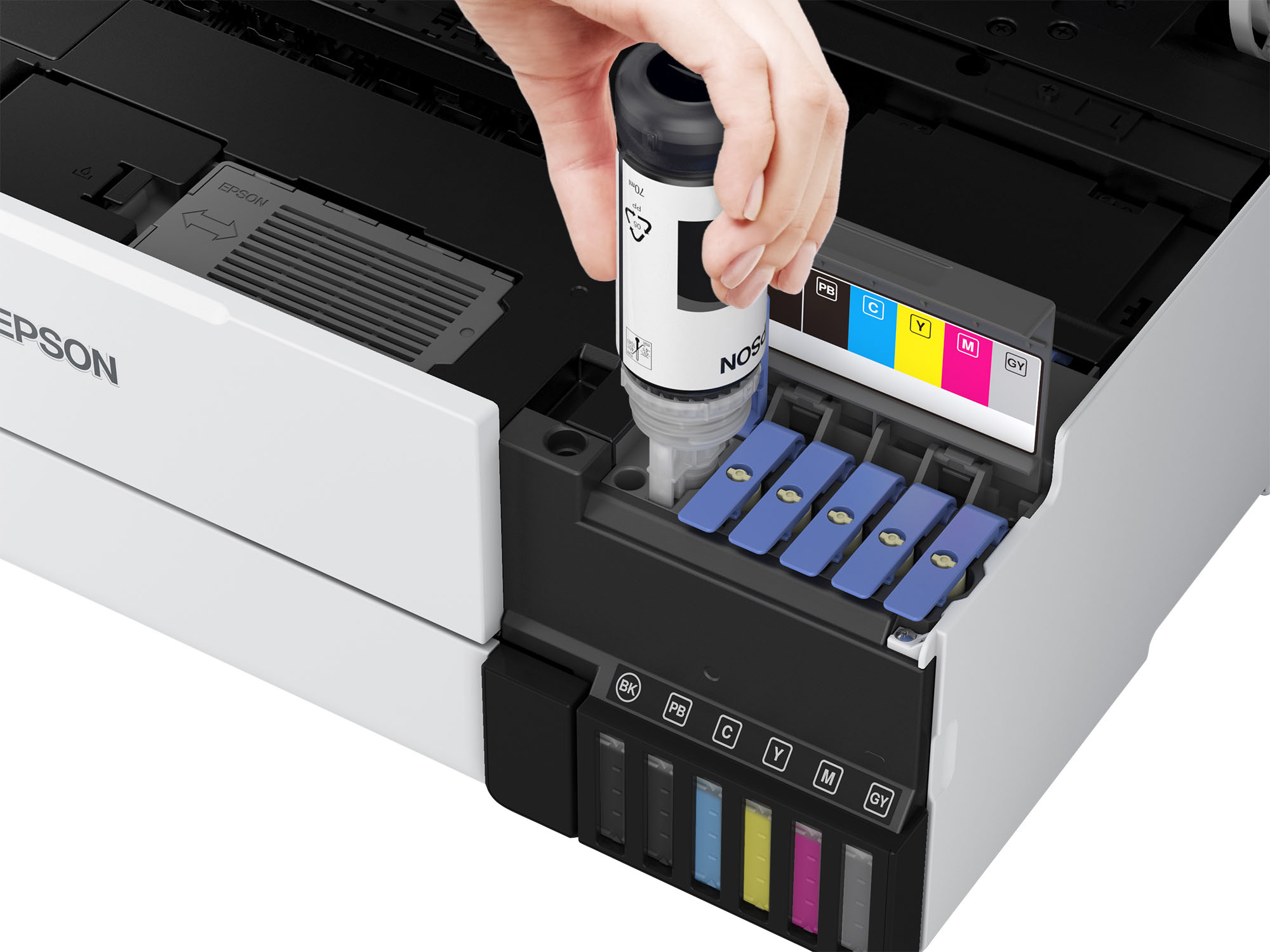
A:AnswerInk prices comes directly from Epson's website. Black $19.99, Photo Black $17.49, Cyan $17.49, Magenta $17.49, Yellow $17.49, Gray $17.49 and 5 Pack (C/M/Y/Pk/Gray $87.45. I'm thinking about purchasing this printer also and wanted to see how much the ink costs. According to Epson, a full set of ink should last 2 years.
A:AnswerBe sure that you use the most direct paper path when printing on labels or similar media (that can peel off and jam things up big time). I'd recommend using the Manual Feed as the source and feed the sheets of labels manually. I'd NEVER using Trays 1 or 2 as the paper will bend considerably.You may also be able to use the Rear Tray as an alternative, as it does not bend the paper that much.
A:AnswerHello. Yes, the ET-8550 can print 5" x 7" photos. The printer supports paper sizes ranging from 2.2" x 3.4" to 13" x 78.7". Regards, Kevin - The Epson Team.