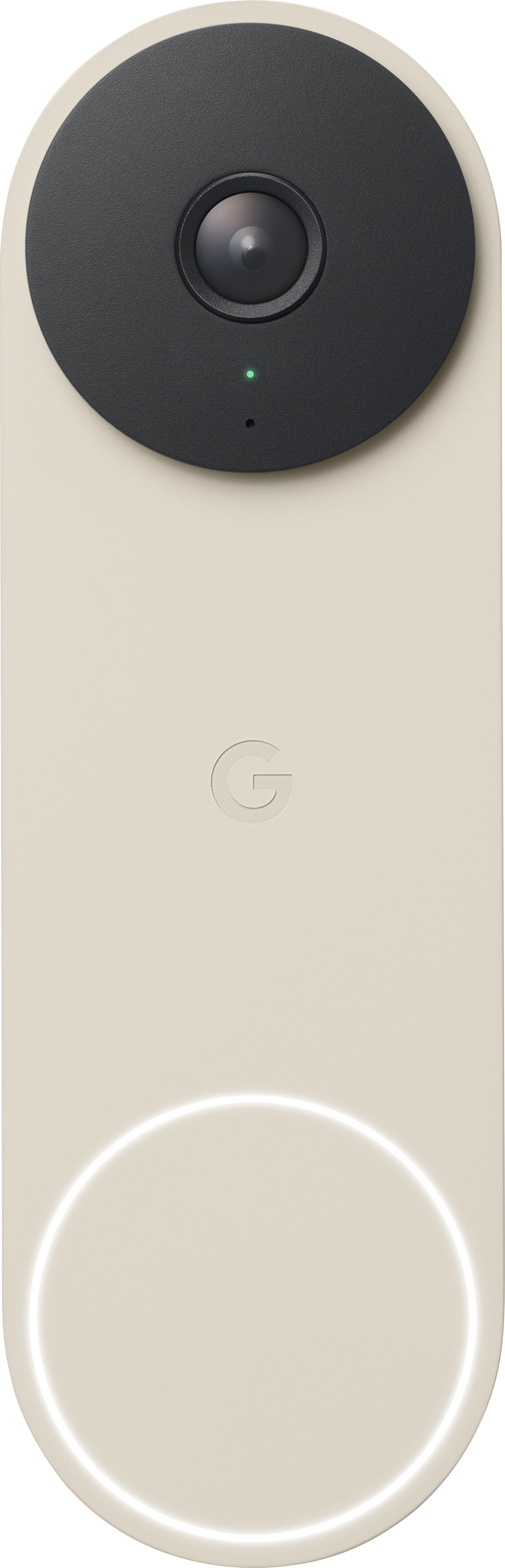
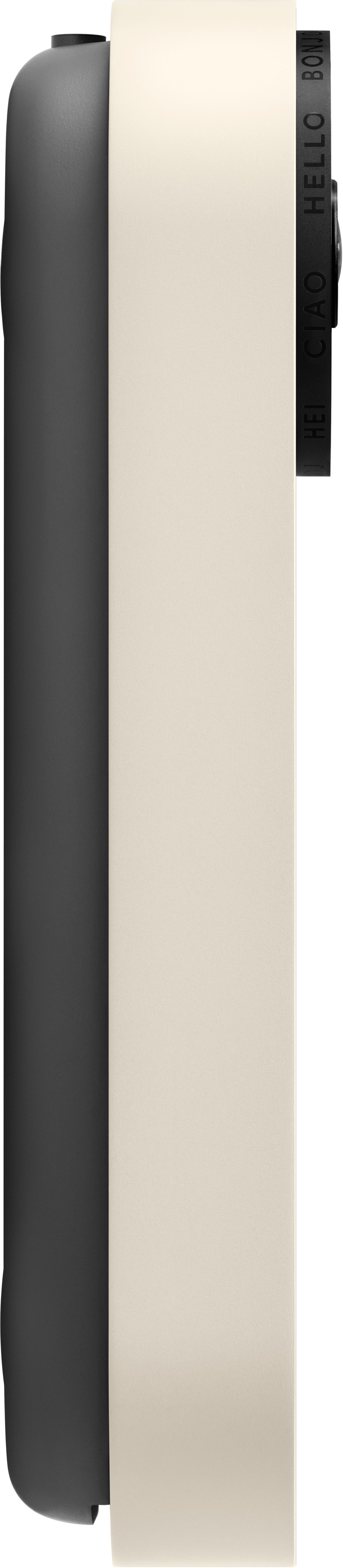
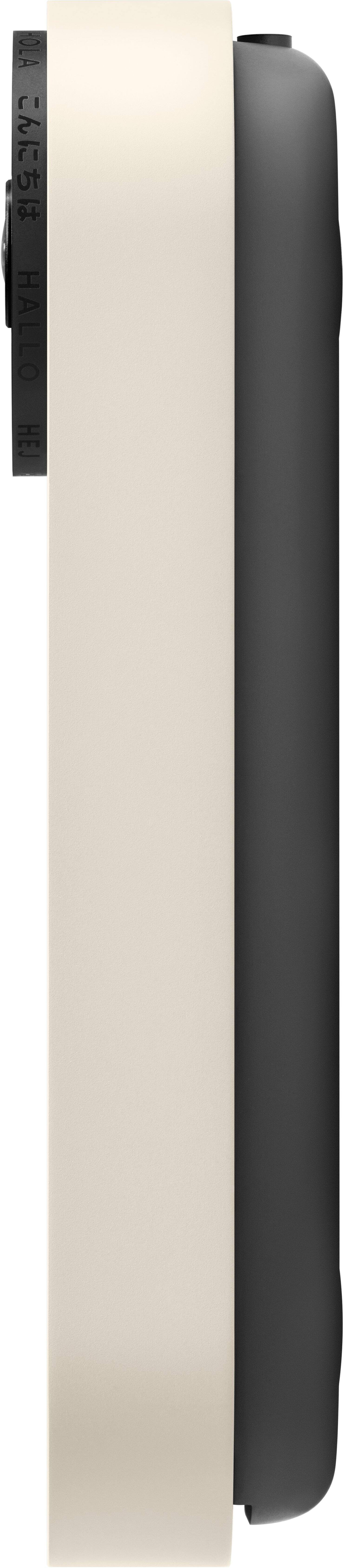
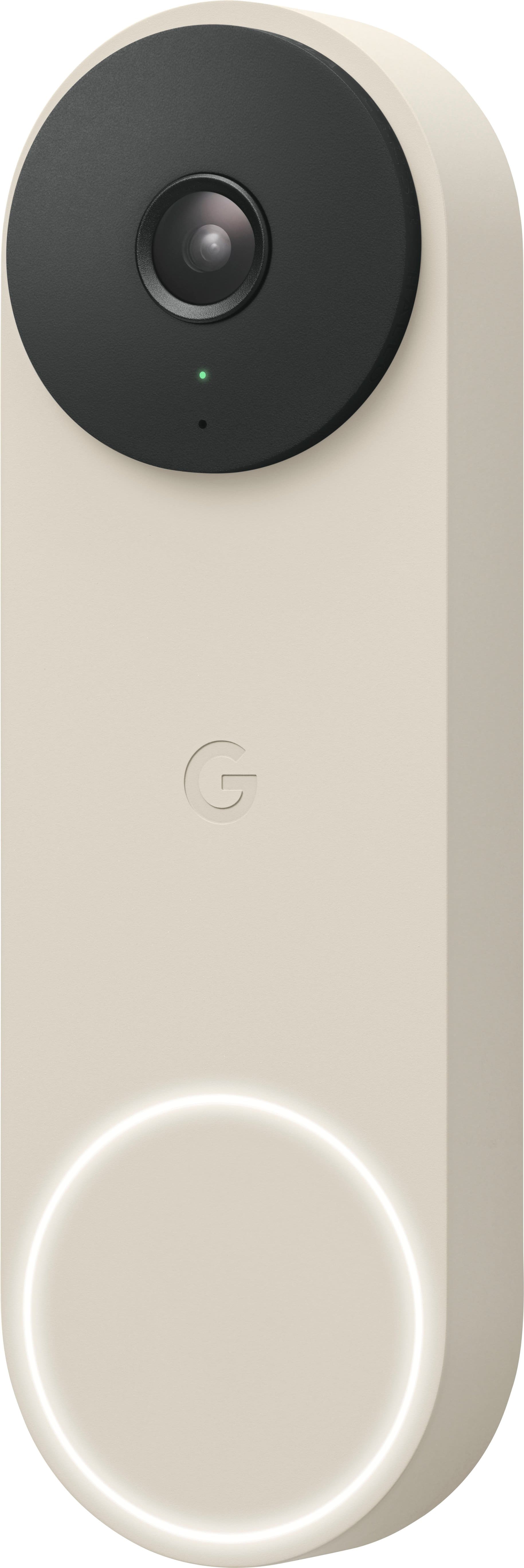
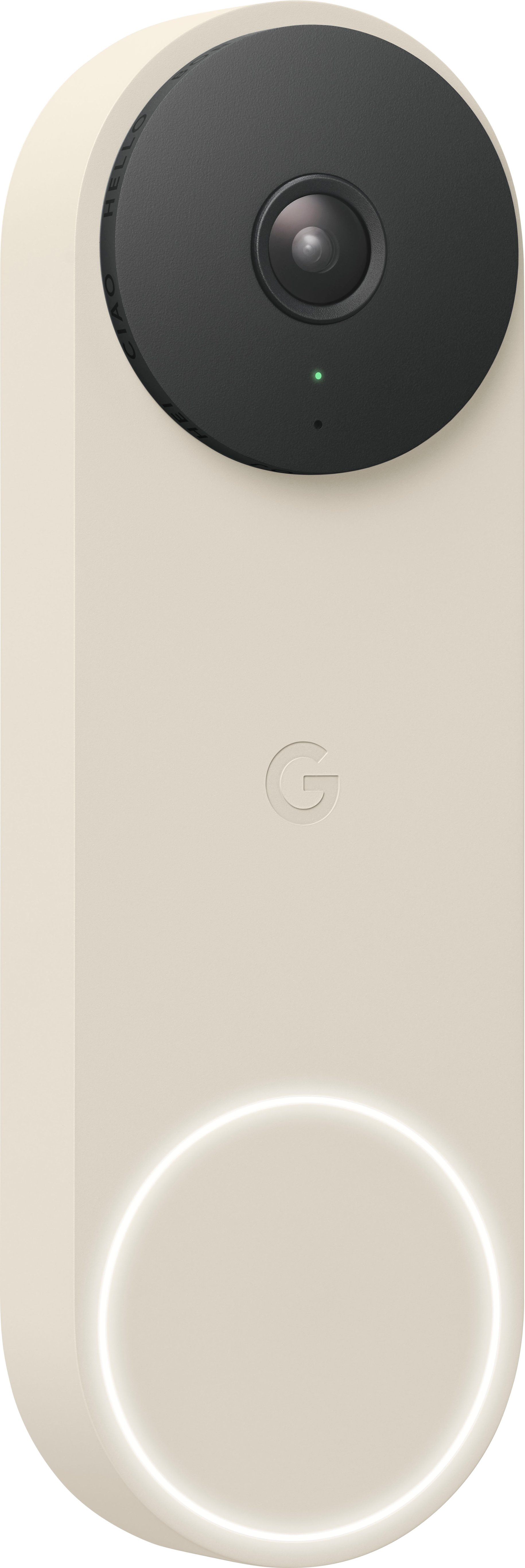
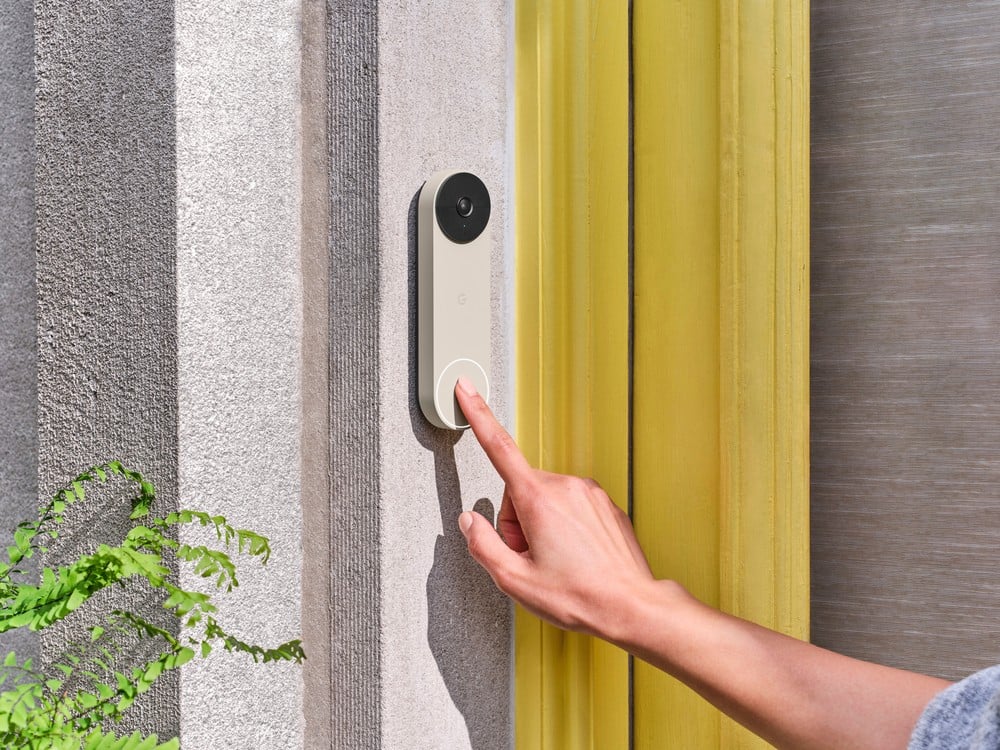
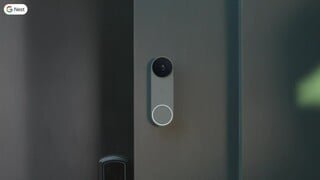
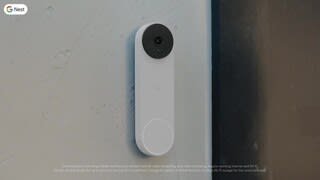
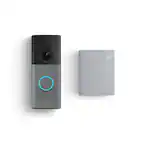
A:Answer Hi, Daniella! While Nest doorbells have sounds that help you know what’s happening (for example, when it restarts), a chime is not included. But when a visitor presses your Nest Doorbell (battery), you can hear an audible alert if you have compatible smart speakers or displays, like Nest Audio or Nest Hub. You can connect a Google speaker or display and set up visitor announcements if you want to get notified when someone rings your doorbell when you’re home. You'll only get visitor announcements on your speakers and displays if they are set up in the same home as your doorbell in the Home app. If you choose the optional hard-wired installation, it will work with an existing doorbell chime if you have one. Learn more about how the visitor announcement works here: https://support.google.com/googlenest/answer/10479296
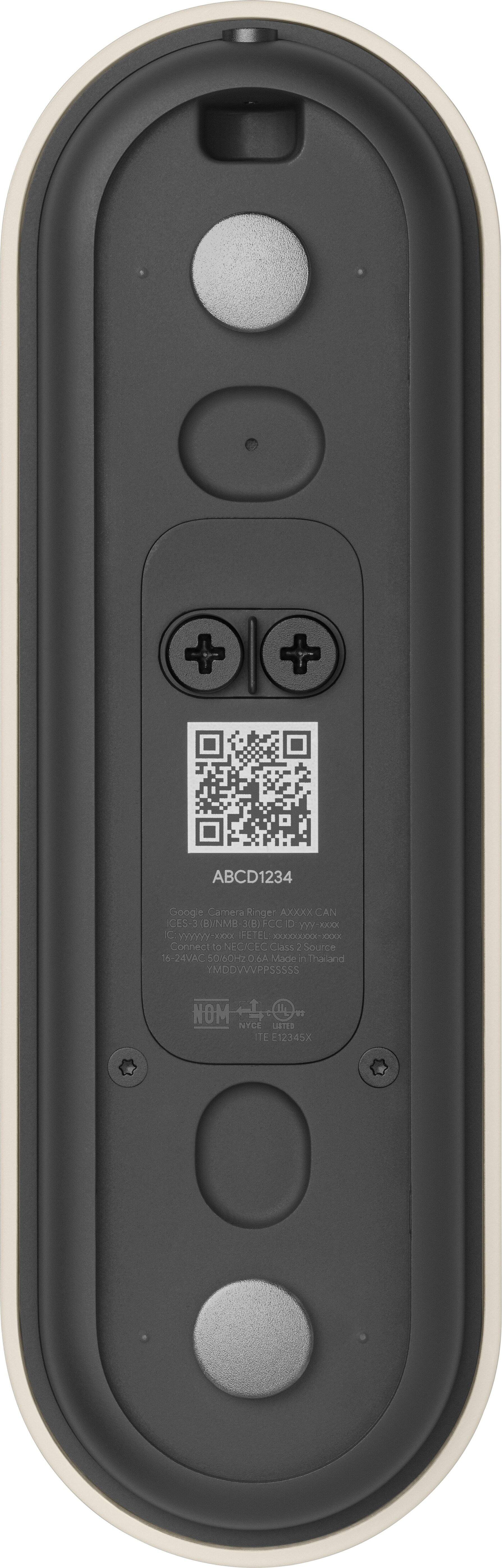
Nest Doorbell (Battery) works with mechanical and digital chimes having a voltage rating of 8 to 24 V AC. You may use a tester to check the voltage of your chime and verify its compatibility, or contact a Nest Pro technician to test your chime's compatibility and install Nest Doorbell (Battery). For more information, please visit this link: https://support.google.com/googlenest/answer/9247132
You will also receive notifications on your phone or tablet when your Nest doorbell detects important activity. Check this link for more details: https://support.google.com/googlenest/answer/9210305