A:AnswerHello,
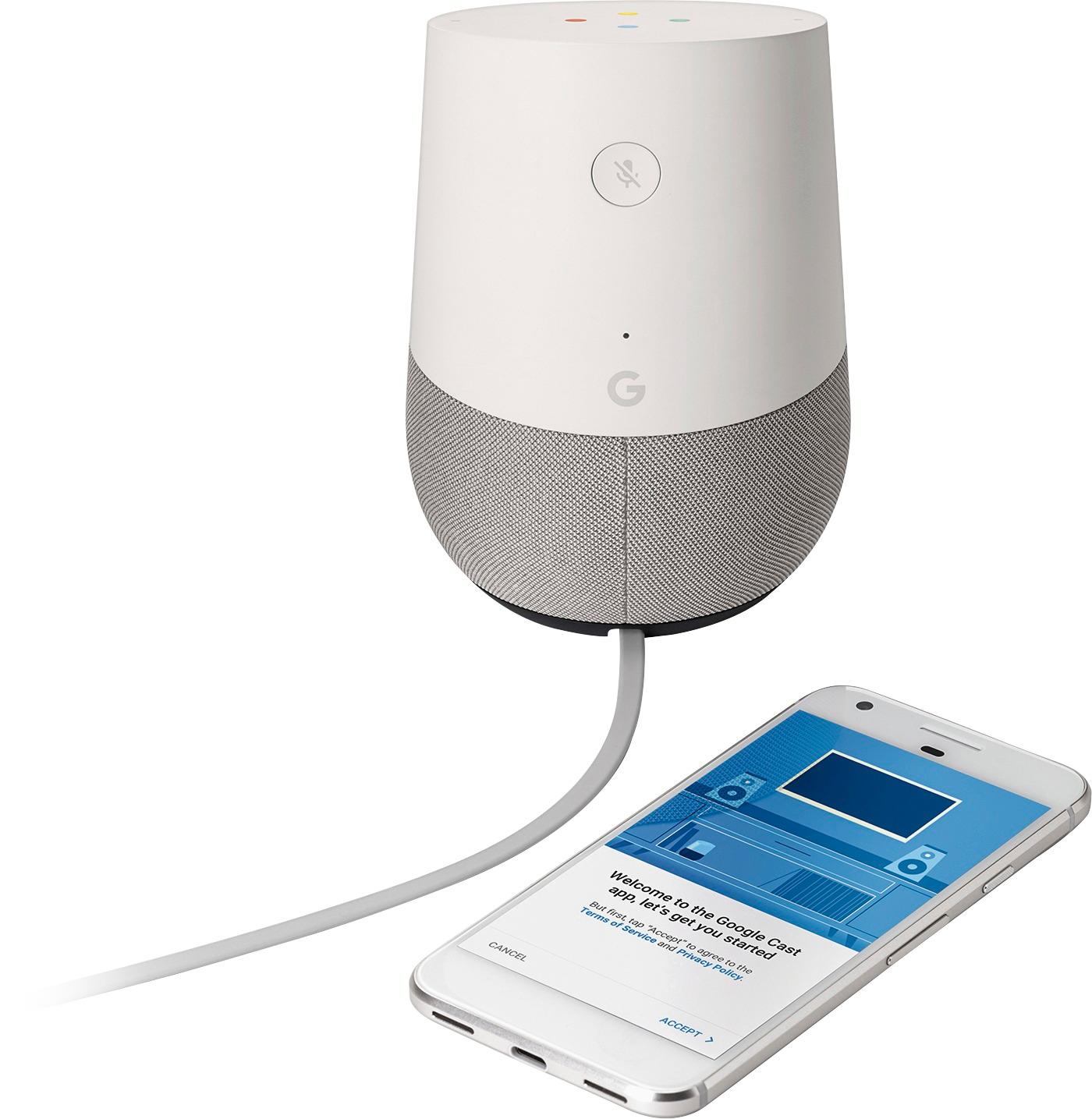
No phone or device is actually needed when using the google home. However it helps with set up!
After set up your phone doesn't need to be on.
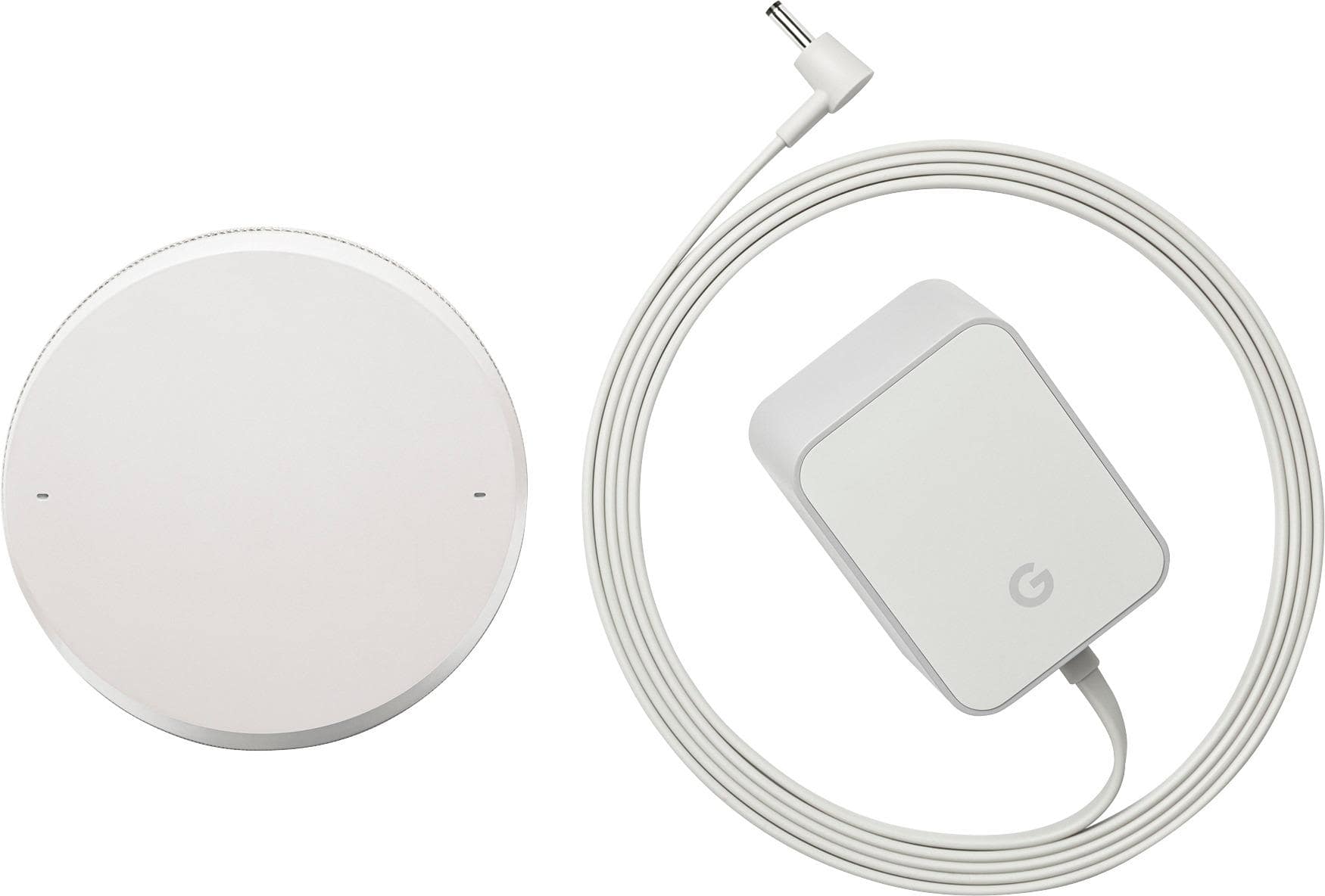
A:AnswerPhysically it plugs into the wall for power. It than communicates with the Internet by accessing your WiFi router wirelessly like your laptop or tablet would. You do need a WiFi router that will support a wireless connection
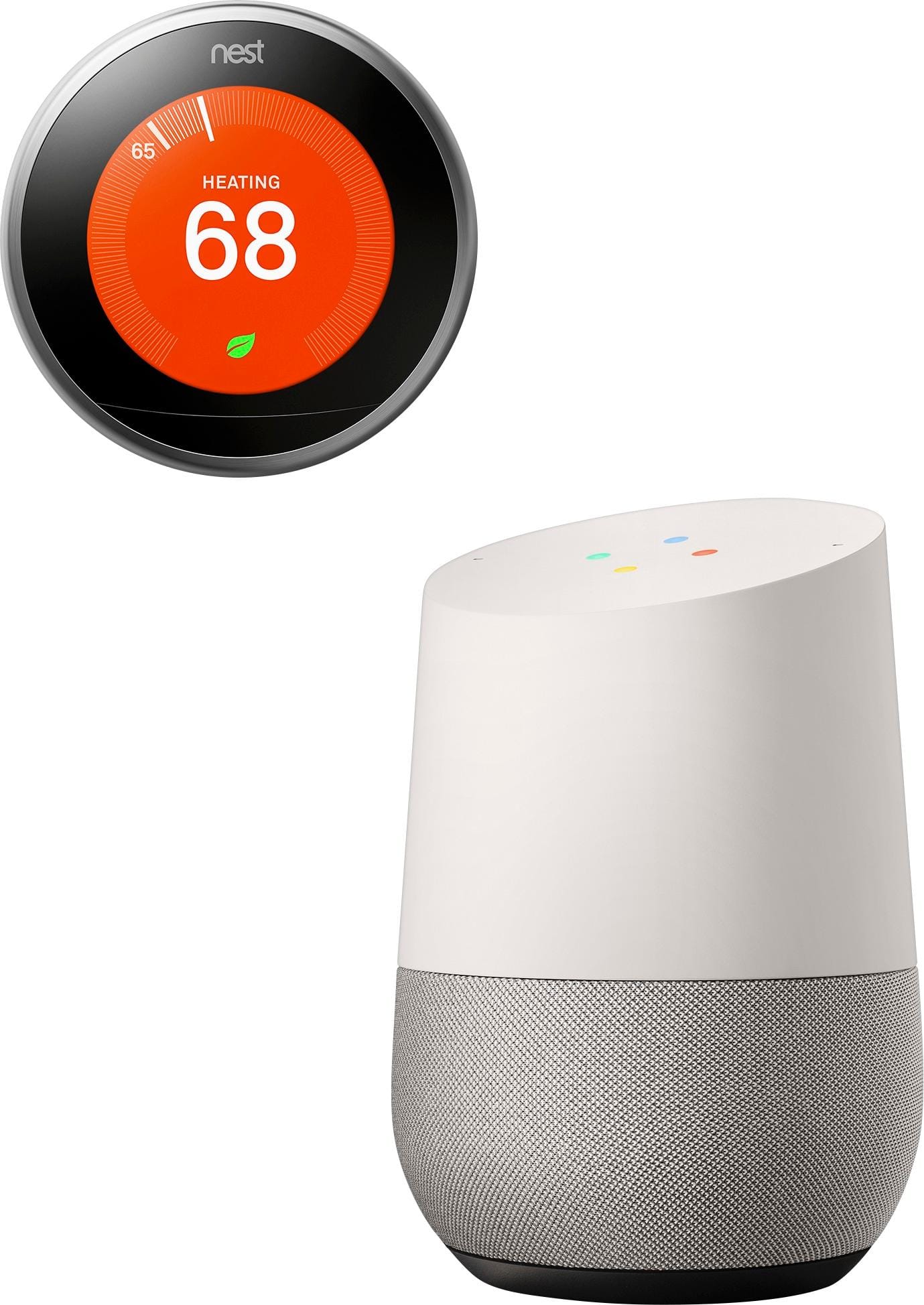
A:AnswerThe google home is an individual unit. It runs directly off the wifi in your home so it is independent of the phone. It also does not have bluetooth so you can't hook up and phones or tablet to it. What you can do, is through google cast, you can cast any music or podcast from your phone to the device. I hope this helps
A:AnswerYes, you will need to be able to connect it to a stable, high-speed WiFi connection in order for it to work. You can use your phone's mobile hotspot at the risk of burning through all of your data very, very quickly.
A:AnswerPatty, to answer your question simply, no, it does not.
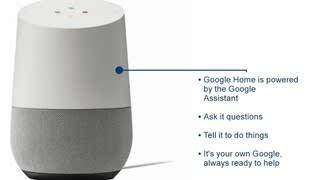
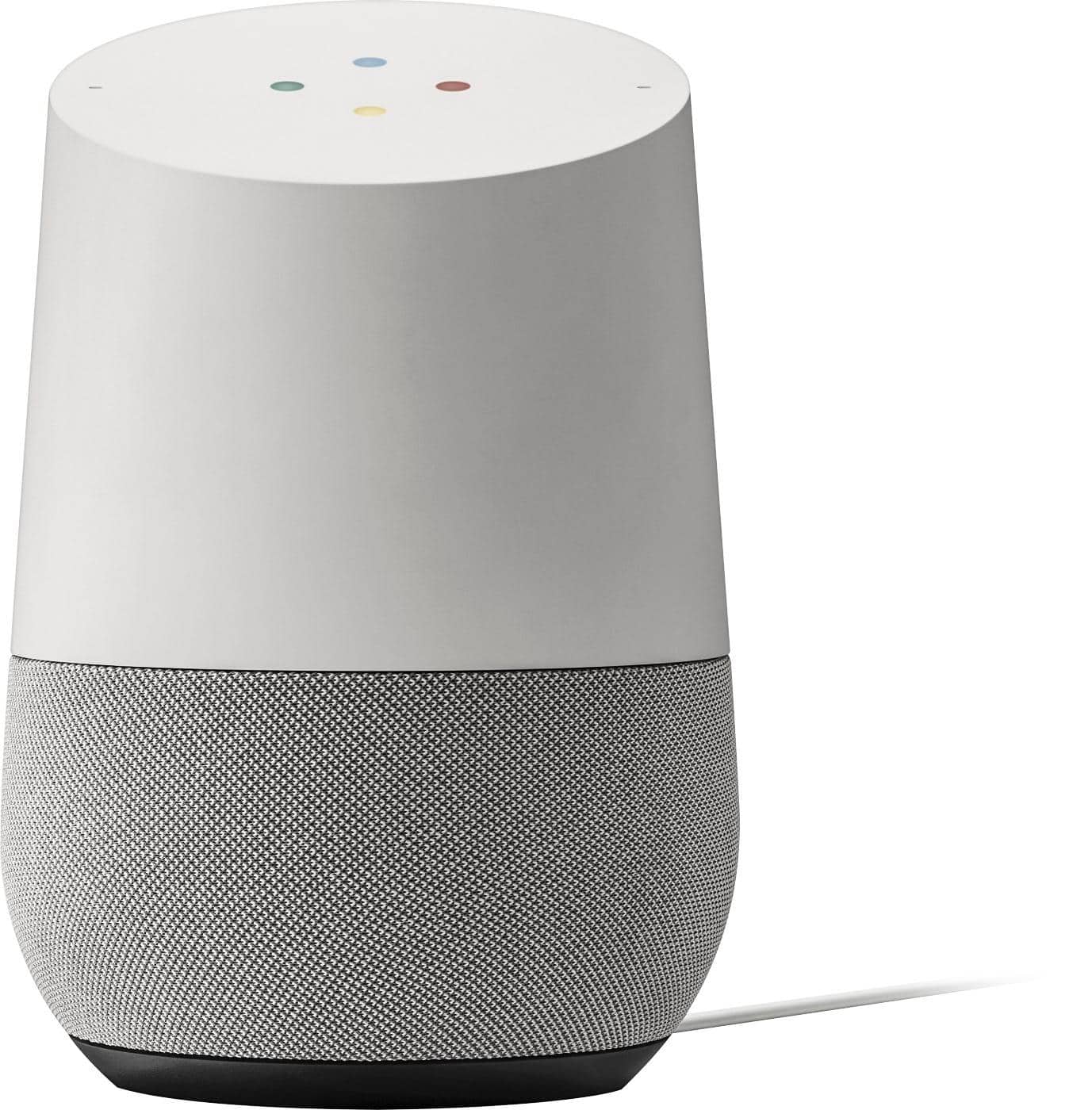
The Google Home is always being powered by the included A/C power adapter. You just plug into the wall outlet, connect it to Wi-Fi via the Google Home app, choose what Gmail account you want to use with it, & you should be up & running in less than 5 minutes.
A:AnswerNot sure if your 90 year old (God Bless him) dad can do it himself but yes hookup was easy for me - I'm 48 and setup one for my 80+ year old parents.
A:AnswerWifi definition
a facility allowing computers, smartphones, or other devices to connect to the Internet or communicate with one another wirelessly within a particular
Any service provider would work
A:AnswerIt does not need a computer to run. It will need a Wi Fi connection from you home. You will need to have a device (phone/tablet) with Google Home app installed to configure the Google Home device to your network. It does run off your Google Account for information, if you do not have one.