A:AnswerHi Vic! Thank you for reaching us out. Wi-Fi thermostats are compatible with Google Home. We suggest to verify that you have a "C" or common wire on the installation, also you will need to download the Honeywell MTCC App and the Google Home App. If you require any assistance with the installation or any other doubt, please feel free to call us at 1-855-733-5465, case reference #00837419. We will be happy to help! Thank you.
A:AnswerHi Billy! Seems that we will have to help you verify that the thermostat is configured for the correct type of system that it is controlling. Please check the User Guide of your thermostat, on the 'System Setup' section, and verify that you select the correct System Type. If you have any difficulties, you can contact us at (855) 733-5465, Monday-Friday 8am-7pm, Saturday 8am-6pm, Sunday 9am-6pm CST and reference case 00834185, we will be happy to help you configuring the thermostat. Have an excellent week!
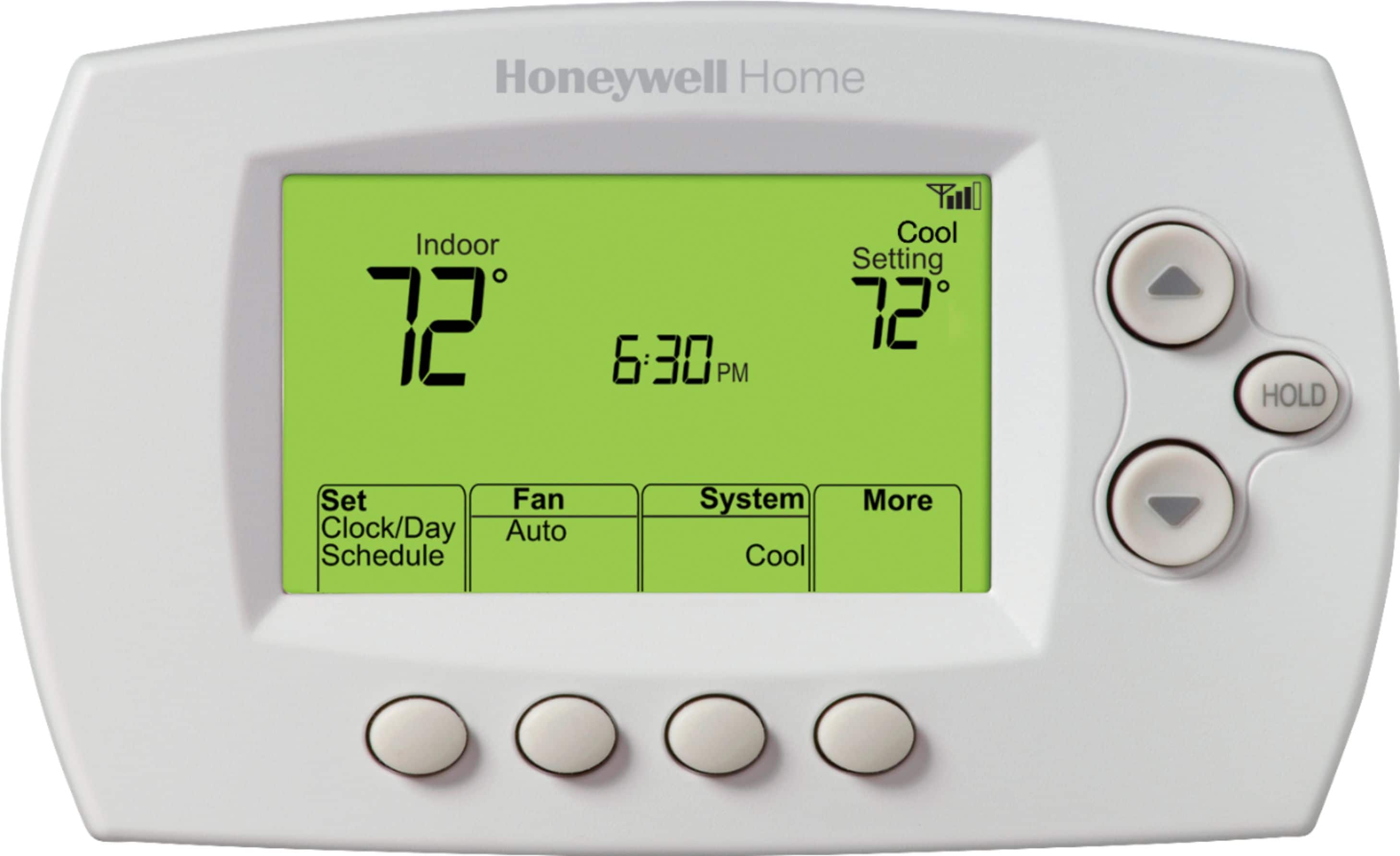
A:AnswerHi Tie! the Honeywell 7 Day programmable Thermostat with WiFi capability doesn't require any batteries, it works with a C wire. If you need help setting the temperature, please give us a call at 1 (800) 468-1502, Monday-Friday 8am-7pm, Saturday 8am-6pm and Sunday 9am-6pm CST and reference case 00819490, we will be happy to assist you. Have an excellent week!

A:AnswerHi stork! We do not have a WIFi thermostat that will work with as a replacement for your current thermostat. We recommend working with your local contractor to find the right thermostat for your application.
A:AnswerIf you set it up at installation or anytime after, then yes. Sure it's based on run time and not any sensor . So short answer yes, you just have to set it up. Setting it up can be found in the manual.
A:AnswerThis wifi thermostat requires a constant power supply, NO batteries....As such it requires a C wire
to provide 24v power to include wifi capability....If your existing stat has a common or C wire you're
good to go. If not, a good HVAC guy can run the extra wire, and hook up the stat. It is a great thermostat
and I can check temps from anywhere with an internet connection
A:AnswerBaically you have to seperate the outer part from the base and reconnect after 10 secs and then reconnect to your wifi. Here is a link to the manual. yourhome.honeywell.com/en/products/thermostat/wi-fi-7-day-programmable-thermostat-rth6580wf
A:AnswerYou can use either use the app with an Apple iPhone or iPad to connect with the thermostat via WiFi. This will allow you to program the schedule and temperatures. You can also use the keypad on the front of the thermostat to manually set the schedule. The app is much easier to use for the programming.
A:AnswerHi Suds! The Honeywell 7-Day Programmable Thermostat will definitely replace the Braeburn 5000 thermostat. Make sure when your purchase your new Honeywell thermostat that you label the wires how they are currently connected to the Braeburn with the little label stickers that come in the box - that will alleviate any confusion when it comes time to wire up your new Honeywell thermostat! I hope you found this helpful! Thank you.