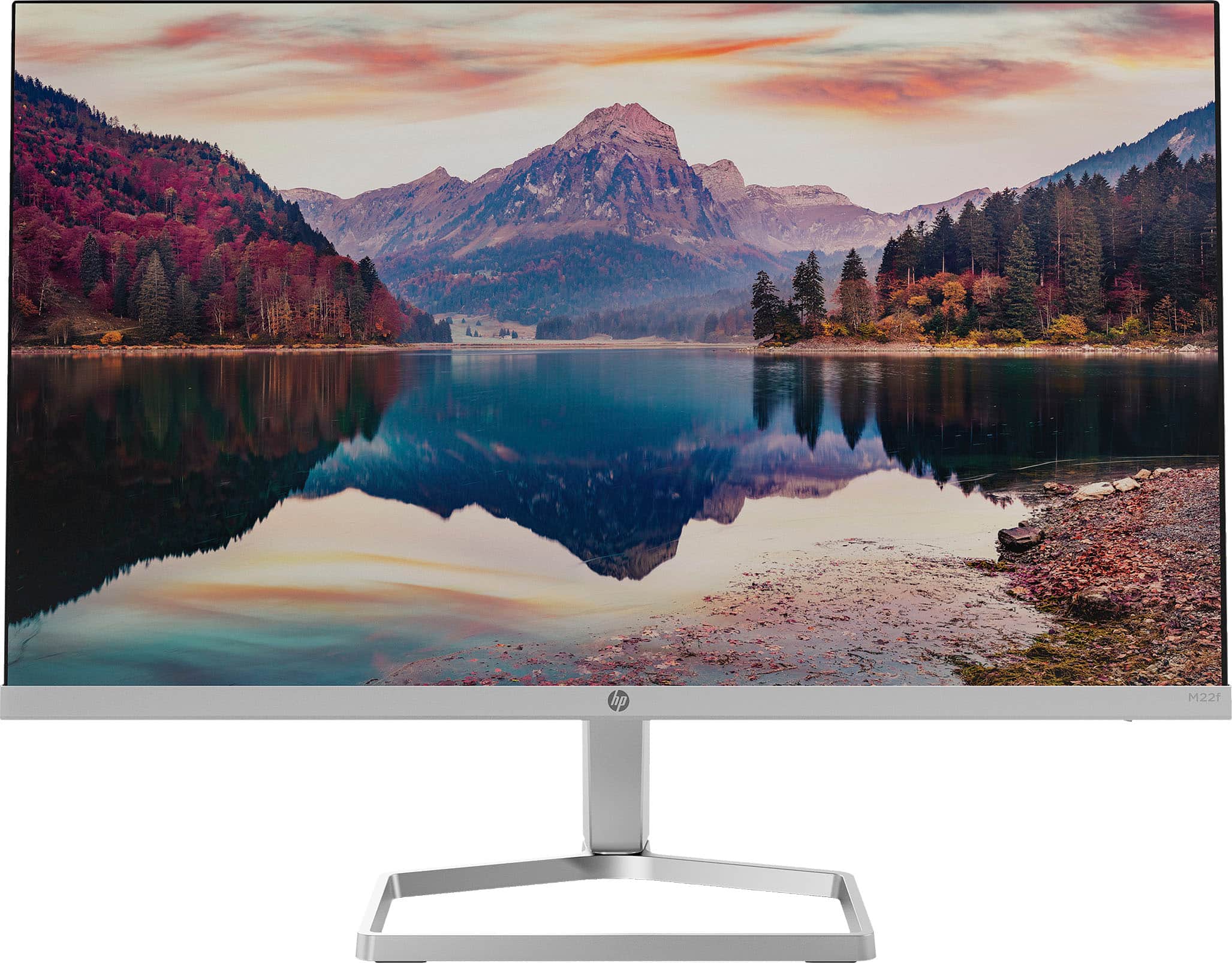
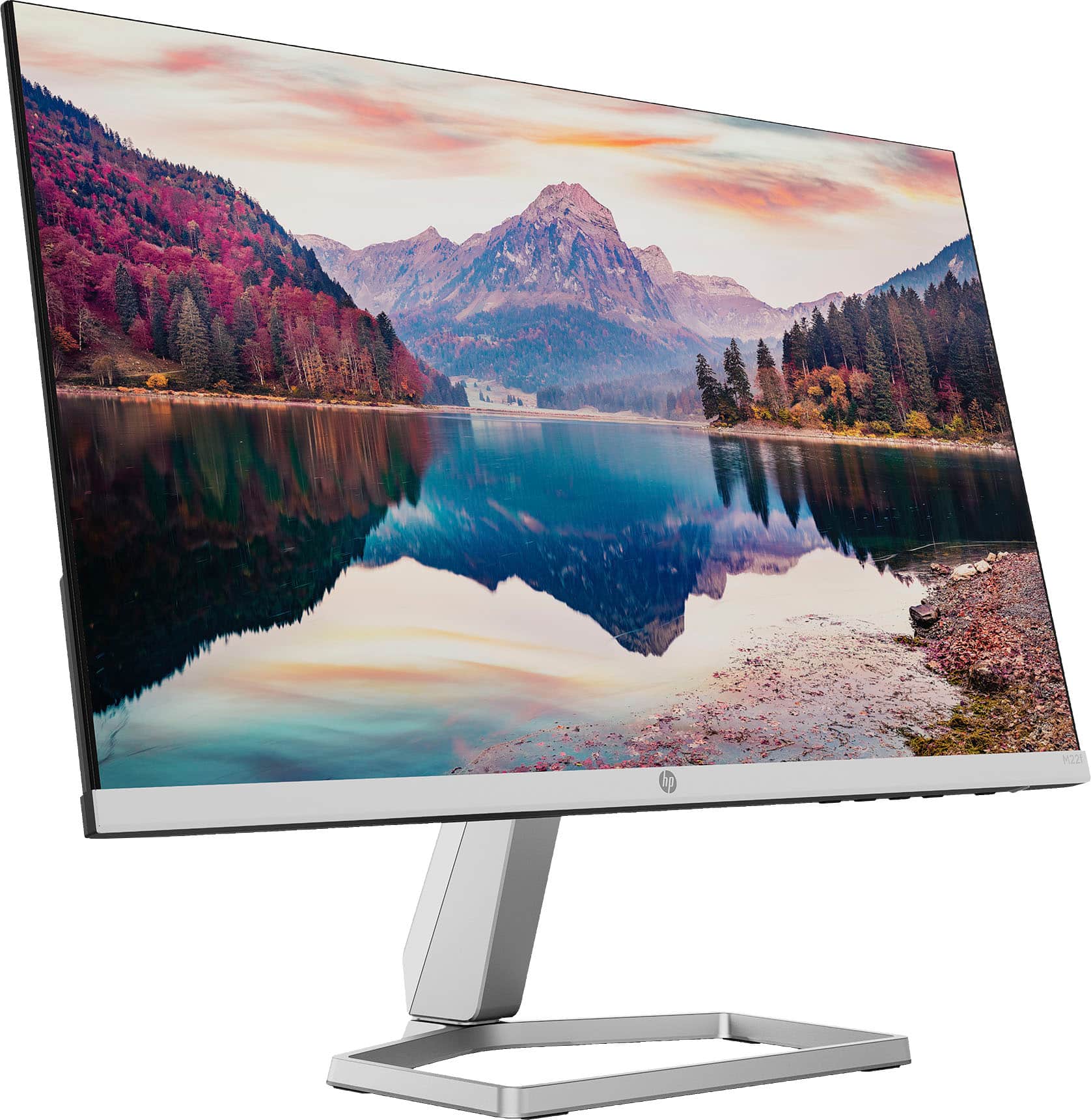
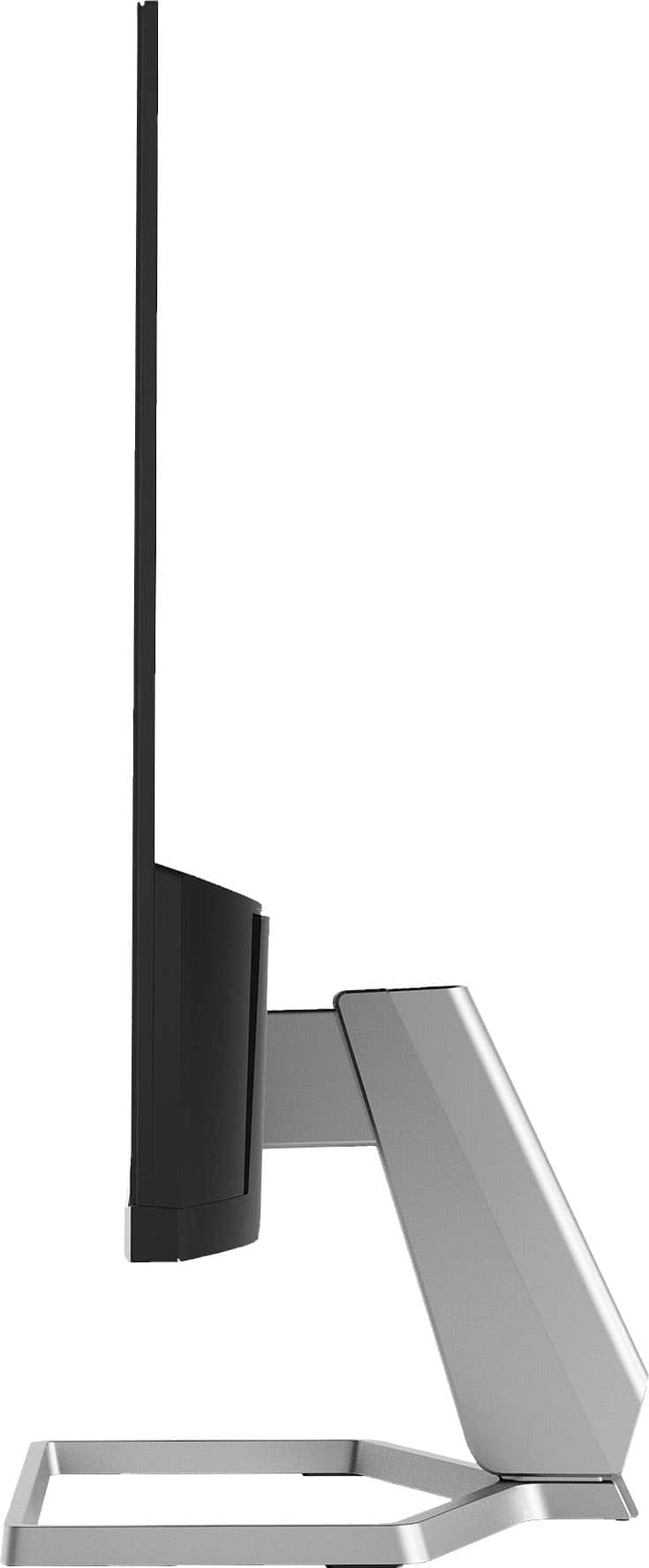
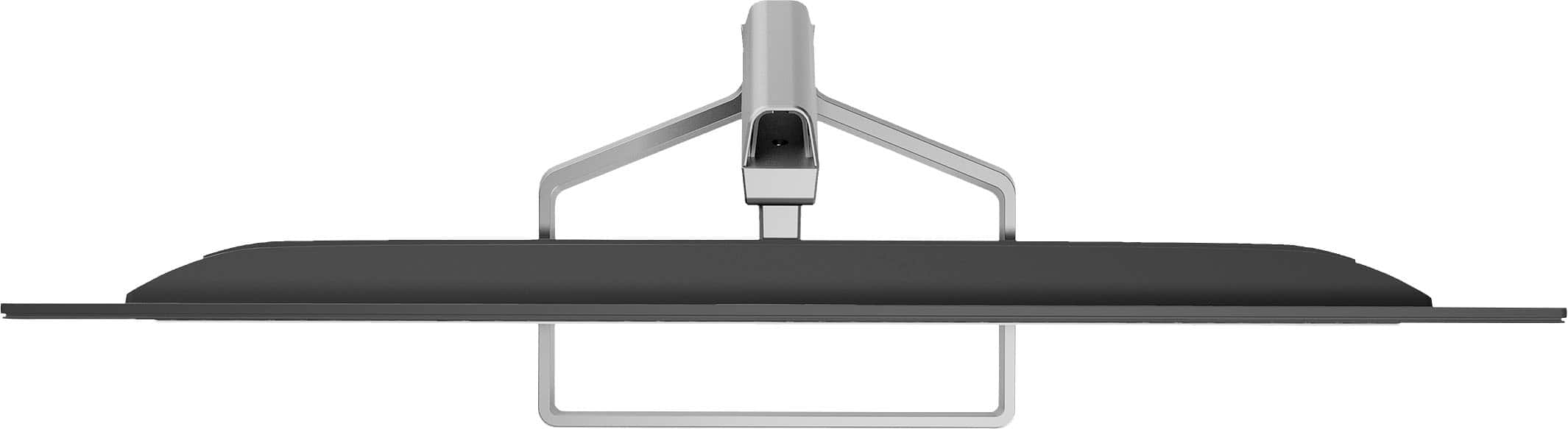
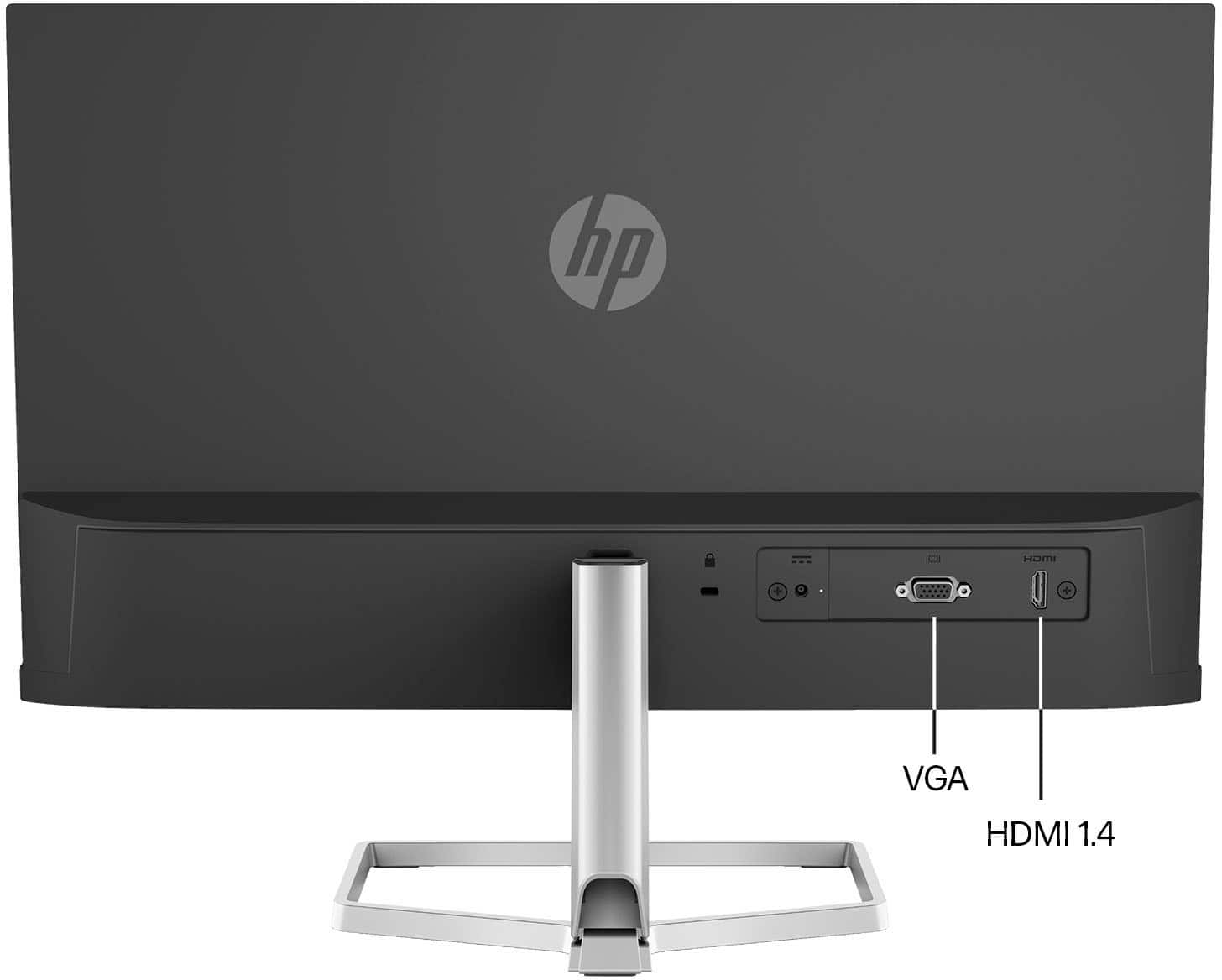
A:AnswerThis HP monitor does not have a VESA mount on the back. If you want to mount a monitor, check to see if it has a VESA mount. There would be 4 holes in a square pattern
A:AnswerThis Monitor is not Touch Screen.
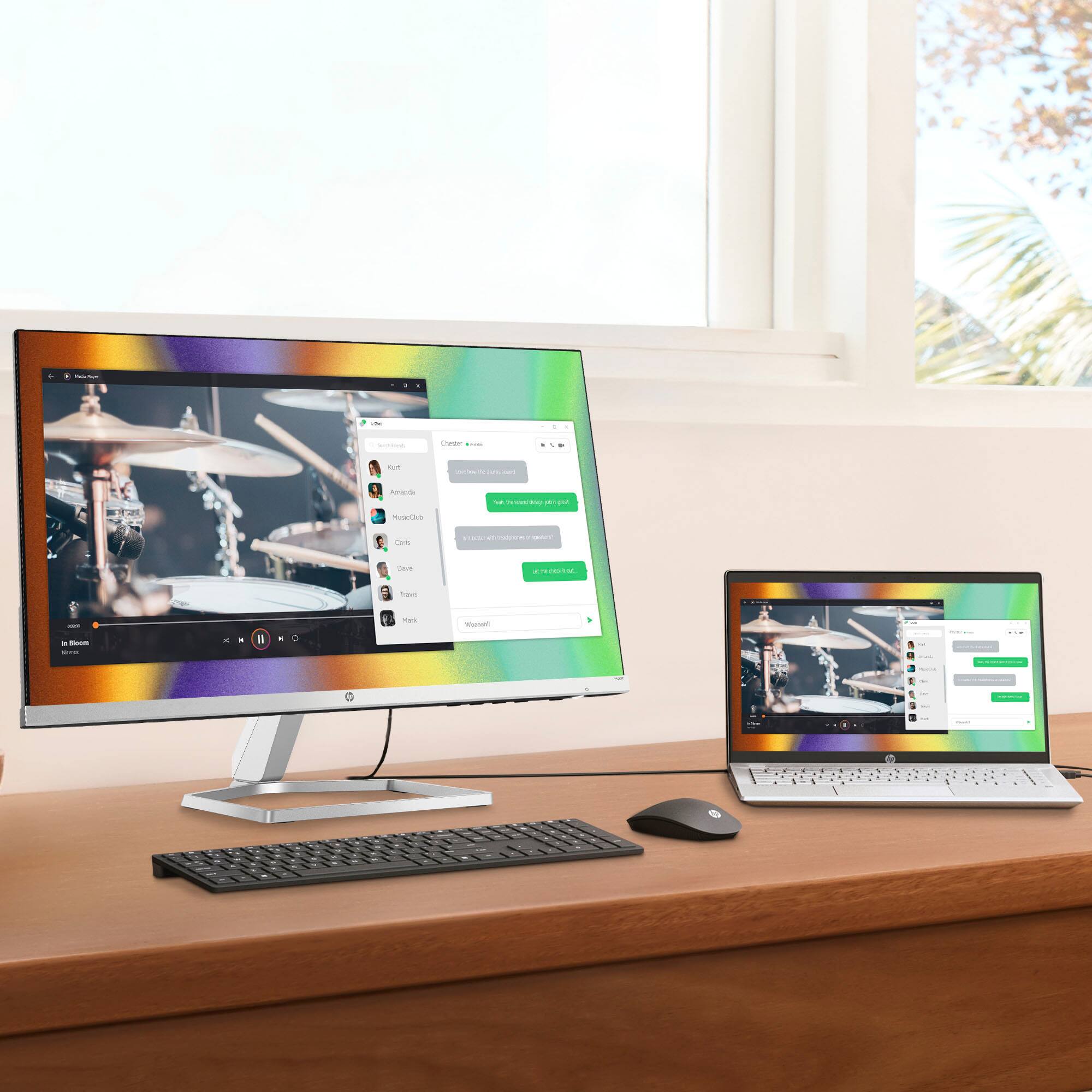
You will need a PC, Laptop.
You will also need to make sure your PC or Laptop has a port for an HDMI cord.
If you are looking to get these monitors, I highly recommend them.
They are very simple to set up. No tools are required.
The display is bright and fairly sizable of all you are used to is a laptop screen.
A:AnswerI am using 3 monitors on a Razer Blade 15, One plugged in the HDMI, and 2 plugged into HDMI to USBC adapters, but it is safe to say that you can do one to an HDMI port and one to a VGA port as well if your Laptop or Desktop has a VGA port.