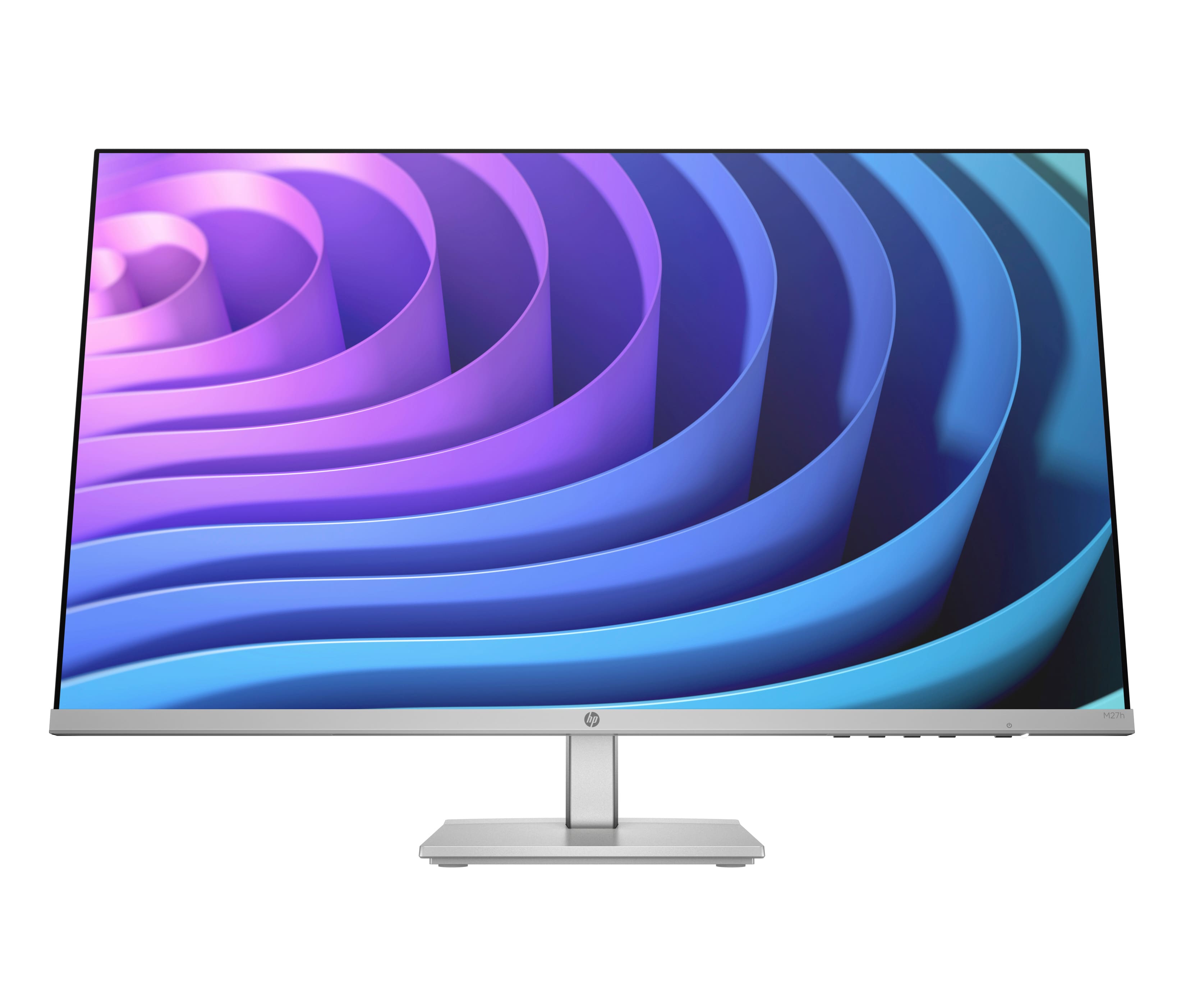
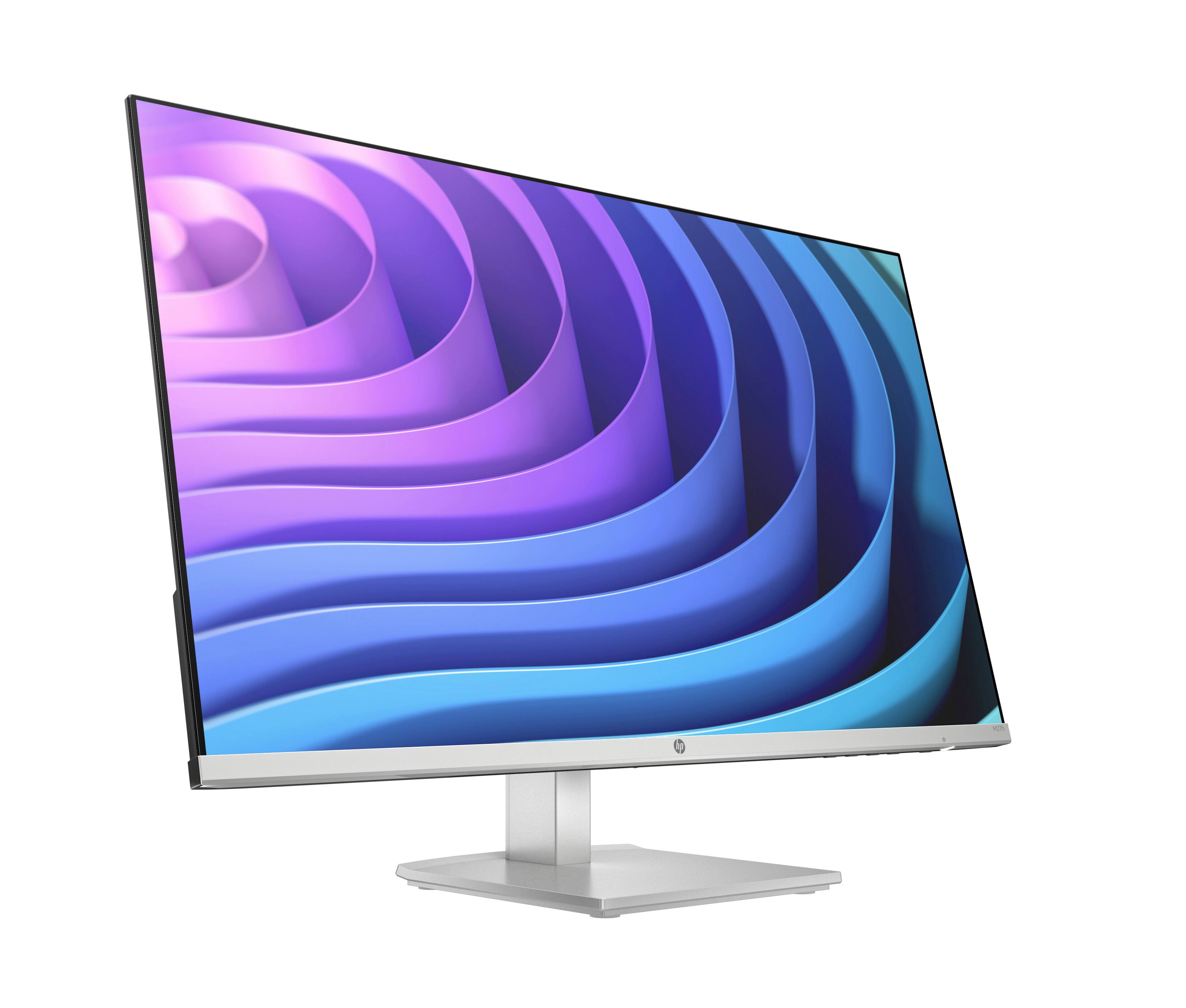
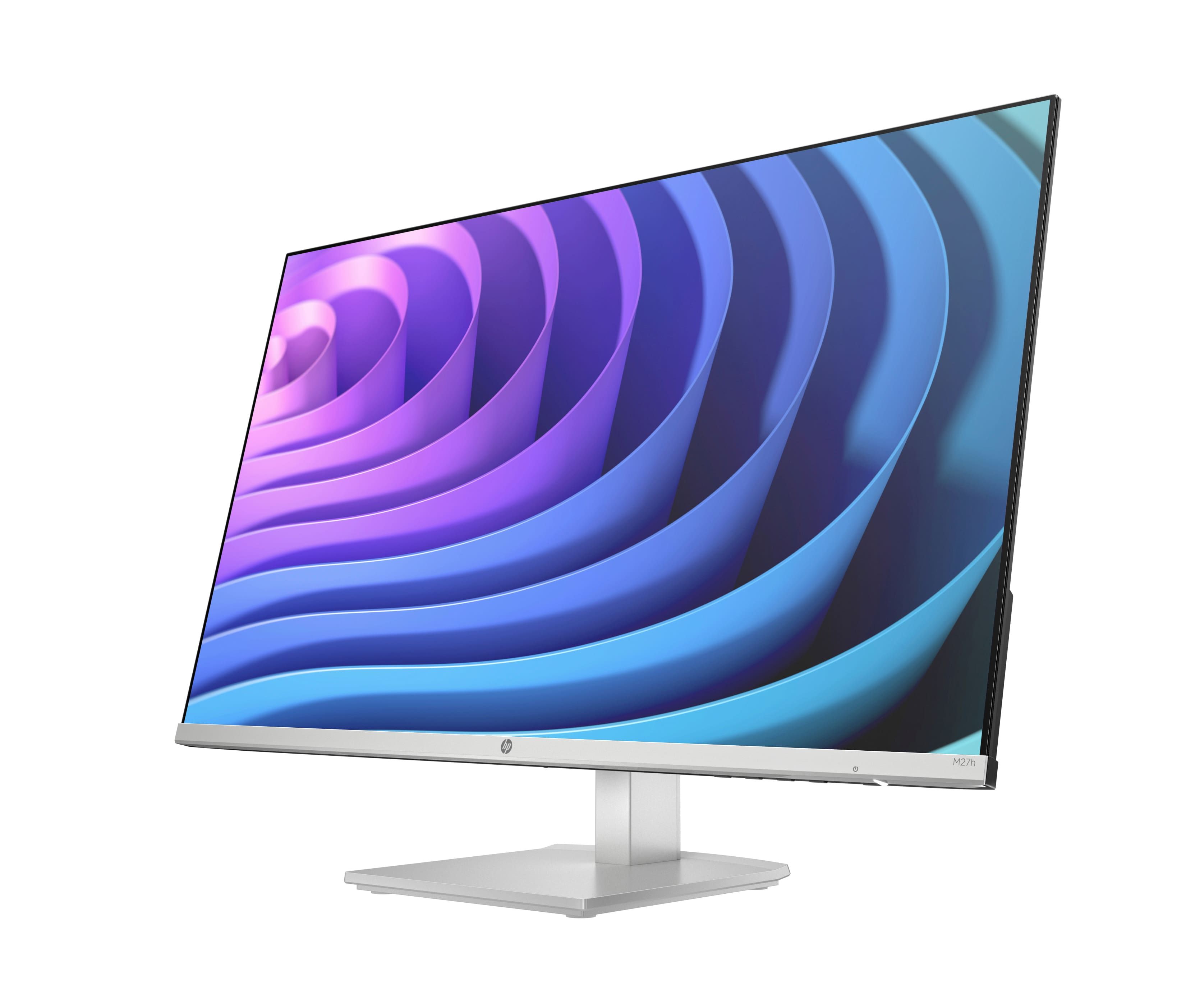
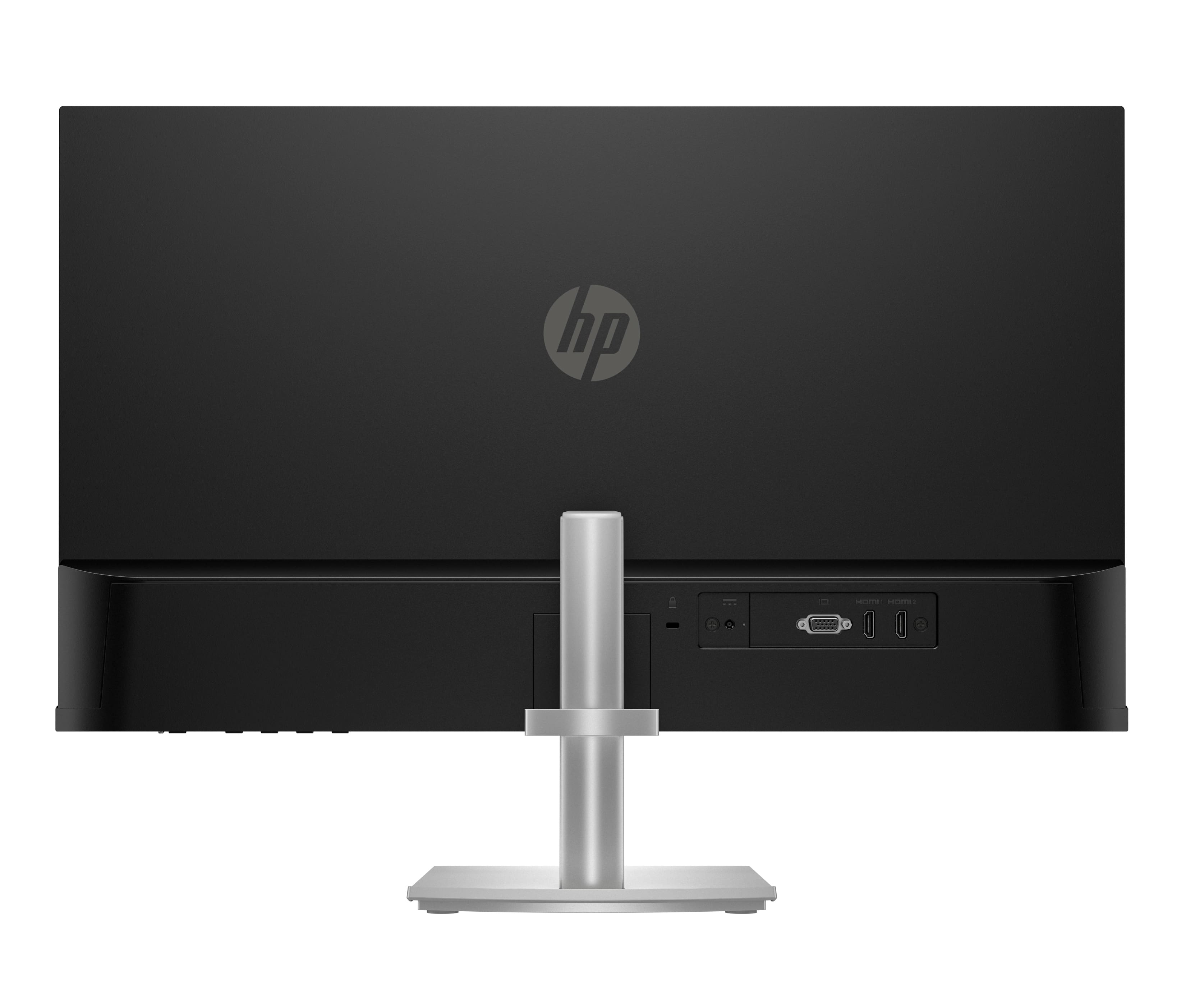
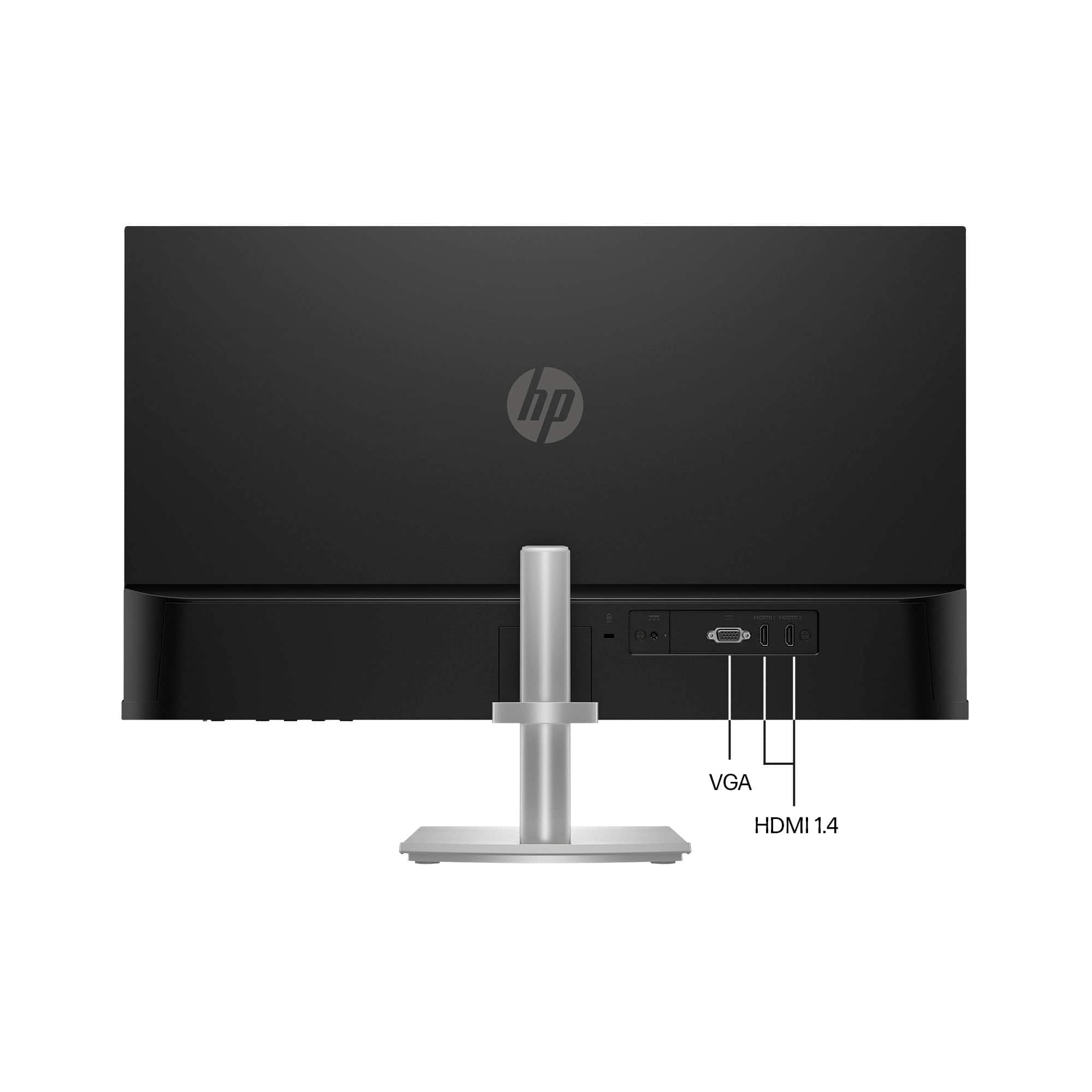
A:Answer Thank you for the question. The 3-pronged power cord should be connected to your 110v wall electrical socket, and the HDMI connector should be connected to the HDMI port on your PC. Turn on the monitor, and on your computer, go to >setting>displays to set your options. The User Guide is here: https://kaas.hpcloud.hp.com/pdf-public/pdf_2908030_en-US-1.pdf