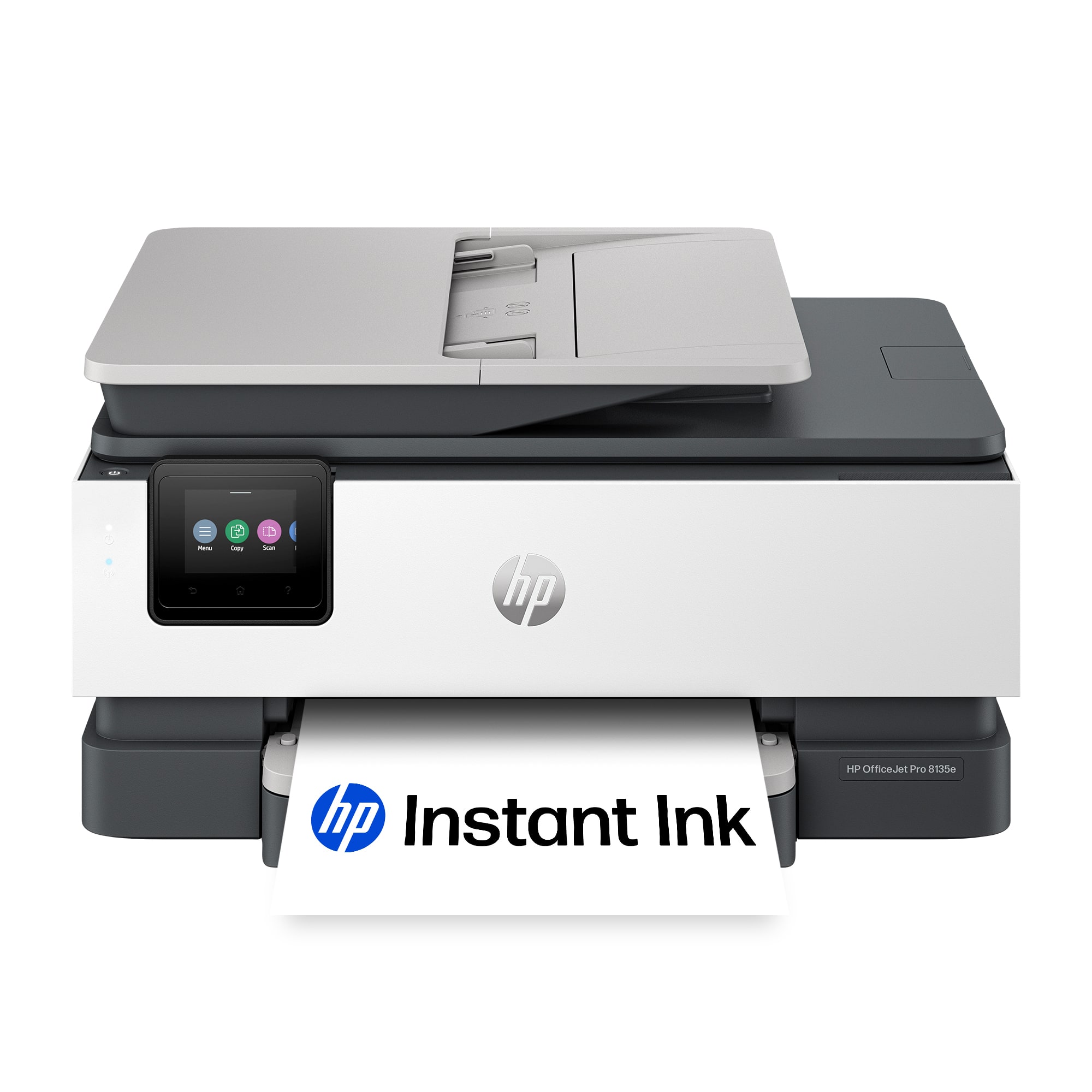
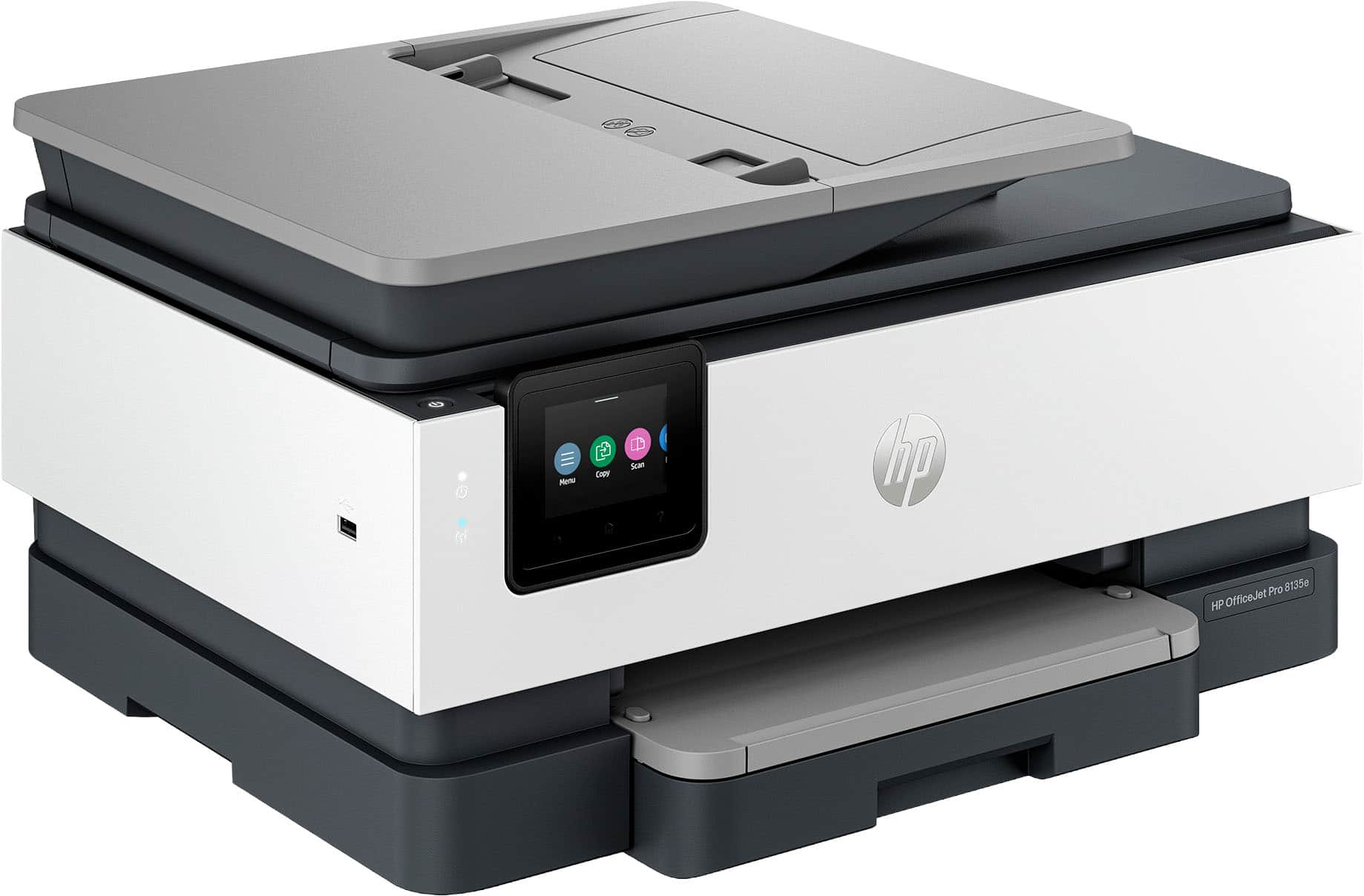
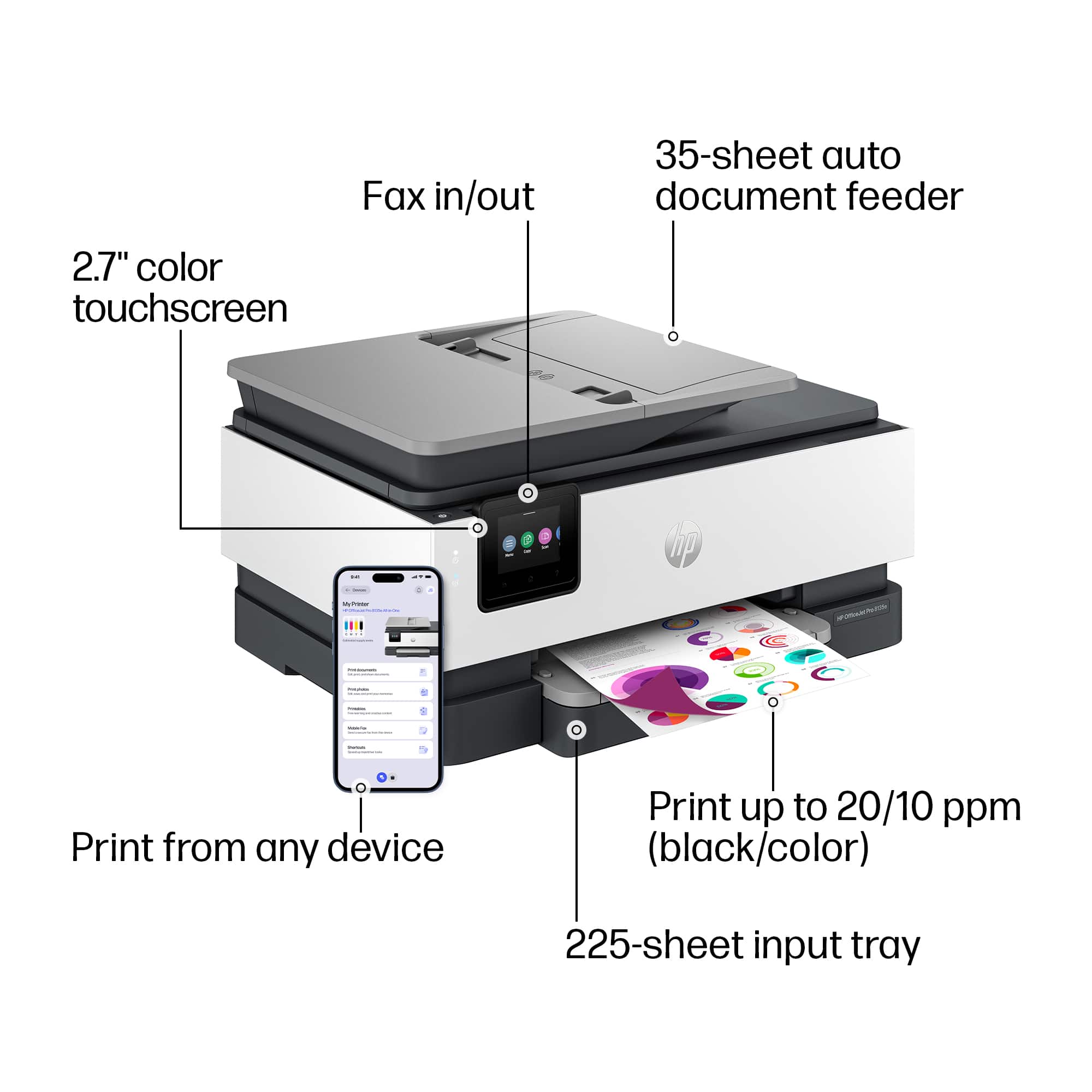
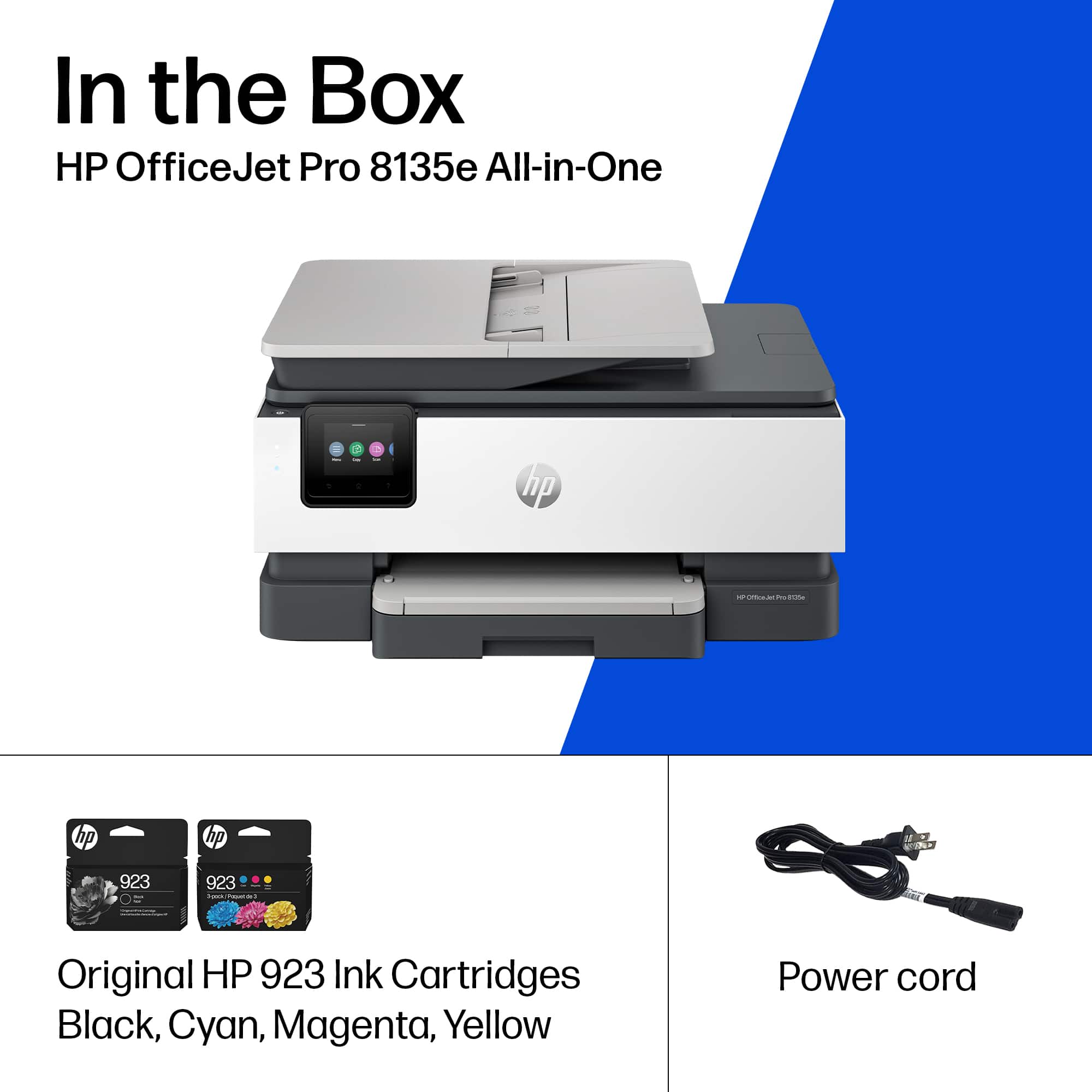
A:AnswerHi, thanks for your question! The HP OfficeJet Pro 8135e takes 923 ink cartridges and can print roughly 500 pages. Costs can vary depending on sale pricing as well.

A:AnswerToner is not used for HP OfficeJet 8135E because it is an inkjet printer, not a laser printer. Inkjet printers use liquid ink cartridges, while toner is used in laser printers.
Printer use the 910 XL ink
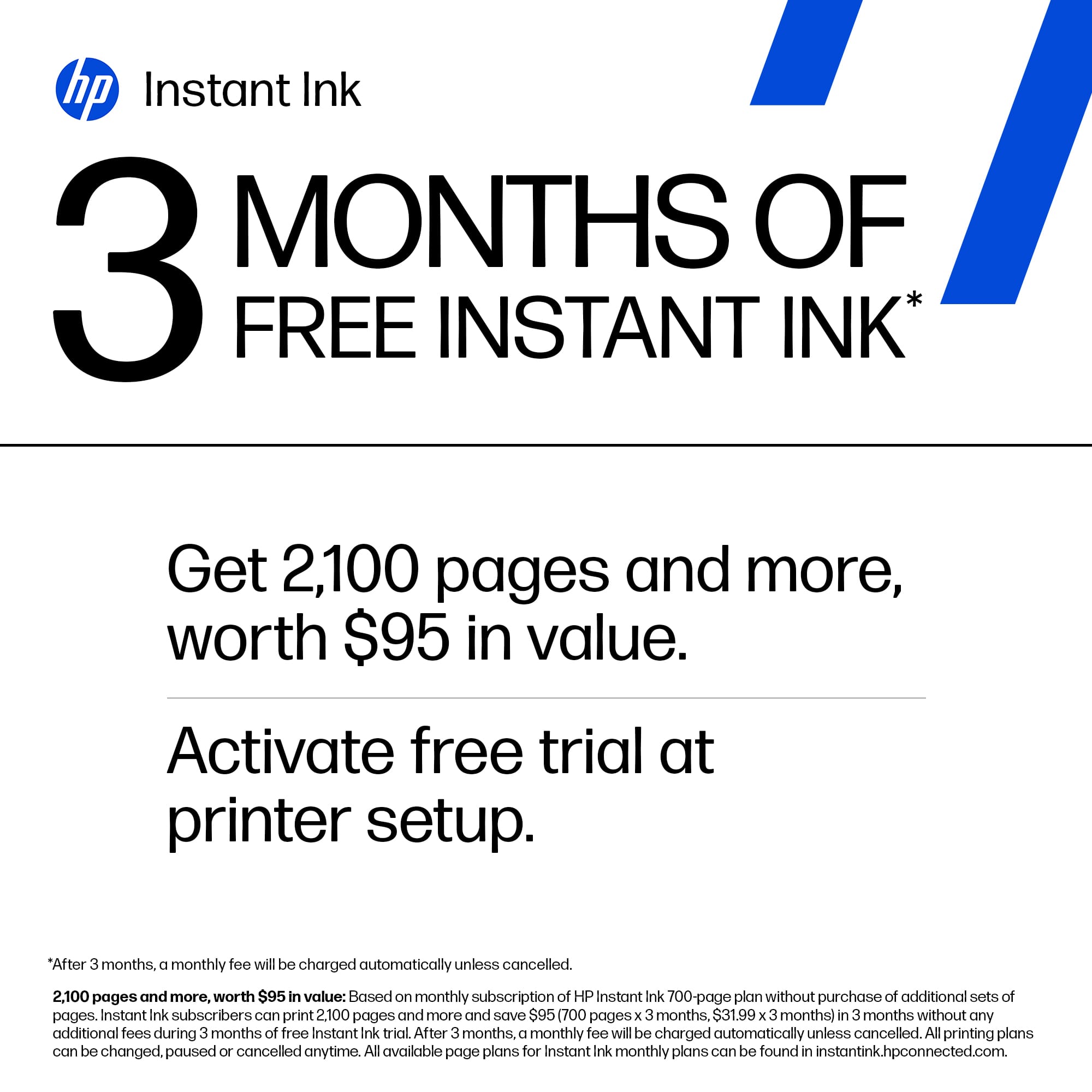
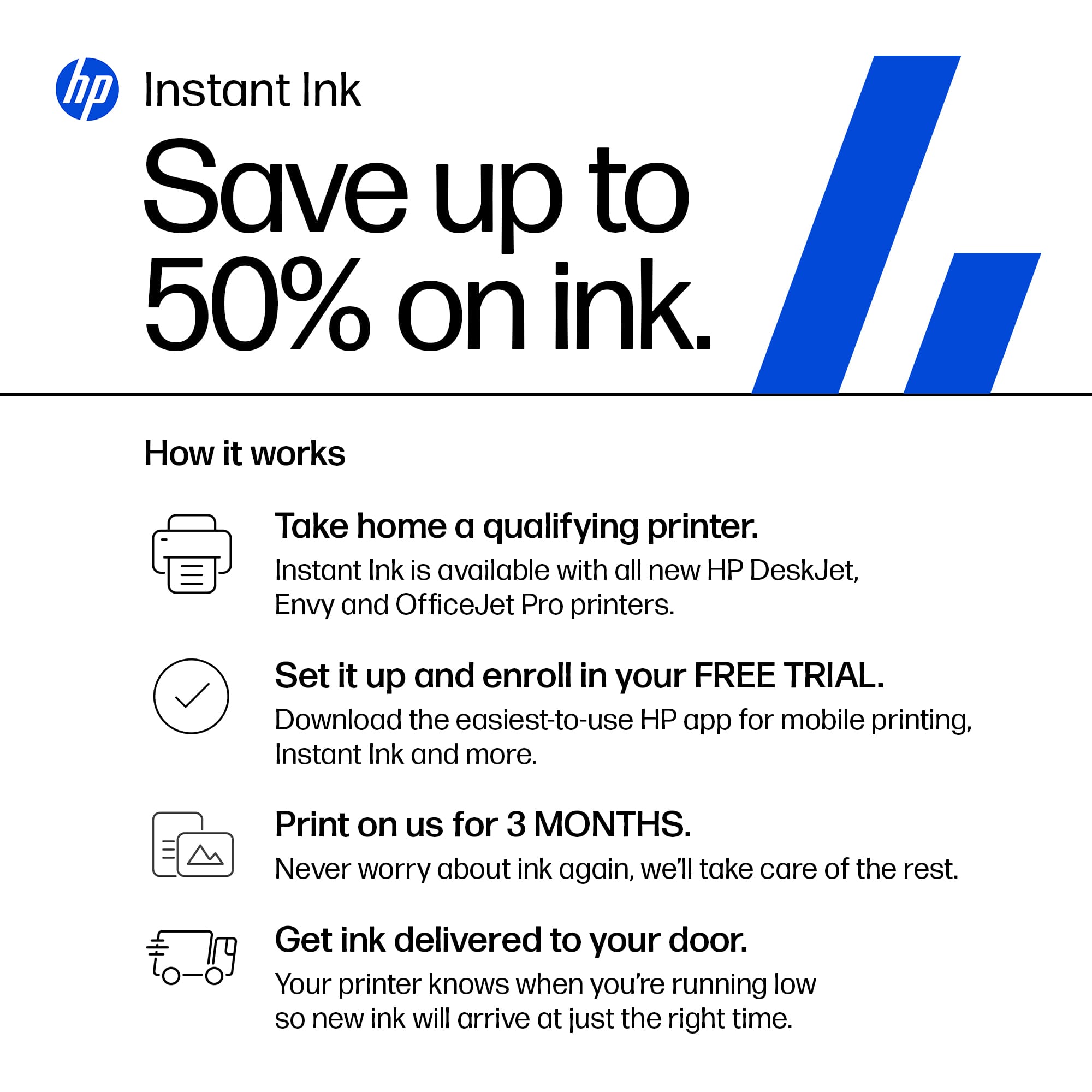
A:AnswerThank you for your question. Yes, each printer will need its own Instant Ink plan and you will get 3 free months with the purchase of this printer.
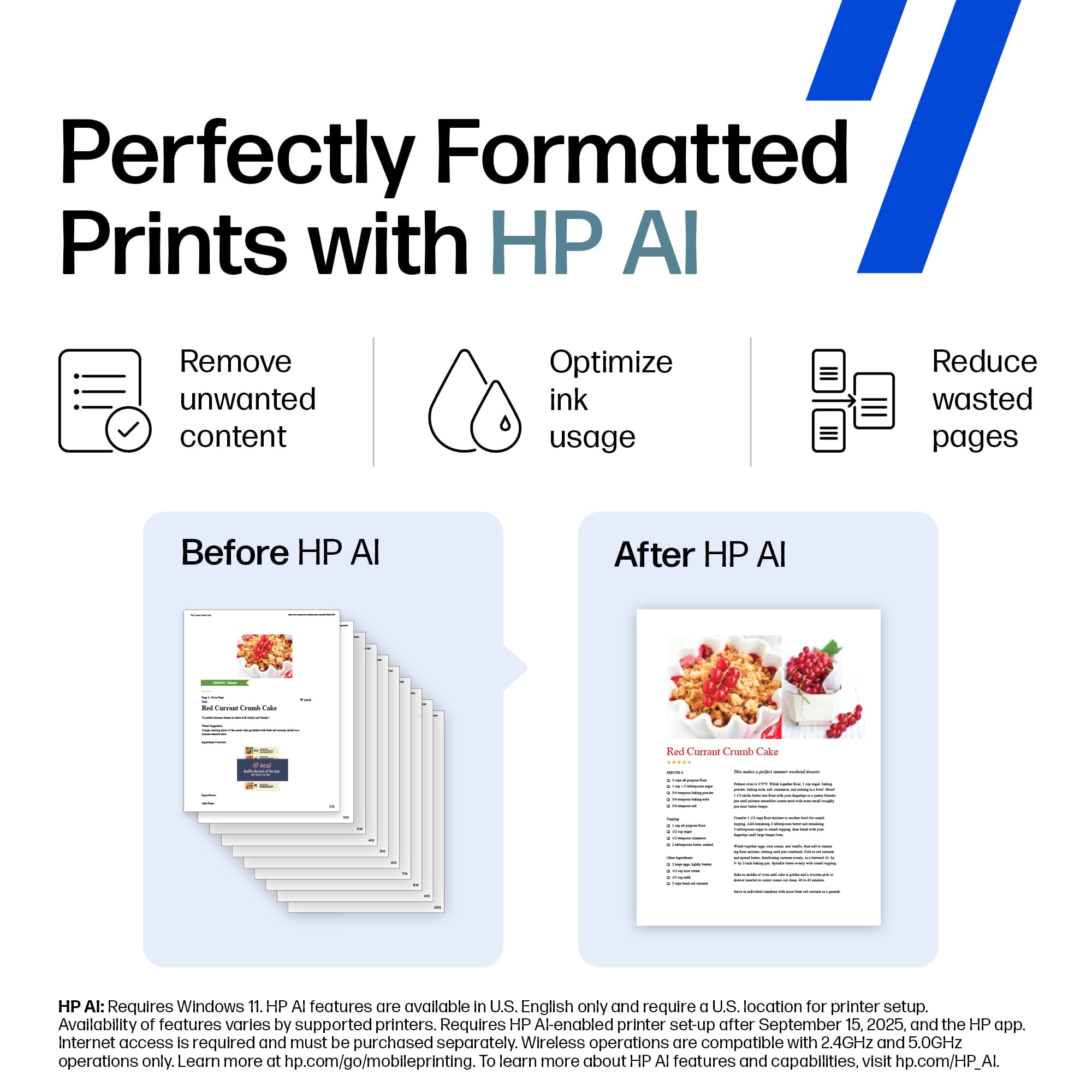
A:AnswerThanks for asking the question. No, you don't need Windows 11 to use this printer. Your Windows 10 computer will work perfectly fine with this printer.
A:AnswerHello and thanks for asking. The HP OfficeJet Pro 8135e can resize copies from 25 to 400%. The user guide for that model is available online from HP Support, or you may contact them directly.
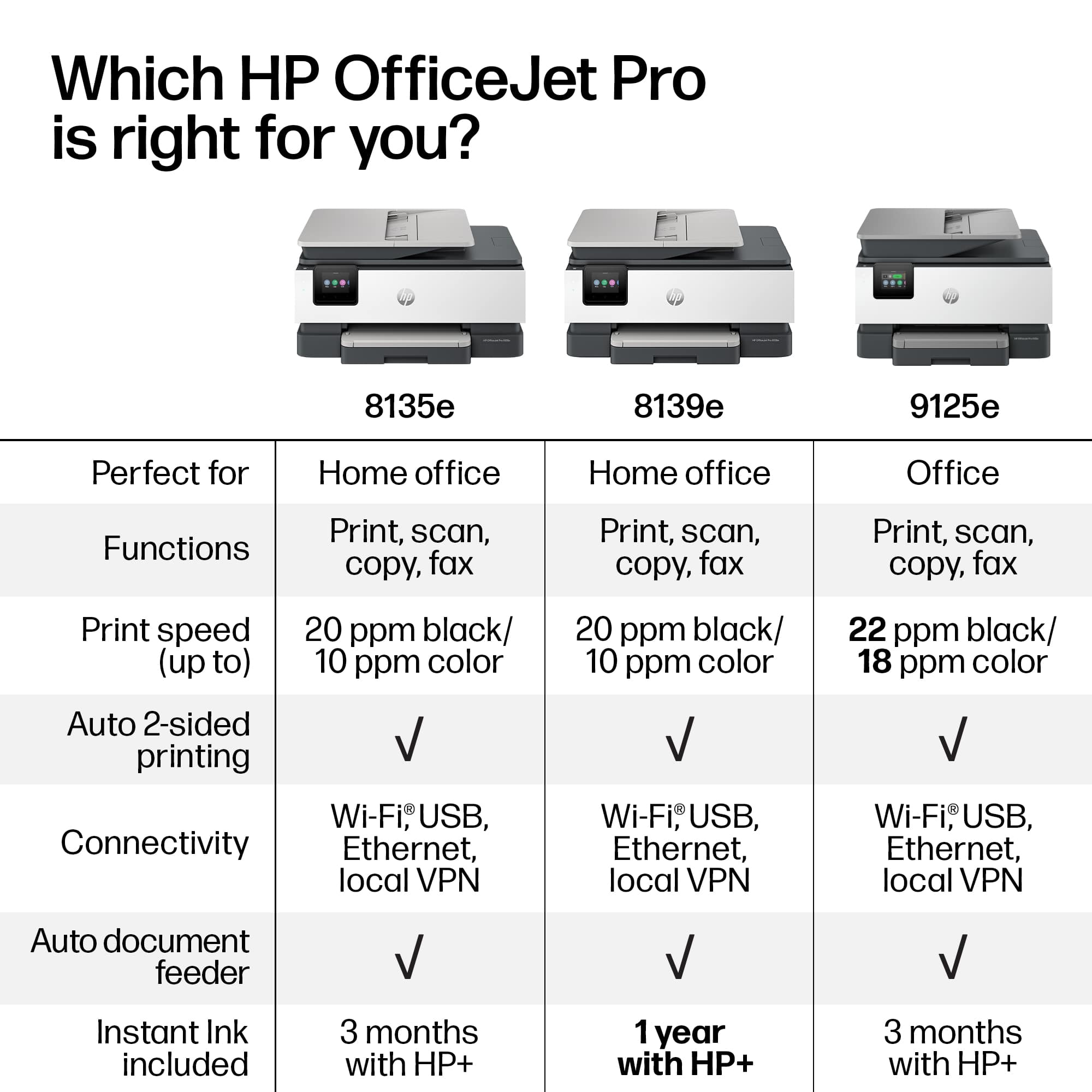
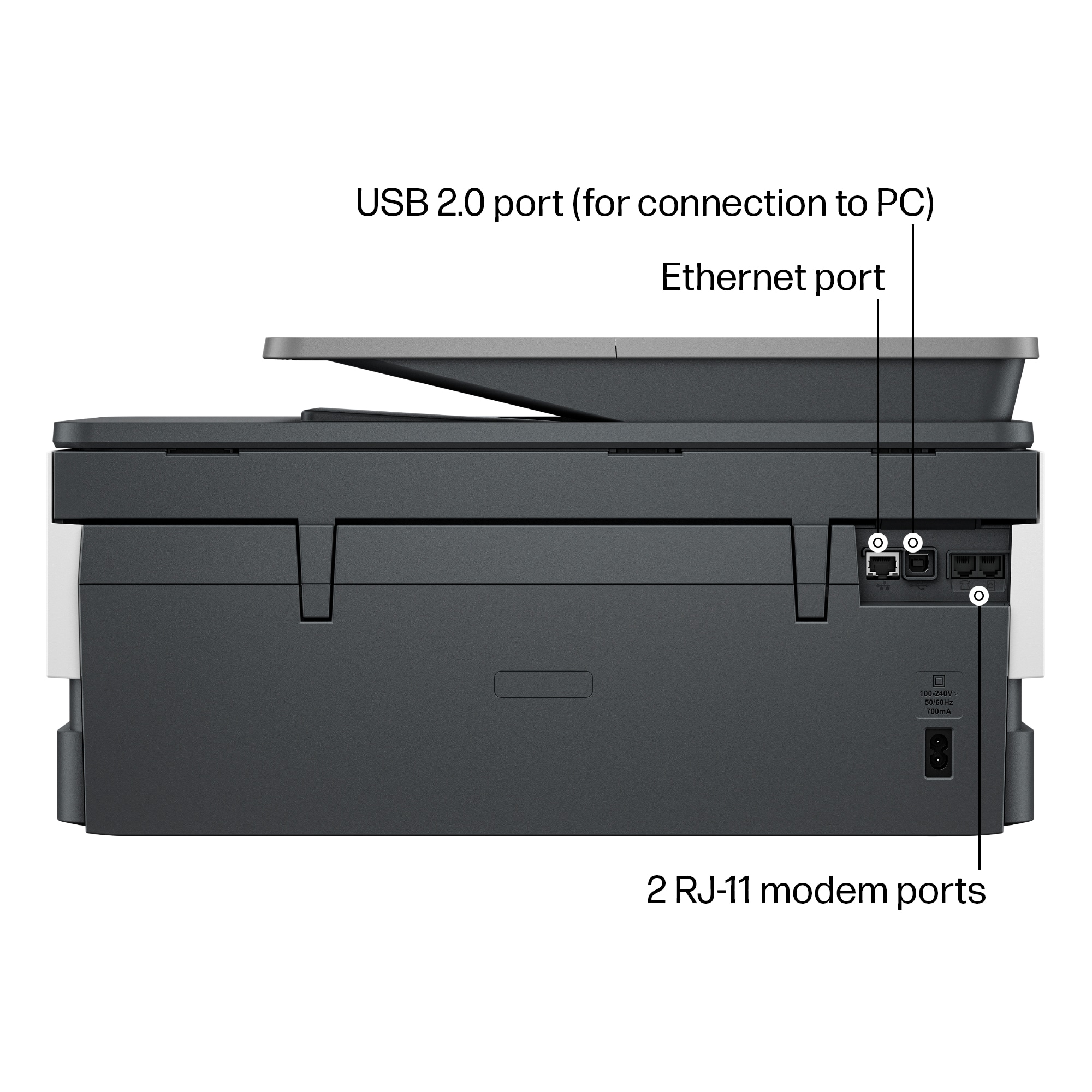
A:AnswerThank you for your question. The Officejet Pro 8135e printer is wireless and does not need a cable to connect to your computer. However, you can use a USB printer cable if you would like which is not included in the purchase of this printer.
A:AnswerThank you for asking about that. No, you can connect to the printer with a USB cable if you want, but you'll need to periodically connect to the wireless network to take advantage of the Instant Ink promotion.
A:AnswerHello and thank you for asking. No current HP printer, including the OfficeJet Pro 8135e, are able to use HP 950/951 ink cartridges as printers that did were discontinued about 10 years ago.