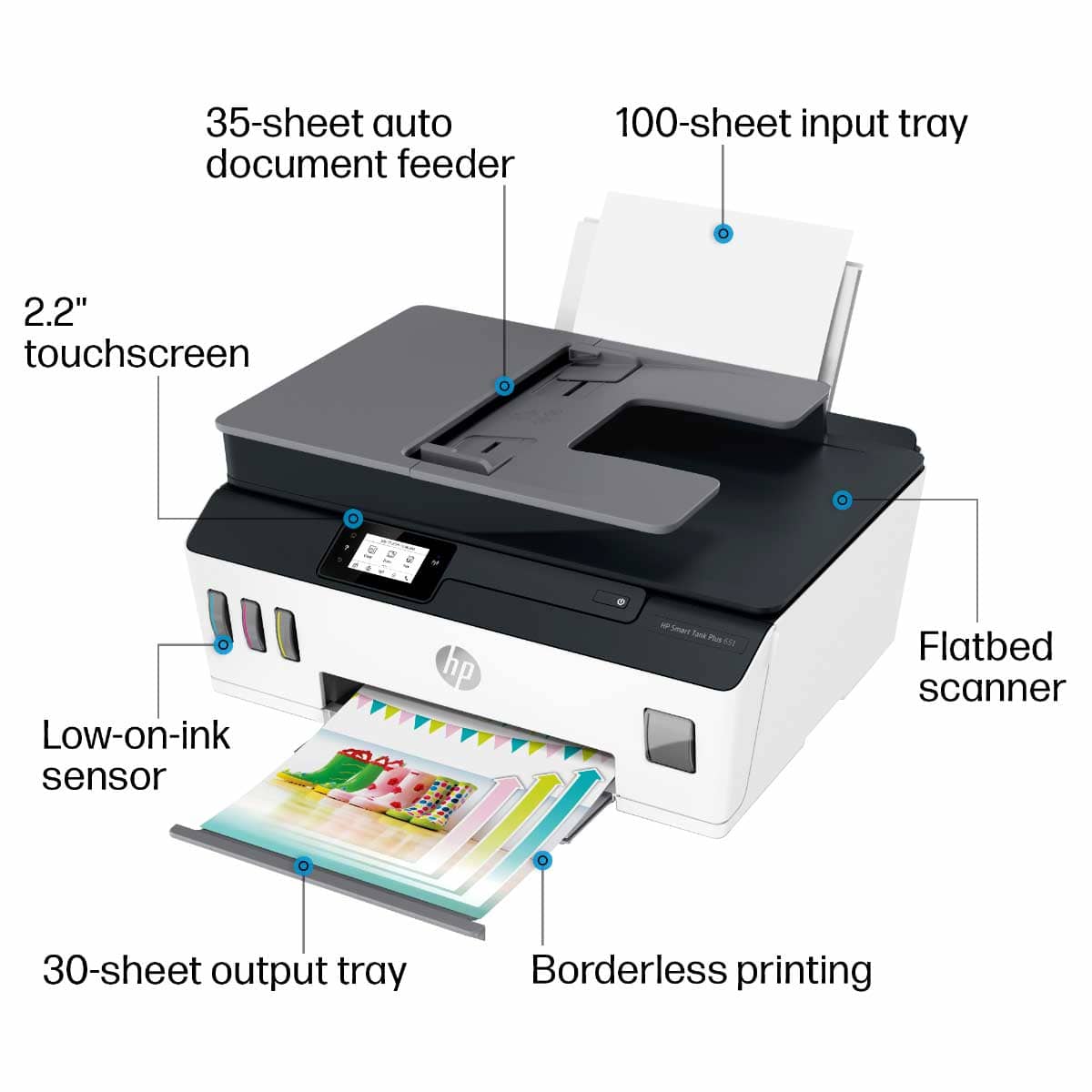
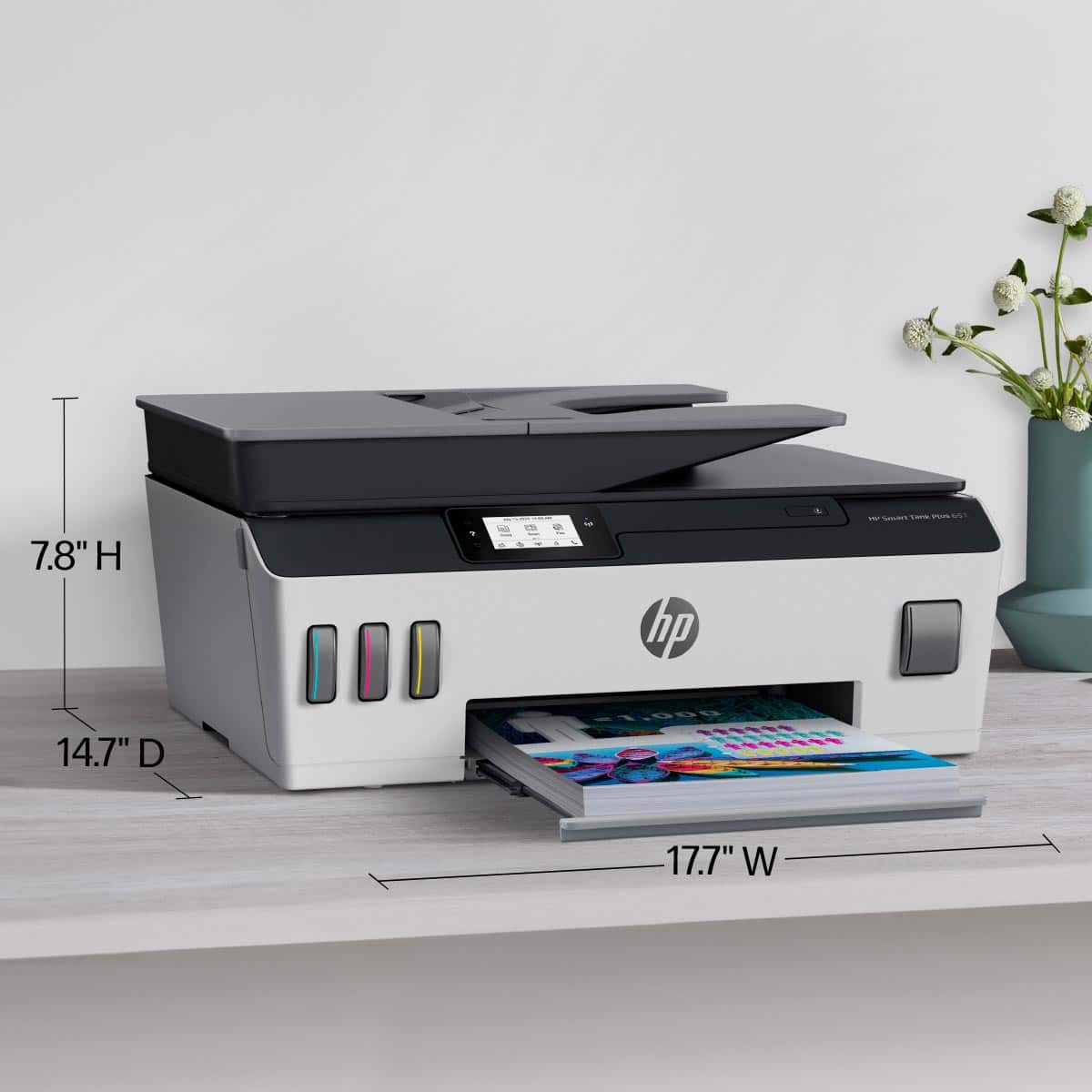
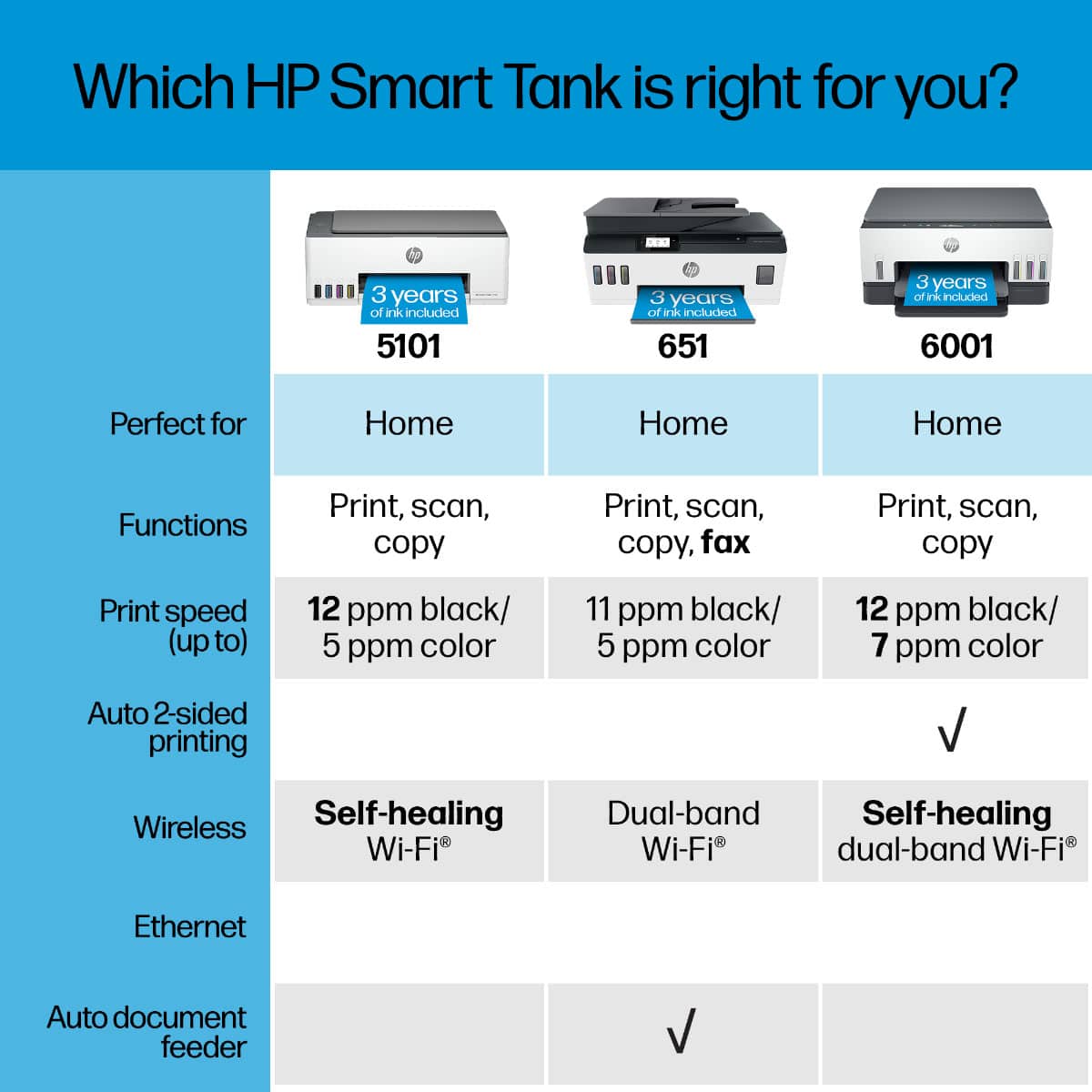
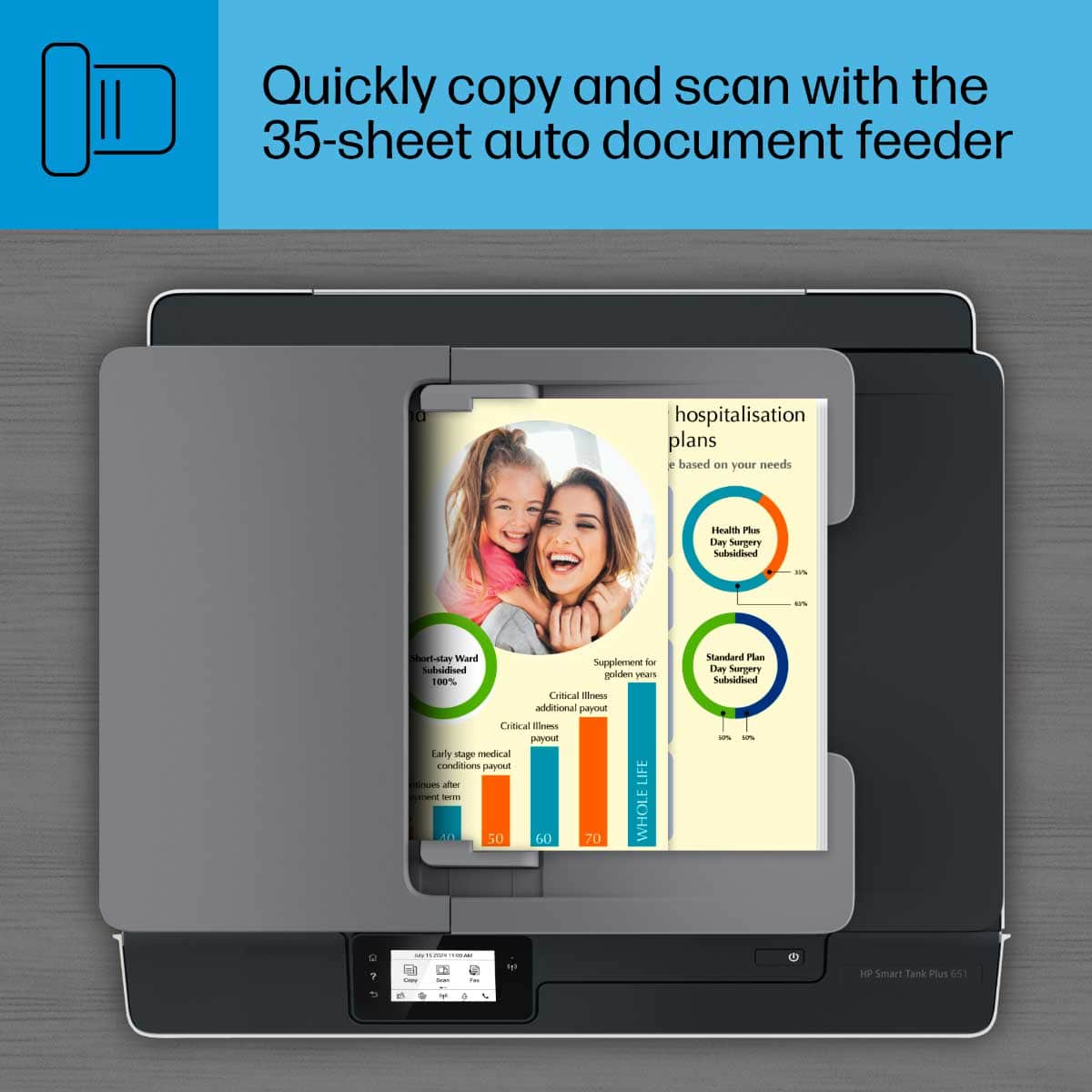
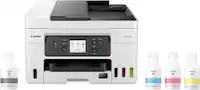
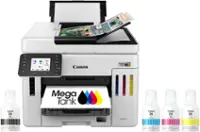
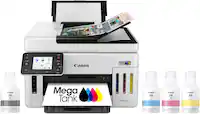
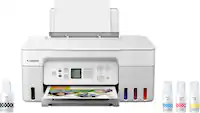
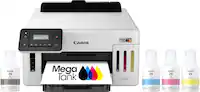
A:AnswerHi Bob! The Smart Tank Plus has a document feeder, where you can place up to 35 originals for scanning or copying. You can raise the scan lid to scan/copy single pages from the scan bed.
A:AnswerHP and al the other printer companies have figured out how to terminate your printer if you DARE to put ANYTHING but THEIR product into the computer. Refuses to work at all until you put THEIR brand of ink into it.
Worse- they have created planed obsolecense. Once you print a predetermined number of copies (50,000 life time (?) the printer shuts down. Permanently. Forever.
A:AnswerIf you like prints that are super obviously prints with different toned lines throughout the image, then yes. If you want a flawless print find a different printer. HP is still working out the bugs on this one.
A:AnswerThe printer uses any 8 1/2 x 11 standard photo paper. Your PROGRAM decides what size prints you make.
I have made some nice photos- but the ink smears and requires a fixative agent to be applied.
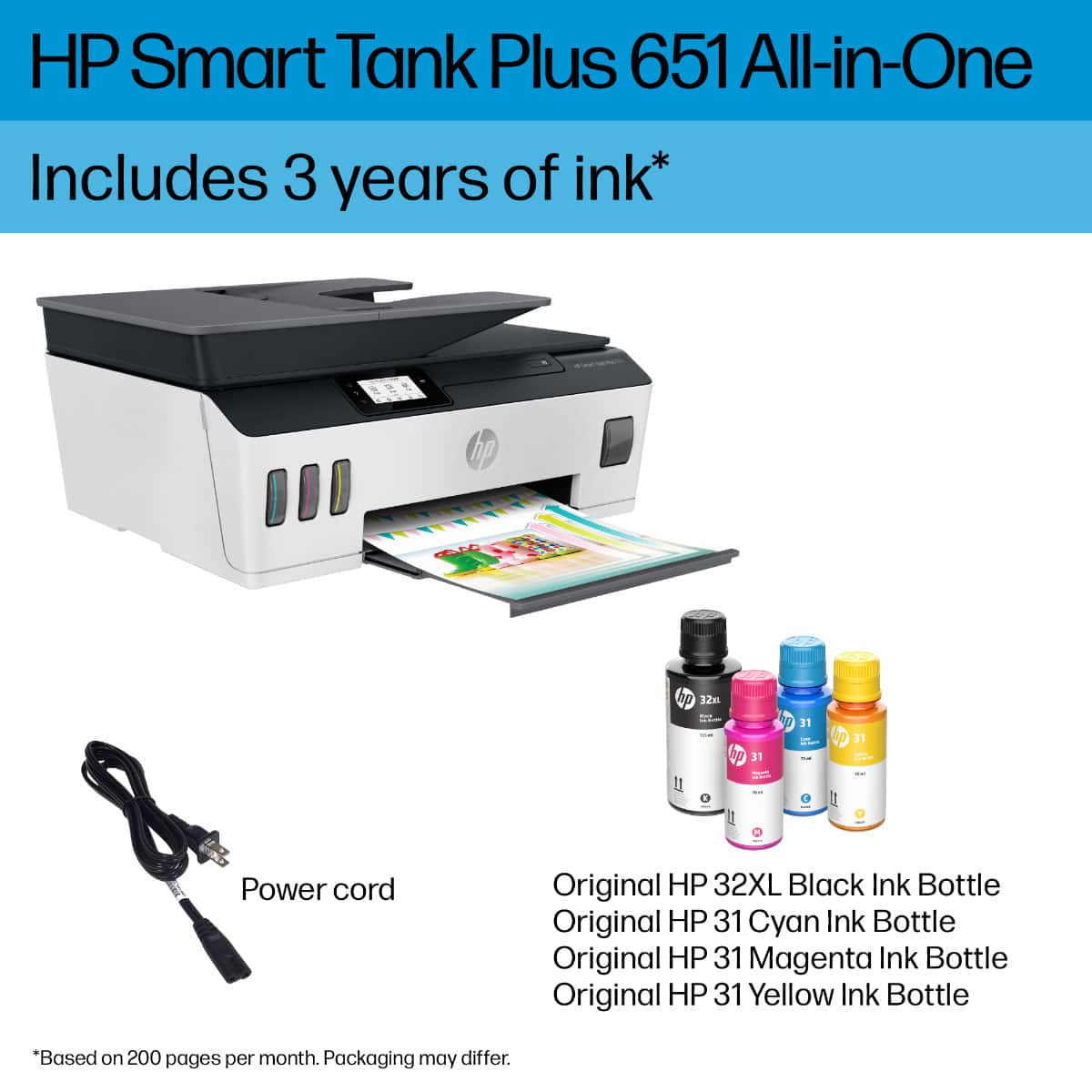
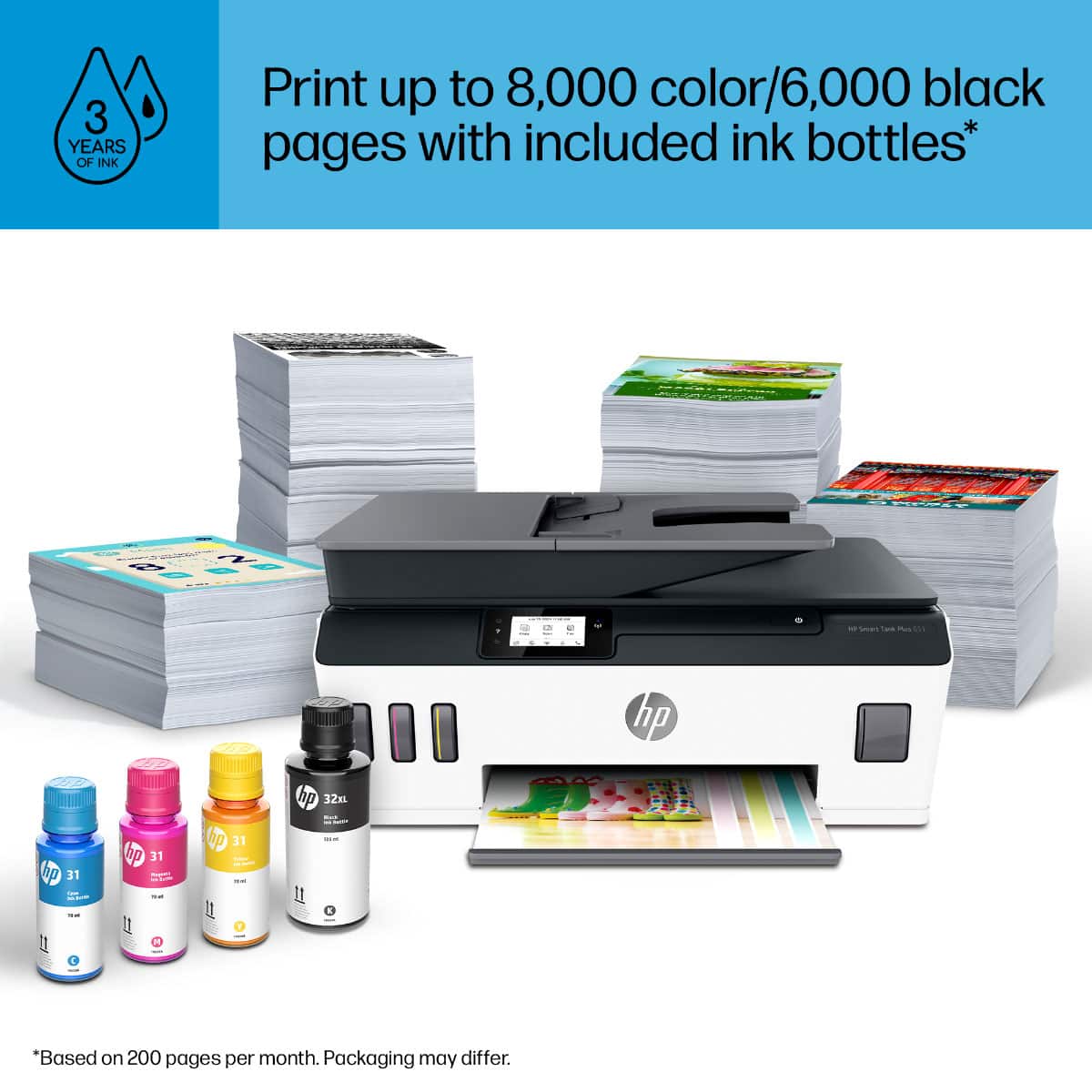
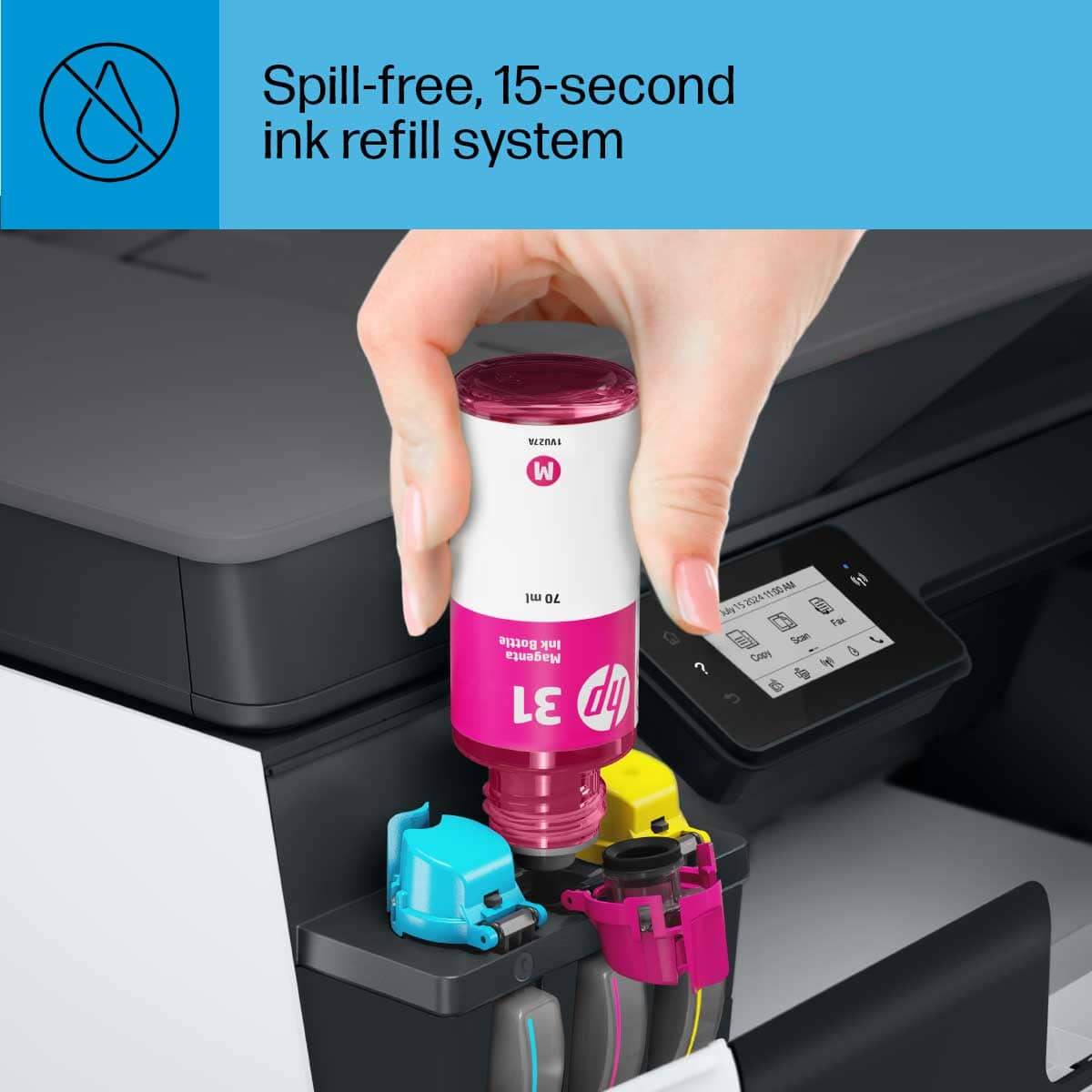
A:AnswerHi there. Thank you for your question! The HP Smart Tank Plus 651 does not use sublimation ink. It will use pigment-based black ink and dye-based color ink (cyan, magenta, and yellow).