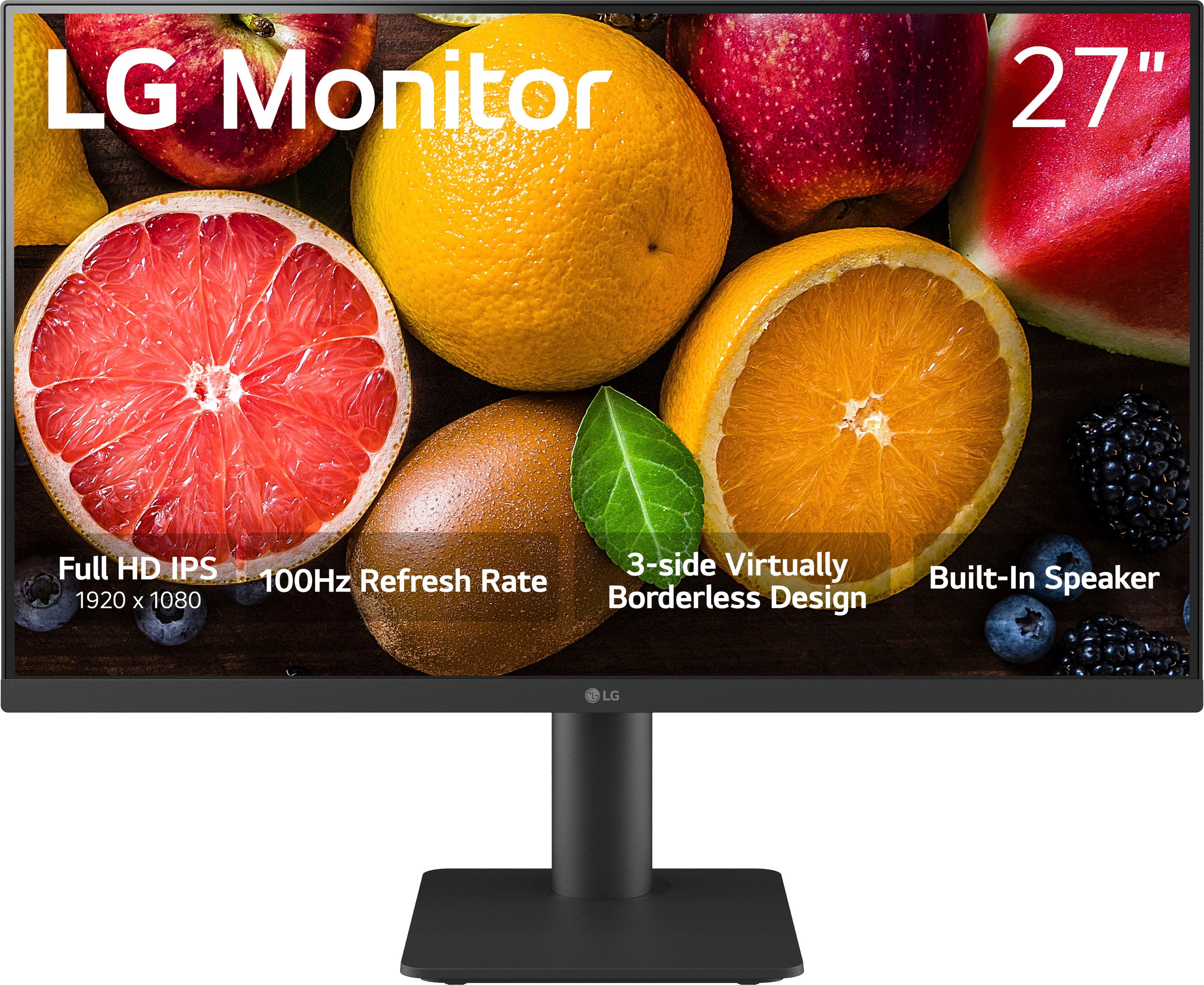
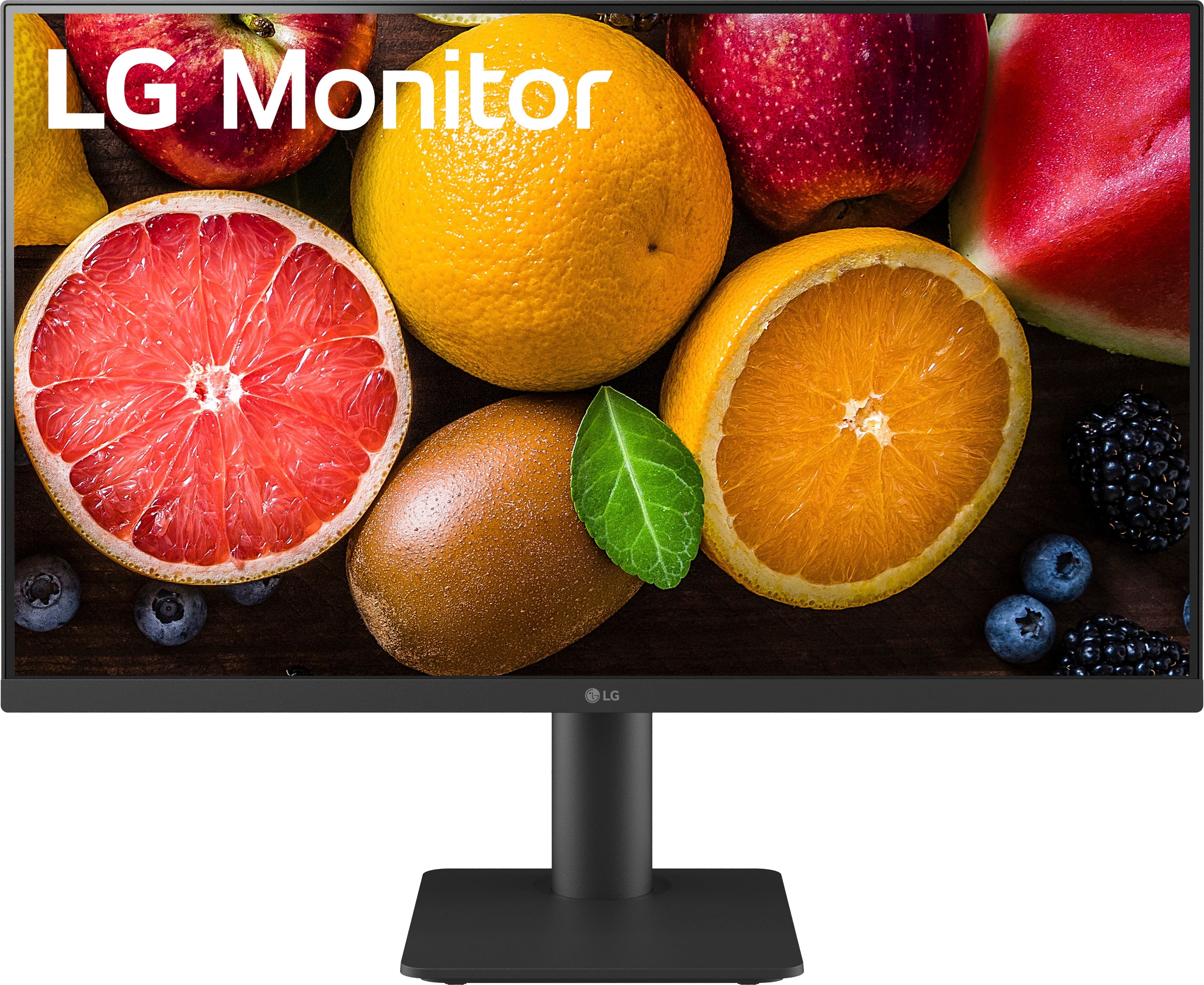
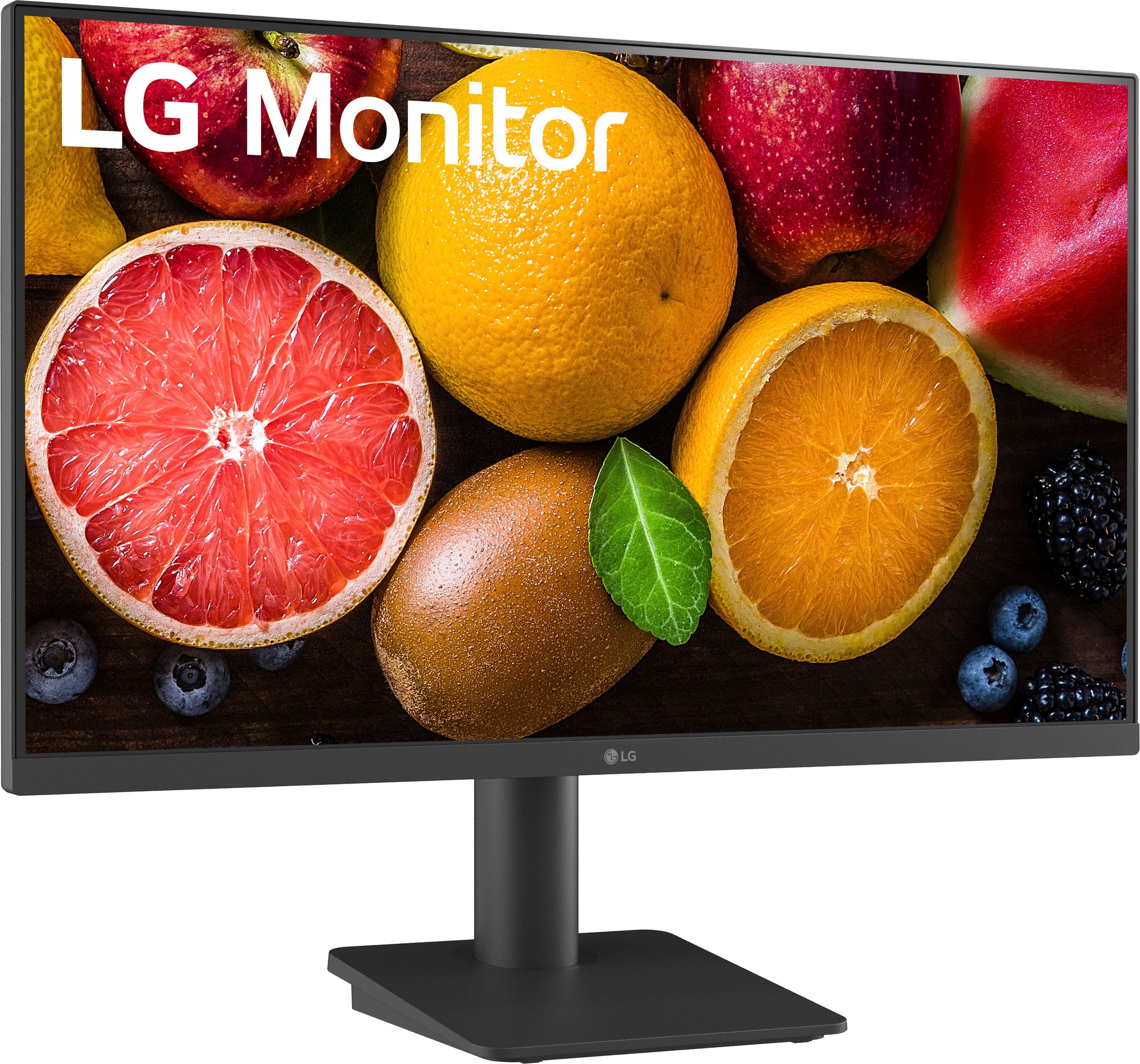
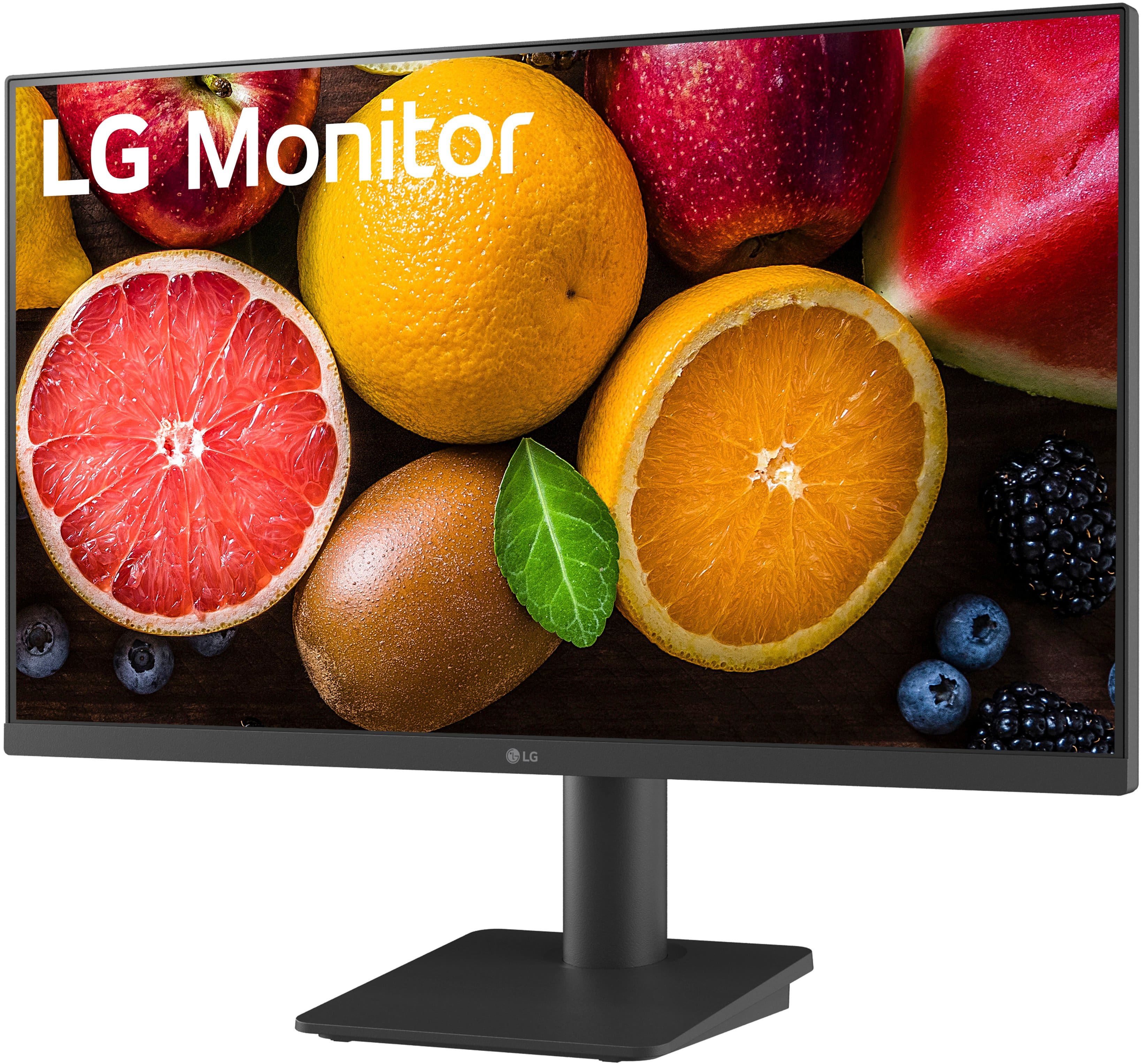
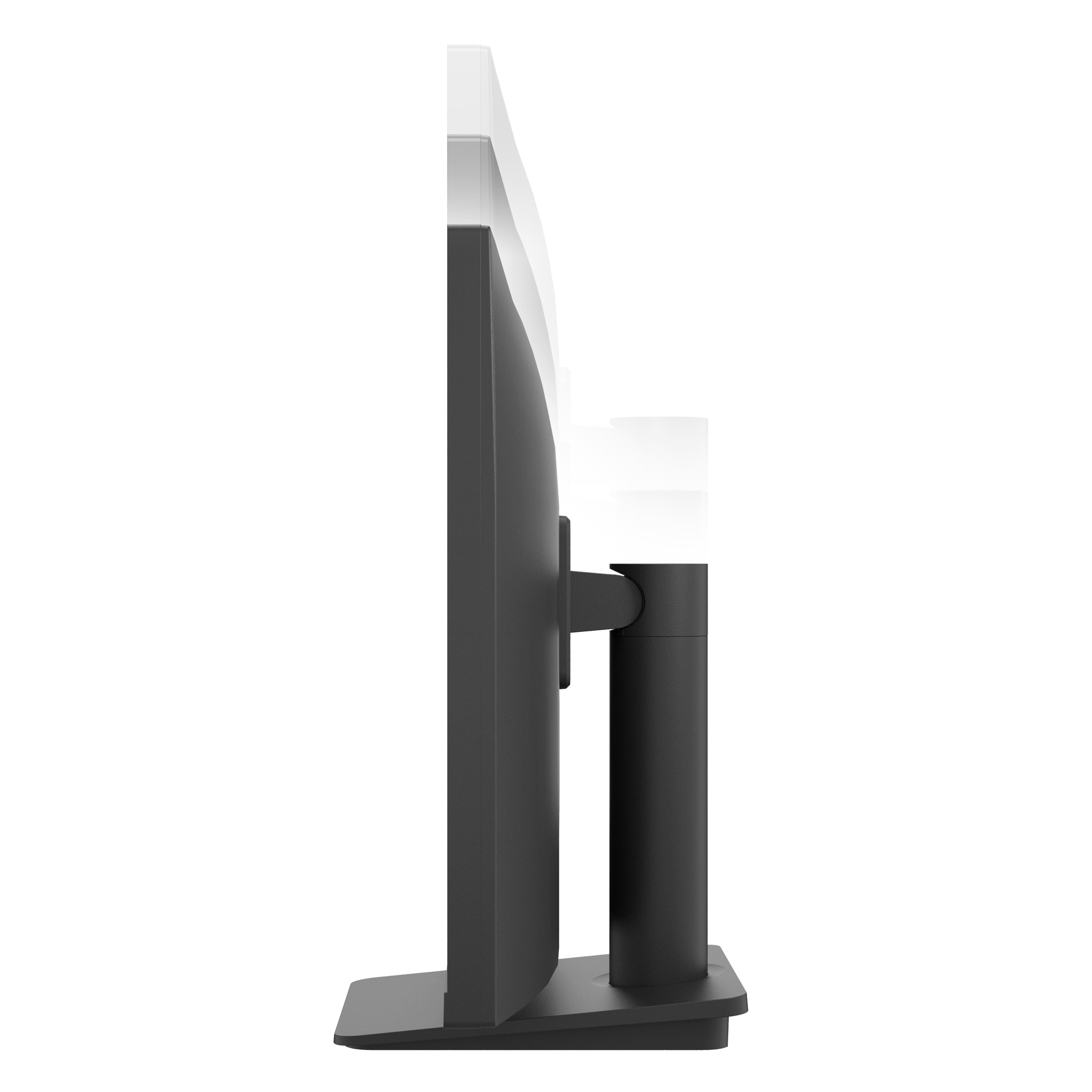
A:AnswerThank you for reaching us regarding LG Monitor. The height of the LG 27MS550-B monitor with the stand is 19.4 inches. You can download its owner's manual through this link for more information: https://www.lg.com/us/support/product/lg-27MS550-B.AUS. For additional assistance, please reach out to us on social media @LGUSSupport so we can help you further. ^Cris
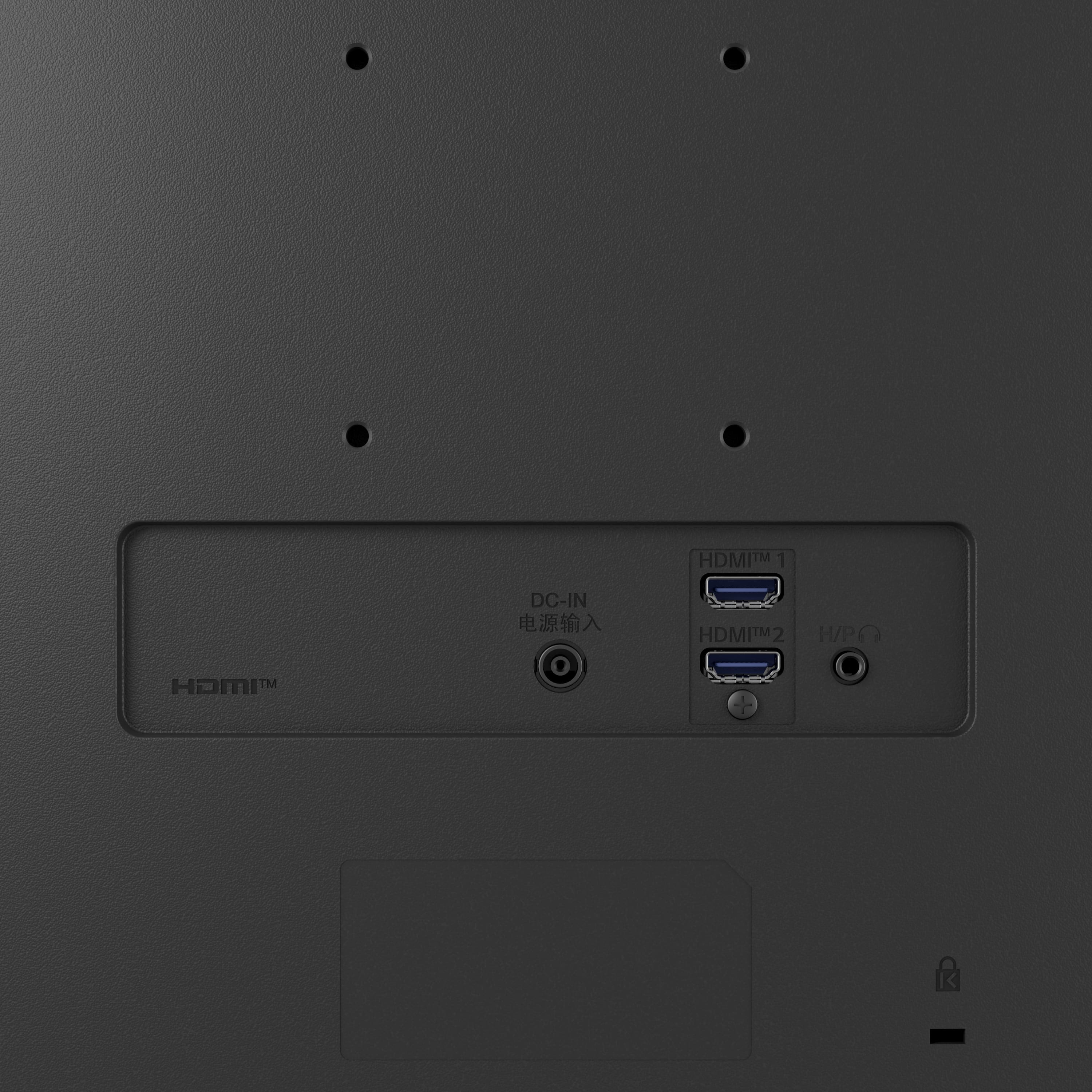
A:AnswerThank you for reaching us regarding LG Monitor. To connect speakers to your LG 27MS550-B.AUS monitor:
1. Check the back of the monitor for a 3.5mm headphone/audio out port.
2. Connect the monitor to your computer using an HDMI cable.
3. Plug the speakers into the headphone/audio out port using a 3.5mm aux cable.
4. Adjust the audio settings on your computer and monitor as needed.
You can download its owner's manual through this link for more information: https://www.lg.com/us/support/product/lg-27MS550-B.AUS. For additional assistance, please reach out to us on social media @LGUSSupport so we can help you further. ^Cris