Questions & Answers
- Model:
- 34WQ60C-B
- |
- SKU:
- 10331272
$499.99$499.99
Page Showing 1-12 of 12 questions
Q: QuestionWhat is the depth of the monitor and stand. If it was push against a wall, how far would it stick out
Asked by Anonymous.
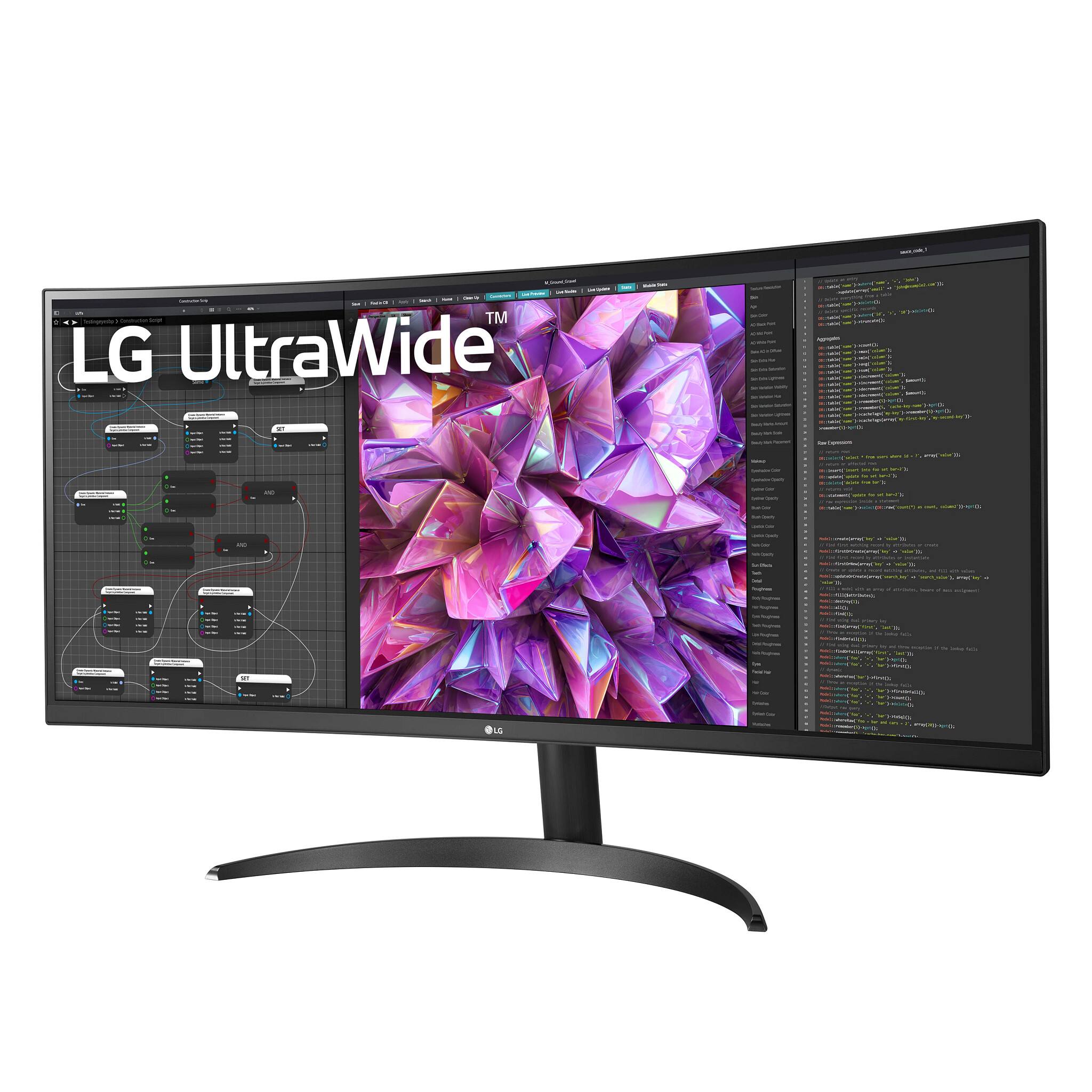
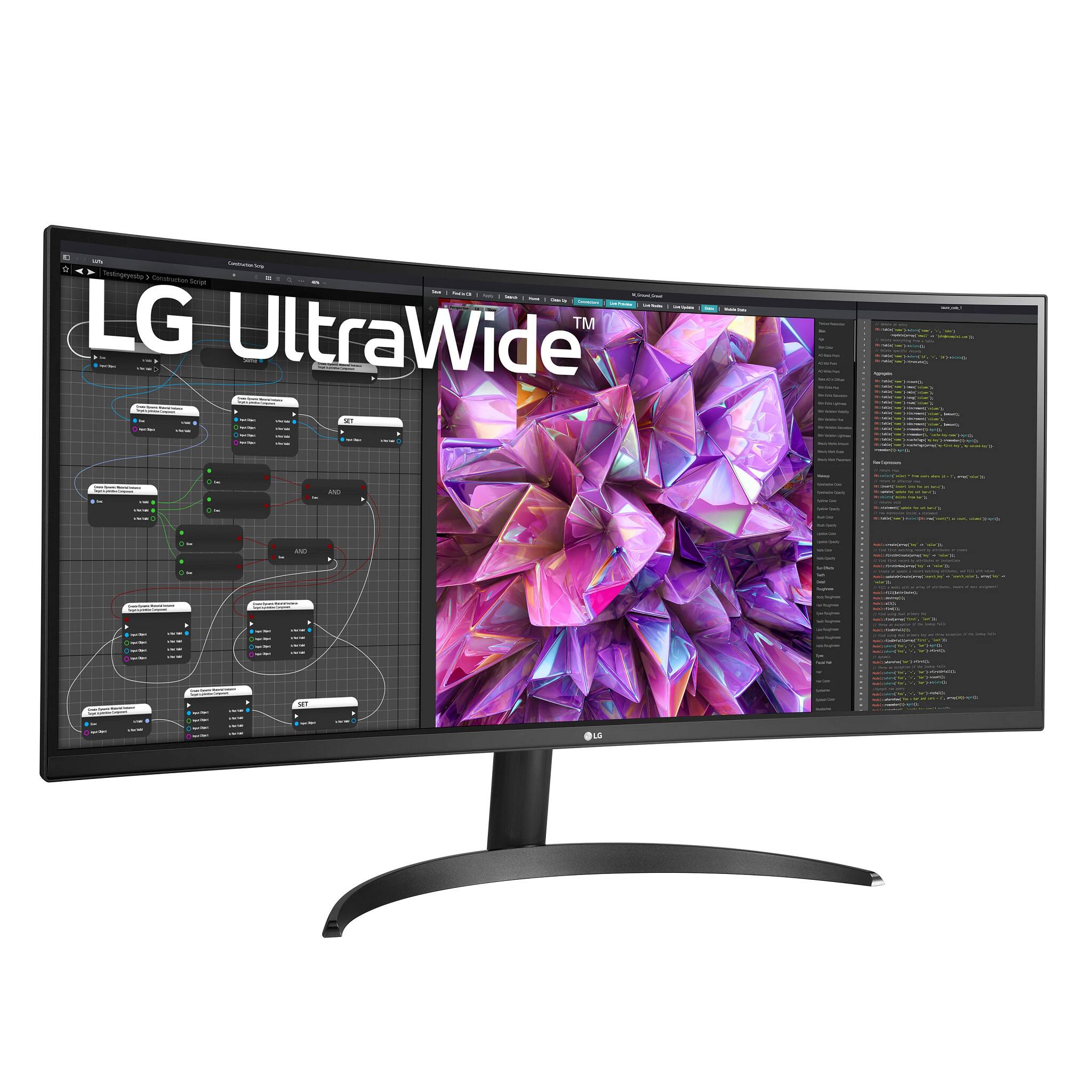
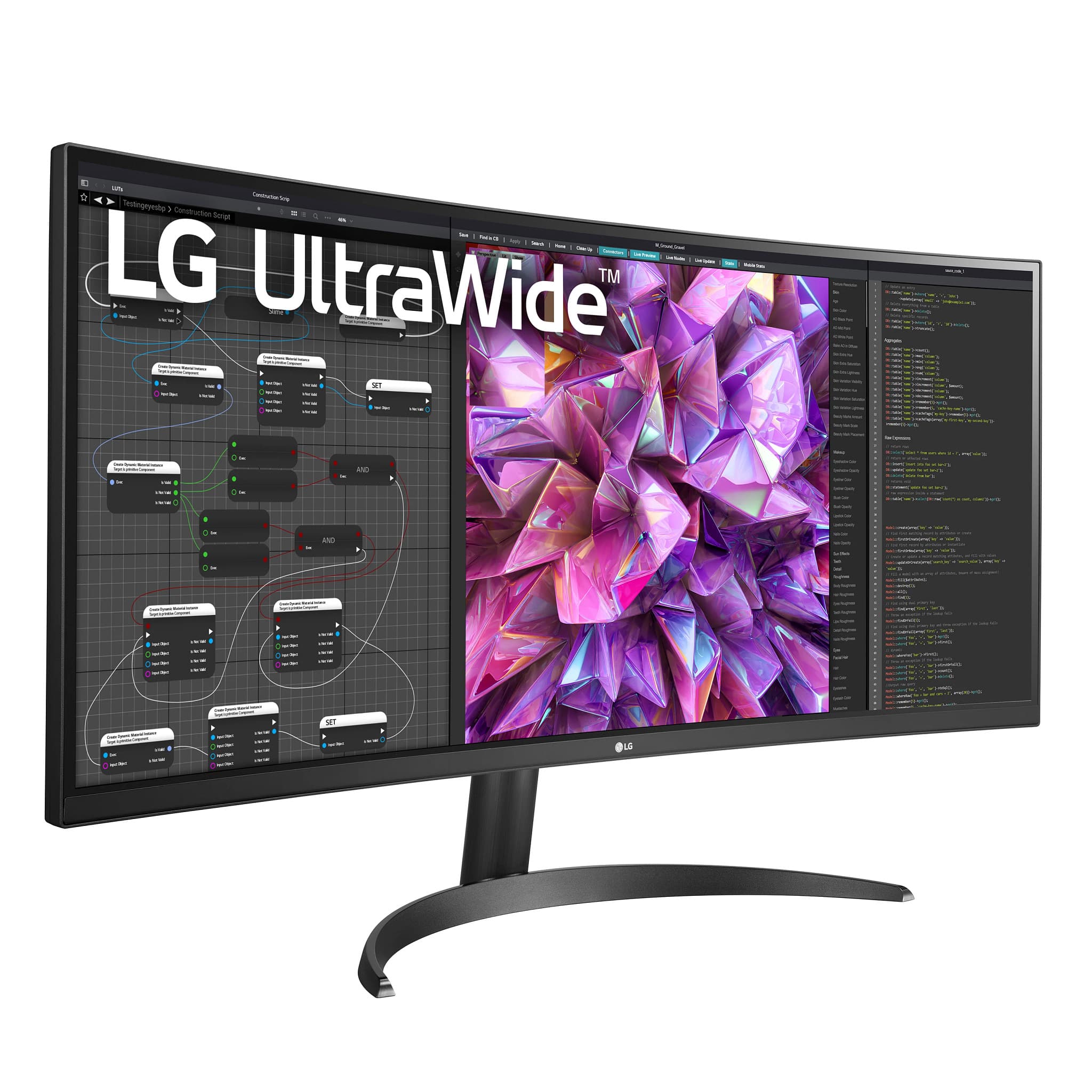
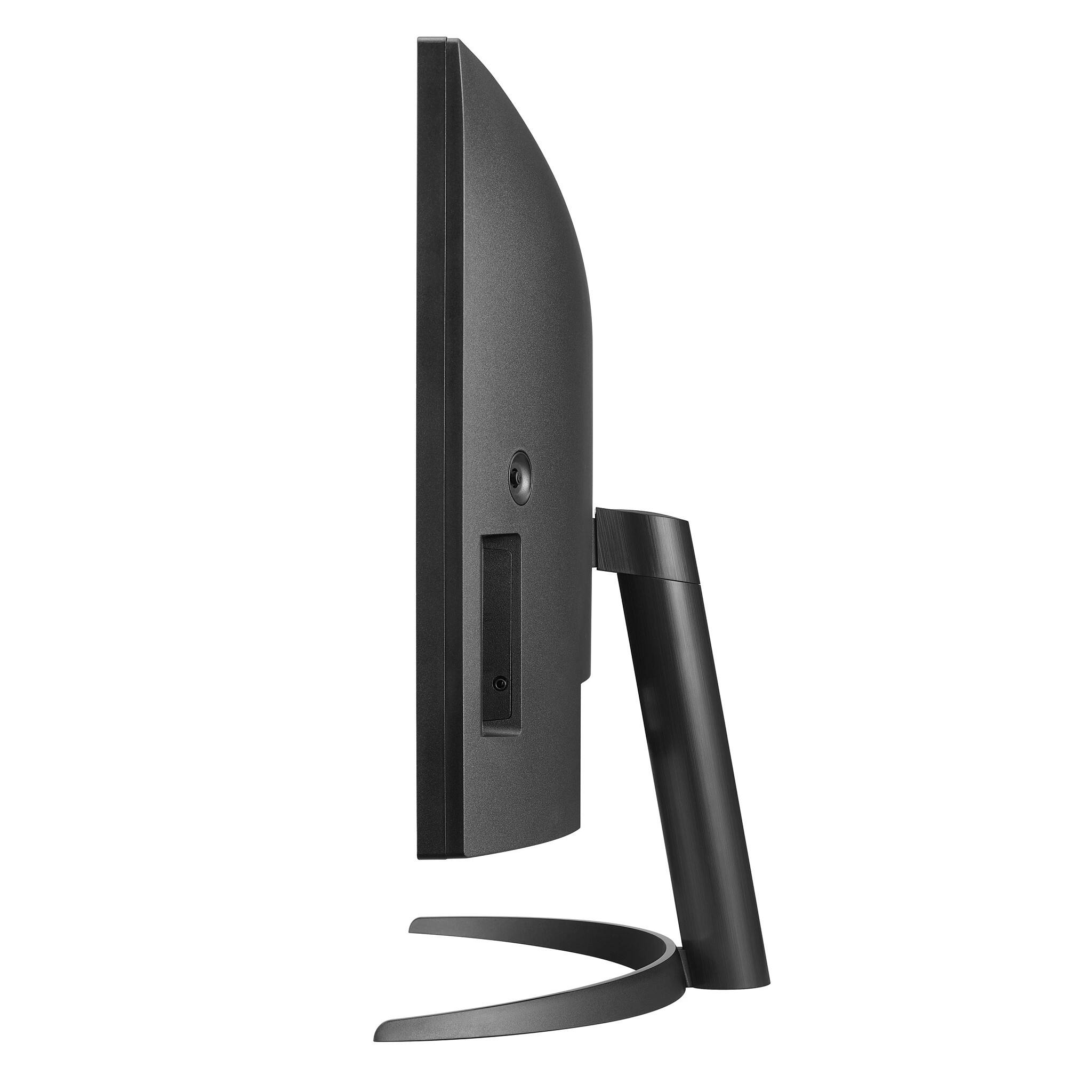
- A:Answer Hi there. Thanks for reaching out. For the LG - 34" IPS LED curved QHD w/HDR Product Height With Stand is 19.1". Product Height Without Stand 14.4". Product Width of 32.2". ^Jai.
Answered by LG Digital Customer Care

Q: QuestionCan this monitor be powered by USB C? or do you need the power cord?
Asked by Anonymous.
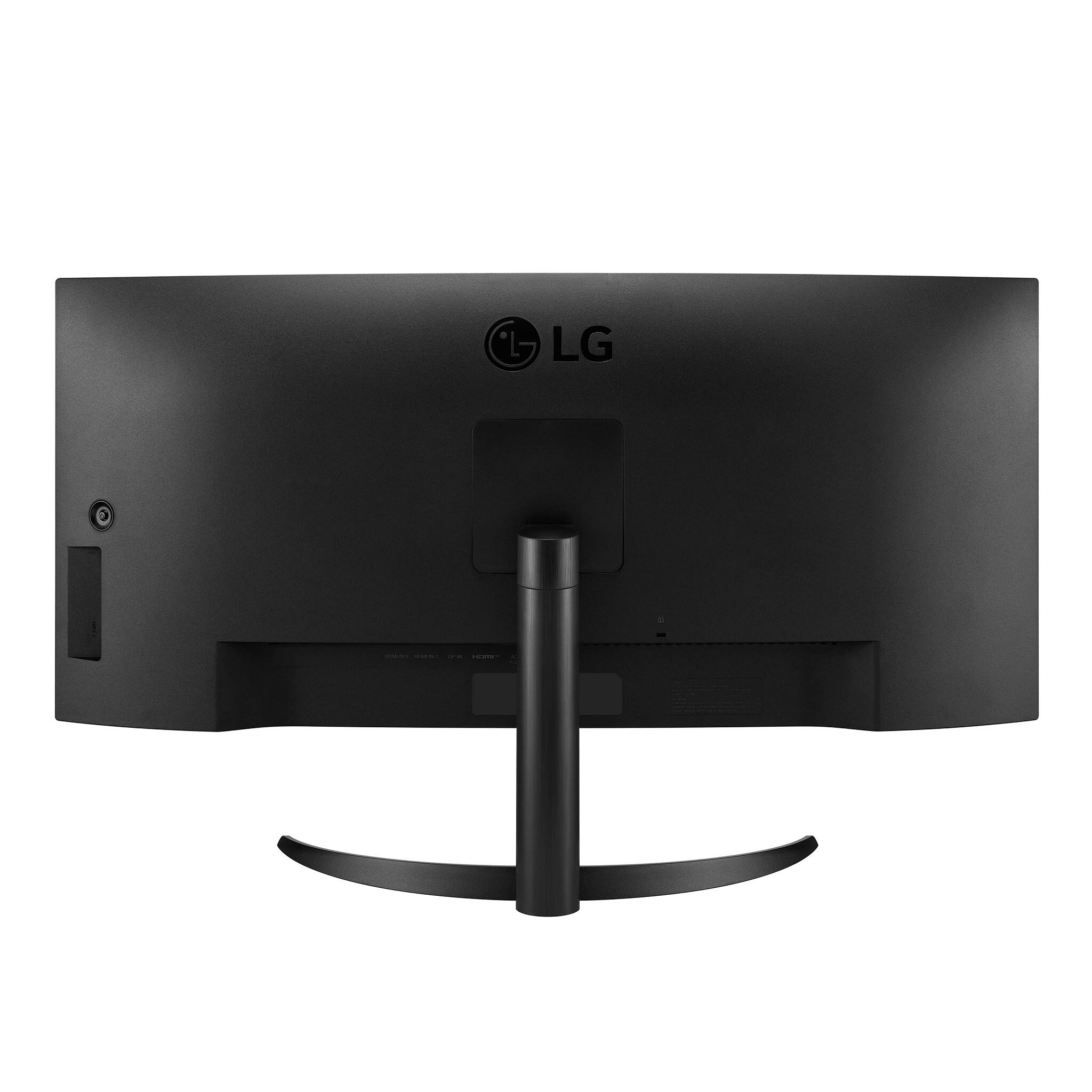
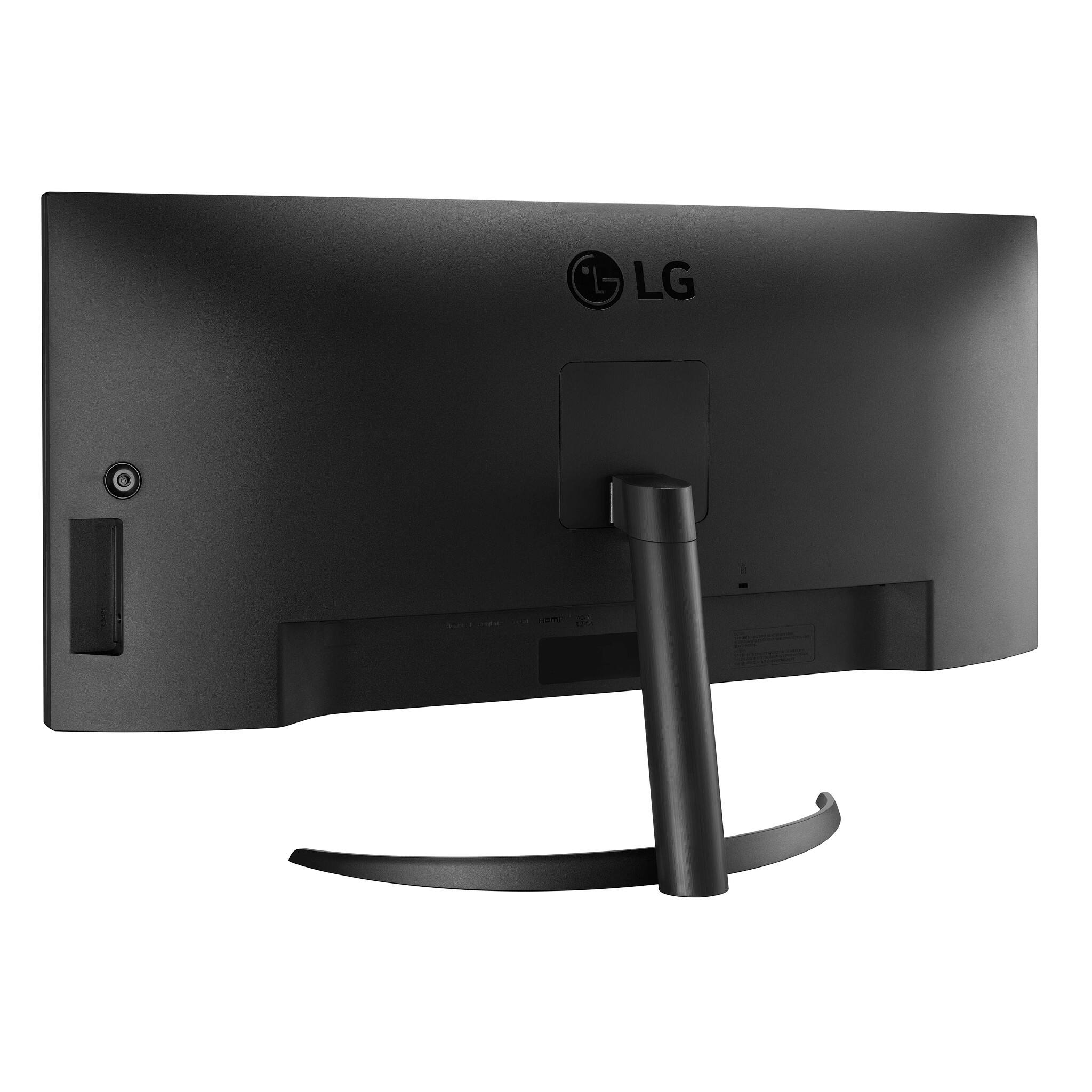
- A:Answer The LG 34'' Curved UltraWide™ QHD IPS HDR 10 Monitor with Dual Controller & OnScreen Control, Model # 34WQ60C-B does not have a USB-C port...^Ivan
Answered by LG Digital Customer Care

Q: QuestionHello, what are the VESA mount patterns? Guessing either 75x75mm or 100x100mm ?
Asked by Gamer10.
- A:Answer The VESA mount patterns are 100x100mm. ~Tanisha
Answered by LG Digital Customer Care

Q: QuestionWHAT IS THE HEIGHT OF THE SCREEN ( WITHOUT STAND ). WIDTH IS MENTIONED BUT HEIGHT IS NOT MENTIONED
Asked by danny.
- A:Answer Hi Danny, the dimensions for monitor model 34WQ60C-B without the stand (WxHxD) are: 32.2" x 14.4" x 3.3". ^Chris
Answered by LG Digital Customer Care

Q: QuestionDoes this monitor have any sort of anti-glare coating on the screen?
Asked by Faiz13.
- A:Answer Hi, this model does not have Anti glare. ^Vanessa
Answered by LG Digital Customer Care

Q: QuestionCan this monitor stand up without using the mount if it is leaned up against a shelf on the desk?
Asked by Brink.
- A:Answer You could do that, but not unless you put a stop of some kind in front of it to keep the bottom from slipping forward (unit falls on its back). However, this won't be very practical because the power and mode button on most of the LG widescreens is located in the middle, *underneath* the bottom edge - so won't be able to turn it on/off or adjust its settings. (Which is probably why the LG person said 'no' to your question.) I suppose you could set it up first, then turn it on/off another way, or just let it go into sleep mode. This are excellent monitors - I have almost a dozen of them 8-|
Answered by DayTrader
Q: QuestionDoes this monitor have USB-C connection? Concerned that it won't play nicely with my Surface Book 2.
Asked by gmb.
- A:Answer Hi, this model does not have a USB port. ^Vanessa
Answered by LG Digital Customer Care

Q: QuestionCan you hook two computers into this monitor and split the screen?
Asked by Monitor.
- A:Answer Hi, This model has OnScreen Control is an application used to manage a single monitor or a group of monitor with useful features such as Monitor Control, My Display Presets and Screen Split. This software is compatible in Windows and Mac OS. OnScreen Control displays all connected LG monitor information. This has PBP (Picture by Picture). ^Vanessa
Answered by LG Digital Customer Care

Q: Questiondoes this have speakers. does this have a kvm switch built in.
Asked by KrizBee.
- A:Answer Hi, this model does not have a built-in speakers or integrated speaker and no KVM. ^Vanessa
Answered by LG Digital Customer Care

Q: QuestionDoes this has PBP or PIP.
Asked by kp.
- A:Answer Hello, this has PBP (Picture by Picture). ^Vanessa
Answered by LG Digital Customer Care

Q: QuestionDoes it have DisplayPort? The Specs page only lists 2 HDMI inputs.
Asked by Homer.
- A:Answer Hi, this model has a displayport. ^Vanessa
Answered by LG Digital Customer Care

Q: QuestionWill this monitor mount to a VESA arm?
Asked by Chuck.
- A:Answer Hii, Wall Mount Size (mm) 100 x 100 mm. This monitor can be wall mounted. ^Vanessa
Answered by LG Digital Customer Care

Page 1, Showing 1-12 of 12 questions
Most-viewed items
- $89.99$89.99The price was $119.99
- $99.99$99.99The price was $149.99
- $109.99$109.99The price was $134.99
- $109.99$109.99The price was $149.99
- $99.99$99.99The price was $119.99
- $299.99$299.99The price was $379.99
- $169.99$169.99The price was $229.99
- $736.99$736.99The price was $799.99