Appliances Presidents’ Day SaleEnds 2/25. Limited quantities. No rainchecks.Shop now

Main Content

Questions & Answers

Your price for this item is $399.99
The comparable value price is $599.99
Page Showing 1-10 of 10 questions
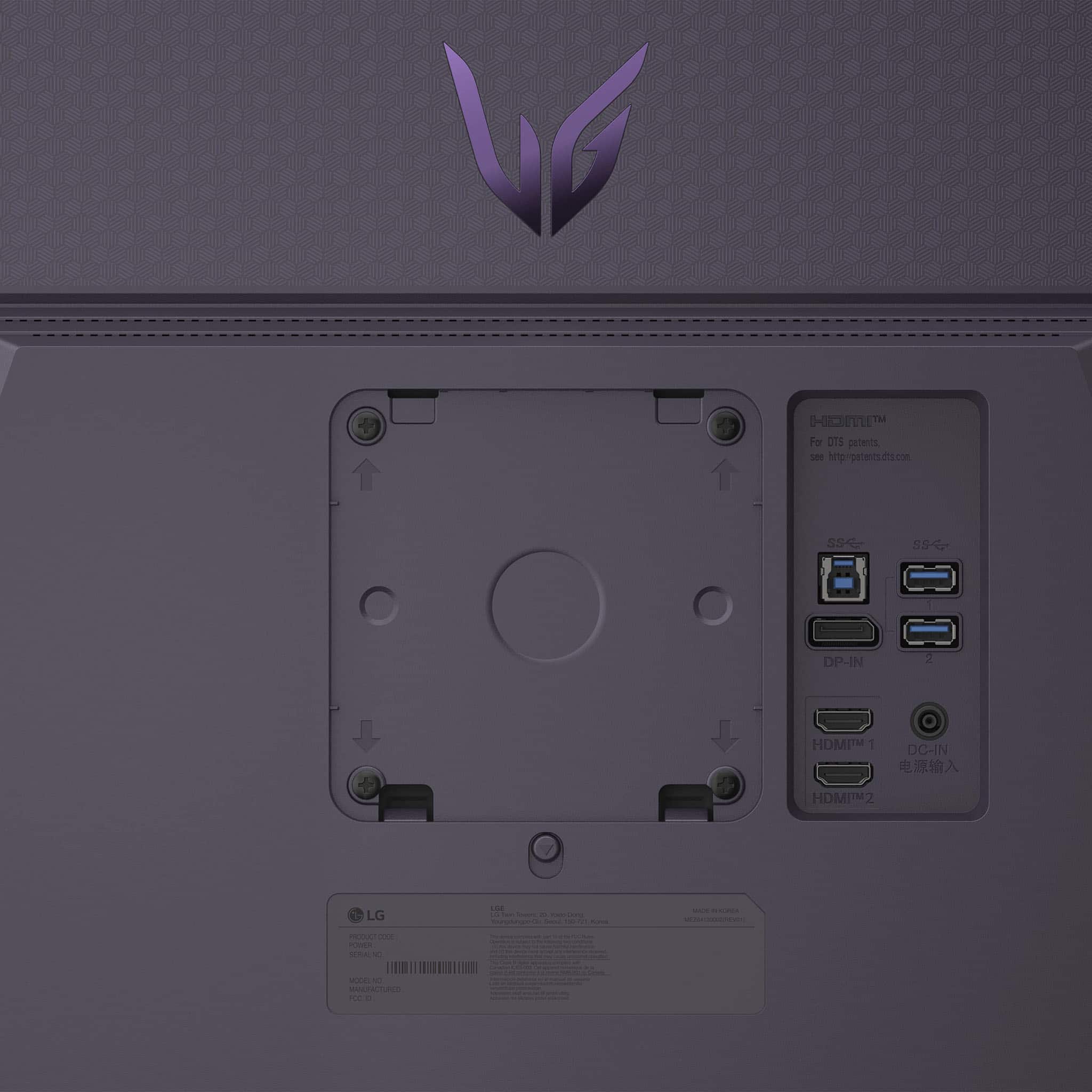
  • QuestionWhat does the Display port support, 1.2. 1.4, etc? Thank you.

    Asked by Anonymous.

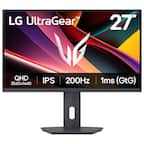
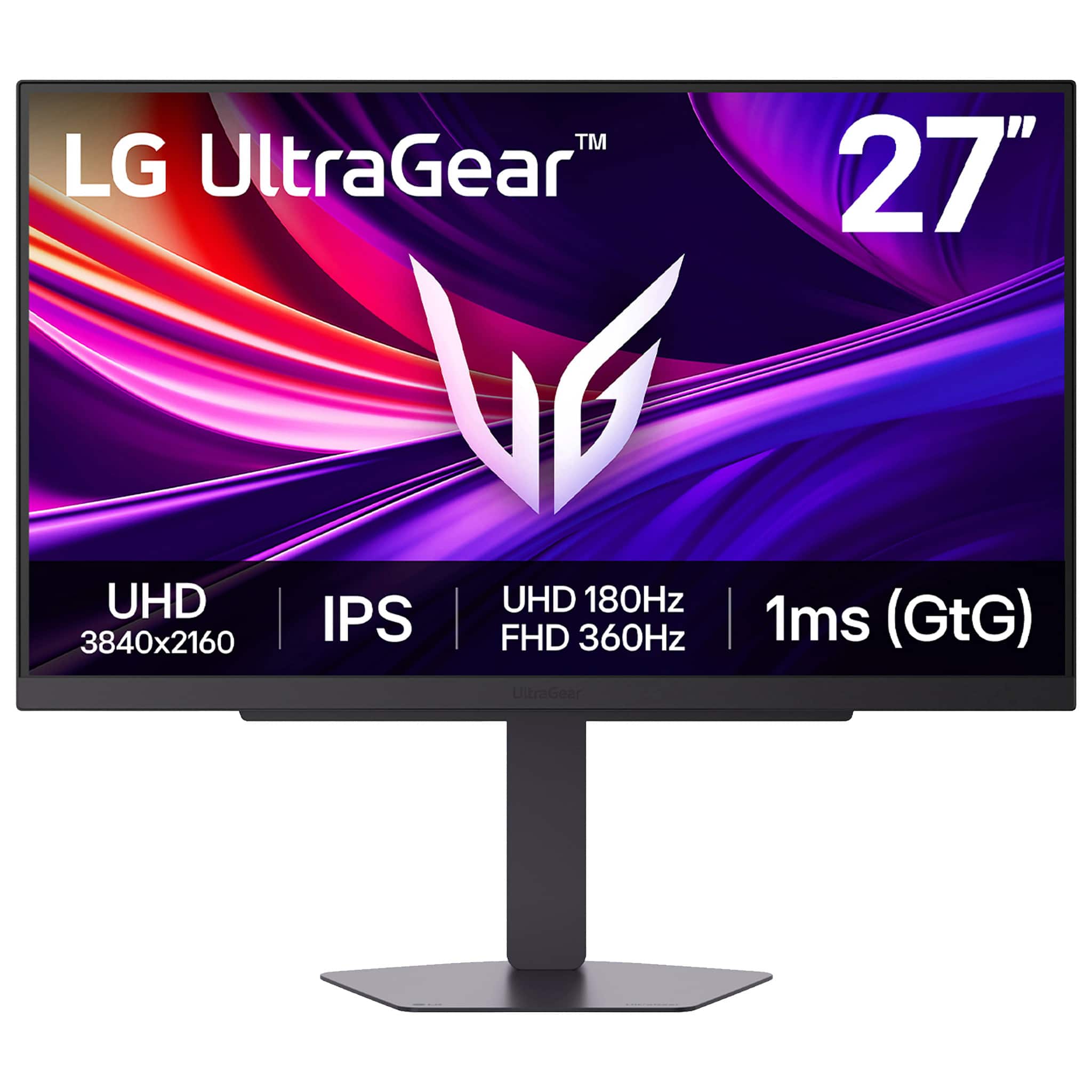
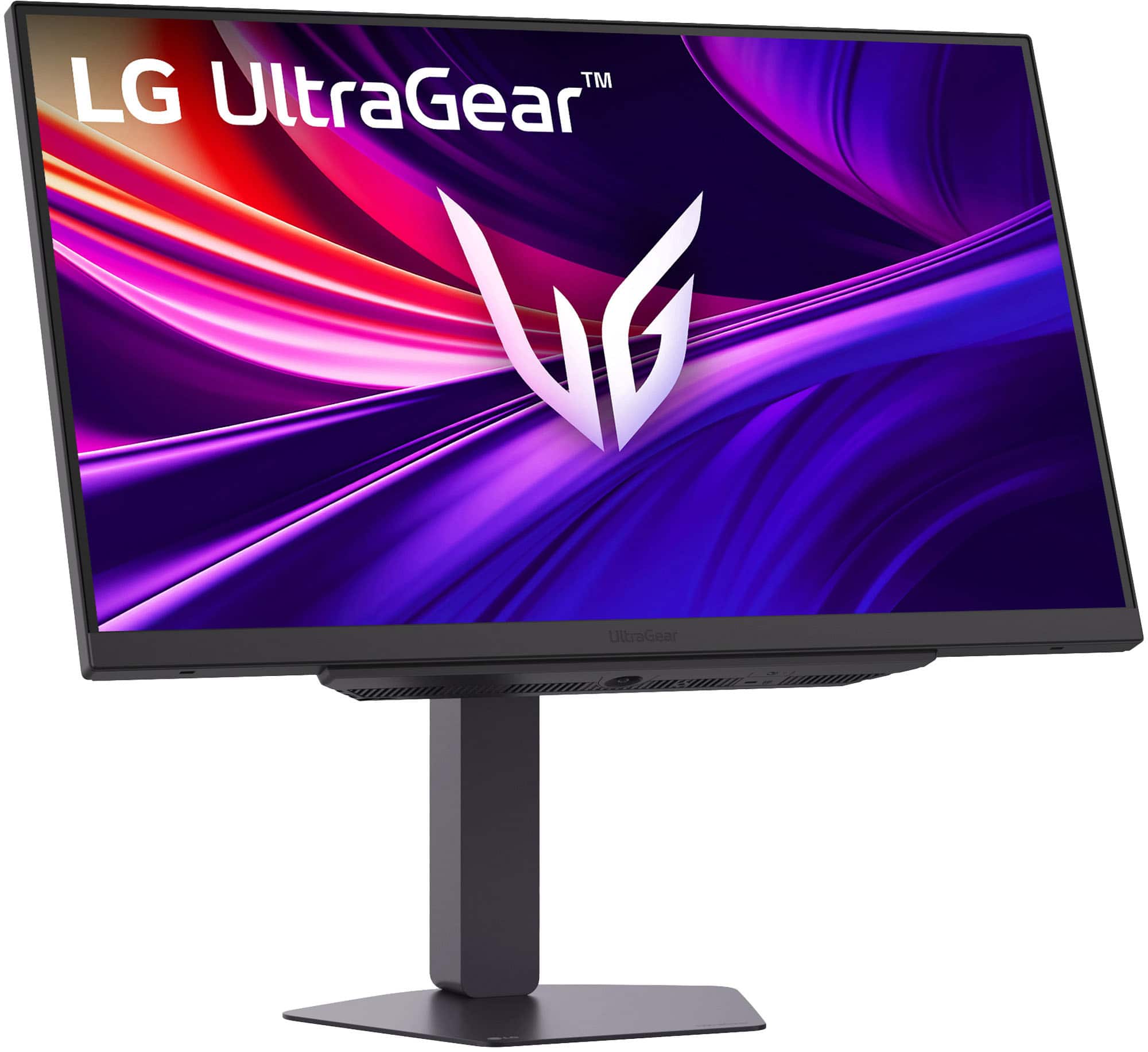
    • Answer The DisplayPort for the LG 27-inch UltraGear™ IPS 4K UHD 180Hz or FHD 360Hz Dual-Mode NVIDIA G-Sync Compatible Gaming Monitor, Model # 27G810A-B, is DisplayPort version 1.4...^Ivan.

      Answered by LG Digital Customer Care

  • QuestionHello! Recently purchased this monitor at your Best Buy location in New Holland. I am dissatisfied. I am using the cabling that came with the Monitor. Perhaps I am doing something wrong? I have a Brand New MacBook Air-colors are not vibrant but dull. Help

    Asked by Bengalboy1991.

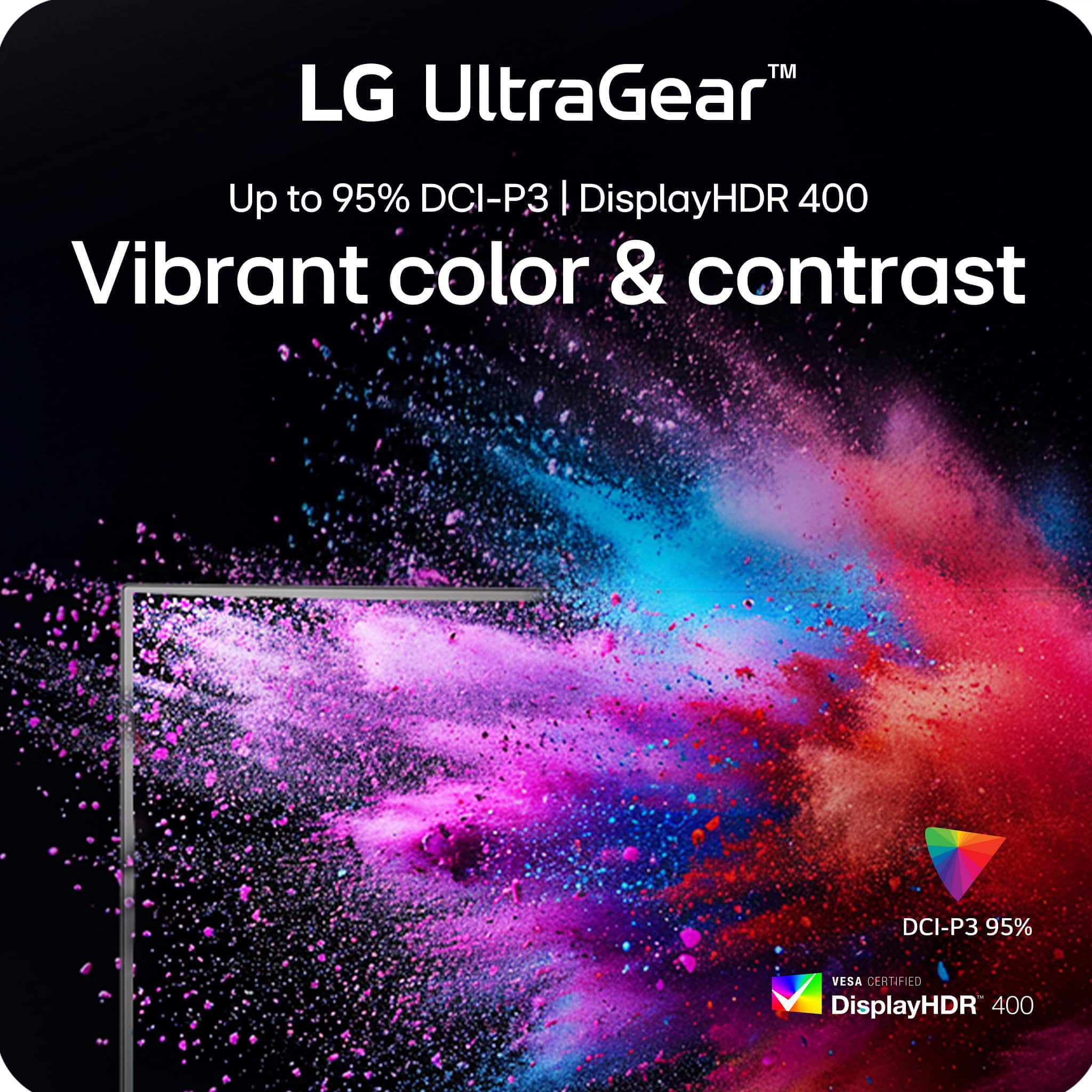
    • Answer We are sorry to read that your recently purchased LG 27-inch UltraGear™ IPS 4K UHD 180Hz or FHD 360Hz Dual-Mode NVIDIA G-Sync Compatible Gaming Monitor, Model # 27G810A-B, did not meet your expectations, and we sincerely apologize for any inconvenience. Dull or washed-out monitor colors on a MacBook Air, especially with external displays, are often caused by incorrect color profile detection (limited vs. full range), enabling HDR, or improper scaling. You can try adjusting the color profile on your MacBook Air by navigating to System Settings > Displays, selecting the external display, and trying changing the "Color profile" to "Color LCD" or calibrating it using the Display Calibrator Assistant. You can also try testing alternatives like Generic RGB Profile" to see if saturation improves. macOS may detect monitors as limited range (washed out) rather than full range. Use tools like BetterDisplay to force full RGB. Turn off True Tone in System Settings > Displays to see if that improves color accuracy. Disable HDR in display settings, as it can sometimes make colors look washed out. If the issue persists, ensure the monitor's on-screen display (OSD) settings are set to RGB and not YPbPr...^Ivan.

      Answered by LG Digital Customer Care

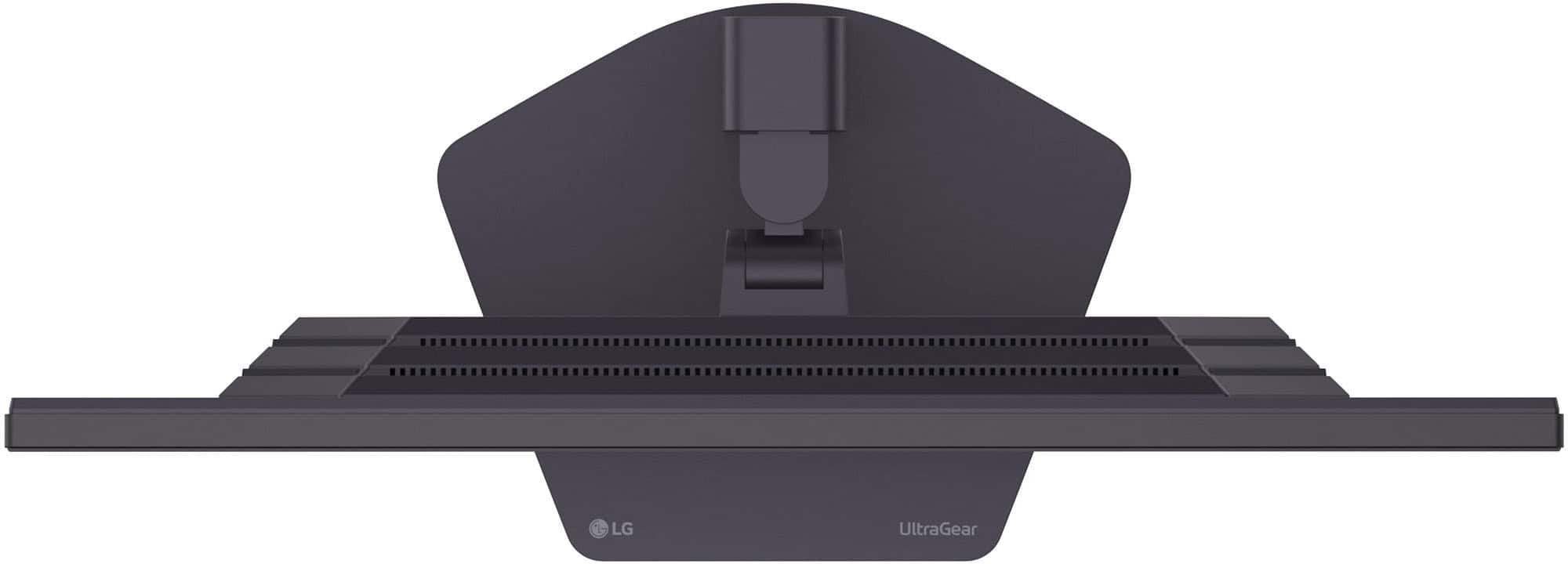
  • QuestionShould this monitors fan be audible i just bought it and it is making a noise I've heard in normal situations sitting in front i Should not hear it operating.? It is my first lg monitor but i will return if nothing can be done

    Asked by Jack.

    • Answer I have had my monitor a little while now. Have never heard a noise. Have had the screen running for hours on end as well.

      Answered by LandonJ

  • QuestionIs there any difference between the 27g810a-b and the 27g810a? When doing any research, all I can find is the 27g810a.

    Asked by jusDRYV.

    • Answer The -B at the end of the model number for the LG - UltraGear 27" IPS Dual Mode (4K UHD 180Hz, FHD 360Hz), 1ms, NVIDIA G-SYNC, AMD Freesync Gaming Monitor (HDMI, DP, USB-C) - Black Model # 27G810A-B, is the color designation for the monitor's cabinet -B for Black). Since the monitor is only available with a black cabinet, most retail and online sites drop the -B at the end, but it is the same monitor...^Ivan.

      Answered by LG Digital Customer Care

  • QuestionIs this monitor good for static photo editing?

    Asked by Santiago.

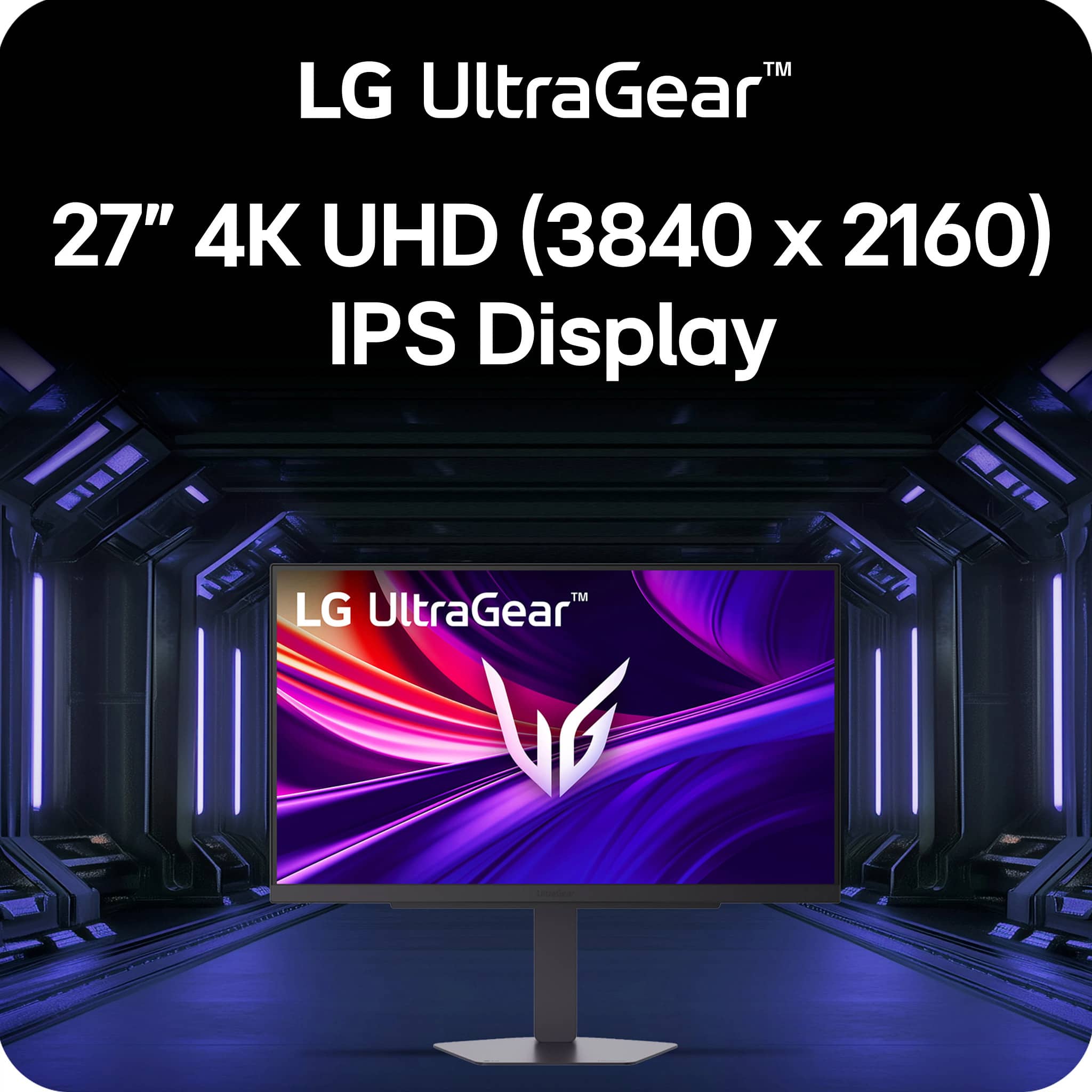
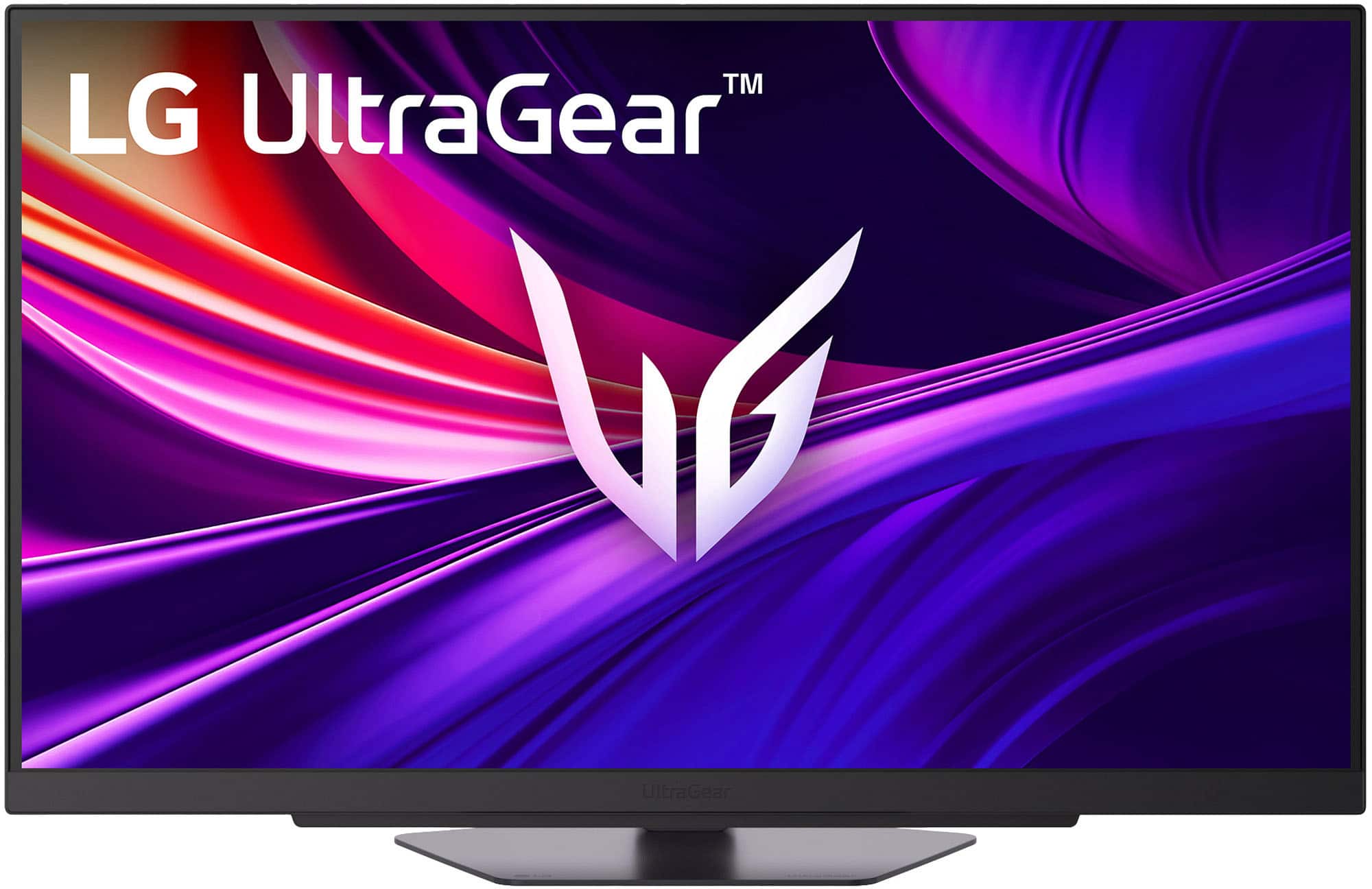
    • Answer As indicated in it's header, the LG - UltraGear™ 27" IPS Dual Mode (4K UHD 180Hz, FHD 360Hz), 1ms, NVIDIA G-SYNC, AMD Freesync Gaming Monitor (HDMI, DP, USB-C) - Black, Model # 27G810A-B, has a native 4K UHD (3840 x 2160) resolution, and although it is a gaming monitor, as with any other 4K monitorit will be suitable for static photo editing due to its higher resolution and pixel density. The higher resolution and pixel density of a 4K monitor allow for more detailed and accurate editing of images. This is particularly beneficial for photo editing tasks that require precise adjustments to colors, sharpness, and other visual elements. Additionally, 4K monitors often come with better color accuracy and a wider color gamut, which is essential for professional-quality photo editing...^Ivan.

      Answered by LG Digital Customer Care

  • QuestionHi, when the resolution is set to 1440p (2K) how much will be the max refresh rate? Thank you!

    Asked by Ram.

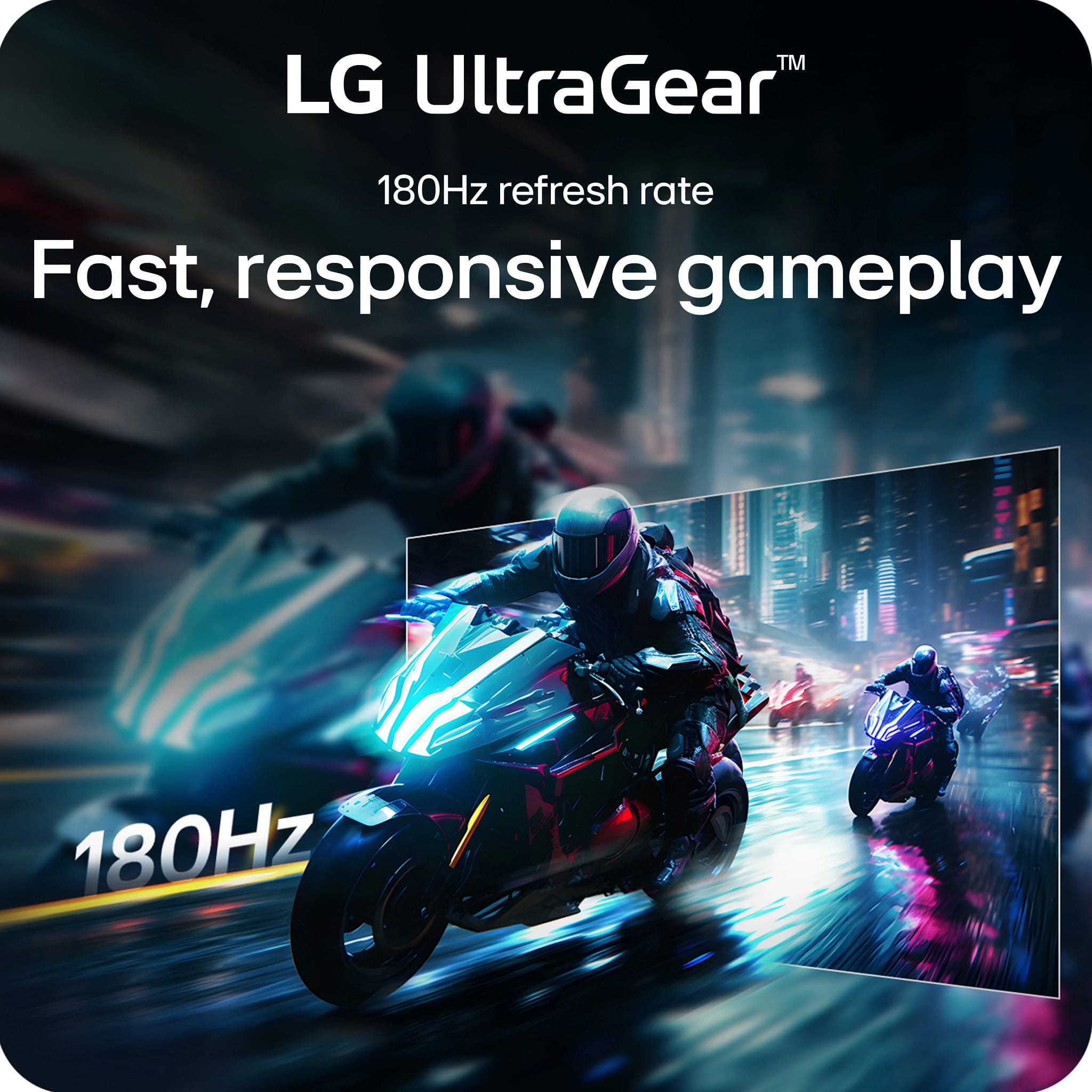
    • Answer 180hz as long as you have the correct display port cable.

      Answered by Brian

  • QuestionHello does this monitor support PS5 VRR and ALLM?

    Asked by CC.

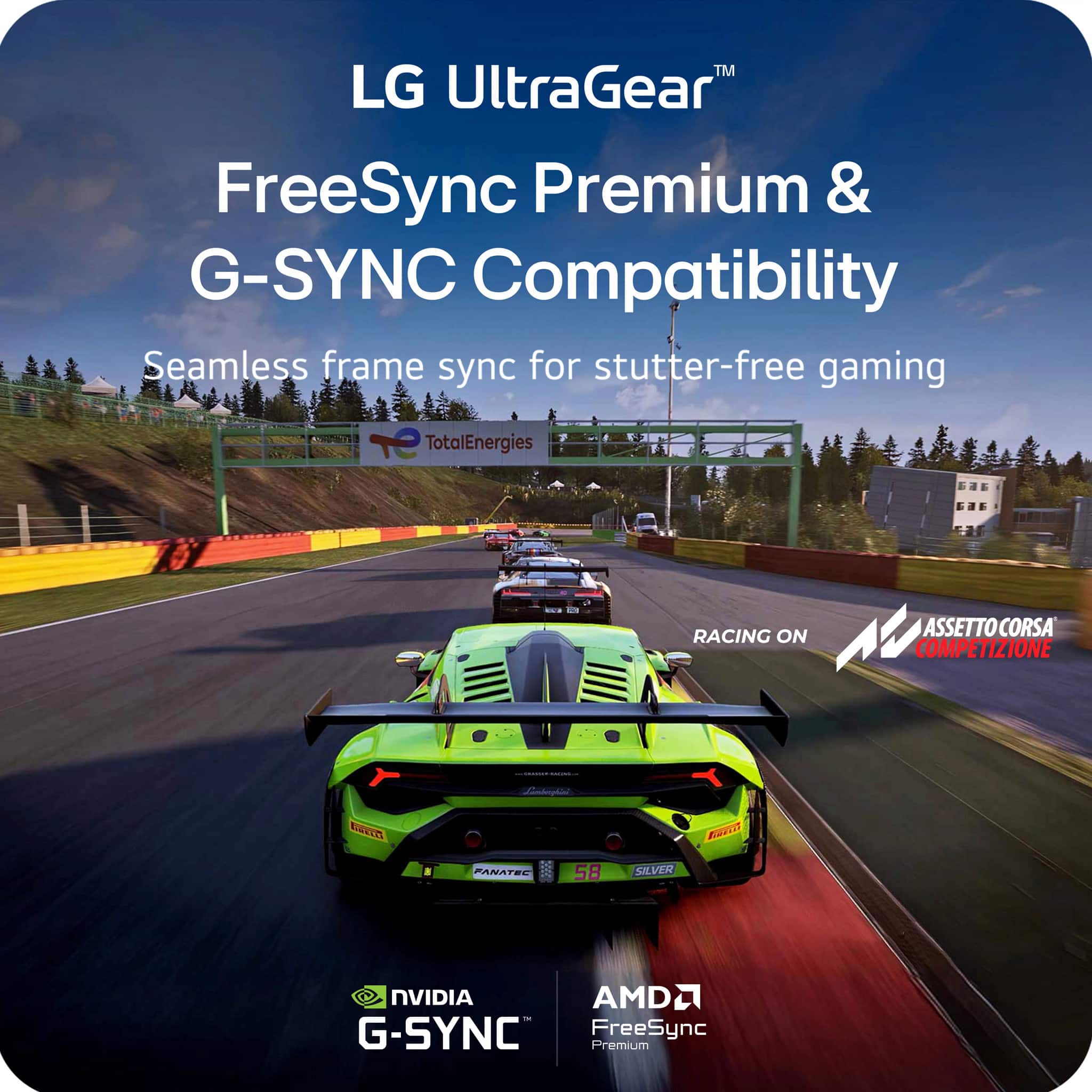
    • Answer Hi there. We understand your inquiry about the gaming features of the LG monitor model 27G810A-B when used with a PS5. The 27G810A-B features HDMI 2.1 ports and is listed as supporting VRR (Variable Refresh Rate) in its specifications, which is compatible with the PS5's VRR feature. While the monitor supports many advanced gaming features and has HDMI 2.1, the inclusion of ALLM (Auto Low Latency Mode) is not specifically listed in the current specifications. It does, however, feature Dynamic Action Sync, which is designed to minimize input lag. https://www.bestbuy.com/product/lg-ultragear-27-ips-dual-mode-4k-uhd-180hz-fhd-360hz-1ms-nvidia-g-sync-amd-freesync-gaming-monitor-hdmi-dp-usb-c-black/JJ8VPZKP8S If you have any further questions about connecting or optimizing your console experience, please contact us on [email protected], and our team will be more than happy to assist you. —Renzo

      Answered by LG Digital Customer Care

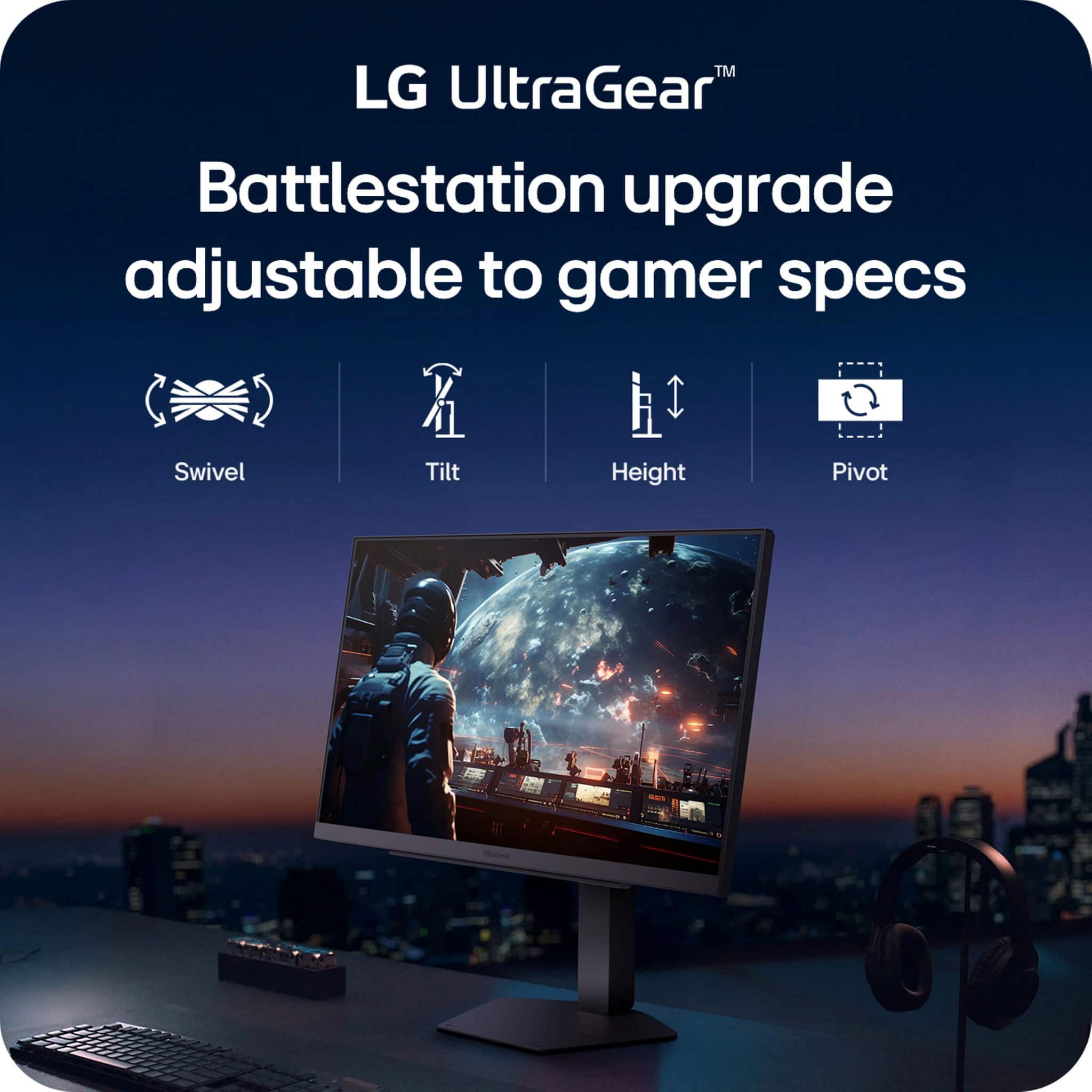
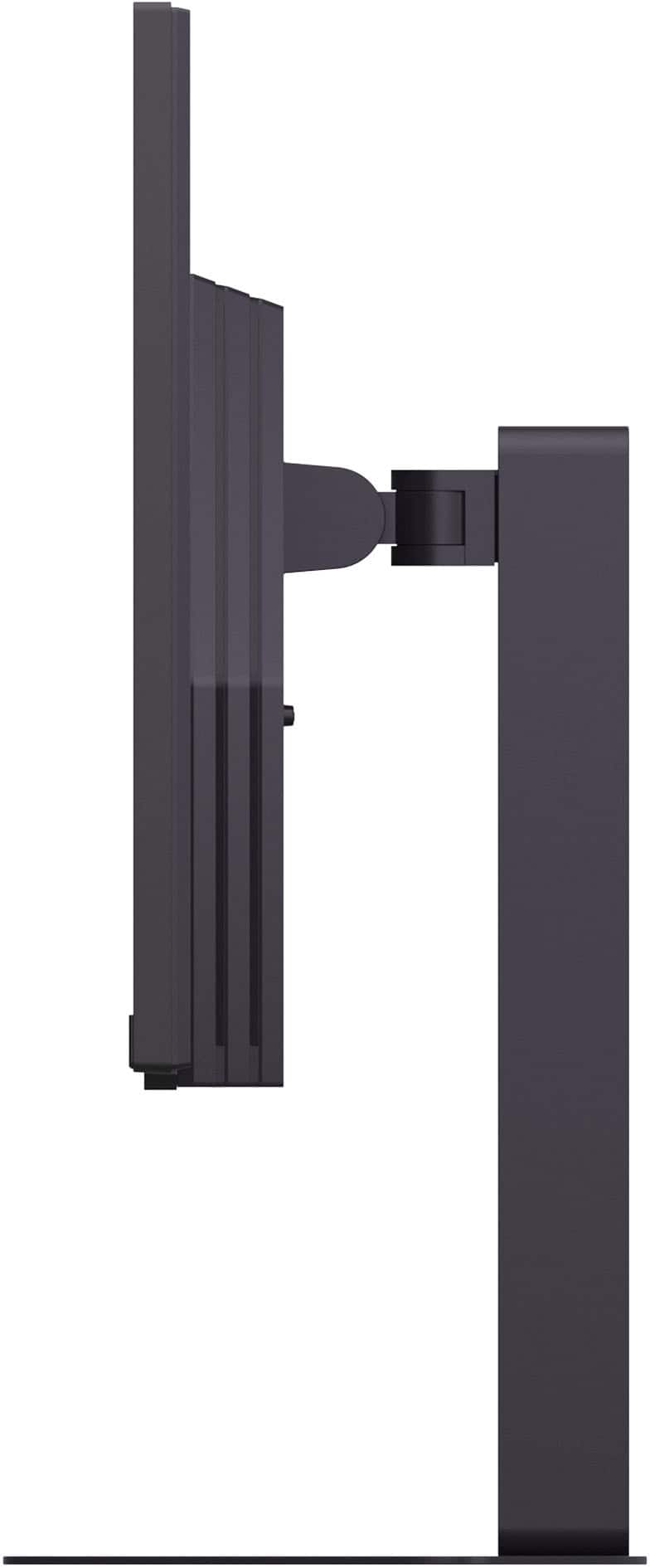
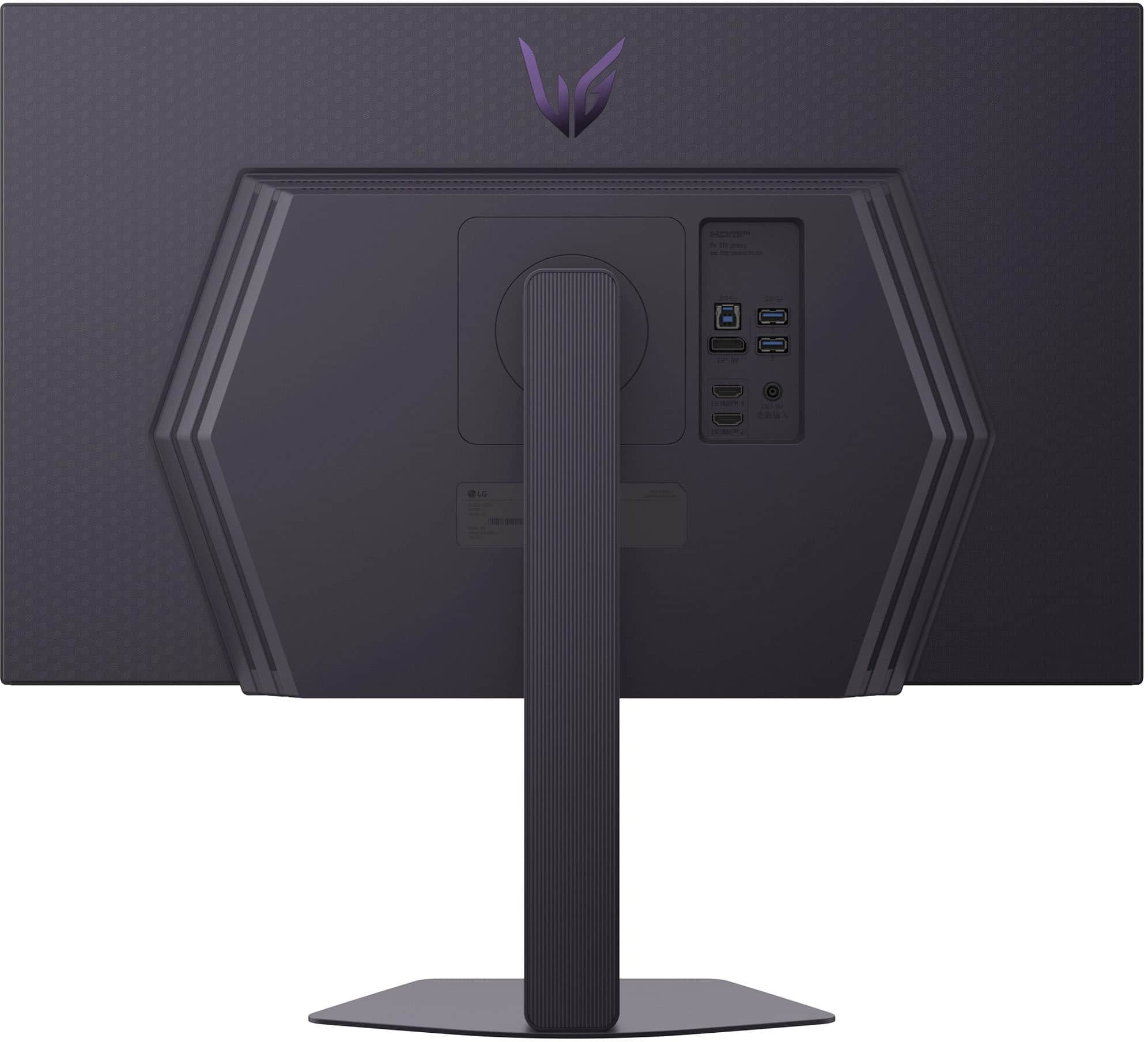
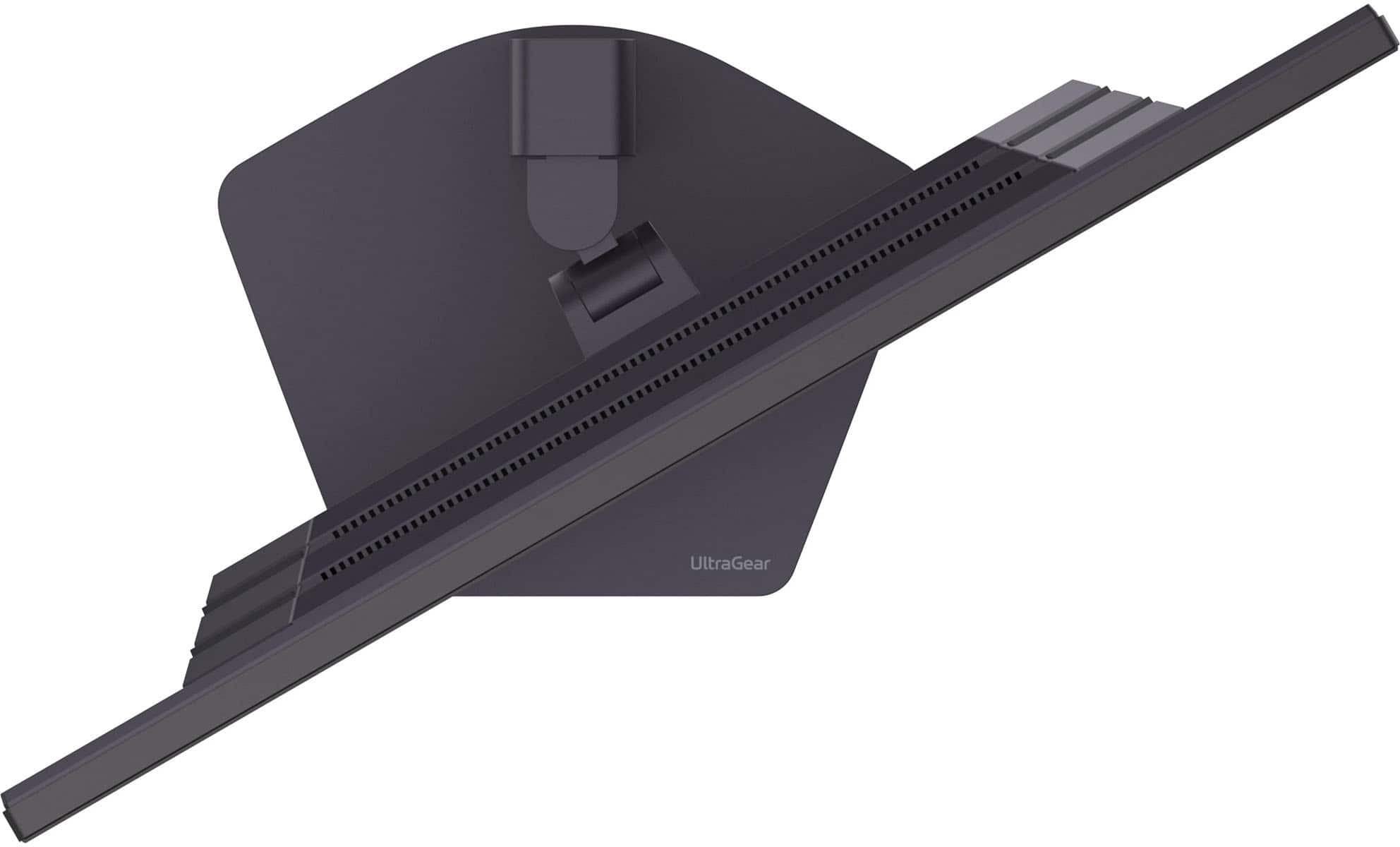
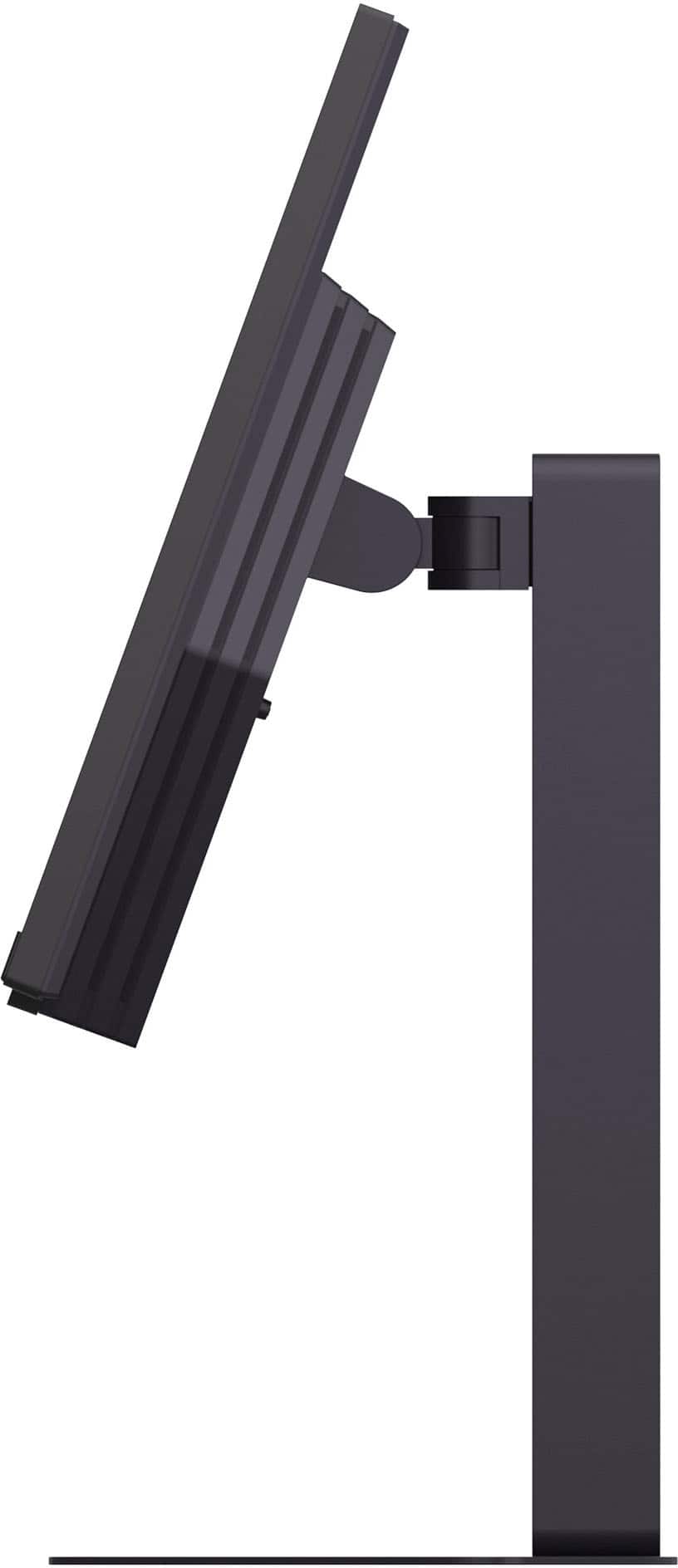
  • QuestionVesa mountable?

    Asked by MikeRaphone.

    • Answer Yes

      Answered by basedchutney

  • QuestionHkw to conncet it to external speaker?

    Asked by Audio.

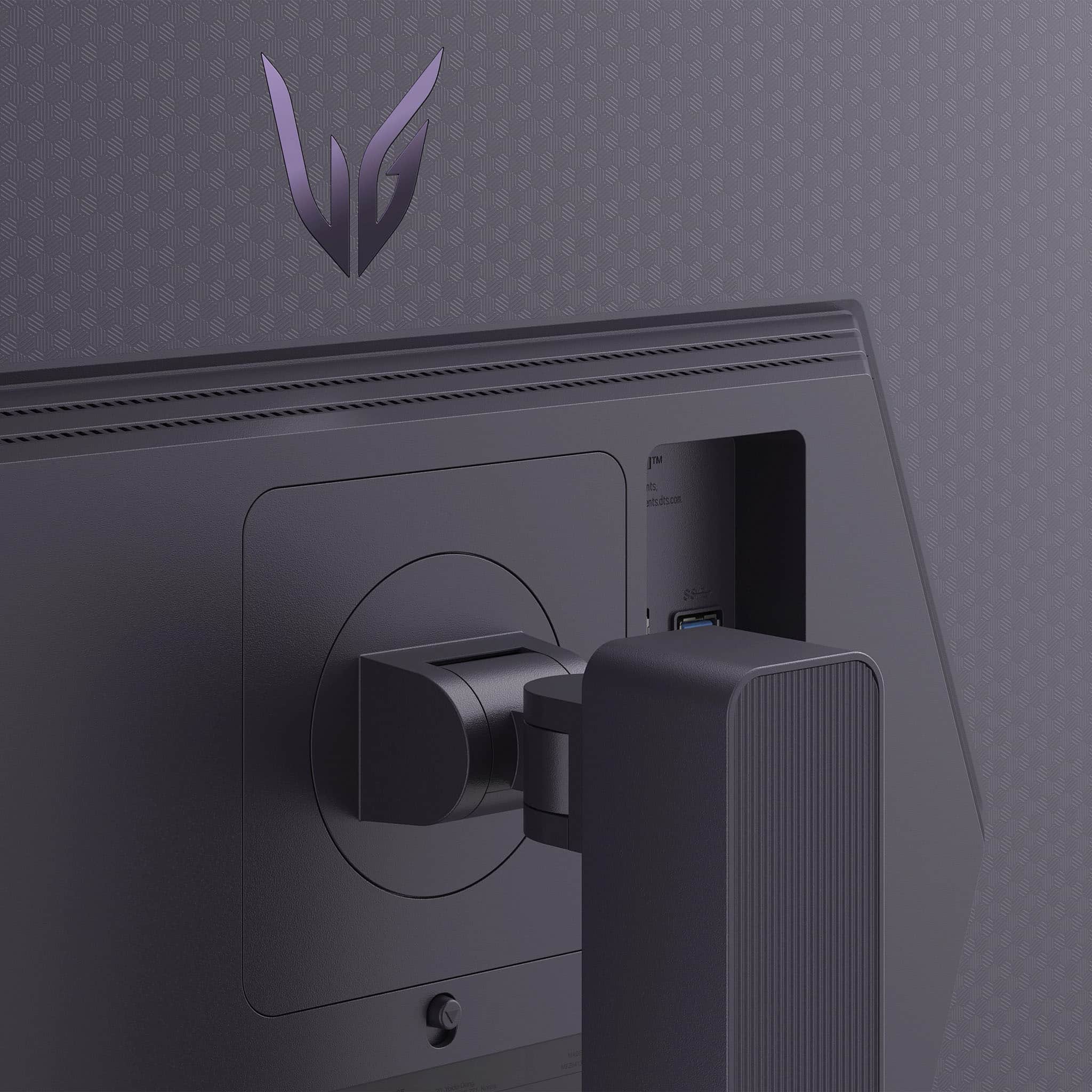
    • Answer Hi there. Thank you for your question. We understand your inquiry regarding connecting external speakers to your 27G810A-B monitor. To connect external speakers, simply plug your speaker's 3.5mm audio cable (Aux) into the "Headphone Out" port located on the back of the monitor. Once connected, please ensure that the volume is turned up on both the monitor settings and the speakers themselves. https://www.bestbuy.com/product/lg-ultragear-27-ips-dual-mode-4k-uhd-180hz-fhd-360hz-1ms-nvidia-g-sync-amd-freesync-gaming-monitor-hdmi-dp-usb-c-black/JJ8VPZKP8S If you have any further questions about its features, please contact us on [email protected], and our team will be more than happy to assist you. —Renzo

      Answered by LG Digital Customer Care