Questions & Answers
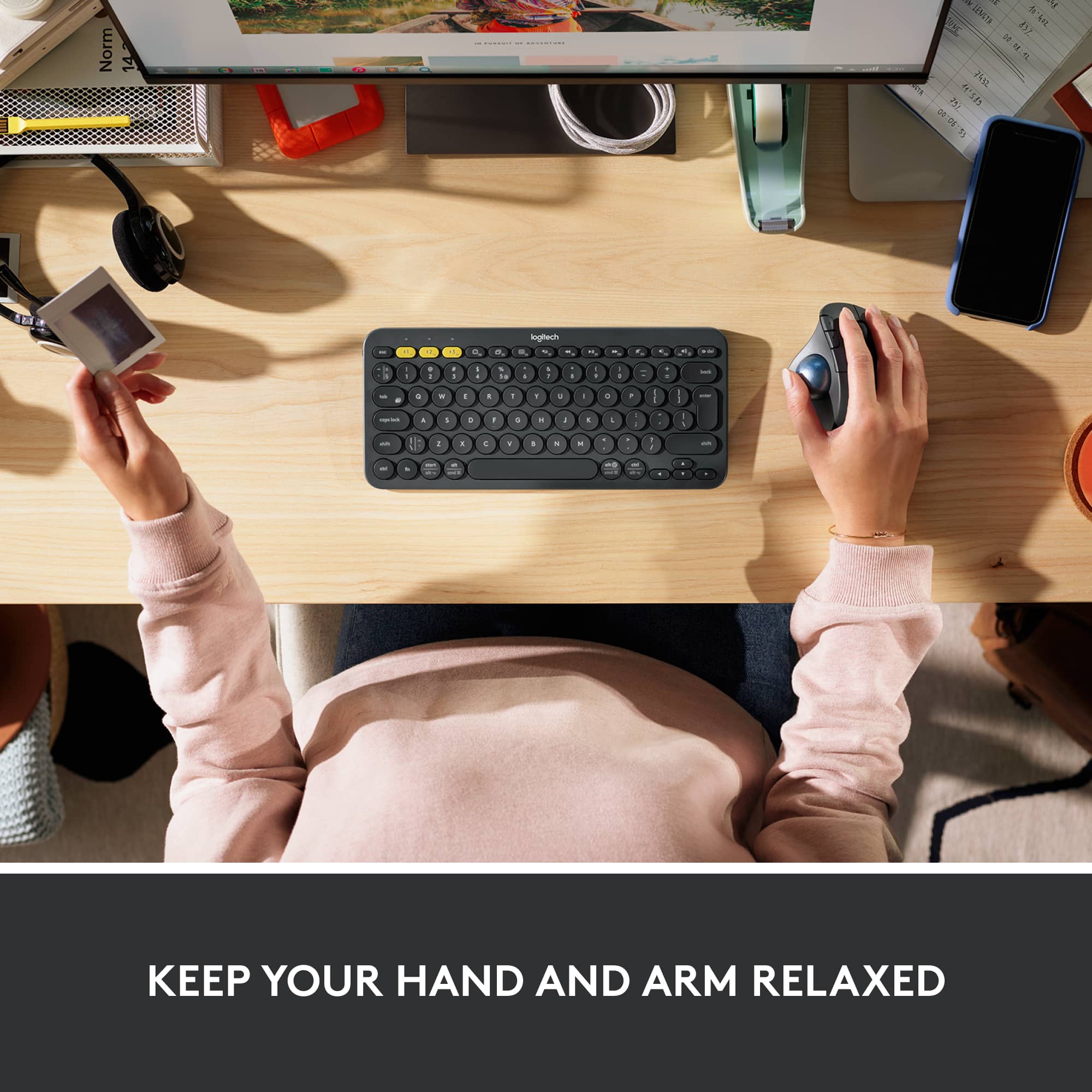
- Model:
- 910-005869
- |
- SKU:
- 10116461
Q: QuestionWILL THIS WORK WITH ANY LOGITECH KEYBOARD
Asked by LANCE.
- A:Answer It will work with any keyboard, Logitech or not. The USB Bluetooth adapter can just be plugged into the computer tower, like the usb cord/adapter for a keyboard would.
Answered by Nicole
Q: QuestionCan this mouse be used for dual/triple monitors attached to your laptop or desktop computer.
Asked by Canuck1212.
This question was asked about the related product: Logitech - ERGO M575 Wireless Trackball Mouse with Ergonomic Design - Wireless - Black
- A:Answer Yes, it works like any other Bluetooth mouse. I use a dual monitor setup at work and have had no issues going between screens.
Answered by Nicole
Q: QuestionThe USB to my mouse is broken. How can i fix this problem?
Asked by Nam.
This question was asked about the related product: Logitech - ERGO M575 Wireless Trackball Mouse with Ergonomic Design - Wireless - Black
- A:Answer I connected it directly via Bluetooth to my laptop, so i don't have to use the usb.
Answered by KRCHASE7272
Q: QuestionWill this work with an MX Keyboard dongle, or do I need to use 2 dongles?
Asked by TomH.
This question was asked about the related product: Logitech - ERGO M575 Wireless Trackball Mouse with Ergonomic Design - Wireless - Black
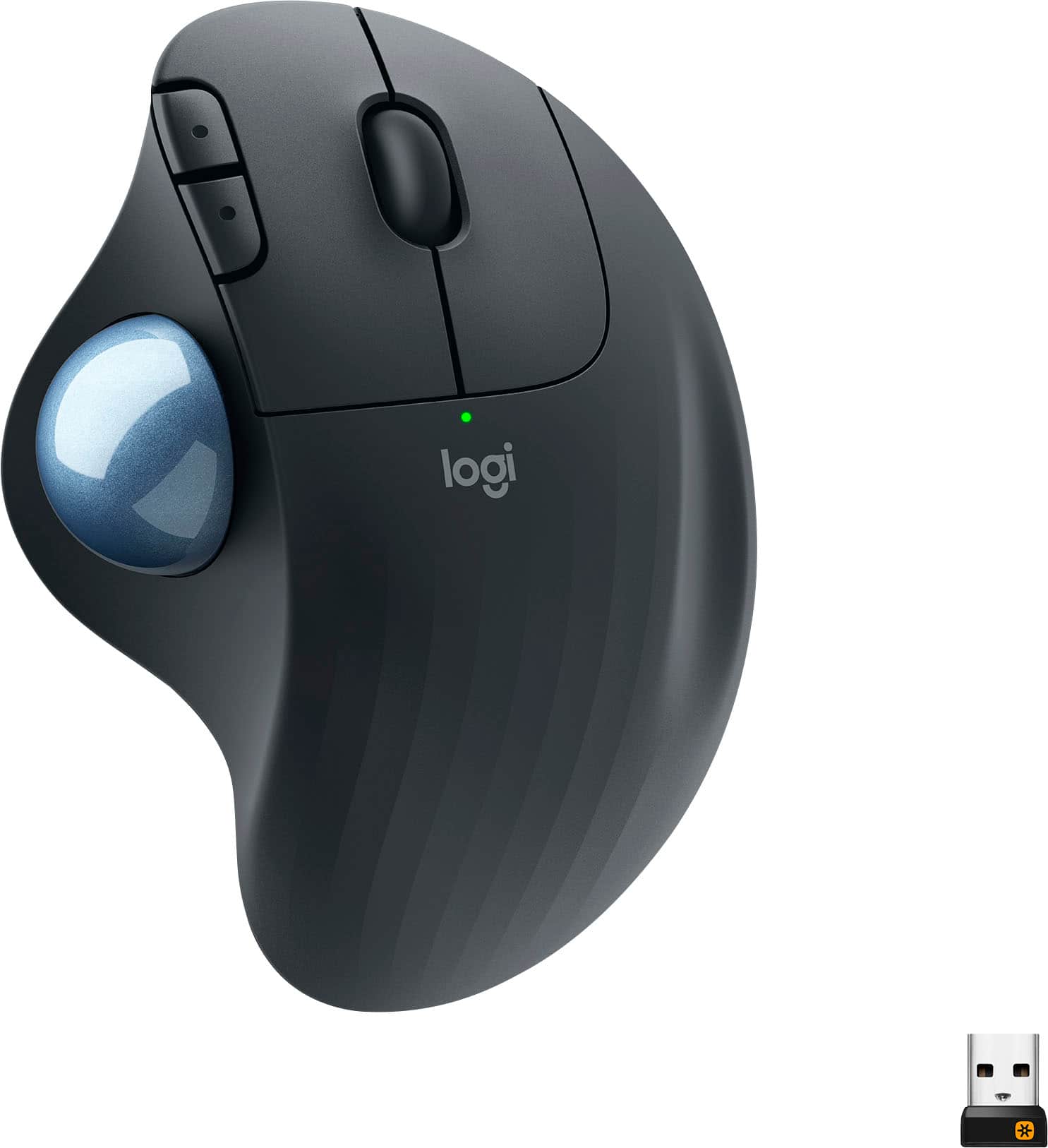
- A:Answer Hello TomH! If you're talking about the MX Keys Keyboard Receiver, which is a Unifying Receiver (with the orange star on it), yes it'll work with the same receiver. What you'll need to do is download the free Unifying Software: https://support.logi.com/hc/en-us/articles/360025297913-Logitech-Unifying-Software, and then do the pairing of your ERGO M575 with the MX Keys Unifying Receiver. You can pair up to 6 Unifying compatible peripherals onto 1 single Unifying Receiver.
Answered by Logitech
Q: QuestionIs this compatible with a Microsoft Surface Pro? If so, is it only compatible thru bluetooth?
Asked by Pat.
This question was asked about the related product: Logitech - ERGO M575 Wireless Trackball Mouse with Ergonomic Design - Wireless - Black
- A:Answer Yes Bluetooth only
Answered by Tracker
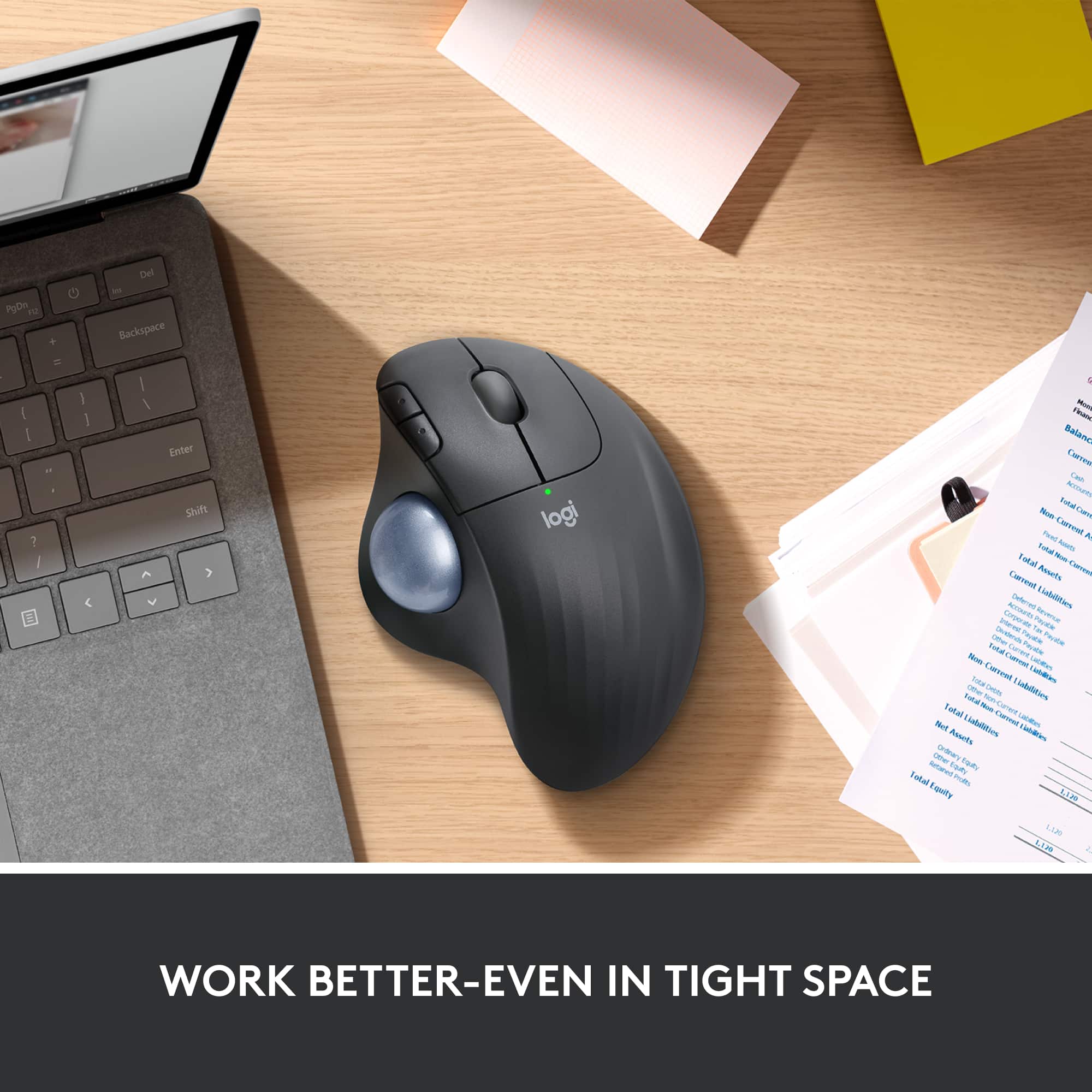
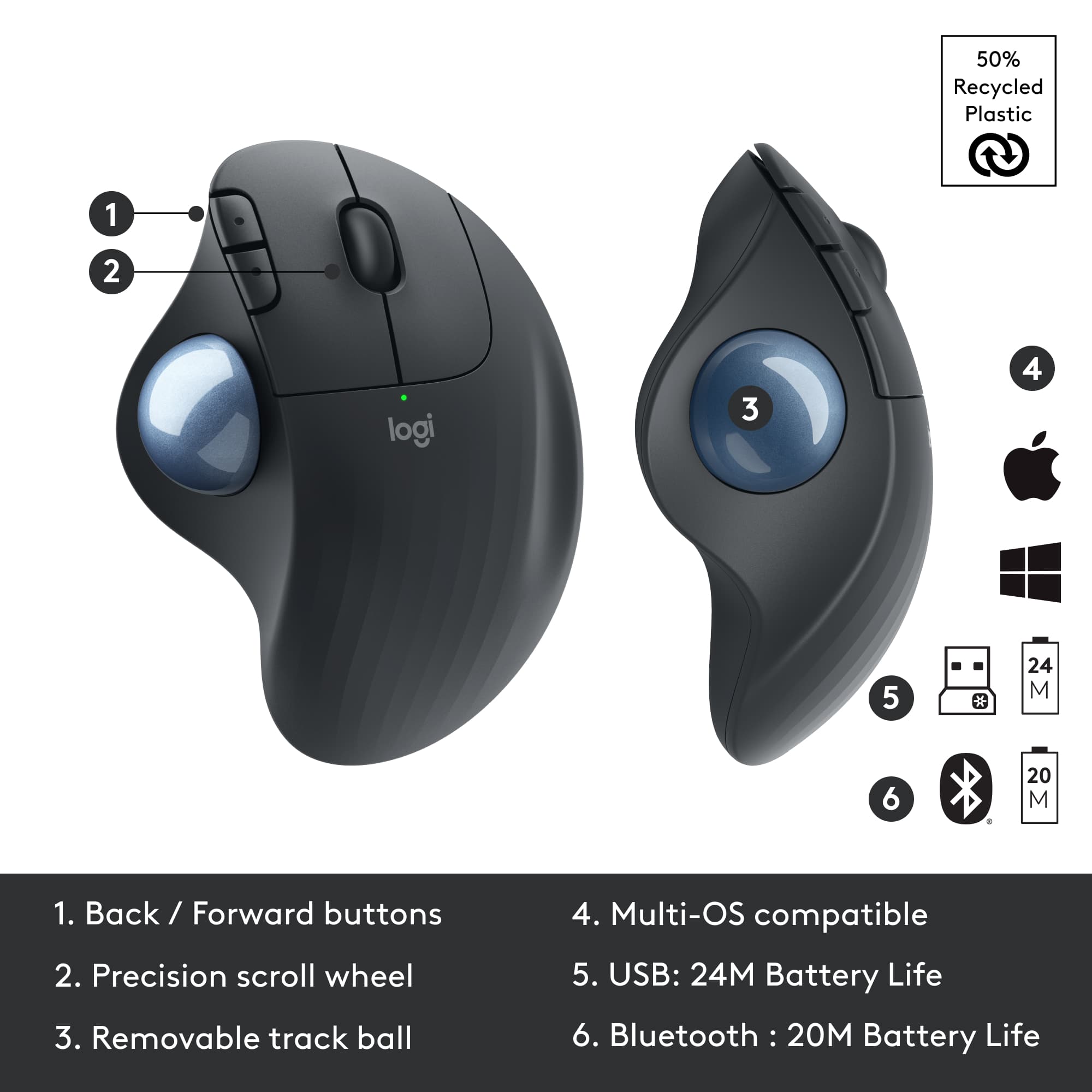
Q: QuestionAre the back and forward buttons remappable?
Asked by Eric.
This question was asked about the related product: Logitech - ERGO M575 Wireless Trackball Mouse with Ergonomic Design - Wireless - Black
- A:Answer Through your computer software . You can change speed and function
Answered by Tracker
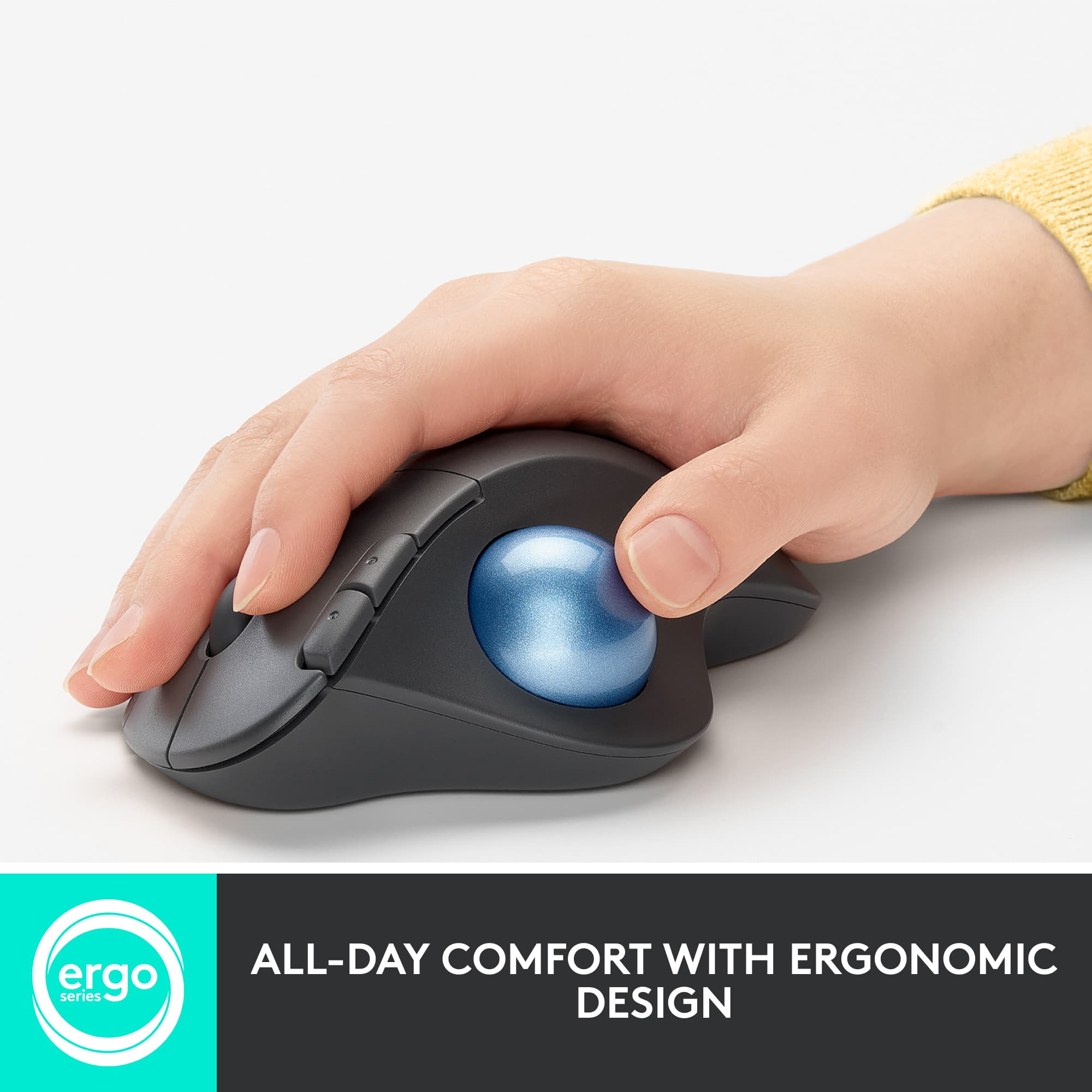
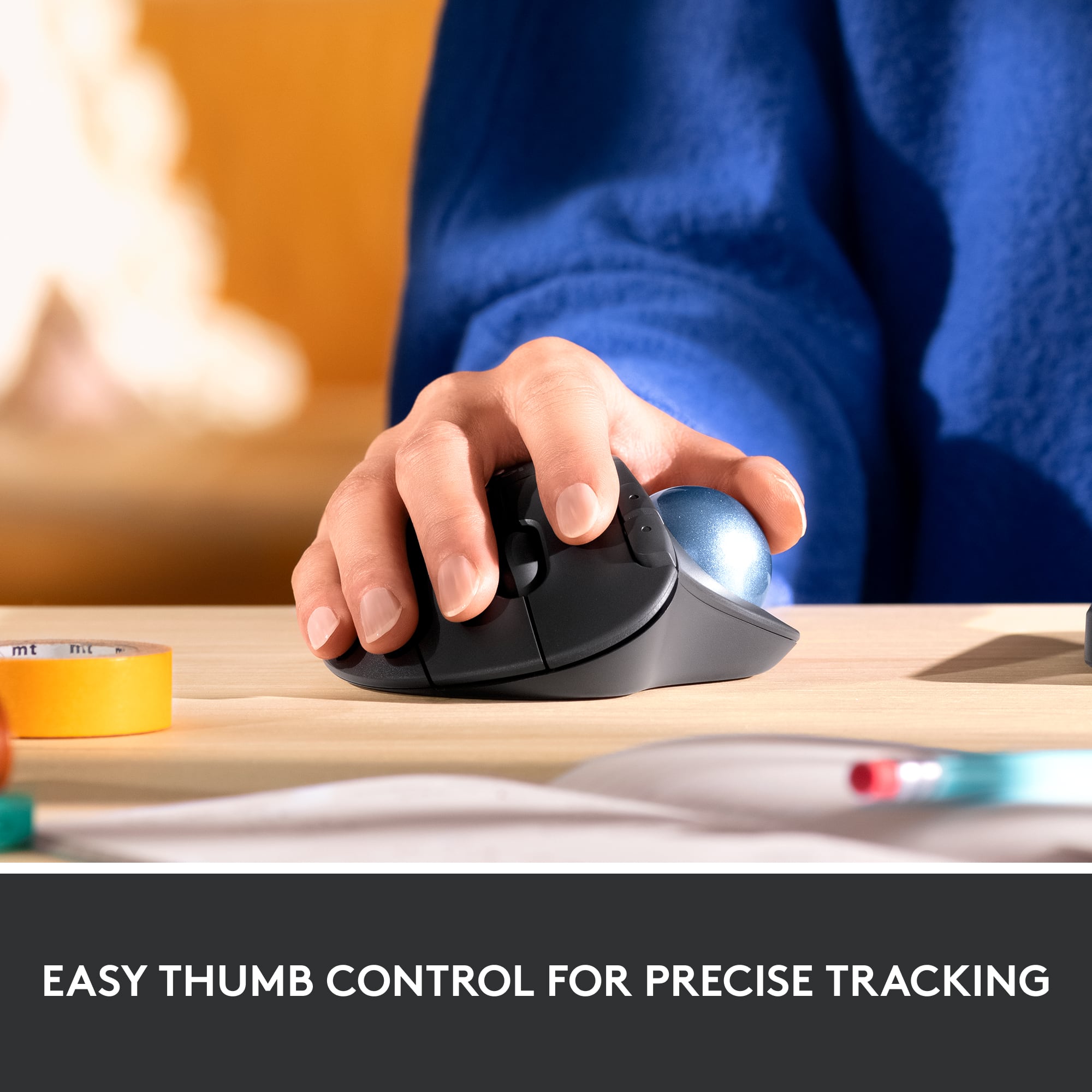
Q: QuestionIs this mouse working with the trackball and with the ussual way, moving wrist?
Asked by Vane.
This question was asked about the related product: Logitech - ERGO M575 Wireless Trackball Mouse with Ergonomic Design - Wireless - Black
- A:Answer No, the only way to move the mouse is with the trackball.
Answered by Nicole
Q: QuestionWill this mouse work with a Chromebook?
Asked by Chromebook.
This question was asked about the related product: Logitech - ERGO M575 Wireless Trackball Mouse with Ergonomic Design - Wireless - Black
- A:Answer Yes as long as it has a USB slot it will work correctly.
Answered by HappyWifeHappyLife
Q: QuestionIs this mouse compatible with the IPad Pro?
Asked by PJR.
This question was asked about the related product: Logitech - ERGO M575 Wireless Trackball Mouse with Ergonomic Design - Wireless - Black
- A:Answer Yes, via Bluetooth.
Answered by KDog
Q: QuestionHow do you recharge the battery?
Asked by Benjy.
This question was asked about the related product: Logitech - ERGO M575 Wireless Trackball Mouse with Ergonomic Design - Wireless - Black
- A:Answer Change them.
Answered by rubymy07
Q: QuestionHow is the off white color way with long term use? Are you able to clean this once it gets dirty?
Asked by Anonymous.
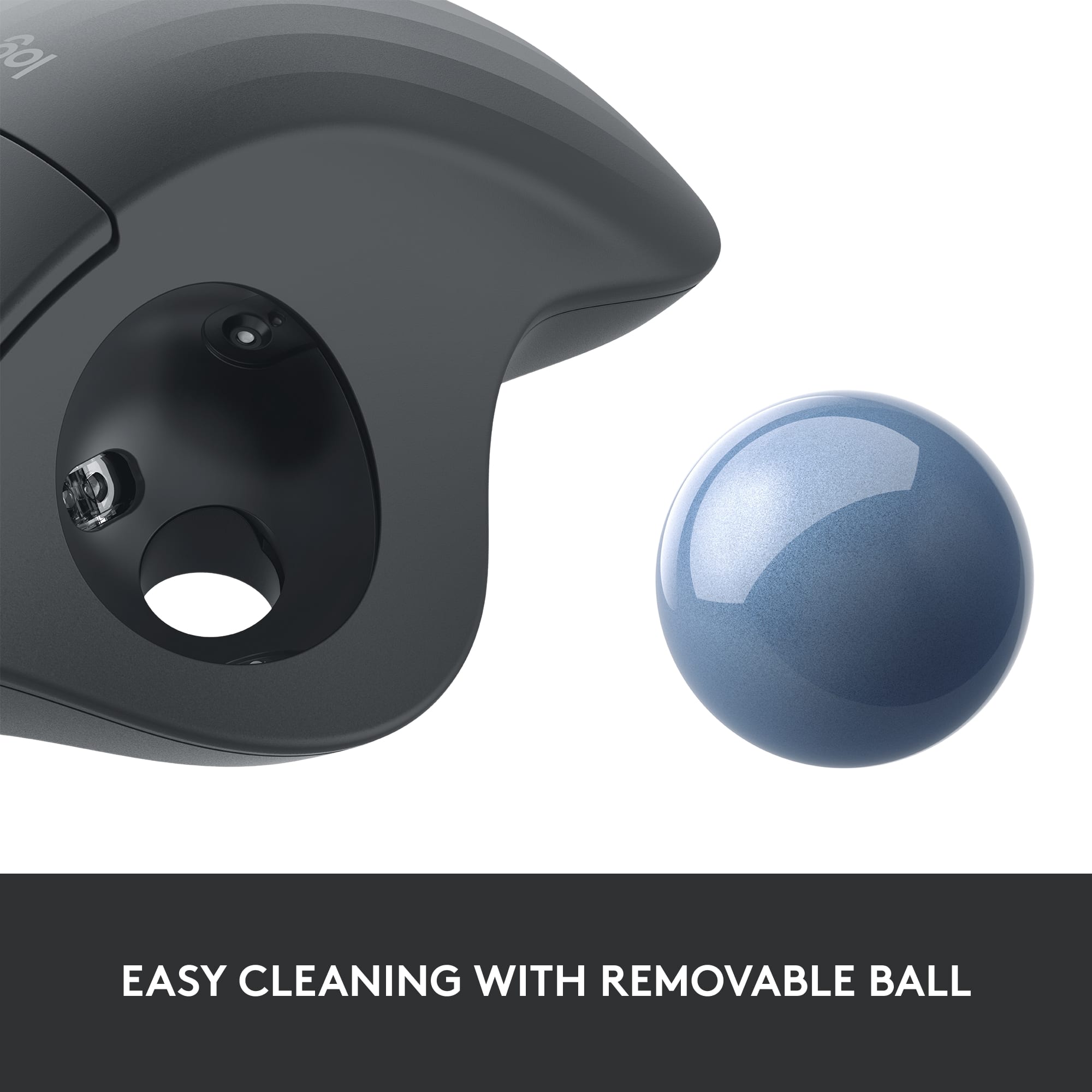
- A:Answer Easy to clean and does not retain stains from normal use. I've had one for nearly two years and it still looks new. It gets used frequently.
Answered by KDog
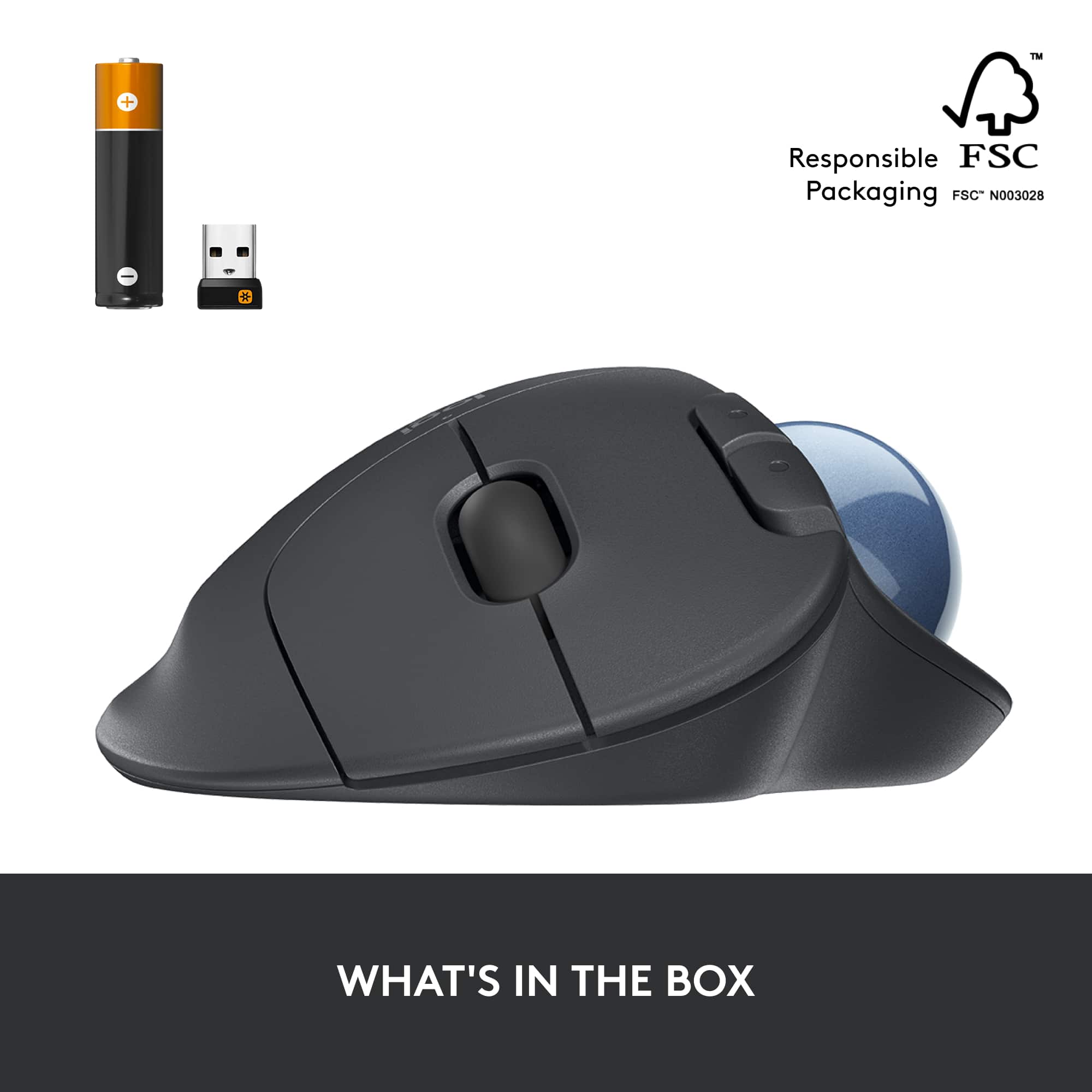
Q: QuestionDoes this have a unifying USB receiver?
Asked by WFHeditor.
This question was asked about the related product: Logitech - ERGO M575 Wireless Trackball Mouse with Ergonomic Design - Wireless - Black
- A:Answer Yes
Answered by rubymy07
Q: QuestionIs the M575 compatible with the M1 MacBook Pro? Thanks, LMG1
Asked by LMG1.
This question was asked about the related product: Logitech - ERGO M575 Wireless Trackball Mouse with Ergonomic Design - Wireless - Black
- A:Answer I use it with my MAC Mini so I'd have to assume so.
Answered by Dmac
Q: QuestionBesides adding the bluetooth option, what is the difference between the M570 and the M575?
Asked by Jim.
This question was asked about the related product: Logitech - ERGO M575 Wireless Trackball Mouse with Ergonomic Design - Wireless - Black
- A:Answer Newer model
Answered by MarkL
Q: QuestionWill this mouse work with Samsung S7 plus tab
Asked by Bren.
- A:Answer There apparently is not a left handed version. However, if you do a search for trackball mouse there are a number of other manufacturers that have ergonomic mice that closely resemble the Logitech and have a left-handed version. I don't have any experience with any of those, however. Good luck.
Answered by WesleyS
Q: QuestionIs this model available for left handers ?
Asked by RRV.
This question was asked about the related product: Logitech - ERGO M575 Wireless Trackball Mouse with Ergonomic Design - Wireless - Black
- A:Answer Im lefted handed myself and i prefer it thecthe right hand. Never seen one just for a lefty ! Except for having the tracker ball in the middle. And yes you can assign your buttons so i guess it could be just . Not the model.
Answered by Tracker
Q: QuestionI can’t tell if it’s a Bluetooth issue or is the battery is constantly dying. I seemingly have to change the battery every two weeks (and I do turn it off when not in use), or click the connect button every 20-30 min otherwise it stops working. Thoughts?
Asked by Meghan.
This question was asked about the related product: Logitech - ERGO M575 Wireless Trackball Mouse with Ergonomic Design - Wireless - Black
- A:Answer It sounds like you have a faulty model. I put energizer batteries in it five months ago and never turn mine off, and have still not needed to replace the battery. Theoretically the battery issue could possibly be the quality of the batteries, but the connection issue is something else entirely.
Answered by Nicole
Q: QuestionHow do you click and drag with ergo m575
Asked by Donna.
- A:Answer Depending on how you have setup the buttons, it works the same as a standard mouse - left click and roll the trackball. The utility software allows you to modify/customize the functions of the buttons, so you could set one up to toggle the "grab" function on and off. Then you would not have to hold the button down while you drag.
Answered by Swilson6144
Q: QuestionCan this mouse be used with bluetooth with an android tablet?
Asked by Compatibility.
This question was asked about the related product: Logitech - ERGO M575 Wireless Trackball Mouse with Ergonomic Design - Wireless - Black
- A:Answer Yes
Answered by Happy
Q: QuestionHow do you set up FLOW with this mouse on Window 11? Per Logitech customer service it is not compatible with Windows 11 despite what specs say. Any help appreciated. Thanks
Asked by Shelly.
This question was asked about the related product: Logitech - ERGO M575 Wireless Trackball Mouse with Ergonomic Design - Wireless - Black
- A:Answer I’m using it with windows 11. No issue
Answered by Sandra
Top Rated
- $119.99Your price for this item is $119.99
- $39.99Your price for this item is $39.99$49.99The comparable value for this item is $49.99
- $99.98Your price for this item is $99.98
- $98.98Your price for this item is $98.98$119.99The comparable value for this item is $119.99
- $12.98Your price for this item is $12.98$22.99The comparable value for this item is $22.99
- $11.99Your price for this item is $11.99$14.99The comparable value for this item is $14.99
- $12.99Your price for this item is $12.99$22.99The comparable value for this item is $22.99
- $23.99Your price for this item is $23.99$25.99The comparable value for this item is $25.99
- $14.91Your price for this item is $14.91$22.99The comparable value for this item is $22.99
Logitech - Lift Vertical Wireless Ergonomic Mouse with 4 Customizable Buttons - Wireless - Off-White$79.99Your price for this item is $79.99- Clearance$83.99Your price for this item is $83.99
- $29.99Your price for this item is $29.99
- $79.99Your price for this item is $79.99
- $121.23Your price for this item is $121.23
- $22.49Your price for this item is $22.49
- $20.99Your price for this item is $20.99